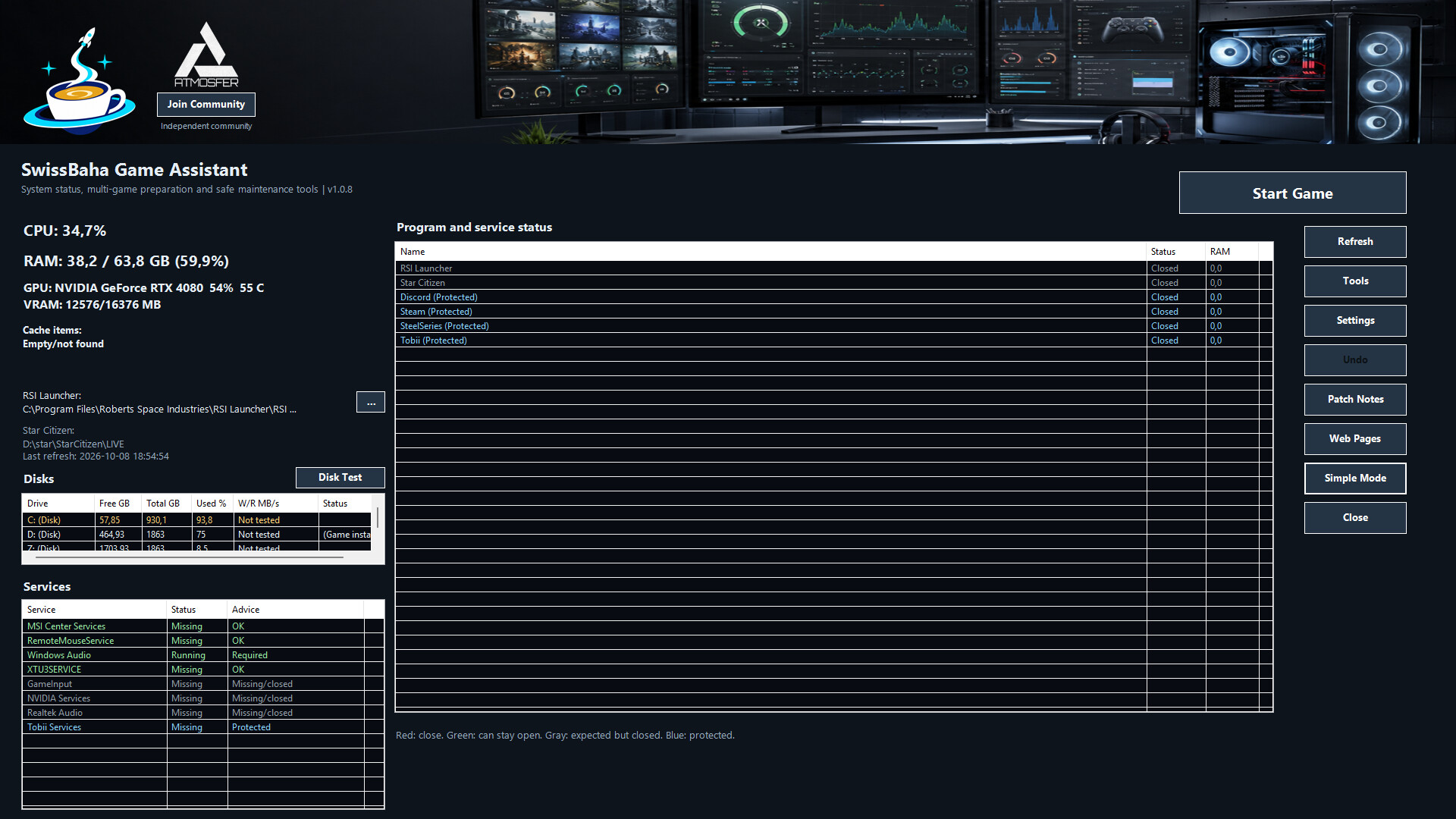
Bring your pre-game routine together. SwissBaha Game Assistant combines game launching, system monitoring and maintenance tools in one Windows desktop app.
Simple Mode or Advanced Mode
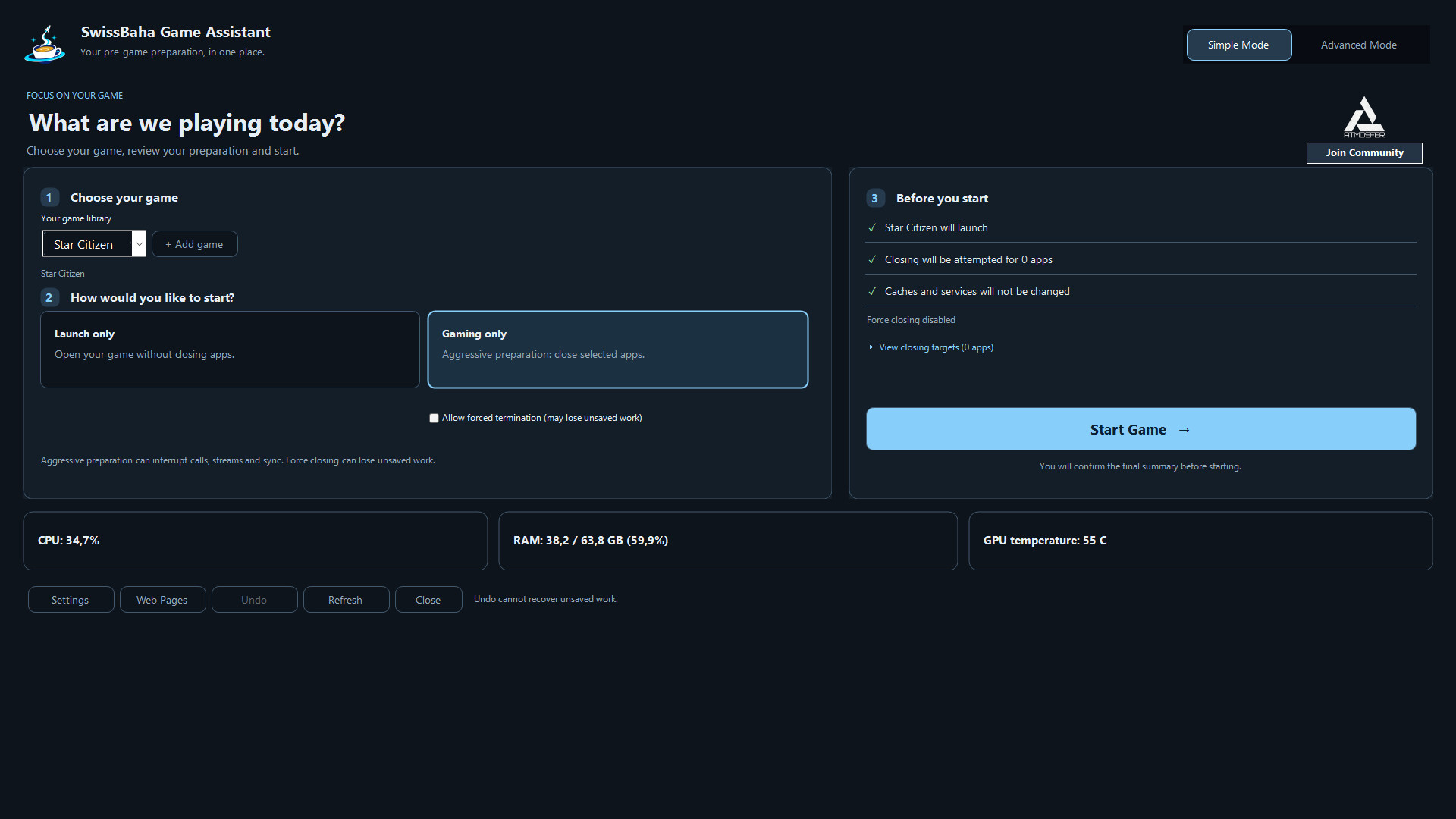
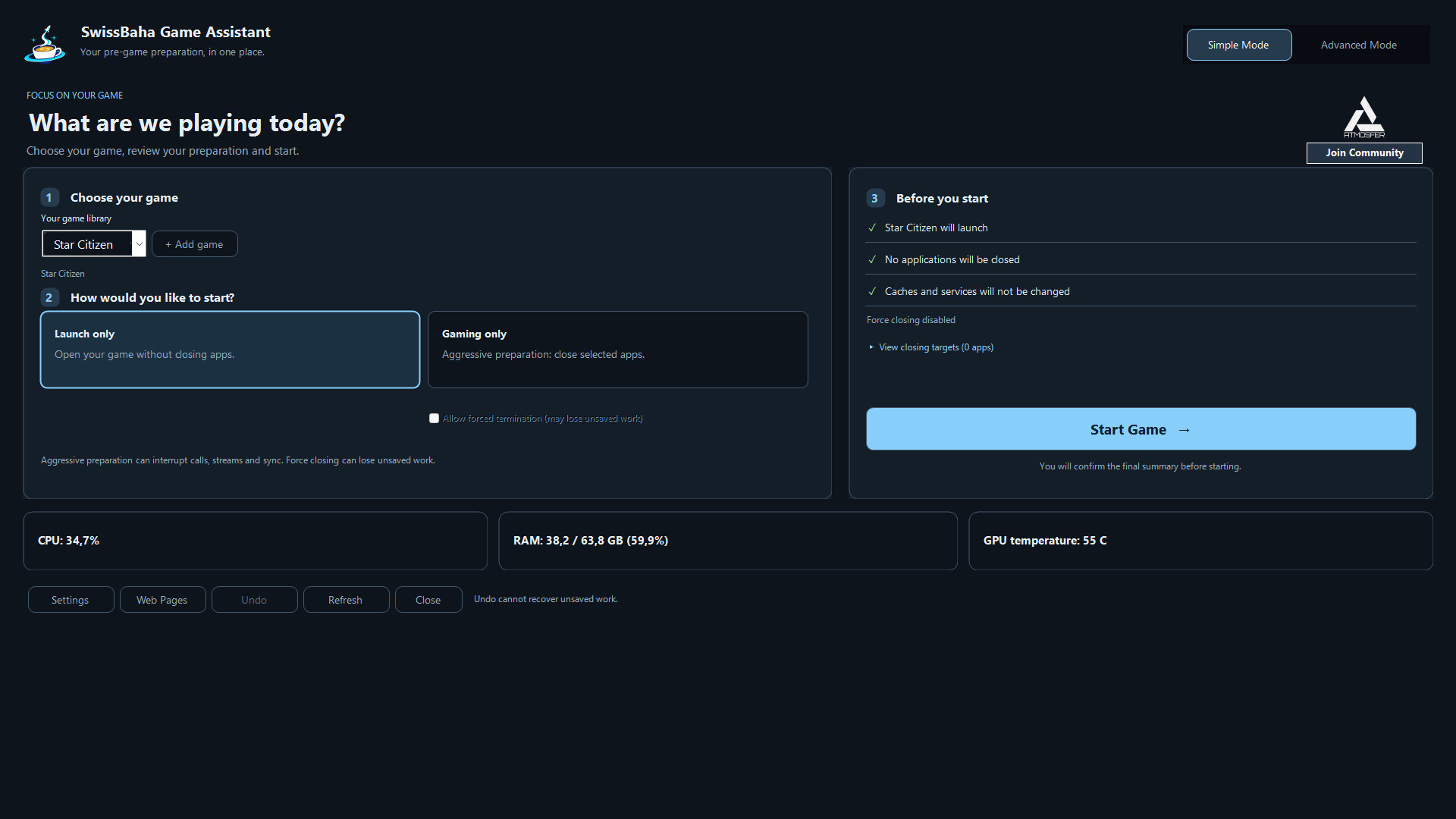
Use the redesigned card-based Simple Mode to choose your game and select Launch only or Gaming only (aggressive preparation). Review actual application and service targets before starting, and expand the list for details. Force closing requires separate permission and is off by default. Switch to Advanced Mode for detailed tools and additional preparation profiles.
Get ready to play, with control over each step
- Scan your Steam libraries or add your own games.
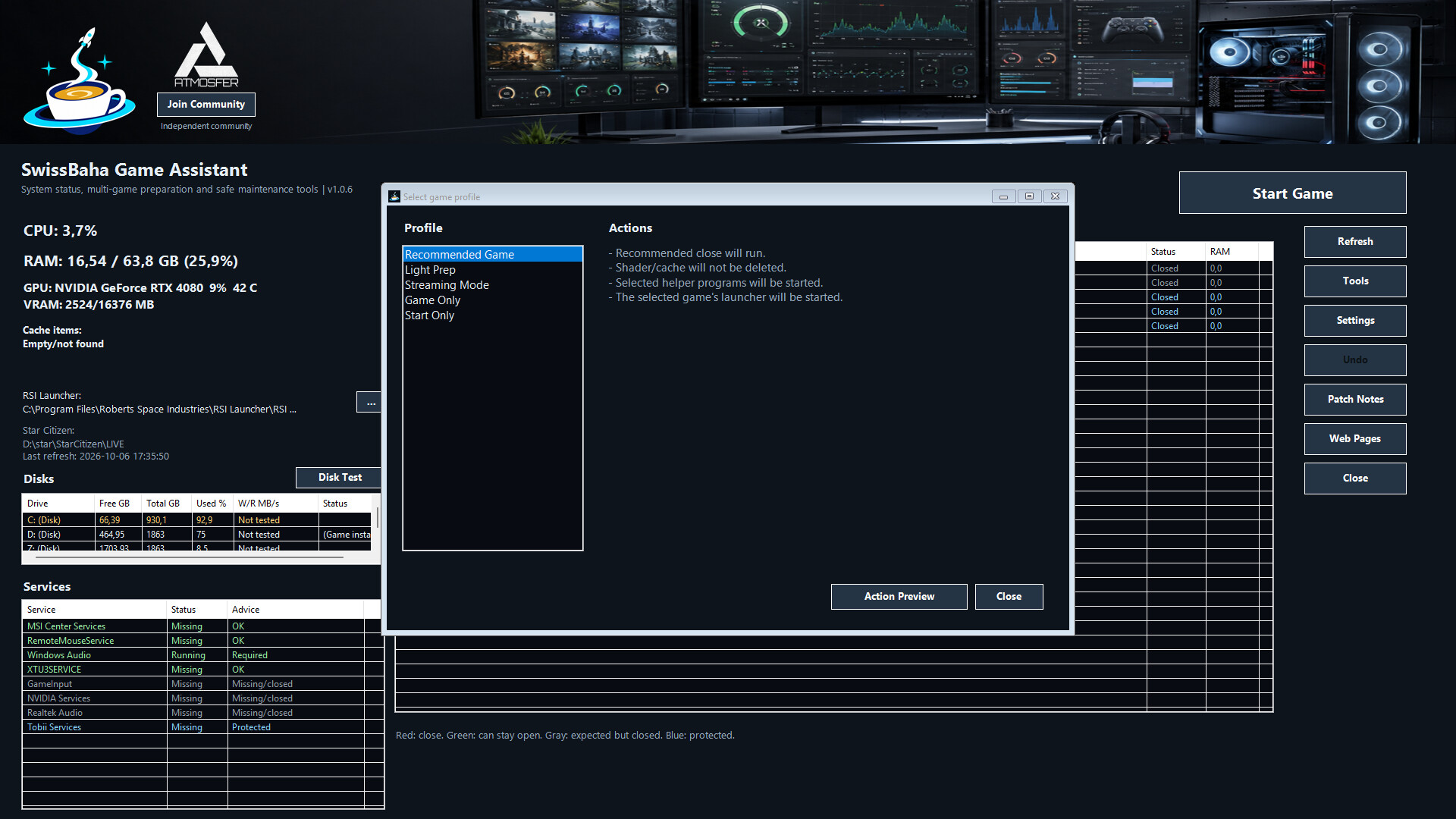
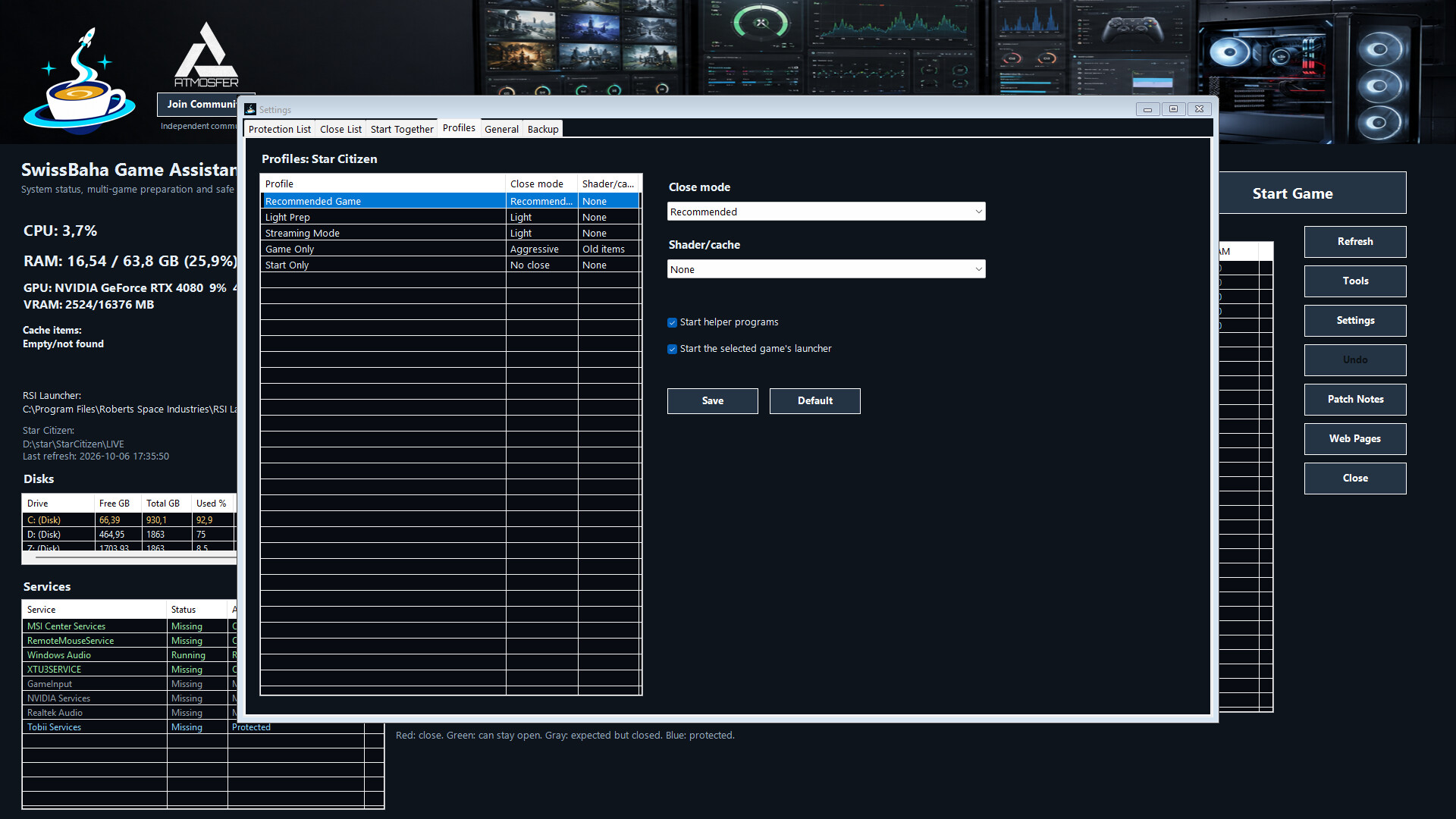
- Choose a launch-only, light preparation, streaming or aggressive preparation profile.
- Use Action Preview to inspect targeted programs and services before making changes.
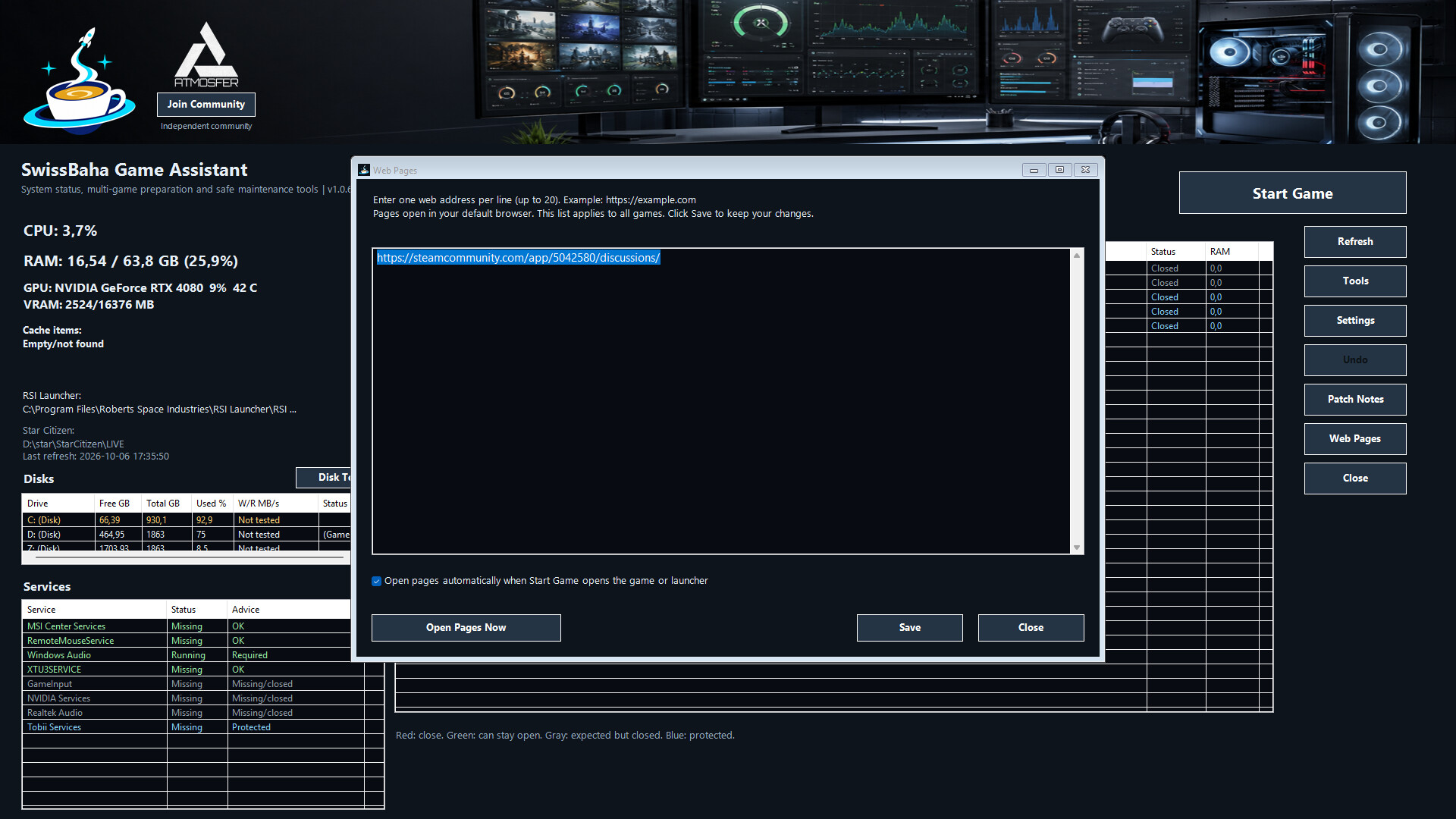
- Open your chosen helper apps and web pages alongside your game.
Make everyday tasks easier
- Monitor CPU, RAM, GPU, disks, programs and services from one screen.
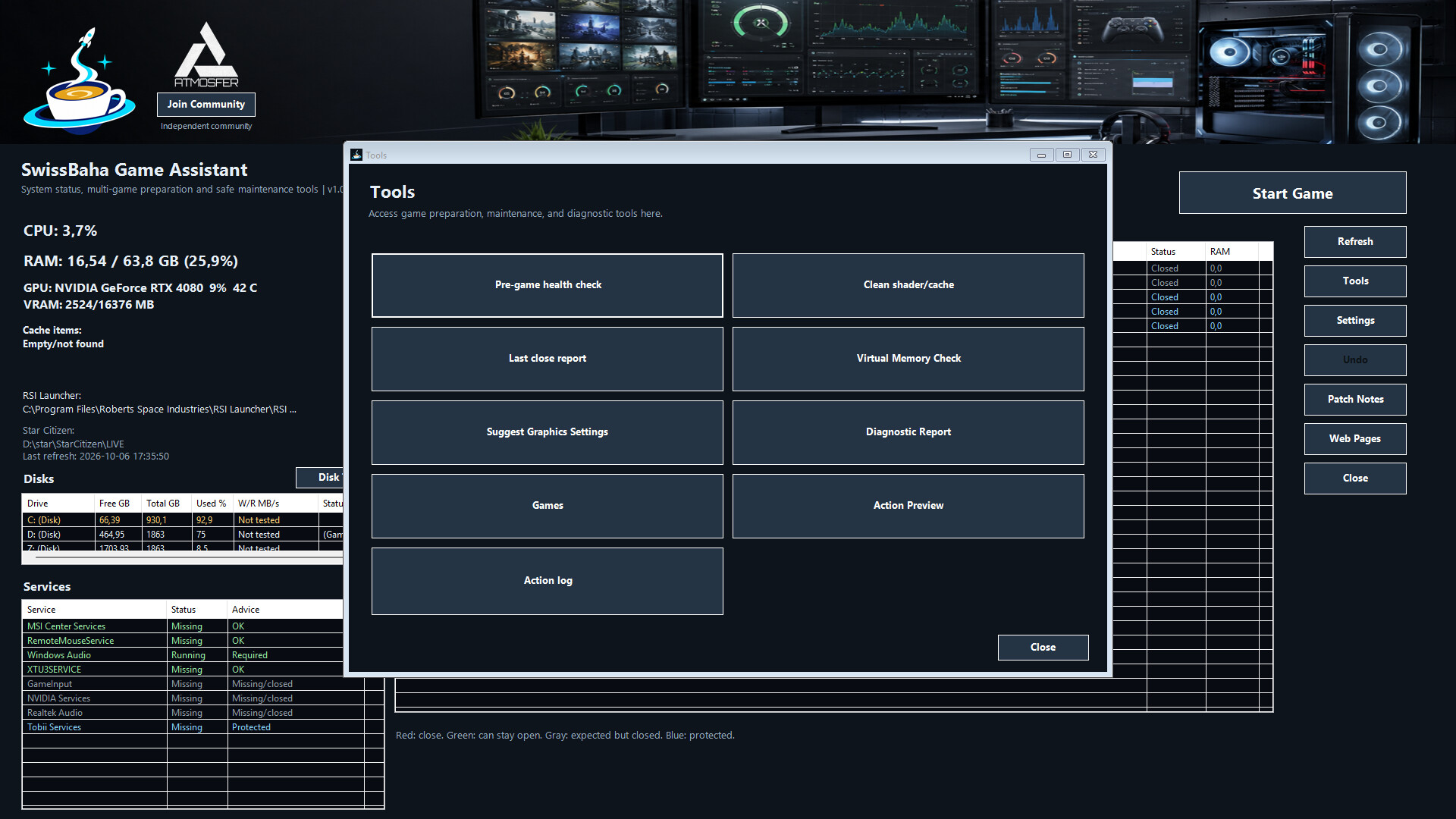
- Back up and restore supported game settings, and manage validated shader and cache locations.
- Investigate problems with diagnostic reports and action logs. Shareable diagnostic reports mask your username and local paths; review their contents before sharing.
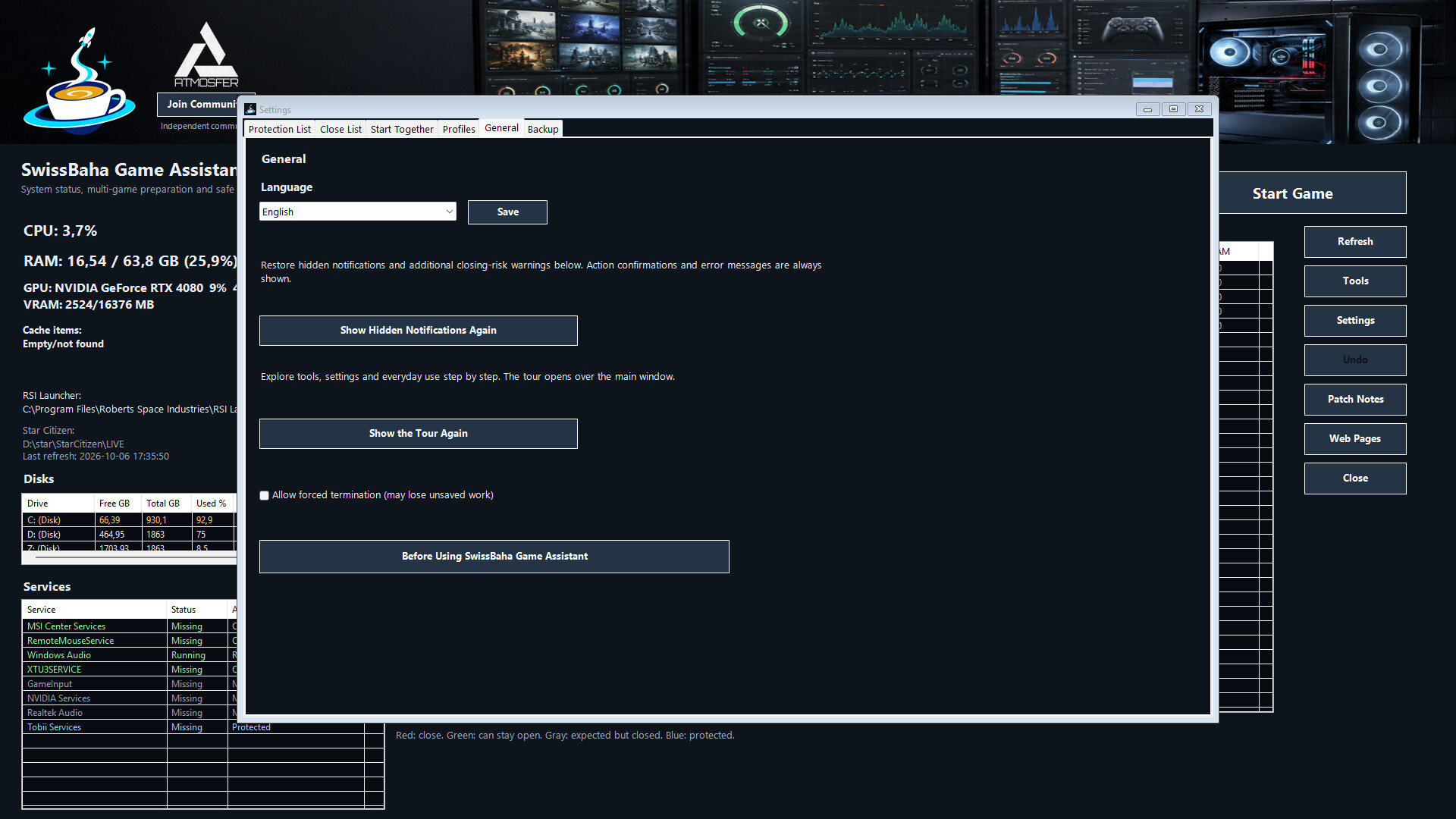
- Get started with an optional four-step tour. Use the interface in English, German or Turkish.
Getting started and important details
Read and accept the information notice before using the app. Then check your game and paths under Tools > Games, review Action Preview and choose a profile through Start Game.
Forced termination is off by default. Save open work and review your close list. Critical Windows components and anti-cheat processes are protected. Aggressive preparation and forced termination include additional risk warnings; restore hidden warnings under Settings > General.
Games added through Steam or manually can use game launching and helper apps. Settings backups and cache operations depend on the game and its configured, validated paths. Performance or FPS improvements are not guaranteed.
The app does not modify game executables or anti-cheat systems. Game-specific integrations are provided for compatibility only, with no official endorsement or affiliation from the respective publishers.
Support and feedback
For help, use Discussions in the Steam Community Hub or the support link on this store page. Include the app version, Windows version and exact error text, without sharing personal information.