Record with Chroma Key
Get creative when adding webcam footage to your screen recordings. Remove the background from your webcam footage thanks to a powerful chroma key engine, and replace it with your own cool, creative background image.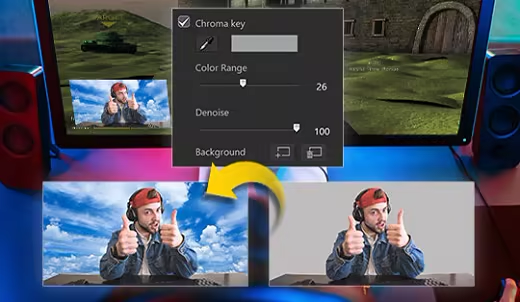
Add Overlay Objects to Recordings
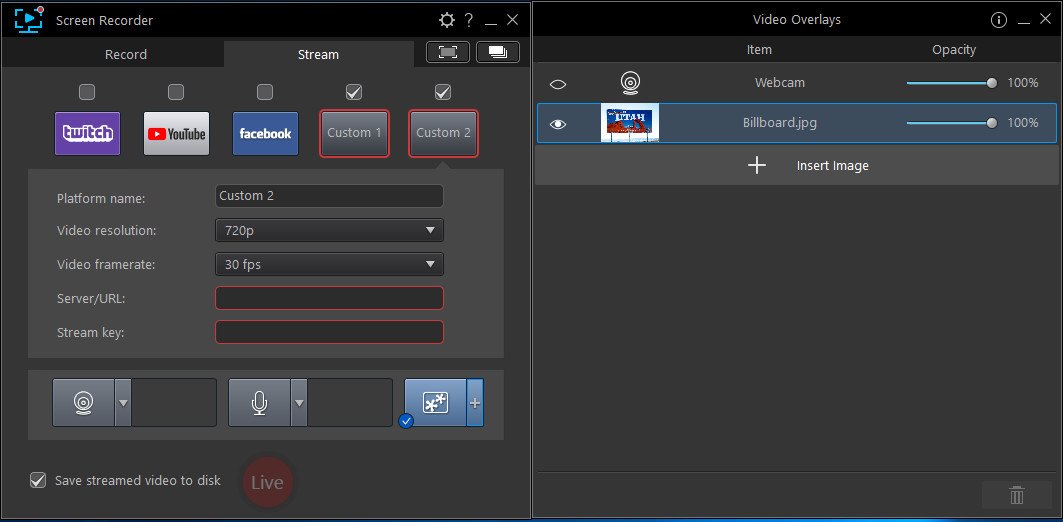
Overlay objects to your desktop and webcam recordings. It's an easy way to brand your videos, promote a sponsor, or add a unique watermark to your recordings.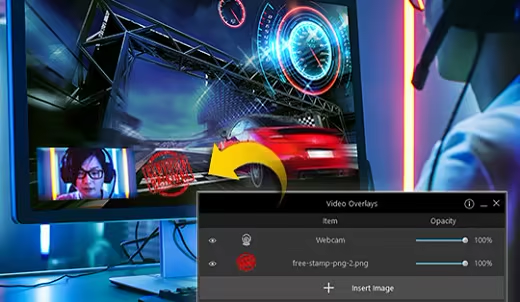
Customizable Hotkey Support
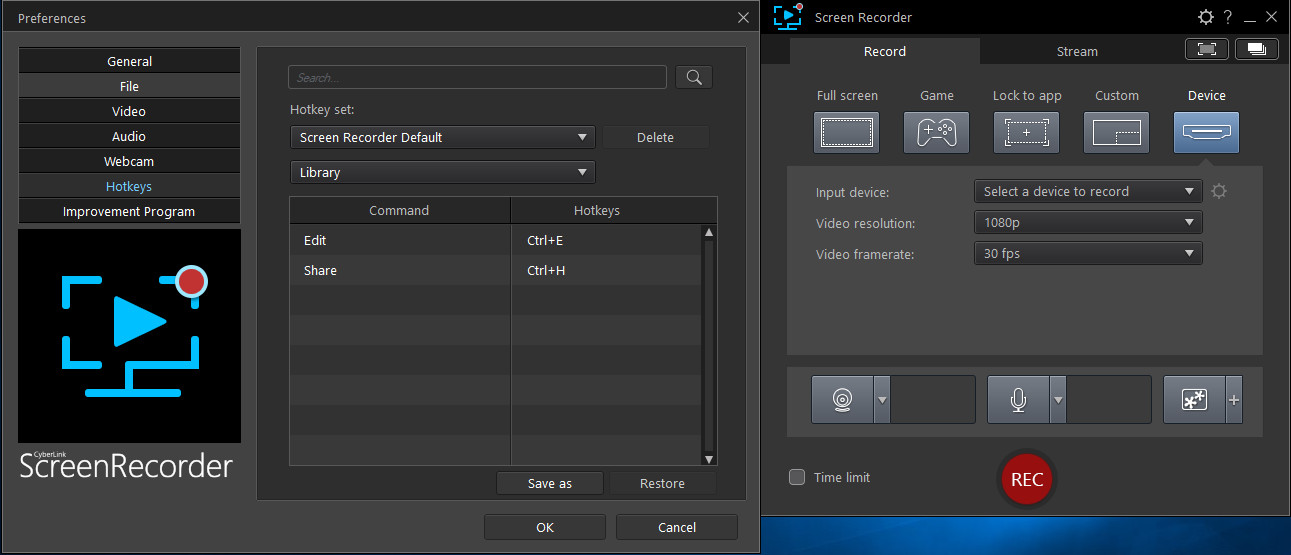
Get recordings started quicker, mute and unmute instantly, pause without having to touch your mouse, and quicklt take screenshots by setting customized hotkeys for recording and streaming.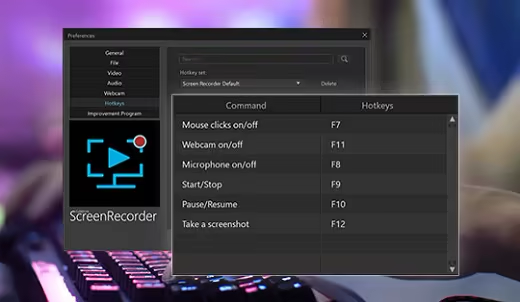
Real-time Webcam & Mic Preview
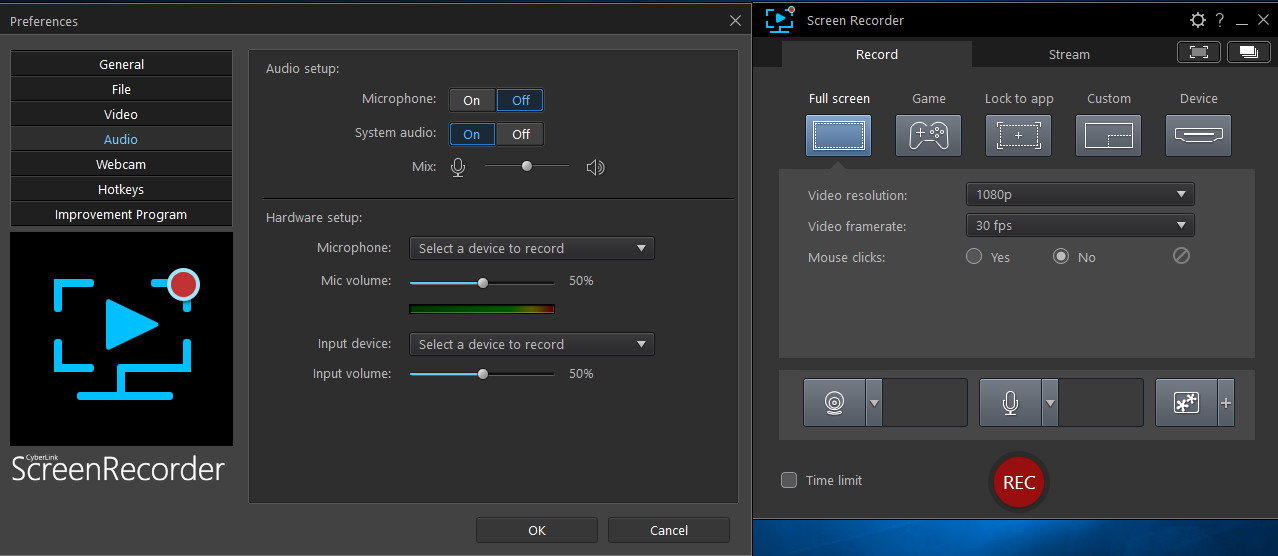
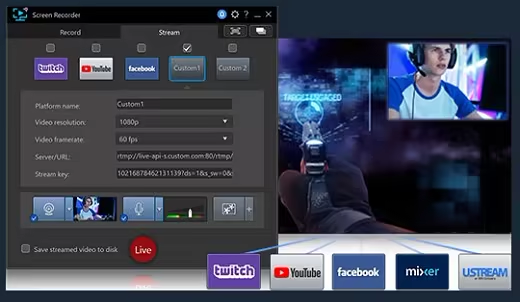
Setup recordings faster with real-time webcam & mic previews. See exactly what you'll look like before you hit record using the preview window, and quickly adjust resolution and settings. The microphone preview allows you to quickly adjust volume and preview audio levels.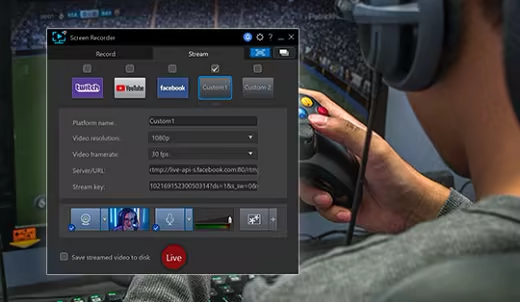
Record from PC or Connected Device
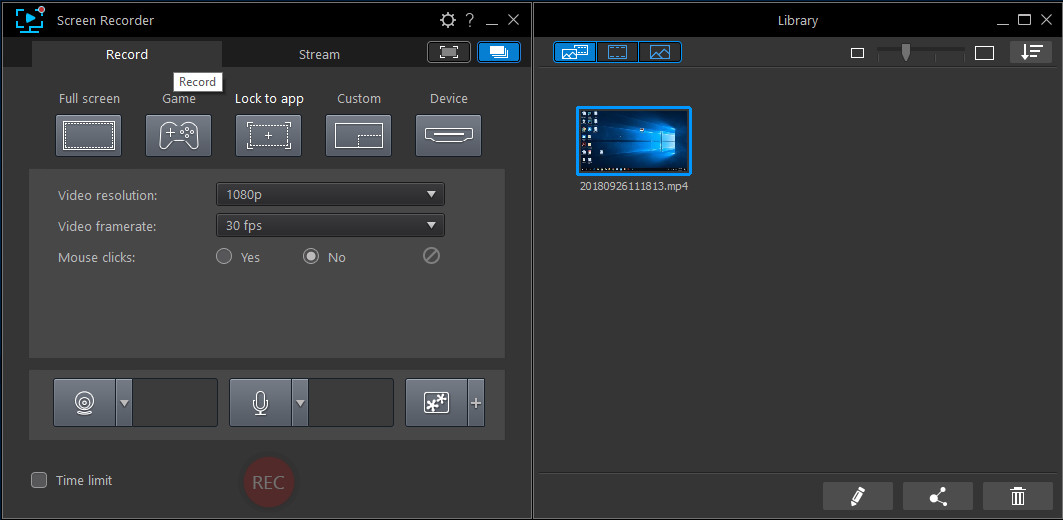
Whether you’re a vlogger, gamer, or how-to expert, Screen Recorder will have you producing high-quality, detailed videos in next to no time. Record your whole screen, just a window, or lock to a specific app. For gamers, you can record gameplay from your PC even in exclusive mode, and also capture directly from your gaming console!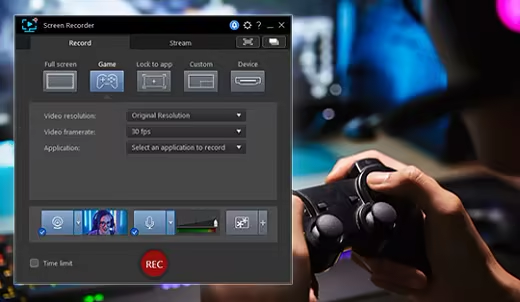
Easy-to-use Editing Tools
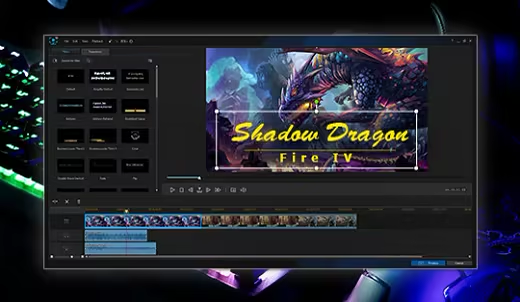
Don’t spend hours figuring out how to edit your footage. Screen Recorder comes with a remarkably simple editing interface that allows you to quickly import and trim your footage, add titles and transitions, and also now add two unique audio tracks.