#AudioProduction #EarlyAccess #Music
PlayVoice
A more modern, portable, and easier-to-use in-game microphone audio player that plays entertaining voice clips through your team voice chat.
View game
$2.00
Mixed · 21 reviews
62% positive (13 / 21)


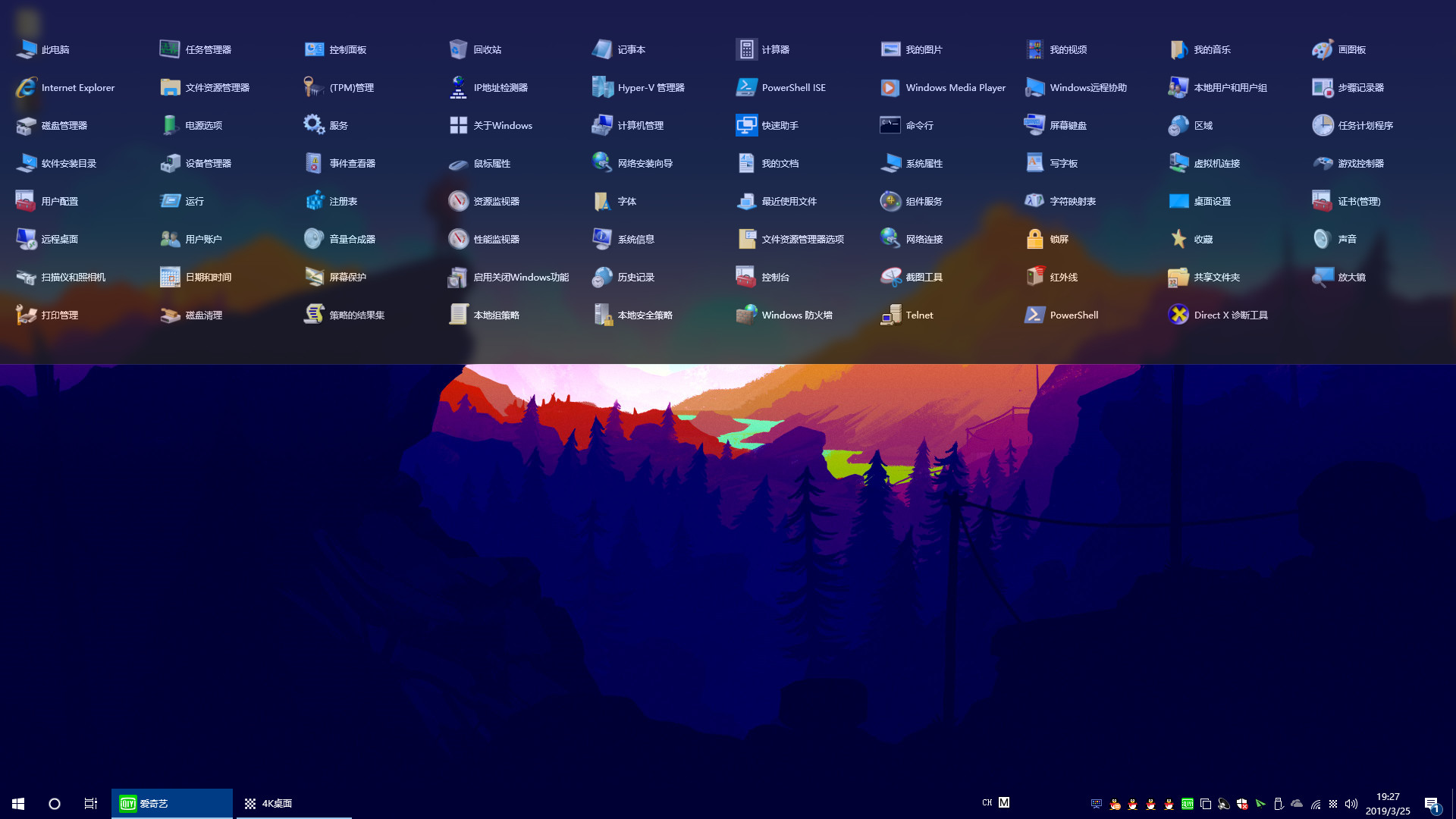


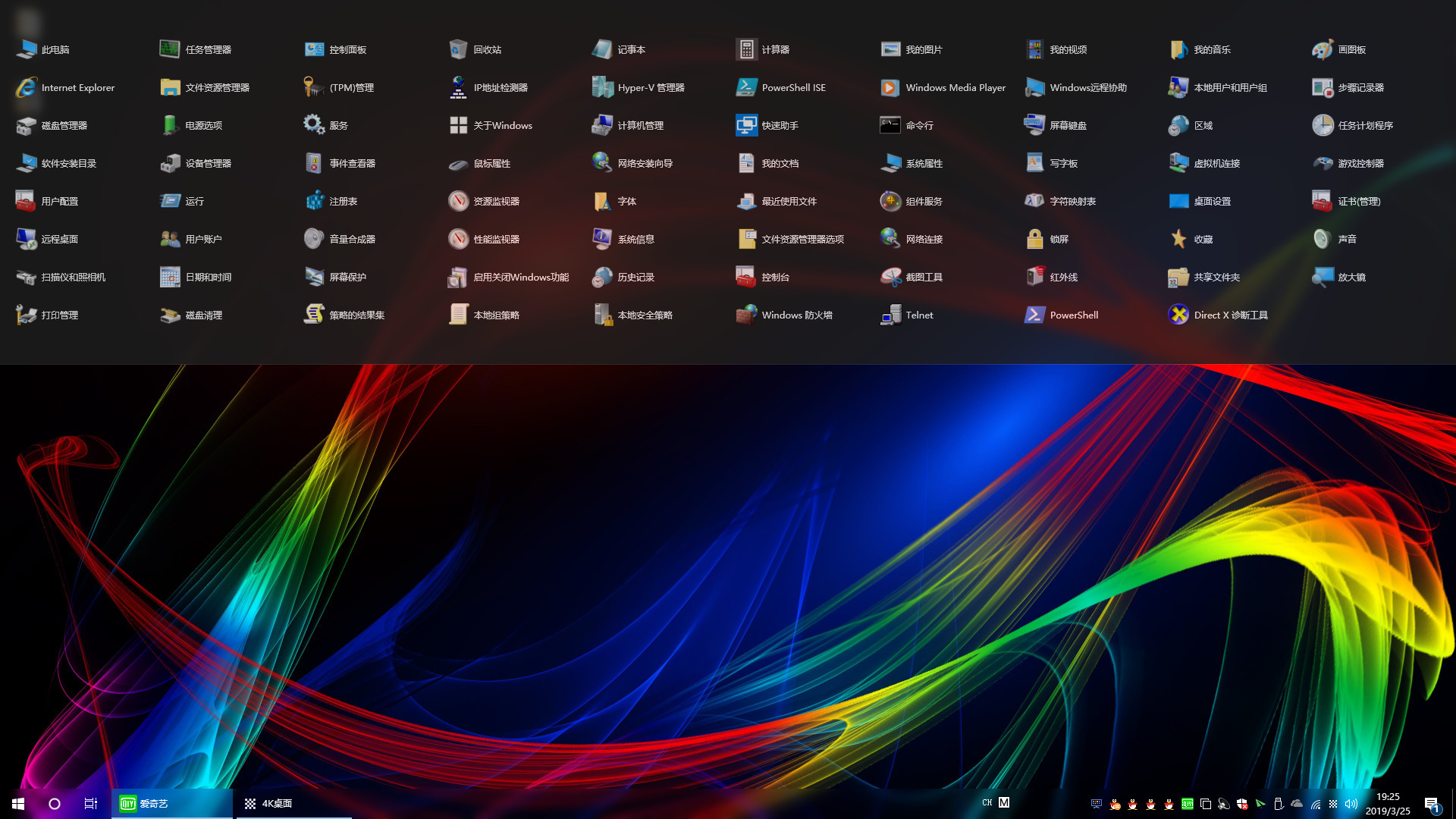

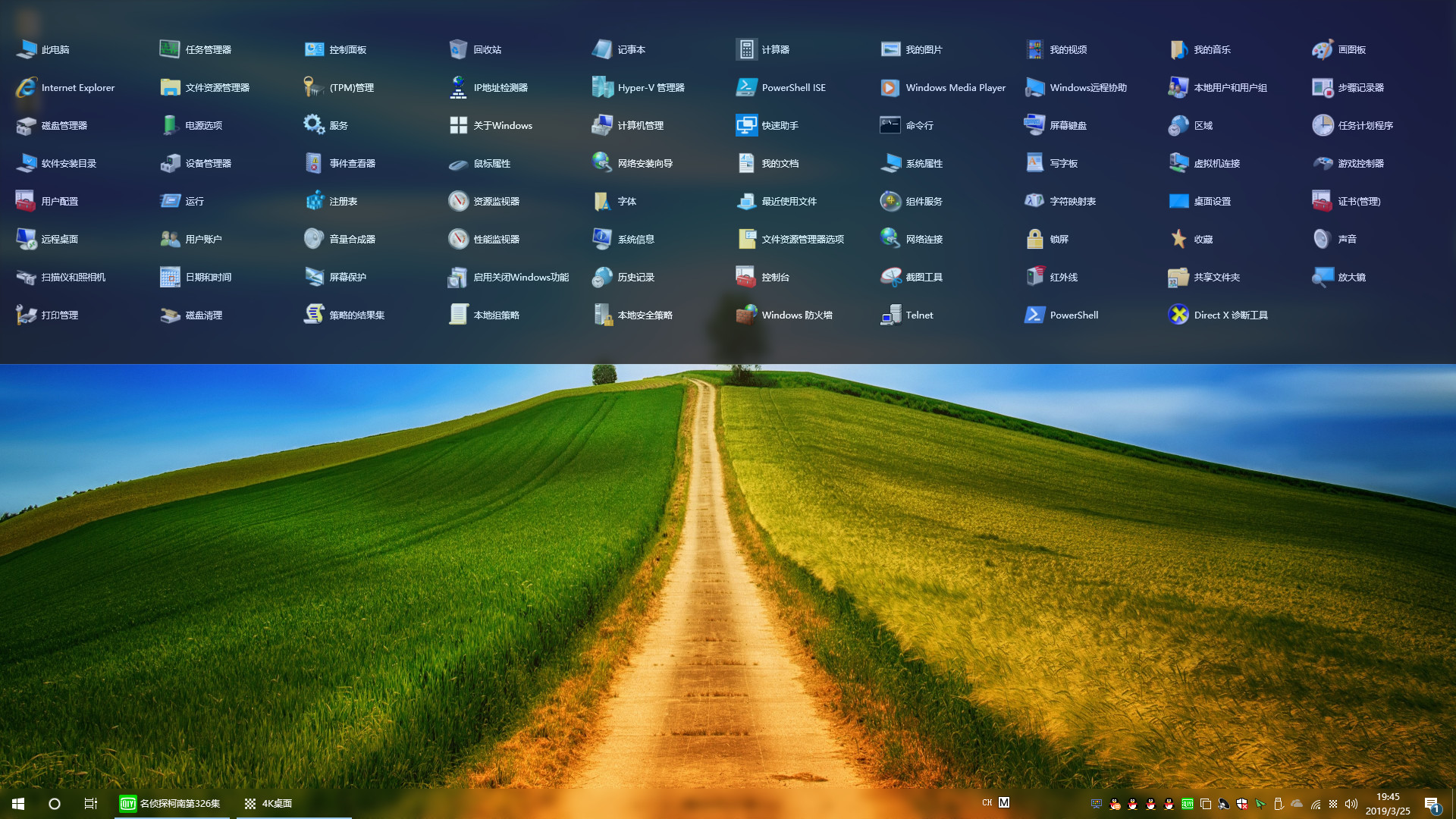

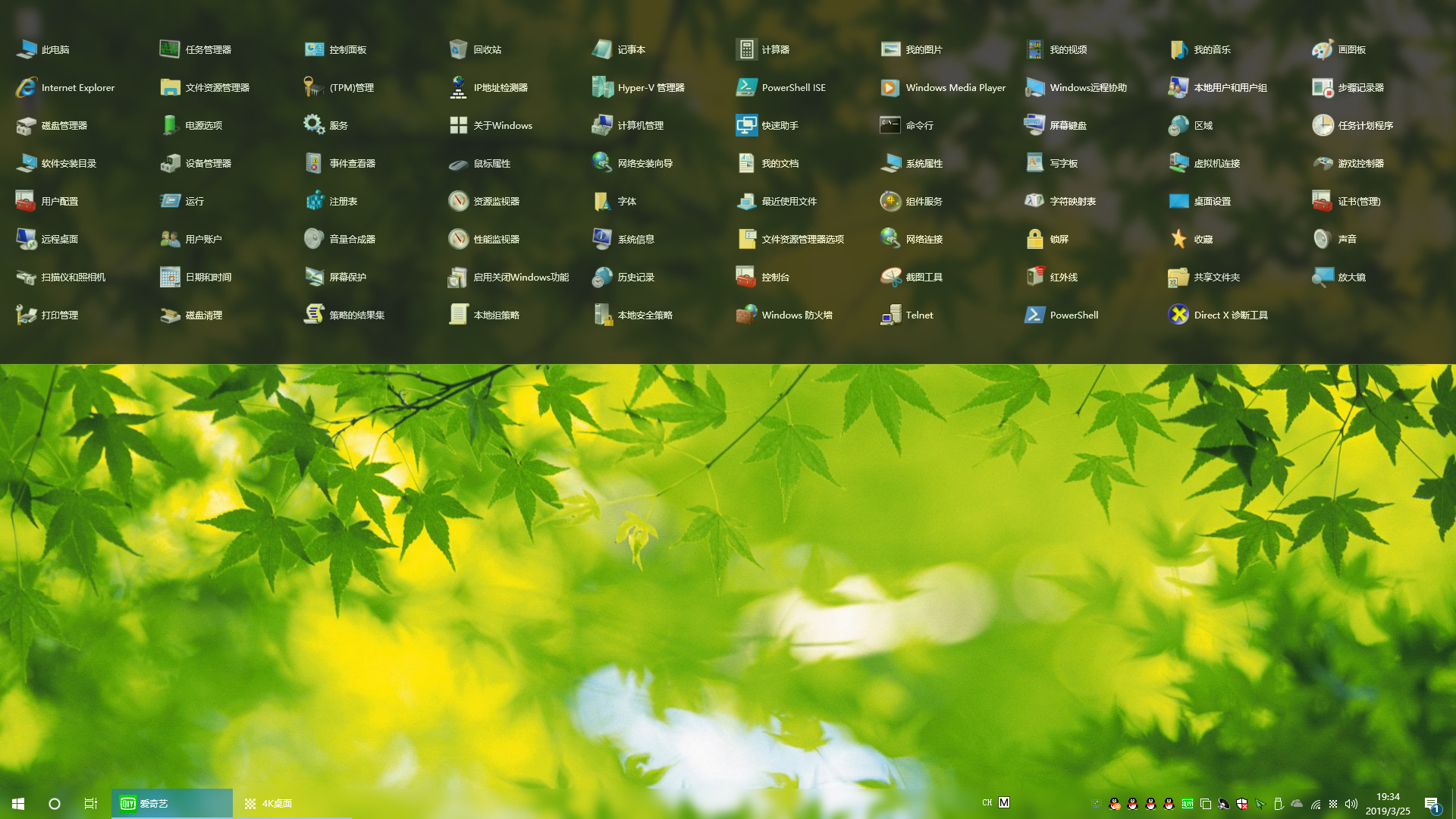
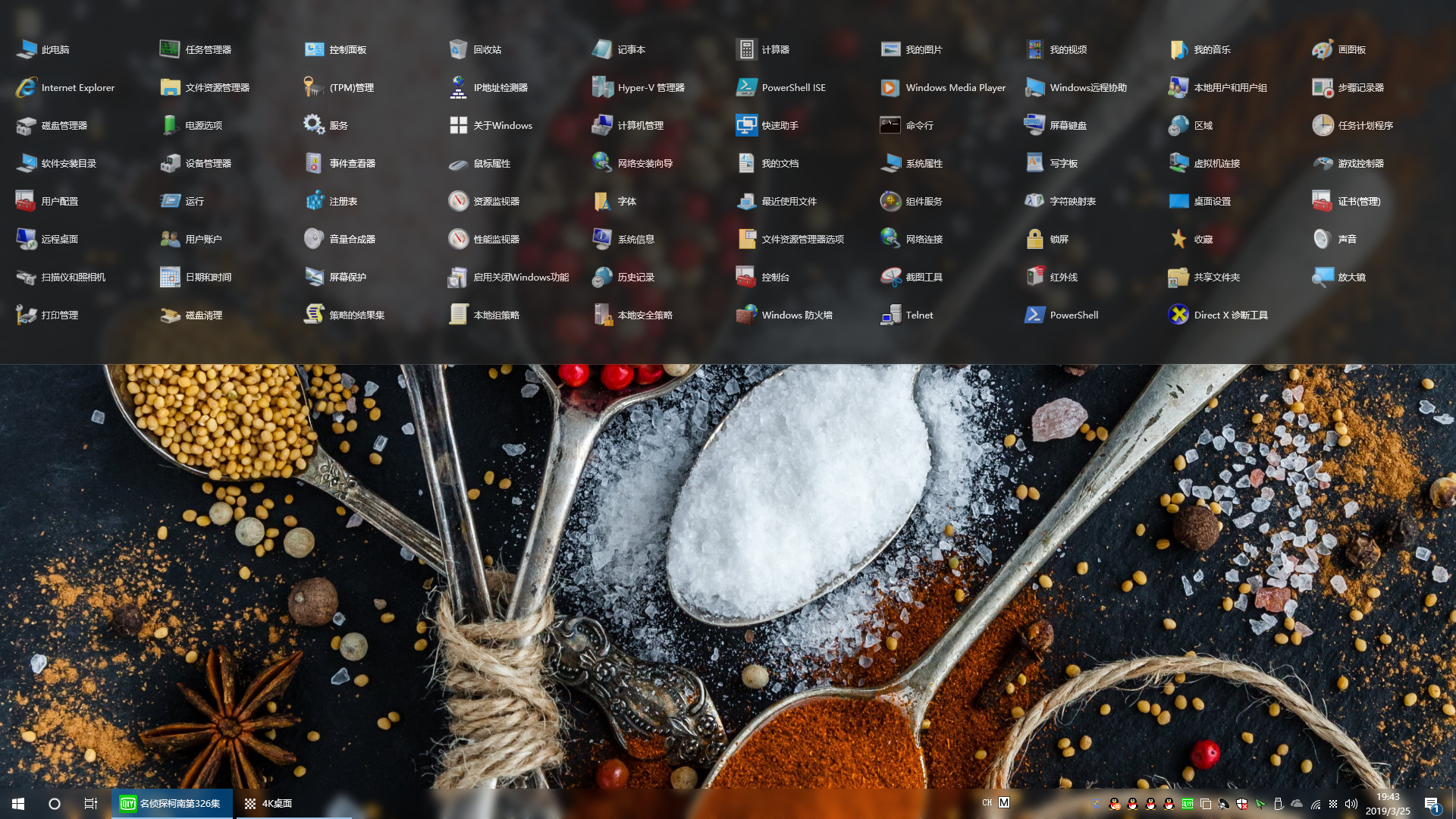
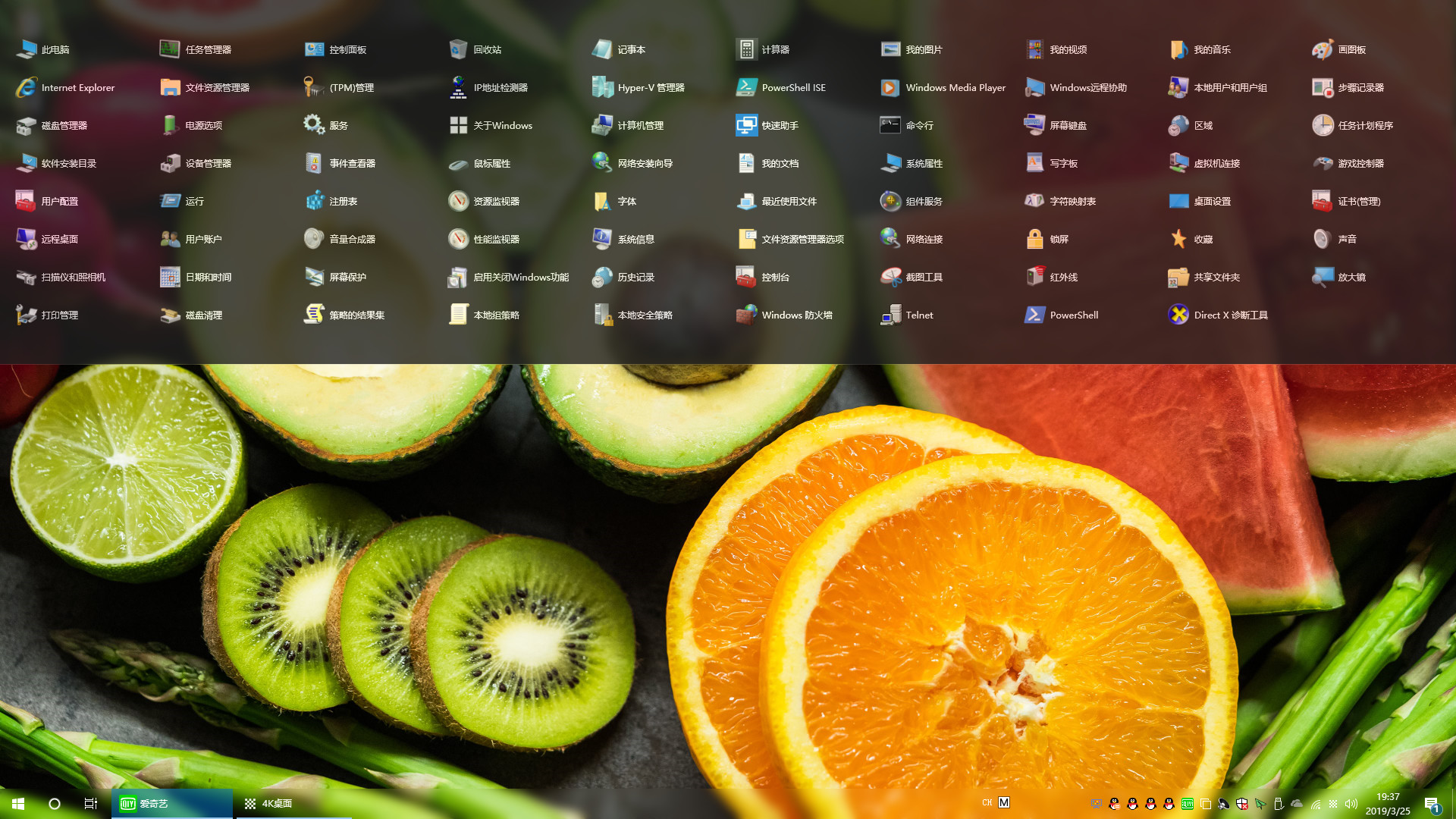

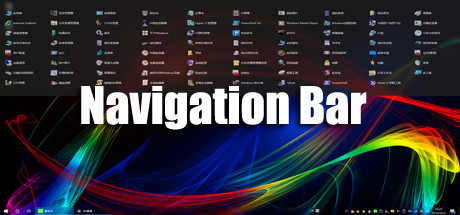
"Navigation Bar" can greatly save the number of desktop icons, so that the desktop is more concise and refreshing! Implement desktop no shortcut icon!
Released
May 14, 2019
Price
Platforms
Windows
Developer
Publisher
Last sync
September 26, 2026
"Navigation Bar" is a specially developed for Windows10 users, applications, files, directories fast start navigation software! Implement desktop no shortcut icon
It can greatly save the number of desktop icons, making the desktop more concise and refreshing! Users can drag and drop commonly used apps, files, or directories onto the navigation bar. When the settings are automatically hidden, the navigation bar hides to the top of the desktop, the mouse moves to the top of the desktop, and the navigation bar appears!
Make the desktop space larger, the switch between the application is more convenient, improve the work efficiency! You can also add commonly used system features in the navigation bar to open more easily!