#Action #2D #ActionRPG
LOST INSIDE Act 1
LOST INSIDE is a non-traditional, character-focused, action-adventure RPG about a human child who stumbles their way into the Spirit World.
View game
Free
No Reviews · 0 reviews


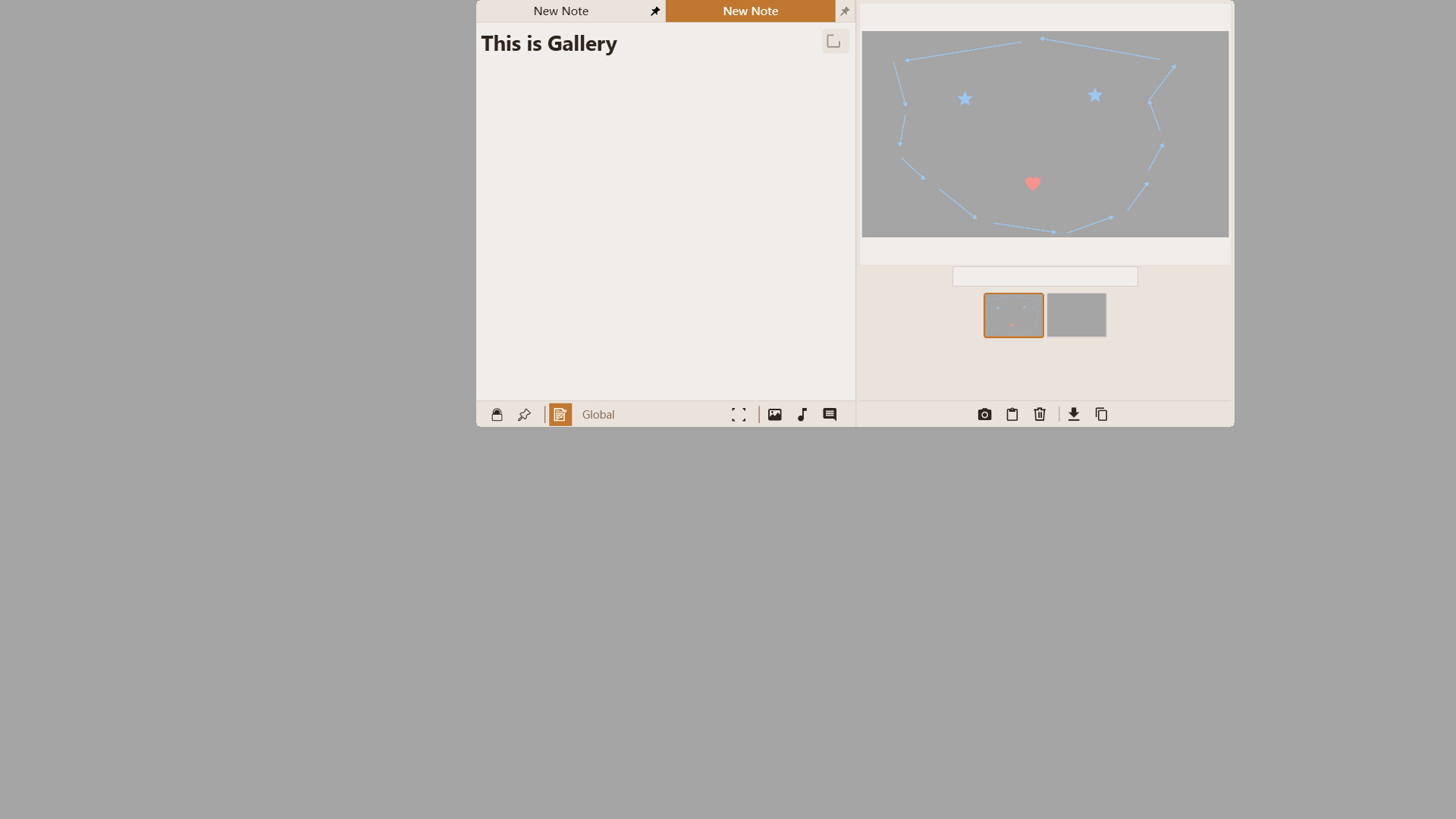
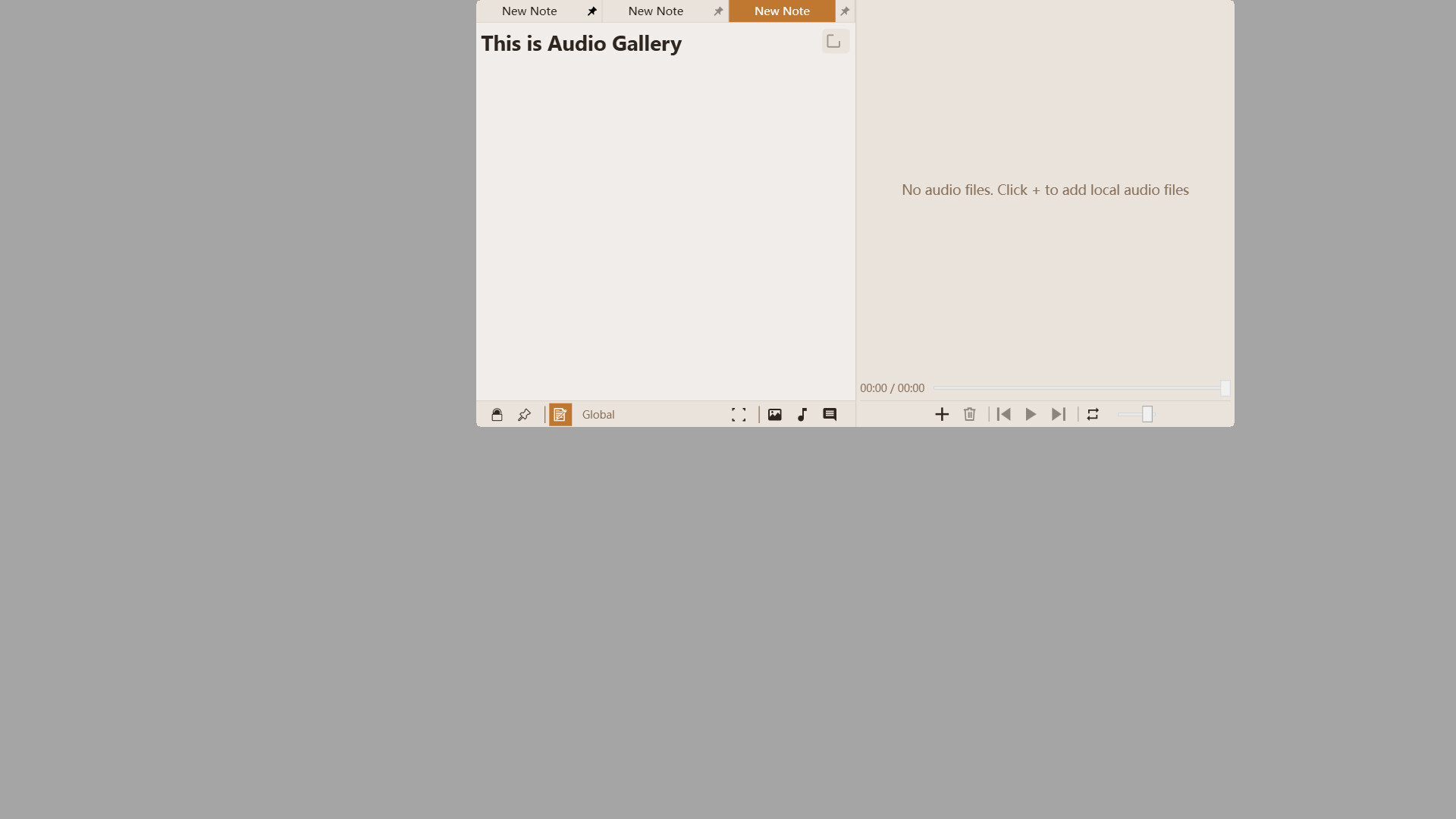
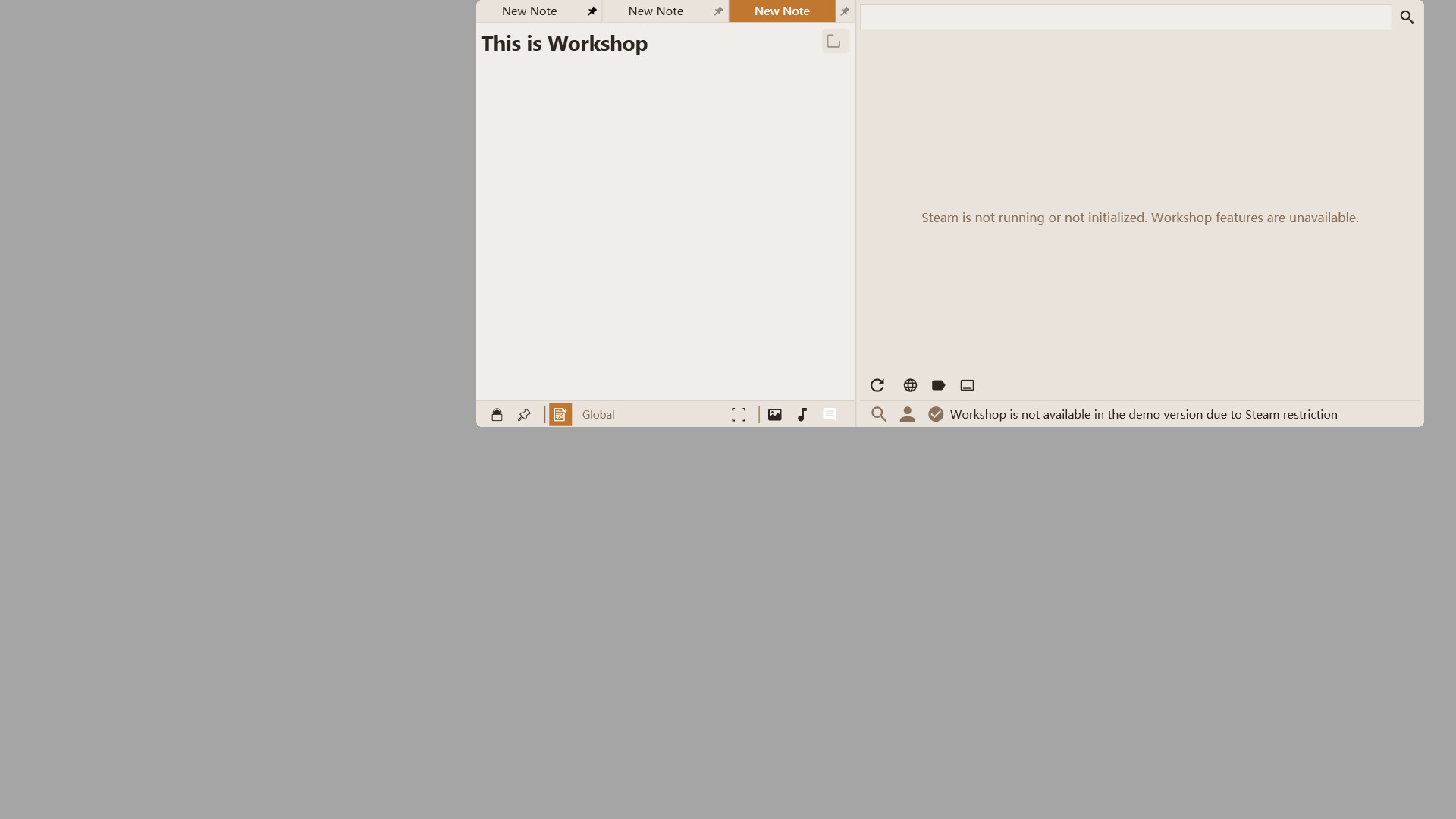
A game-aware note app: entries are bound specifically to the current game. It auto-hides at screen edges and summons instantly in-game. Quick tools like calculators and to-dos are one click away. Features an integrated Workshop for sharing notes and real-time chat with fellow players.
Discord:
Other languages will be supported after the software stabilizes.
Let's build the largest note-sharing platform together! Imagine downloading others' experience notes when you encounter difficulties in a game, or instantly sharing a beautiful landscape you've captured for others to enjoy.
Worried about messy notes from different games? No need. The Interlink Engine ensures that all notes you see and search for are only related to the game currently open!
It offers three main functions: Note Recording, Note Sharing, and Real-time Communication.
You can use it purely as a note-taking tool; it is sufficiently convenient.
You can also become a sharer, giving others a hand by sharing your recorded guides, beautiful images, and sounds.
Or, simply use it as a tool to communicate with others while gaming.
Once you open a game, all the notes you record will belong exclusively to that game.
Similarly, the notes you share are bound to that game, meaning they will be seen and utilized by players of the same game.
Of course, you can also enjoy the work of other sharers. Remember to give them a like.
If you get stuck in a game, you can send an inquiry via the real-time communication feature.
This message will be sent to players of the same game, who might be able to help you.
It was originally a paid software, but to expand the community of sharers, it is now permanently free.
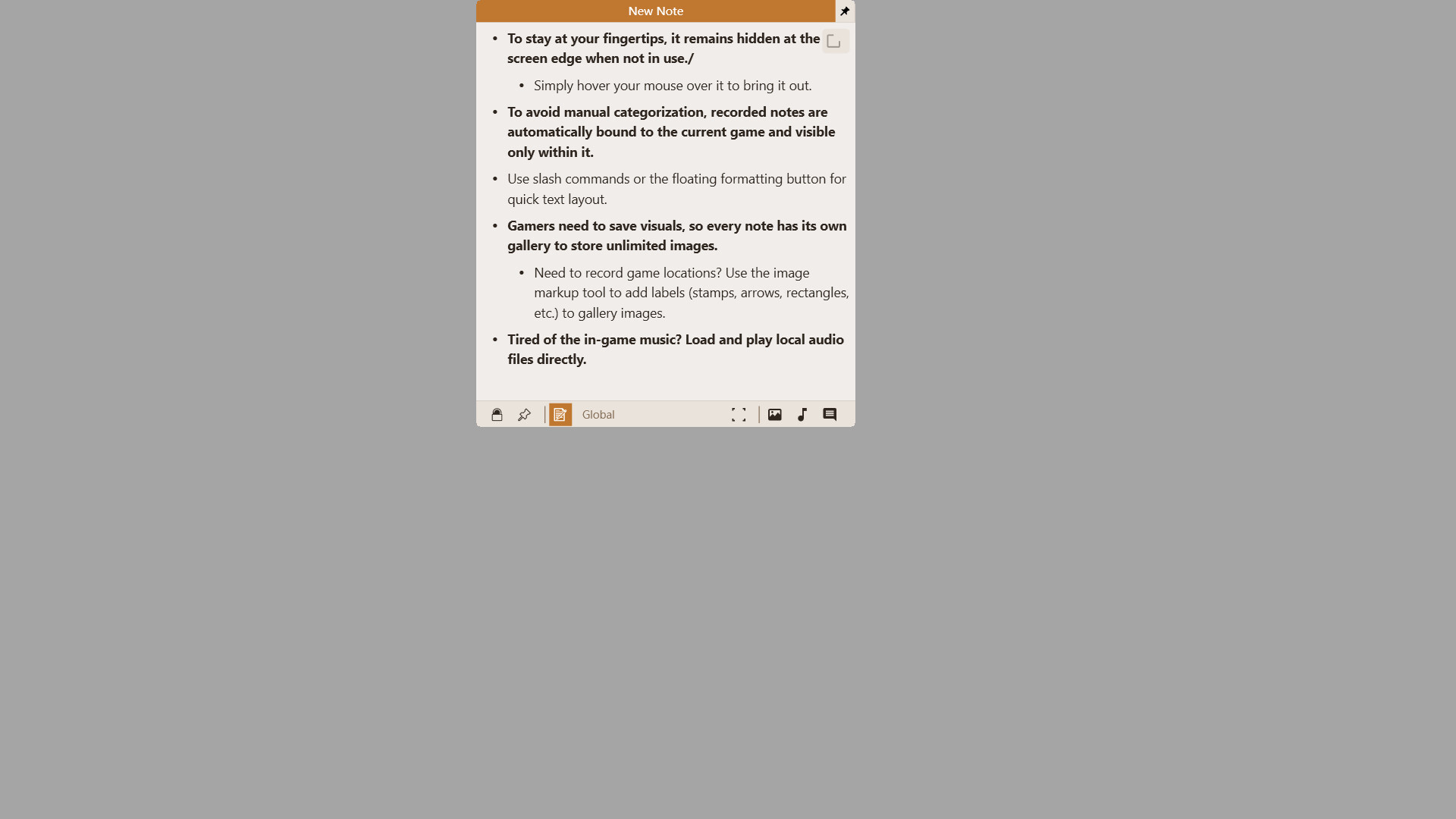
To ensure it's always within reach, it stays hidden at the edge of the screen.
Simply move your mouse over it to call it out.
---
To eliminate manual categorization, recorded notes are automatically bound to the current game and are only visible when that game is active.
---
Gamers often need to save game footage, so every note has its own gallery to store unlimited images.
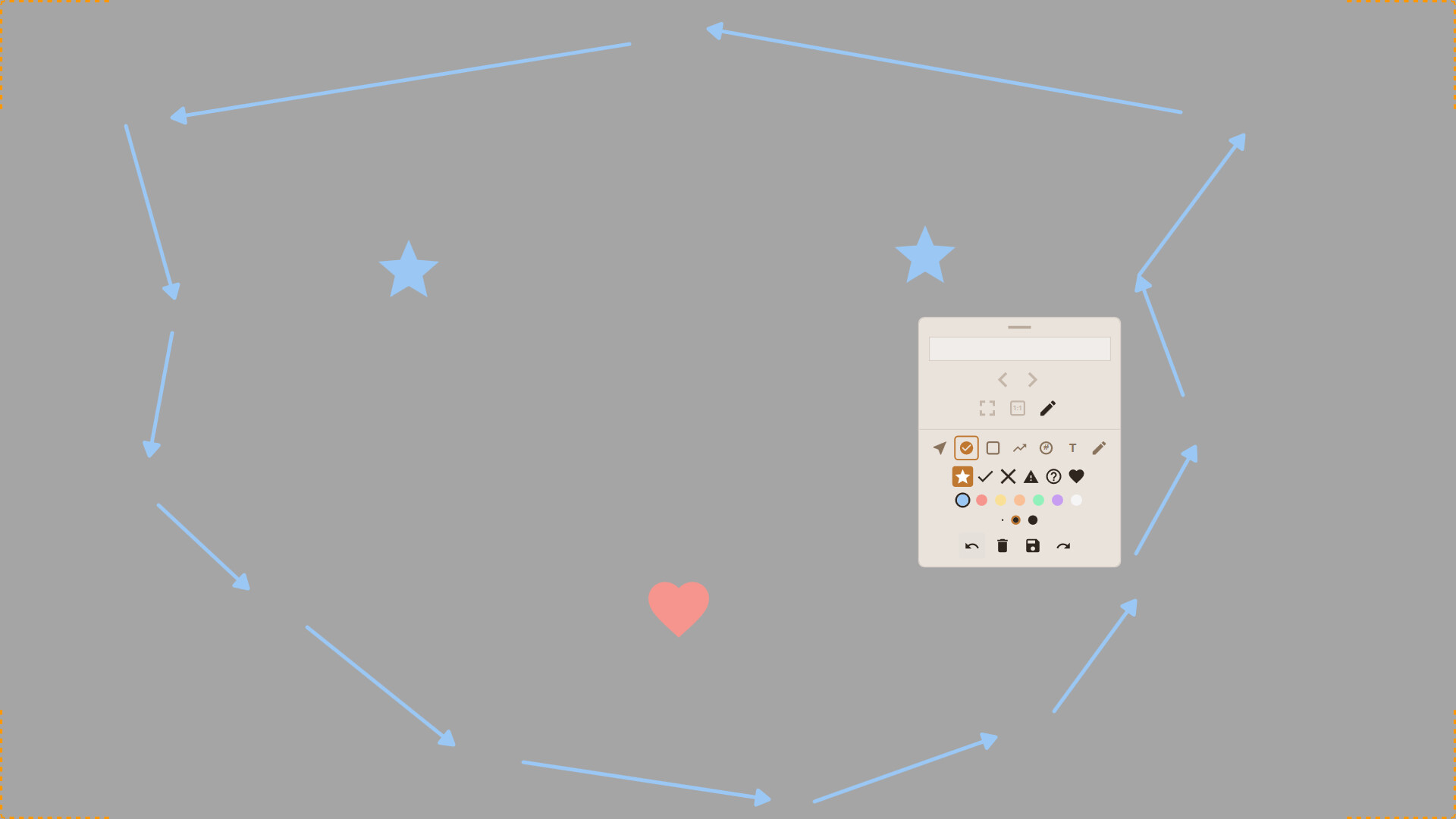
Need to mark a specific location? Use the image annotation tool to add marks (stamps, arrows, rectangles, etc.) to gallery images.
---
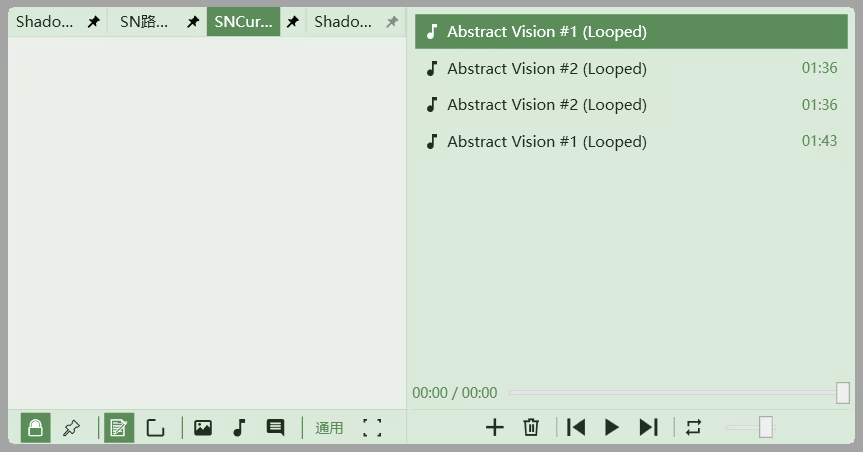
Tired of the in-game background music? You can load and play audio files from your local drive.
Just finished a note? Click a button, fill in a title and description, and it’s instantly shared to the Workshop.
---
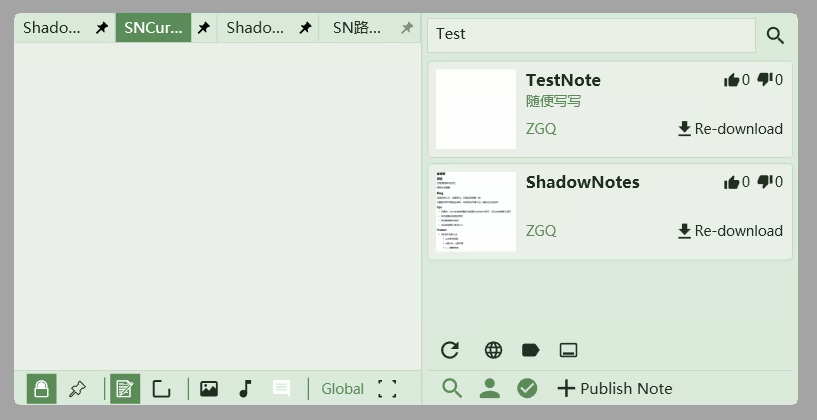
Stuck in a game? You can search for guide notes shared by others and download them for use.
To maintain immersion, the notes you see are only related to the current game.
Please upvote what you like and downvote what you don't.
(A note's content consists of text, an image gallery, and an audio gallery.)
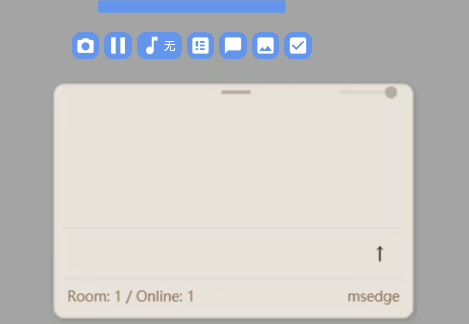
The Interlink Engine gathers players of the same game into one room, where you can send and receive messages.
Communicate and share with each other in a friendly environment.
While gaming, you can open these quick tools with one click.
Currently available: One-click Screenshot, Live Chat window, To-Do list window, Image Display window, Calculator, and Quick Music Switcher.
Formatting
Note Switching
(Every note has its own gallery; the number of galleries matches the number of notes per game.)
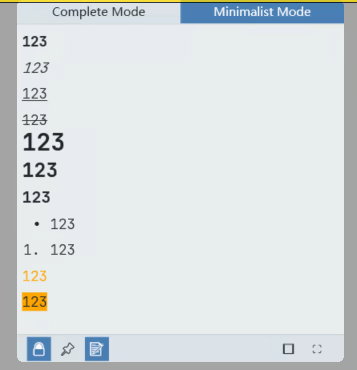
Minimalist Mode

More features are actively under development!
Note: While designed for gaming, this software isn't limited to games; other applications also have their own dedicated note groups. For example, you can record shortcuts in a dedicated Photoshop note group for quick reference.
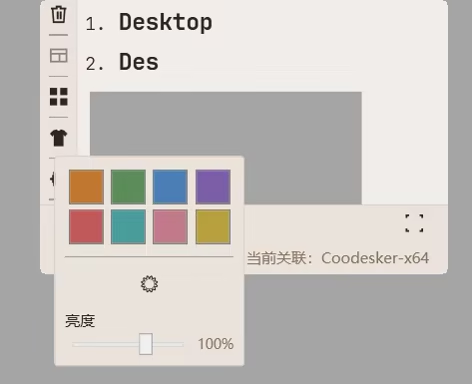
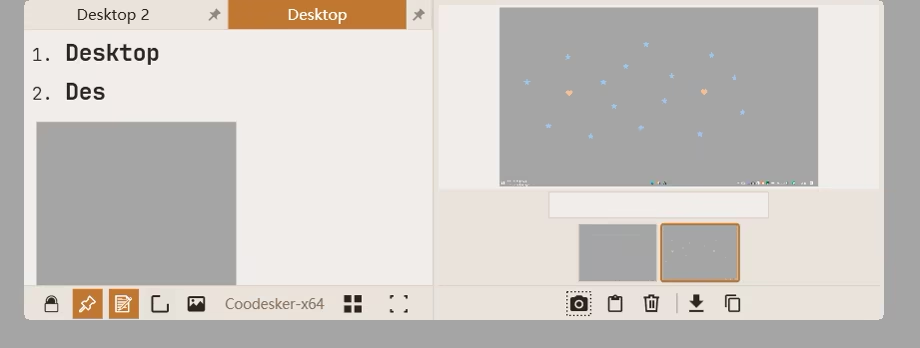
Note: Supports multi-monitor setups and virtual desktops!
Select text to trigger the floating toolbar for convenient formatting.
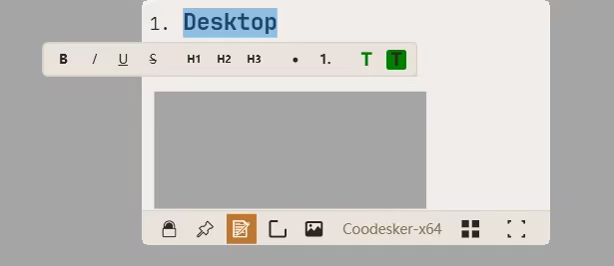
Supports H1, H2, and H3 headers, as well as unordered and ordered lists.
In addition to game/software-specific groups, there is a permanent Global Group for recording general information.
Add a game (or software) to this blacklist, and the note window will not switch to its specific group when launched.
Add a game (or software) to this blacklist, and the note window will remain completely hidden and cannot be called out while that application is active.
Each game/software note group has its own recycle bin to recover accidentally deleted files.
Enter text or paste images.