
Windows Particle Effect

Windows Particle Effect

Mostly Positive · 4 reviews

75% positive (3 / 4)

Screenshots

Windows Particle Effect screenshot 1
Windows Particle Effect screenshot 2
Windows Particle Effect screenshot 3
Windows Particle Effect screenshot 4
Windows Particle Effect screenshot 5
Windows Particle Effect screenshot 6
Windows Particle Effect screenshot 7
Windows Particle Effect screenshot 8

Description

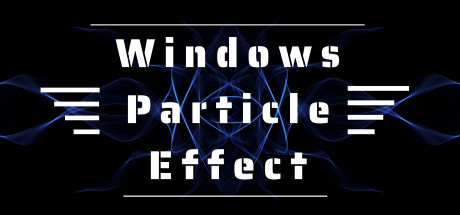
This is a small software integrating window beautification and input beautification. One is the input beautification with a variety of particle effects, and the other is the window beautification assistant supporting the creative workshop.

Released

December 31, 2020

Price

$1.99

Platforms

Windows

Developer

GCN

Publisher

GCN

Last sync

September 24, 2026

About

This is a small software integrating window beautification and input beautification. It contains two executable programs. One is the input beautification with a variety of particle effects, and the other is the window beautification assistant supporting the creative workshop. It can add a touch of fun to your window with colorful borders. You can also play a video and insert a picture to let it switch with your window switching, Move and move...

New upgrade on February 9, 2022

  • 1. Support dynamic diagram as the border of your software window
  • 2. Support video as the border of your software window
  • 3. At present, there are four preset borders
  • 4. Support creative workshops

Software Introduction

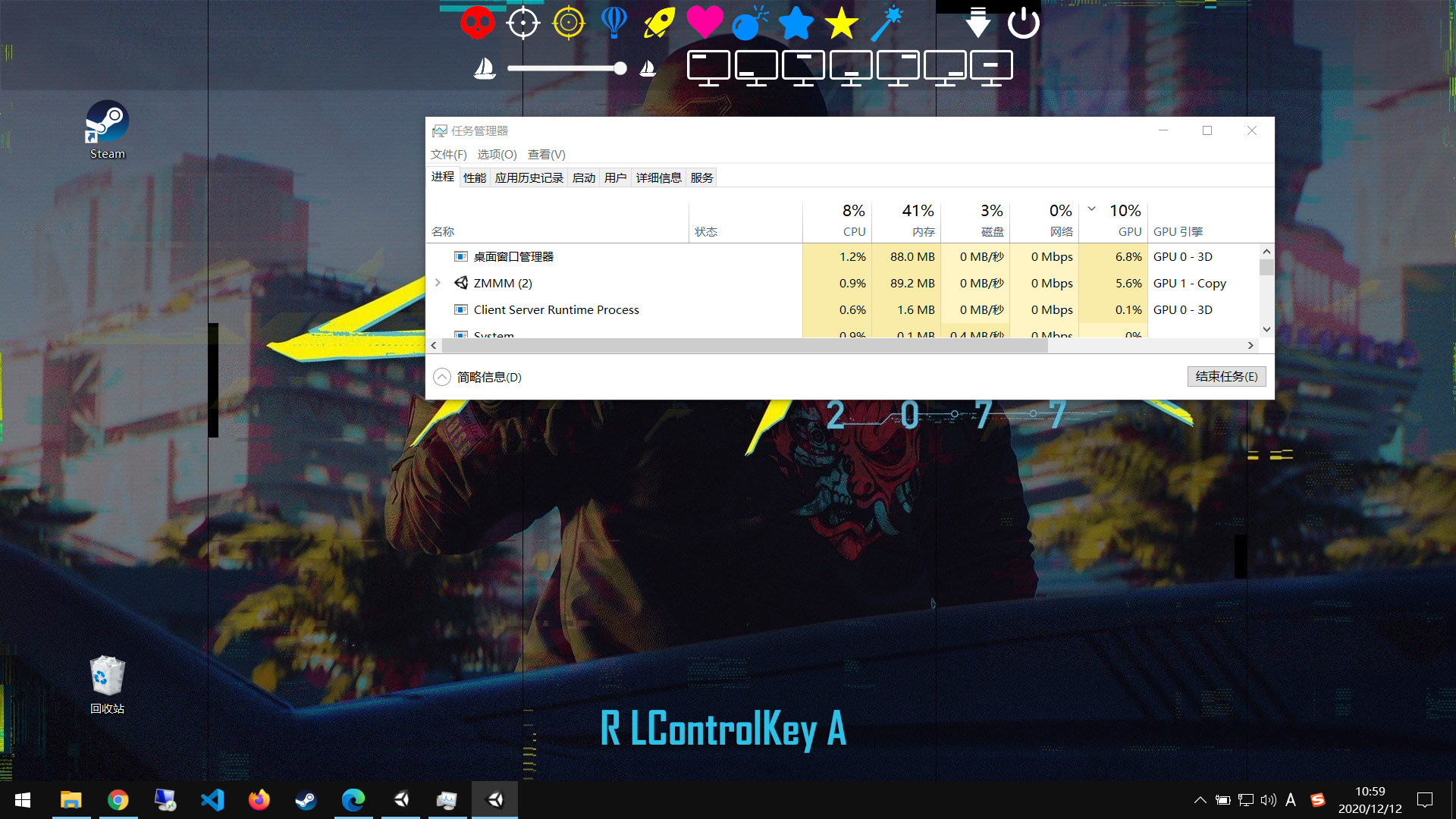
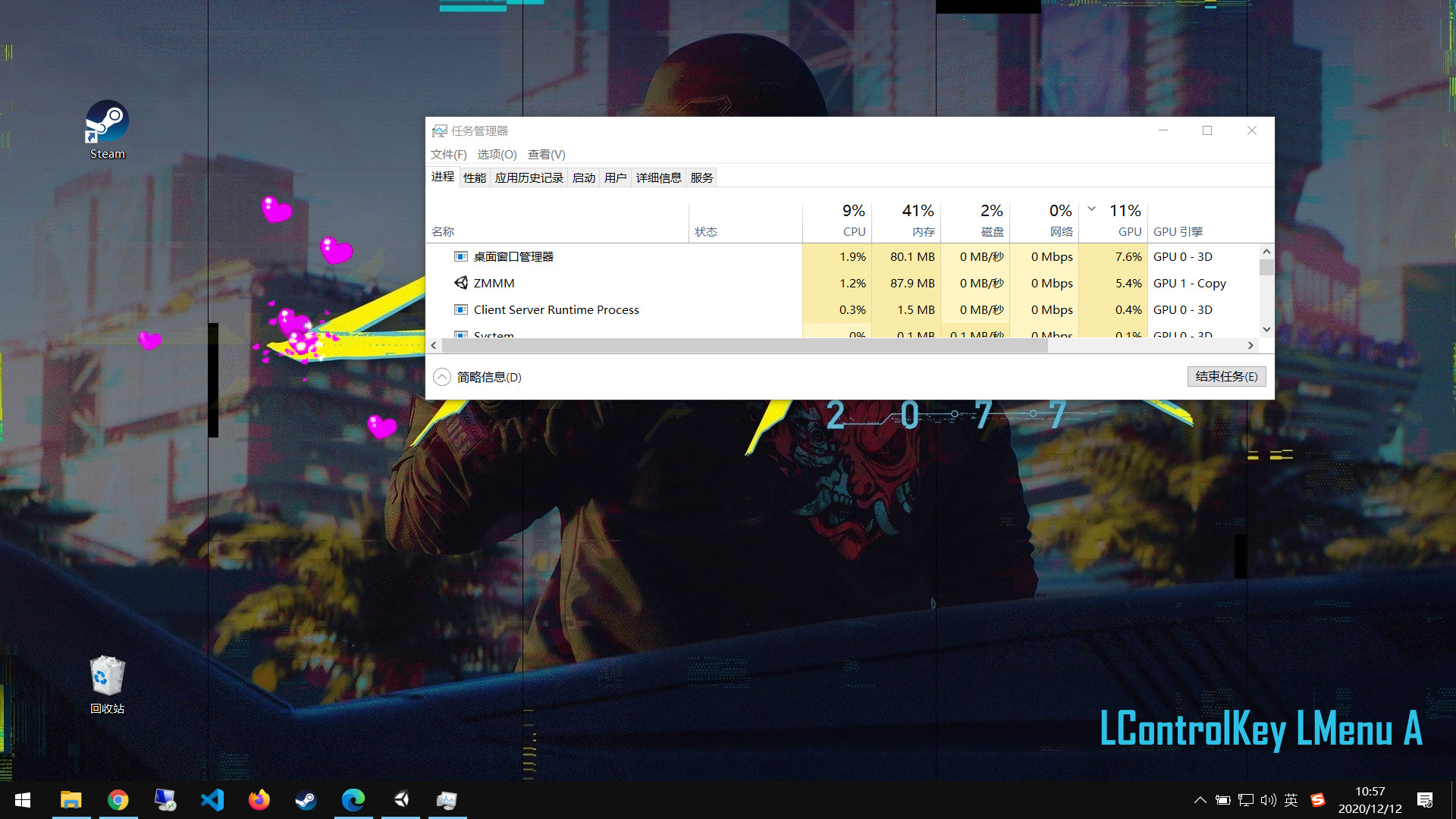
  • 1. Click the left and right mouse button feedback, click the particle effect, very cool, has built-in 10 kinds of special effects.
  • 2. When you press a key on the screen, you can adjust the position of the keyboard.
  • 3. It can adjust the size of particles and is easy to set.
  • 4. When the software is running in the general state, and does not display in the taskbar, nor in the system tray, obsessive-compulsive gospel, so that you do not realize its existence.
  • 5. To access the settings interface, shortcut key Ctrl + Alt + R。
Browse all