#EarlyAccess #BoardGame #FreetoPlay
Fried Dungeons
A virtual map builder and online RPG platform. Create detailed maps, play with your group in real time, and bring your tabletop adventures to life—wherever you are.
View game
Free
No user reviews · 0 reviews
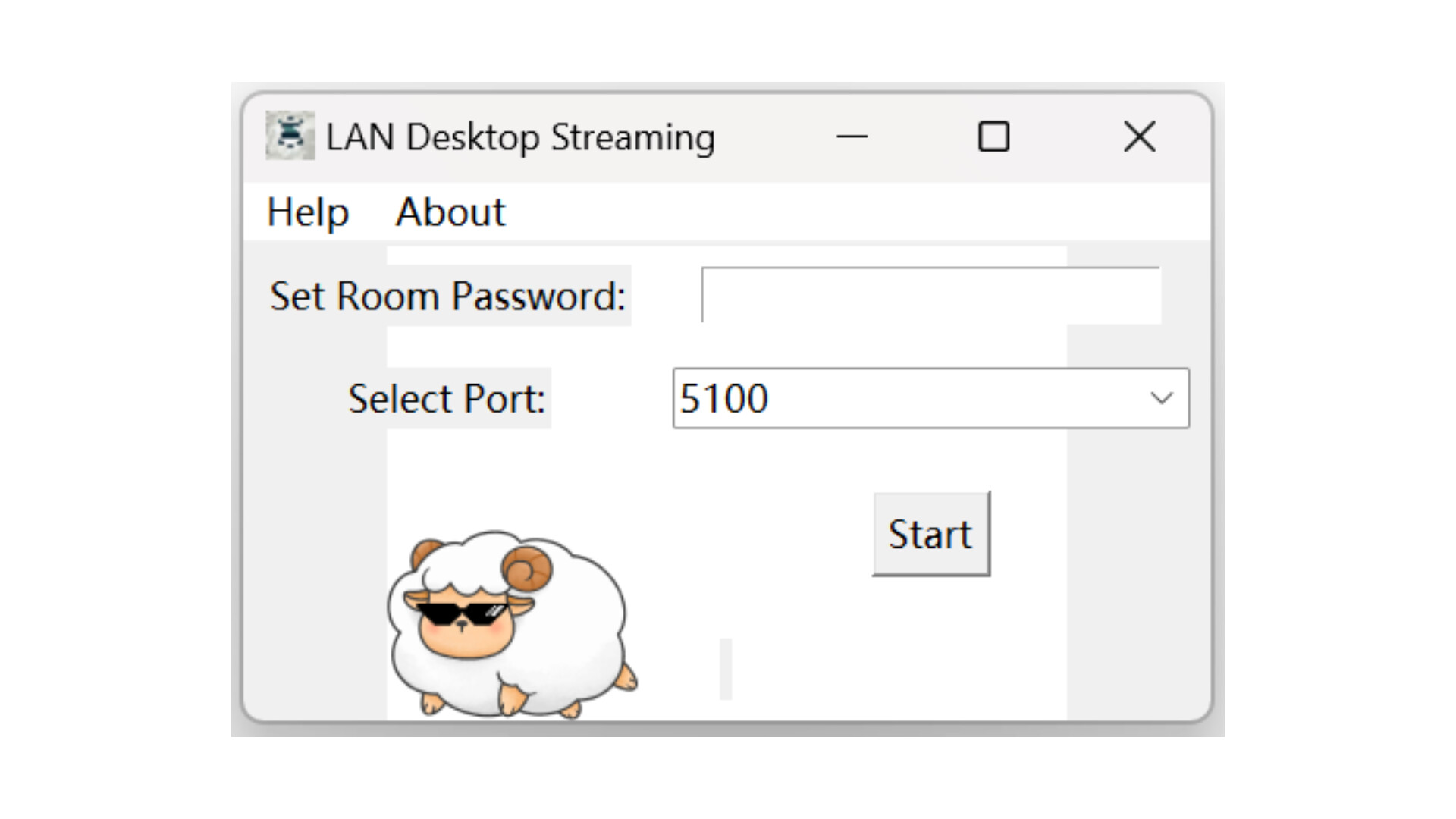
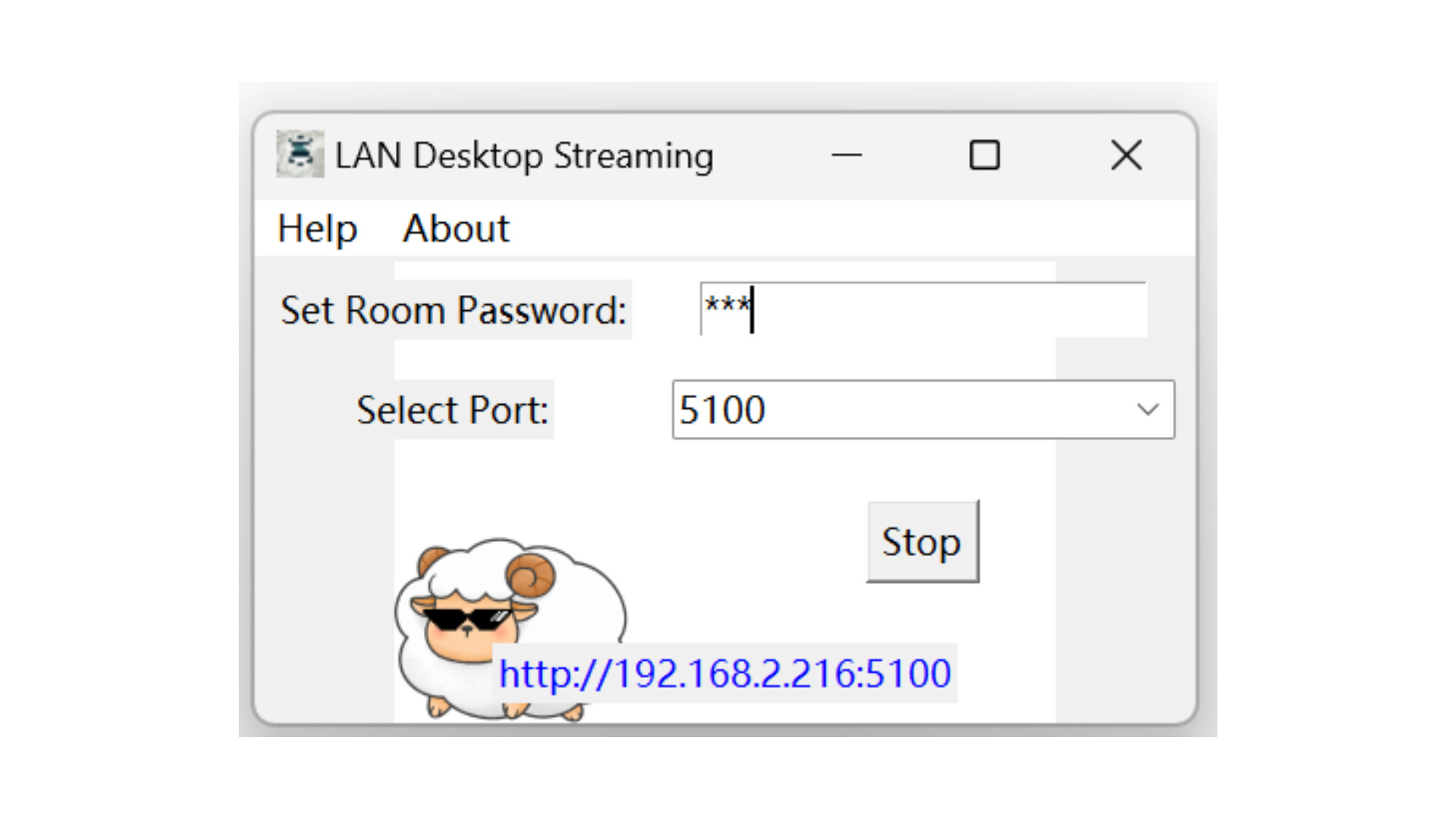
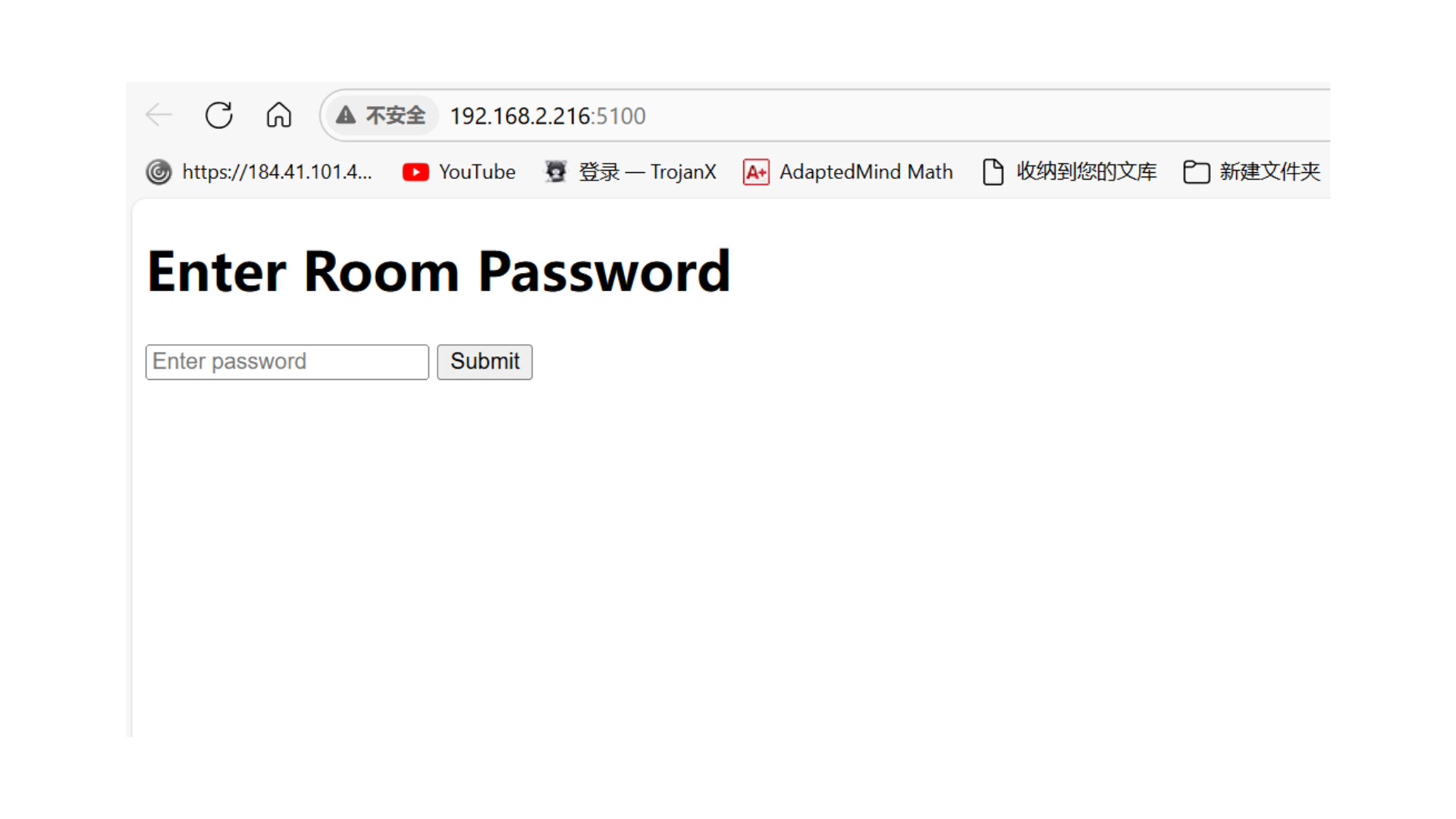
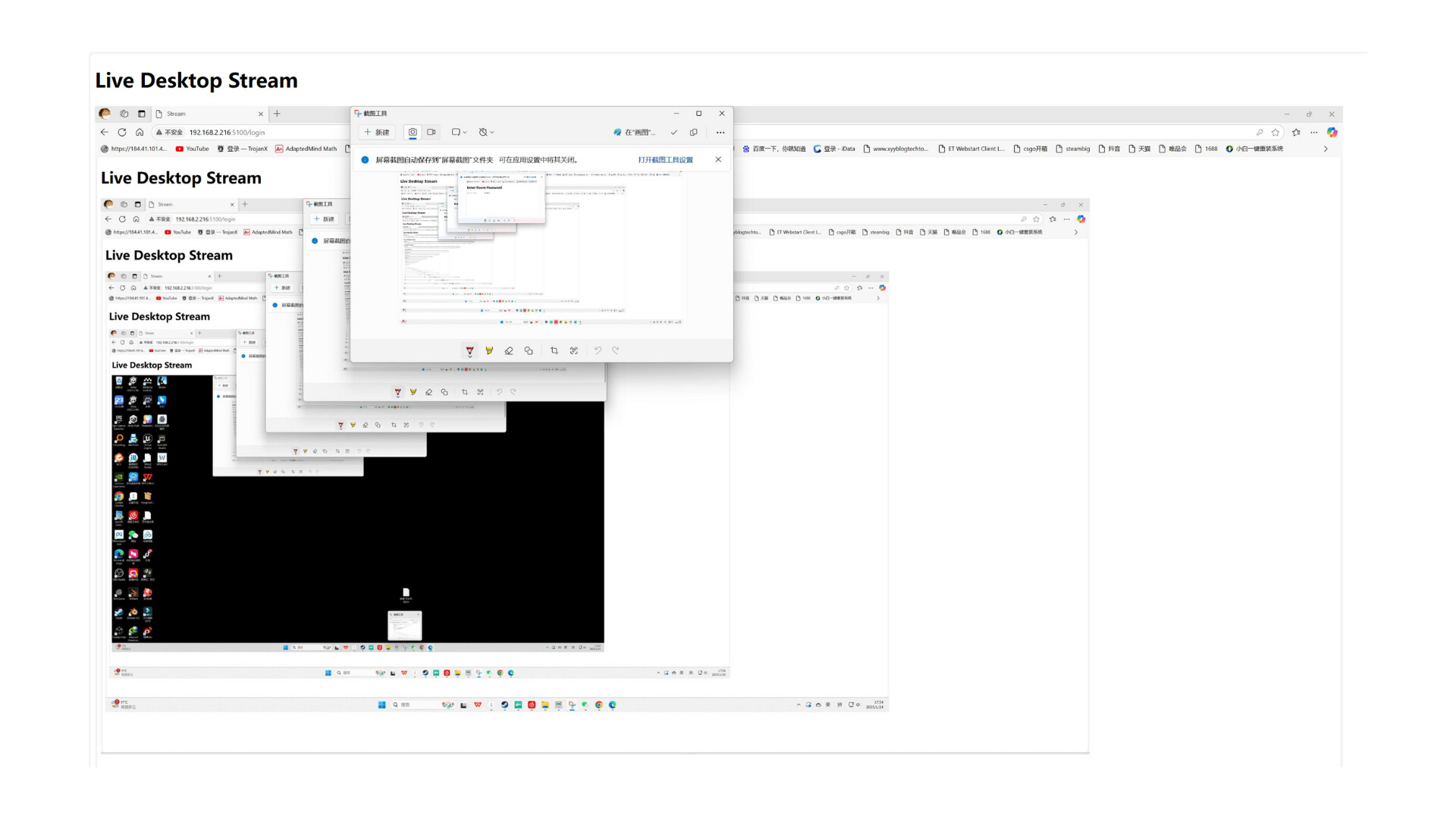
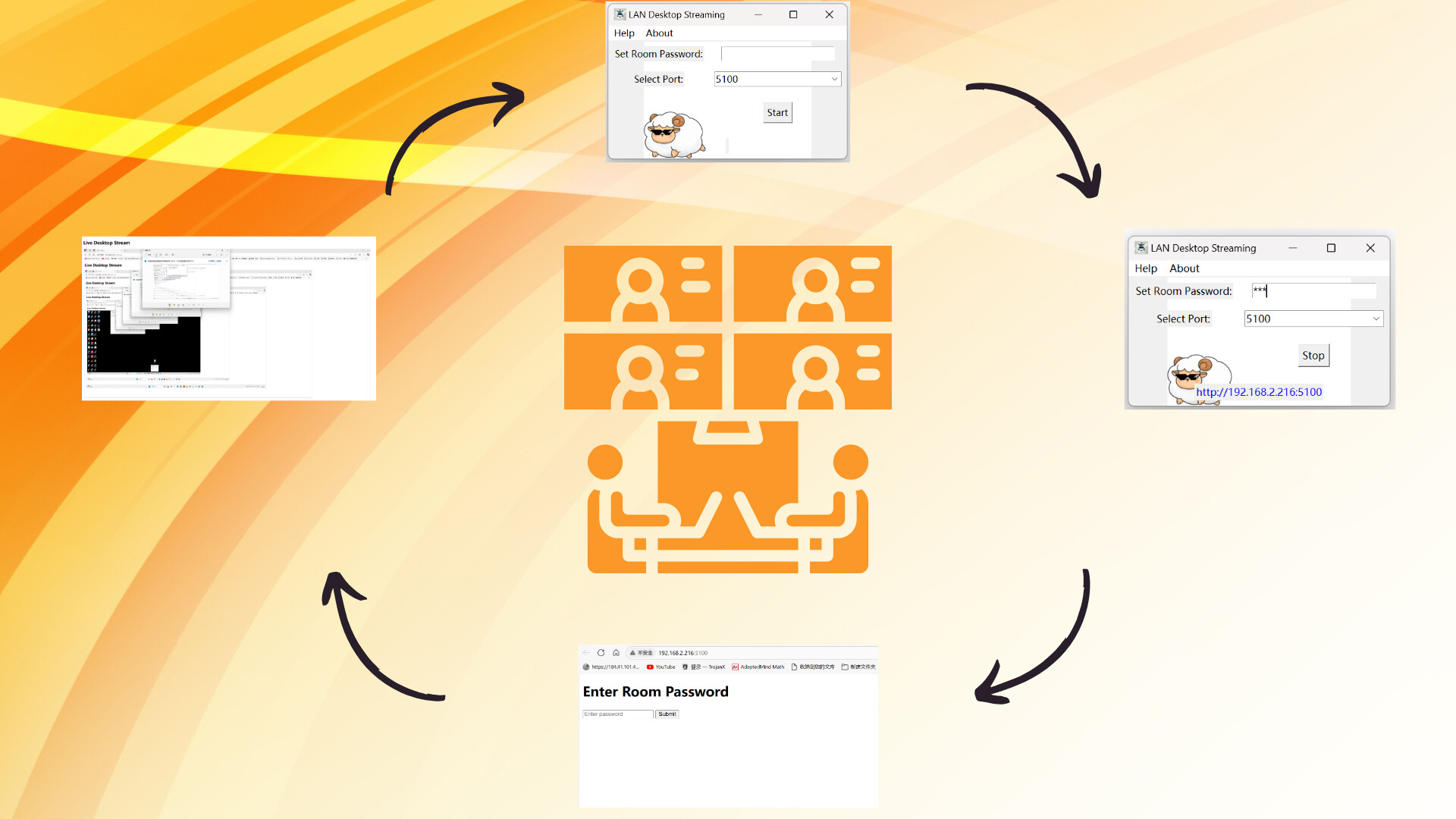
LAN/intranet meeting screen sharing (Sheep Streamer = 绵绵羊局域网画面共享器). Set a port and room password, start the service, and participants watch your screen from a browser link on the same network. View-only: not remote control, not a second monitor, no audio, no internet.
Released
February 24, 2025
Price
Platforms
Windows
Developer
Publisher
Last sync
September 26, 2026
This lightweight and compact software is designed for internal company meetings where screen sharing is needed over a local network. It is easy to use: simply specify the port, set a room password, and click start. This will launch a local screen sharing service and provide a URL link that other participants can use to view the shared screen via a web browser.
Currently, the software only supports screen sharing and does not include audio sharing. It is an ideal solution for companies with internal network-based meetings, particularly those facing connectivity issues between internal and external networks.
Q: Can viewers control my PC? A: No. Viewing only.
Q: Can I use it as a second screen for a tablet? A: No, it only shares the screen image for viewing.
Q: Is sound shared? A: No, audio is not supported.
Q: Can someone outside the office join over the internet? A: No. Both sides must be on the same internal network.
Q: What do viewers need? A: Just a browser, the link (IP + port) and the room password.
Q: Are "Sheep Streamer" and "绵绵羊局域网画面共享器" the same product? A: Yes - they are the English and Simplified Chinese names of the same tool.