#Animation&Modeling #Cartoon #Cartoony
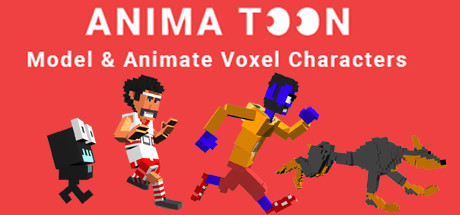
Anima Toon :3D Voxel Character Animation
Anima Toon is a unique animation software which allows artists to create and animate 3D Voxel characters easily.
View game
$19.99
Positive · 2 reviews
100% positive (2 / 2)
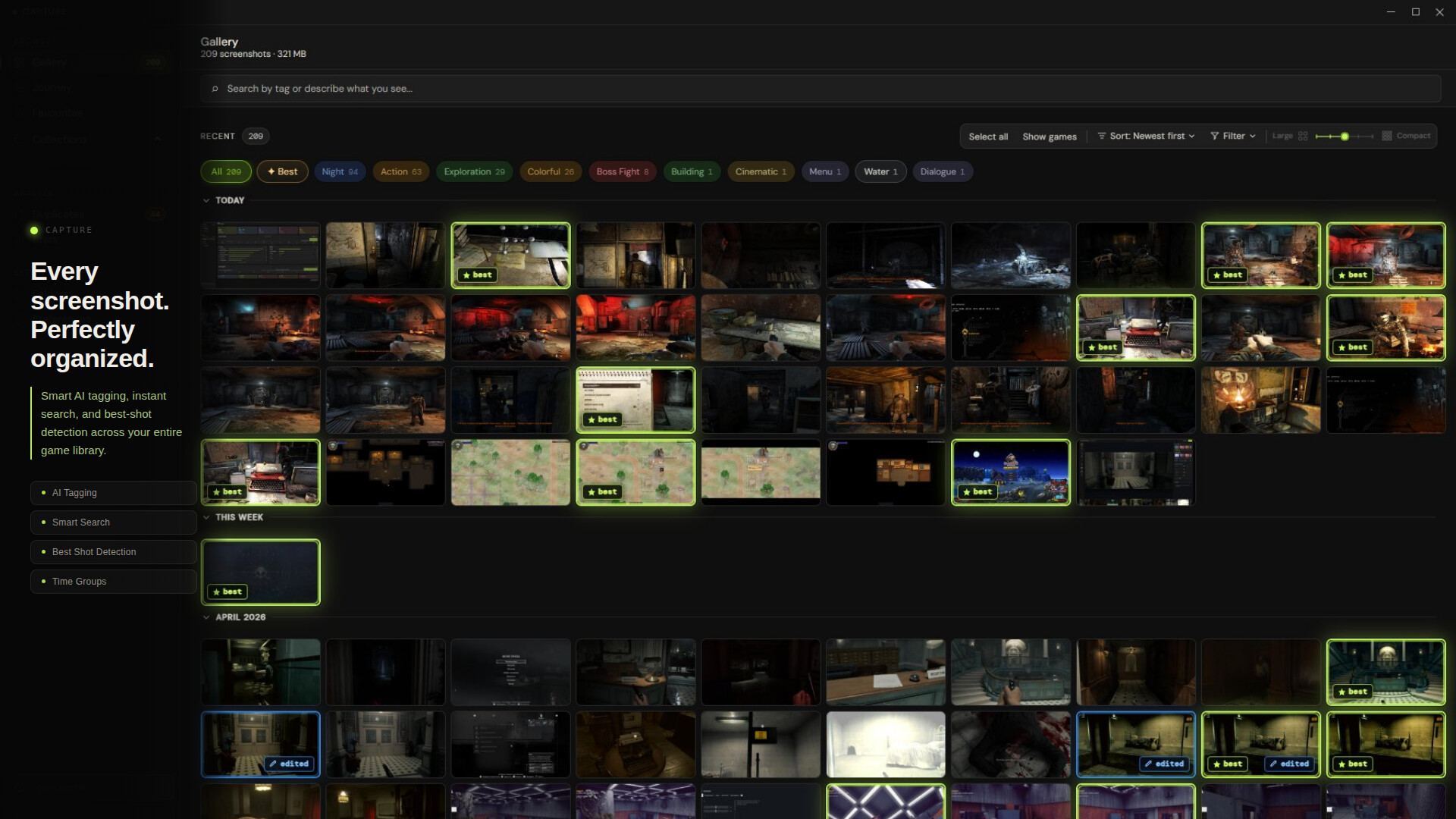
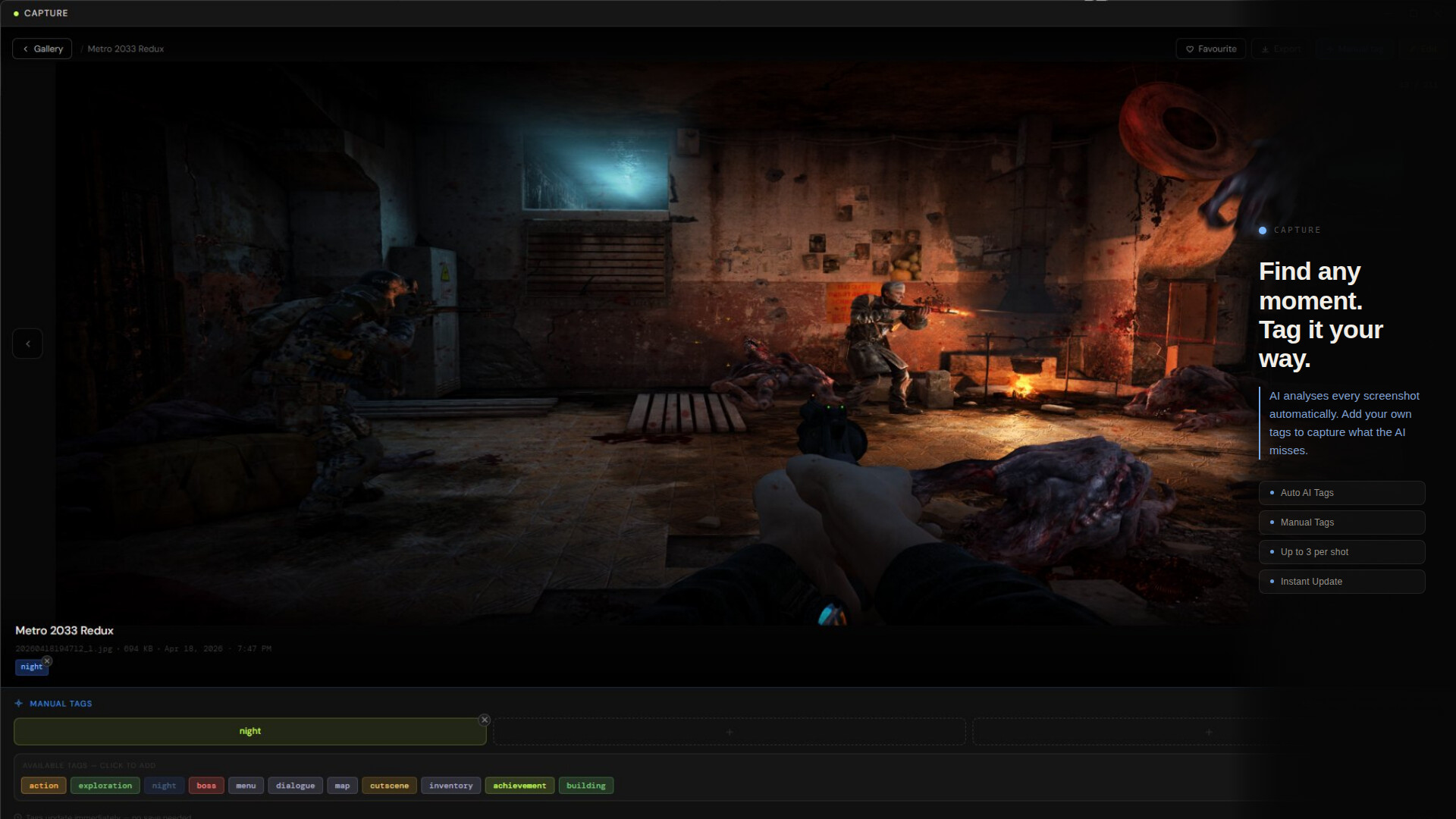
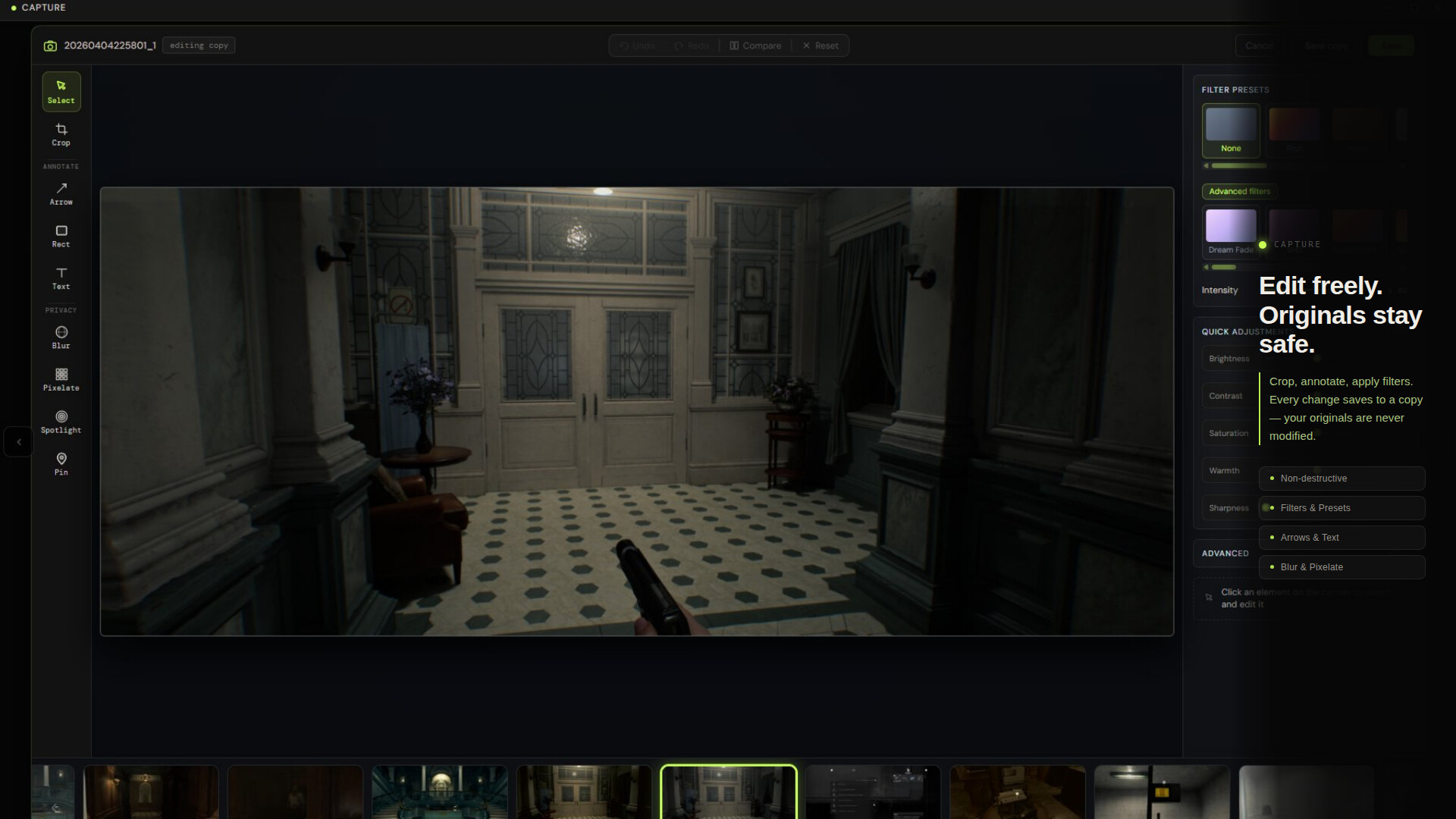
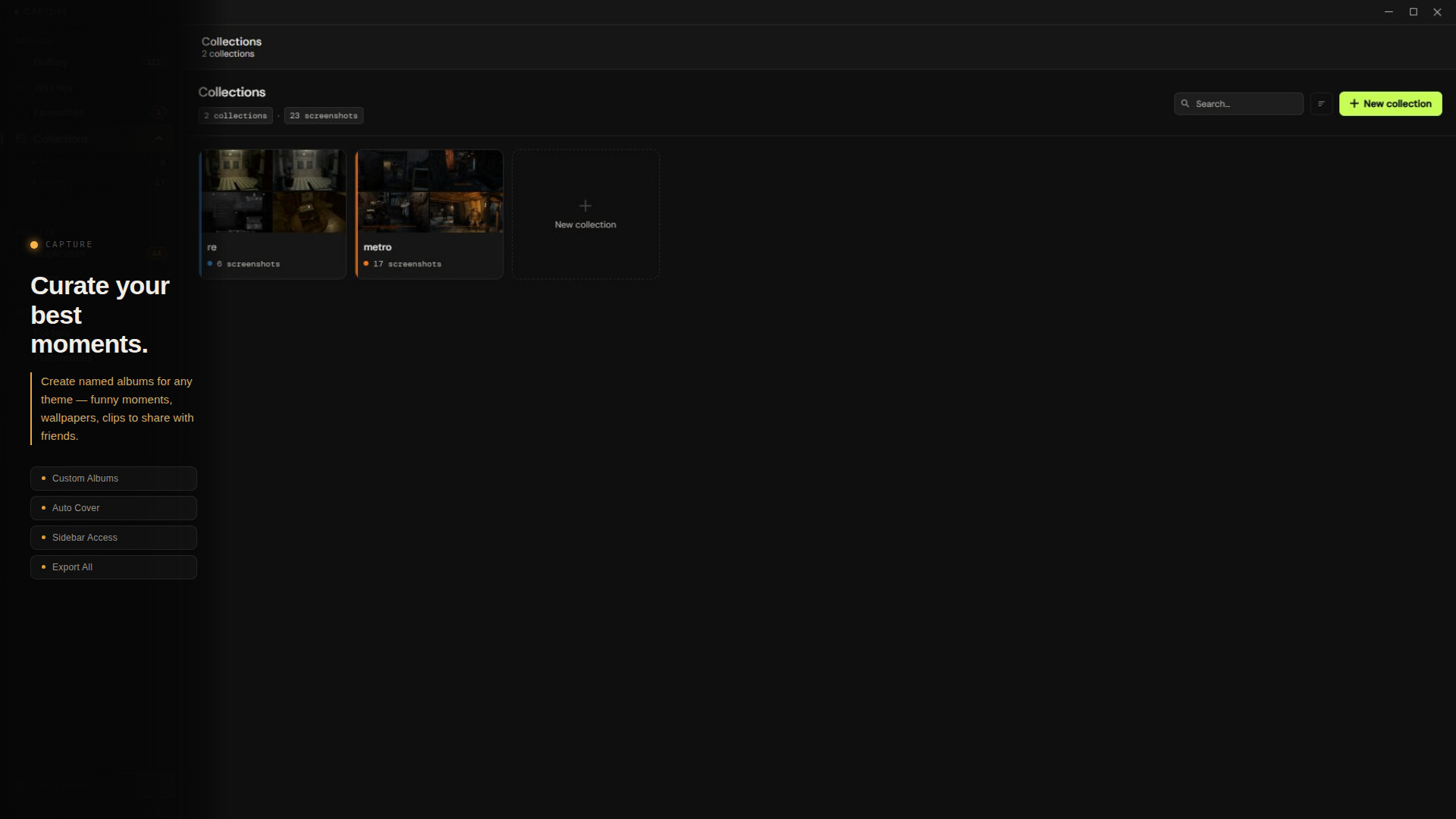
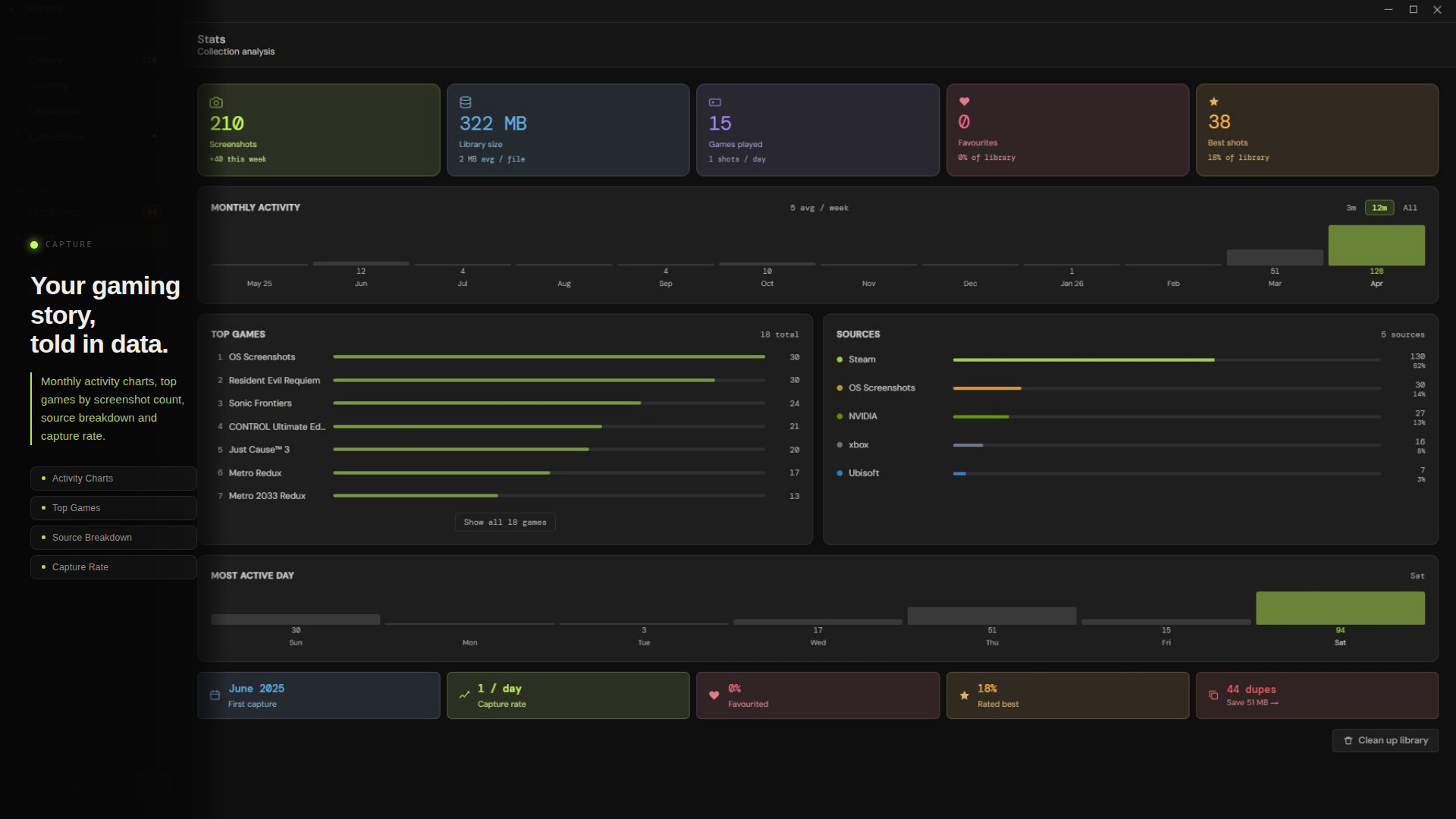
A smart screenshot organizer that automatically finds, tags, and groups your gaming captures. Advanced local image recognition, no cloud uploads. Manage thousands of screenshots effortlessly.
Released
April 22, 2026
Price
Platforms
Windows
Developer
Publisher
Last sync
September 26, 2026
Capture is a powerful yet lightweight desktop utility built for gamers, creators, and developers who take way too many screenshots. No more digging through thousands of randomly named image files — Capture automatically detects your games, identifies key moments, and groups visual duplicates. Whether you're managing casual snapshots or thousands of curated competition clips, Capture scales to your collection.
Capture is engineered to handle massive collections without touching your frame rates. Image processing and tagging run quietly in the background using intelligent task batching, so your system stays focused on your game. Large scans complete fast with parallel processing, and once indexed, searching your library is instantaneous. Only new captures are ever analyzed — keeping the footprint fast and lean.
Everything in Capture — image embedding, tagging, duplicate detection, search indexing — runs entirely on your device. No images are uploaded to the cloud, no third-party servers touch your collection, and no telemetry is phoned home.
Complete control. Complete privacy. Complete peace of mind.