
#Design&Illustration #Indie #Music
ælbum
ælbum is an experimental project born from Demo Inn Shanghai, dedicated to creating a "visual album" of audio-visual interaction.
View game
$6.99

No Reviews · 0 reviews
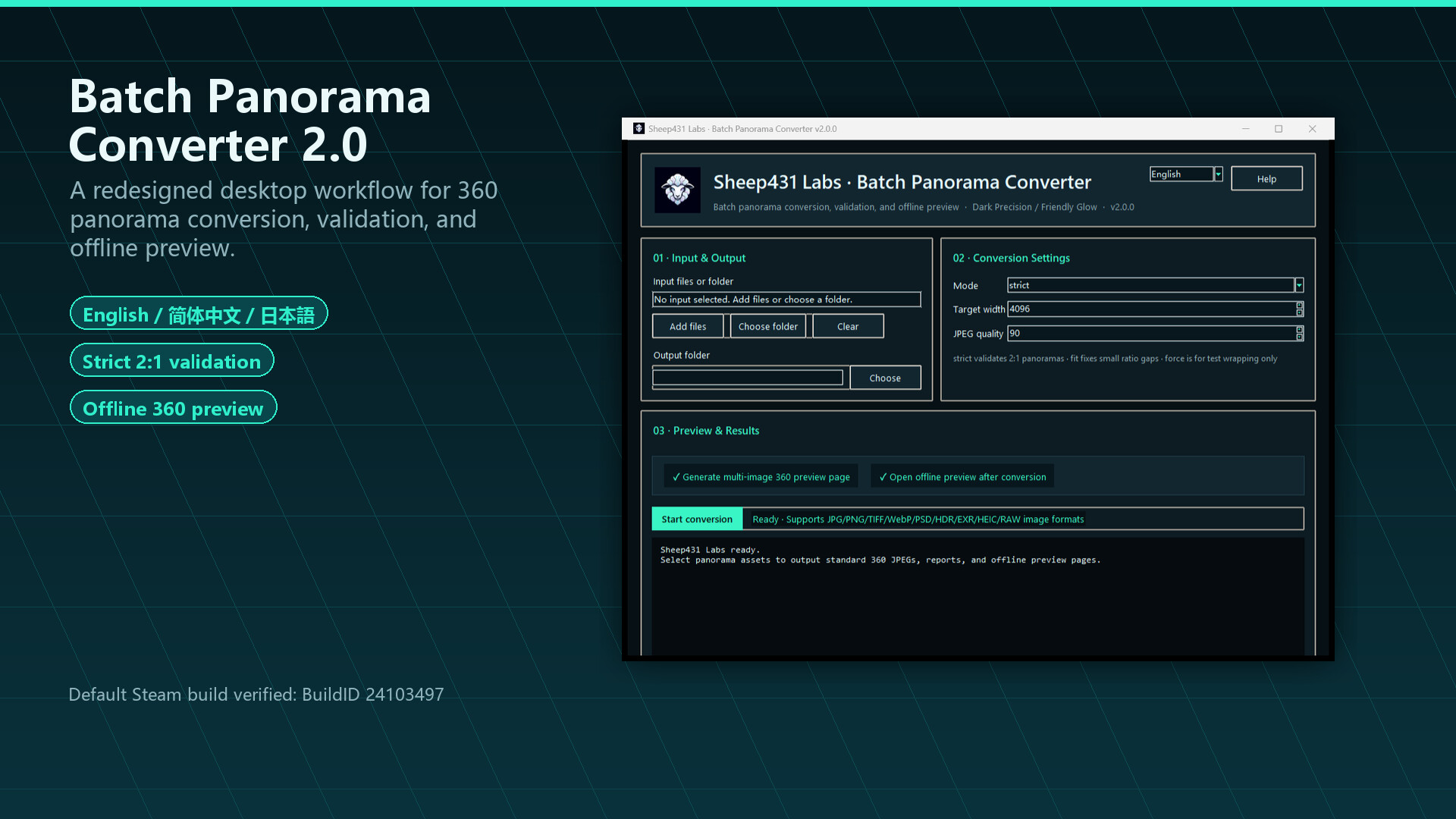
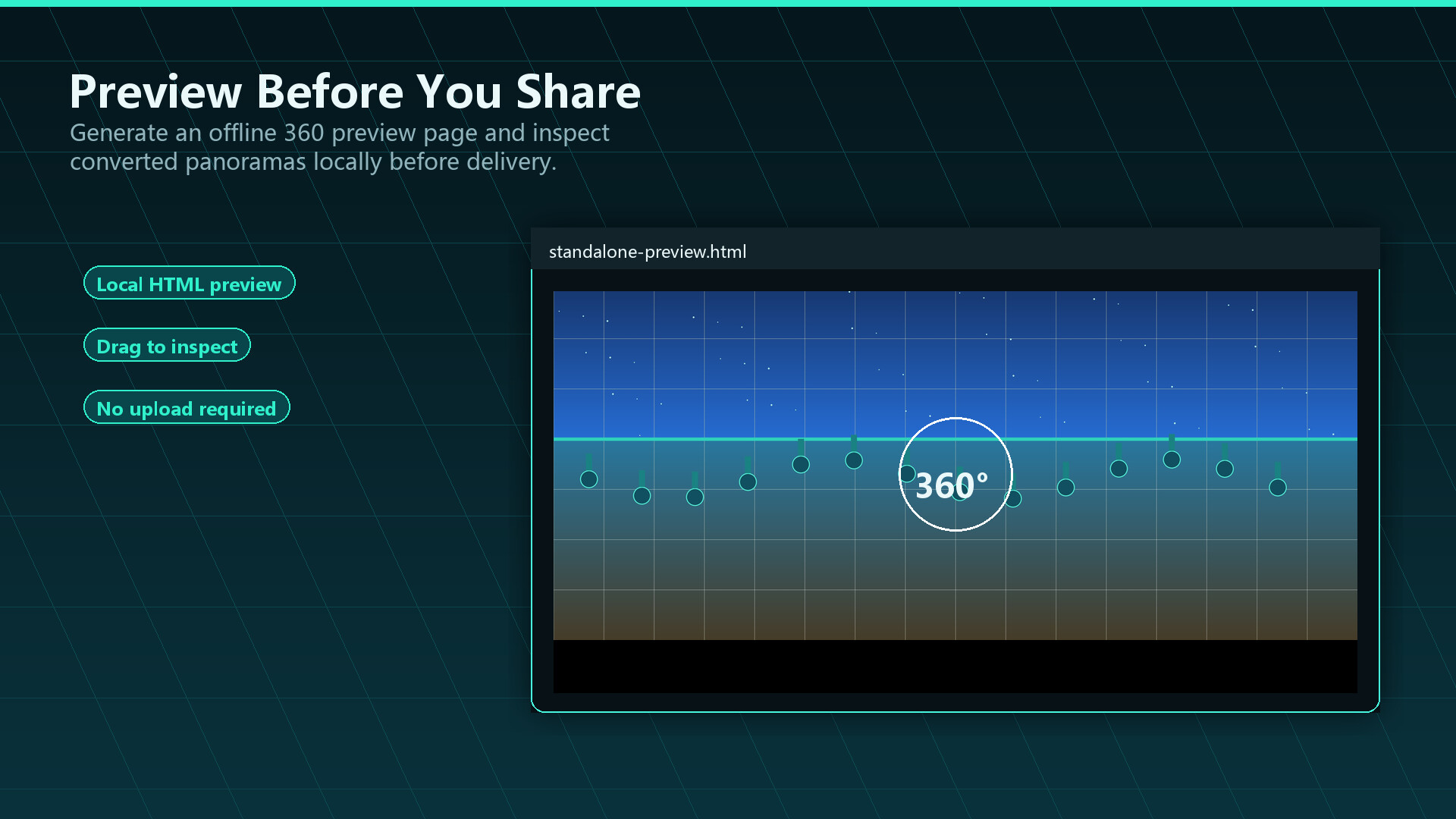
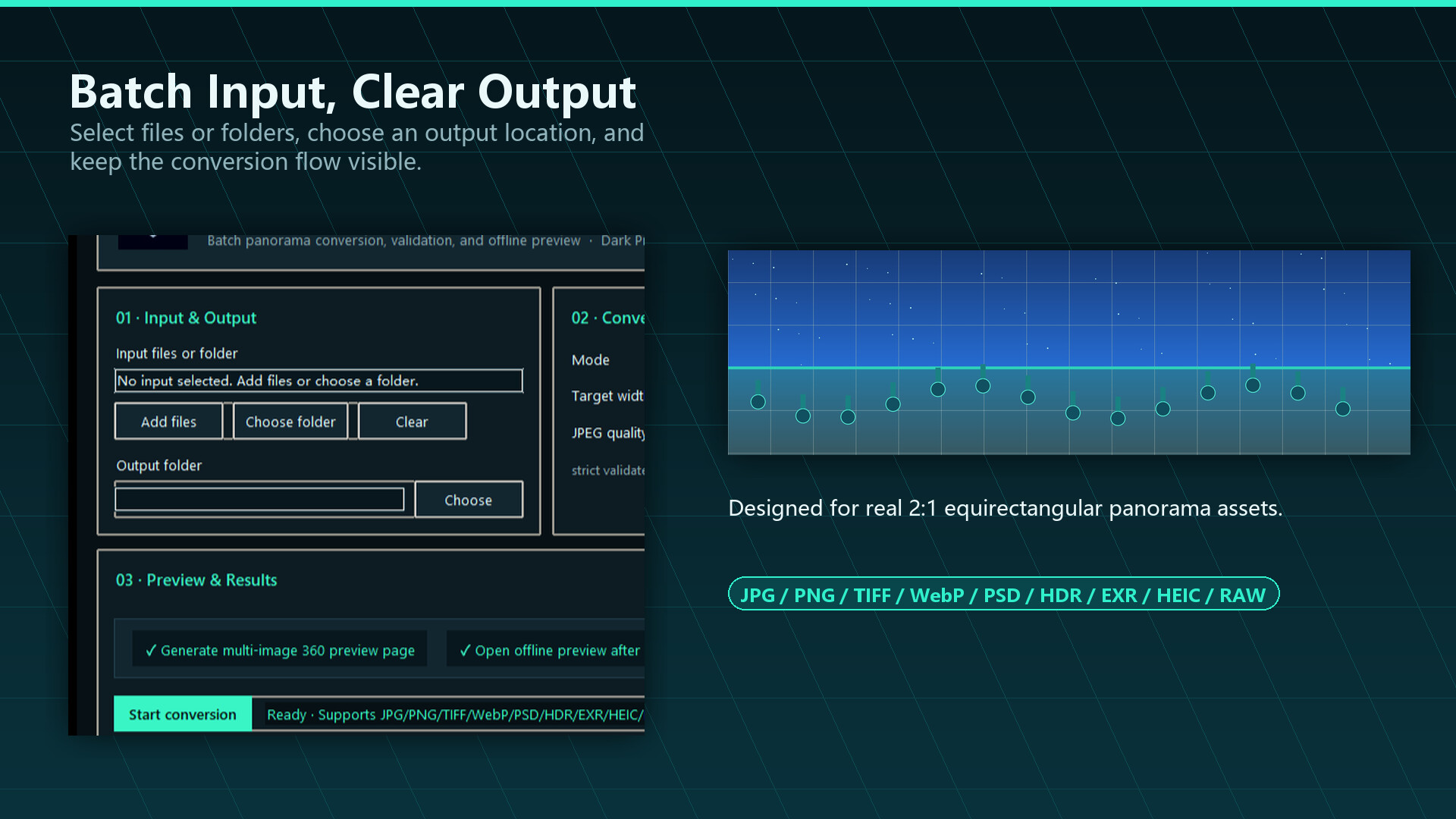


Batch convert real 2:1 360 panorama images, preview them in an offline interactive viewer, and catch invalid files before delivery. Supports JPG, PNG, TIFF, WebP, HEIC, HDR, and EXR inputs for VR, 3D, HDRI, and social workflows.
Released
December 1, 2022
Price
Platforms
Windows
Developer
Publisher
Last sync
September 26, 2026
Batch Panorama Converter helps VR, 3D, HDRI, and social-media creators turn real 2:1 equirectangular panoramas into consistent 360 JPEG outputs, then immediately preview and validate the results locally before upload, review, or delivery.
It is not a general-purpose image or video converter. It focuses on the practical steps around converting, previewing, validating, and delivering panorama images.
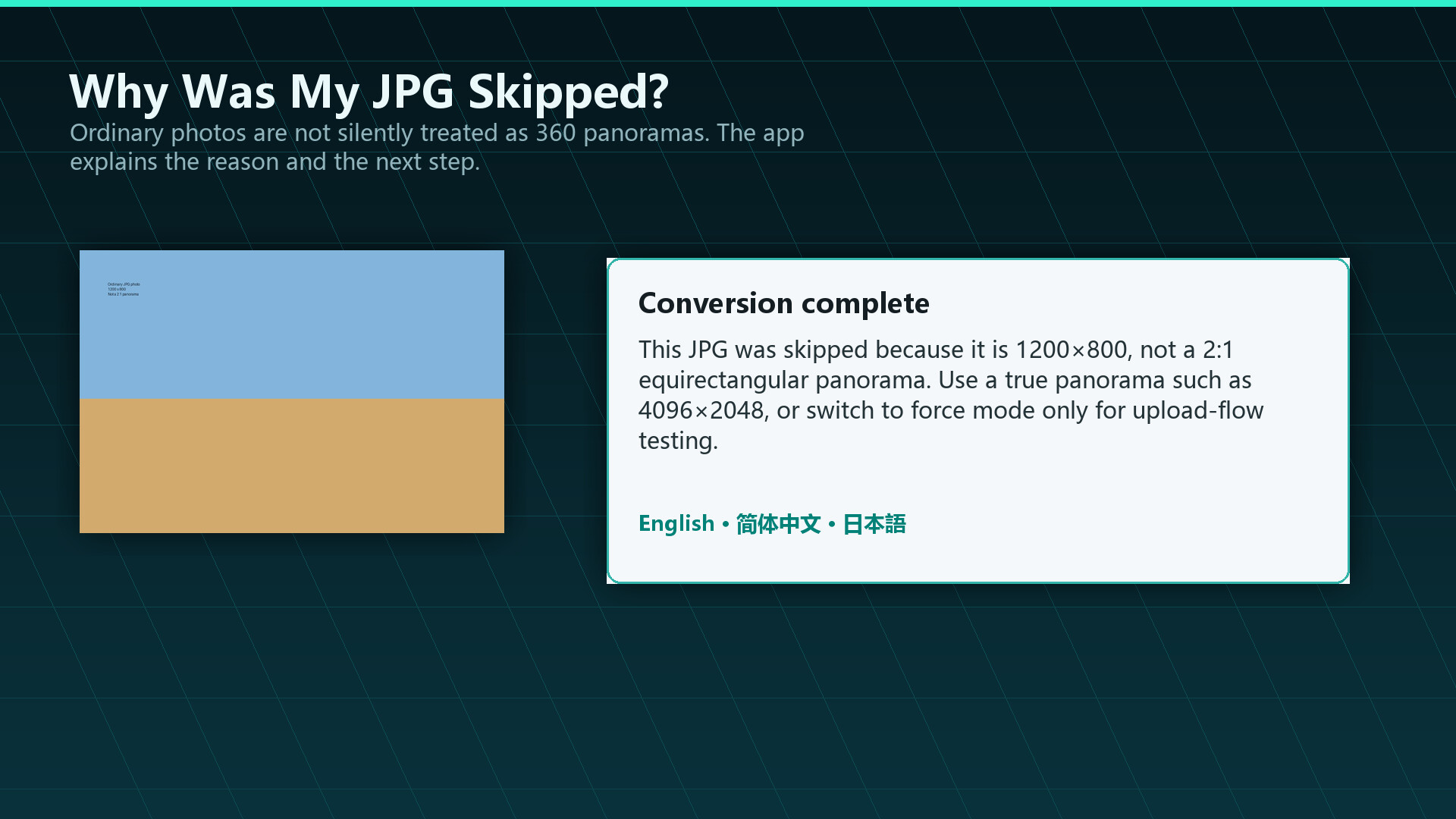
This tool is intended for equirectangular 2:1 panorama images. Ordinary photos, screenshots, and non-panoramic images are not automatically turned into real 360 panoramas. In strict mode, they are rejected with a clear explanation so you can avoid misleading output.
Does it need other software?
No. Version 2.0 completes the workflow end to end. Older versions required external free tools; that gap is gone.
Is it a general-purpose converter?
No. It is a specialized tool for real 2:1 equirectangular 360 images.
Does it support 360 video?
No. Still images only.
Can it turn a normal photo into a 360 panorama?
No. It requires real 2:1 panoramas. Ordinary photos are not converted into fake 360 output.
Which formats and platforms are supported?
Input formats: JPG, PNG, TIFF, WebP, HEIC, HDR and EXR. Platform: Windows only.
It will not start and shows error 0x11C7. What should I do?
This is usually Windows Smart App Control blocking the app. Please see the pinned discussion in the Community Hub for the steps.
How can I validate results before running a big batch?
Convert a few sample files first and check them in the built-in offline interactive 360 previewer.