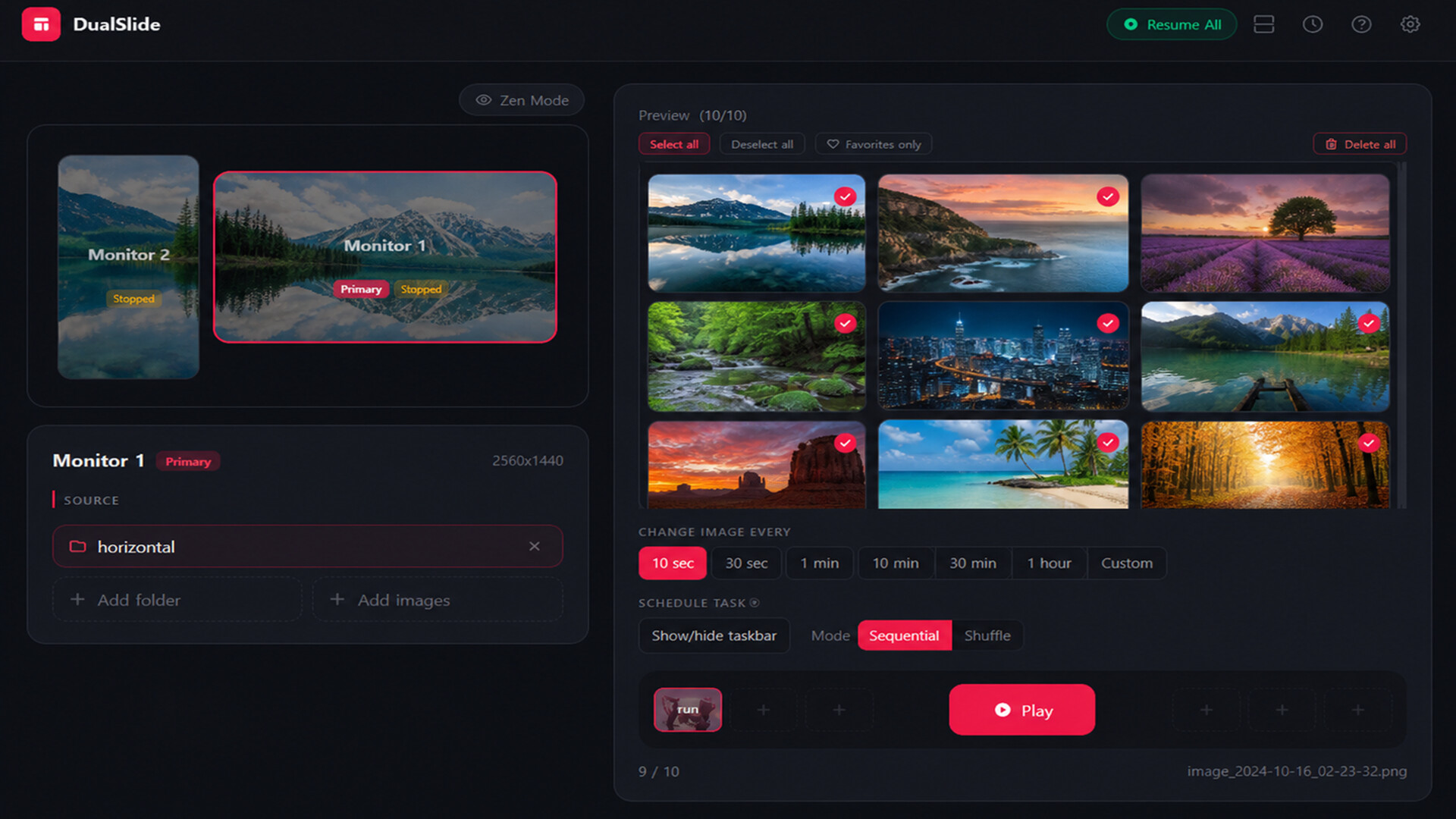
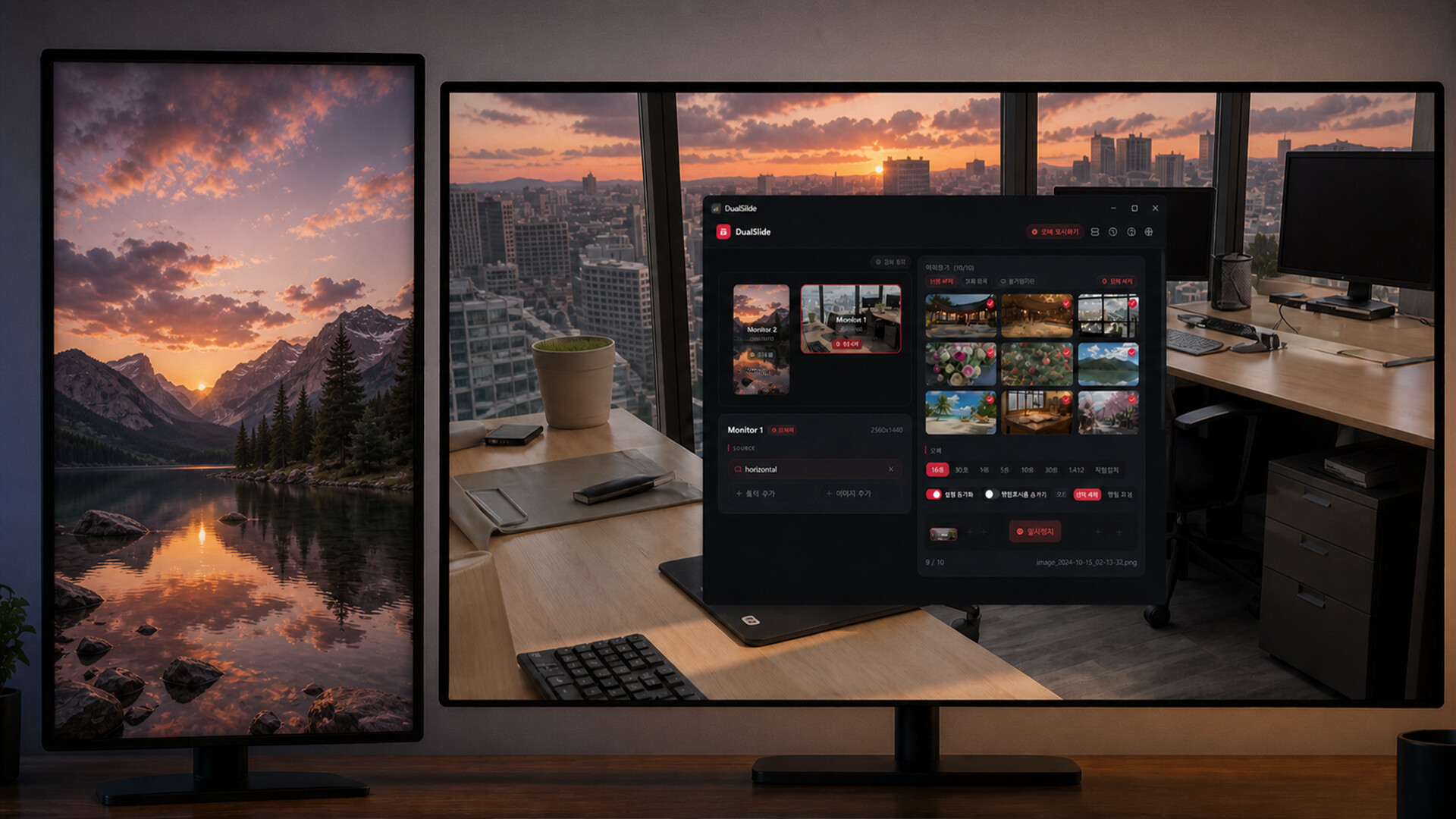
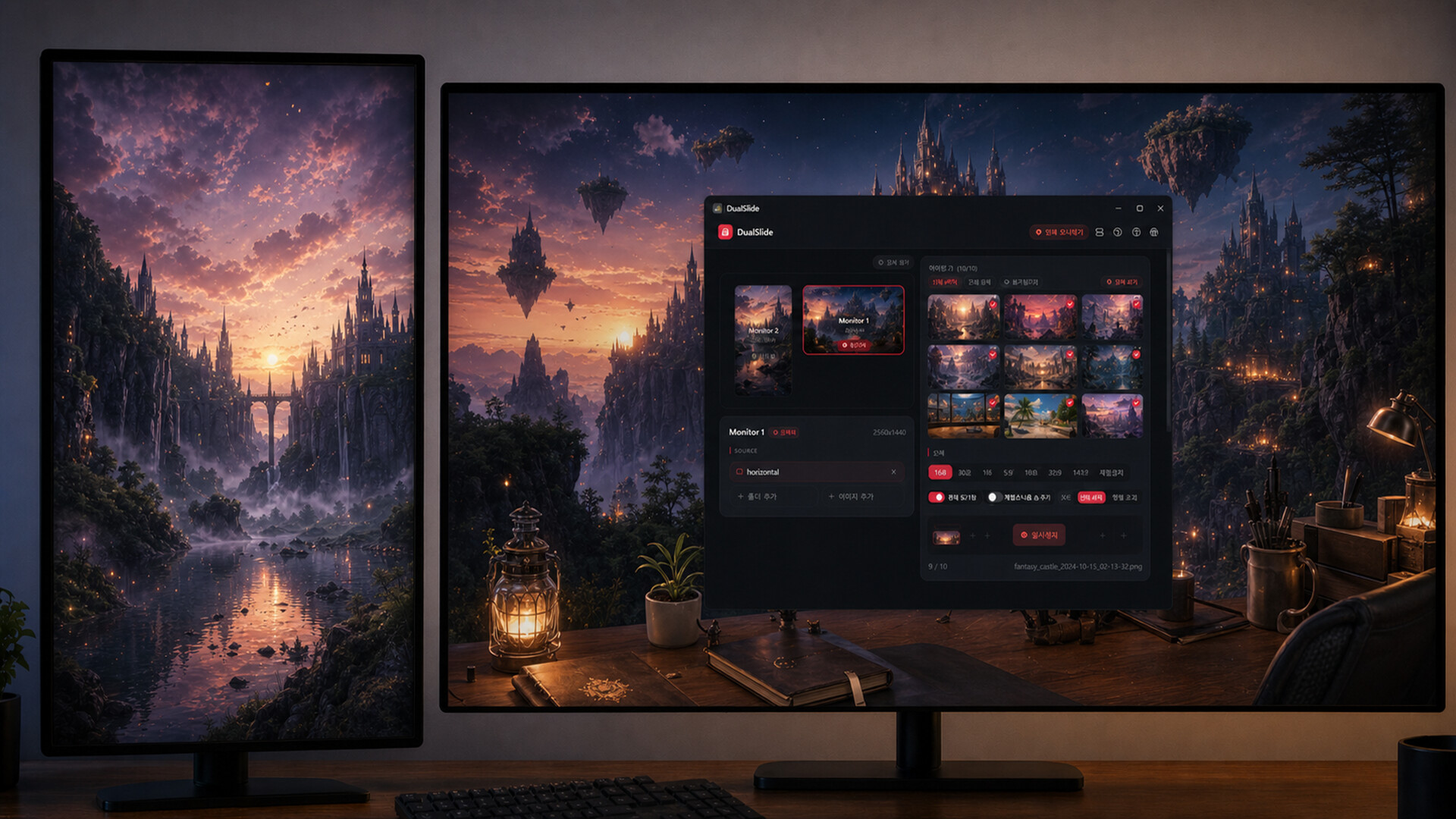
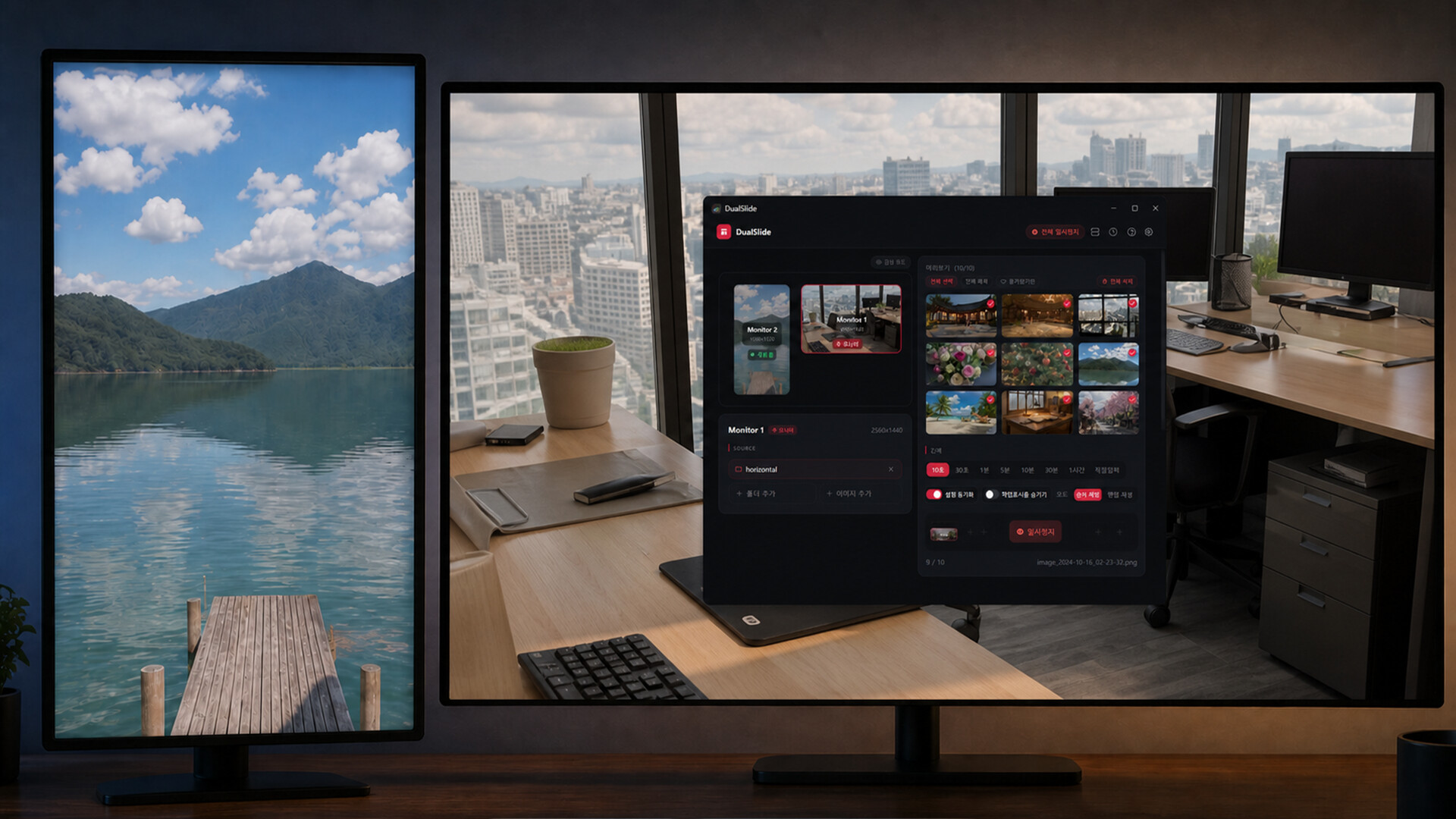
DualSlide lets you run a fully independent slideshow wallpaper on each of your monitors — no stretching, no mirroring, no compromises.
Per-Monitor Independent Slideshows
Assign a different image folder to each monitor and let them cycle on their own schedule. Sequential or shuffle — your choice.
Favorites & Weighted Shuffle
Mark images as favorites and they'll appear more often in shuffle mode. Your best wallpapers stay front and center.
Monitor Sync
Want every monitor to switch at the same time? Enable sync mode for a unified transition across all displays.
Smooth Transitions
DWM crossfade transitions keep wallpaper changes clean and seamless.
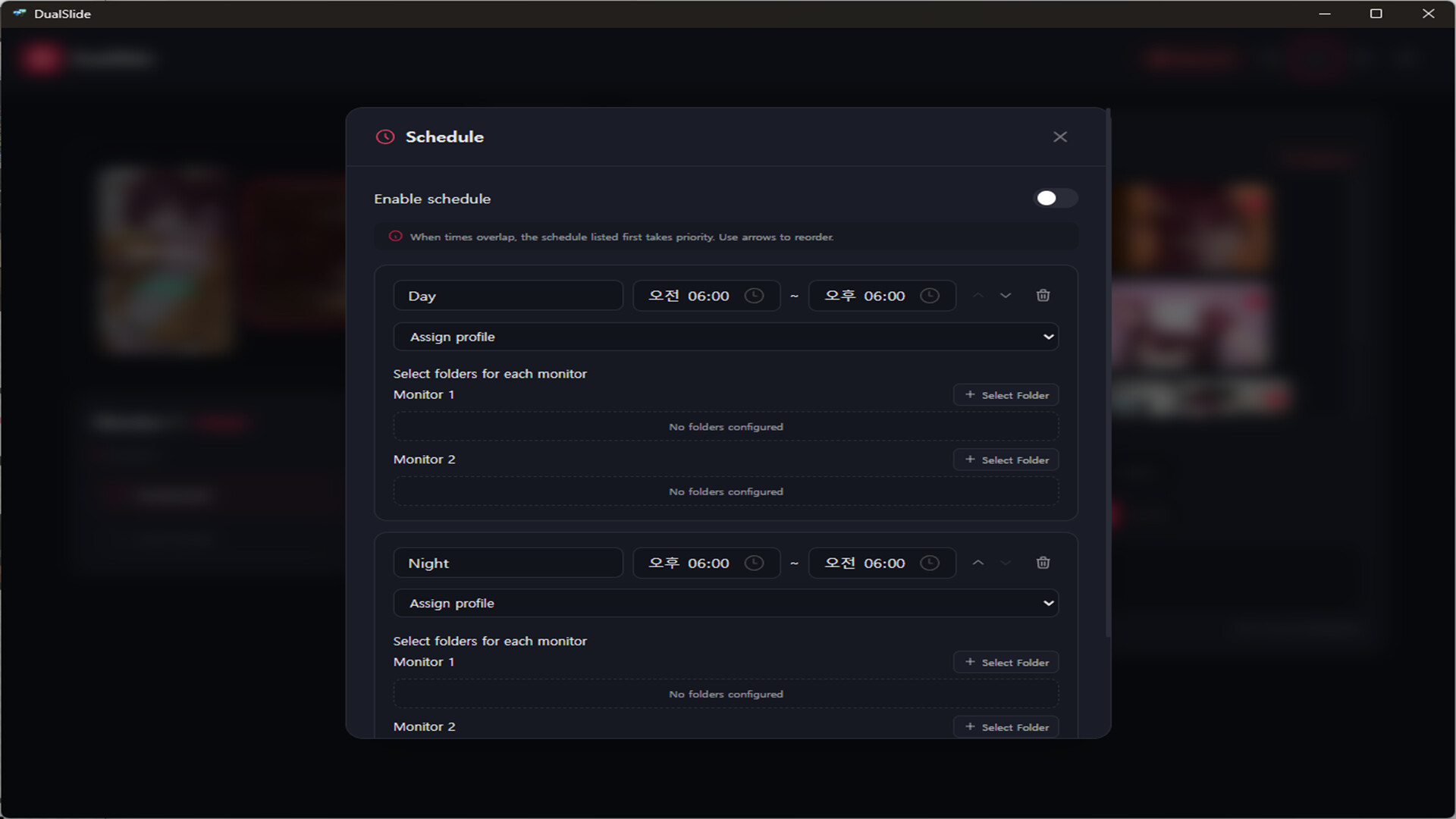
Schedule (up to 6 slots)
Automatically switch folders or profiles based on time of day — morning vibes in the morning, night mode at night.
Slideshow Mode
Hide desktop icons, taskbar, and cursor for a clean, distraction-free display. Great for showcasing your wallpaper collection.
Auto-Pause on Fullscreen
DualSlide detects fullscreen apps and games and pauses automatically so it never interferes with your workflow or gaming.
Per-Monitor Taskbar Hiding
Choose which monitors show the taskbar and which don't.
Always There When You Need It
Lives in the system tray, launches on startup, and responds to global hotkeys — so you're always one keypress away from control.
Profiles
Save your entire setup as a profile and switch between configurations instantly.
Built for multi-monitor users — gamers, developers, and dual-monitor power users who want more than Windows' built-in wallpaper settings can offer.
Supported formats: JPG, JPEG, PNG, BMP, WEBP
Lightweight by design — built with Tauri (not Electron), so it stays out of your way and off your RAM.