AnimSprite Pixelizer - Convert Hand-drawn Animations to Pixel Art

AnimSprite Pixelizer - Convert Hand-drawn Animations to Pixel Art

Positive · 1 reviews

100% positive (1 / 1)

Screenshots

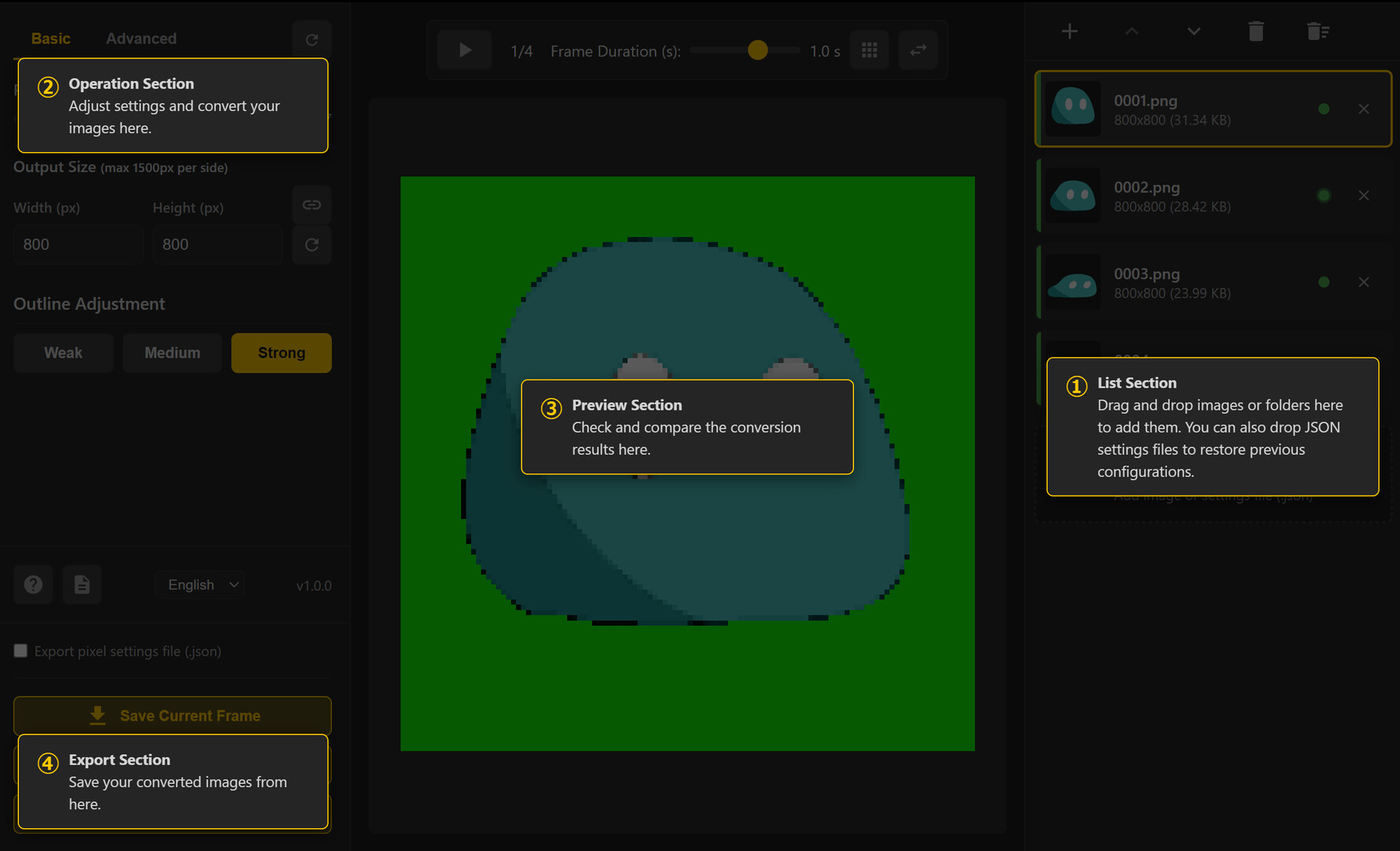
AnimSprite Pixelizer - Convert Hand-drawn Animations to Pixel Art screenshot 1
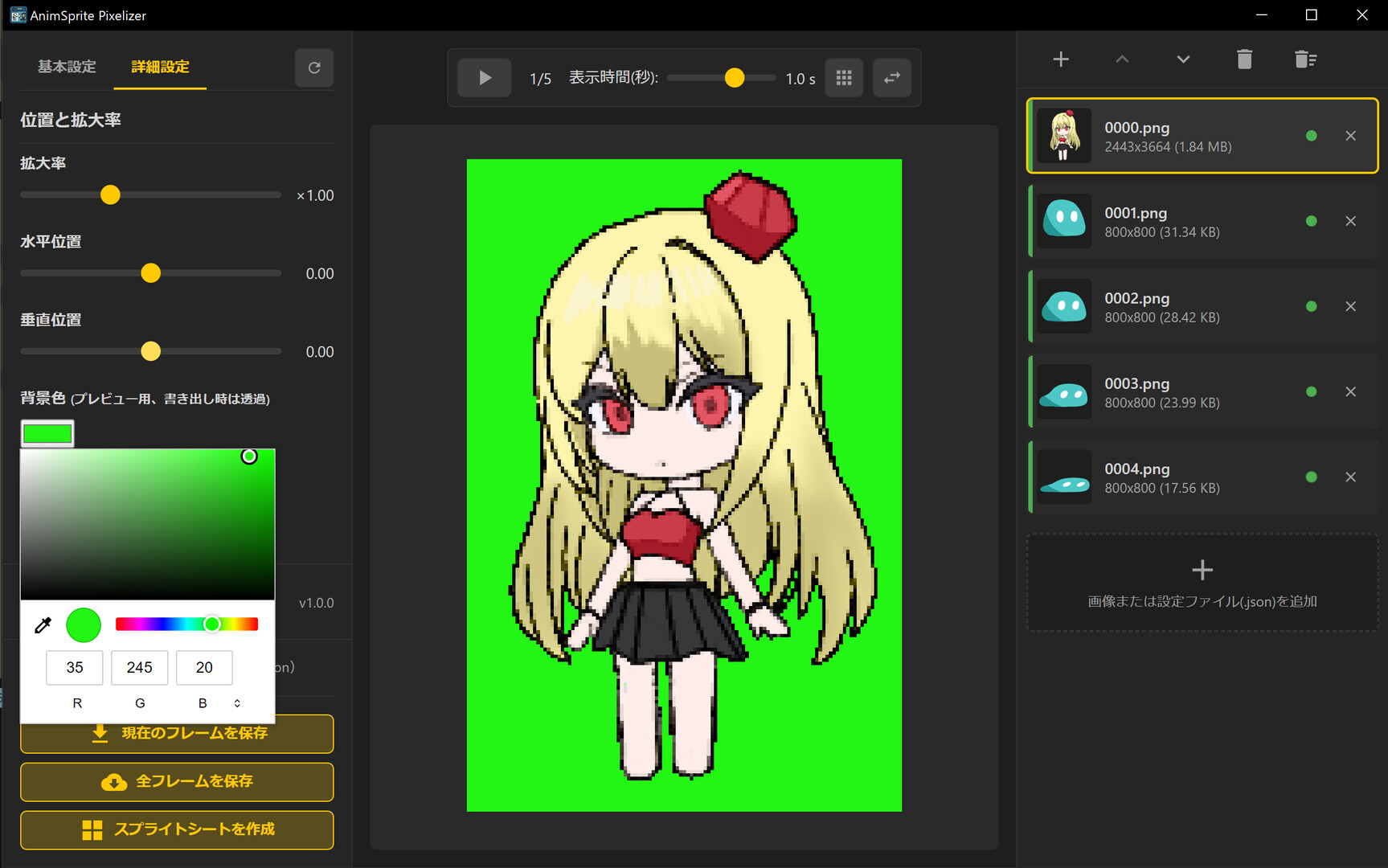
AnimSprite Pixelizer - Convert Hand-drawn Animations to Pixel Art screenshot 2
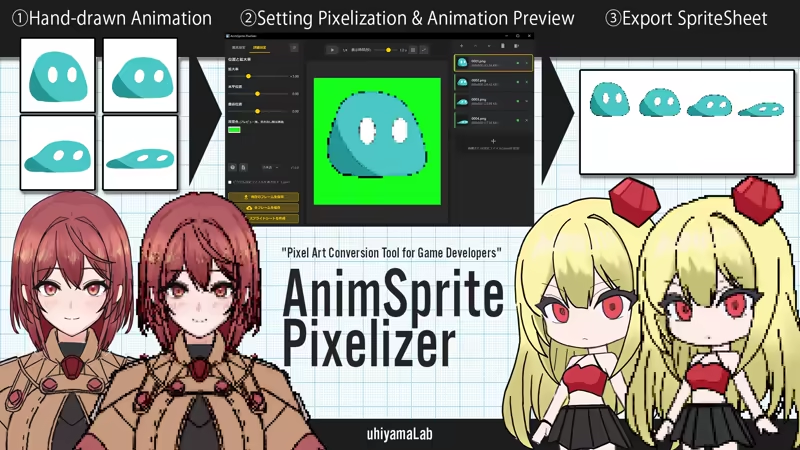
AnimSprite Pixelizer - Convert Hand-drawn Animations to Pixel Art screenshot 3
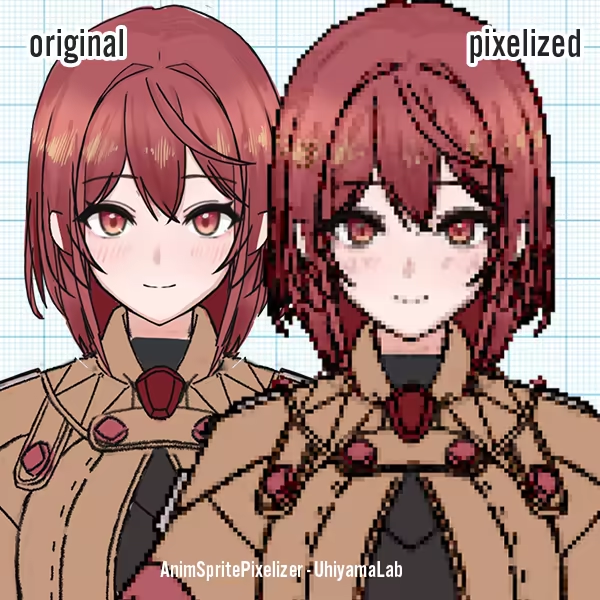
AnimSprite Pixelizer - Convert Hand-drawn Animations to Pixel Art screenshot 4
AnimSprite Pixelizer - Convert Hand-drawn Animations to Pixel Art screenshot 5

Description

Convert hand-drawn animations to pixel art with sprite sheet generation for 2D game development

Released

July 21, 2025

Price

$4.99

Platforms

Windows

Developer

UhiyamaLab

Publisher

UhiyamaLab

Last sync

September 26, 2026

About

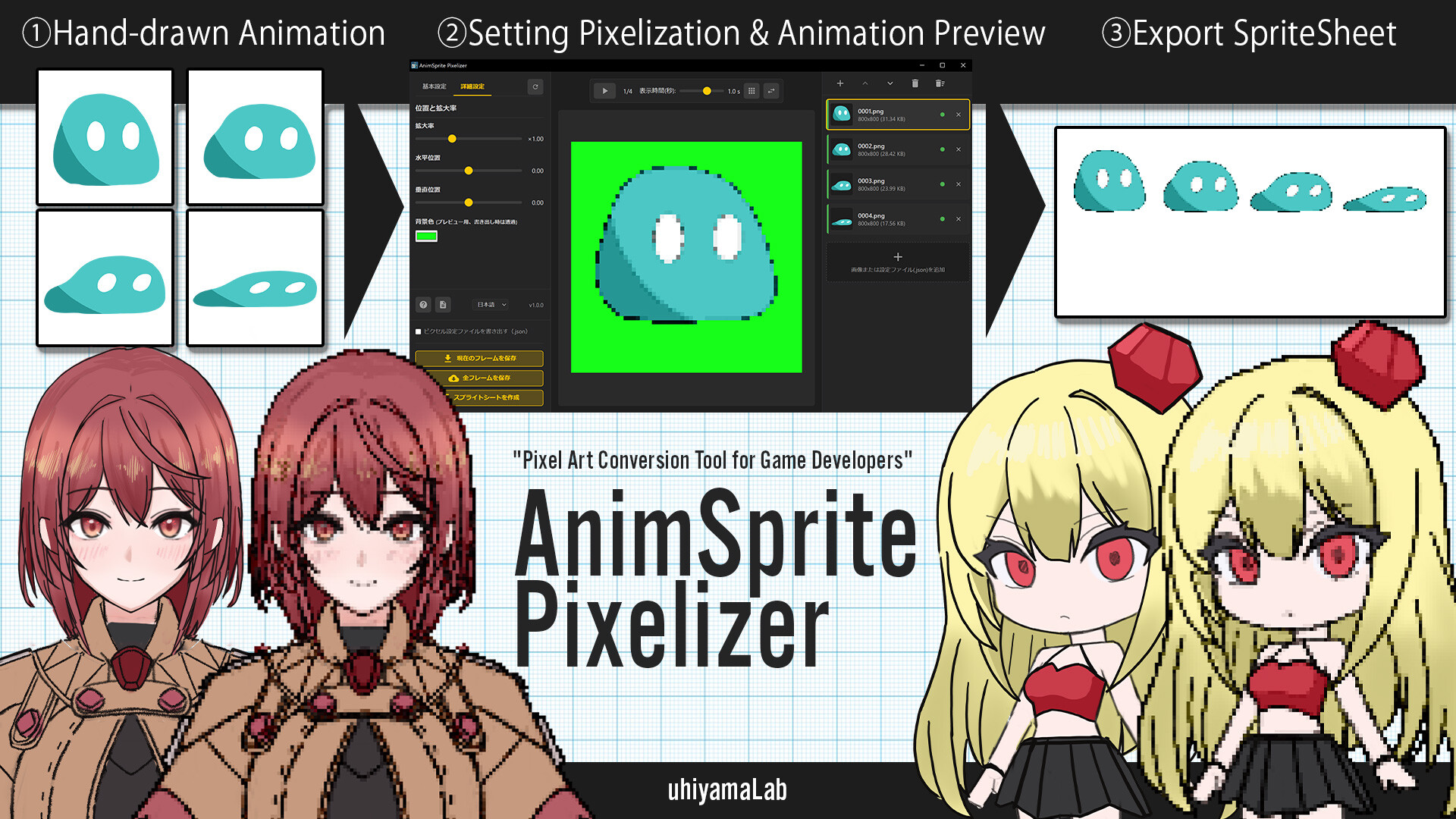
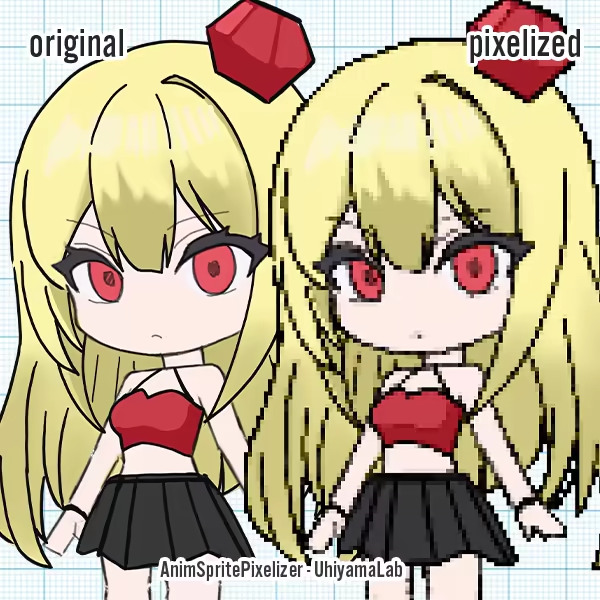
AnimSprite Pixelizer is a desktop application that optimizes the workflow for creating pixel animations for games, such as walking sprites.

It converts multiple frames with unified pixel settings, enabling efficient creation of consistent animation assets. Perfect for converting hand-drawn animations into game-ready pixel art.

You can try the conversion quality with the free web version app in the Basic Information tab. This desktop app adds practical 2D game development features to the web version's conversion processing, including multi-frame support, animation preview, and sprite sheet output. Since it can export configuration files (.json), you can easily restore settings when re-converting modified artwork.

🎯 Recommended for:

  • 2D Game Developers: Those who want to efficiently create animation sprites
  • Indie Game Developers: Those who want to incorporate hand-drawn animations into games
  • Pixel Artists: Those who want to create multiple frames with unified quality

✨ Key Features

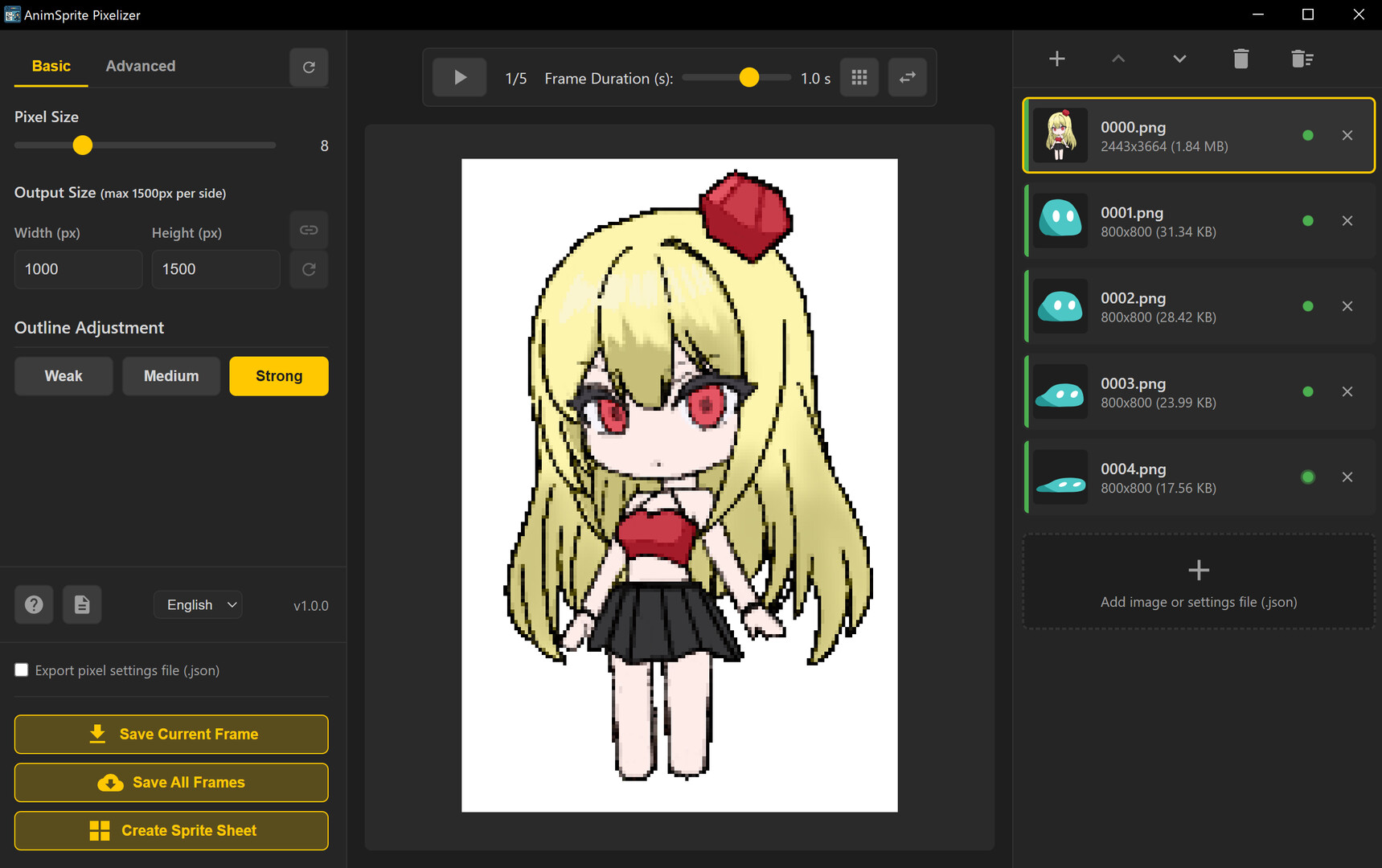
  • Batch conversion of multiple frames (impossible with web version)
  • Animation preview in pixelized state (adjustable playback speed)
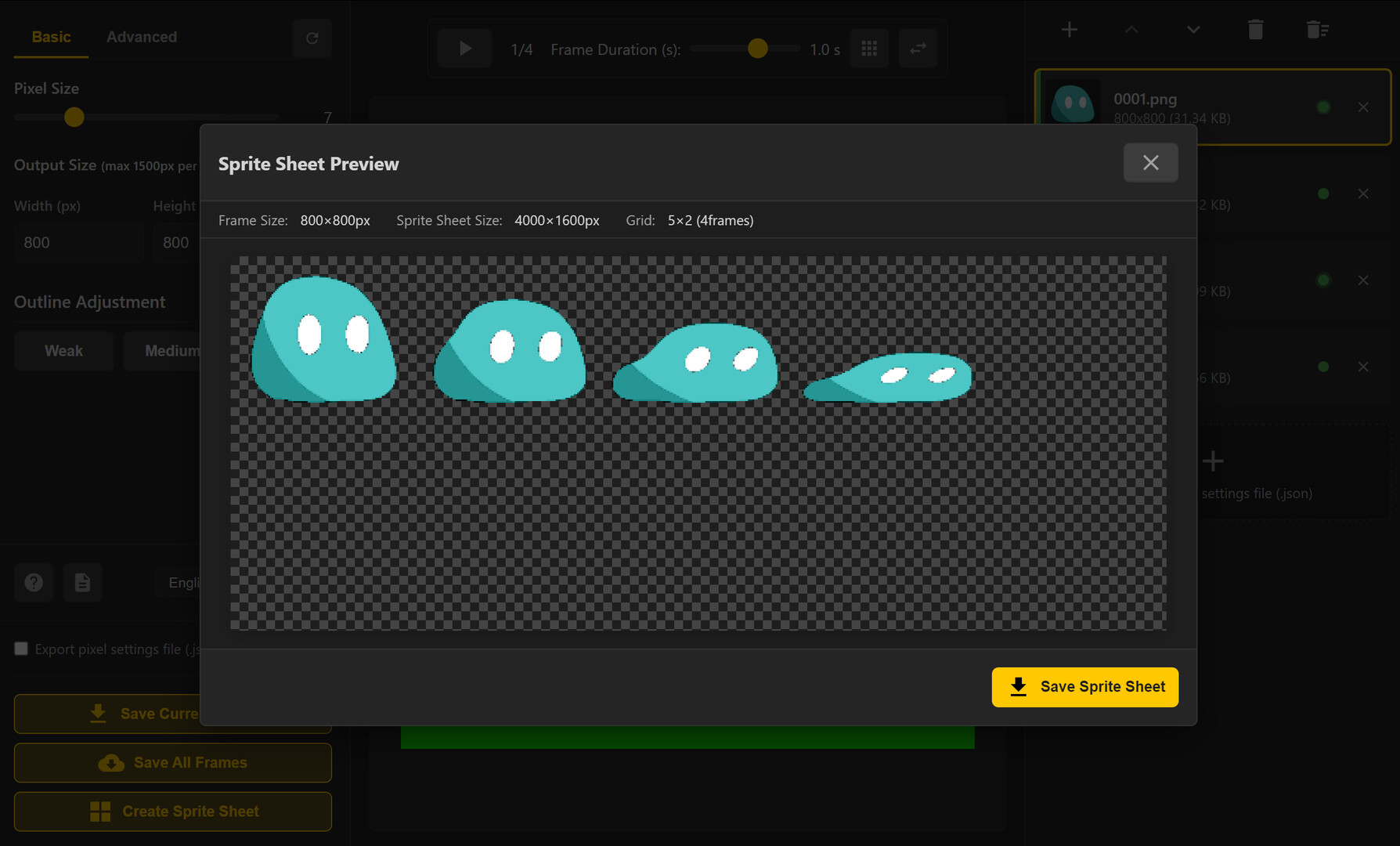
  • Automatic sprite sheet generation (up to 20 frames)
  • Consistent quality assurance (maintains consistency between frames)
  • Transparent PNG output

🛠️ Technical Specifications

Supported Formats

  • Input: PNG, JPG, JPEG, GIF, BMP, WebP (all major image formats)
  • Output: PNG (transparent background support) + JSON configuration file

Processing Capabilities

  • Maximum canvas size: 1500×1500px *Larger sizes are automatically resized
  • Pixel size range: 1-30px (finely adjustable according to usage)
  • Sprite sheet: Fixed 5-column grid, supports up to 20 frames
Browse all