Efficient and Intuitive Mouse & Keyboard Automation Tool
Easily automate repetitive clicks and keystrokes with simple setup, freeing your hands and making repetitive tasks faster and more efficient.
Key Features
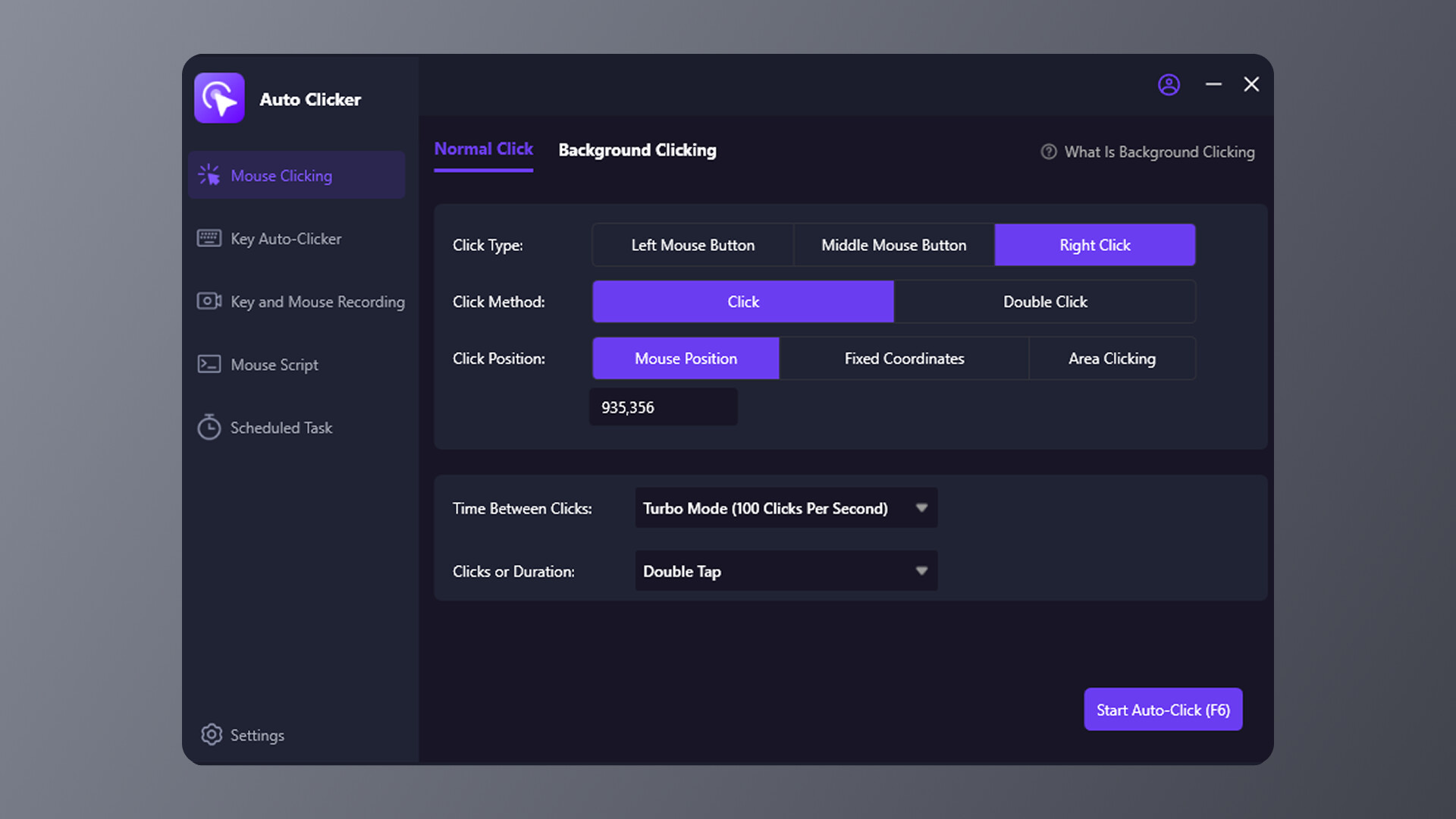
Mouse Automation
- Supports left, middle, and right clicks
- Single click, double click, and continuous click modes
- Flexible click locations: current cursor, fixed coordinates, or custom regions
- Adjustable click intervals and speed, including high-speed continuous clicking
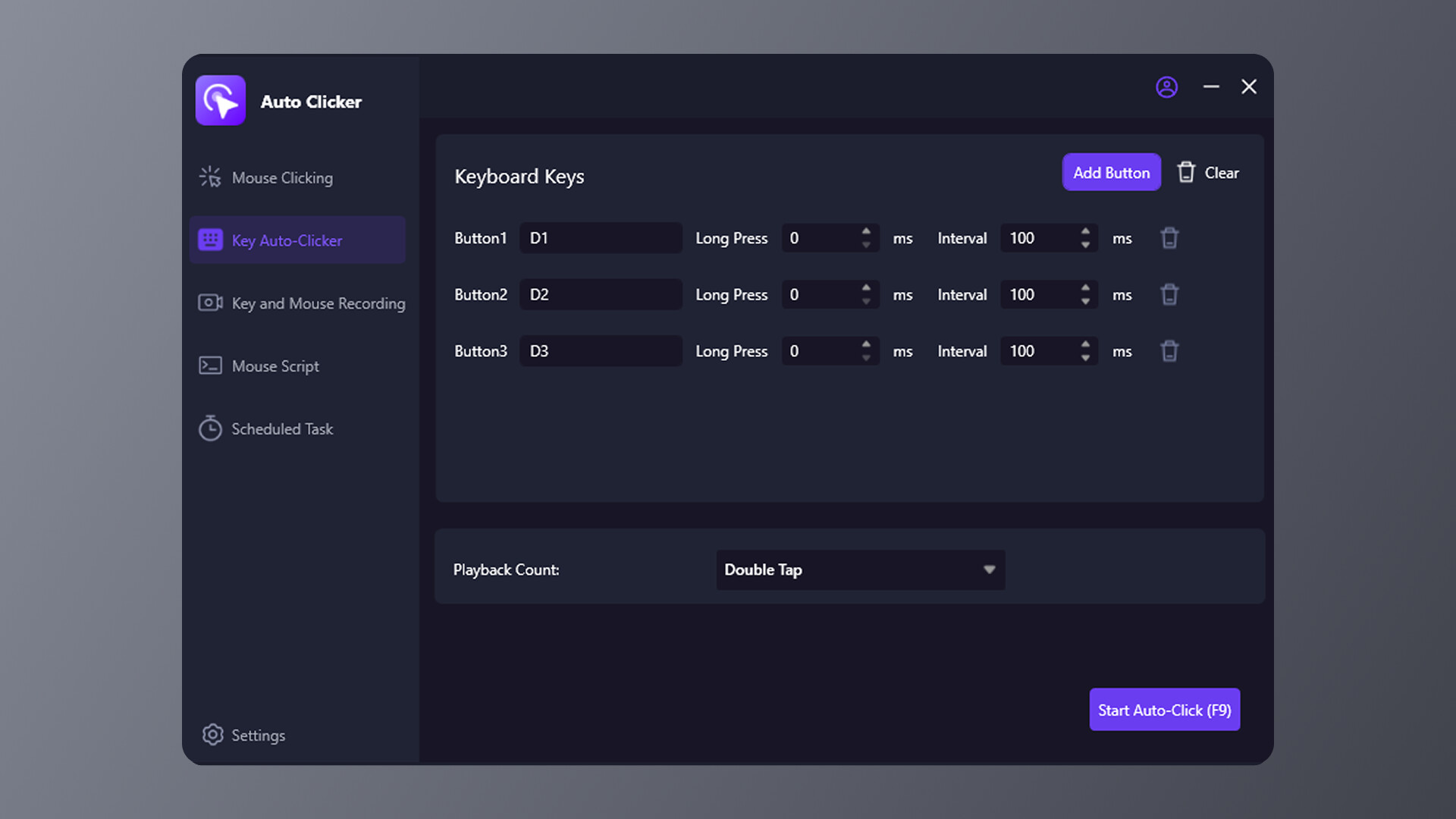
Keyboard Automation
- Supports single keys or key combinations for repeated presses
- Customizable key intervals to fit various software and applications
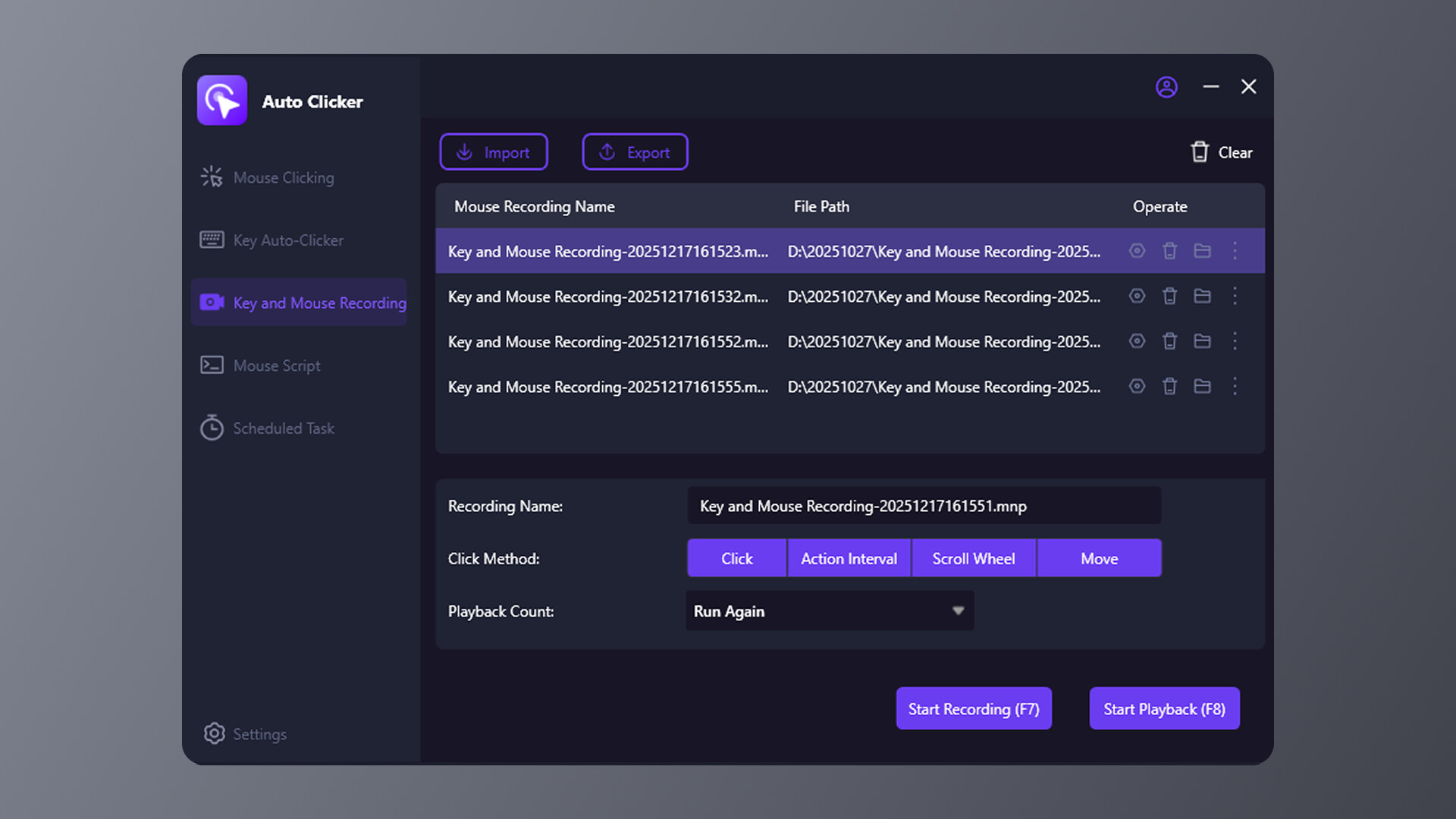
Recording & Playback
- Record mouse movements, clicks, and keyboard actions
- Playback with configurable intervals, sliding, and movement options
- Repeat complex sequences with a single click
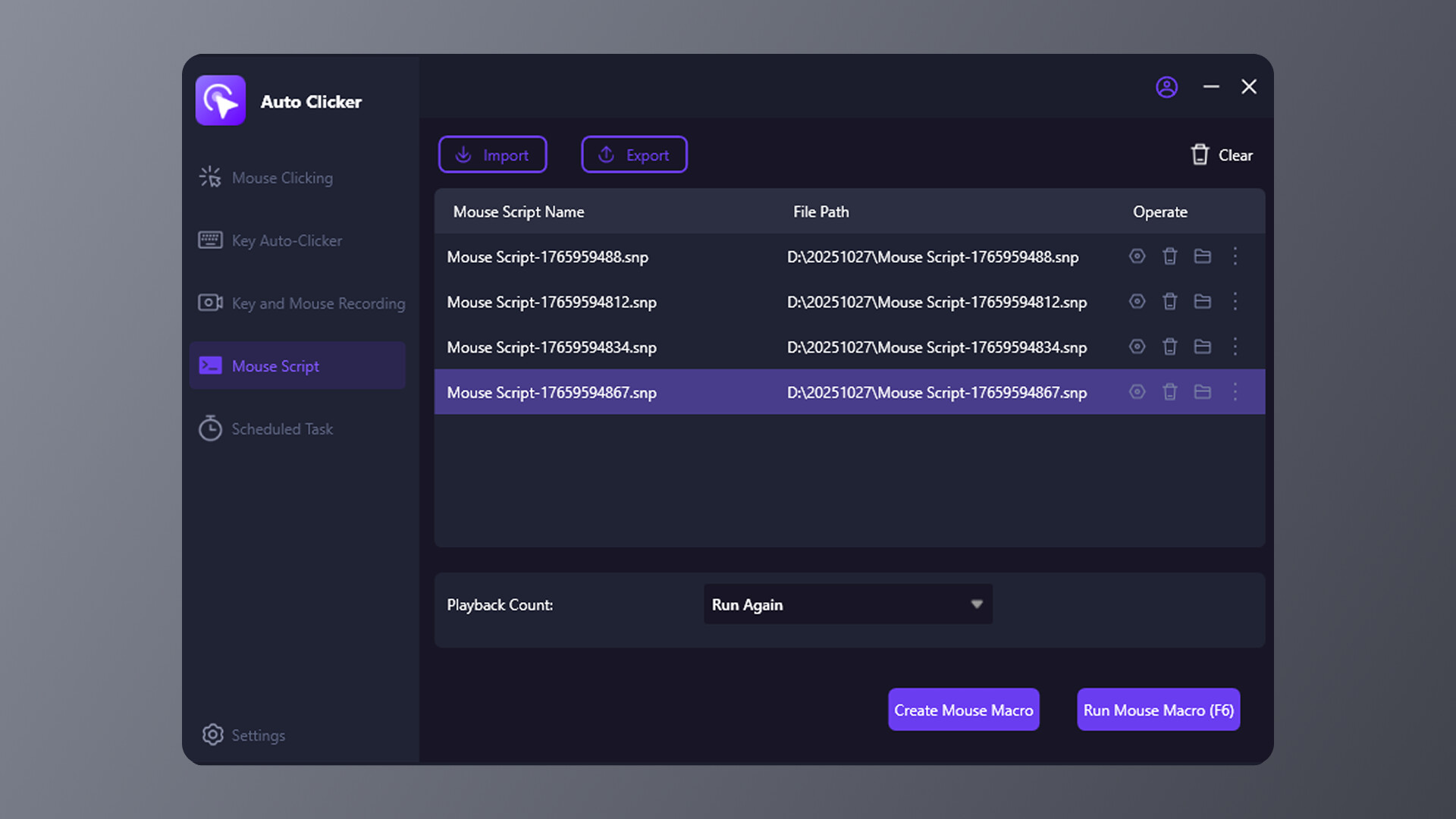
Automation Scripts
- Create and run your own automation scripts
- Supports repeated execution for advanced users and high-frequency tasks
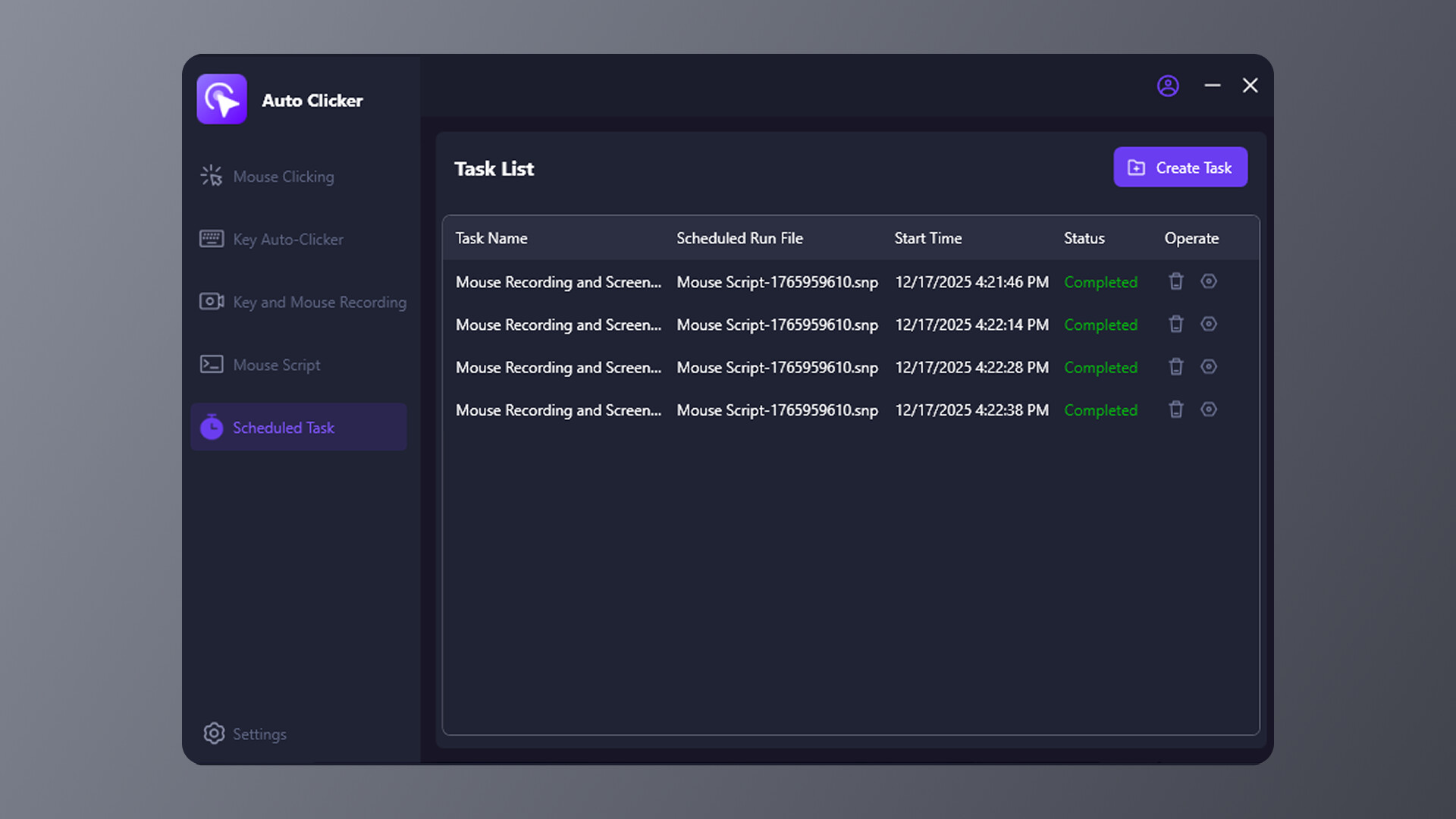
Scheduled Tasks
- Execute actions automatically on a set schedule
- No need to monitor, automatically completes defined workflows
Use Cases
- Automating repetitive actions for demonstrations or workflow testing
- Daily office tasks and process automation
- Software or application click testing and process validation
- High-frequency input tasks in non-competitive scenarios
Usage Notice
This software is a general-purpose automation tool and may not work with all games or applications.
Before use, please review and follow the terms of service and rules of any third-party software or service.
Any consequences resulting from violating third-party rules are the sole responsibility of the user.