
SnowDesktop
No Reviews · 0 reviews
Screenshots


Description
SnowDesktop organizes and customizes the Windows desktop with independent multi-monitor layouts, collections, automatic file sorting, folder mapping, fixed or floating Docks, quick search, built-in widgets, Lua extensions, and complete backup and migration.
Platforms
Windows
Developer
Guo Yunzhe
Publisher
FreeFallingSnow Studio
About
Reorganize your Windows desktop
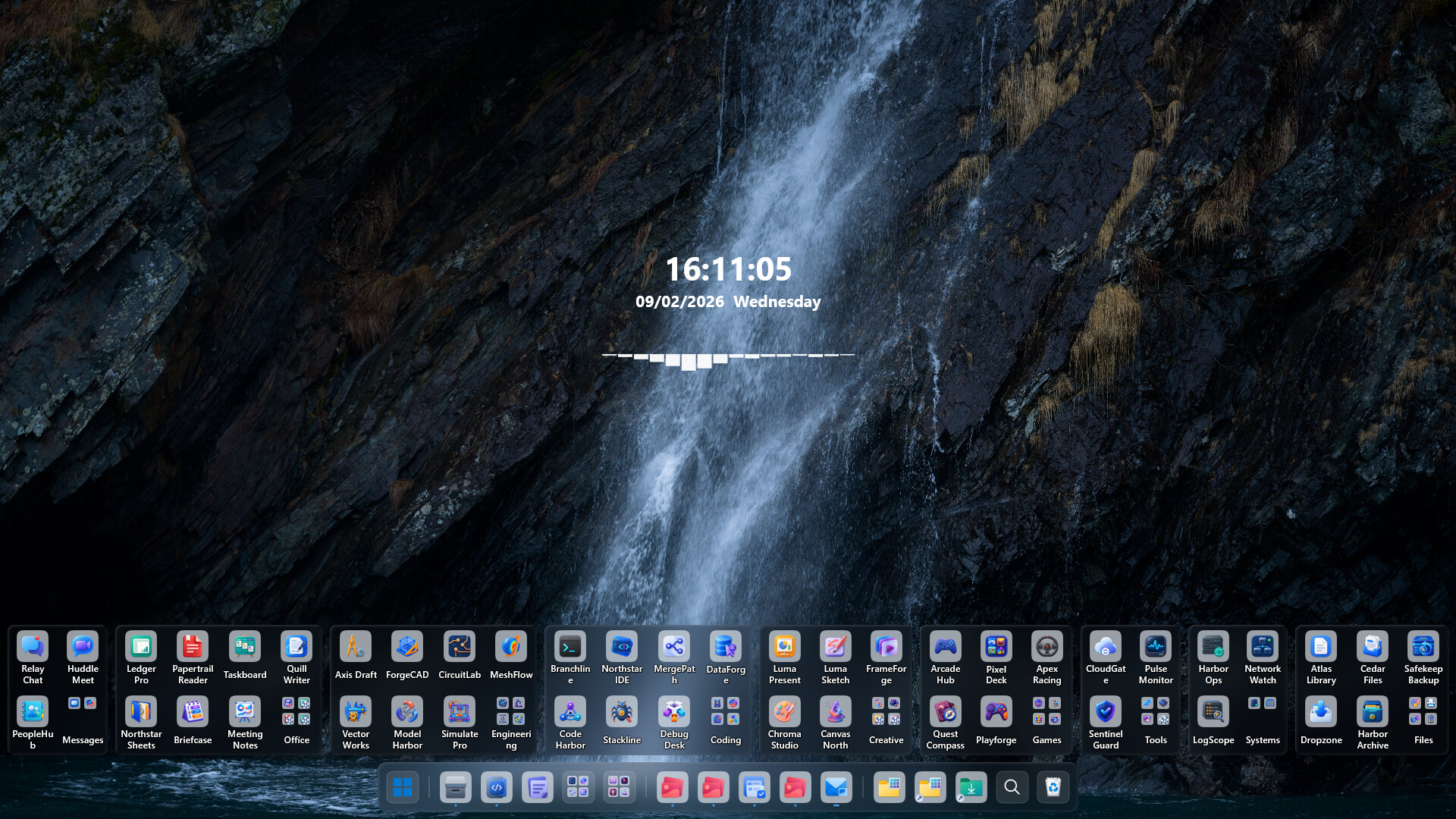
SnowDesktop is a desktop organization and customization tool. Its custom-rendered desktop presents files, shortcuts, and widgets while preserving familiar desktop interactions and providing more flexible ways to arrange, categorize, and access them.
Give every display its own layout
Each monitor can have its own pages and grid layout. Adjust row and column counts, icon spacing, and widget positions, then continue managing existing pages when the connected display setup changes.
Put files and shortcuts where they truly belong
- Collections: Store apps and shortcuts in resizable containers, then freely drag, sort, and rename them.
- Collection groups: Place multiple collections in a tabbed widget and switch between workspaces without using more desktop space.
- Desktop file categories: Automatically organize desktop content by file type, with search, sorting, date grouping, list view, and icon view.
- Folder mapping: Show any folder directly on the desktop and browse or manage it without moving the original files.
- File groups: Combine desktop categories and multiple mapped folders in one widget, then switch quickly by source or category tabs.
Reach applications and windows from one place
Dock can attach to any edge of the screen, or appear as a floating Dock only when needed. Add apps, folder stacks, and collections; see running programs; and use window previews to activate, minimize, or close windows.
Quick Navigation searches desktop items, applications, and Everything file results, reducing time spent moving between folders and windows.
Use practical widgets on the desktop
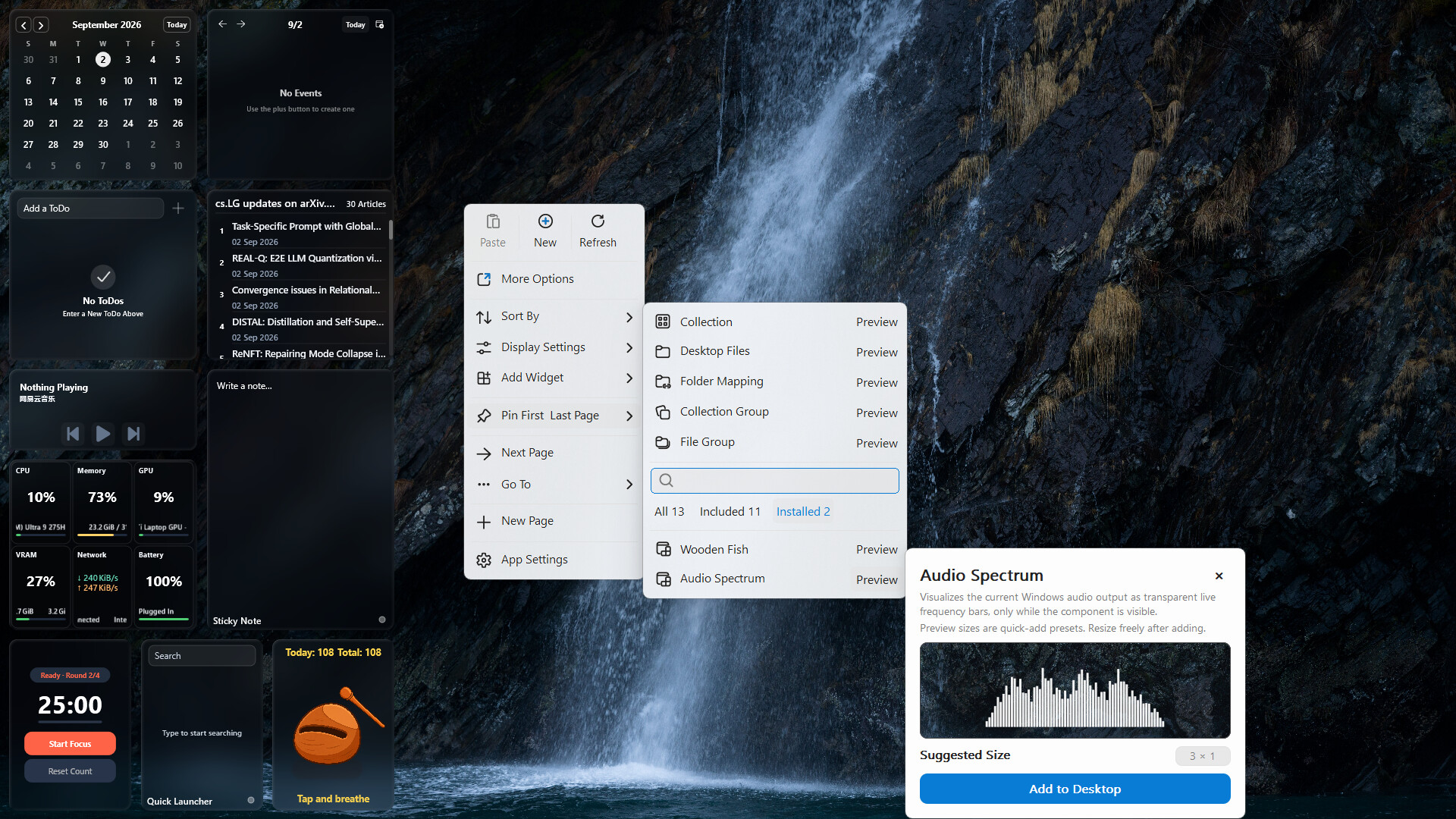
SnowDesktop includes analog and digital clocks, a monthly calendar, schedules, reminders, system monitoring, media controls, notes, a Pomodoro timer, an RSS reader, quick launchers, and more.
The widget platform supports Lua extensions and manages widget package installation, activation, updates, rollbacks, and offline use. Choose existing widgets or build new desktop tools for your own workflow.
Adjust the appearance and keep everything backed up
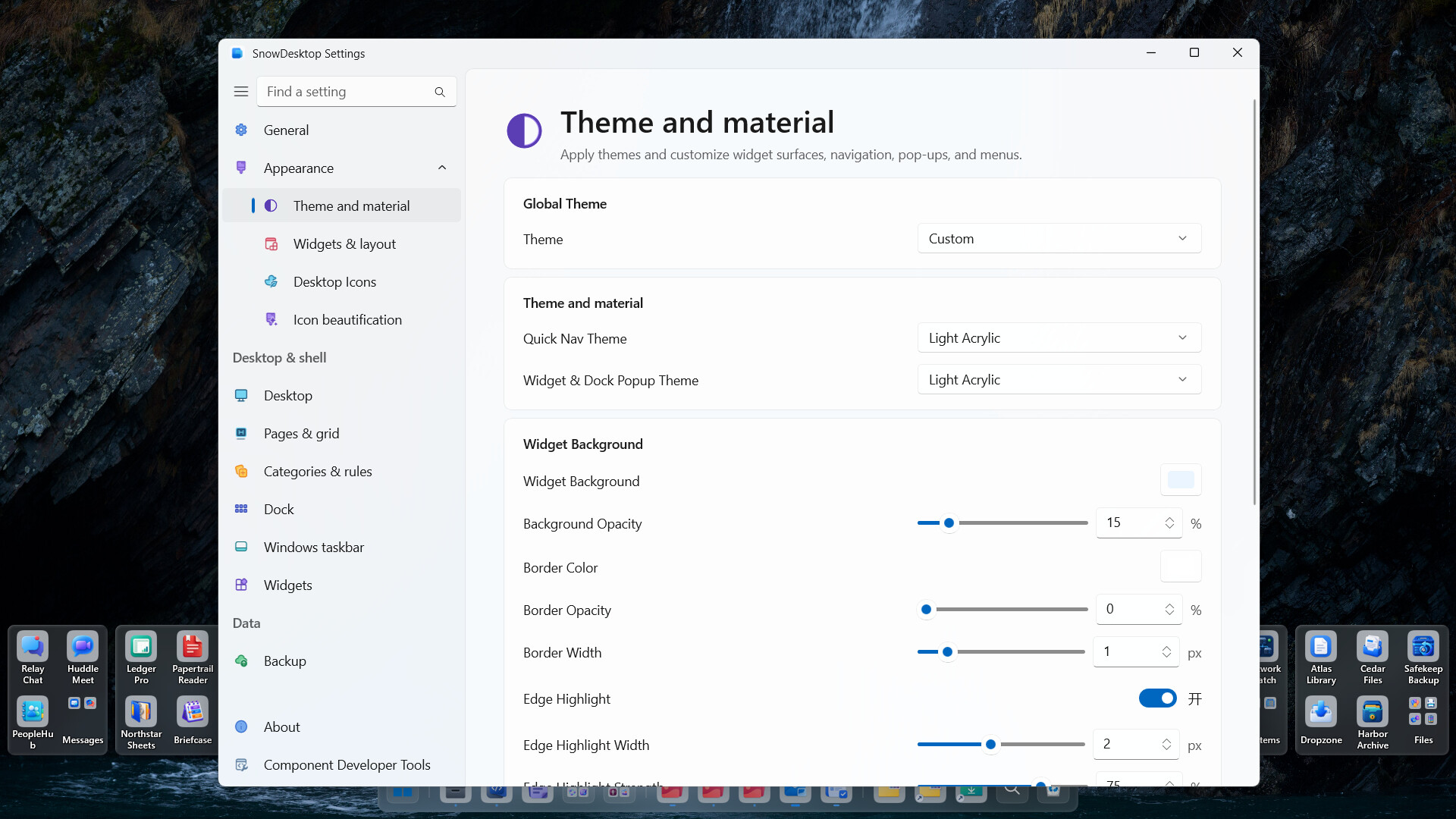
Configure light or dark themes, widget styles, Dock appearance, glass or acrylic backgrounds, and a dynamic taskbar.
Windows taskbar styling: Replace the Windows system taskbar background and content theme with the Windows default, fully transparent, dark, light, glass, acrylic, or a custom appearance. Rules can switch the style when a visible or maximized window is present or when a taskbar system panel opens; each monitor is evaluated separately.
Layouts, settings, widget packages, and widget data can all be backed up and restored, or migrated between installed, portable, and custom data-directory setups.