
Crosshair Pro

Crosshair Pro

Positive · 5 reviews

80% positive (4 / 5)

Screenshots

Crosshair Pro screenshot 1
Crosshair Pro screenshot 2
Crosshair Pro screenshot 3
Crosshair Pro screenshot 4
Crosshair Pro screenshot 5
Crosshair Pro screenshot 6

Description

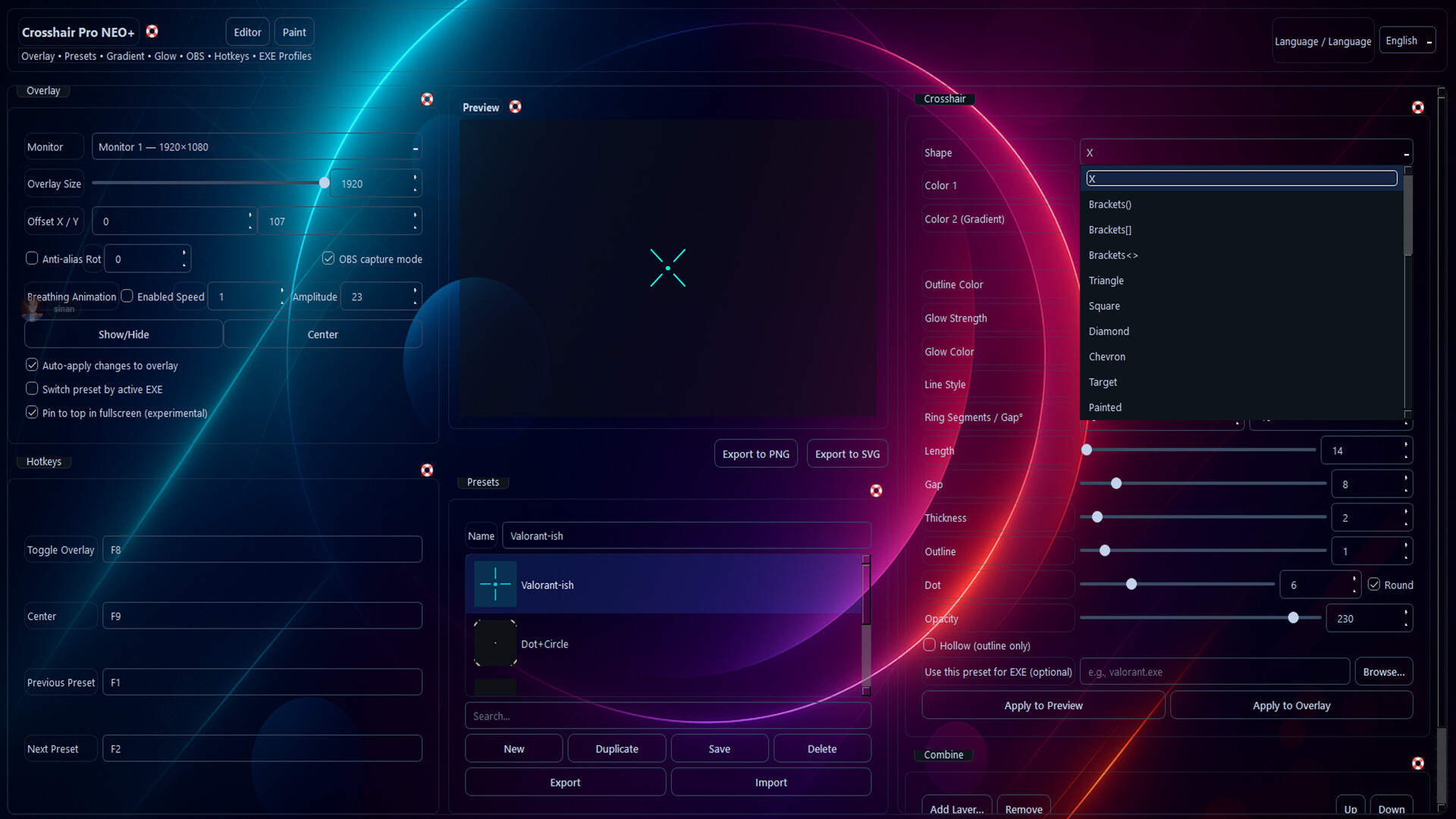
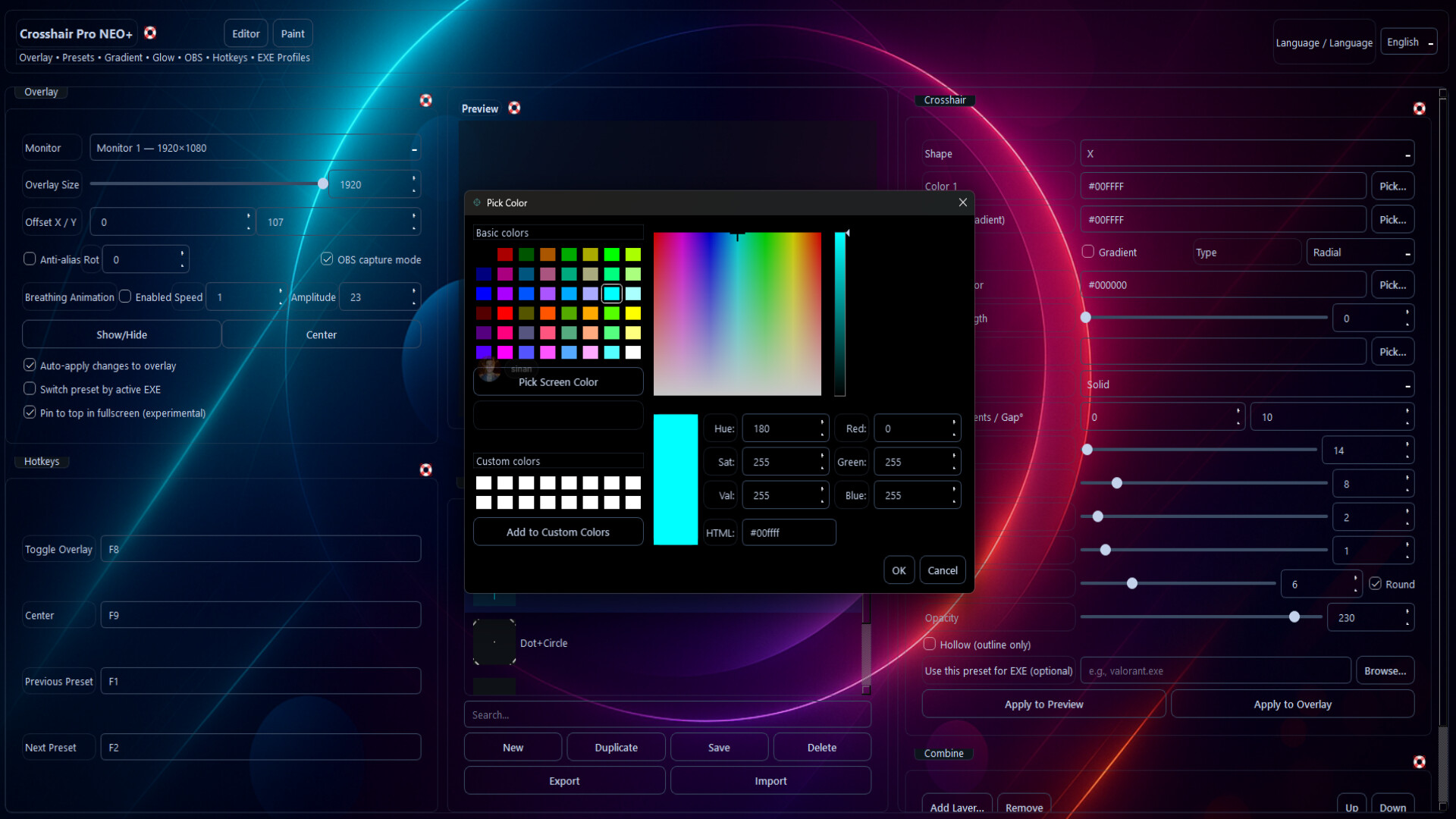
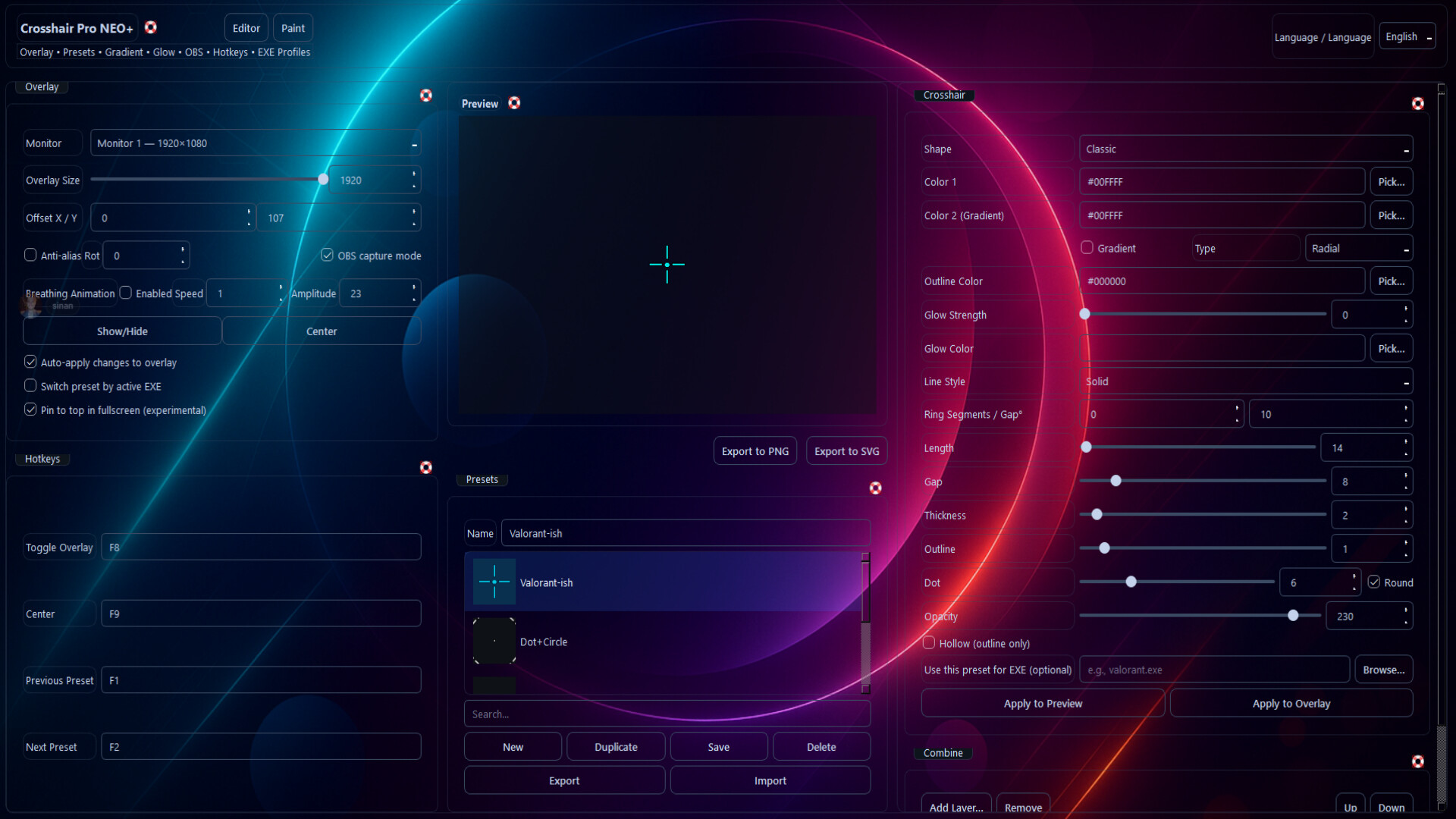
Modern crosshair overlay for any game. Customize with live sizing, layers, gradient & glow, OBS support and hotkeys. Design in Paint++ (64×64) and export PNG/SVG—or auto-switch by active EXE.

Released

November 10, 2025

Price

$4.99

Platforms

Windows

Developer

Tasidev

Publisher

Tasidev

Last sync

September 26, 2026

About

Crosshair Pro is a modern desktop crosshair overlay for competitive FPS/TPS. It’s injection-free, delivering stable, low-latency, and highly customizable targeting for streams and everyday play.

Customization

  • Live sizing; fine thickness/gap/opacity; axis lock
  • Gradient & glow; layered design (dot/ring/line)
  • Pixel-perfect alignment; auto profile by active EXE (EXE Profiles 2.0)
  • OBS-friendly; global hotkeys
  • PNG/SVG export; preset Share/Import

Highlights

  • Injection-free, low-latency overlay
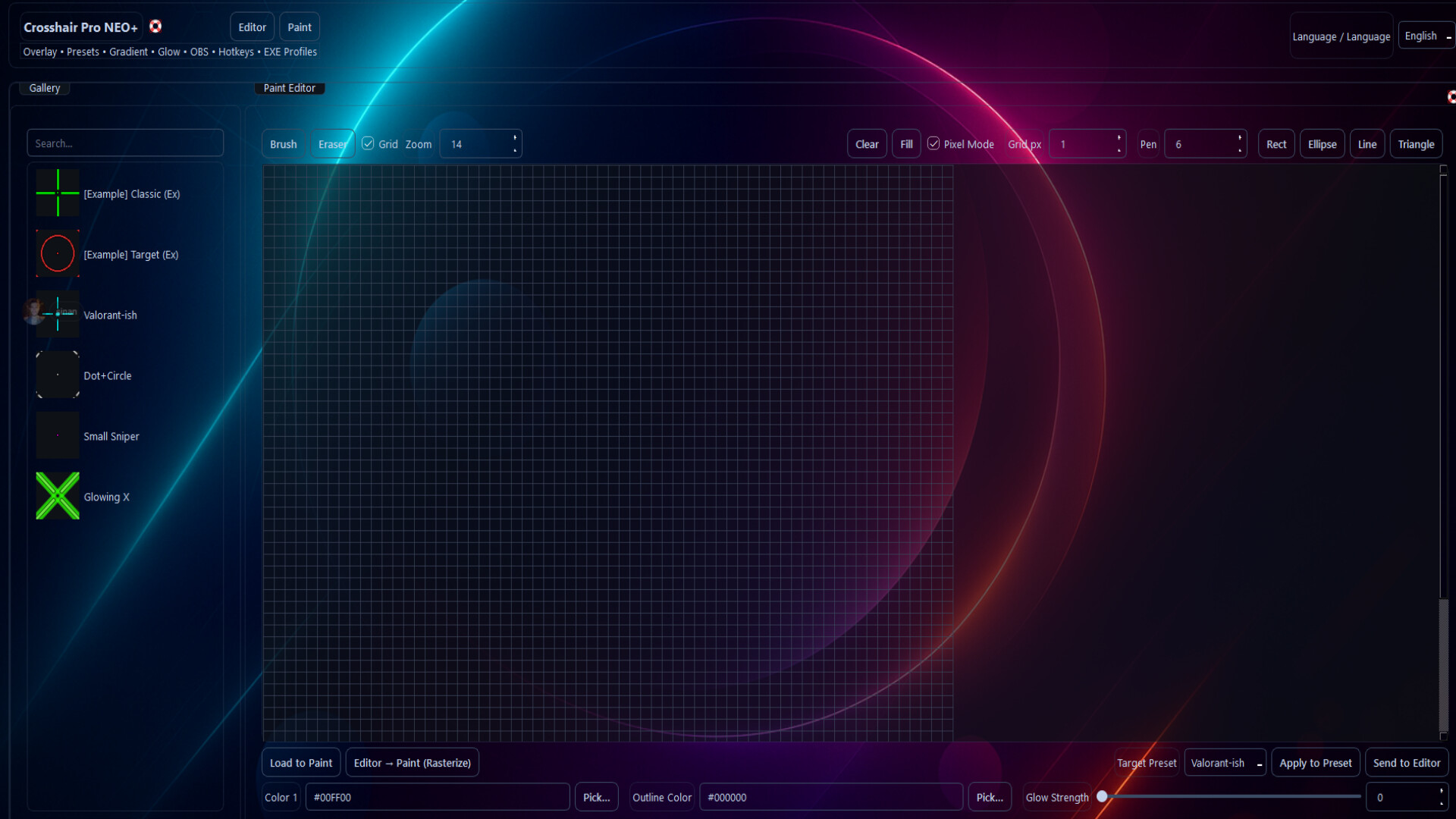
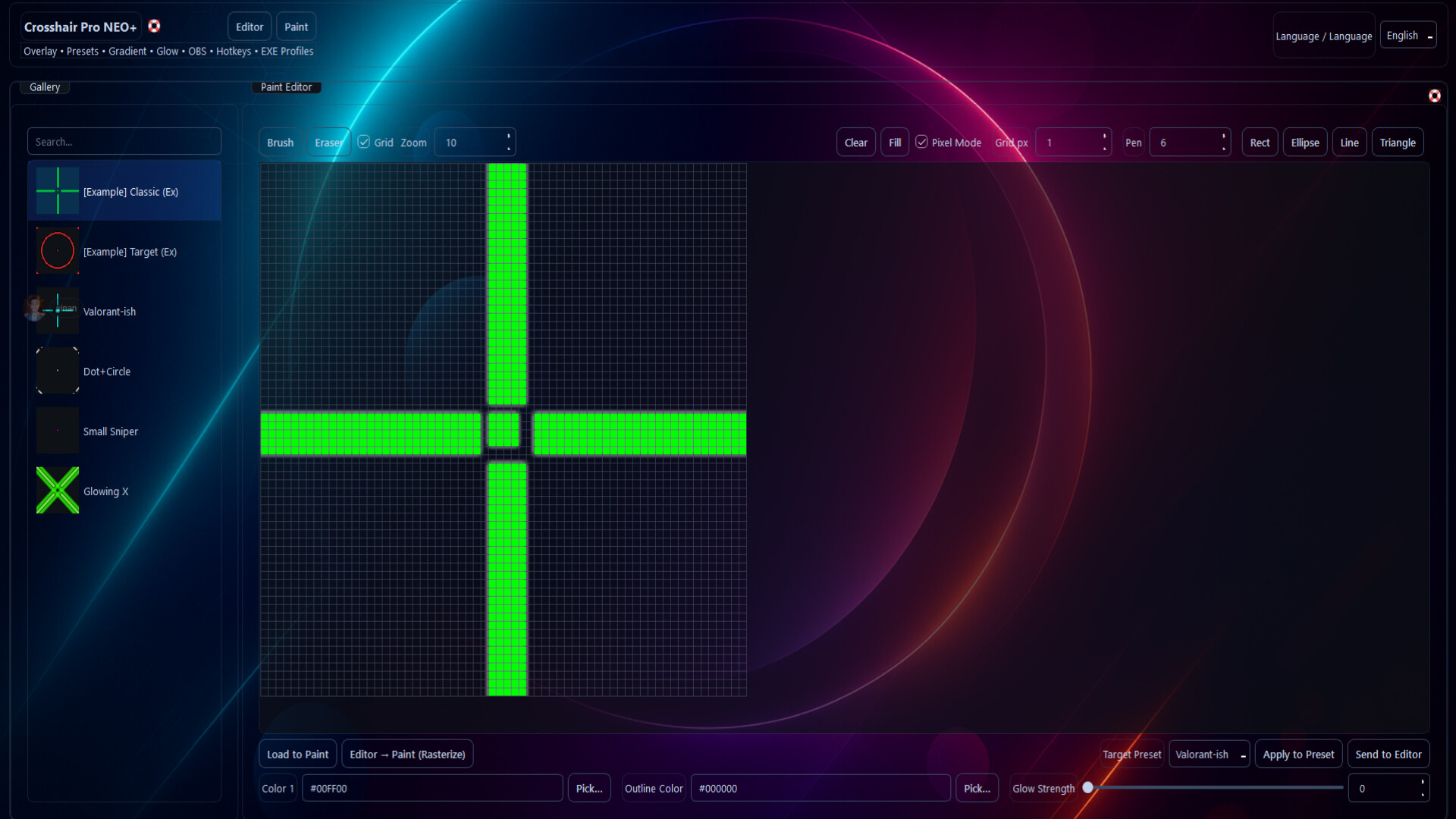
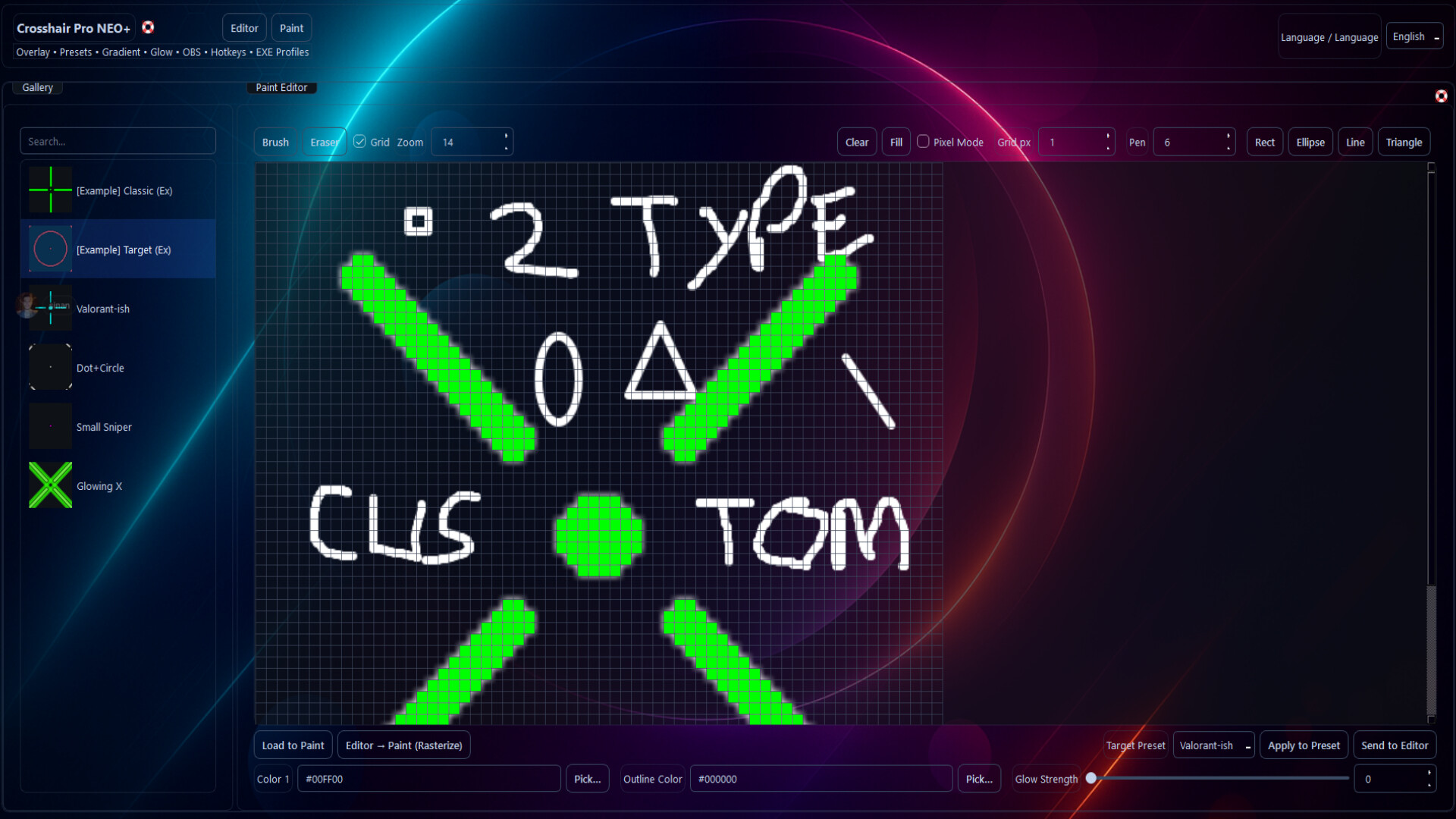
  • Paint++ (64×64): pixel & freehand; rectangle/ellipse/line/triangle; grid thickness
  • Per-layer color/gradient/glow
  • OBS capture mode; tray; multi-monitor & DPI support
  • EN/TR UI; anti-cheat-friendly architecture
  • ADS Auto-Hide: While holding right-click, the crosshair hides automatically; it returns on release (not shown inside scope). Optional: enable via checkbox.

What’s New

  • Paint++: 64×64 canvas, shapes, grid thickness, import & “Apply to Preset”
  • Better OBS & click-through; improved tray; DPI/multi-monitor tweaks

Who Is It For?

  • Competitive FPS/TPS players and OBS streamers
  • Creators who want pixel-level crosshair design

Note: If the crosshair is invisible in some games, use Borderless/Windowed Fullscreen mode.

Browse all