

Volume² - advanced Windows volume control

Volume² - advanced Windows volume control

Positive · 35 reviews

91% positive (32 / 35)

Screenshots

Volume² - advanced Windows volume control screenshot 1
Volume² - advanced Windows volume control screenshot 2
Volume² - advanced Windows volume control screenshot 3
Volume² - advanced Windows volume control screenshot 4
Volume² - advanced Windows volume control screenshot 5
Volume² - advanced Windows volume control screenshot 6
Volume² - advanced Windows volume control screenshot 7
Volume² - advanced Windows volume control screenshot 8
Volume² - advanced Windows volume control screenshot 9
Volume² - advanced Windows volume control screenshot 10
Volume² - advanced Windows volume control screenshot 11
Volume² - advanced Windows volume control screenshot 12
Volume² - advanced Windows volume control screenshot 13
Volume² - advanced Windows volume control screenshot 14
Volume² - advanced Windows volume control screenshot 15
Volume² - advanced Windows volume control screenshot 16
Volume² - advanced Windows volume control screenshot 17

Description

Volume² is a program designed to replace your standard Windows Volume Control.

Released

December 18, 2021

Price

$10.99

Platforms

Windows

Developer

Alexandr Irza

Publisher

Alexandr Irza

Last sync

September 24, 2026

About

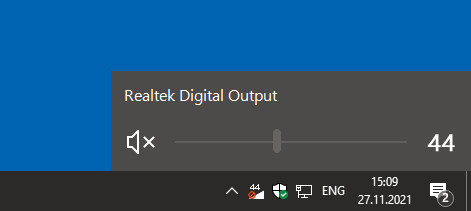
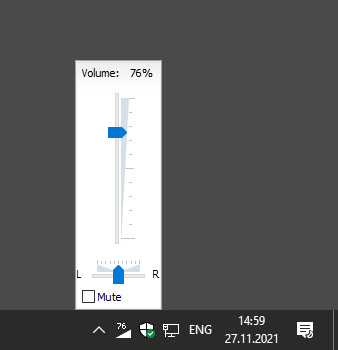
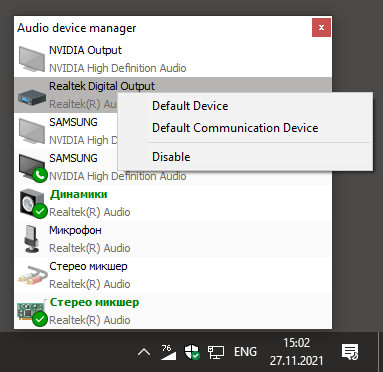
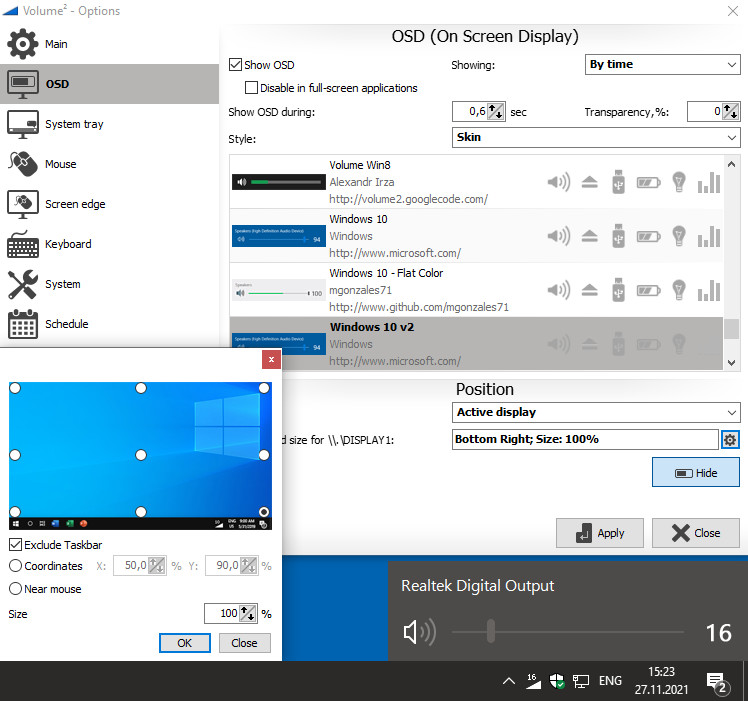
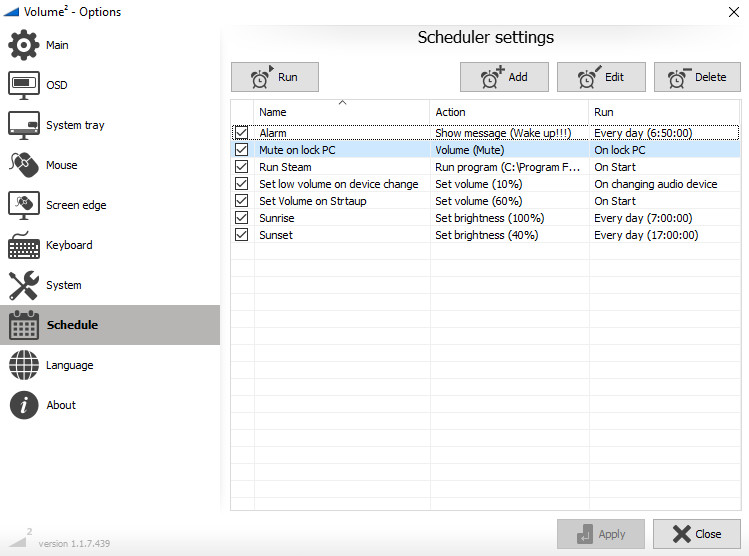
Volume² is an advanced Windows volume control, which can be used as a complete replacement for the standard Windows volume control. Volume² provides easy to configure options to assign keyboard hotkeys and mouse for toggling system volume and allows scheduling the execution of applications or changes in sound configurations. Volume² comes with a multi-lingual interface and supports English, Russian, Greek, Chinese, Armenian, and other. What makes Volume² better than the default Windows mixer is it’s ability to provide mouse wheel, hotkey and scheduling support for changing volume options.
Features:

  • Volume Notification, Mute Notification, Control from Hotkeys.
  • Brightness Control using Hotkeys.
  • Balance channel Control using Hotkeys.
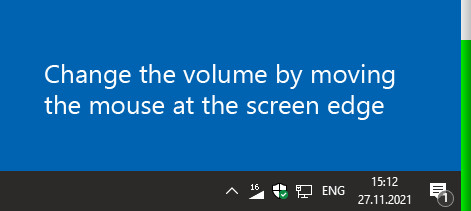
  • Screen edges, can be used, such that sliding your mouse up and down the side of the screen will toggle volume up/down
  • Support events to set Volume value
  • Support command line
  • Plays sound on every Notification.
  • CD/DVD Drive Ejection using Hotkeys.
  • System tray Volume Status/Mute Icon showing current Volume.
  • Safely remove USB drive
  • Control volume by channels with mouse wheel (for 5.1 or 7.1 audio system)
  • Show OSD on monitor where is active application
Browse all