#Accounting #2D #2DPlatformer
Shooty
Shooty 2D is a gun battle game. You can set up a room and fight with your friends.
View game
$1.99
 -40%
-40% No Reviews · 0 reviews
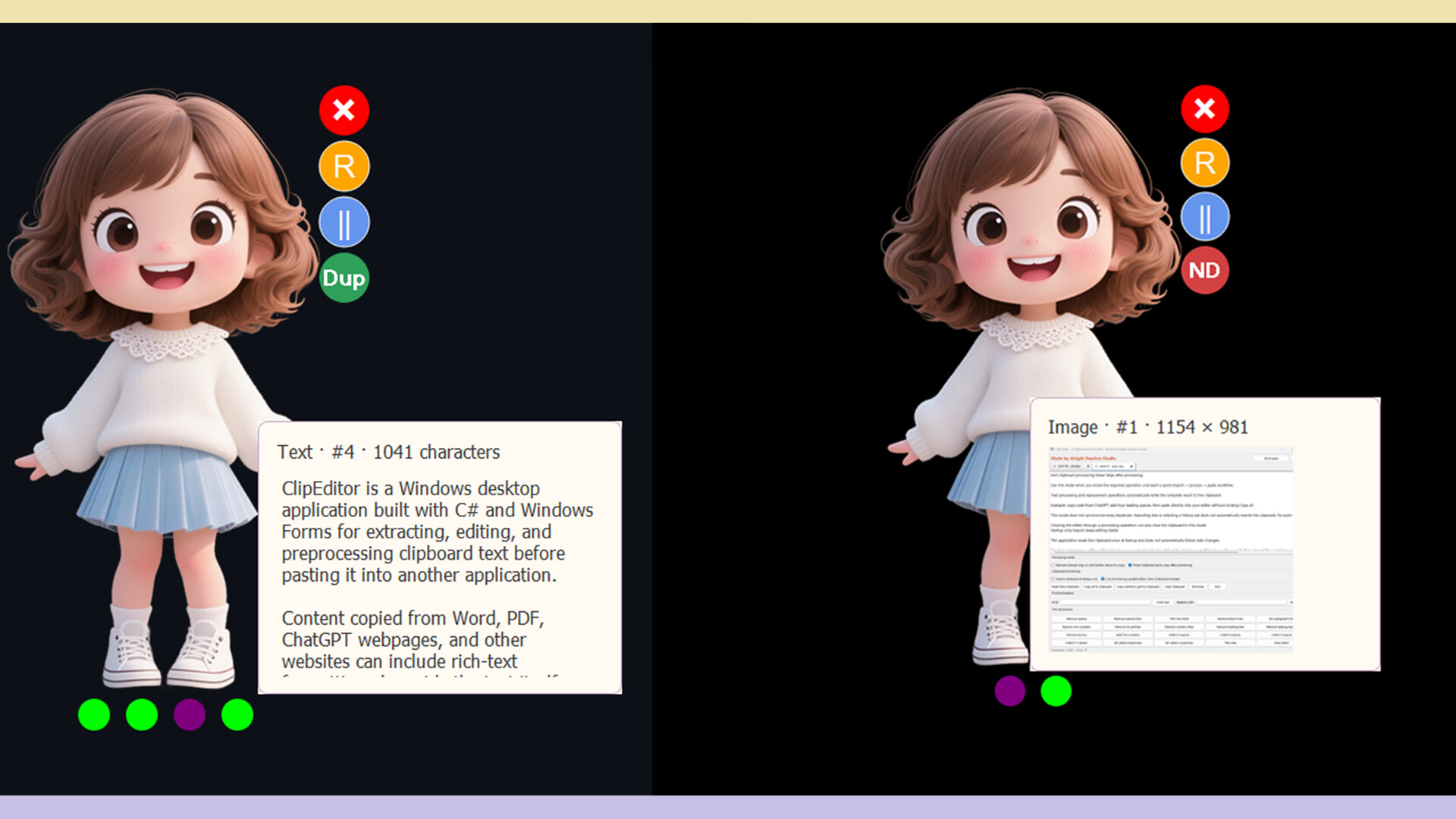

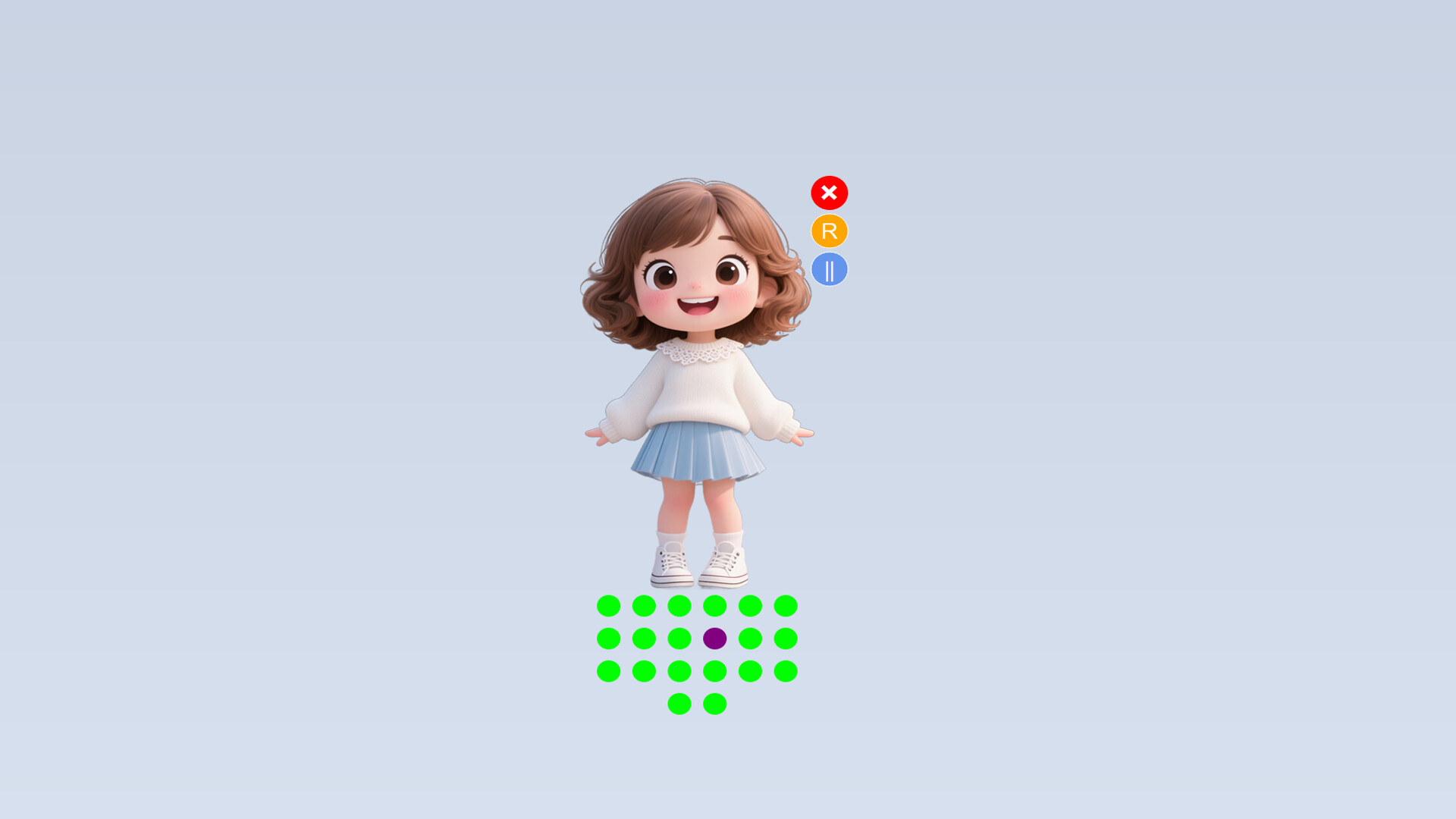
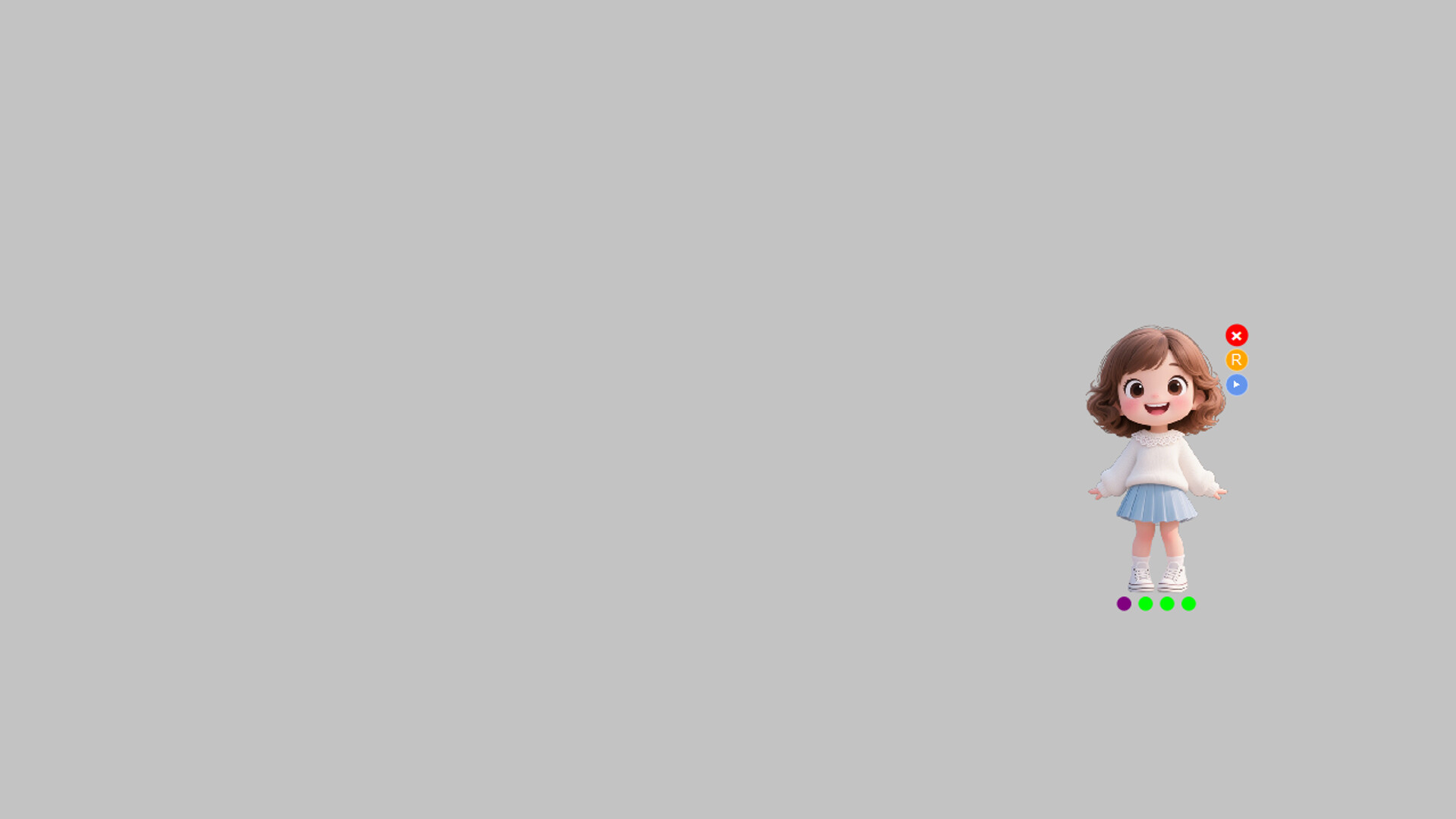

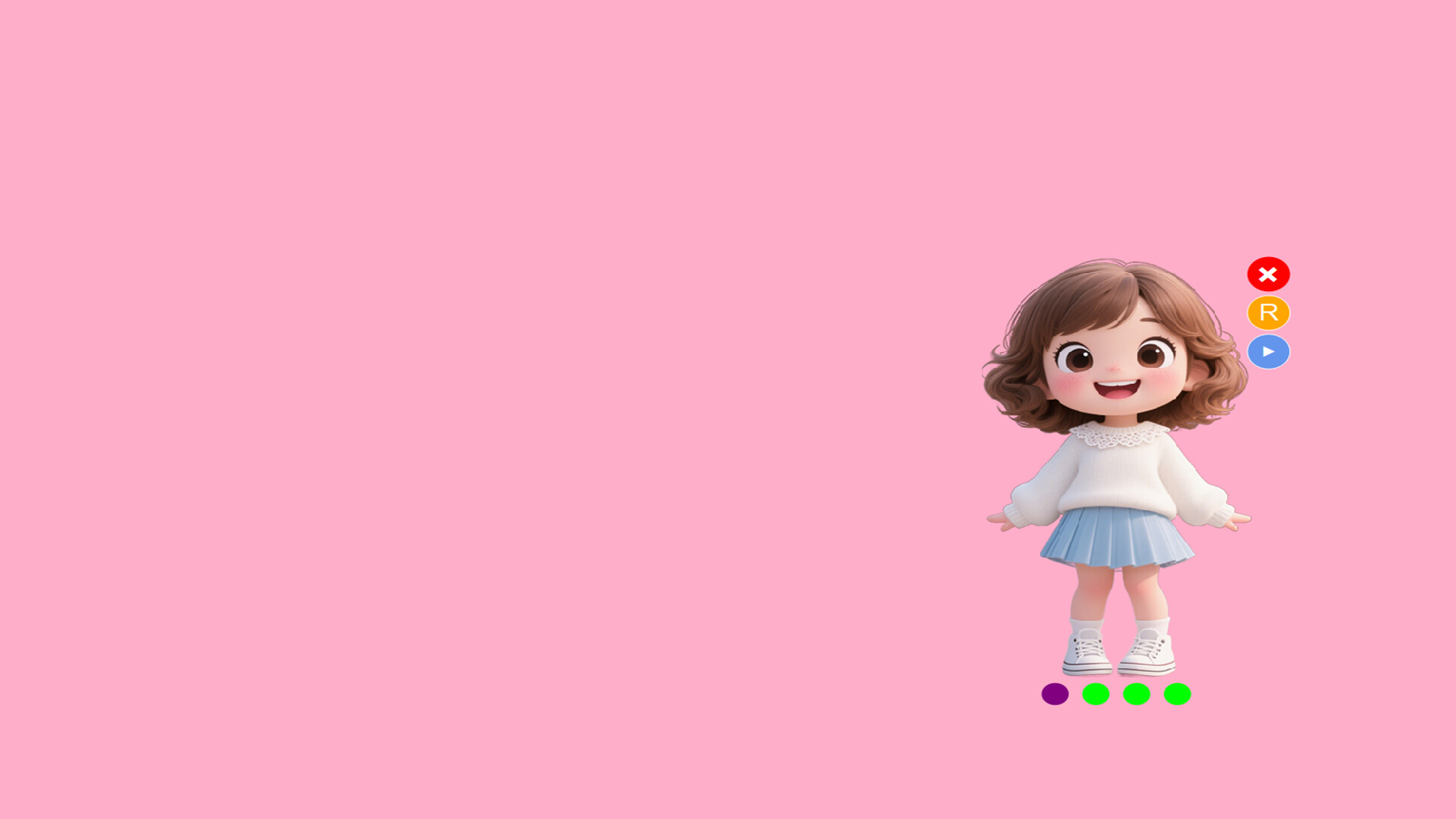
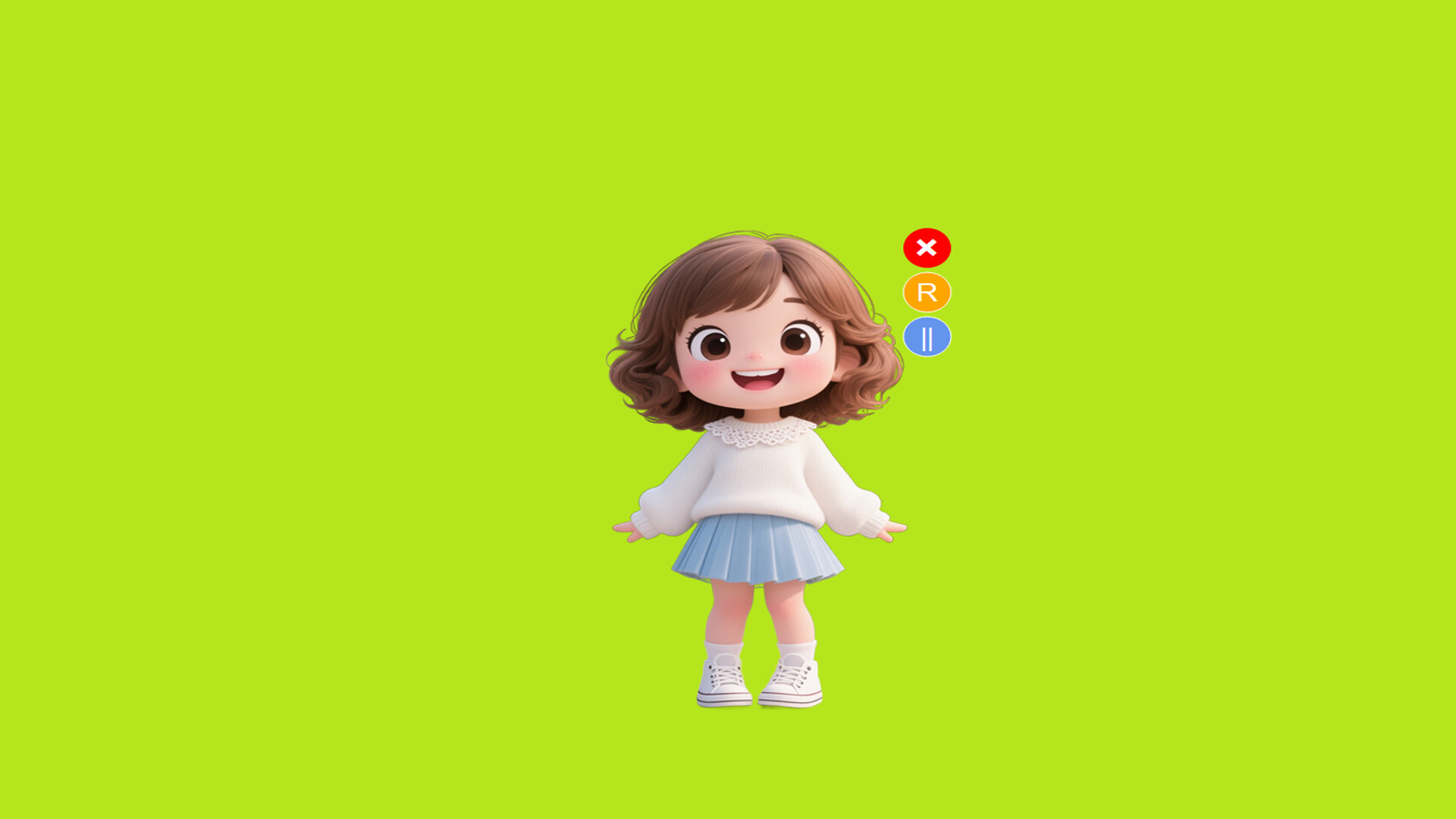
A multi-copy/paste tool that stores clipboard history (text/images) and pastes sequentially via Ctrl+\. Features a customizable cartoon assistant, pause/reset controls, and near-zero resource usage.
Released
May 29, 2025
Price
Platforms
Windows
Developer
Publisher
Last sync
October 7, 2026
This is a multi-copy, single-paste utility tool designed to streamline your workflow. It allows users to copy text, images, or screenshots via Ctrl+C, right-click copy, or other methods, while the software records all copied content. When you need to paste multiple copied items in sequence, simply press Ctrl+\ (either left/right Ctrl key + \, \ is the key above Enter) to paste stored content in recorded order.
Key Features:
◆ Clipboard History Timeline
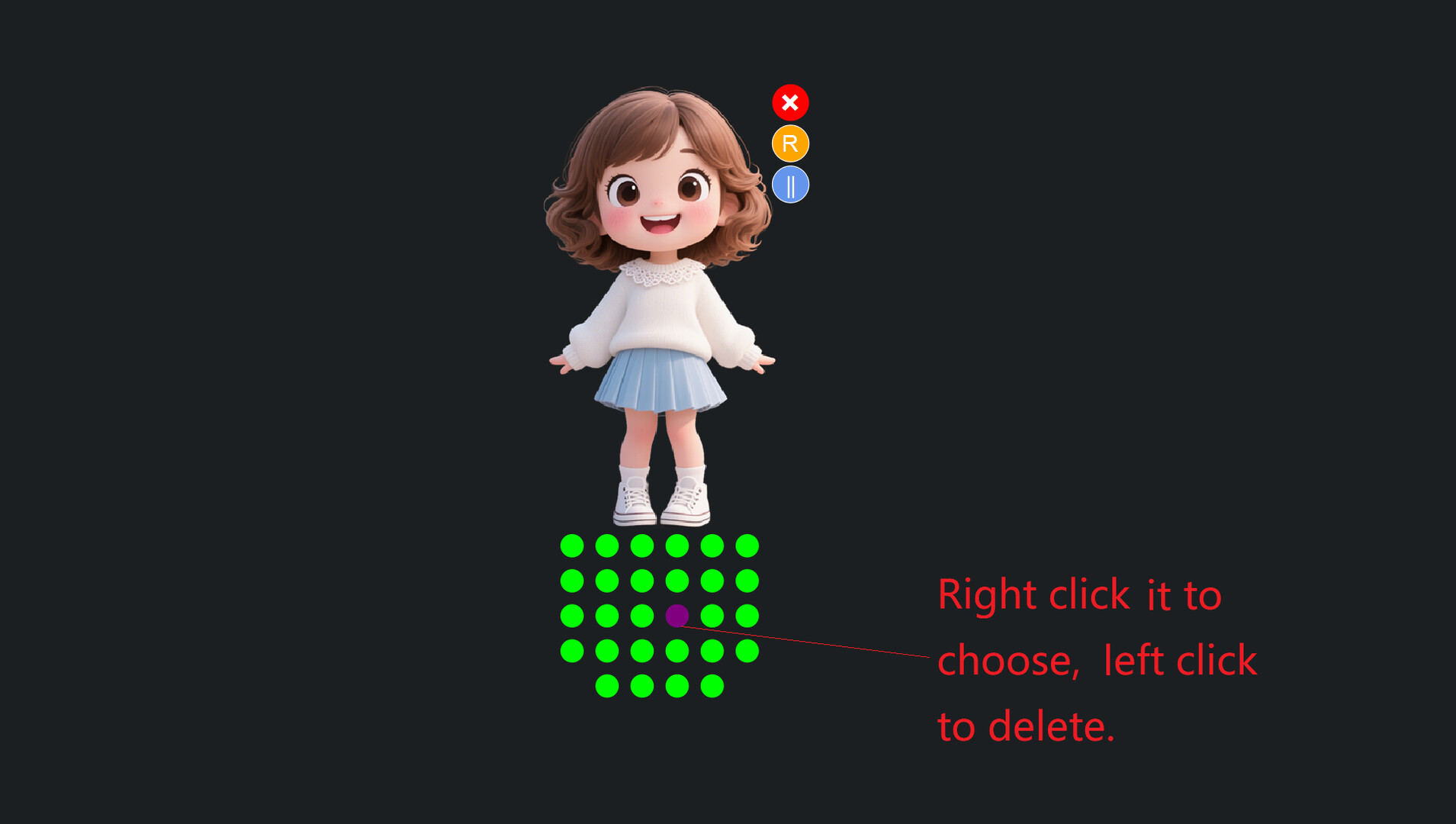
A row of small dots at the bottom visually represents your clipboard history. The purple dot indicates the current position for pasting. Click any dot to start pasting from that specific entry, and the dot will turn to purple (e.g., skip earlier items).
◆ Enhanced Pasting
◆ Customizable Cartoon Companion
Interact with the "Copy-Paste Girl" character:
◆ Lightweight & Flexible Control