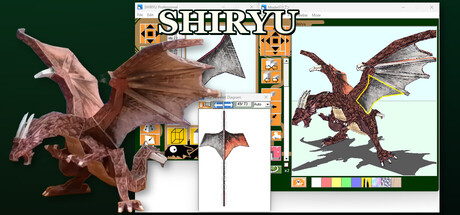
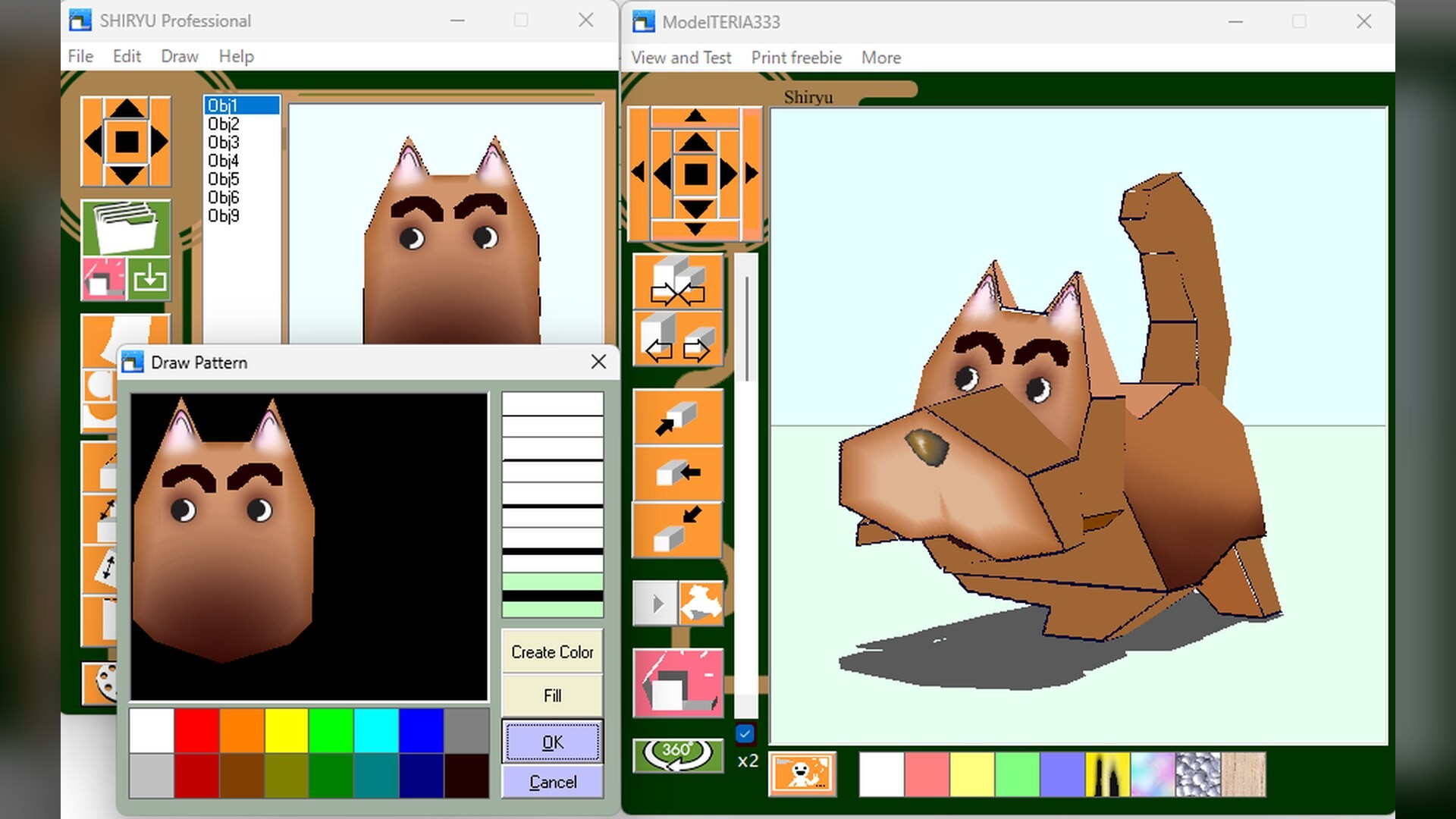
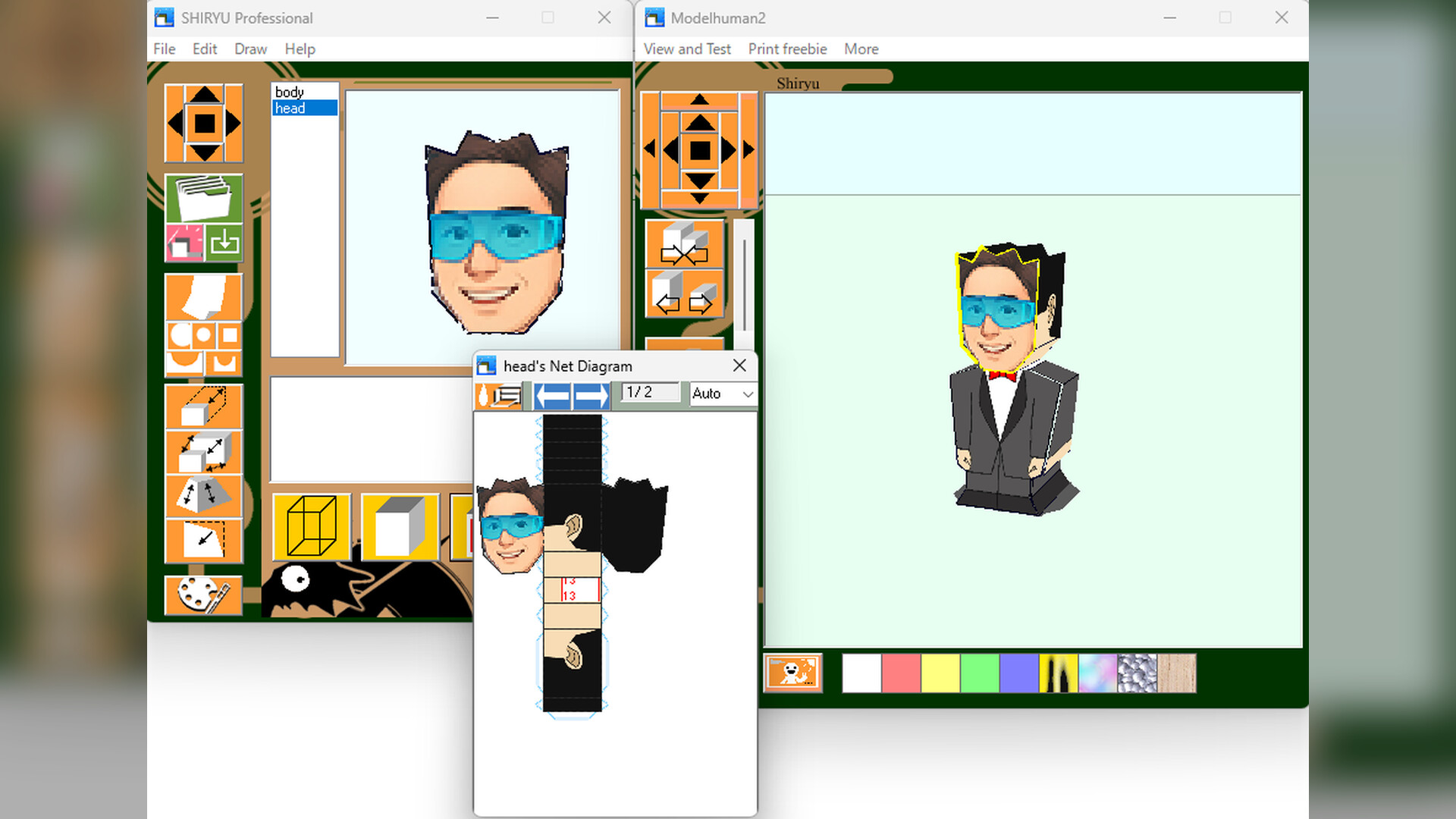
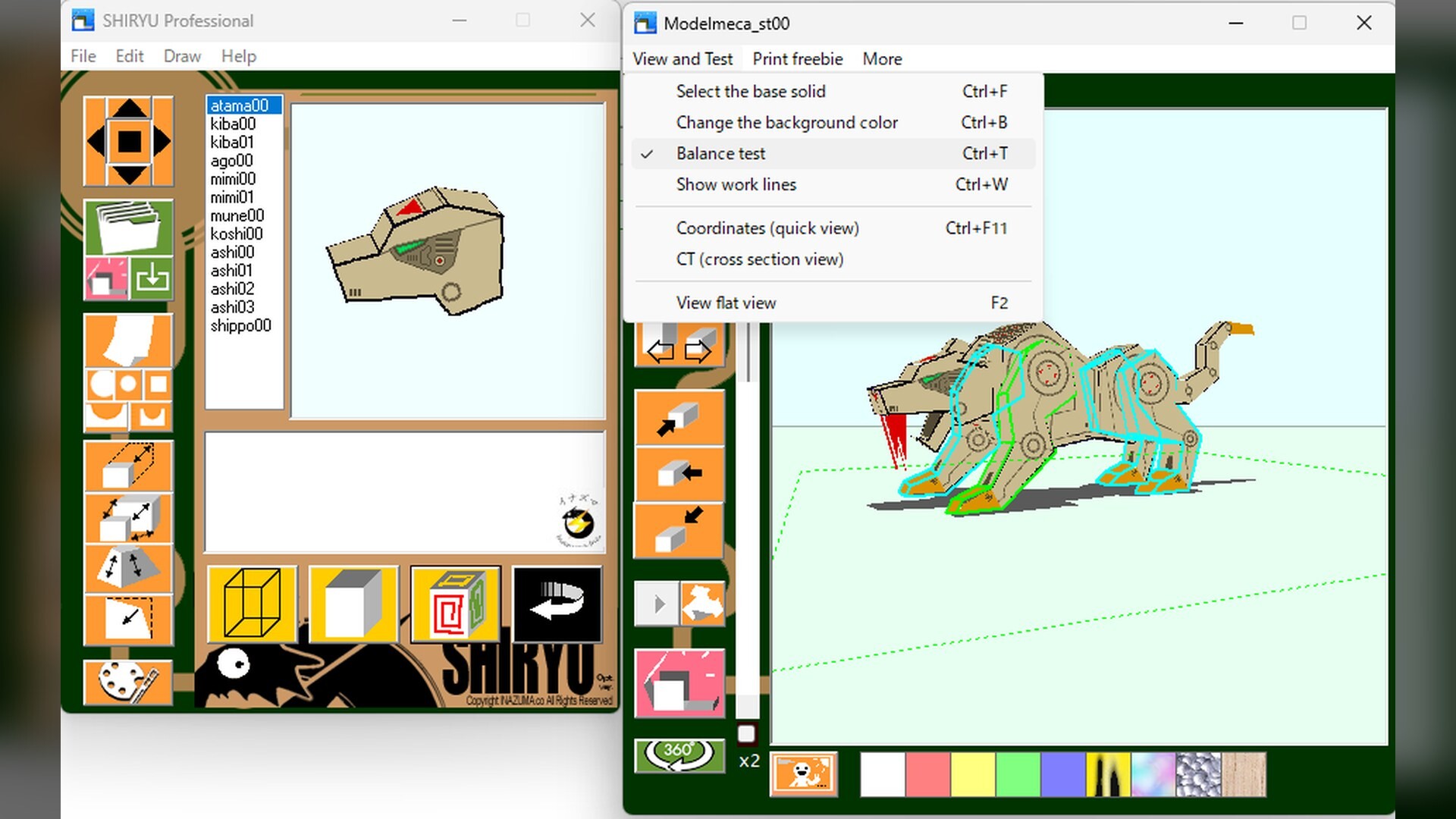
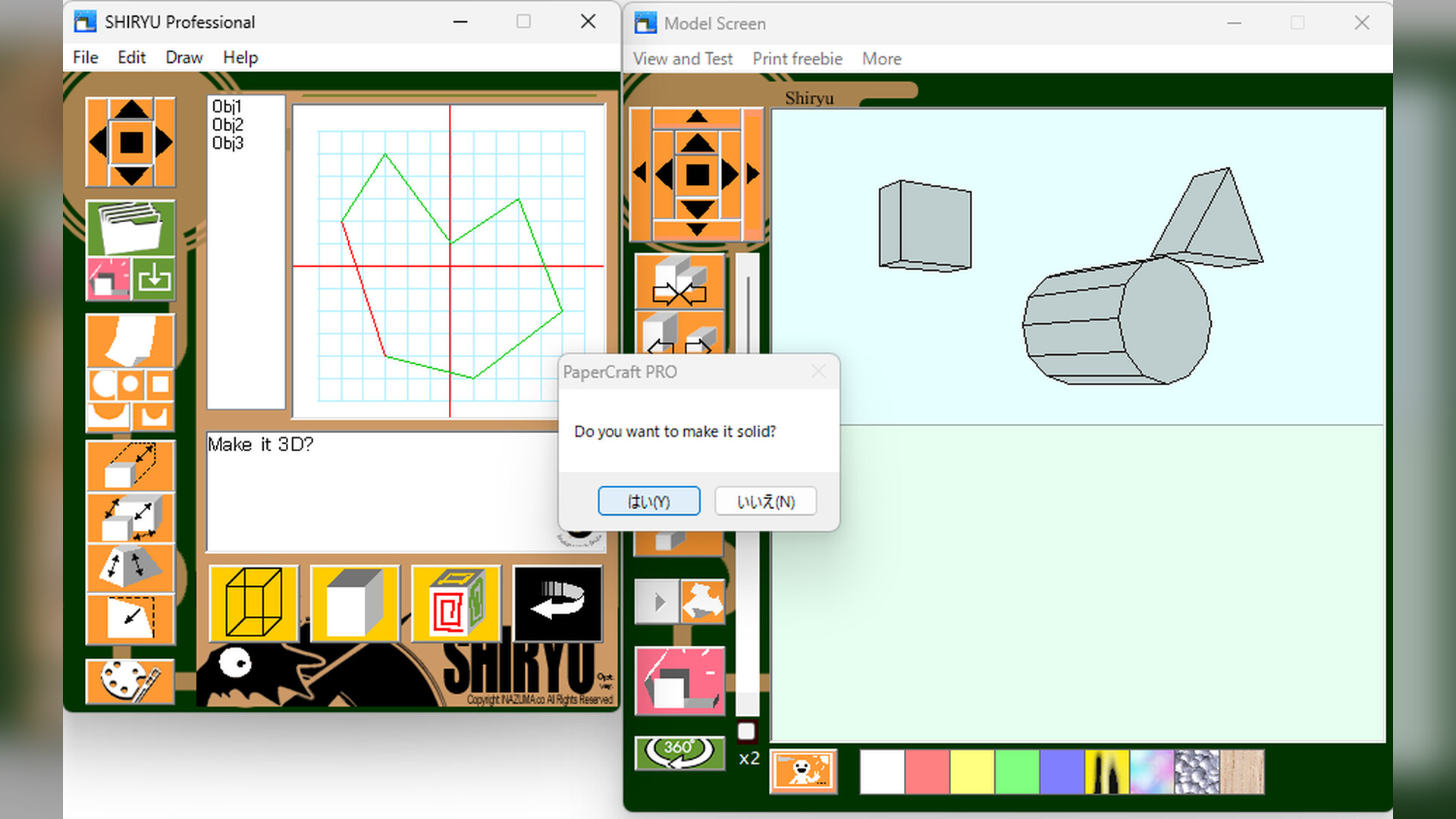
[English Manual Now Available] Draw in 3D, unfold your design into printable parts, and print. With SHIRYU alone, your 3D design becomes a real papercraft model. Includes 70+ models, a Windows interface in 9 languages, and the free SHIRYU Model Photo Studio for owners.
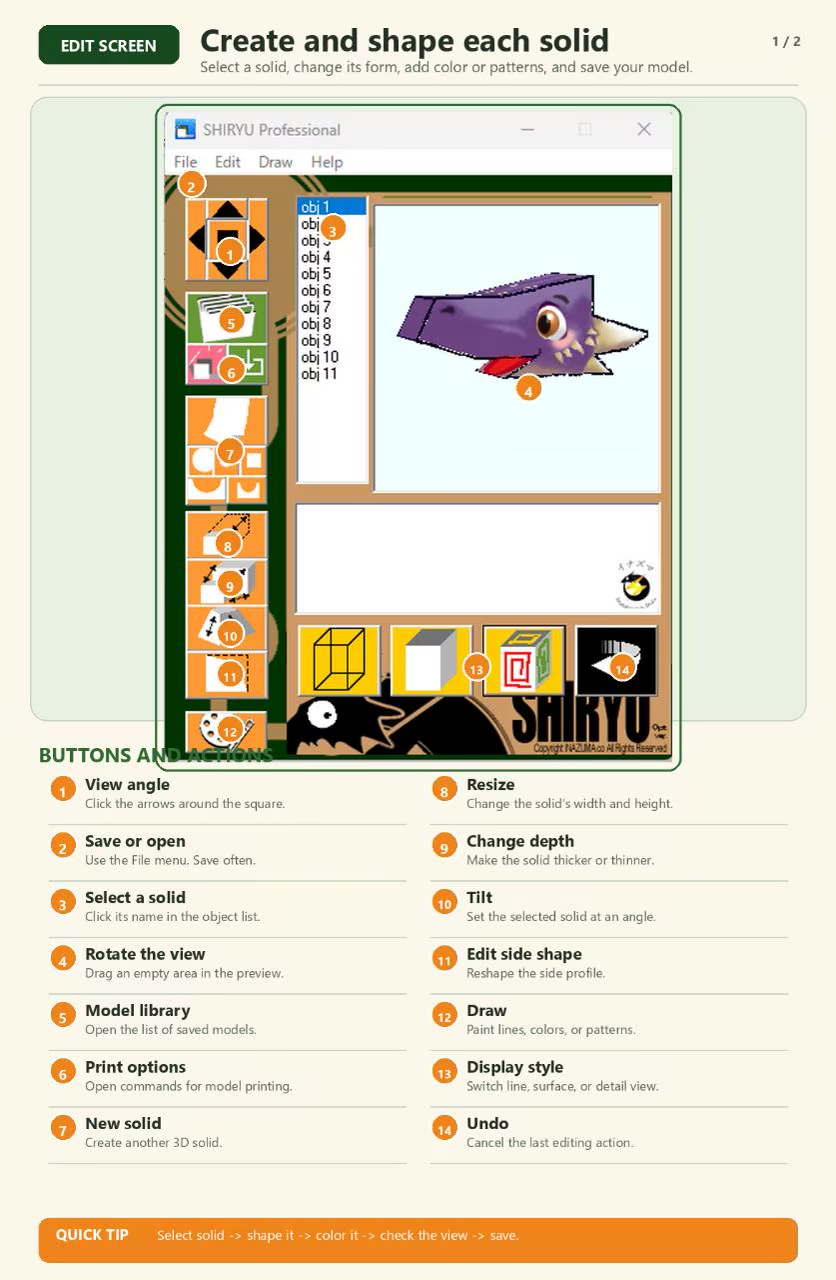
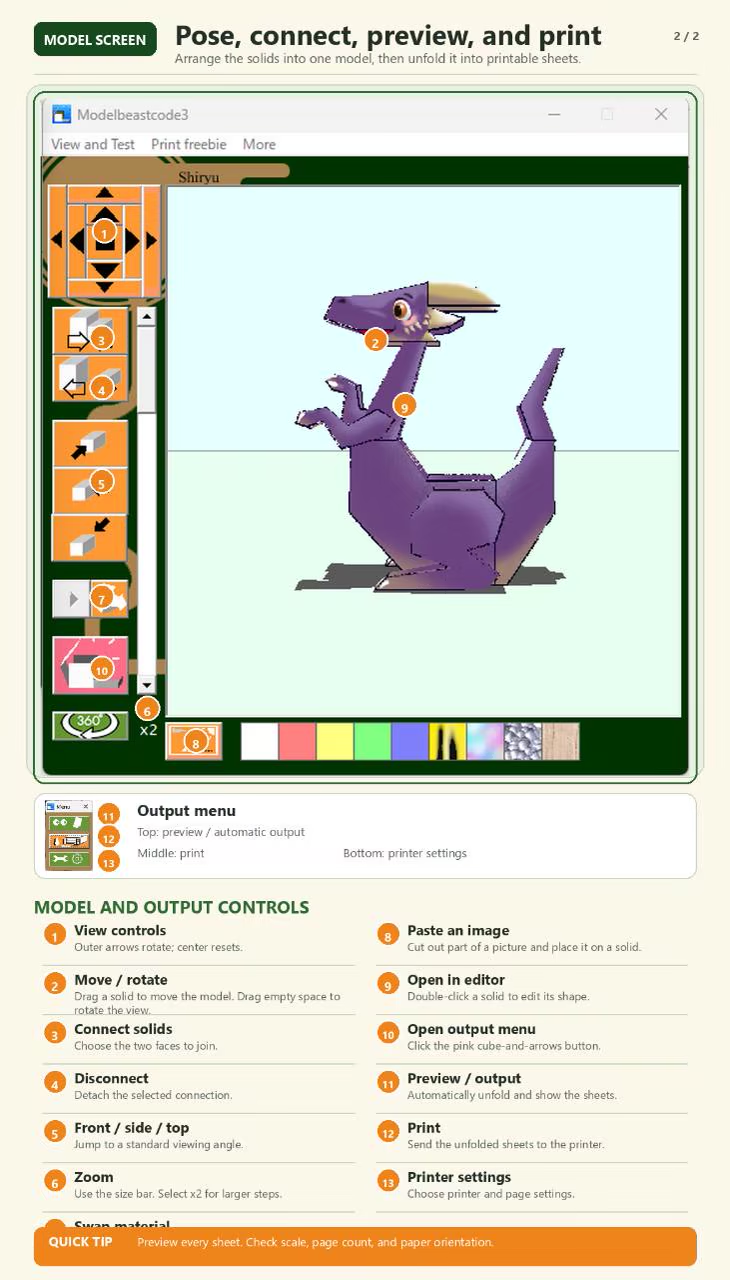
Our 60-page English guide covers the basics, 3D model editing, unfolded pattern creation, and printing. Open it anytime from "View the manual" on the store page.
About the Software
A new kind of 3D design software for screen and paper
Click to draw. Watch it become 3D. Get a printable pattern. Print it. Build it. Wait, what? With SHIRYU alone, an idea on screen can become a papercraft model you can hold.
Related technology is described in Japanese patent publication JP 2006-309363, "Program and System for Drawing Three-Dimensional Objects."
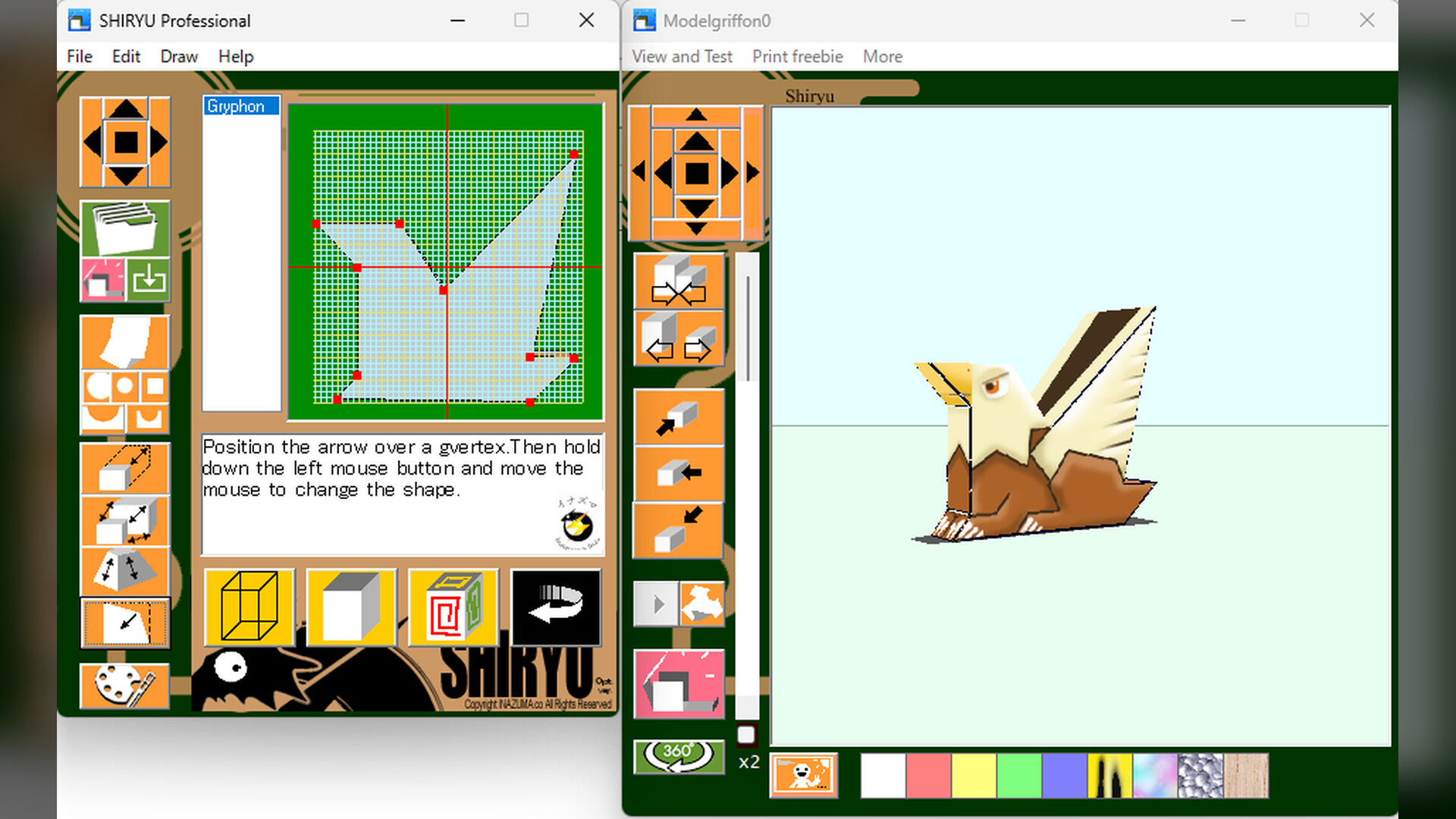
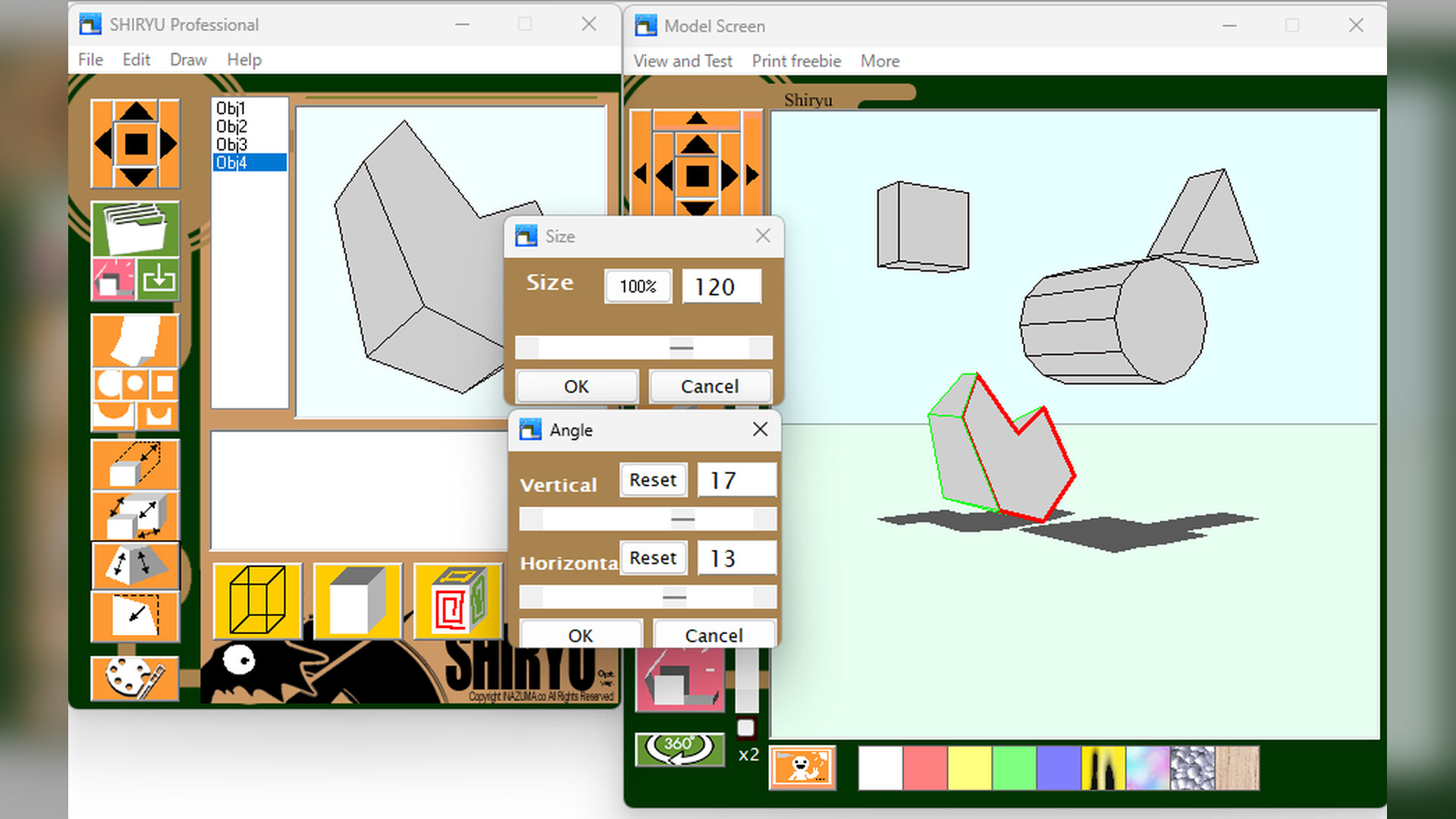
Click around the outline of the shape you want to turn into 3D. Close the line and a button appears to make it a solid part. Drag the parts together to connect them. Like building with blocks, you can keep adding parts until the model becomes something uniquely yours.
Choose from more than 70 included models, with more planned in future updates, then edit their shapes, colors, and patterns on screen.
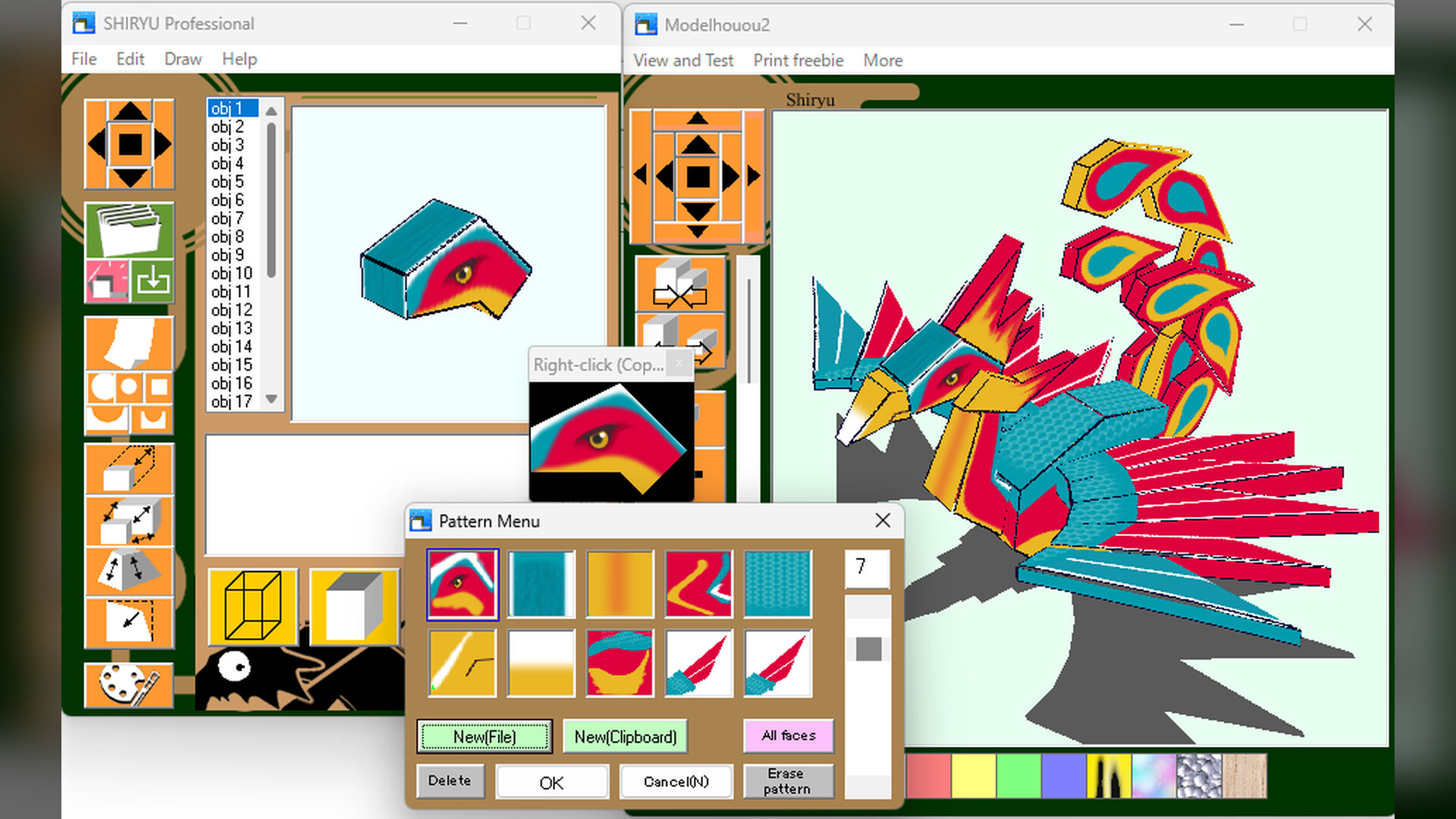
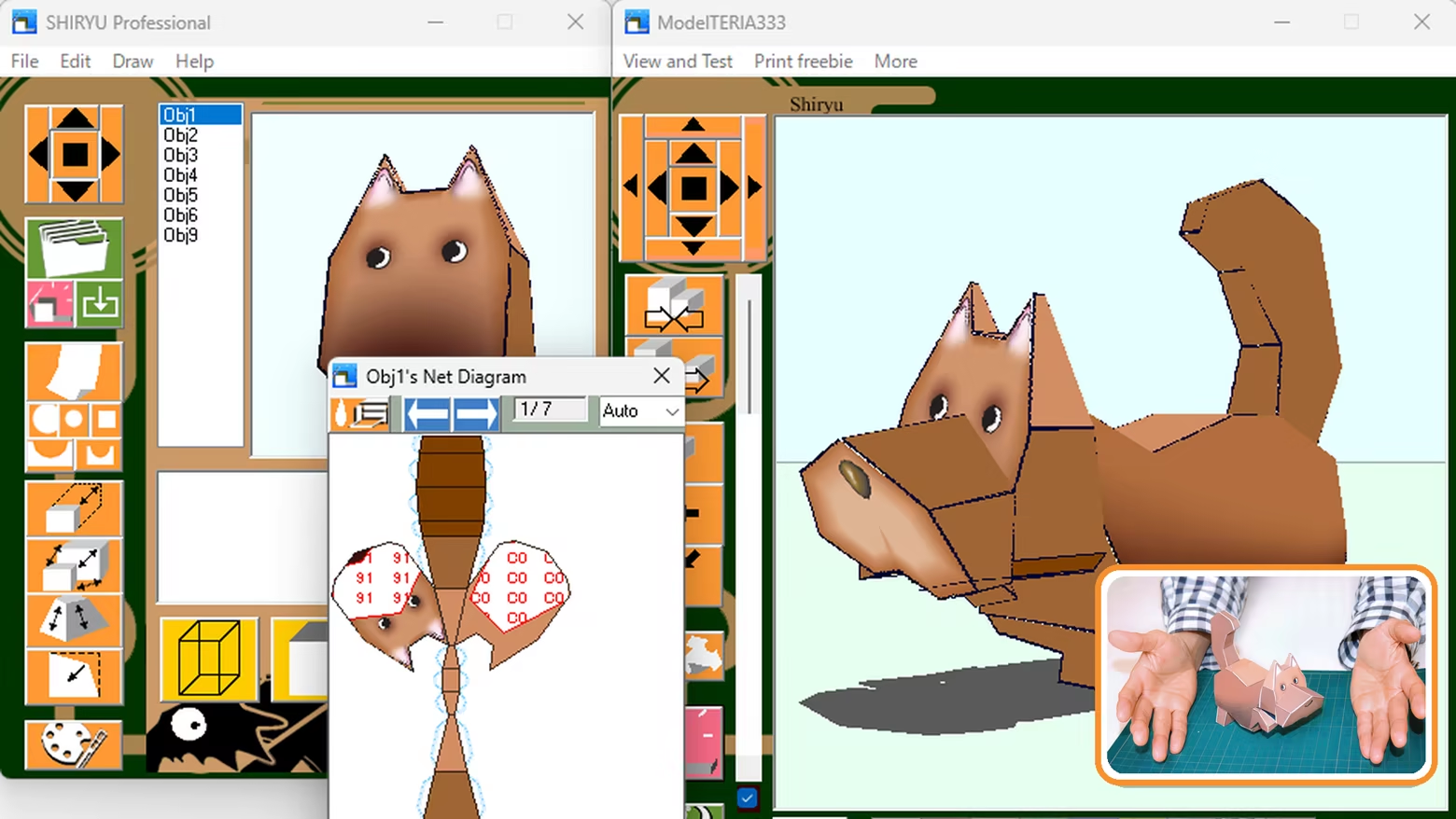
Choose a photo and apply it to the 3D model.
From a 3D design to a printable pattern, automatically
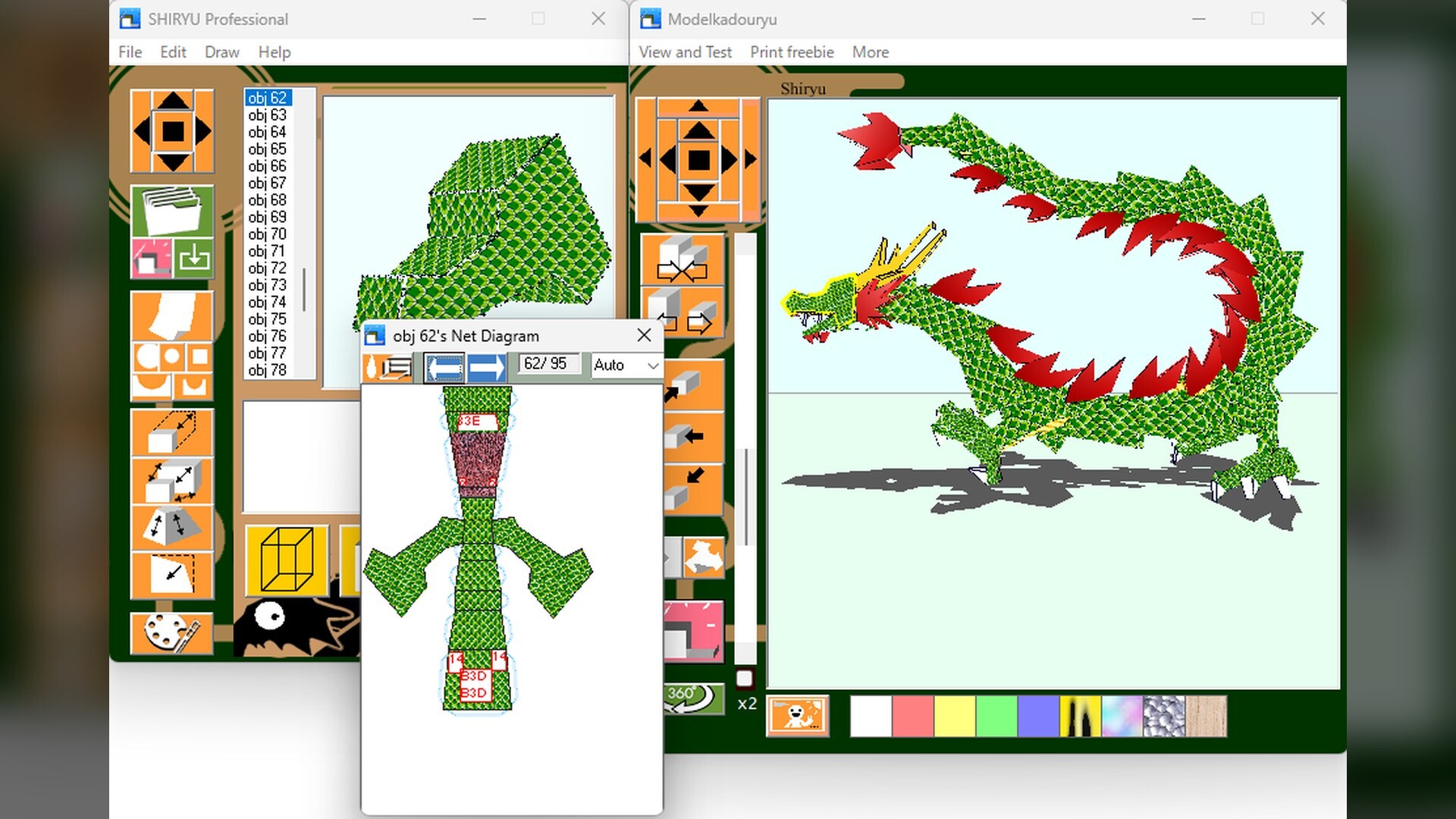
Create a 3D form on screen and edit its shape, colors, and patterns. SHIRYU automatically unfolds it into paper parts and prints them. Then comes the hands-on work: cut, fold, and glue. Something real enough to hold is born into the world. The connection points are printed too, so putting it together feels a bit like solving a puzzle.
Start on the day you buy it. Then make it your own.
More than 70 included models, ready to print and build
Create and edit original 3D papercraft models
Adjust shapes, colors, patterns, and part placement on screen
Turn 3D models into printable unfolded patterns
Edit the shape and layout of the unfolded parts before printing
Windows interface in Japanese, English, German, Finnish, French, Spanish, Portuguese, Simplified Chinese, and Traditional Chinese; Linux version in English
Illustrated tutorials and two quick reference guides
Automatically create animated GIFs and share your work
Use original models you create commercially
For hobbies, lessons, workshops, and creative projects
More than 70 models. Print one first, then start making your own.
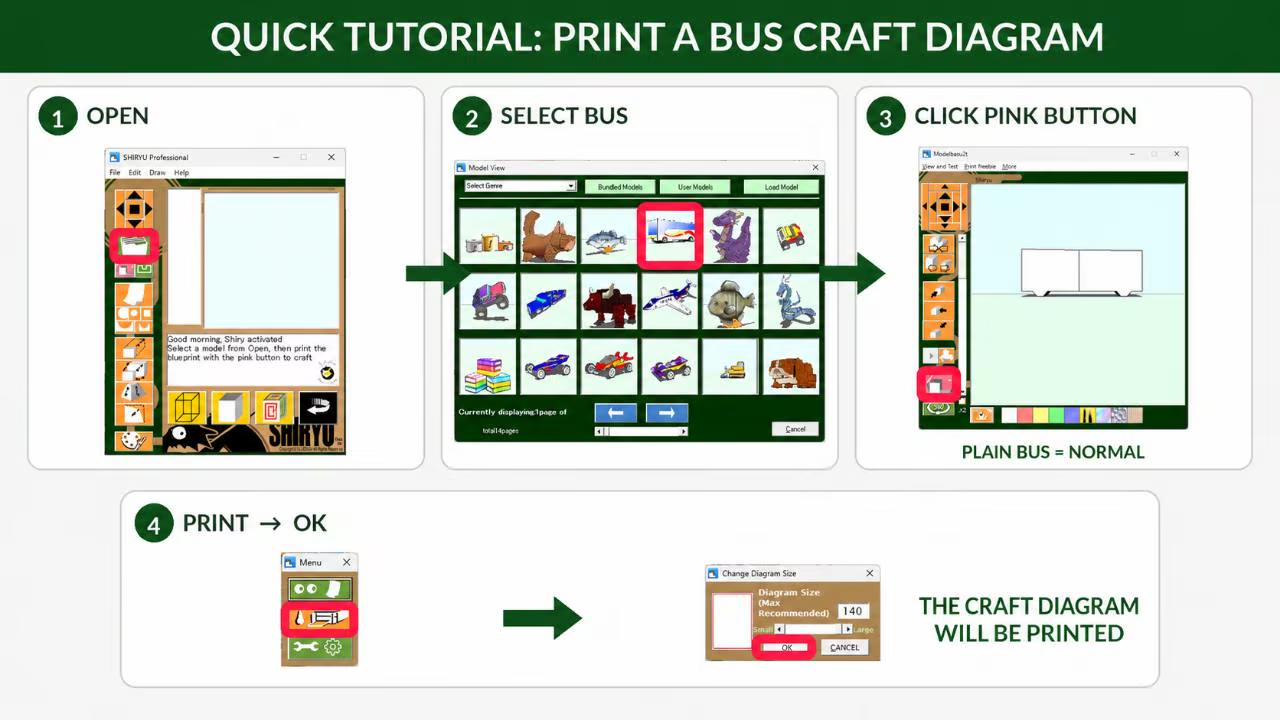
Choose one of the included models and you can start building papercraft that same day. The guide below shows the shortest route from opening SHIRYU to choosing a model, producing the unfolded pattern, and printing it. Everything is laid out in order. It is where digital tools meet hands-on craft.
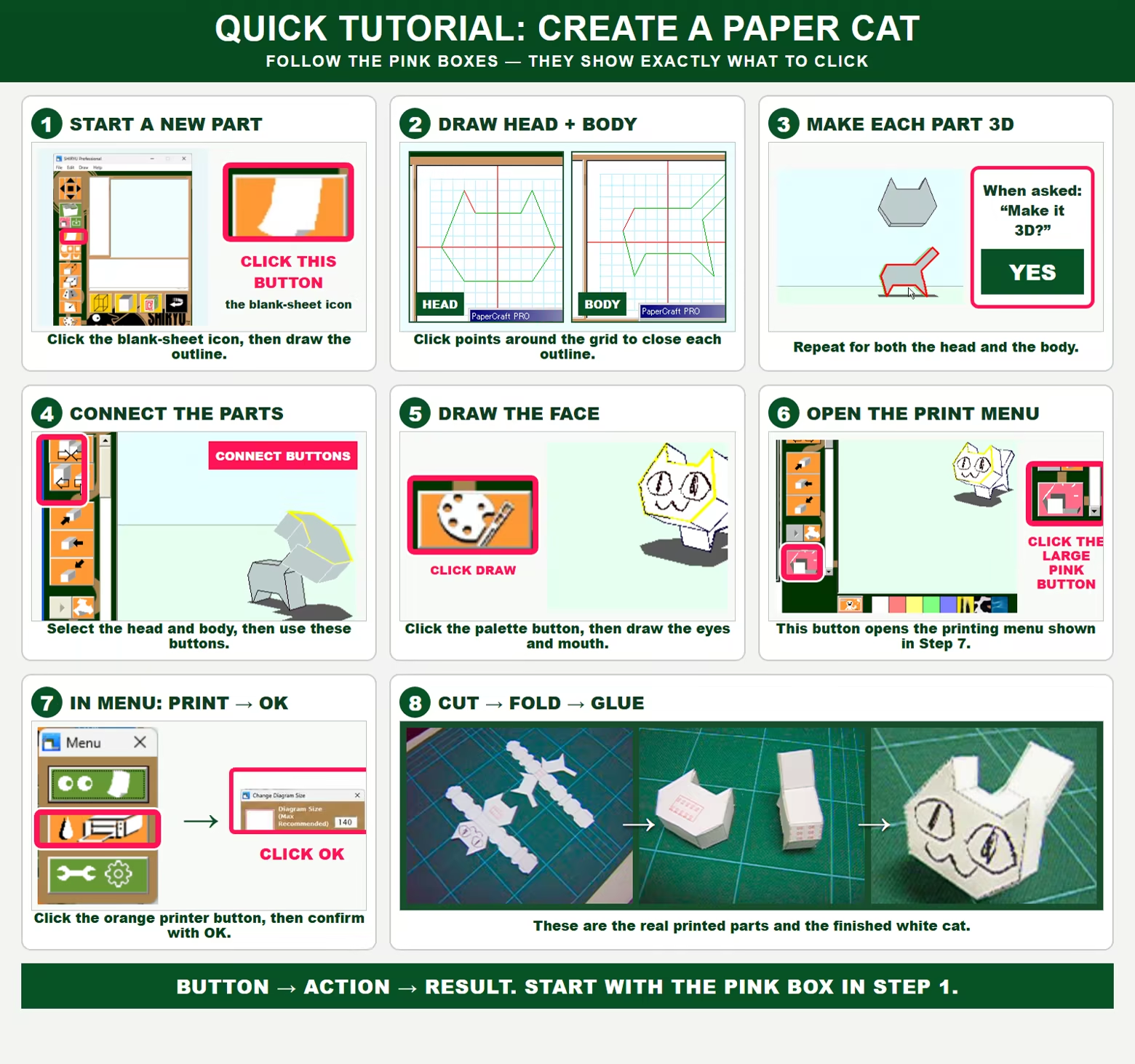
Build a white cat from scratch. One sheet shows the whole process.
Using a white cat as the example, the guide takes you through drawing the outline, turning it into 3D, connecting the parts, adding color, unfolding, printing, and assembly. You can see exactly how each step moves the model toward completion.
A grade-school student completed an original model.
A grade-school student drew the outline of a model. SHIRYU turned it into 3D, unfolded it for printing, and the student assembled the result as papercraft. The basic shape is made with clicks alone. Once you get the hang of it, you can build in much more detail.
More than 25 years spent refining papercraft software
SHIRYU first appeared in 1999 as software bundled with the book Ninja Art. It grew through a four-volume book series published by Kogakusha, technical presentations, and the work of its users. In 2026, it was updated for Windows 10 and 11 and released on Steam.
Jury Recommended Work, Entertainment Division, 10th Japan Media Arts Festival
SHIRYU presented at NICOGRAPH 2012 and published in a digital academic journal
Covered in technical publications and commercially published books
Keep working without getting lost. Visual guides included.
Part editing, connections, coloring, view controls, saving, unfolded-pattern preview, and printing. Two visual guides bring the main controls together while you work.
Print it, then cut, fold, and glue. Crafting is an explosion!
All you need is paper, a printer, scissors or a craft knife, and liquid glue. Follow the sequence below to turn the printed pattern into a finished paper model. Take it slowly. It is closer to running a marathon or grinding levels in an RPG.
One note before you begin
Results depend on printer settings, paper thickness, cutting, folding, and gluing. Card stock is recommended. Everyone's first model comes out a little bumpy, but practice helps. SHIRYU is intended for hobbies, education, and creative work. It is not suitable for precision design or manufacturing where dimensions or structural strength affect safety.
Commercial use of original models you create is unrestricted. You do not need to contact us or credit SHIRYU.
If Steam does not recognize that the Linux version of SHIRYU has stopped, click STOP in Steam. It is safe to stop the app this way. We plan to improve this behavior.
No generative AI was used to create the included models or program code. At present, generative AI cannot operate SHIRYU to make models either.
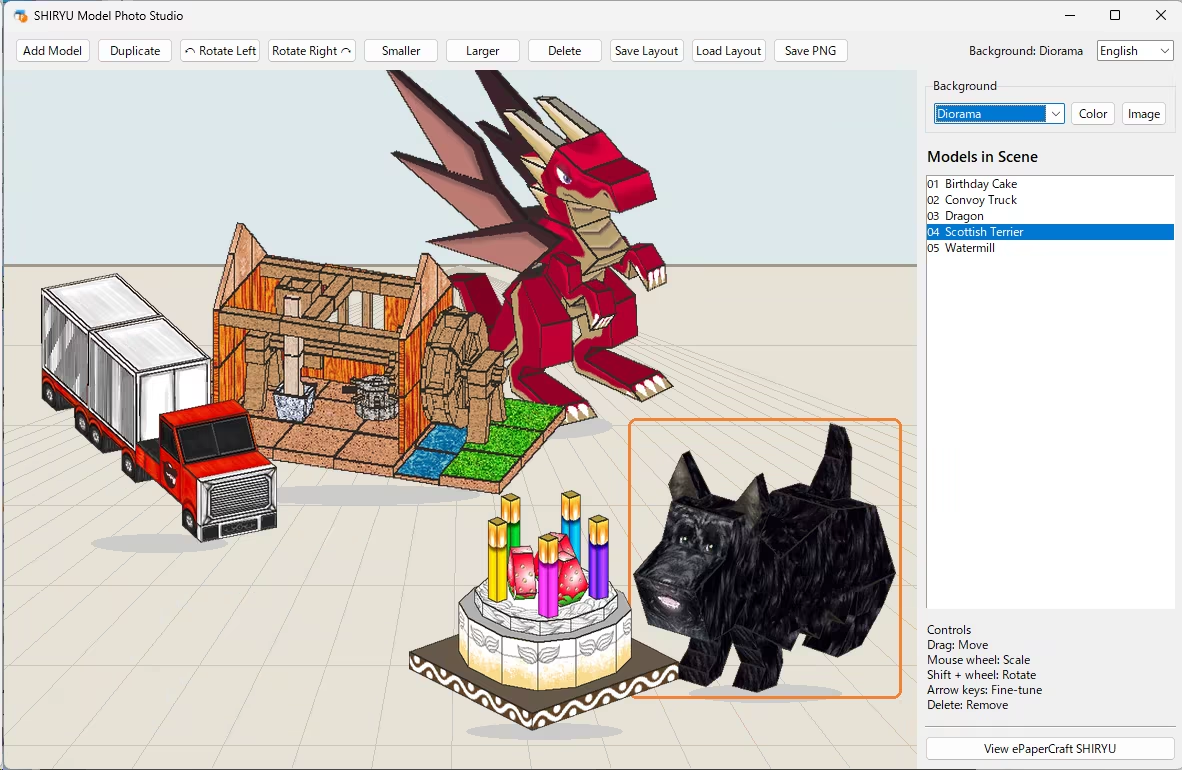
Free tool exclusively for owners: SHIRYU Model Photo Studio
SHIRYU owners can use it at no additional charge.
Load the included models or original models made in SHIRYU. Change the background, move, rotate, and resize models, save layouts, and export PNG images. Images you create may be used freely, including commercially.