#Animation&Modeling #FreetoPlay #Indie
SlimeVR
SlimeVR Server is a companion software for your SlimeVR Full-Body Trackers.
View game
Free

Positive · 1 reviews
100% positive (1 / 1)
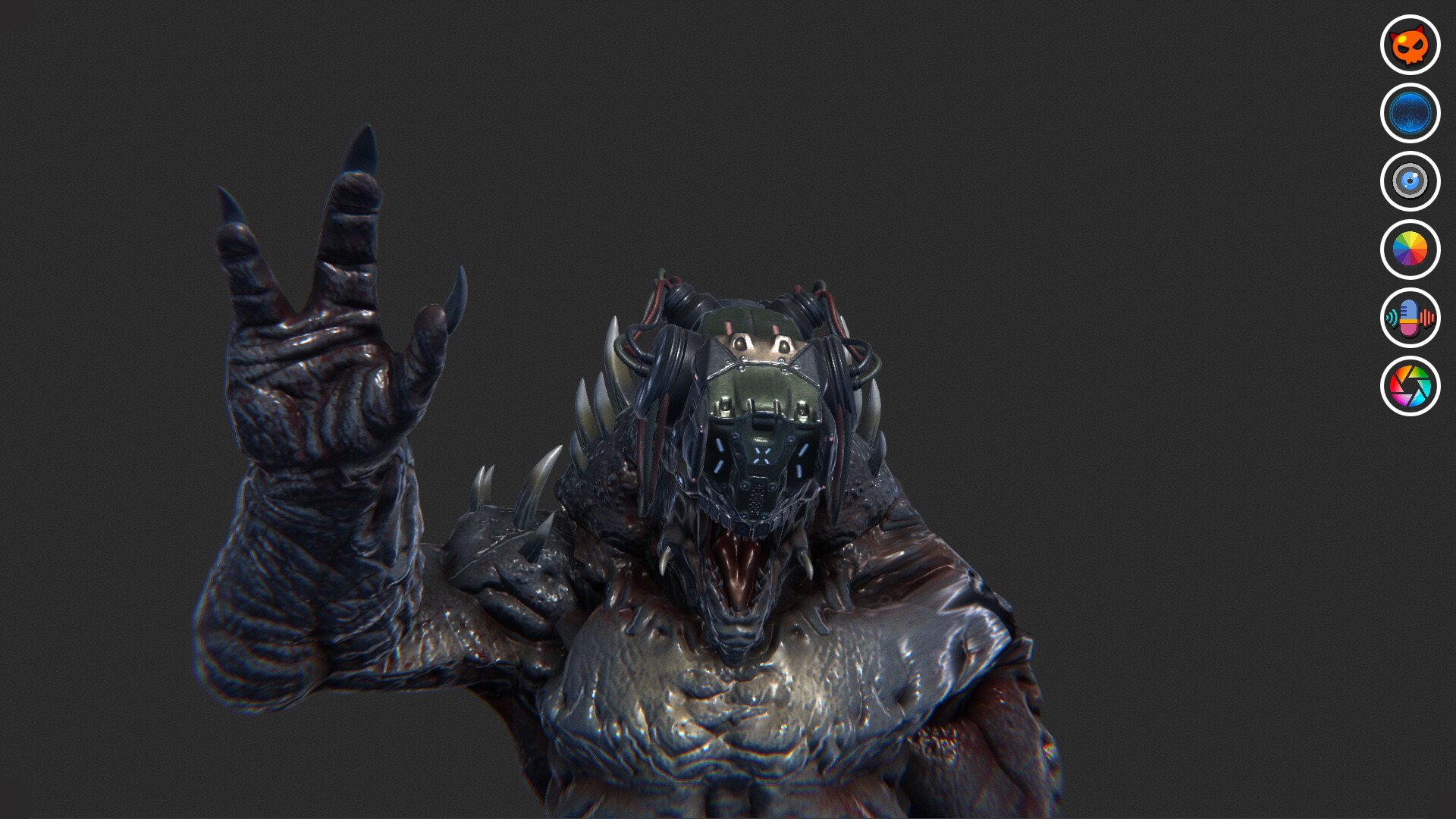
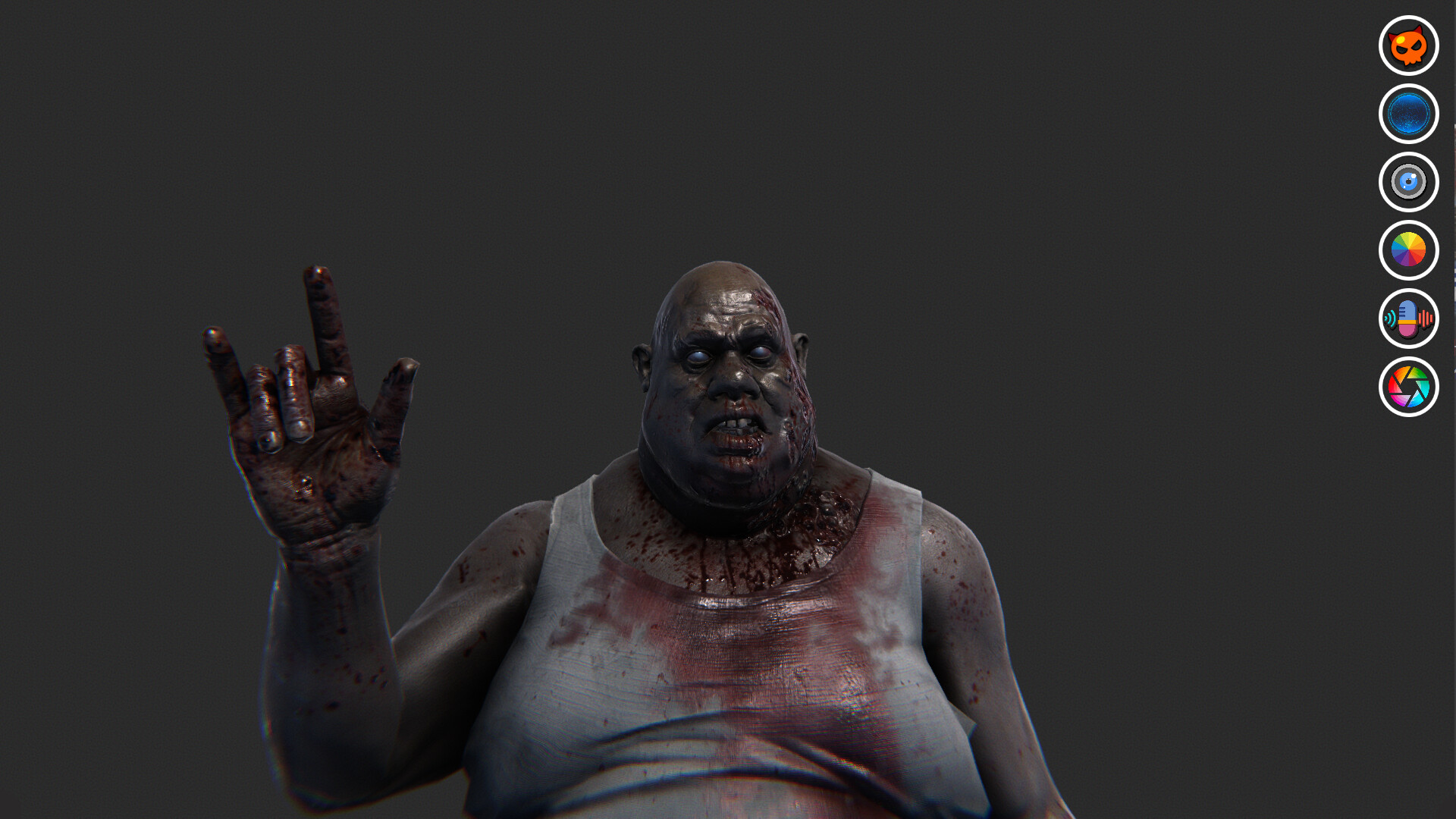
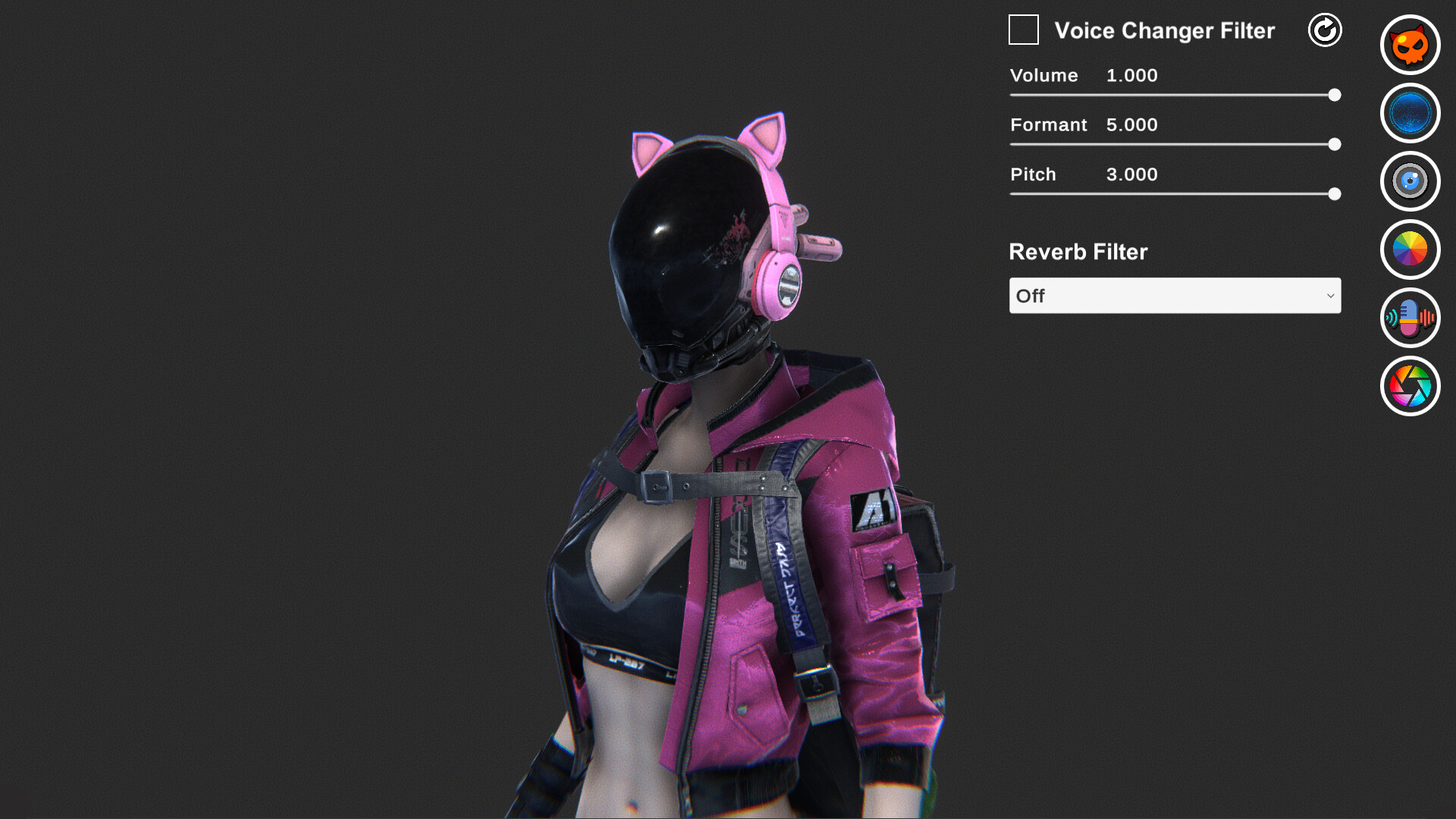
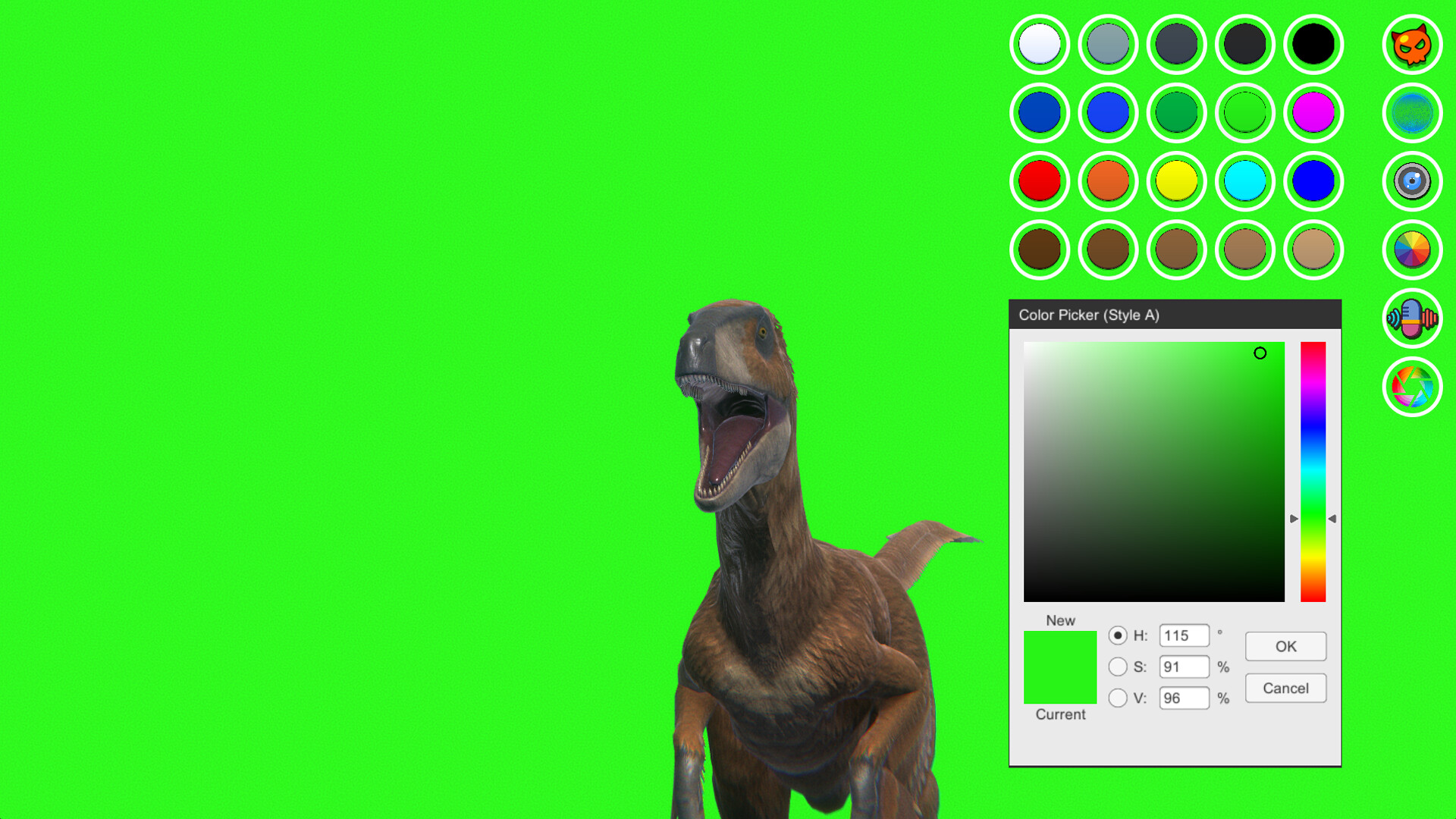
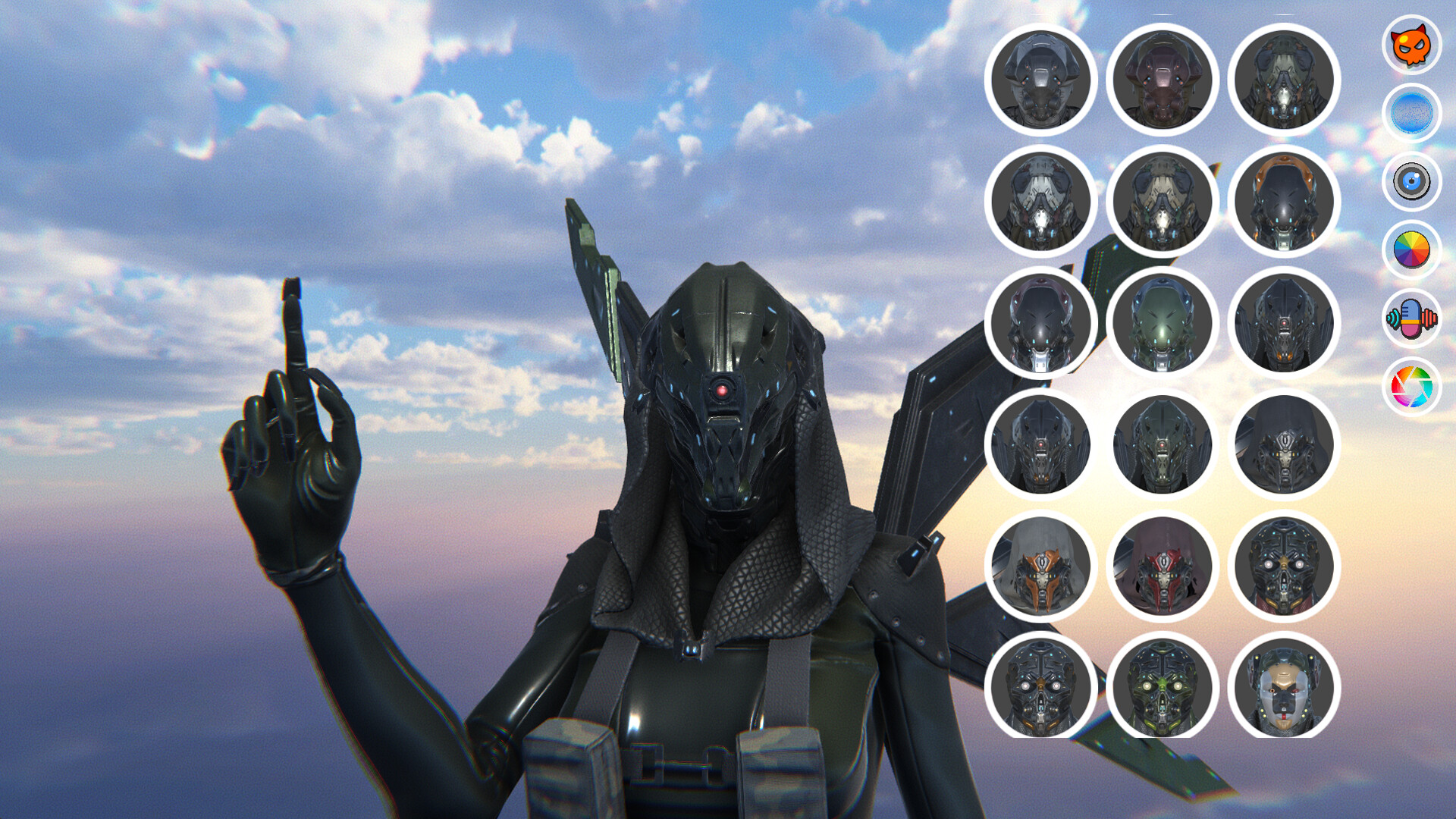
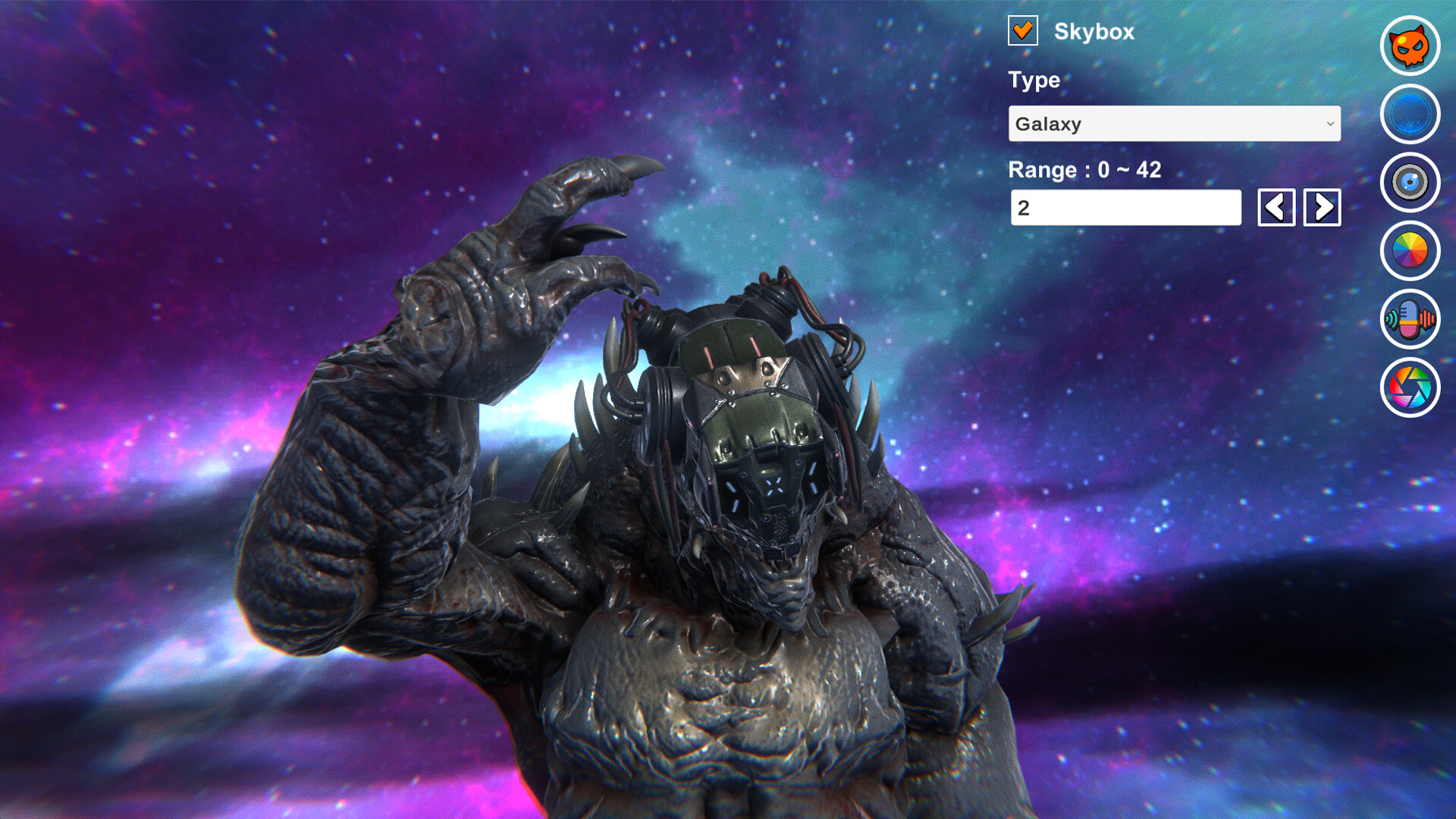
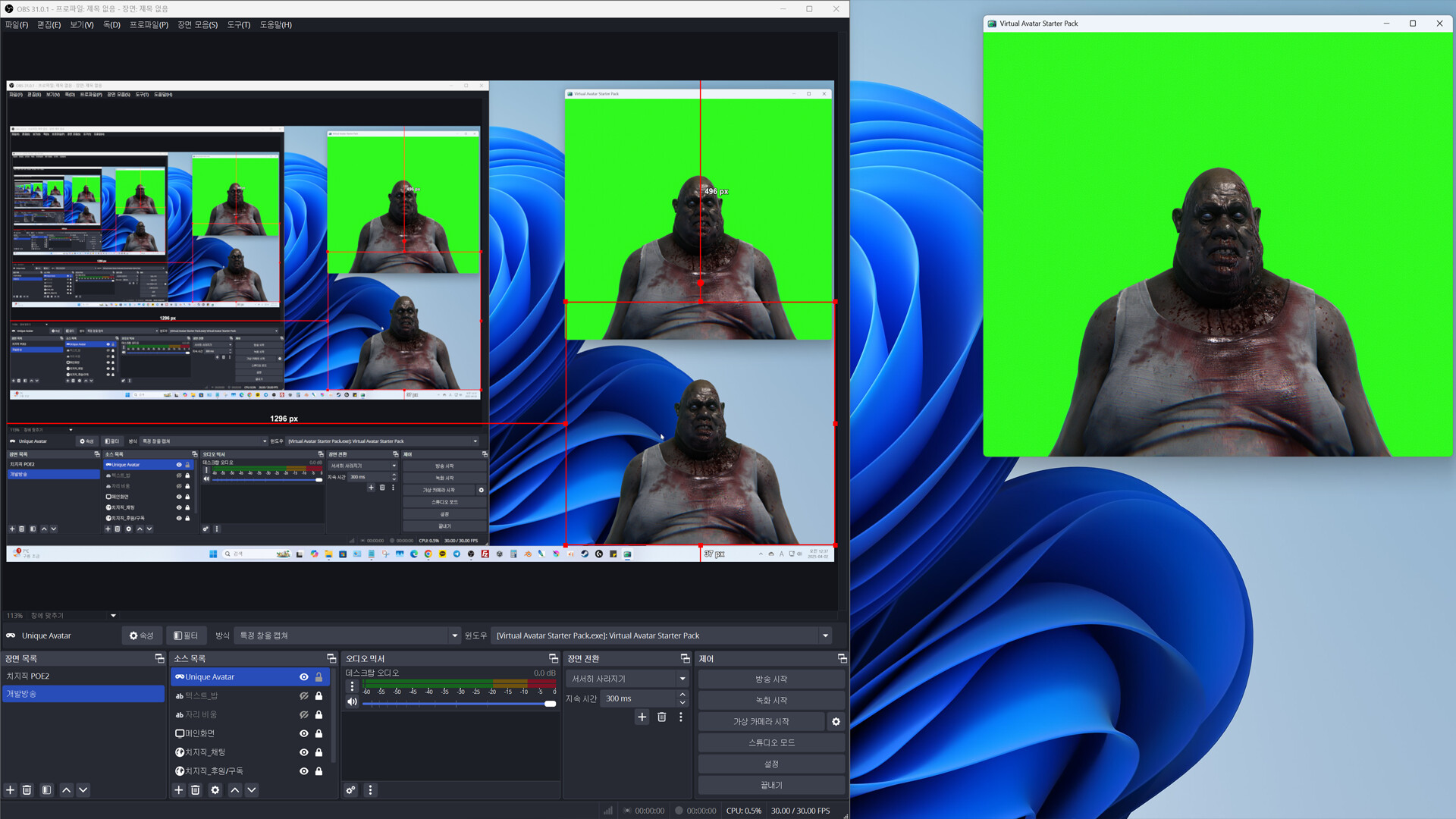
This software was developed for those who are preparing for virtual broadcasting for the first time. It was developed to reduce excessive initial costs and create an environment where many people can easily try it.
Released
April 27, 2025
Price
Platforms
Windows
Developer
Publisher
Last sync
September 25, 2026
• Virtual Avatar Starter Pack is a software developed for those who are preparing for virtual broadcasting for the first time.
• It is a one-person development software, so there are some shortcomings.
• We developed the software to reduce excessive expenses and create an environment where many people can easily challenge themselves in order to verify talent in virtual broadcasting.
• We developed it for those who want concepts such as Scifi, Zombie, and Creature, rather than the currently popular animation-style characters.
• We developed it based on the principle of implementing essential functions rather than many functions.
• If you need advanced functions and avatars, you need to switch to other software that is suitable for you.
• We do not support devices other than webcams for face and hand recognition.
• We do not support importing external files such as VRM and live2D.
• Virtual Avatar Starter Pack provides approximately 170 3D avatars, approximately 160 360 Skybox environment maps,
Voice change filter, background color for chroma key, and camera effect functions.
• For human-type avatars, it supports simplified face tracking and hand tracking using a webcam.
• For animal and creature-type avatars, it supports head rotation and mouth tracking using a webcam.
• For drone-type avatars, it supports head rotation tracking using a webcam.
• You can hide or show the UI by pressing the ESC key.
• You can rotate the camera using the left mouse button.
• You can move the camera using the right mouse button.
• You can zoom the camera using the mouse wheel.