PawPaint is a modern 3D model painting software that has been crafted with you in mind, focused on being the best 3D painting software for VRChat avatar creators, 3d modelers and hobbyists. Featuring non-destructive layers, masks, modifiers, a bundled asset library, and game-ready export up to 4K.
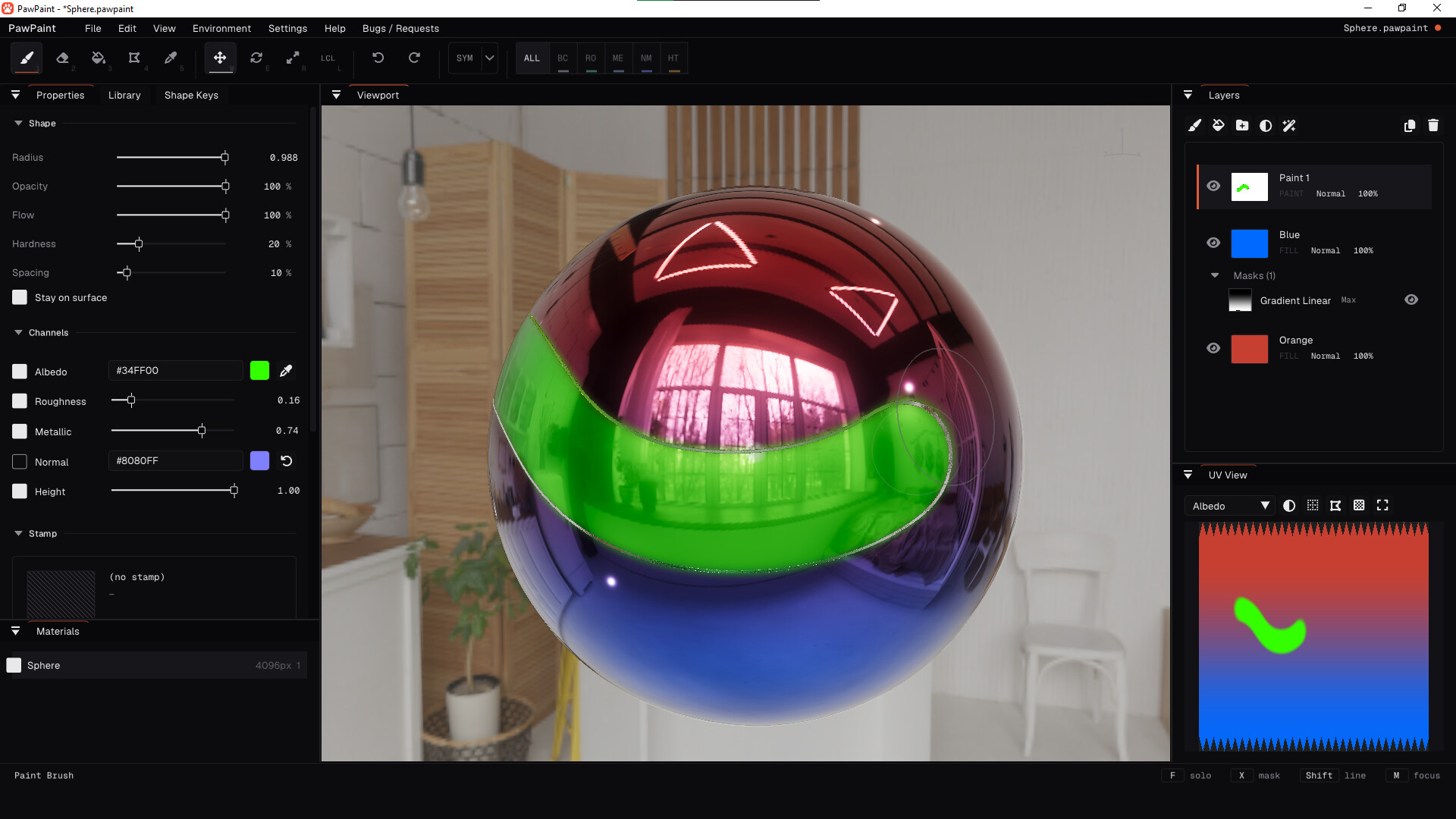
PawPaint is the latest 3D model painting software that has been built with you in mind. Featuring 6 painting channels (color, roughness, metallic, normal, height and emission (+custom channels)) that can be painted individually, together or mixed and matched, PawPaint is perfect for getting your desired look in the texturing phase. Want to find out more? Take a quick scroll to see some of our awesome features.
Buy it once? It's yours!
We believe that creative tools should be something that you own, so PawPaint has no subscription and never will. No locked features, no pro tier, no monthly costs. You buy it, you own it. Every future update will be included with your purchase, and we greatly appreciate your support by purchasing PawPaint.
Layer Stacks
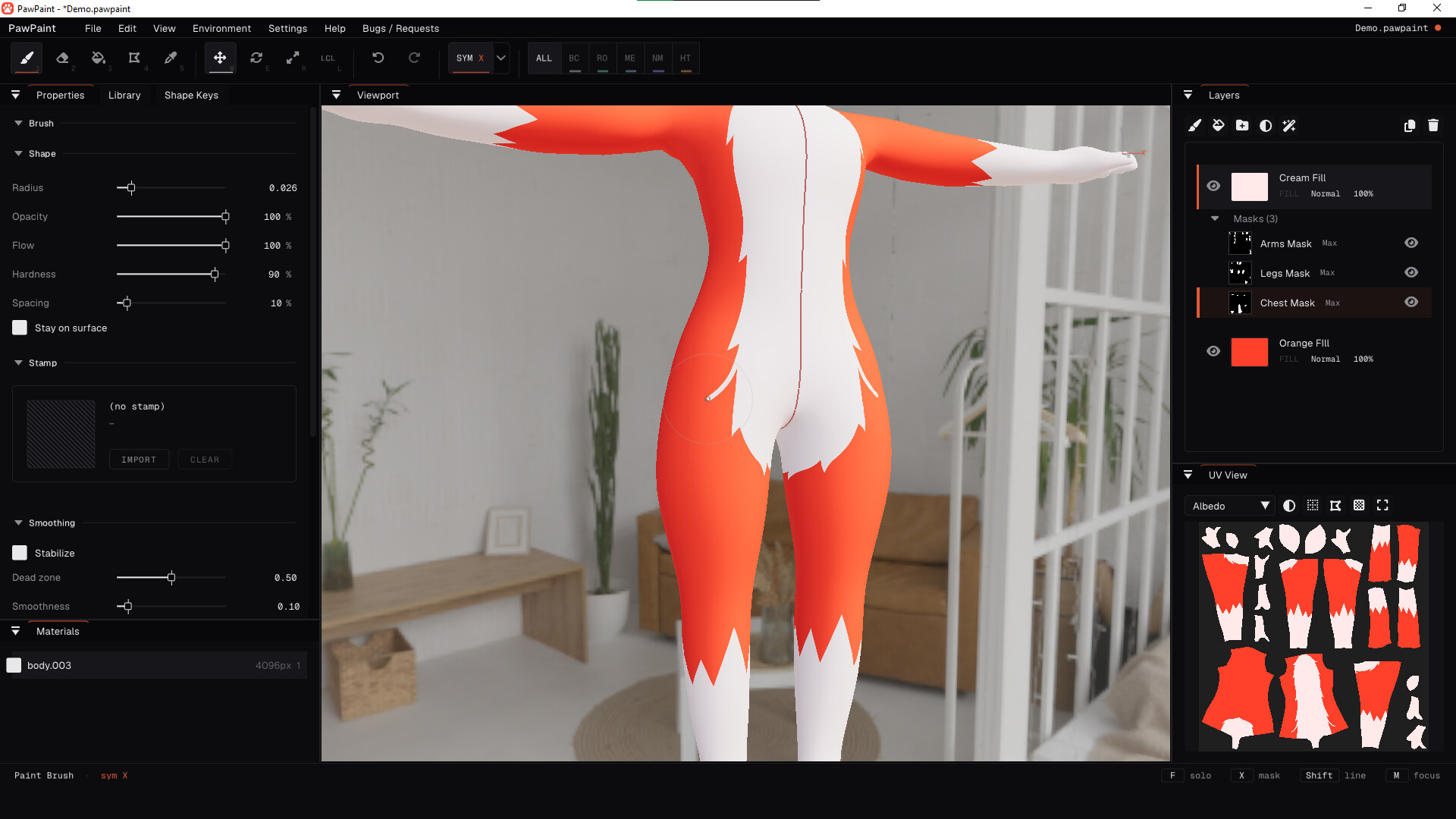
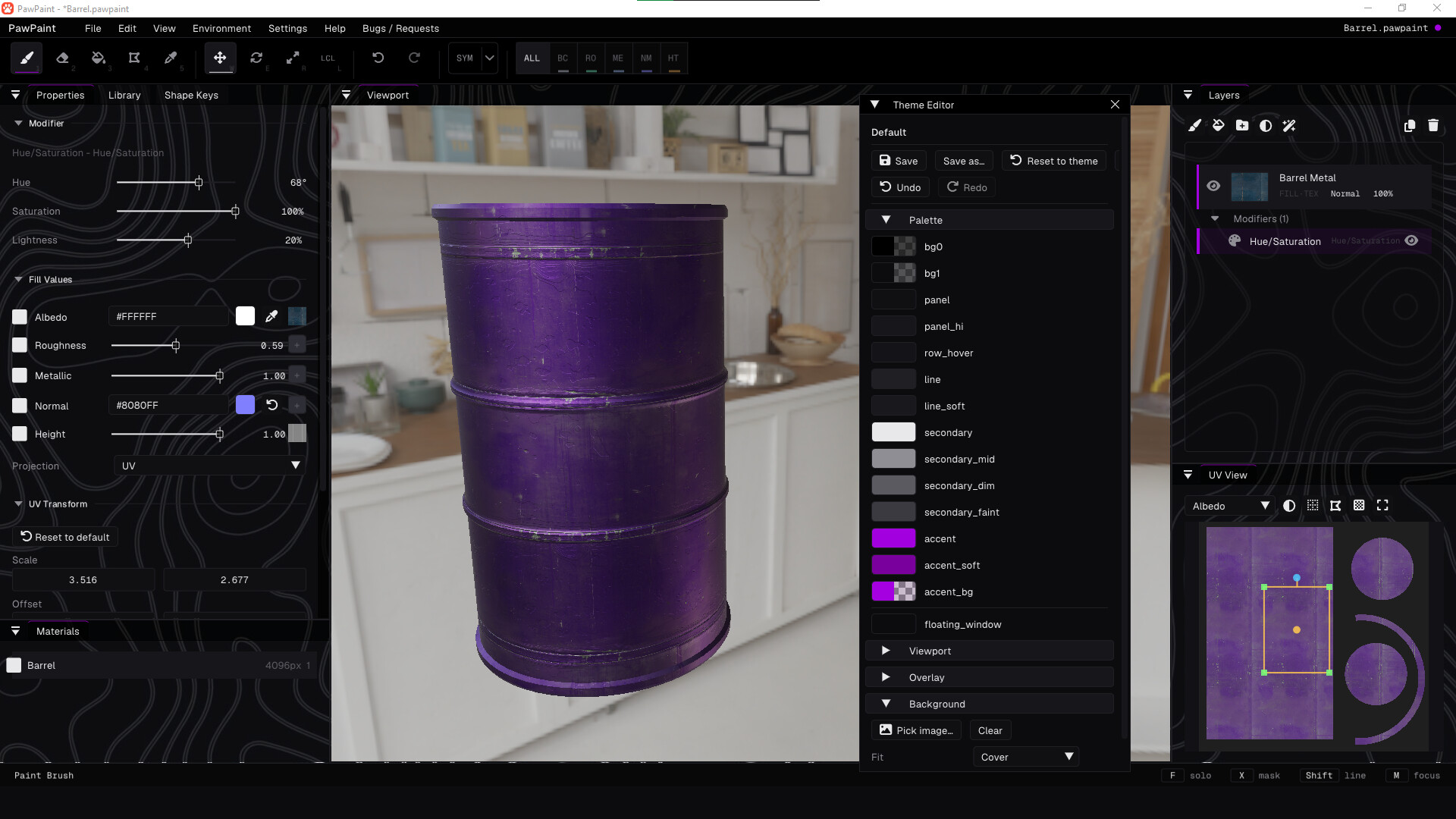
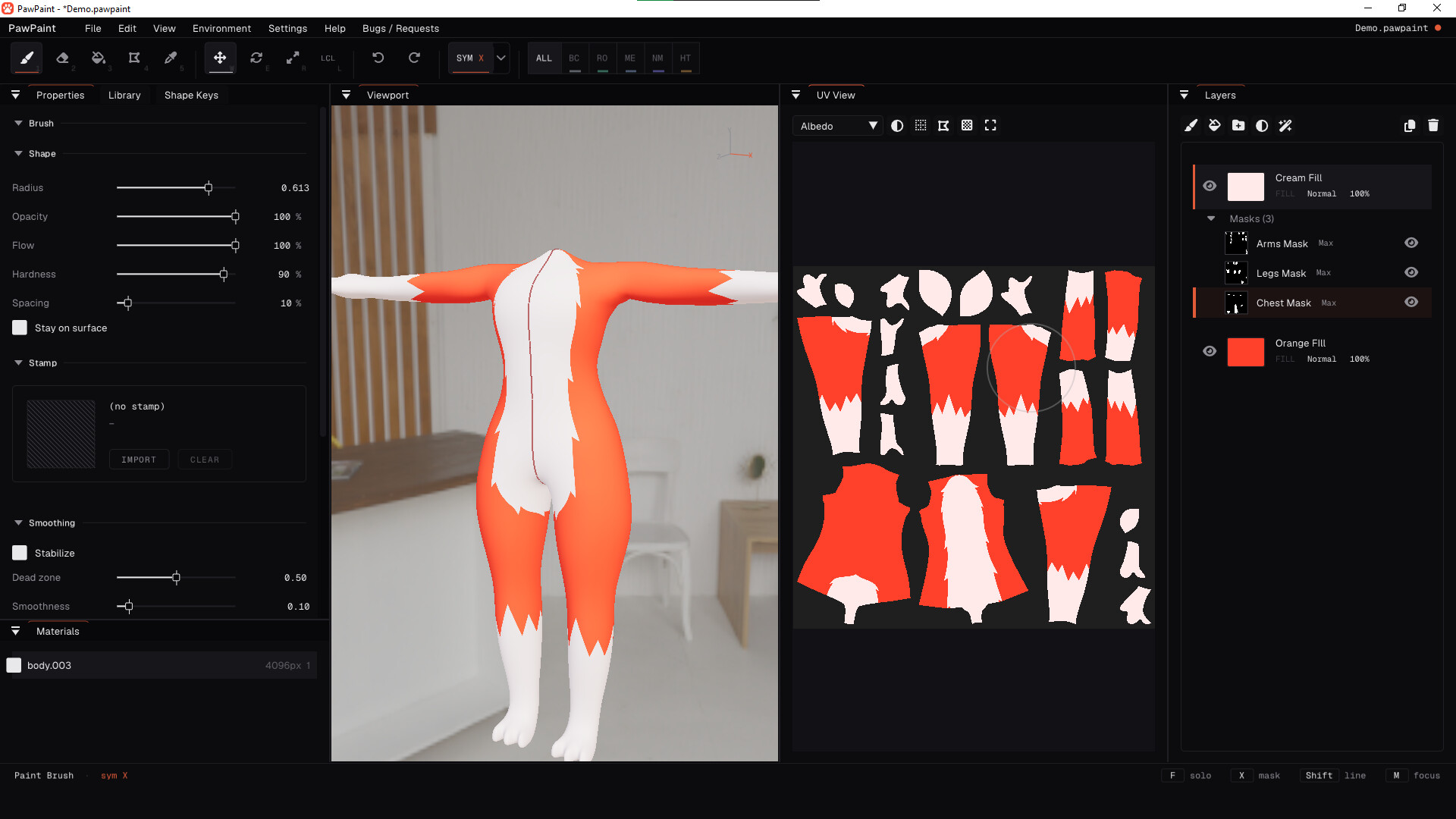
Materials are built as layer stacks, similar to any 2D image editor/drawing software. The layer panel can host paint layers, fill layers, folders, masks, blend modes, and modifiers you can stack and reorder. Nothing here is destructive. You can save layers, masks and folders as presets and easily use them into your next project.
Model Painting
The paint engine runs efficiently on the GPU meaning strokes stay smooth even on 4K textures. There's customizable 3 axis symmetry, an eyedropper tool, an RGB color wheel, and a UV view that you can paint on whenever you like.
Import and Export
You can import FBX, OBJ, glTF and most other common formats into PawPaint. Models import with their shape keys, so you can preview them while you paint. When you're done, export PNG, TGA or EXR texture sets, or pack the whole thing into a glTF/GLB file.
Asset Library
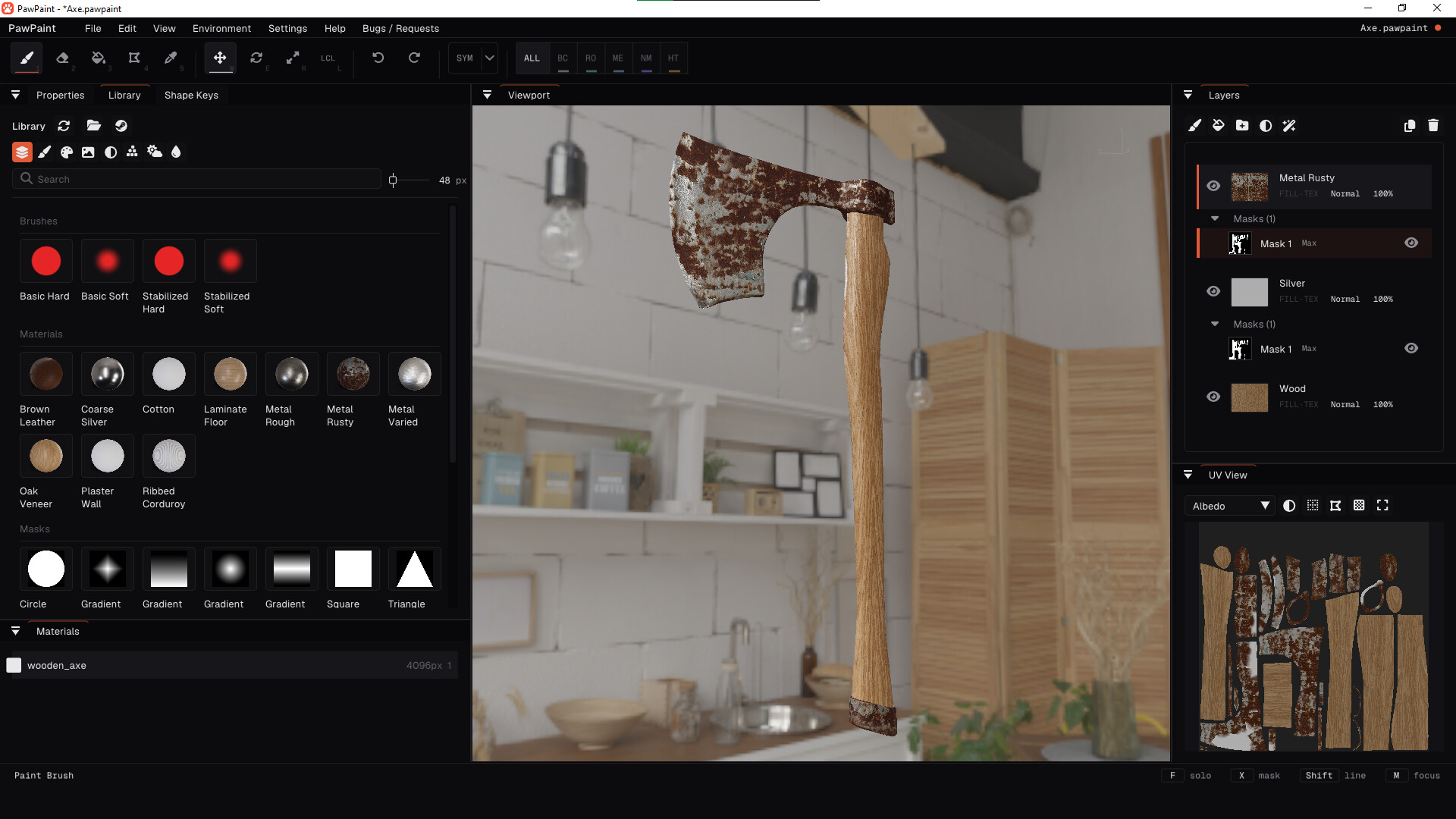
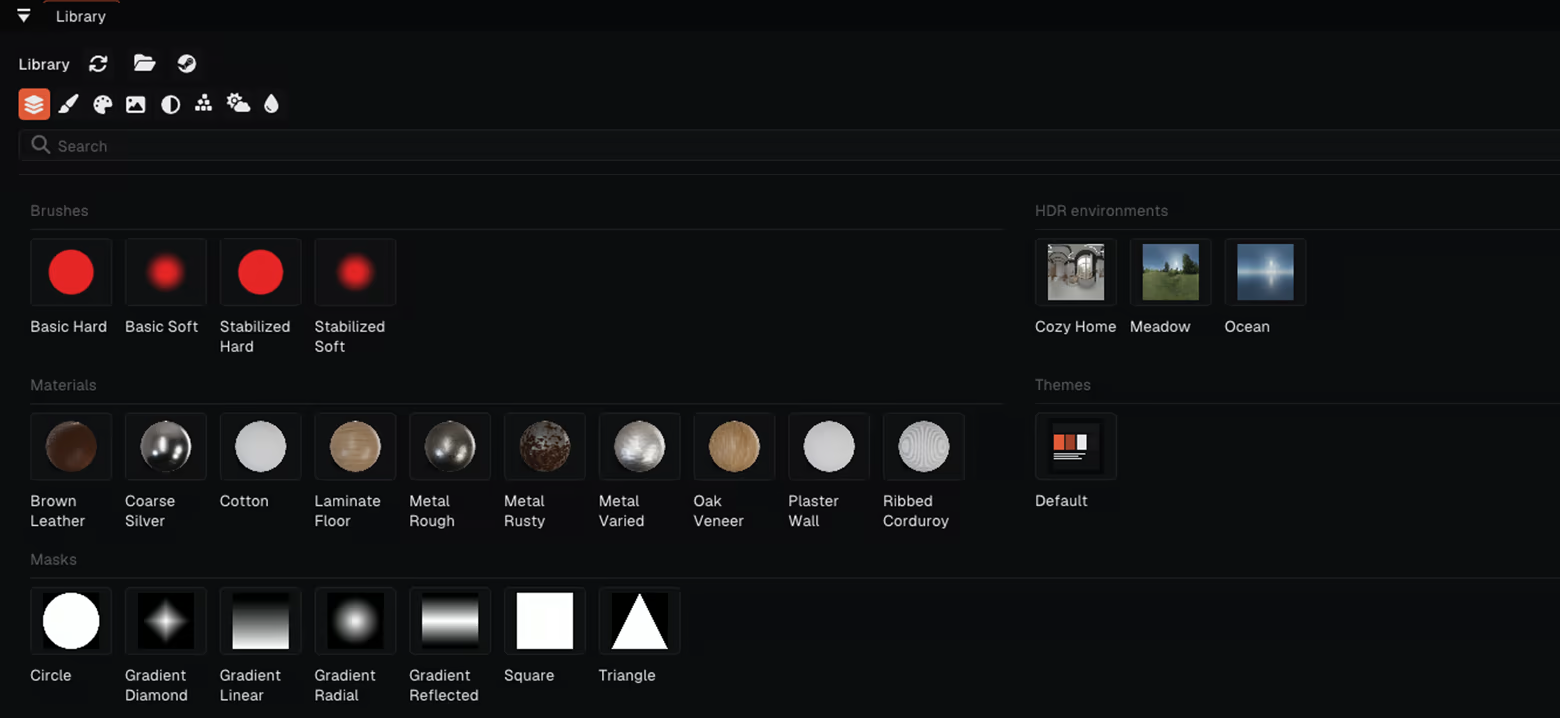
PawPaint comes with a library for brushes, materials, stamps, masks and HDRI environments, which can be easily used in any project. We also have an integrated Steam Workshop page that links directly to the library, where you can browse, use and create community made assets.
Plugins, Themes, and Shortcuts
Every keyboard shortcut can be rebound to whatever key or combination suits you best! The UI theme is customizable, and themes are just files meaning that you can share them with your friends. There's also a sandboxed Lua plugin API if you want to script tools of your own.