#Animation&Modeling #AudioProduction #Design&Illustration
Turbo Play
A full-scale Video, Image, Audio and Animation editor and sequencer with AI features, 300+ video effects and transitions in multiple languages.
View game
Free
Mostly Positive · 4 reviews
75% positive (3 / 4)
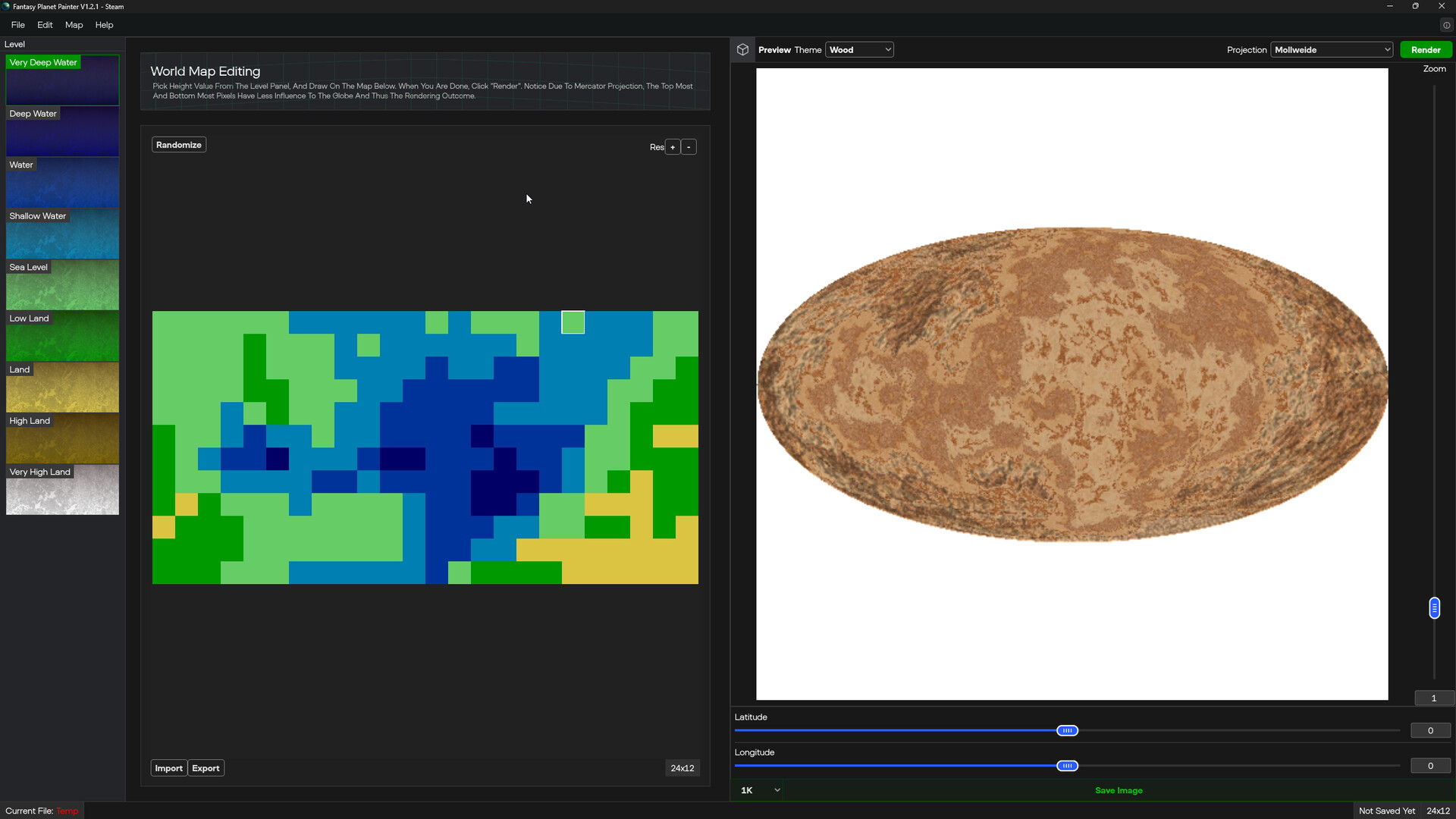
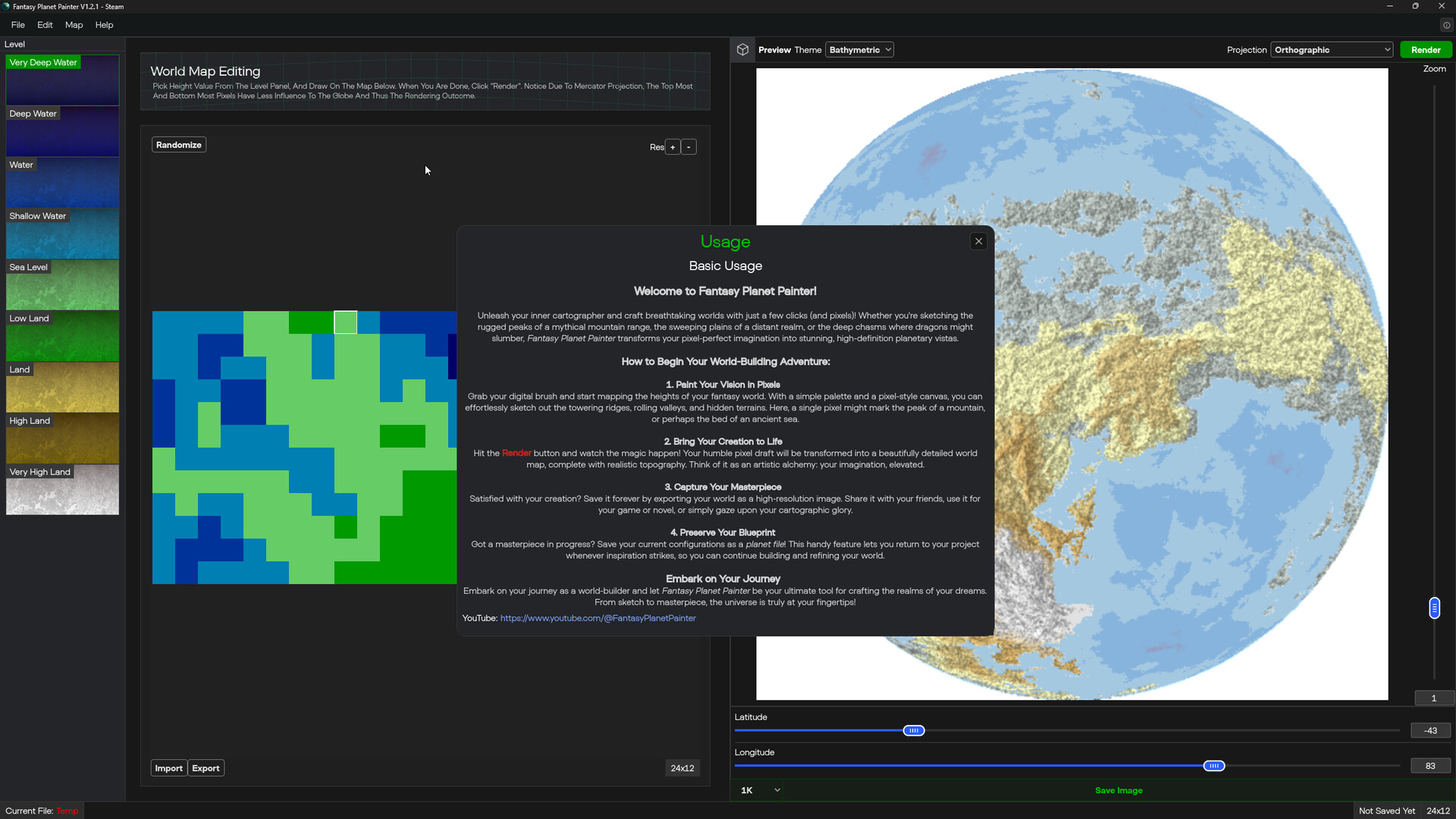

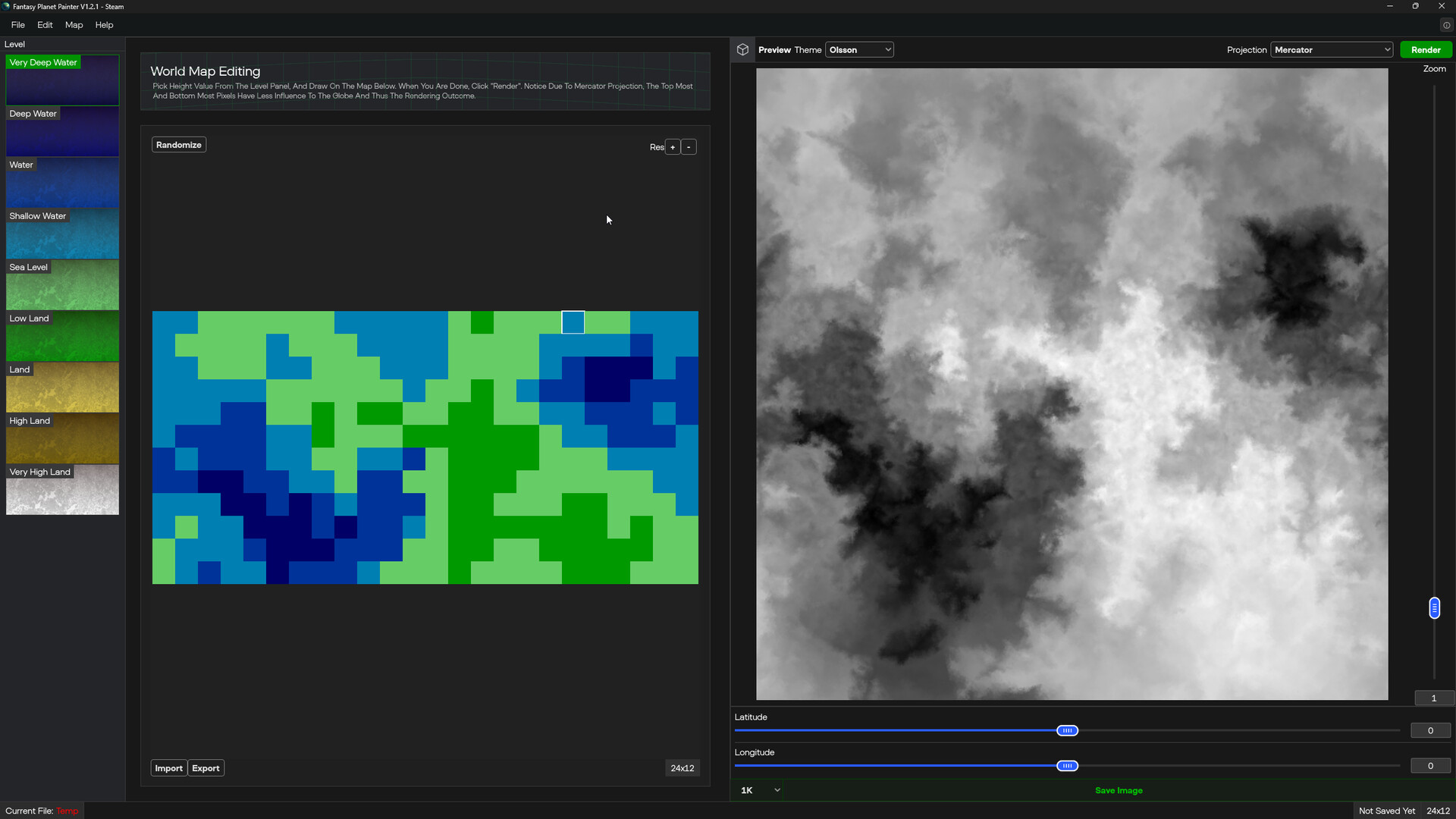
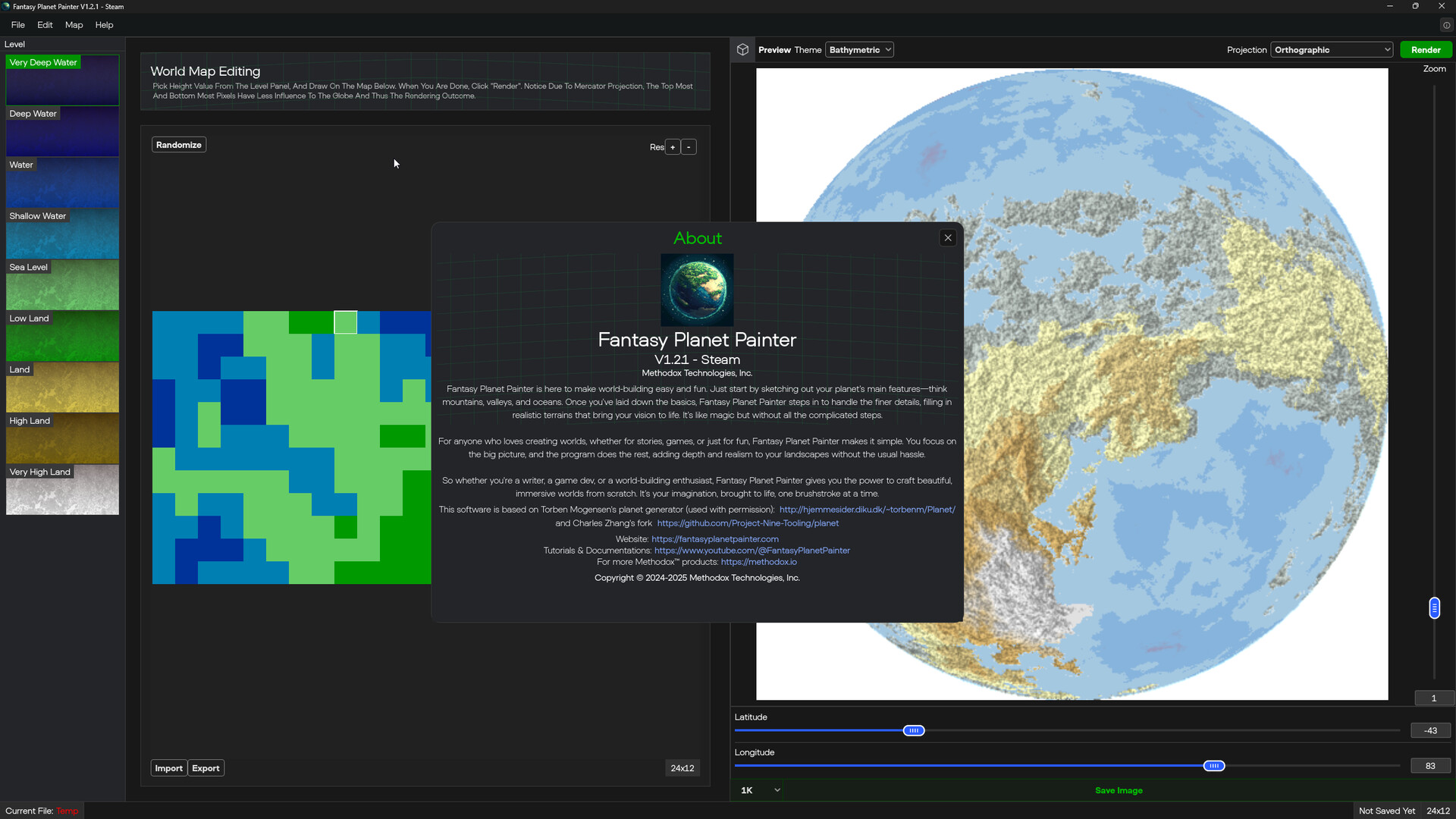

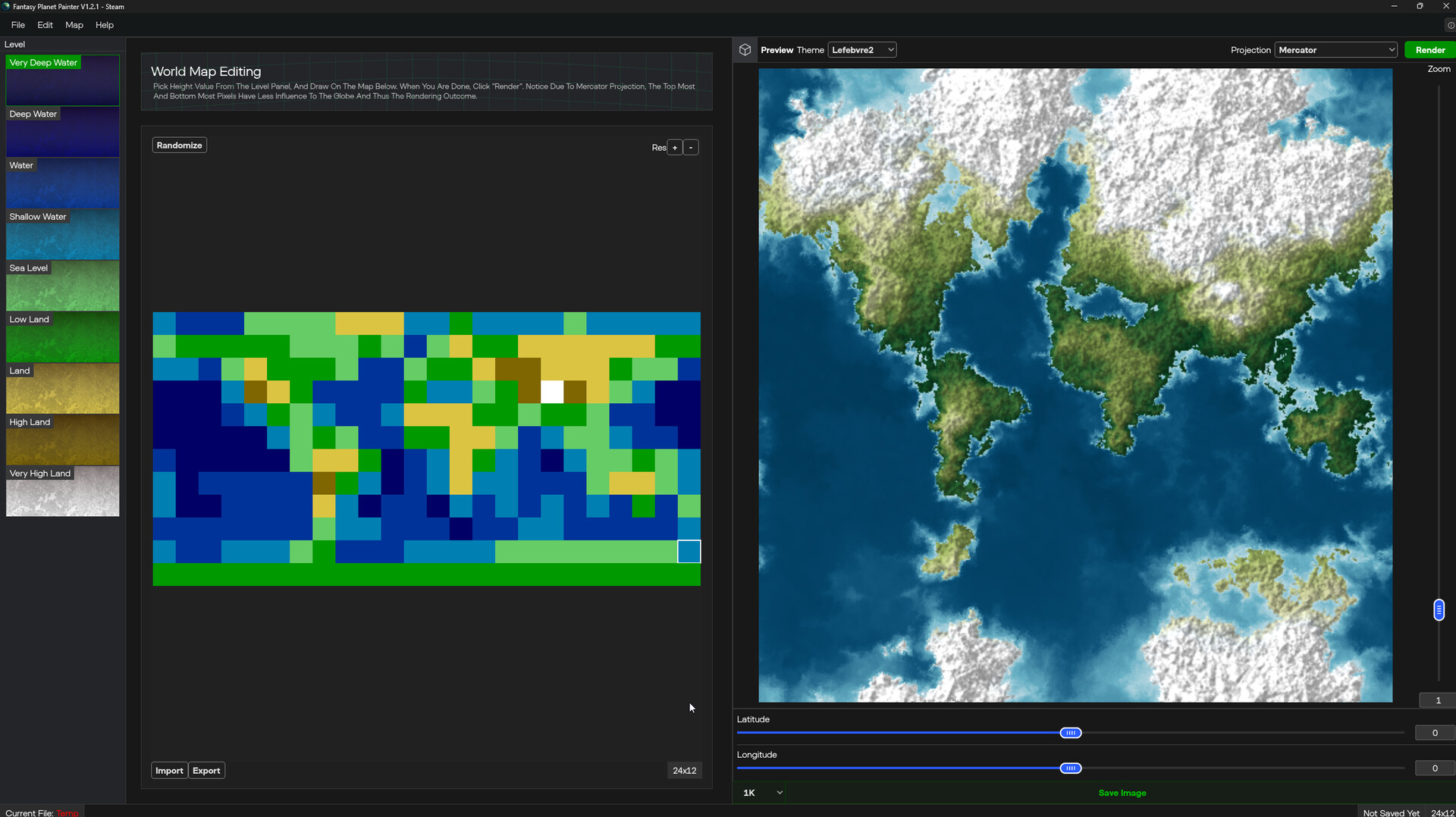
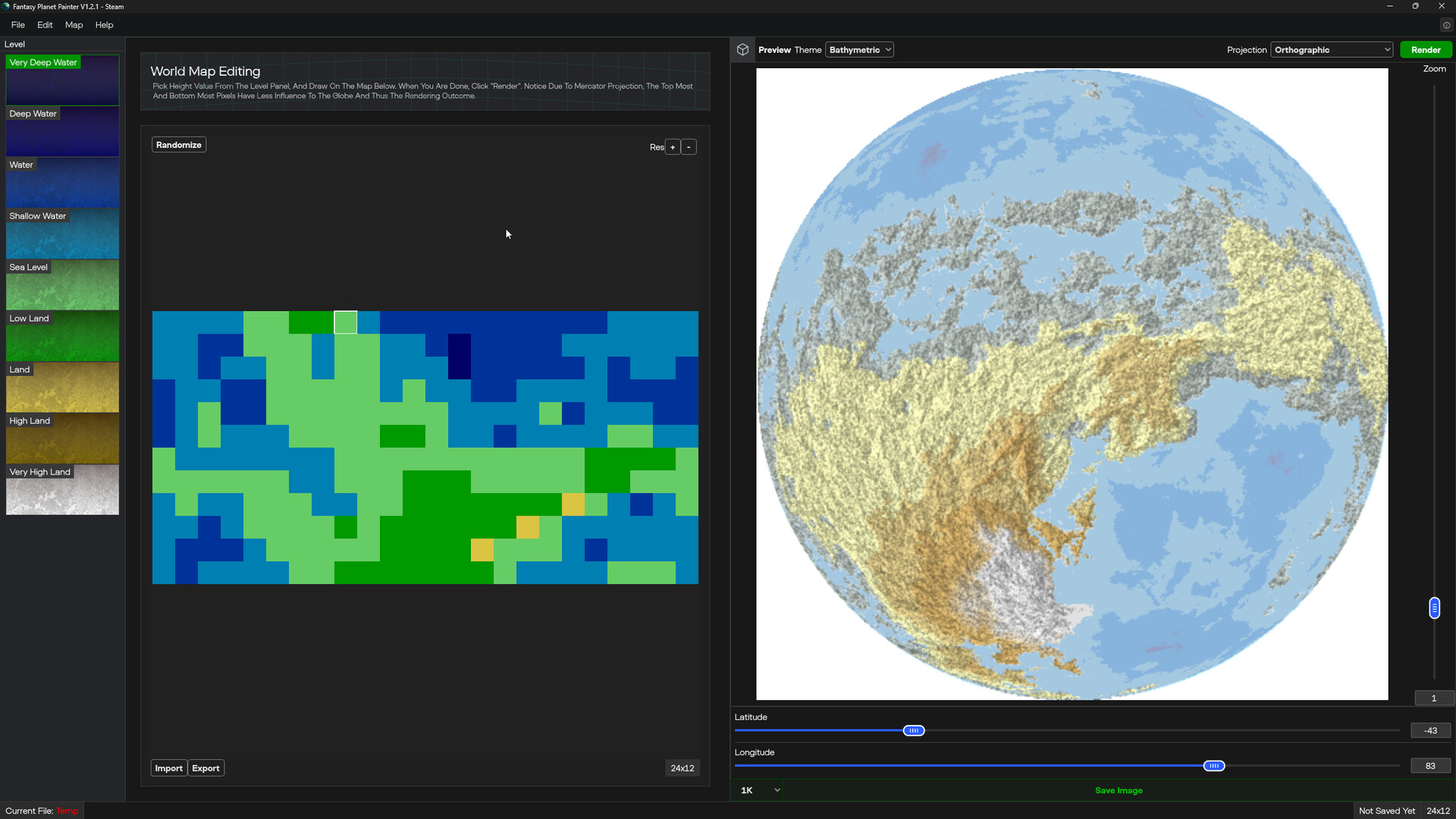
Fantasy Planet Painter is a procedural planet generator and procedural terrain editor with artistic control, allowing you to bring entire planets to life from just a few rough sketches. Paint the big features, and let the program generate the rest.
Released
February 5, 2026
Price
Platforms
macOS · Windows
Developer
Publisher
Last sync
September 24, 2026
Fantasy Planet Painter is here to make world-building easy and fun. Just start by sketching out your planet’s main features—think mountains, valleys, and oceans. Once you’ve laid down the basics, Fantasy Planet Painter steps in to handle the finer details, filling in realistic terrains that bring your vision to life. It’s like magic but without all the complicated steps.
For anyone who loves creating worlds, whether for stories, games, or just for fun, Fantasy Planet Painter makes it simple. You focus on the big picture, and the program does the rest, adding depth and realism to your landscapes without the usual hassle.
So whether you’re a writer, a game dev, or a world-building enthusiast, Fantasy Planet Painter gives you the power to craft beautiful, immersive worlds from scratch. It’s your imagination, brought to life, one brushstroke at a time.
Save file format:
Export resolutions:
Import options:
Export options:
Projection types:
Please note the following platform differences:
Latest Windows version: v1.3.1;
Latest macOS version: v.1.3.1.
Demo version: v1.2.3 (Windows Only)
The demo package demonstrates most of the editing capabilities.
It has the following limitations:

![DEMoCap (Drag[en]gine Motion Capture)](https://shared.akamai.steamstatic.com/store_item_assets/steam/apps/1939210/e38457dc6044f39ac82a2bb1b633063d4a93ca36/header.jpg?t=1758103686)