DSprite
No Reviews · 0 reviews
Screenshots


Description
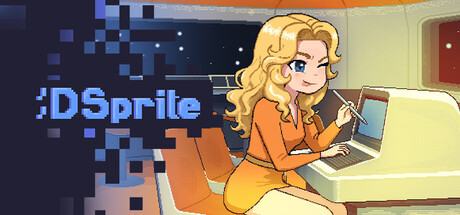
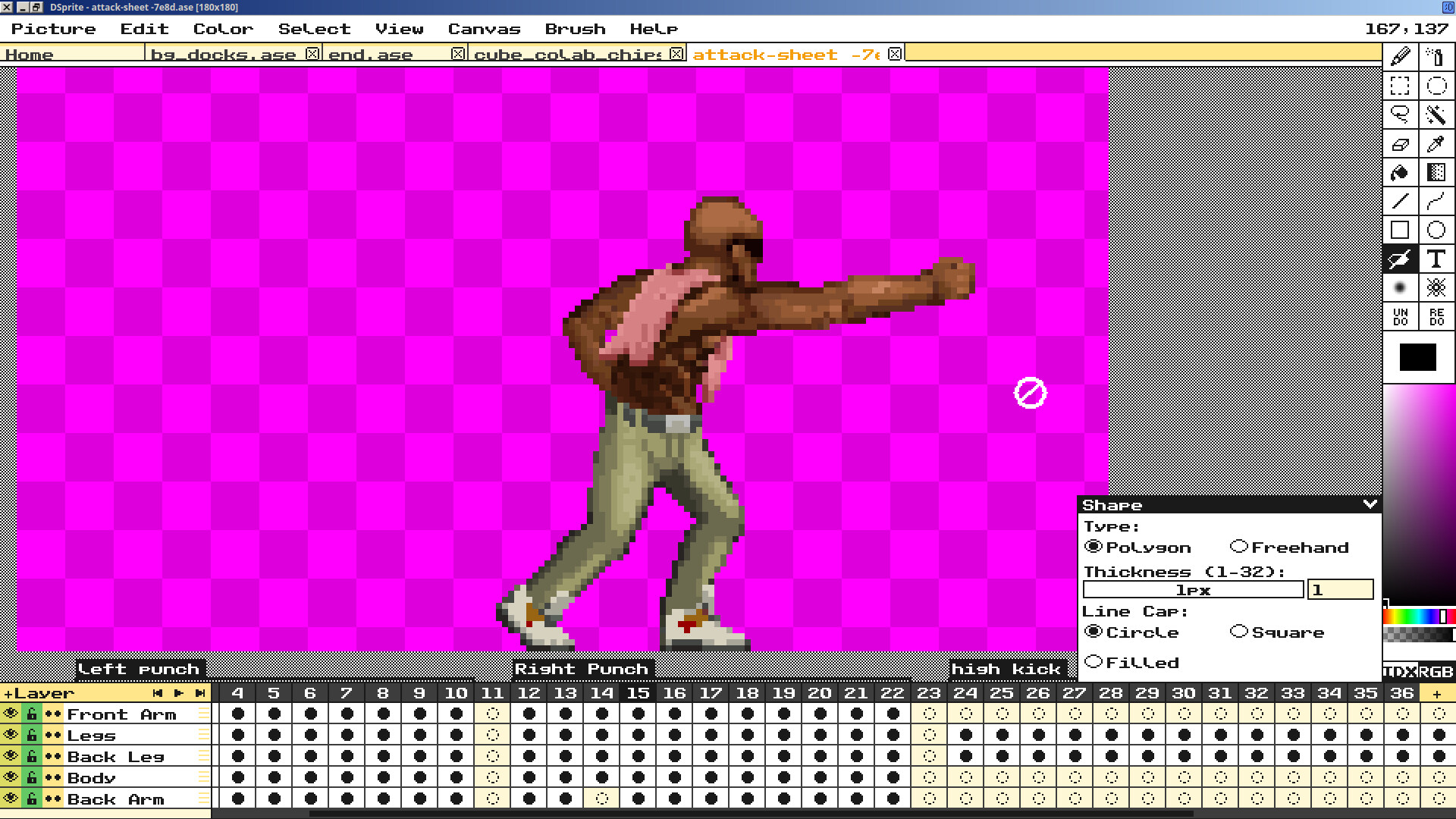
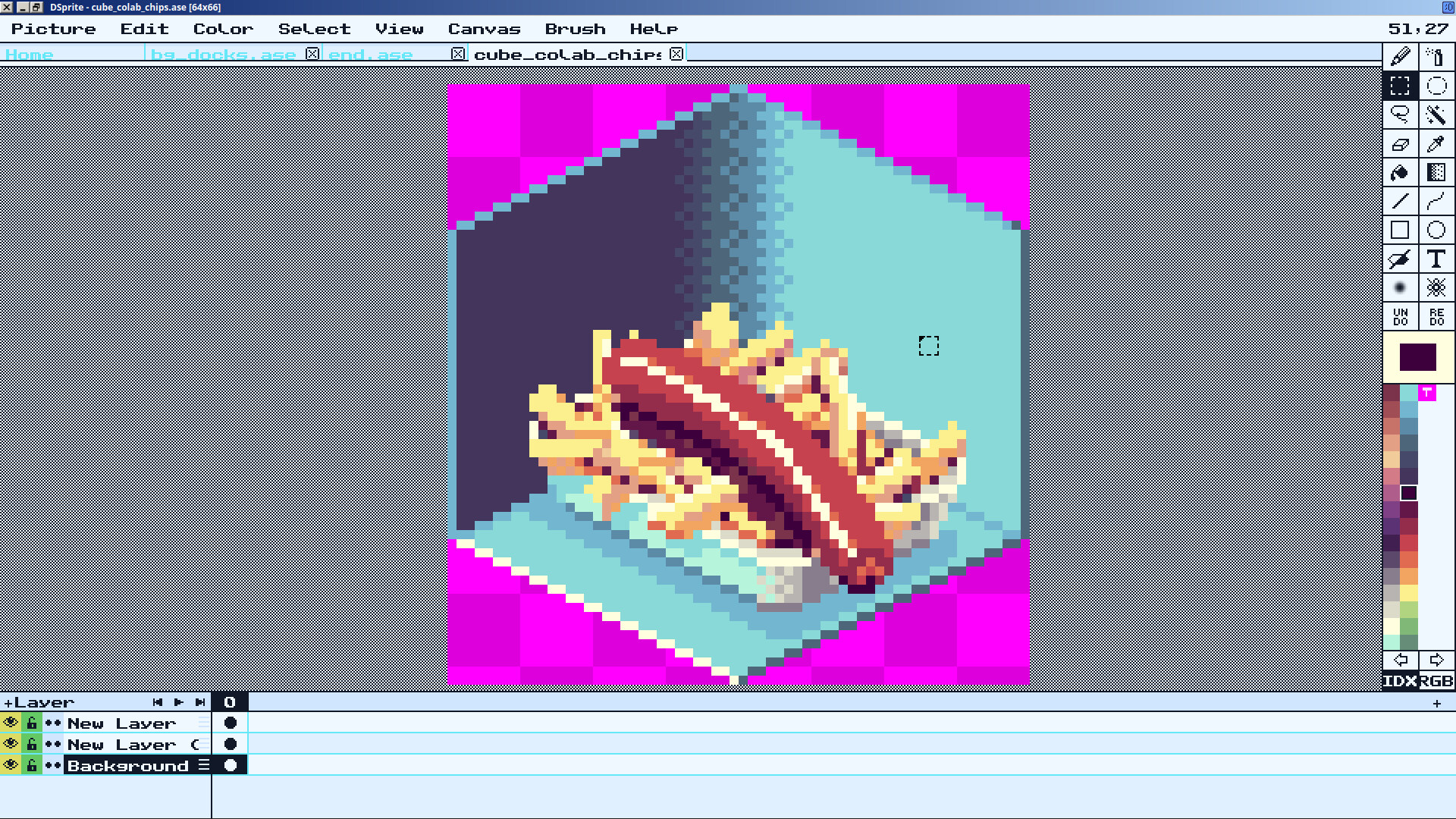
Start drawing with the retro game artists dream! A professional art suite that's easy to use, with the tools and charm of the best packages of the 1990s blended seamlessly with what modern pixel art and animation tools have to offer.
Platforms
Linux · Windows
Developer
Extend Mode
Publisher
Extend Mode
About
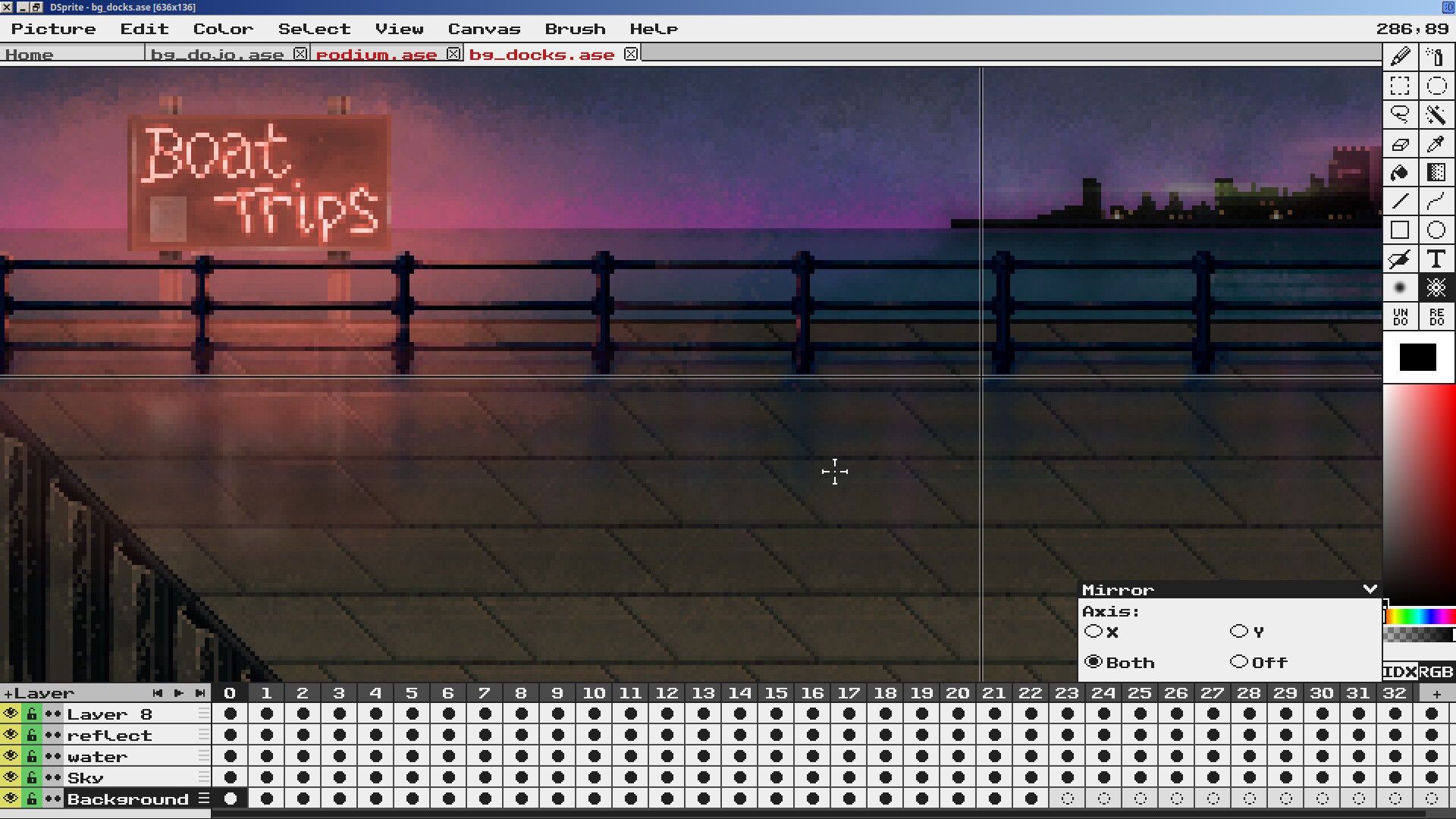
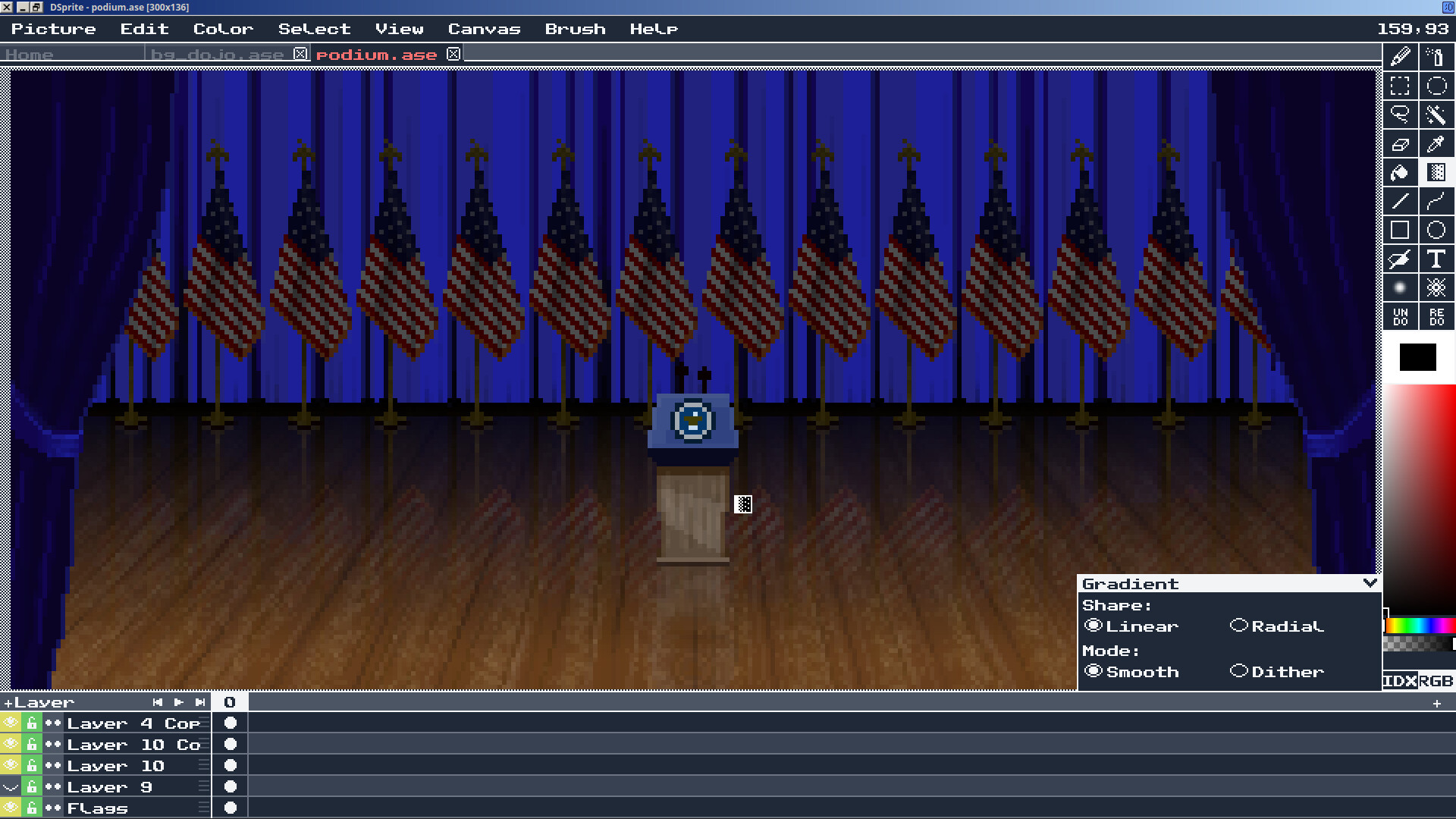
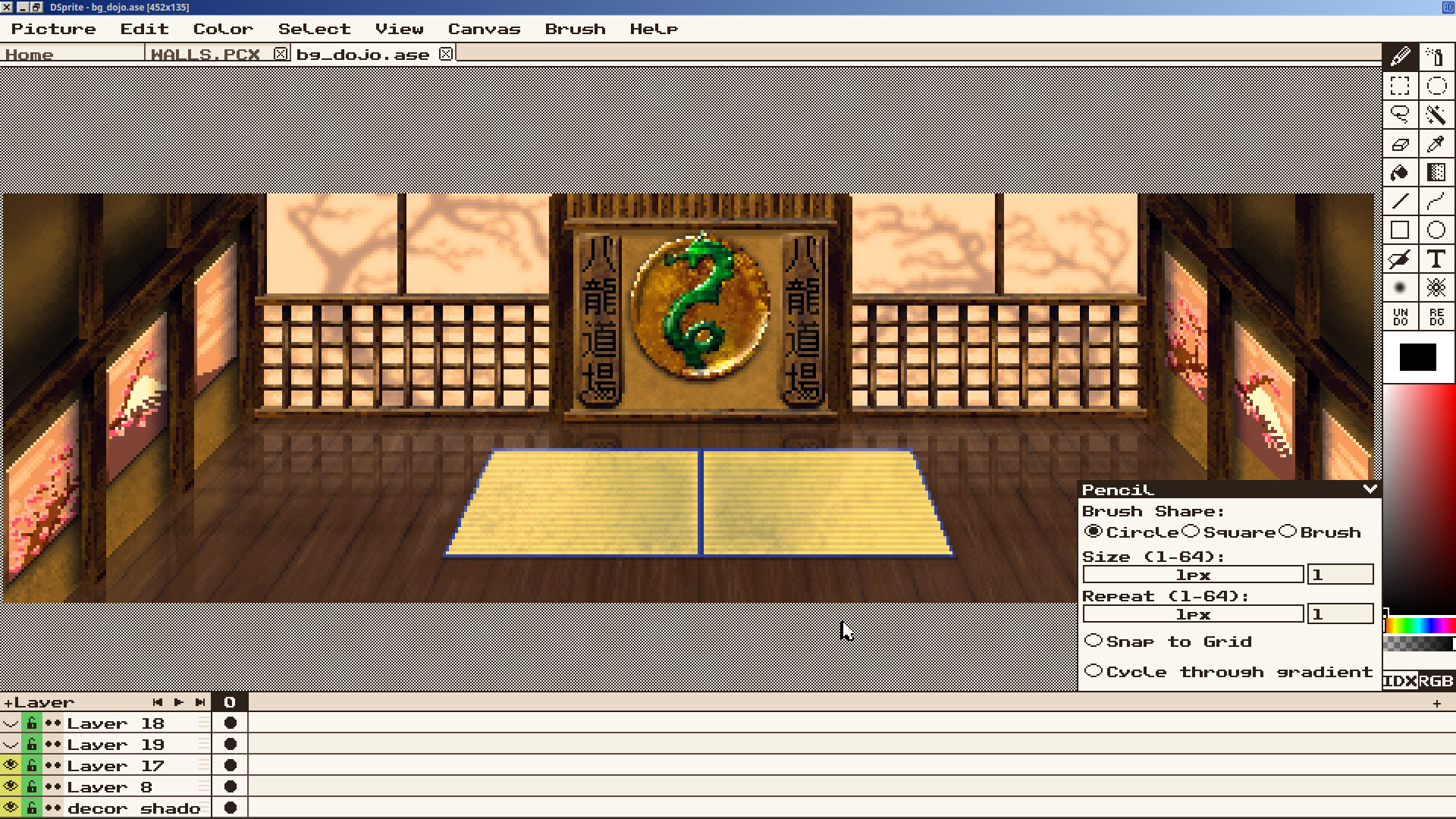
DSprite is a pixel art package inspired by '90s programs like Deluxe Paint II and Personal Paint but with the capabilities of more modern tools. DSprite is designed with distraction-free, efficient workflows in mind. Tool layouts are clear and discoverable.
Try before you buy. The demo is the complete app; every tool, bone animation, palette cycling, all of it. The only difference is that saving is limited to the native .dsp format, so you won't lose any work.
Features you'll love
- Pixel perfect pencil, line and curve tools
- PNG, GIF, Jpeg, PCX, LBM, IFF, and DSP format support
- ASE file support, you can use the files you already have!
- Bone animation
- Custom brush support
- Indexed and RGB modes
- Locally stored persistent undo/redo stack for ASE and DSP formats
- True palette enforcement in Indexed mode
- Palette cycling
- Palette cycled images exportable as GIF animations
- Palette cycling information support in IFF and DSP formats
- Palette locked blur and layer compositing in Indexed Mode
- Dithered gradient fills, blur, and layer compositing
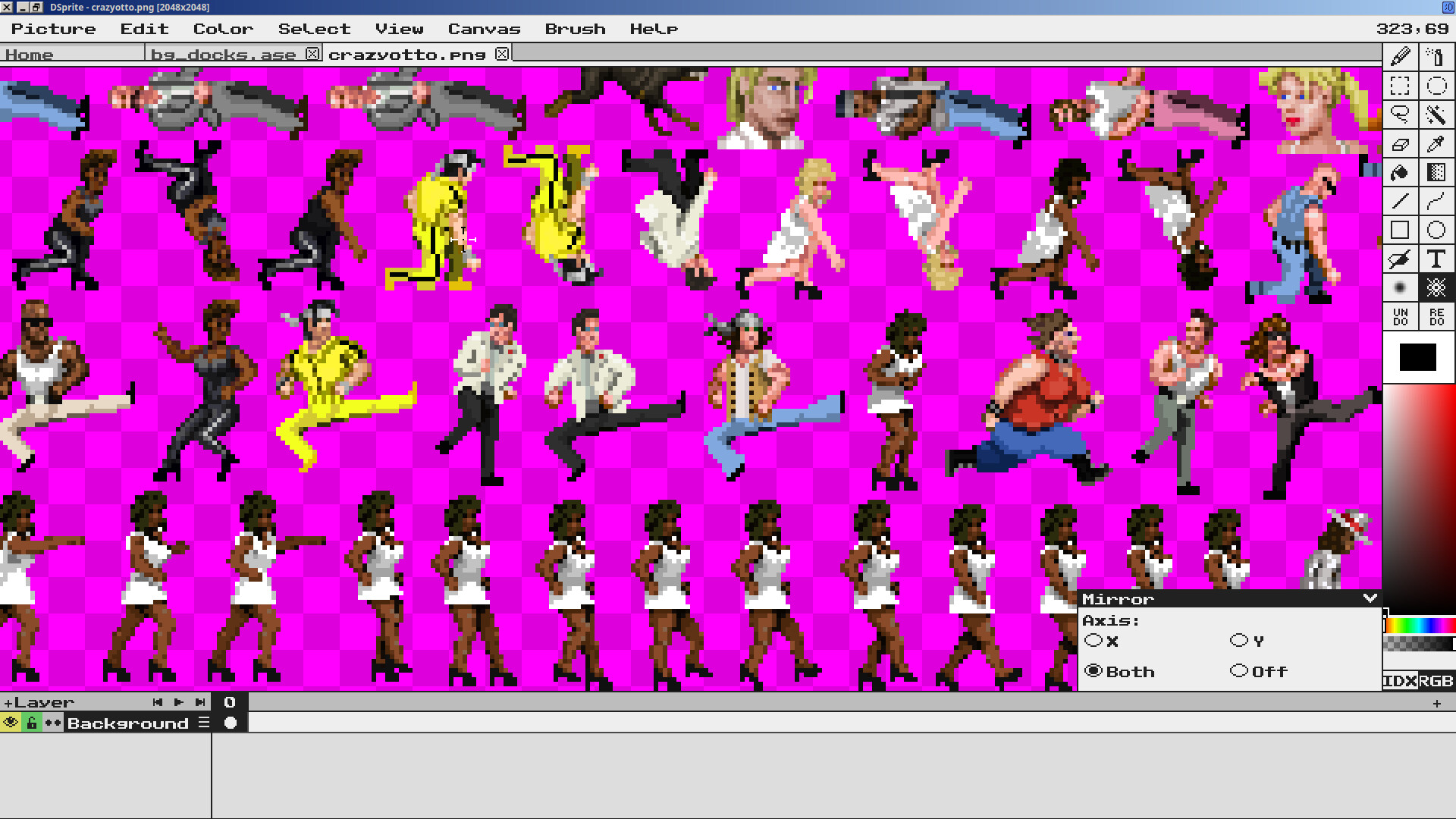
- Mirror and Rotational symmetric drawing
- Layer and Layer Group level outlining
- Tile-map editor
- Full animation and layer support
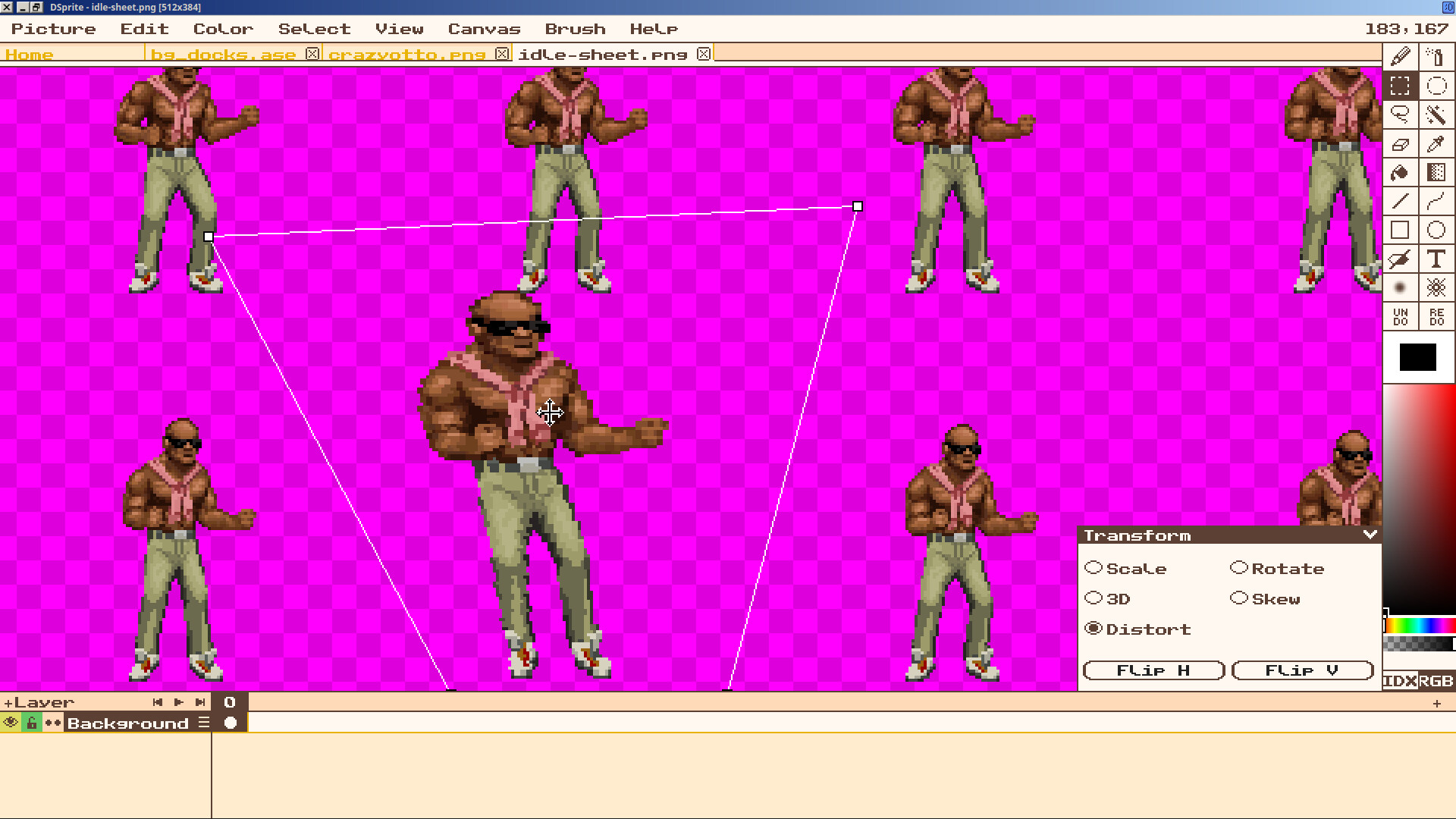
- Scale, Rotate, Skew, 3D and Distort transformation tools
- Intuitive palette and gradient editor