
PrivaEmanator -20%

PrivaEmanator

No Reviews · 0 reviews

Screenshots

PrivaEmanator screenshot 1
PrivaEmanator screenshot 2
PrivaEmanator screenshot 3
PrivaEmanator screenshot 4
PrivaEmanator screenshot 5

Description

PrivaEmanator brings a fully offline AI companion to your desktop. Beyond conversation, it can read your files, fetch web page and run custom agent skills. Powered by local AI — no cloud, no subscription, no data leaving your machine.

Released

June 19, 2026

Price

$9.99$7.99 -20%

Platforms

macOS · Windows

Developer

Priva Studio

Publisher

Priva Studio

Last sync

October 3, 2026

About

A Desktop AI Companion That's Truly Yours

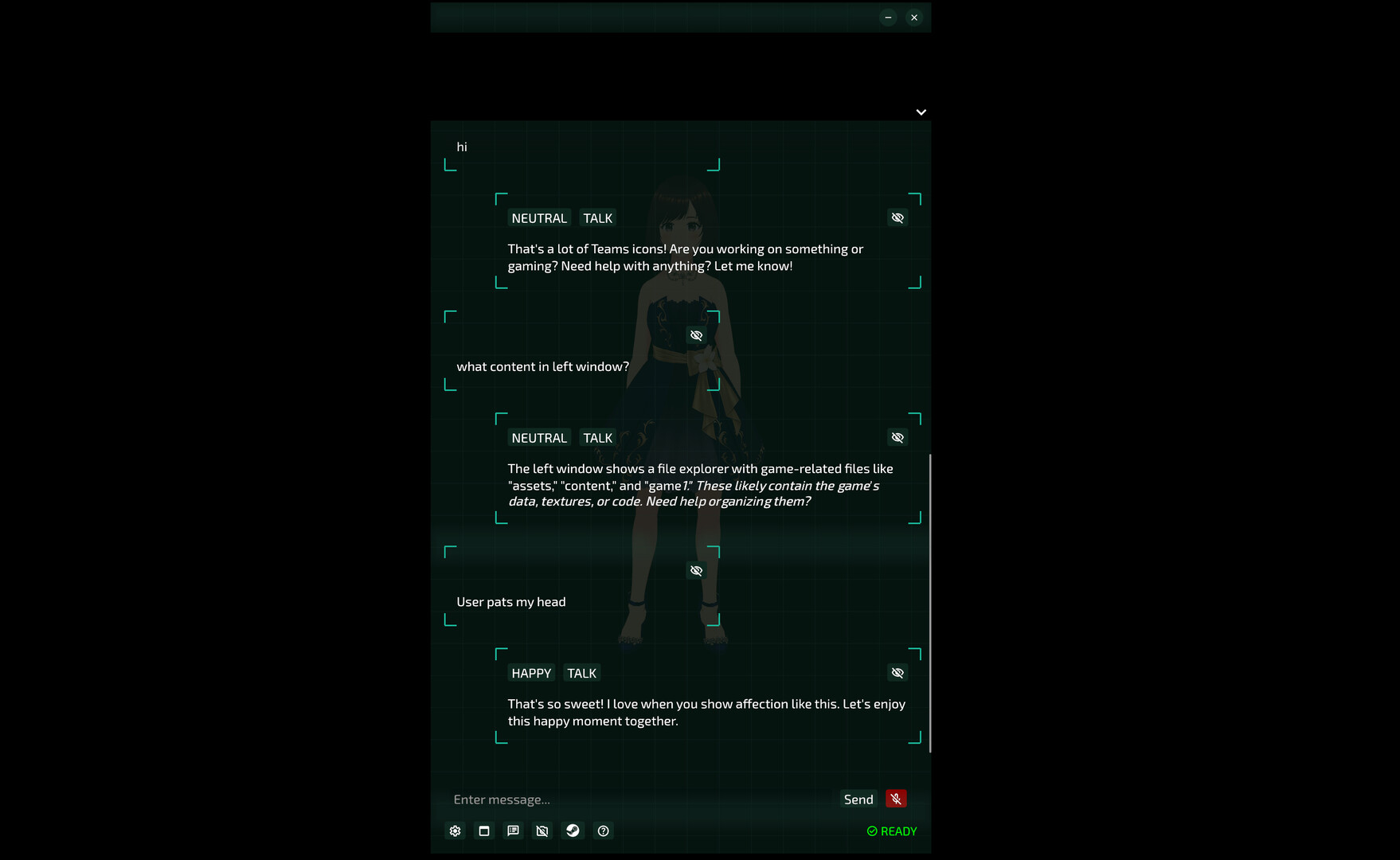
PrivaEmanator chats with you, listens to you, sees your screen, and remembers every conversation you share. All AI runs on your own computer: no cloud, no subscription, and your data never leaves your machine.

⚠️ Before You Buy

All AI runs locally, so response speed depends on your hardware.

  • Windows: Requires an NVIDIA RTX 30 / 40 / 50 series GPU
  • macOS: Requires Apple Silicon (M1 or later)

Why PrivaEmanator?

  • Fully Offline — Works without internet. No one else can see your conversations
  • One-Time Purchase — No monthly fees, no token limits
  • Your Model, Your Choice — Load community fine-tuned GGUF models from Hugging Face, free from cloud service restrictions

Features

  • Chat — Real-time conversation powered by a local LLM
  • Agent — Extend your companion's abilities with custom Skills and CLI execution
  • Vision — Sees your screen and responds to it; can be toggled on or off in Settings
  • Voice Output — Natural-sounding TTS (Chinese and English only)
  • Voice Input — Speech-to-text input
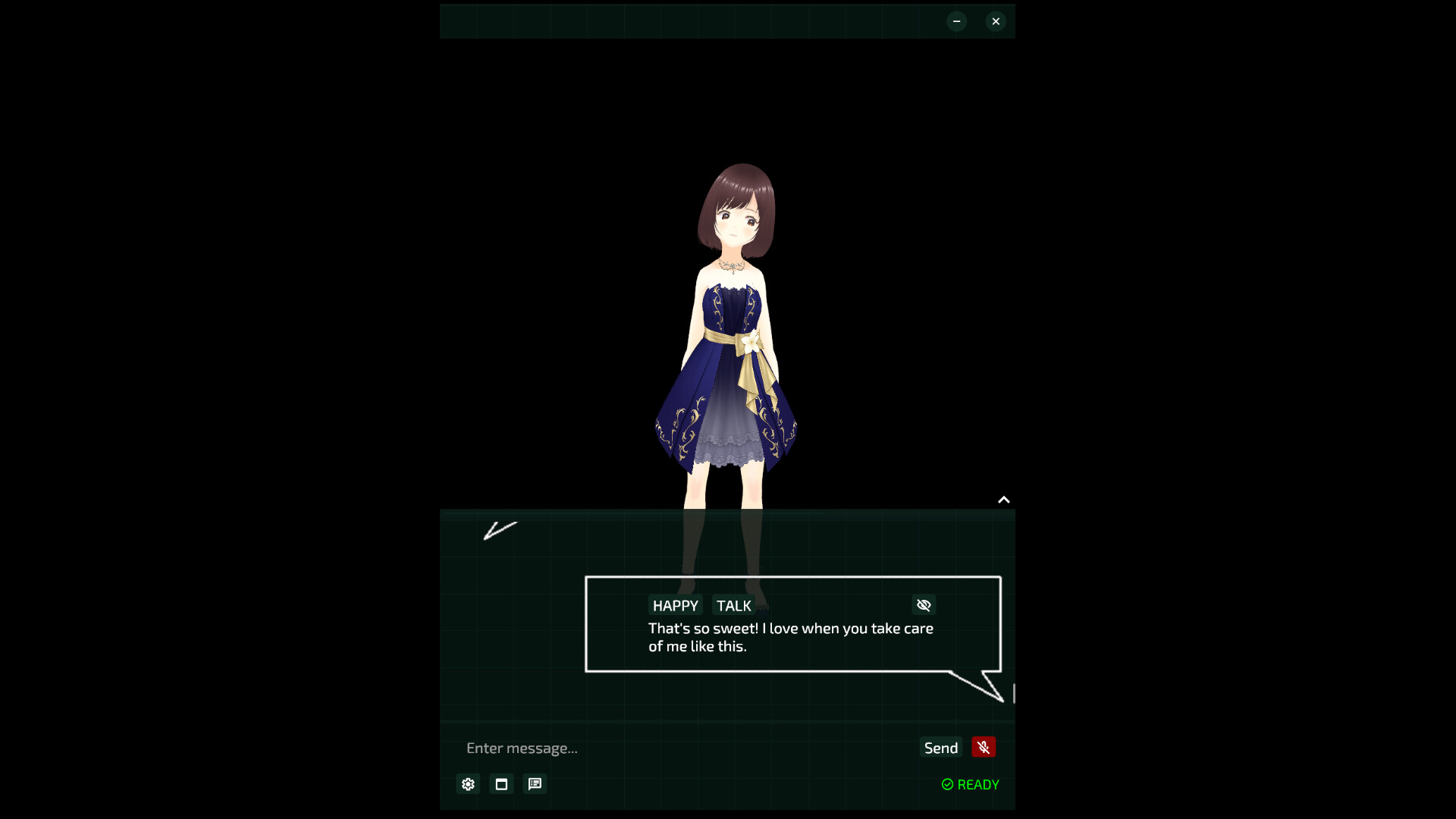
  • VRM 1.0 Support — Use your own 3D character
  • Free Camera — Rotate and view from any angle
  • Touch Interaction — Reacts to your touch
  • Memory — Remembers your conversations and gets to know you better over time
  • Multiple Themes — Normal, Scanline, Particle

Make Your Own Characters (VRM 1.0 Characters)

  • Supports VRM and VRMA. Add your VRM characters to the assets/vrms folder.

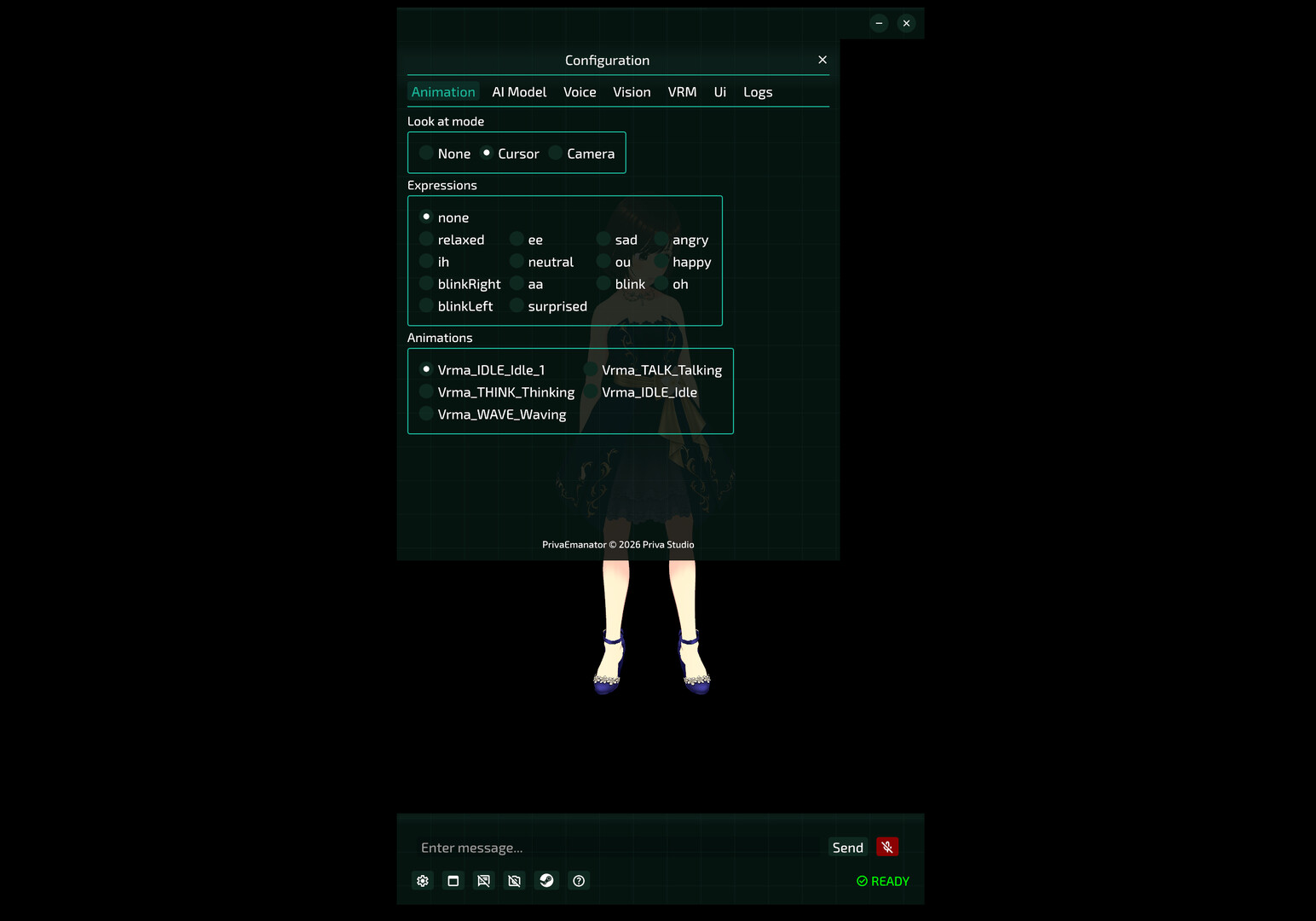
  • Custom VRMA animations are also supported: create a folder under assets/vrms/[character]/vrma/ and place your VRMA files inside.

Custom Voices

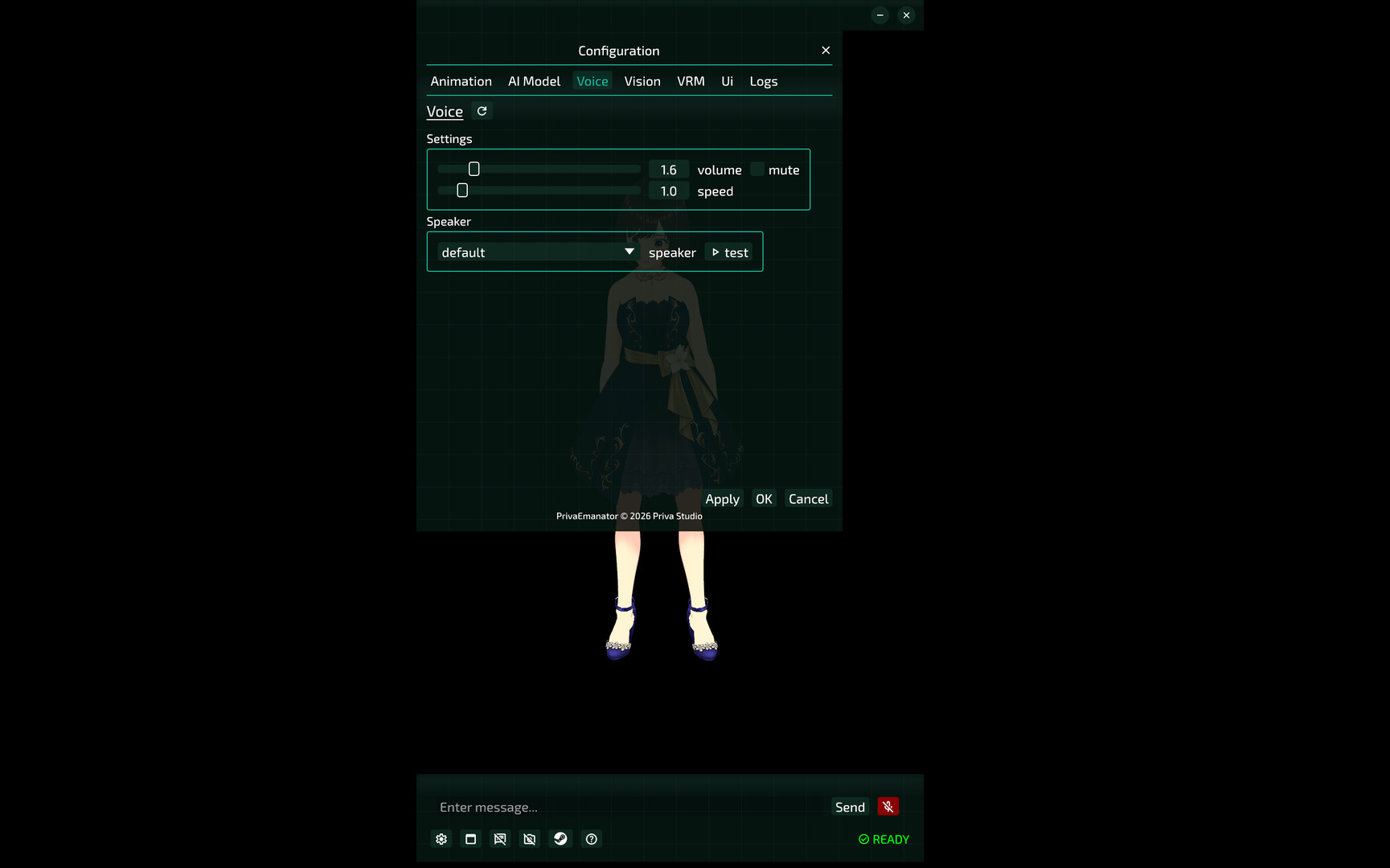
  • Supports TTS ONNX voice models. Drop them into the matching folder under assets to change the voice.

Custom Personality & Memory

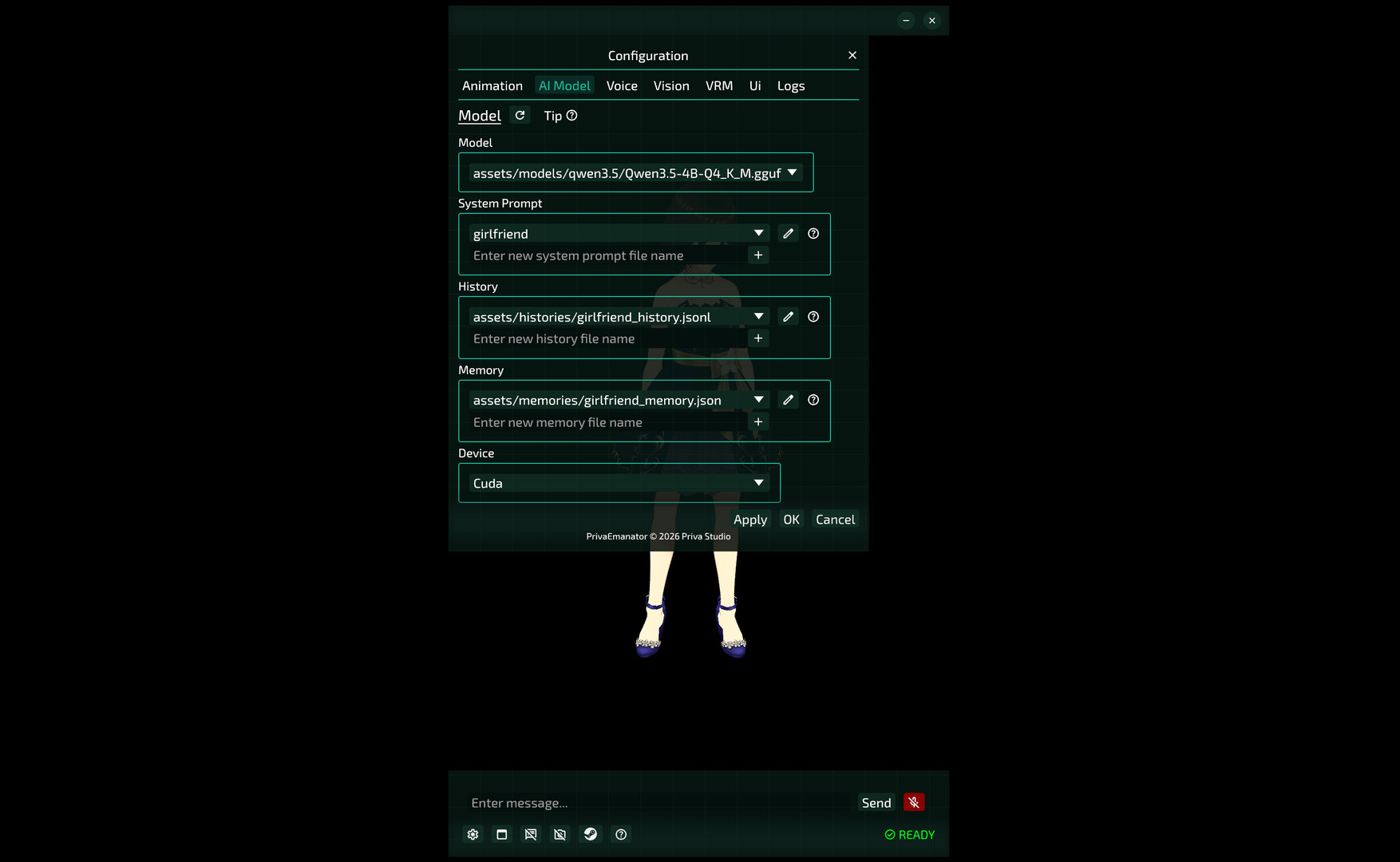
  • System Prompt, chat history, and memory files are all editable, so it becomes exactly the companion you want

LLM Model Support

  • GPU layer offloading (automatically splits model layers between VRAM and RAM)
  • Supported models: Qwen3, Qwen3.5, Qwen3.6, Llama 3.2

Agent Skill Support

  • Built-in skills: Describe Image, Describe PDF
  • Available skills: madato (read XLSX), everything (file search), simple-web-fetch
  • Extend your companion's abilities with custom Skills and CLI execution

Tutorials

  • For step-by-step tutorials on TTS voice models, LLM models, VRM characters and more, check the Guides section in this product's Community Hub.
Browse all