MRGO - Mixed Reality Go

MRGO - Mixed Reality Go

Positive · 2 reviews

100% positive (2 / 2)
Screenshots

MRGO - Mixed Reality Go screenshot 1
MRGO - Mixed Reality Go screenshot 2
MRGO - Mixed Reality Go screenshot 3
MRGO - Mixed Reality Go screenshot 4
MRGO - Mixed Reality Go screenshot 5

Description

MRGO: VR to MR, easy to GO! Universal MR utility for OpenXR VR headsets. [REQUIRED: External USB webcam connected to PC; headset built-in cameras NOT supported]. Enable hand-tracking and environmental passthrough for immersive simulators. Supports all standard OpenXR and SteamVR hardware.

Released

June 9, 2026

Price

$34.99

Platforms

Windows

Developer

Edwin.Zhang

Publisher

Edwin.Zhang

Last sync

September 26, 2026

About

Overview

MRGO is a Mixed Reality (MR) enhancement utility designed for VR headsets compatible with the OpenXR standard.
[CORE REQUIREMENT] This application relies ENTIRELY on an external physical USB webcam (UVC compliant) connected to the PC. It CANNOT access or use the built-in passthrough cameras on VR headsets (such as Meta Quest, Pimax, etc.).

Design & Features

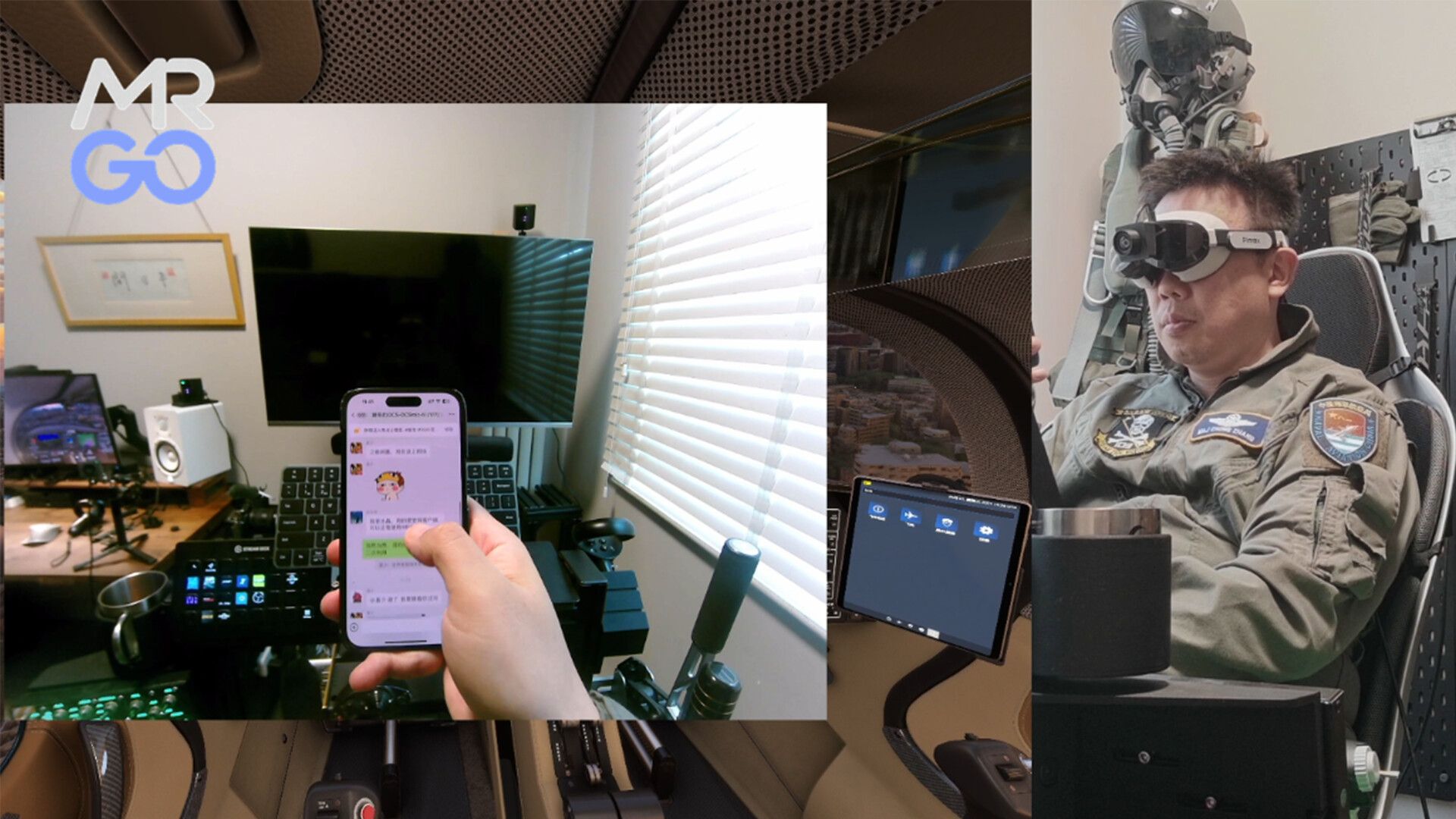
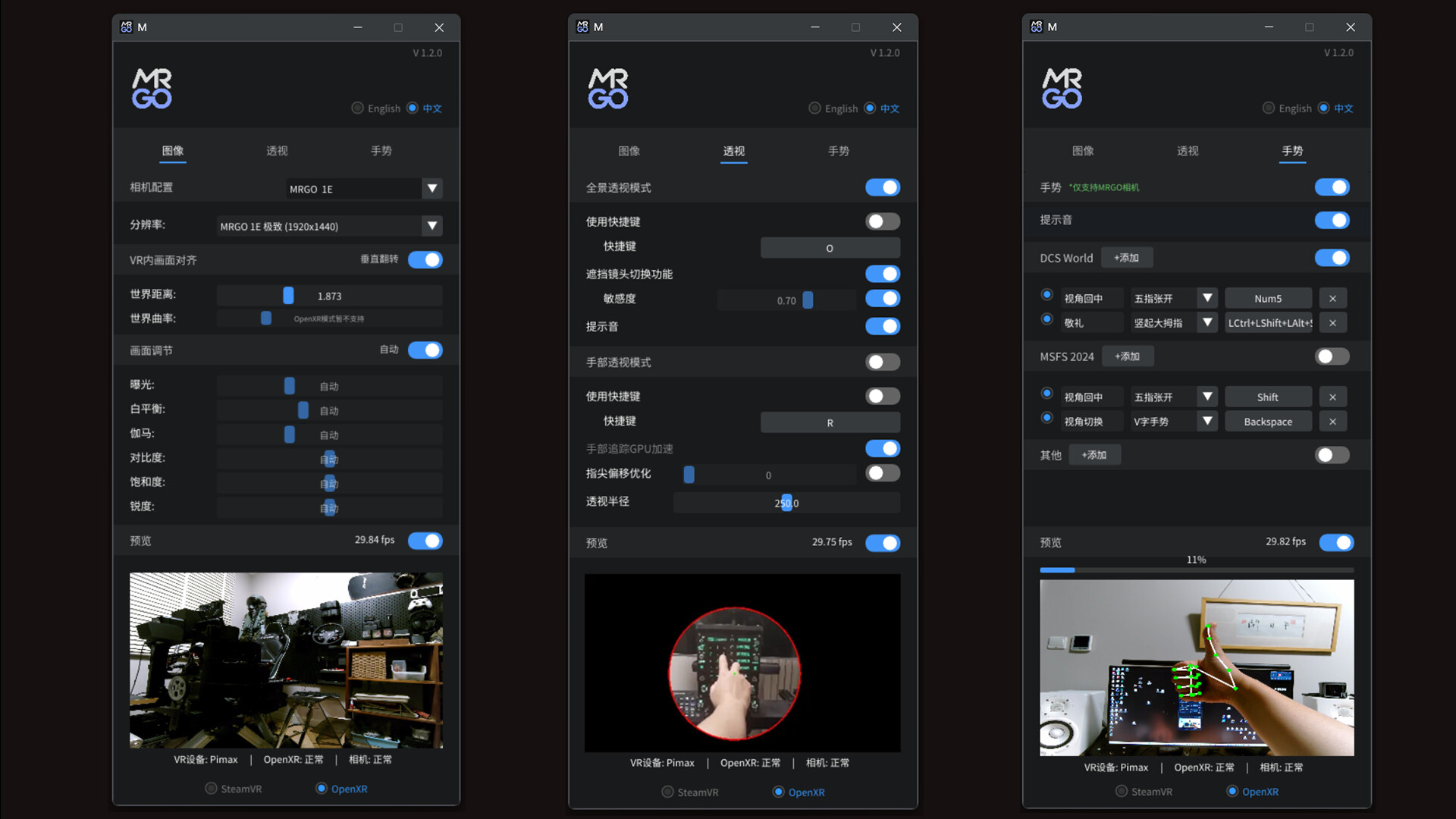
  • Dual Passthrough Experience: Utilizing advanced hand-detection technology, MRGO offers both "Hand Passthrough" and "Full Environmental Passthrough (Panorama Mode)". You can choose to overlay only your hands onto the virtual cockpit or switch to Panorama Mode to see your real-world flight gear in real-time.
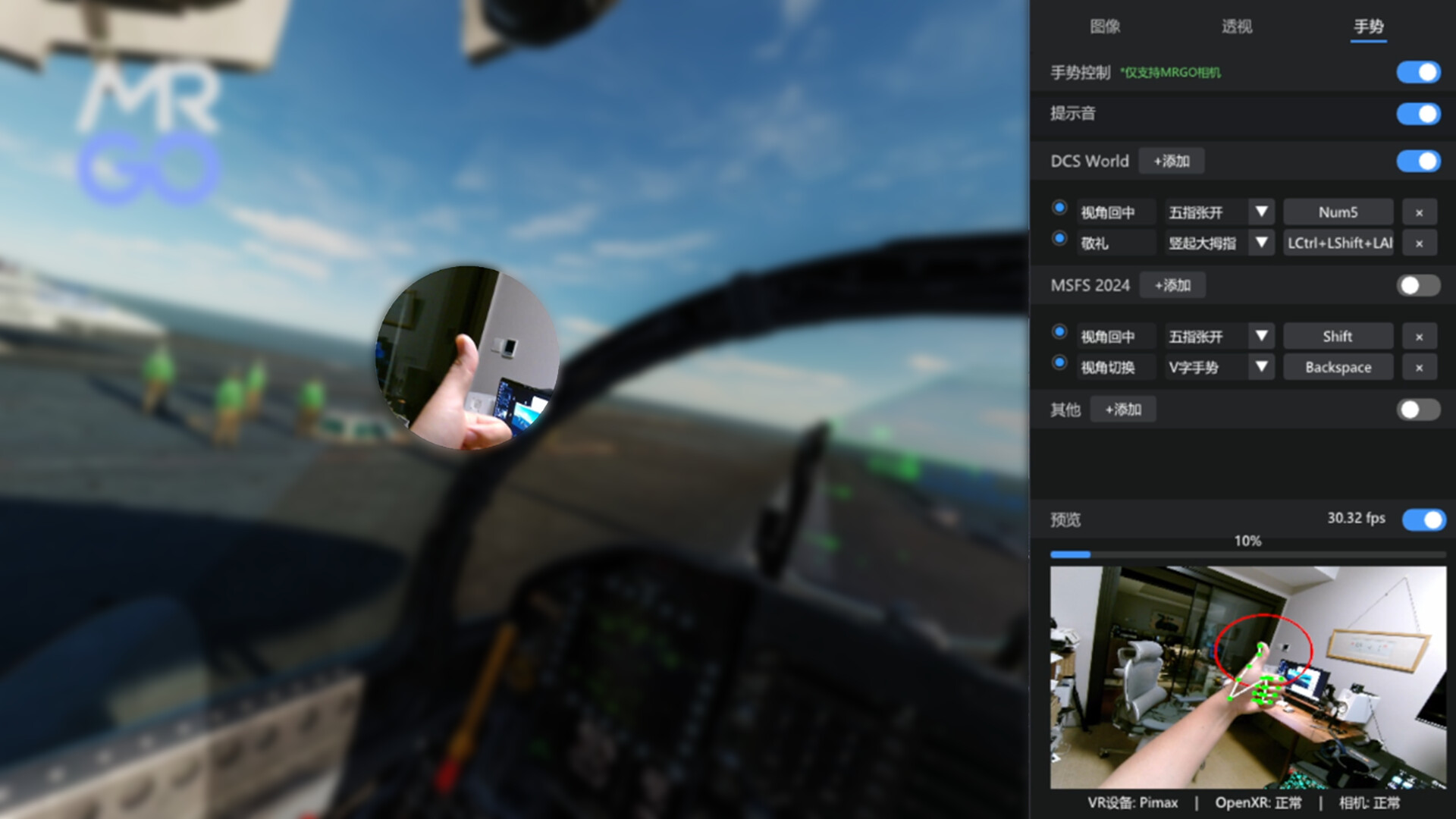
  • Intuitive Gesture Interaction: Break free from complex keyboard binds. MRGO supports multiple natural gestures, including Open Palm, Fist, OK Sign, V-Sign, and Thumbs-Up. With the flexible "Gesture-to-Key" mapping, you can trigger in-game commands and switches directly with your hands.
  • Automatic Occlusion Switching: Features intelligent camera detection. When you physically block the camera with your hand, the software can automatically switch to Full Passthrough mode, allowing you to quickly handle real-world tasks (like checking your phone or drinking water).
  • Hardware Compatibility: Supports most standard UVC-compliant USB webcams (USB 3.0 recommended for low latency). Any camera recognized by Windows can be utilized by the software.
  • Verification Logic: The software monitors camera status in real-time. PLEASE NOTE: Gesture recognition and resolution adjustment options will ONLY become active and visible after a valid external camera is detected by the system.
  • Simulator Presets: Includes optimized configurations for leading flight and driving simulation titles, supporting deep customization to enhance operational efficiency.
  • Performance Optimized: Built with an intelligent dynamic frequency scaling system and lossless image algorithms, providing high-quality visuals with nearly zero impact on system resources or frame rates.
  • Universal Compatibility: Fully supports both OpenXR API Layer and SteamVR modes, compatible with most modern PC VR hardware environments.

Localization

The user interface currently supports Simplified Chinese and English.

Browse all