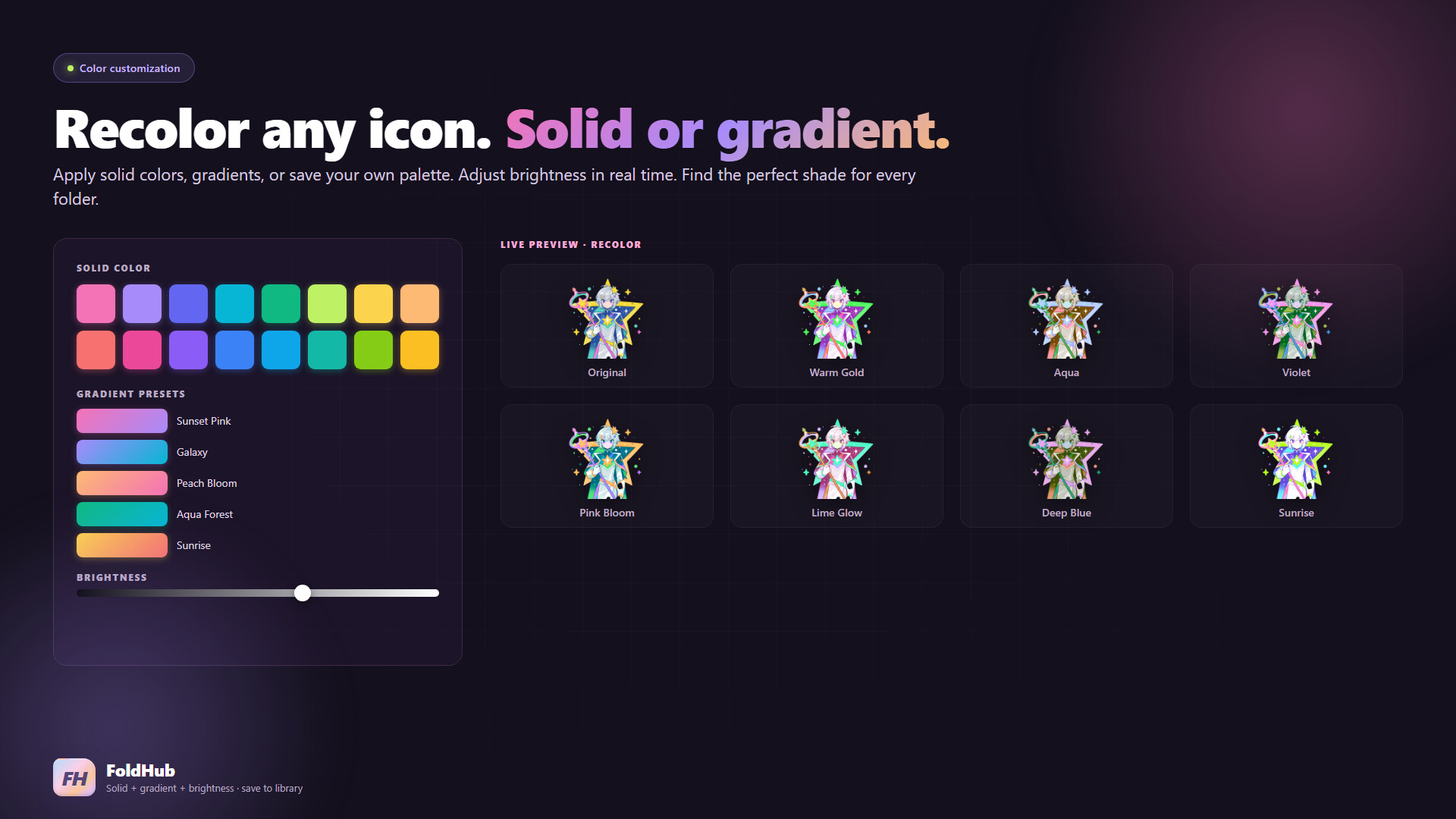
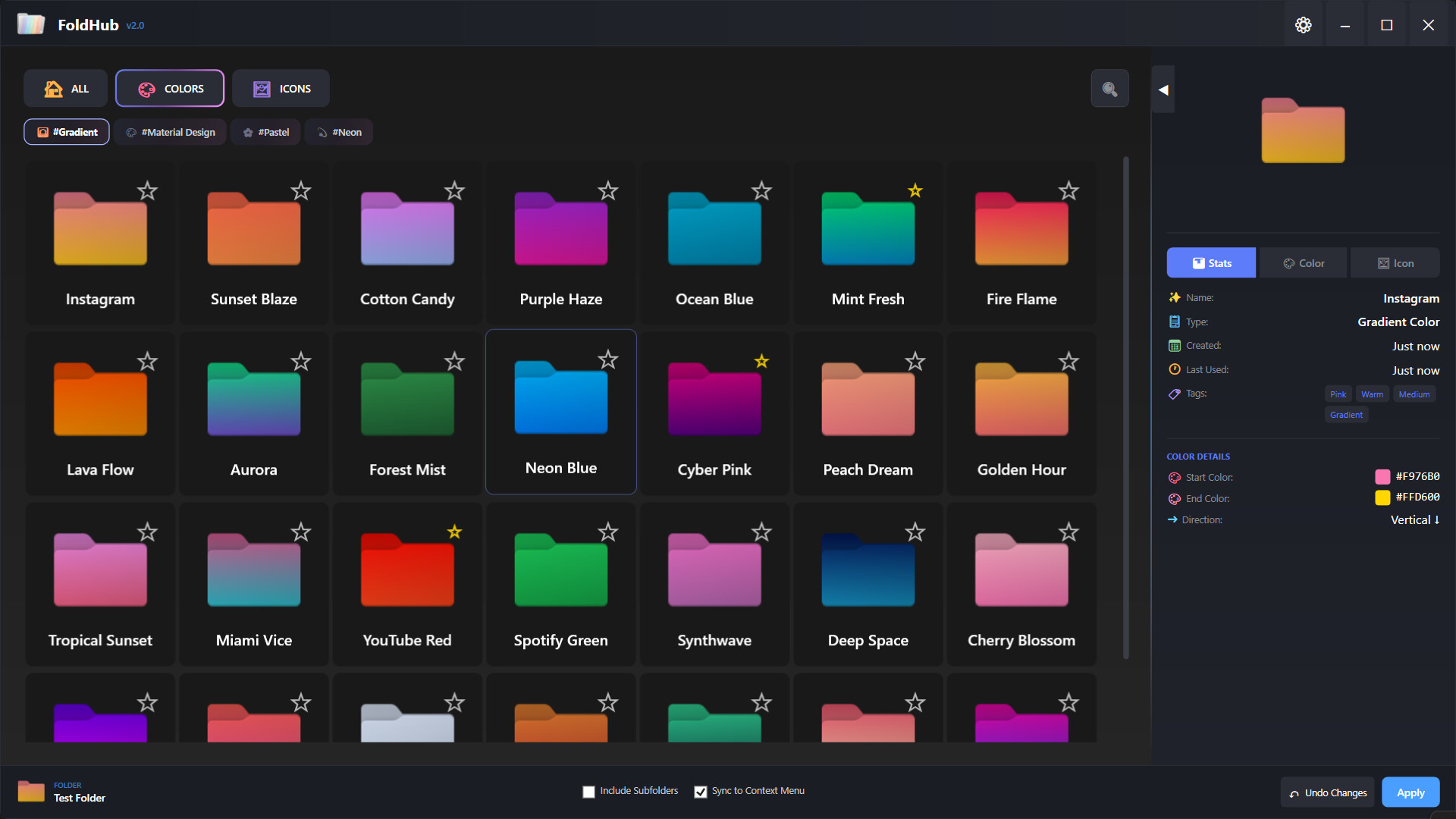
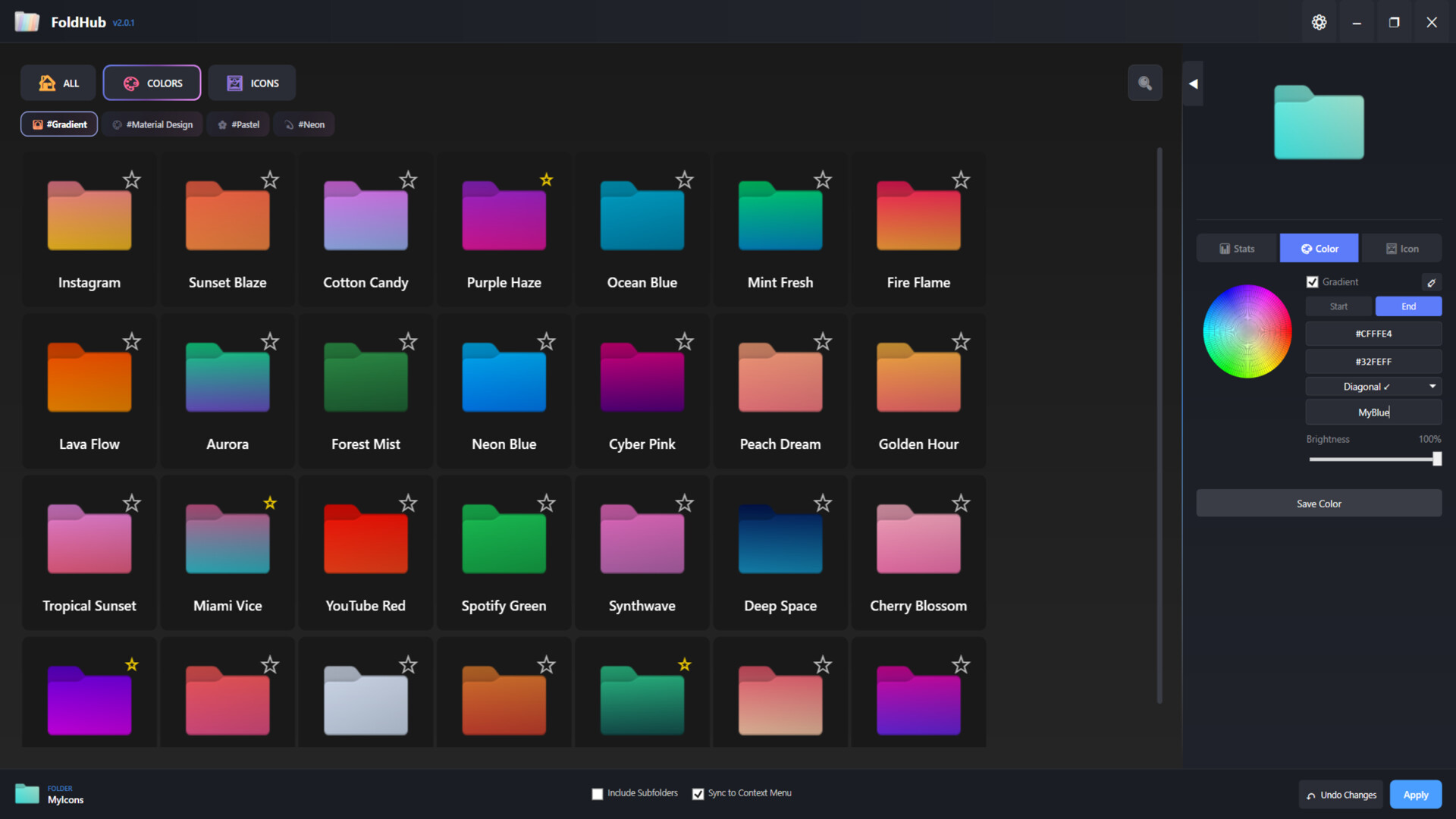
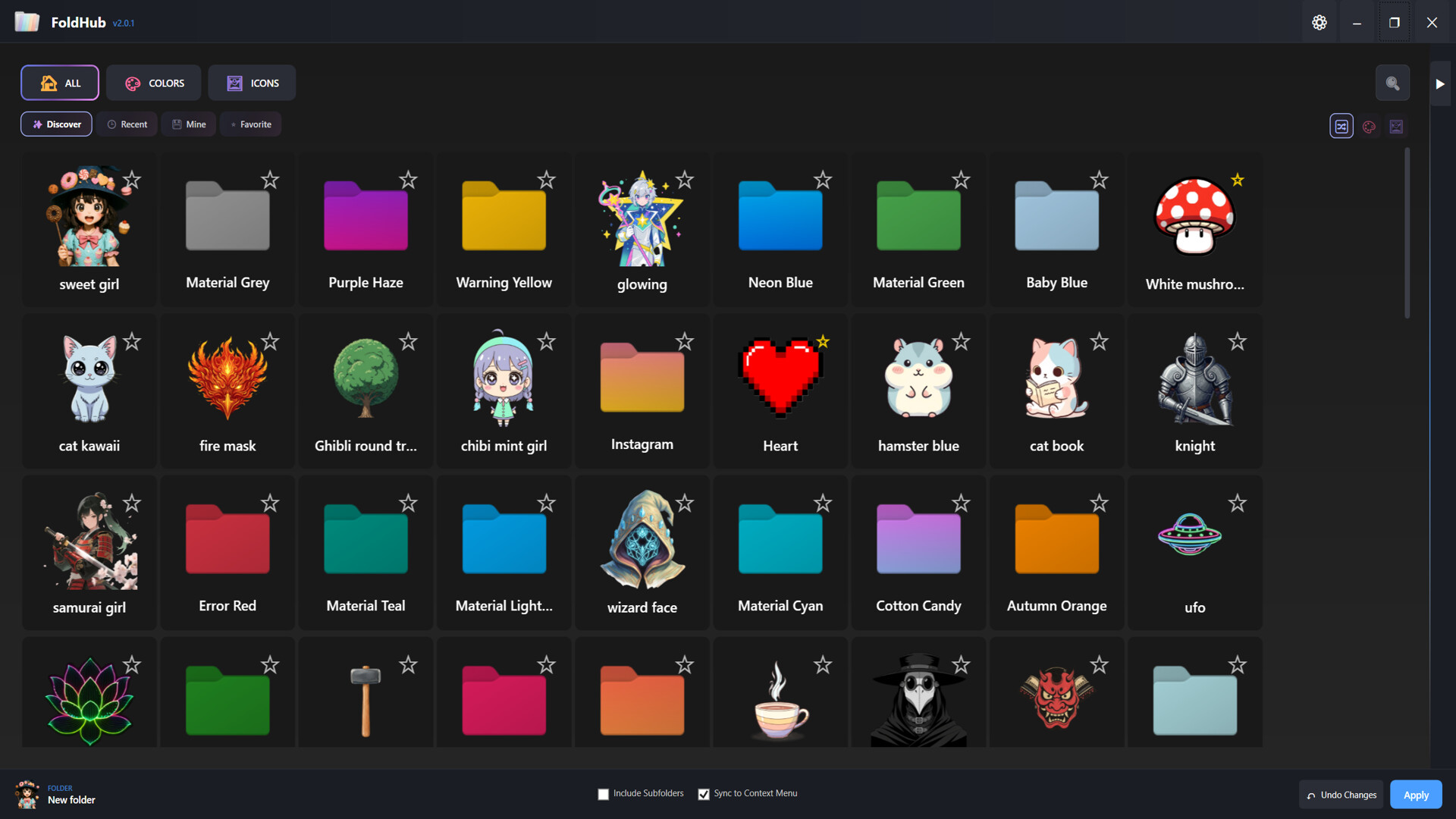
Advanced Color Customization - Apply solid colors or stunning gradients to any folder
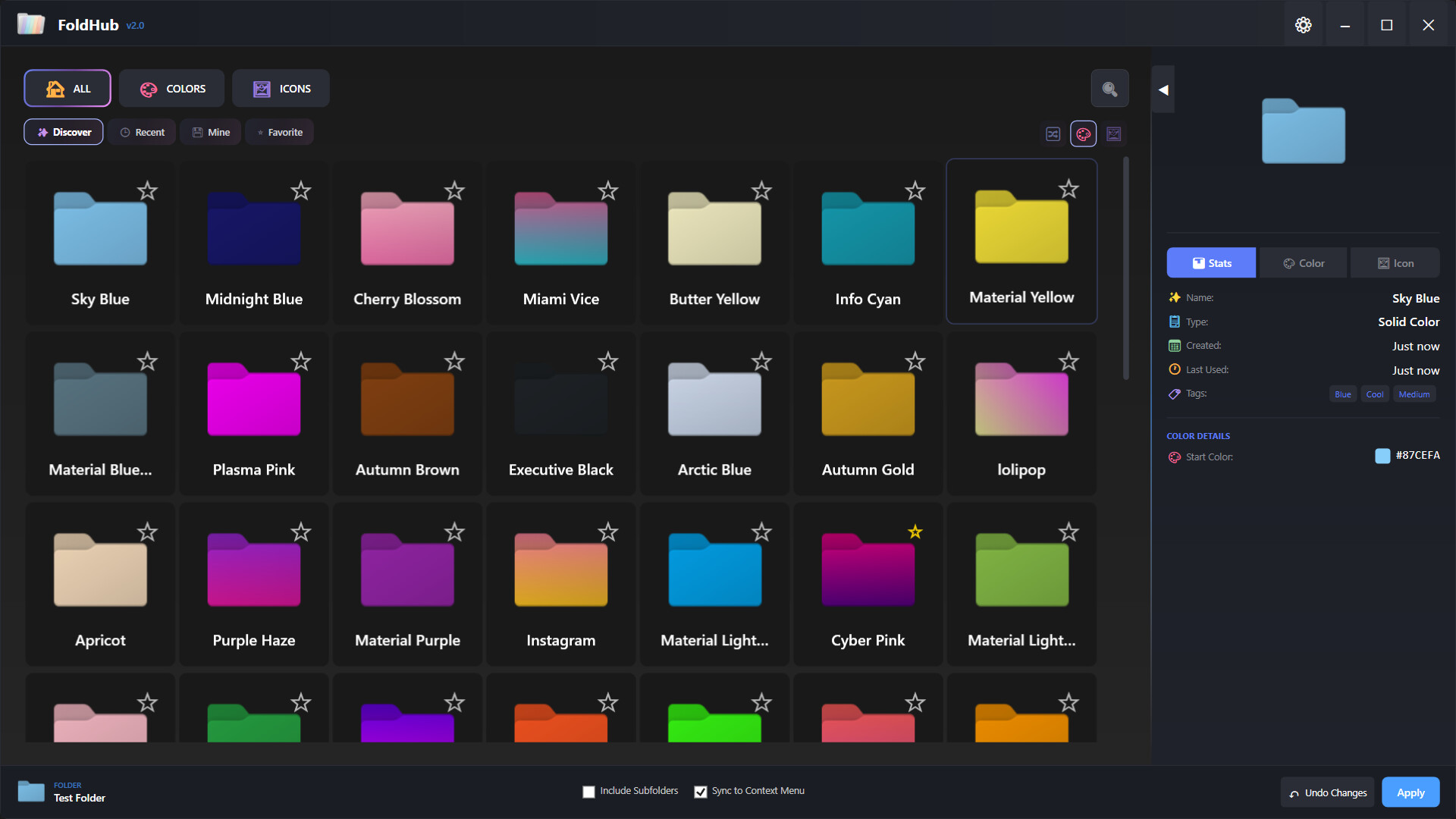
- Adjust brightness and direction for perfect gradient effects
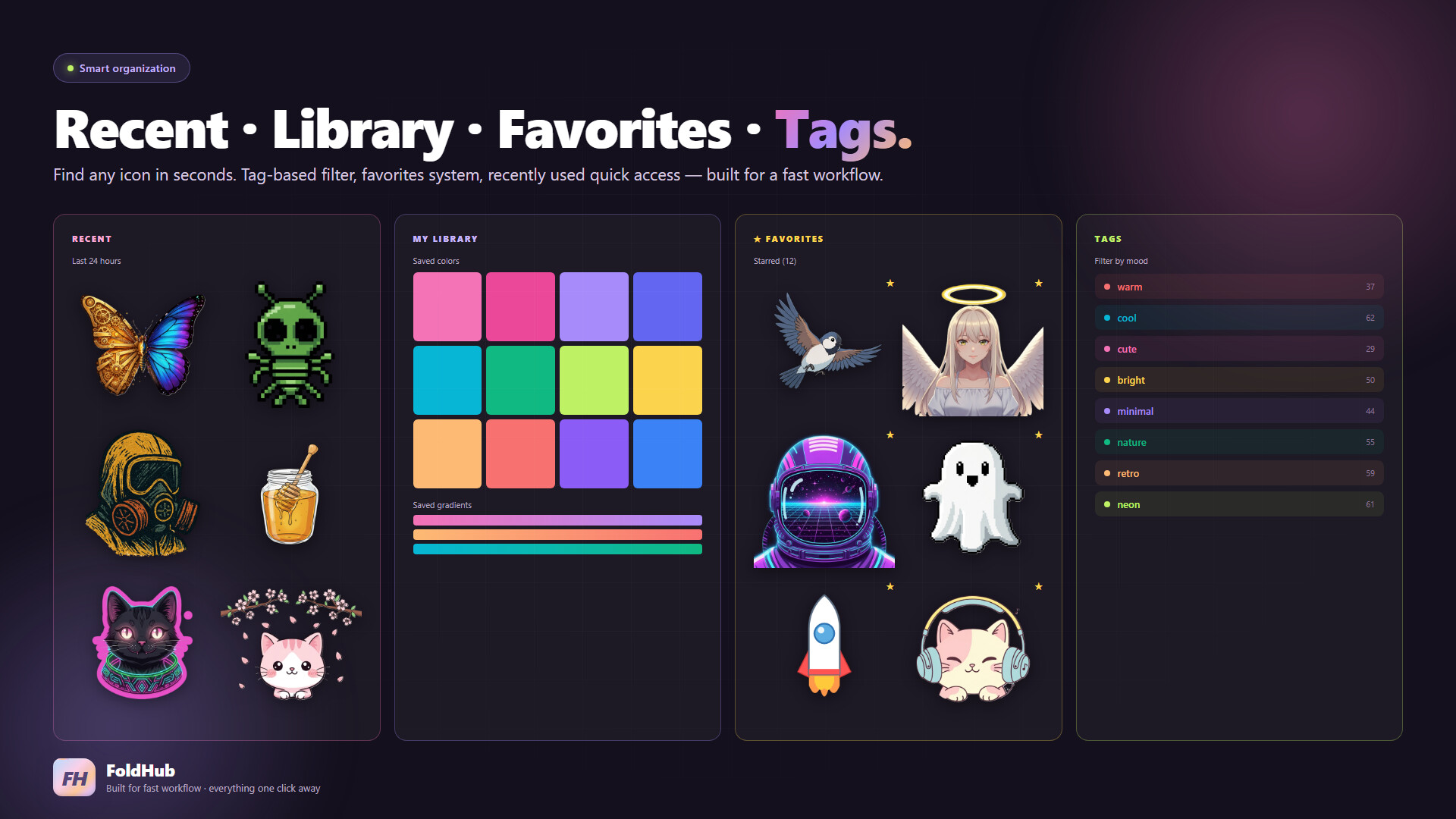
- Save your favorite color combinations to your personal library
- Quick access to recently used colors
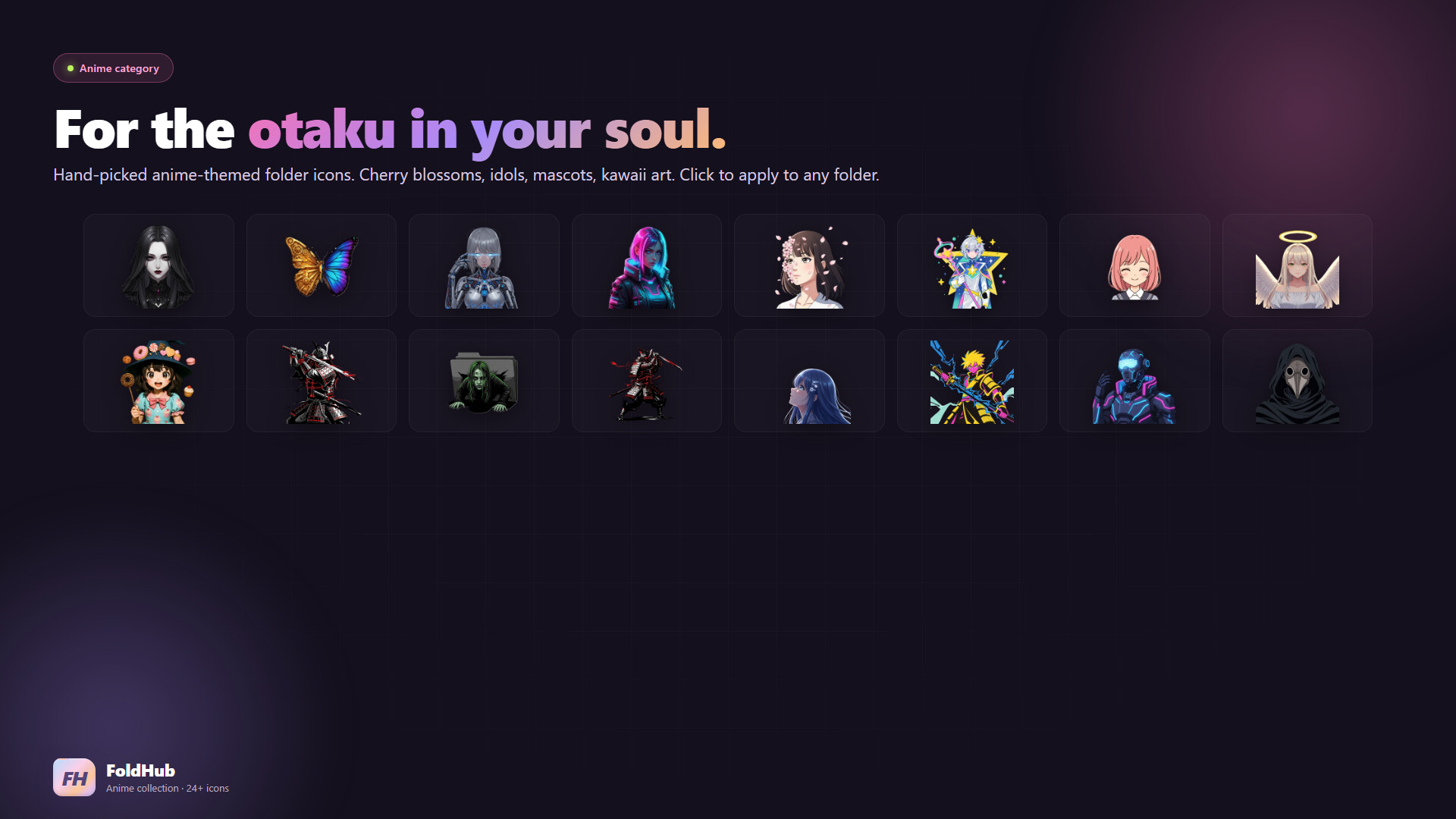
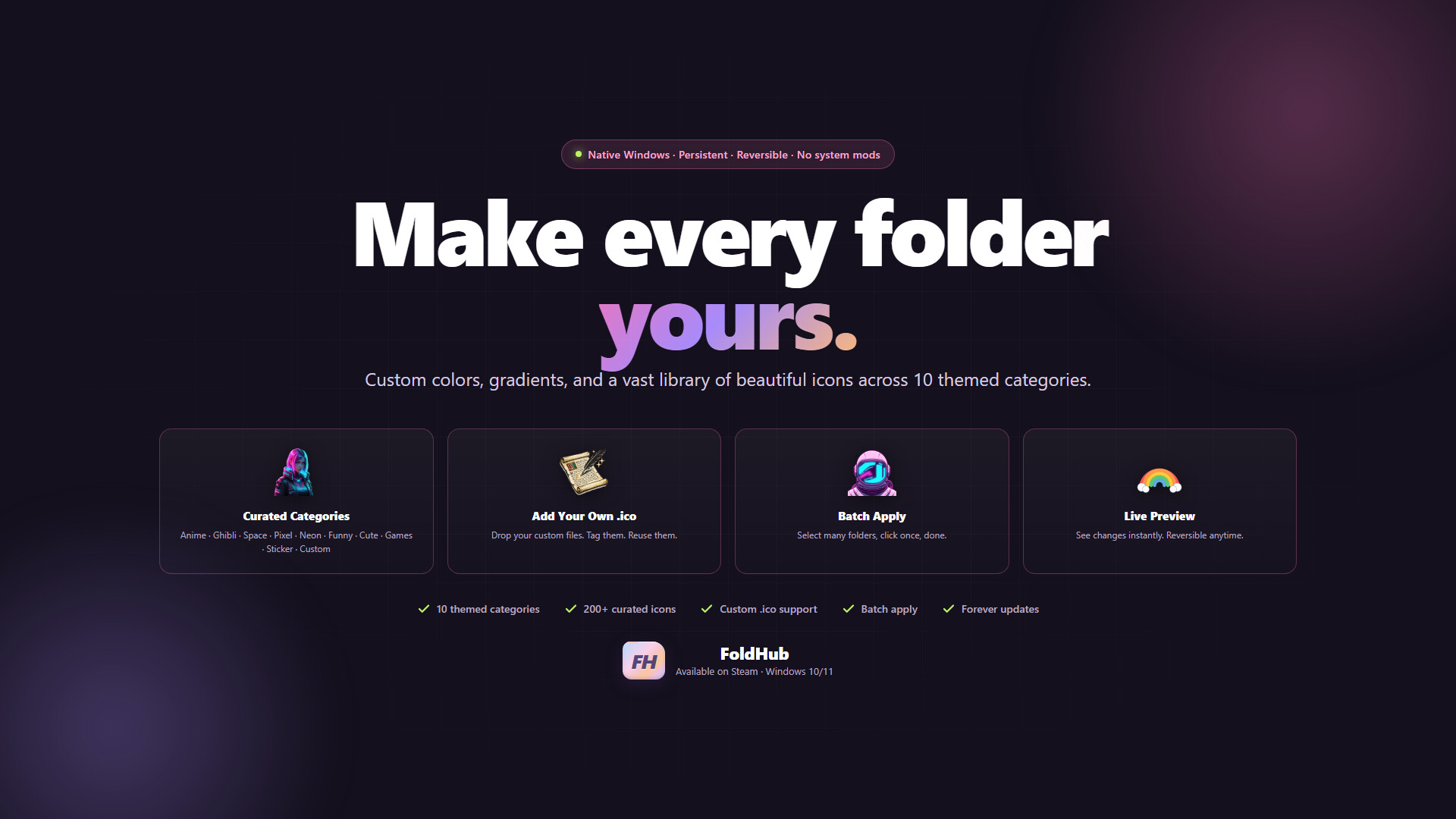
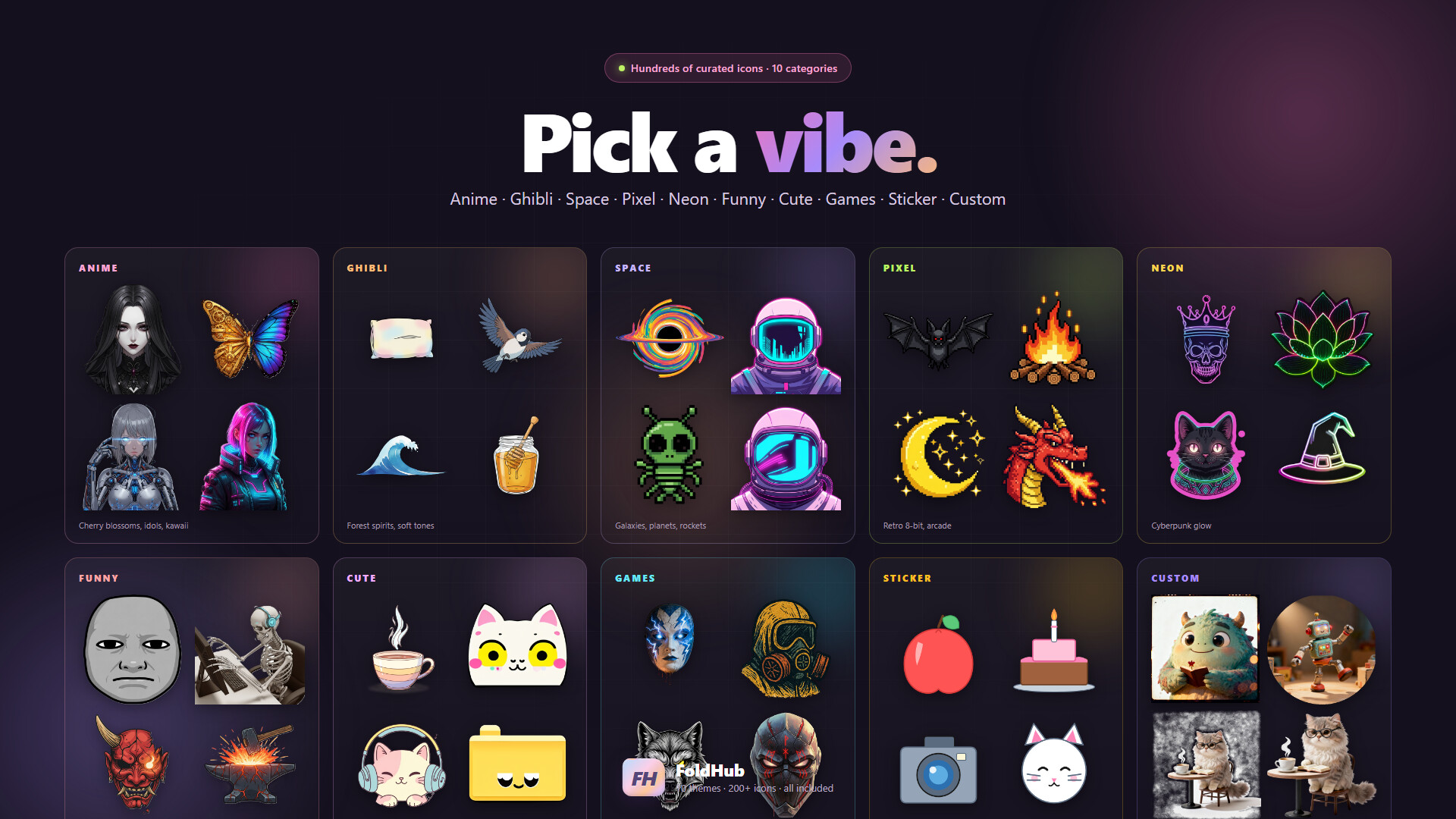
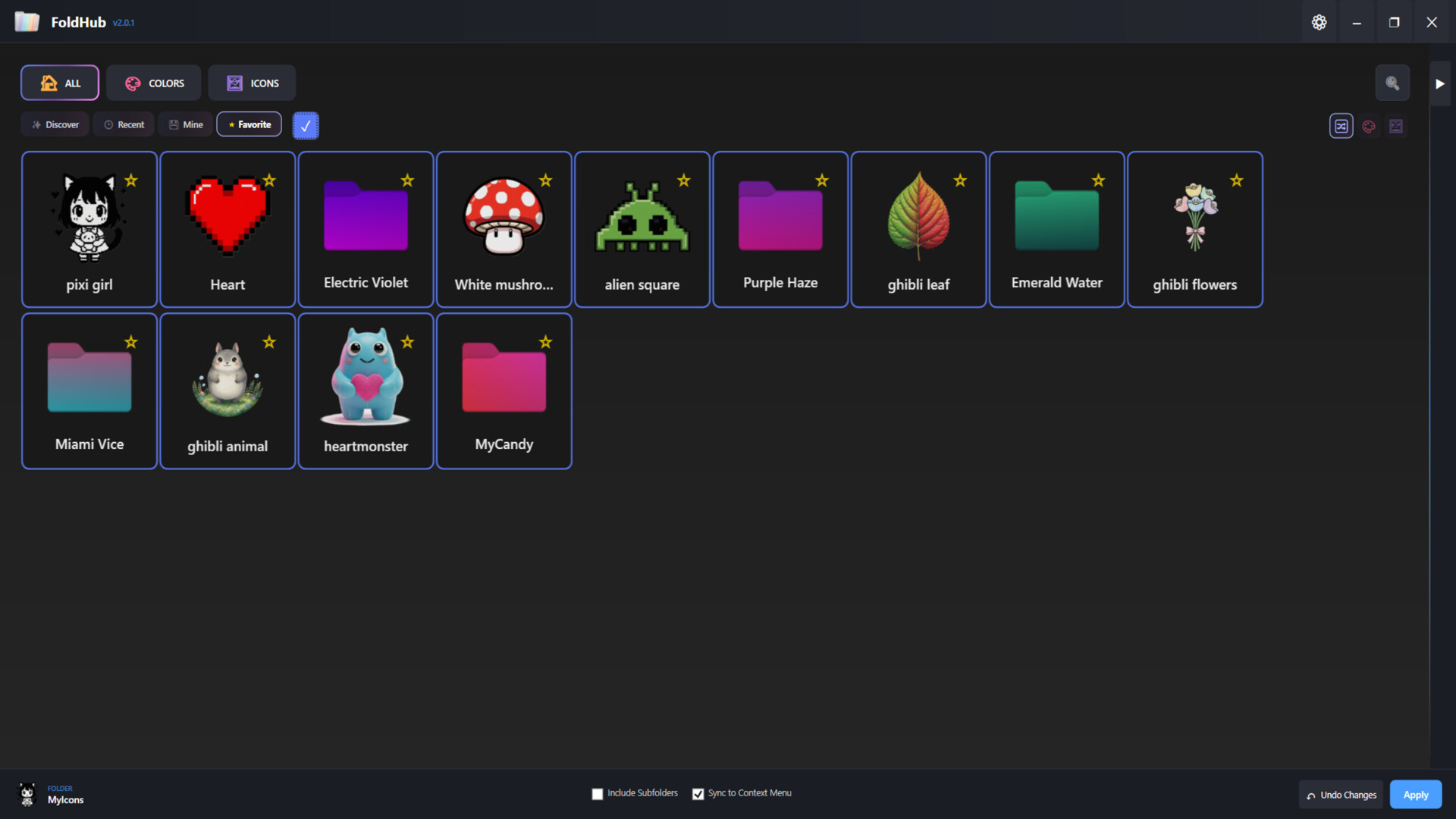
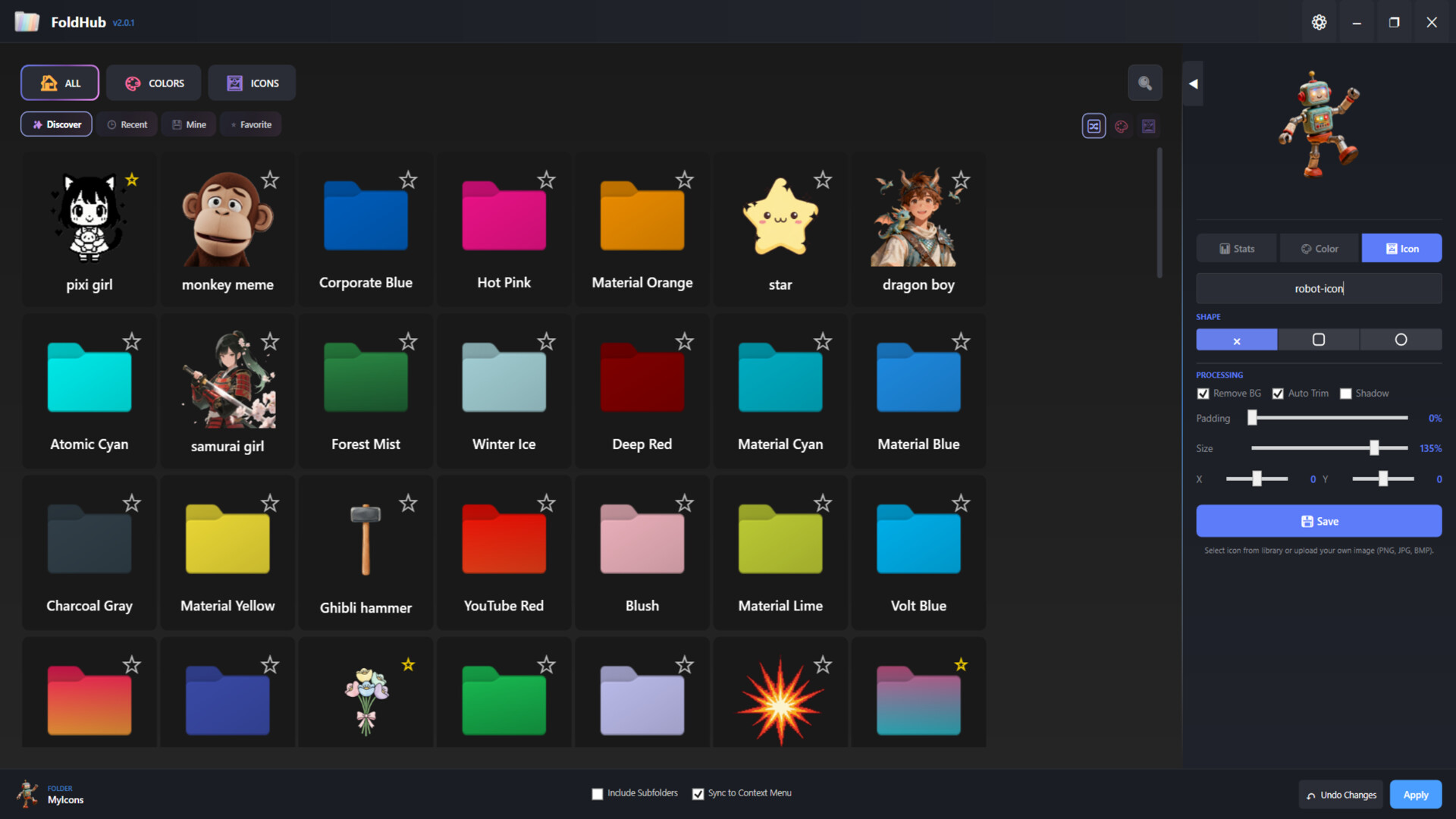
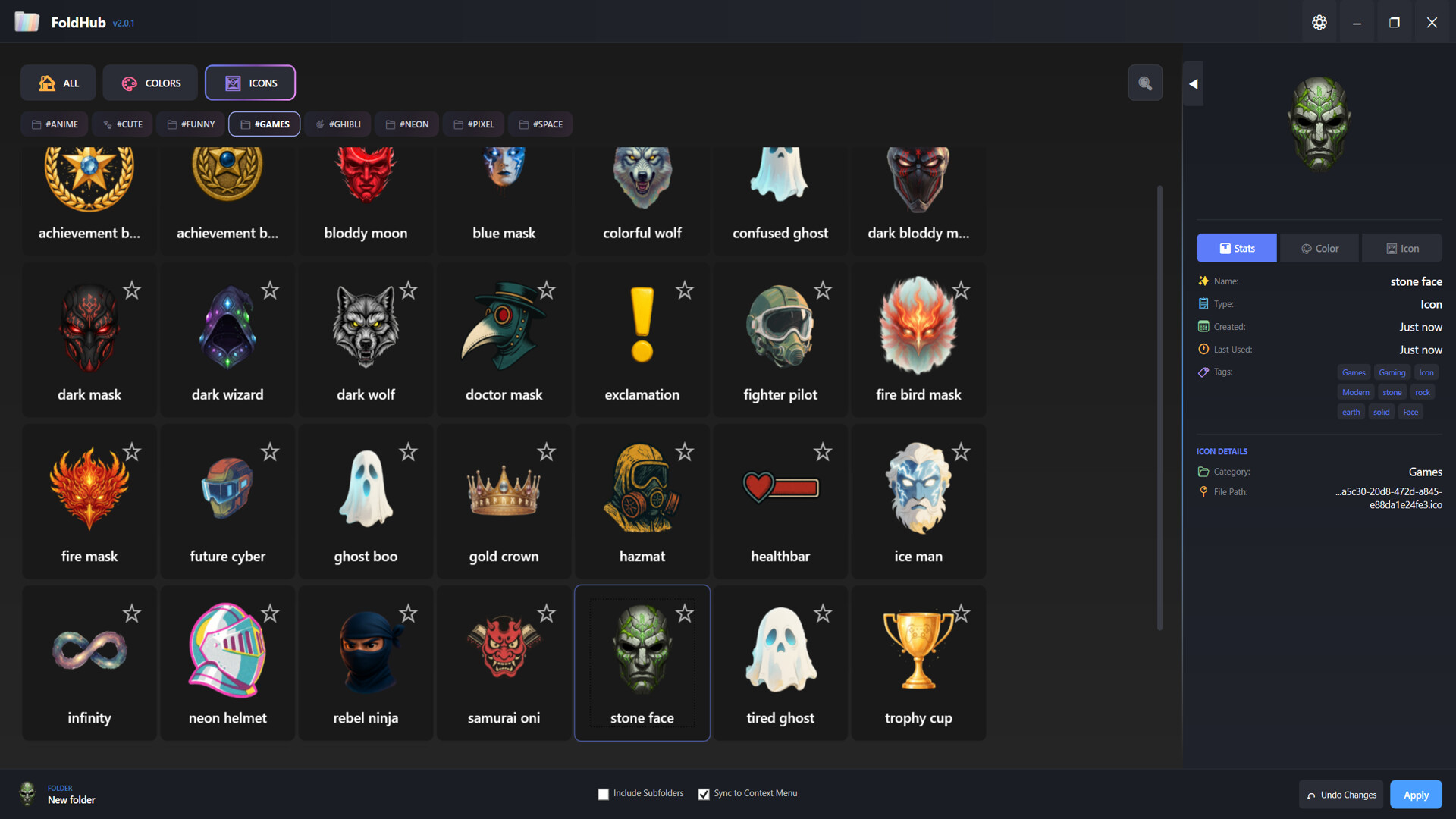
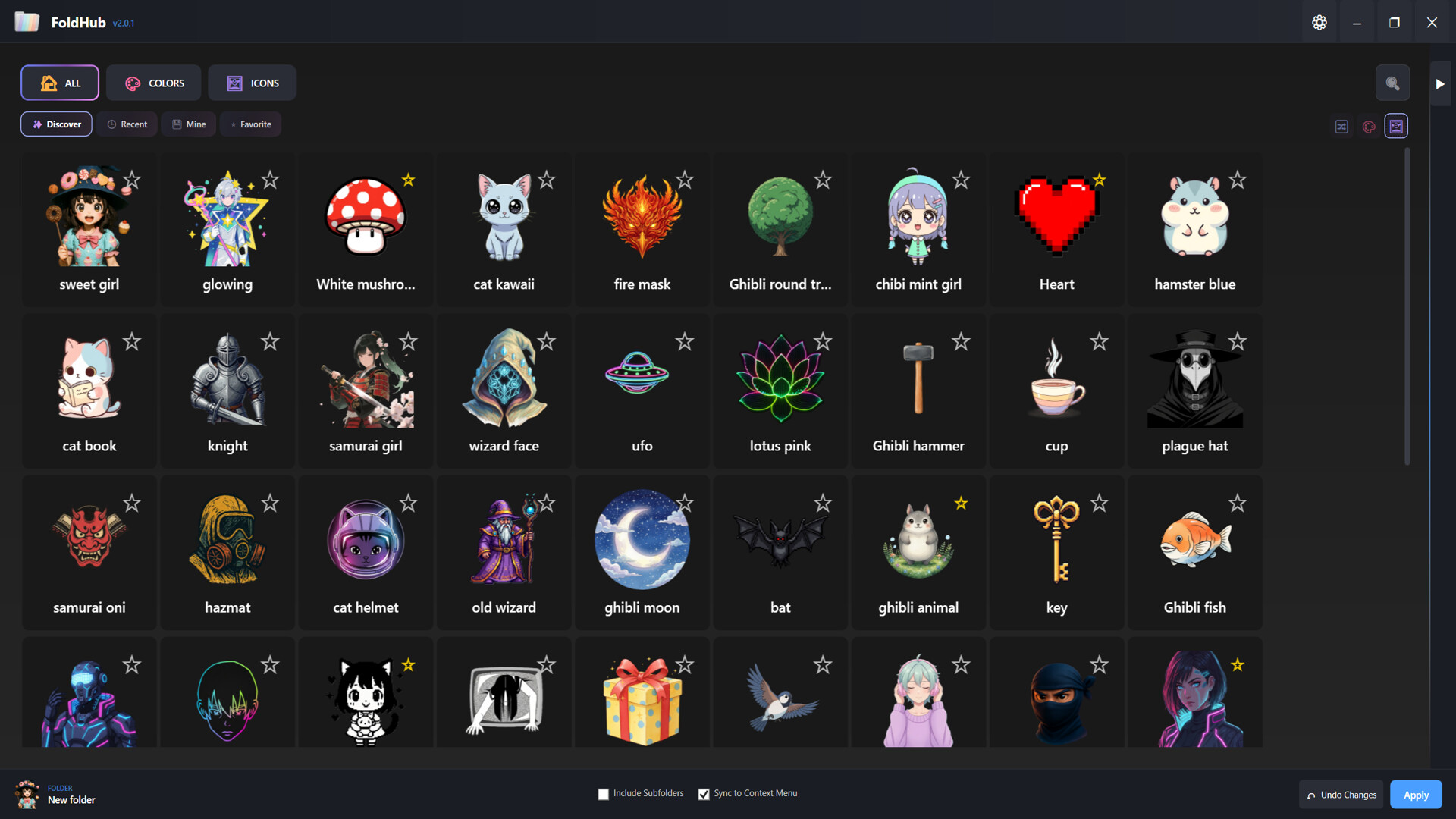
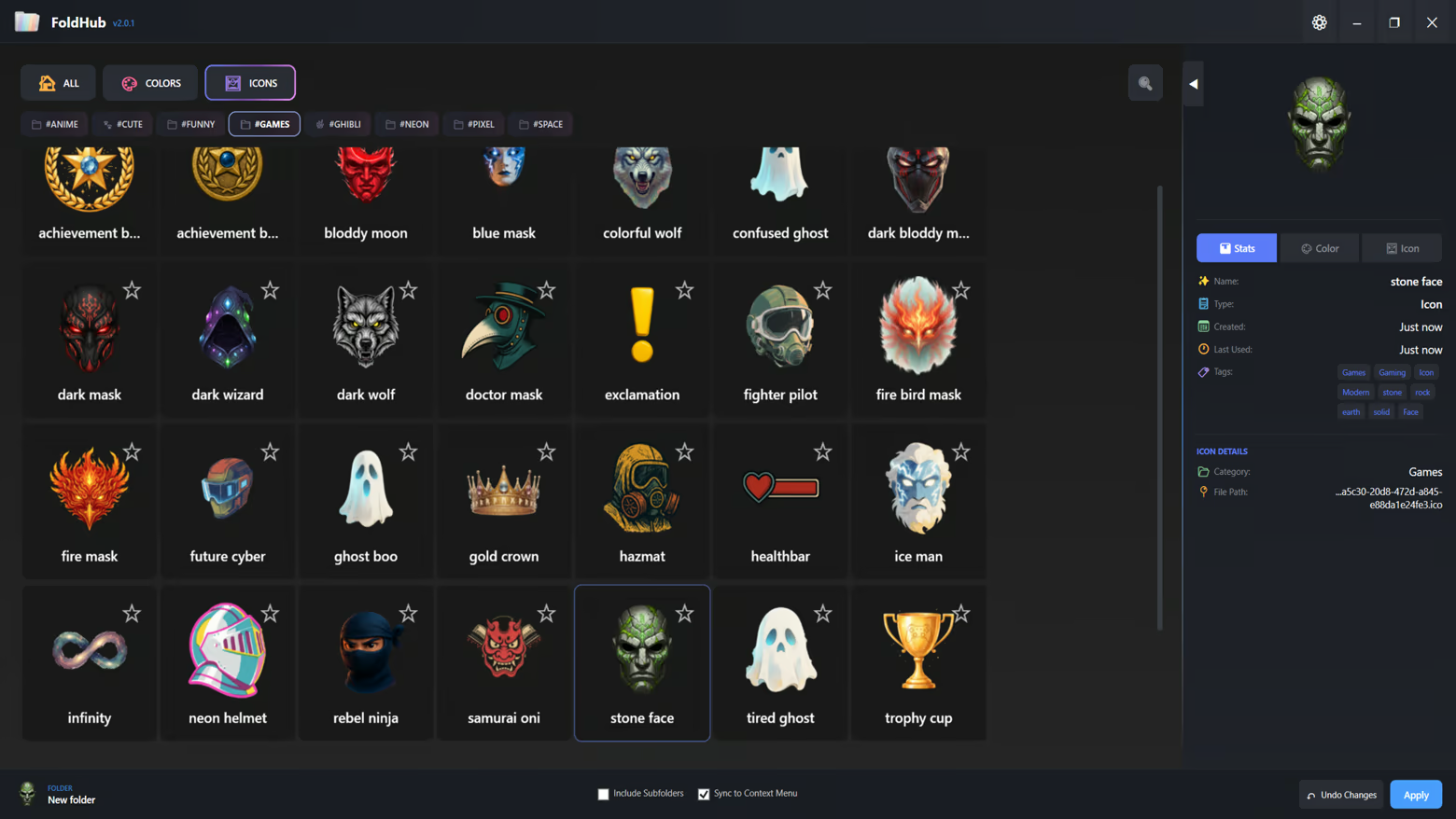
Extensive Icon Library - 6 Curated Categories: Anime, Funny, Space, Pixel, Neon, and Ghibli
- Hundreds of high-quality icons ready to use
- Add your own custom icons (.ico format)
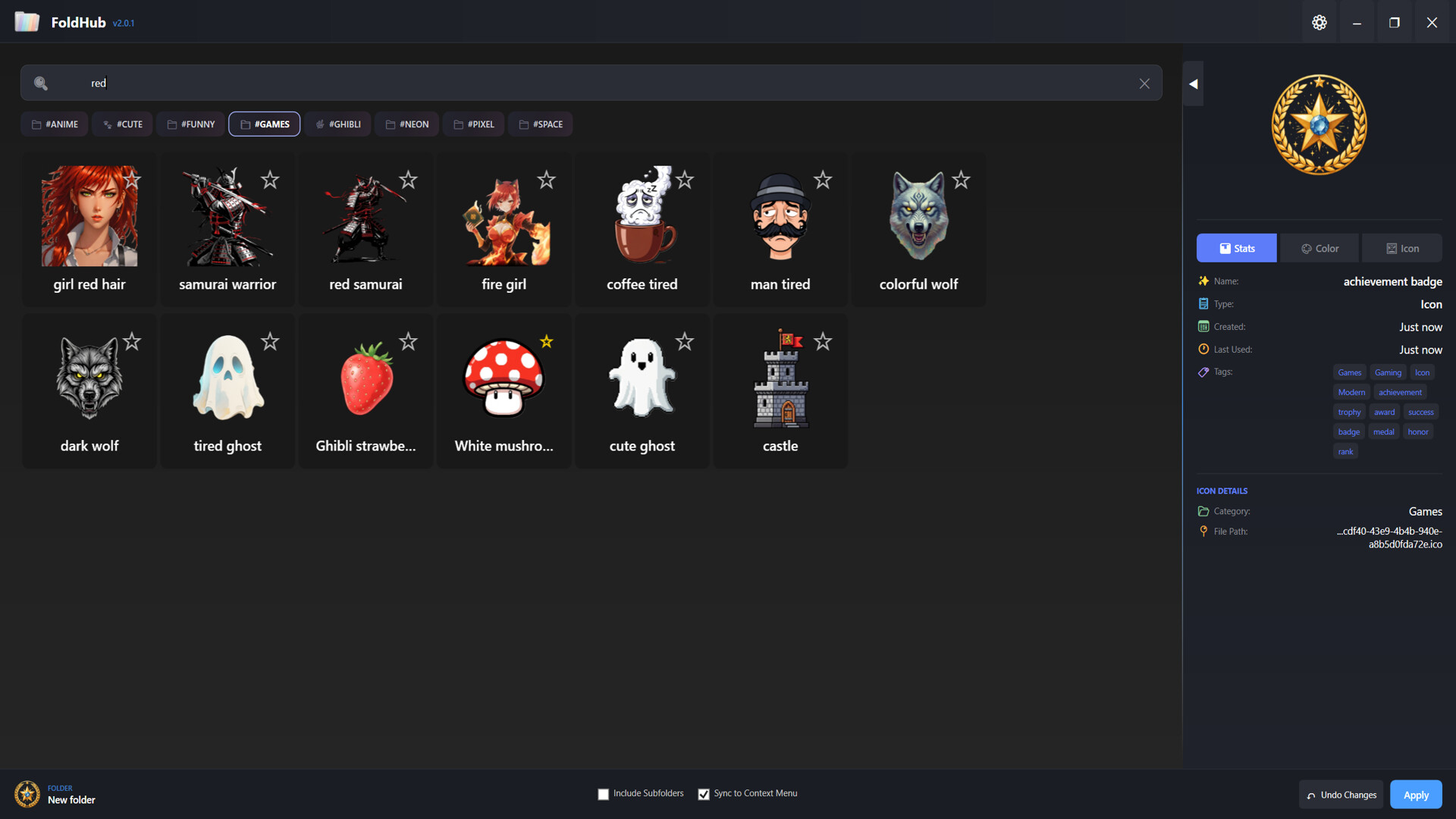
- Tag-based filtering system for quick discovery
- Favorites system to bookmark your most-used icons
Smart Organization - Recent Items: Quick access to your recently applied styles
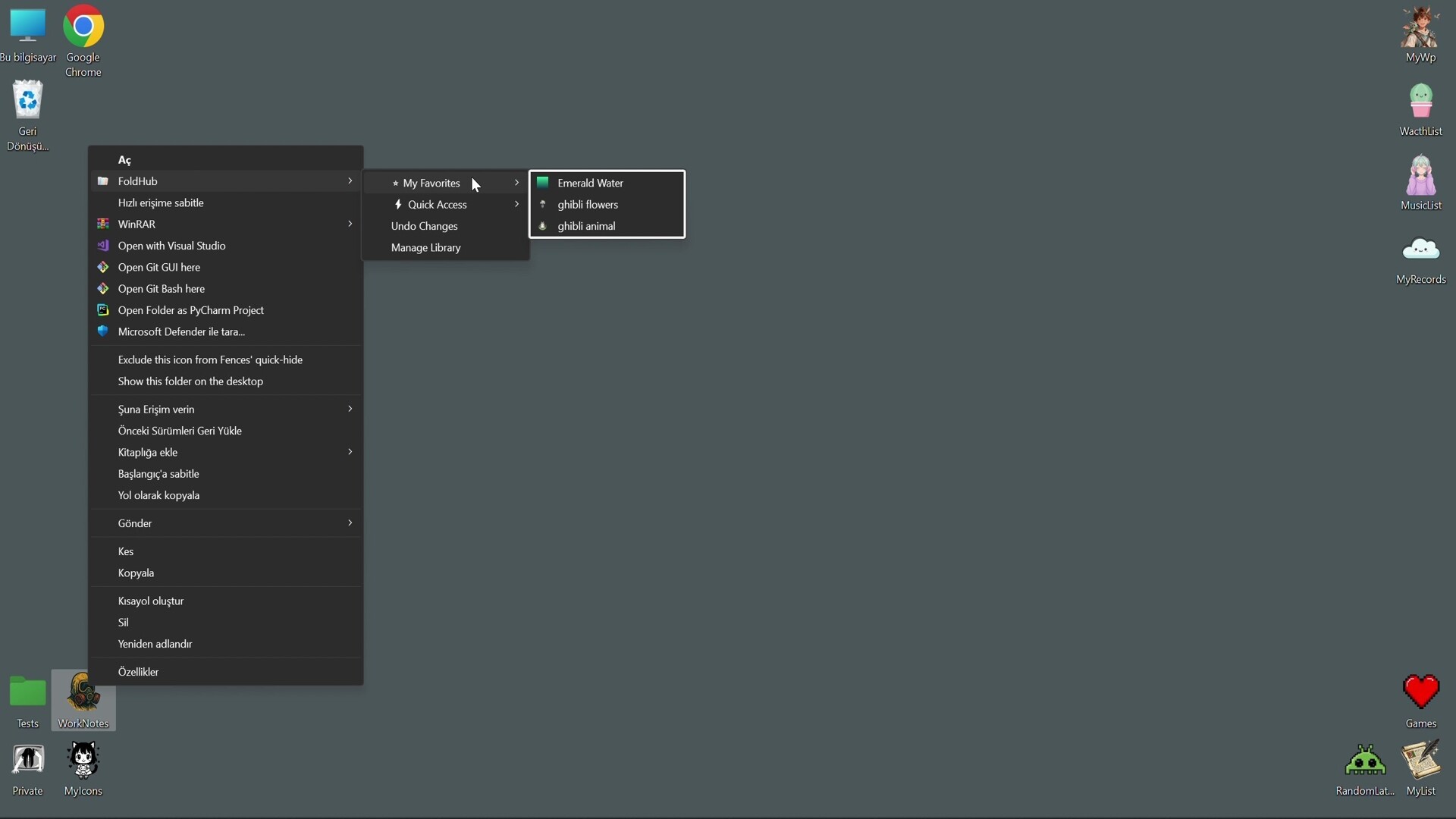
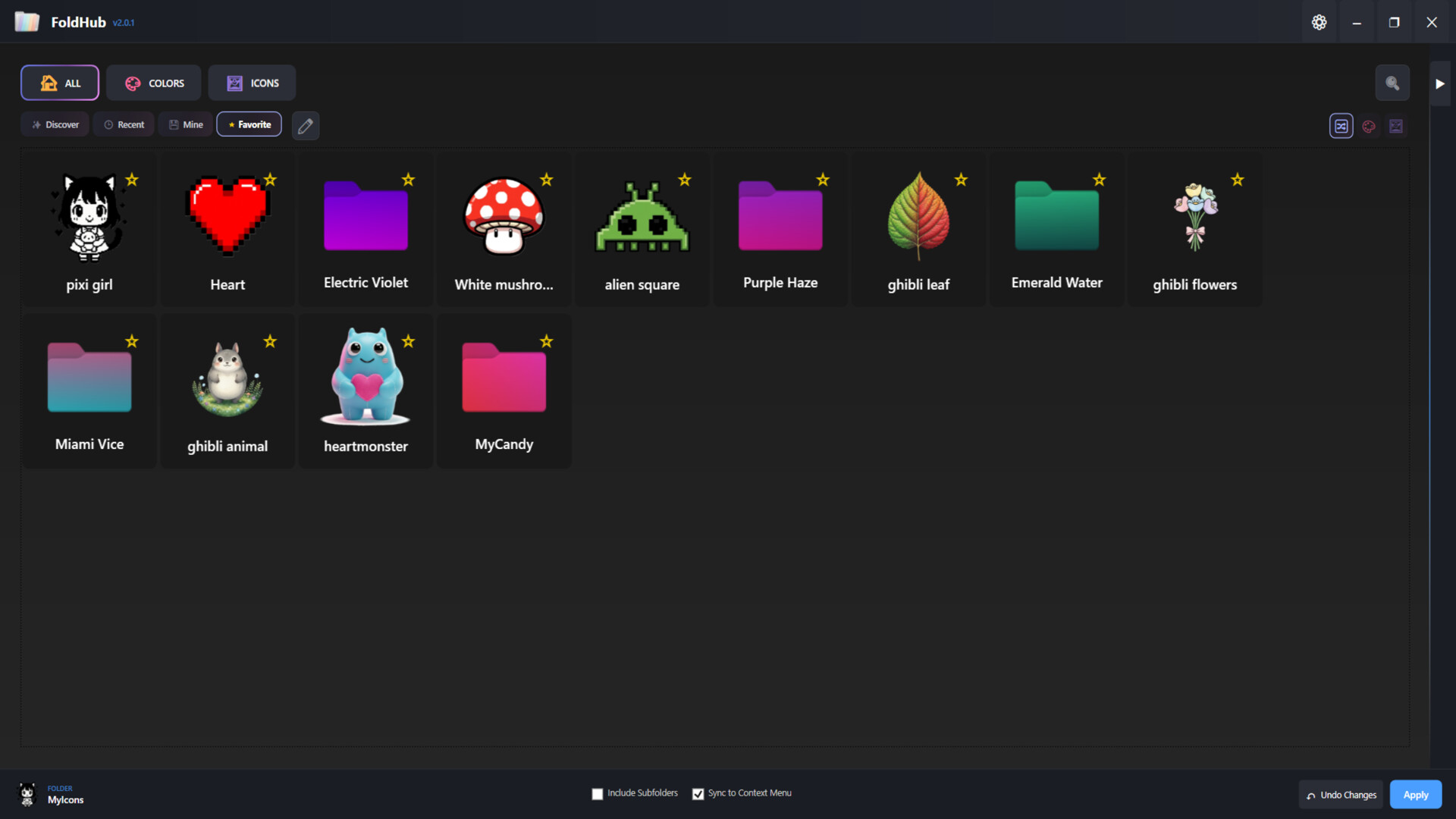
- My Library: Personal collection of custom colors and icons
- Favorites: Star your favorite items for instant access
- Tag Navigation: Filter by themes like "green", "warm", "cool", and more
User-Friendly Interface - Modern dark-themed UI designed for comfort
- Drag-and-drop folder support
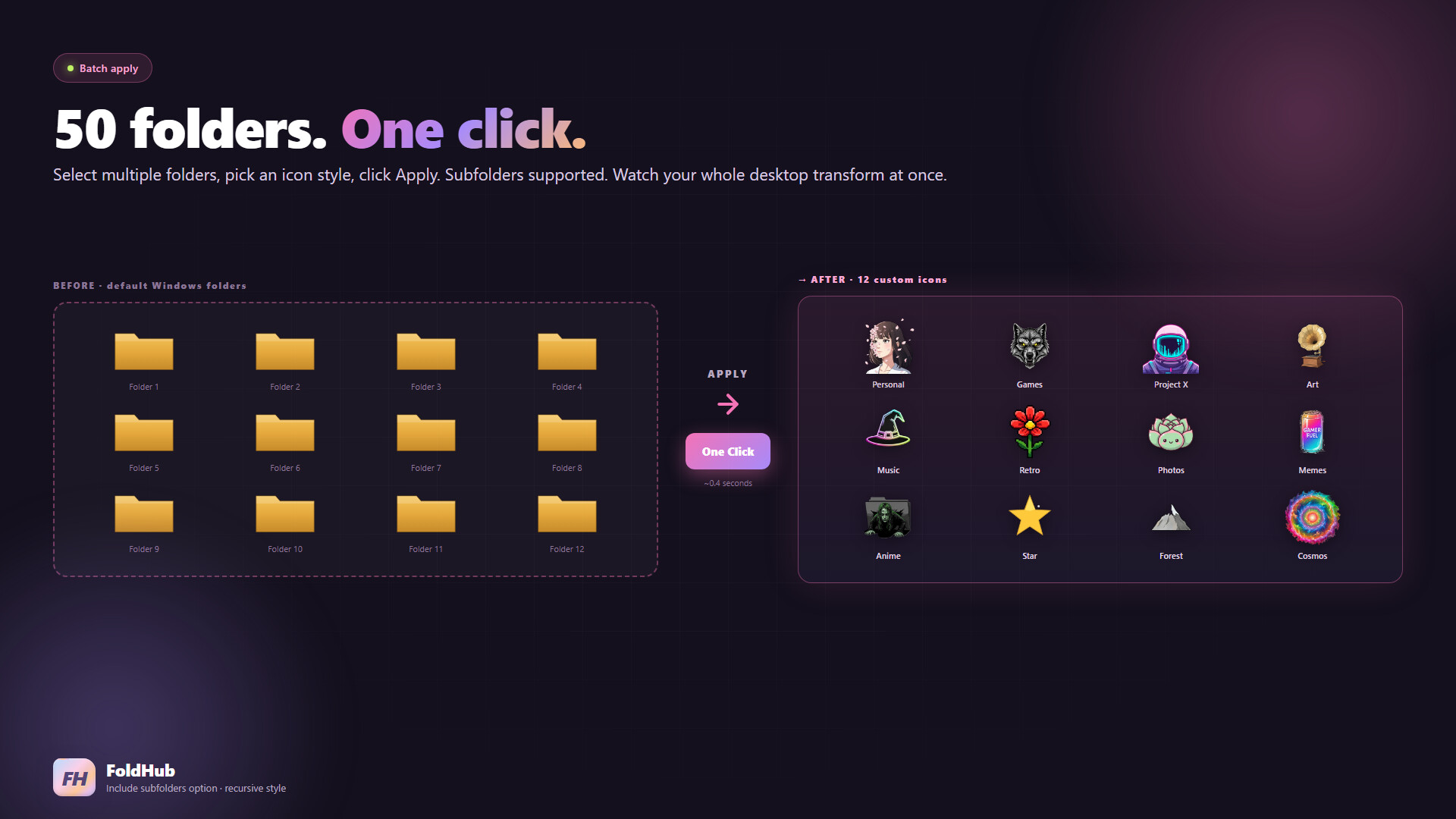
- Batch folder customization - apply to multiple folders at once
- Include subfolders option for recursive styling
- Live preview of colors and icons
Technical Features - Native Windows integration
- Persistent folder customization (survives system restarts)
- No system modifications - safe and reversible
- Lightweight and fast performance
- Supports Windows desktop.ini customization
Perfect For - Content Creators: Organize your project folders with visual themes
- Gamers: Categorize your game folders with matching icons
- Students: Color-code your study materials and assignments
- Professionals: Enhance workspace organization with visual hierarchy
- Creative Users: Express your personality through folder aesthetics
How It Works 1. Select one or multiple folders you want to customize
2. Choose from our extensive icon library or pick a custom color
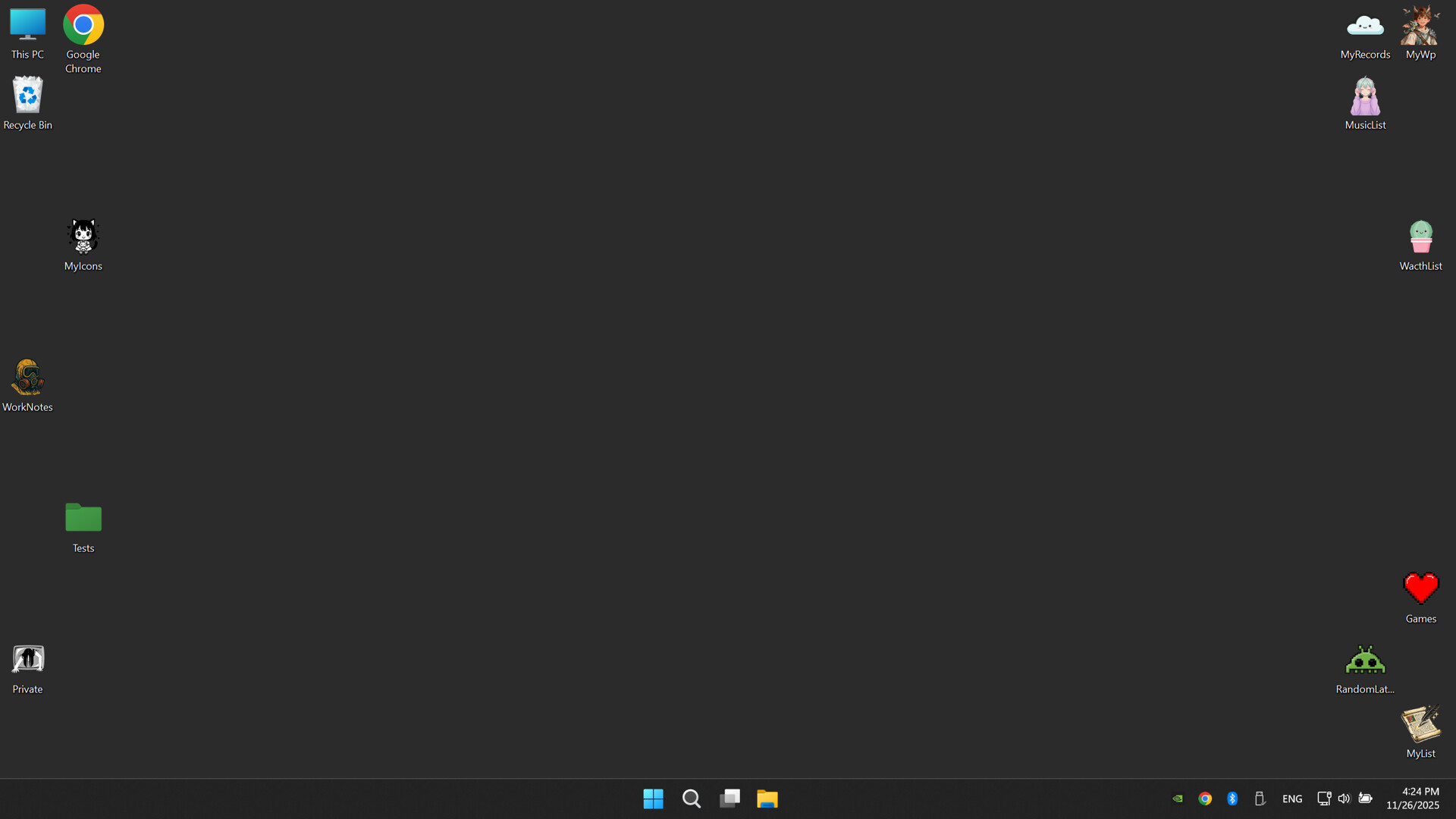
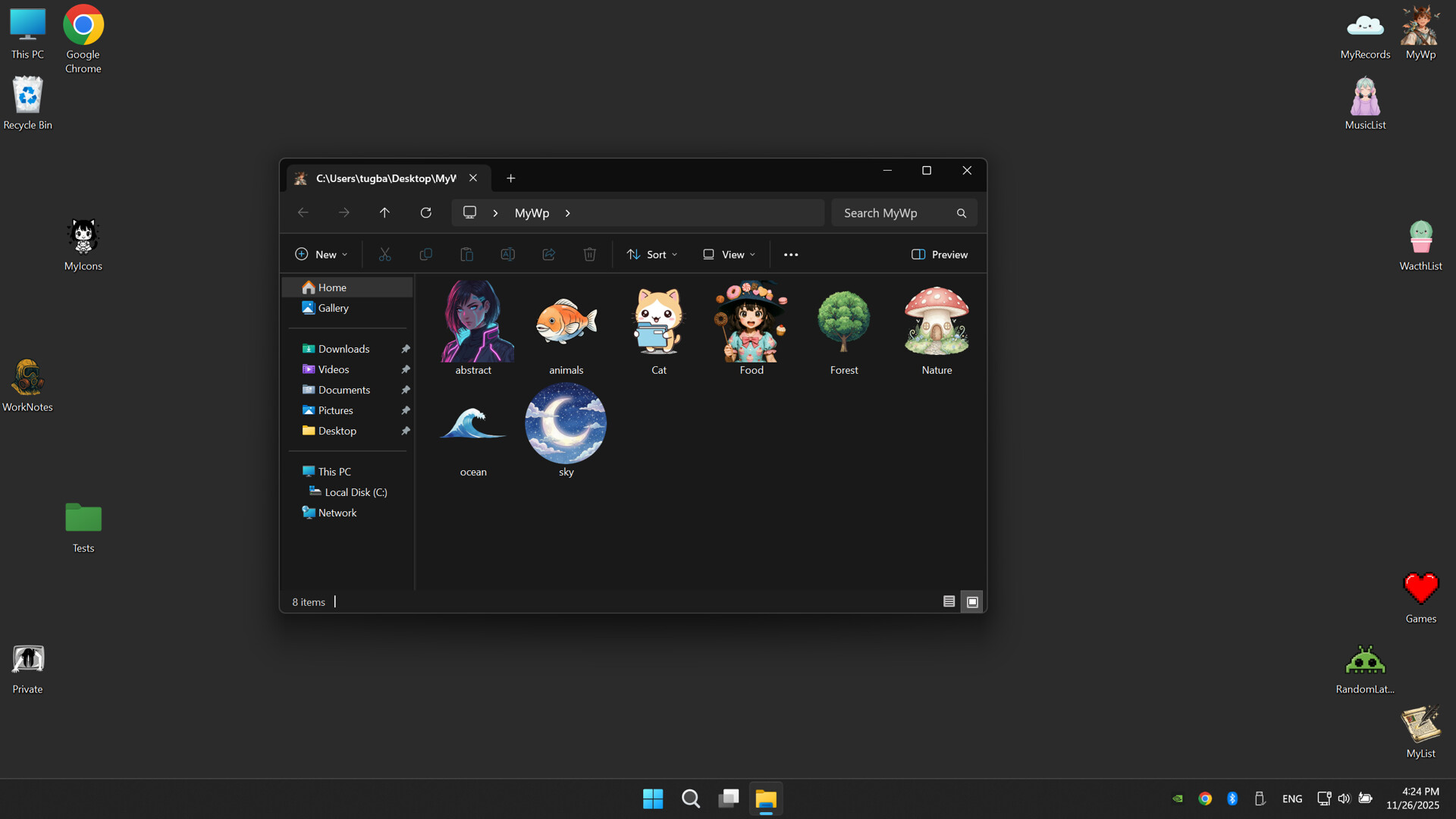
3. Click Apply - your folders instantly transform
4. Save your favorite combinations for future use