
#Casual #3D #CardGame
Silver
Save your village from werewolves with clever card play and powerful characters!
View game
$14.99

Mixed · 7 reviews
43% positive (3 / 7)


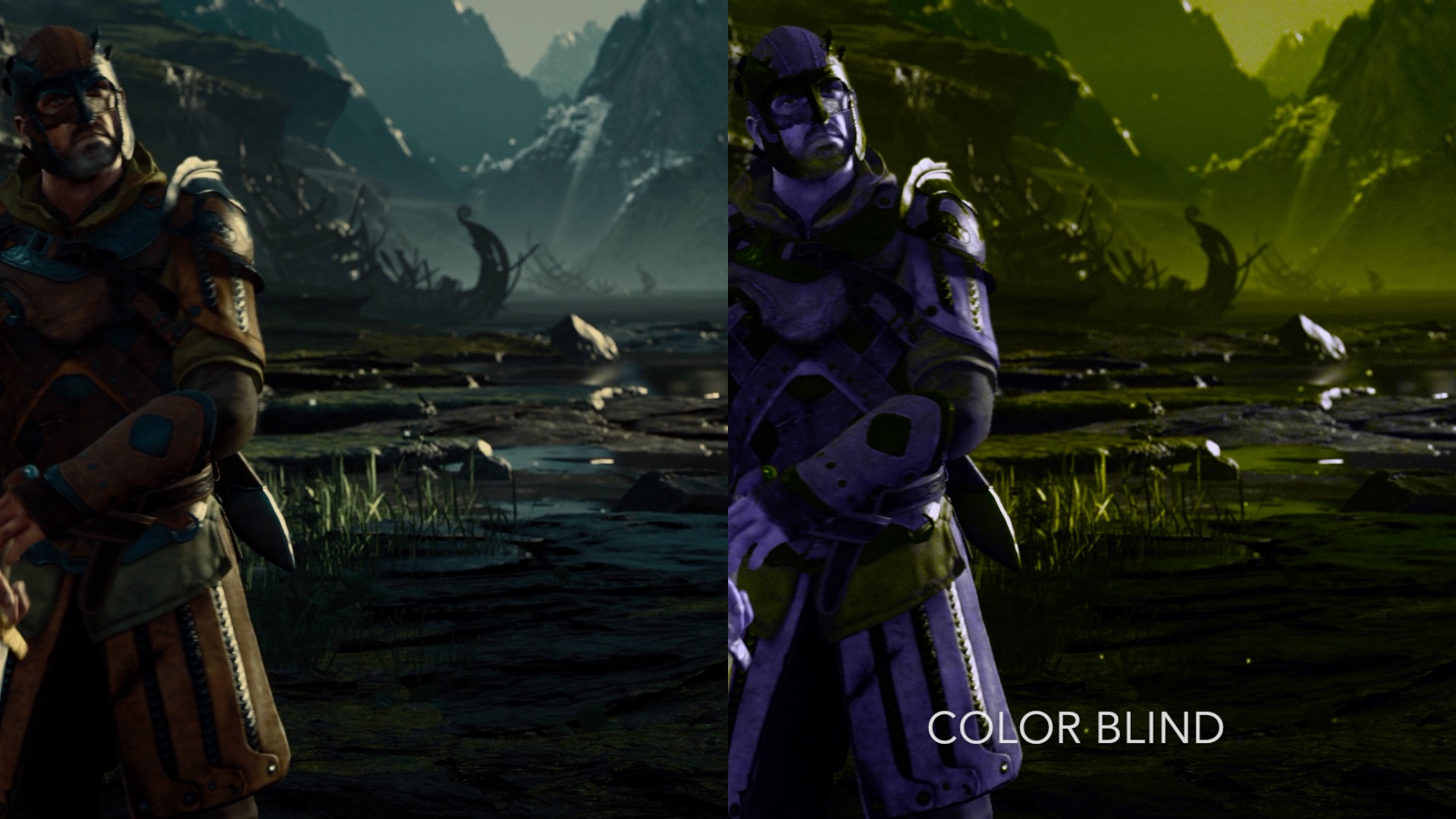
Add Filters to enhance the visuals in your favorite games.
Released
July 6, 2018
Platforms
Windows
Developer
Publisher
Last sync
September 26, 2026
NextFX allows users to add filters and post processing effects to enhance DirectX 11 game visuals. The tool intercepts the rendering of games and applies multiple effects specified by the user in real-time, empowering users to create customized and immersive gaming experiences.
Note: It's not recommended to use NextFX with games that implement anti-cheating software.
1) Launch a DirectX 11 Steam game
2) Launch NextFX
If the game's game's graphic API is supported, it will show up in the NextFX Window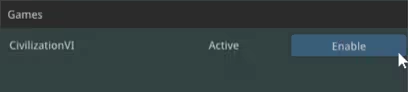
3) Click "Enable"
4) Press CTRL+N in the game window to show NextFX Settings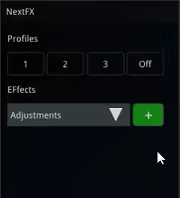
4) Press CTRL+N in the game window to refocus the game
Please contact us if there are any issues with a title.
contact: support@subsun.io