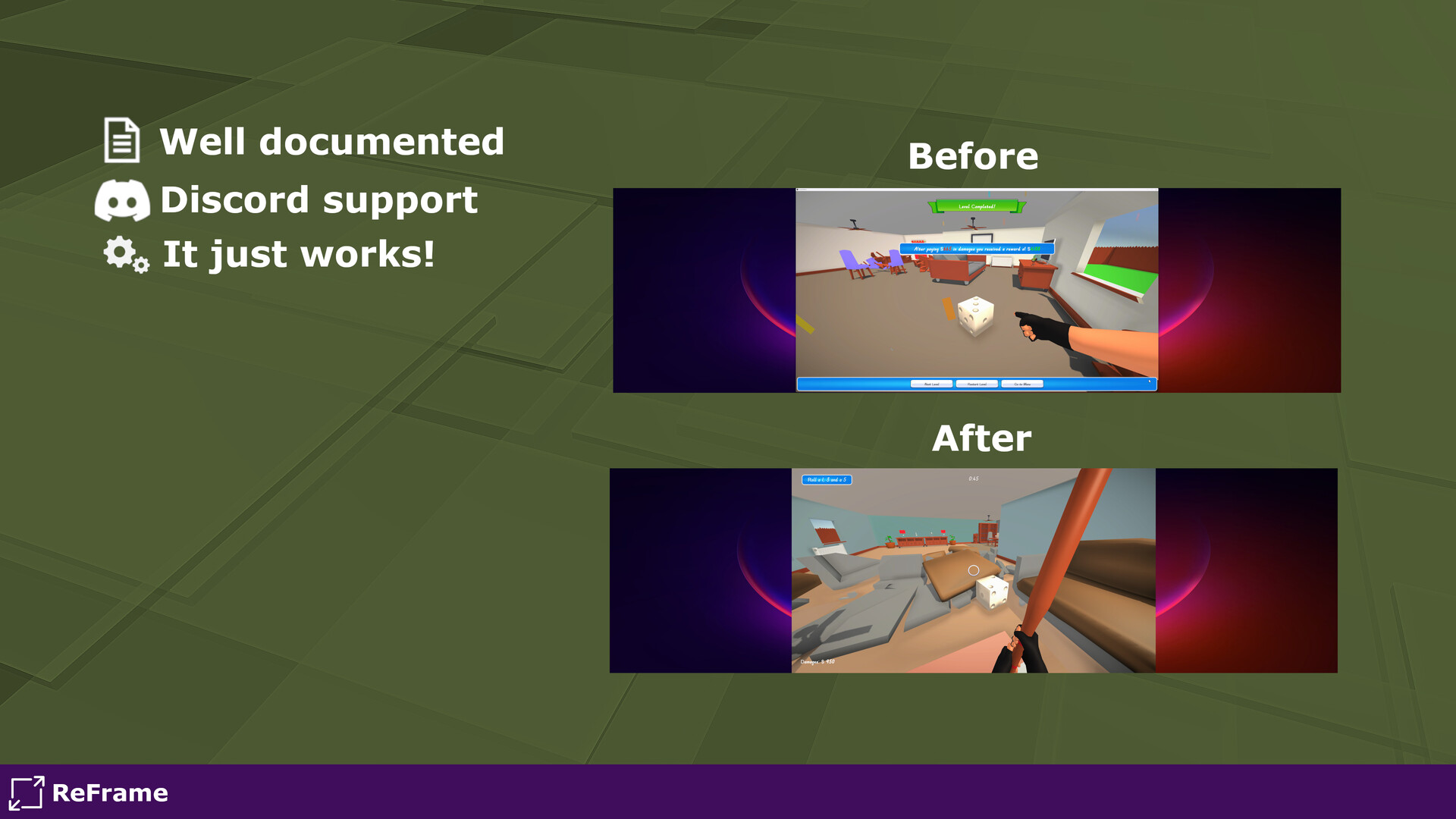
ReFrame gives you full control over how your games***** and applications appear on your screen.
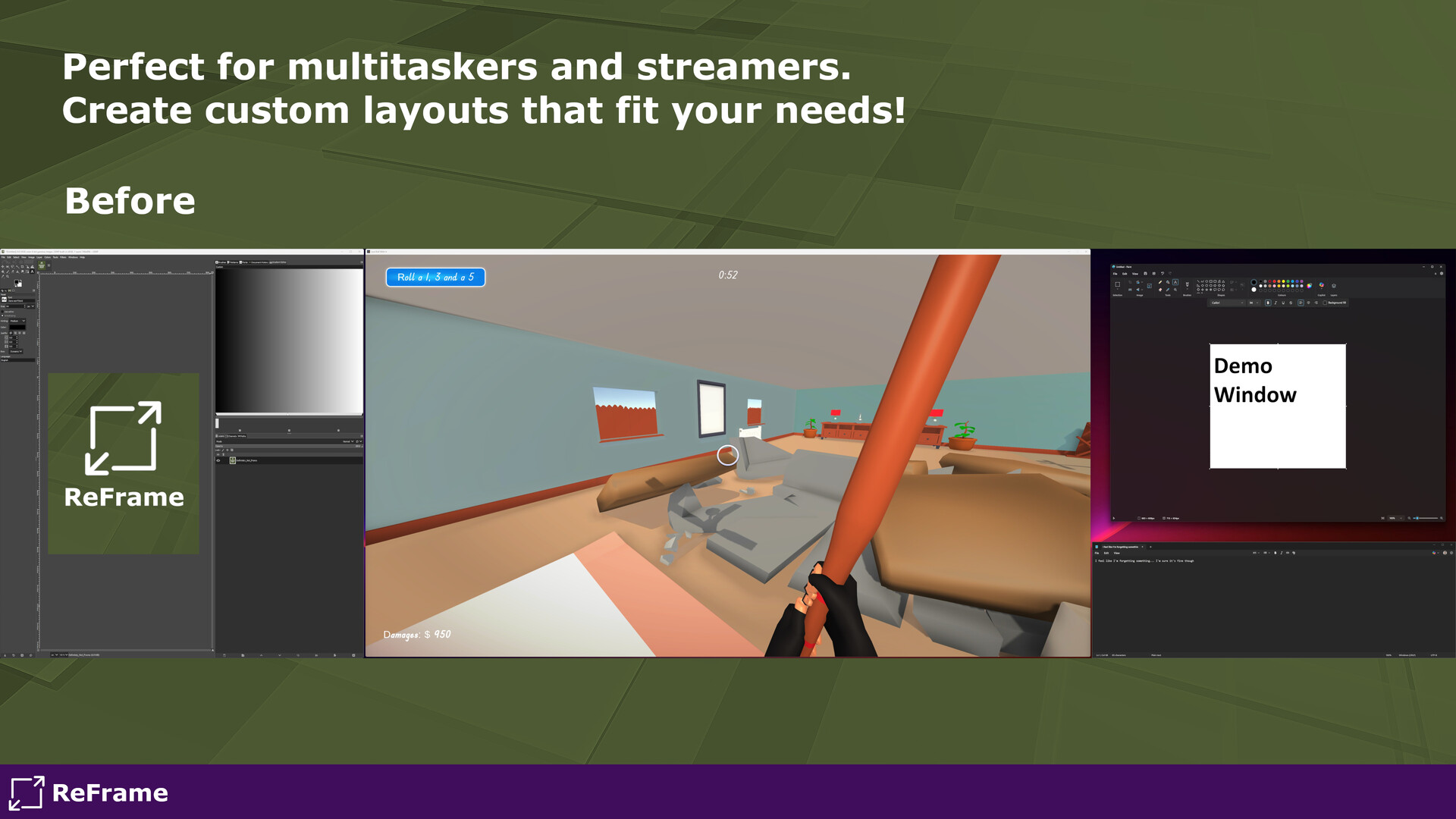
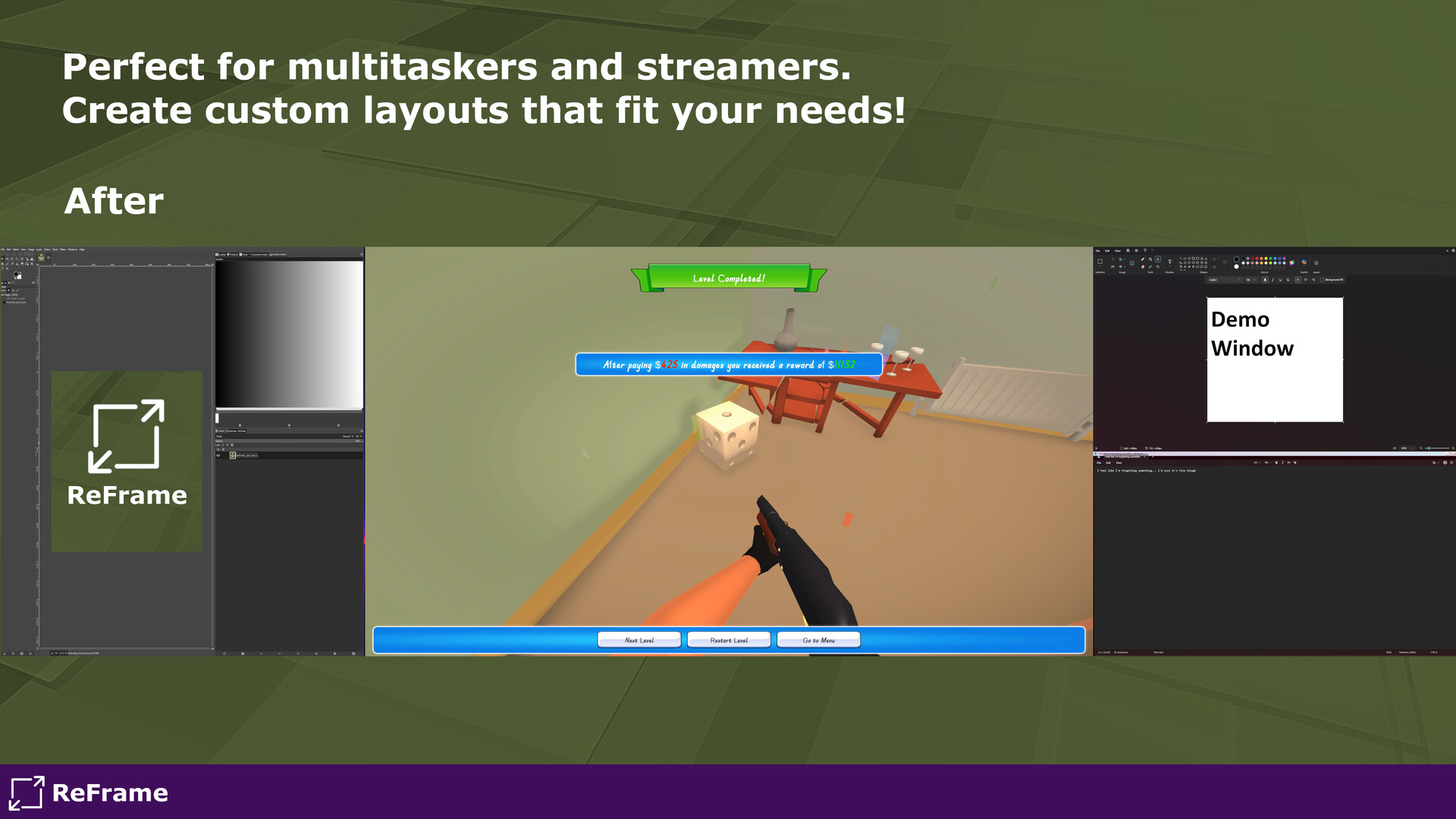
Remove borders, resize windows to custom dimensions, position them exactly where you want, and save your settings so they can be auto-applied later! Perfect for Multitaskers, Ultrawide users, streamers, and anyone looking to tidy up their workspace.
Features
- Borderless Mode - Remove borders and title bars for a clean windowed experience. Either Fullscreen or a resolution of your choosing!
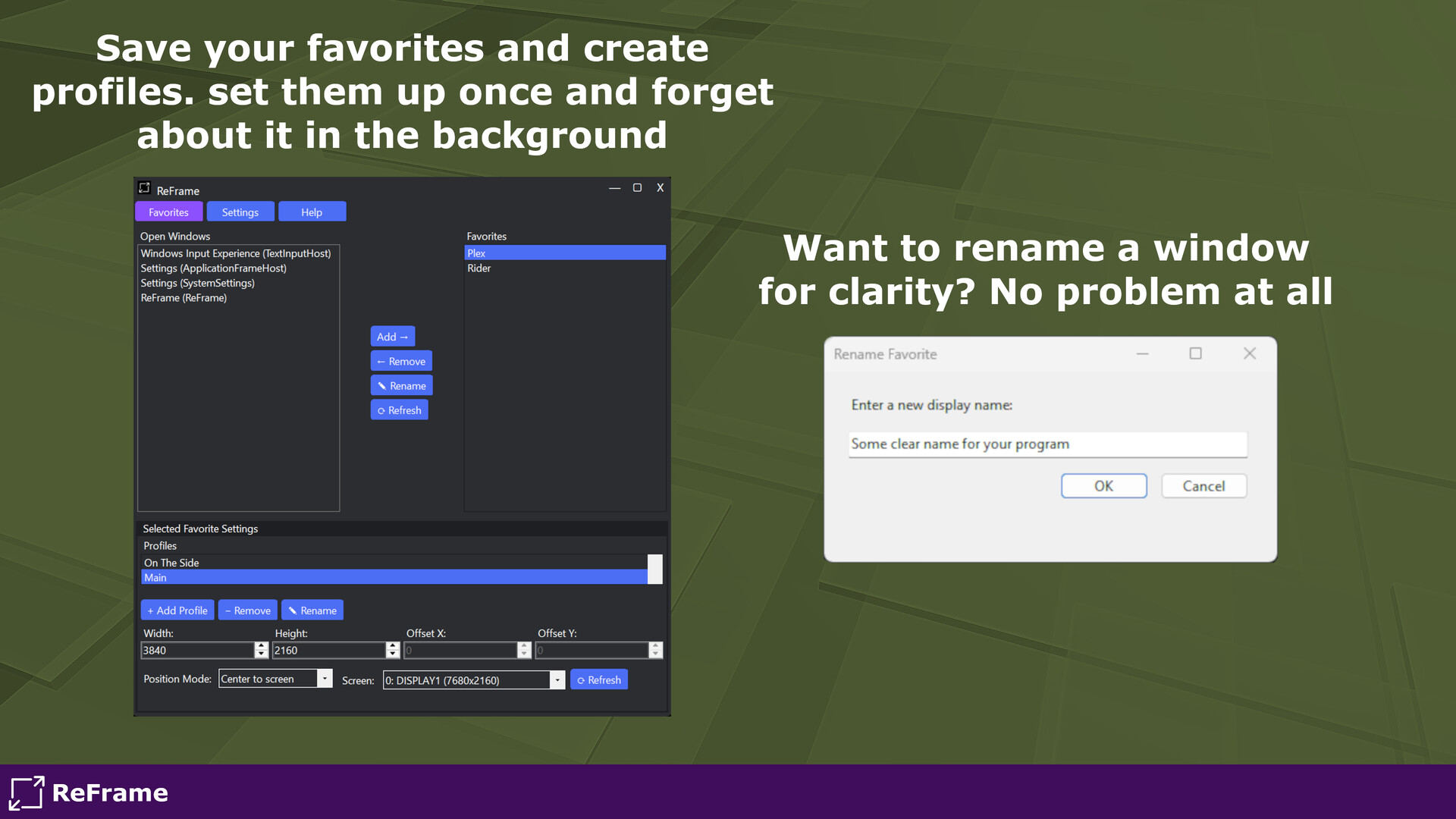
- Favorite Profiles - Save individual window configurations (size, position, screen) and create multiple profiles per app.
- Auto-Apply on Launch - Automatically restores your saved/favorited layout when the app starts.
- Taskbar Hiding - Hide the taskbar until you mouse over the taskbar area or completely to optimize your screen space!
- Multi-Monitor Support - Easily move and resize windows across multiple screens.
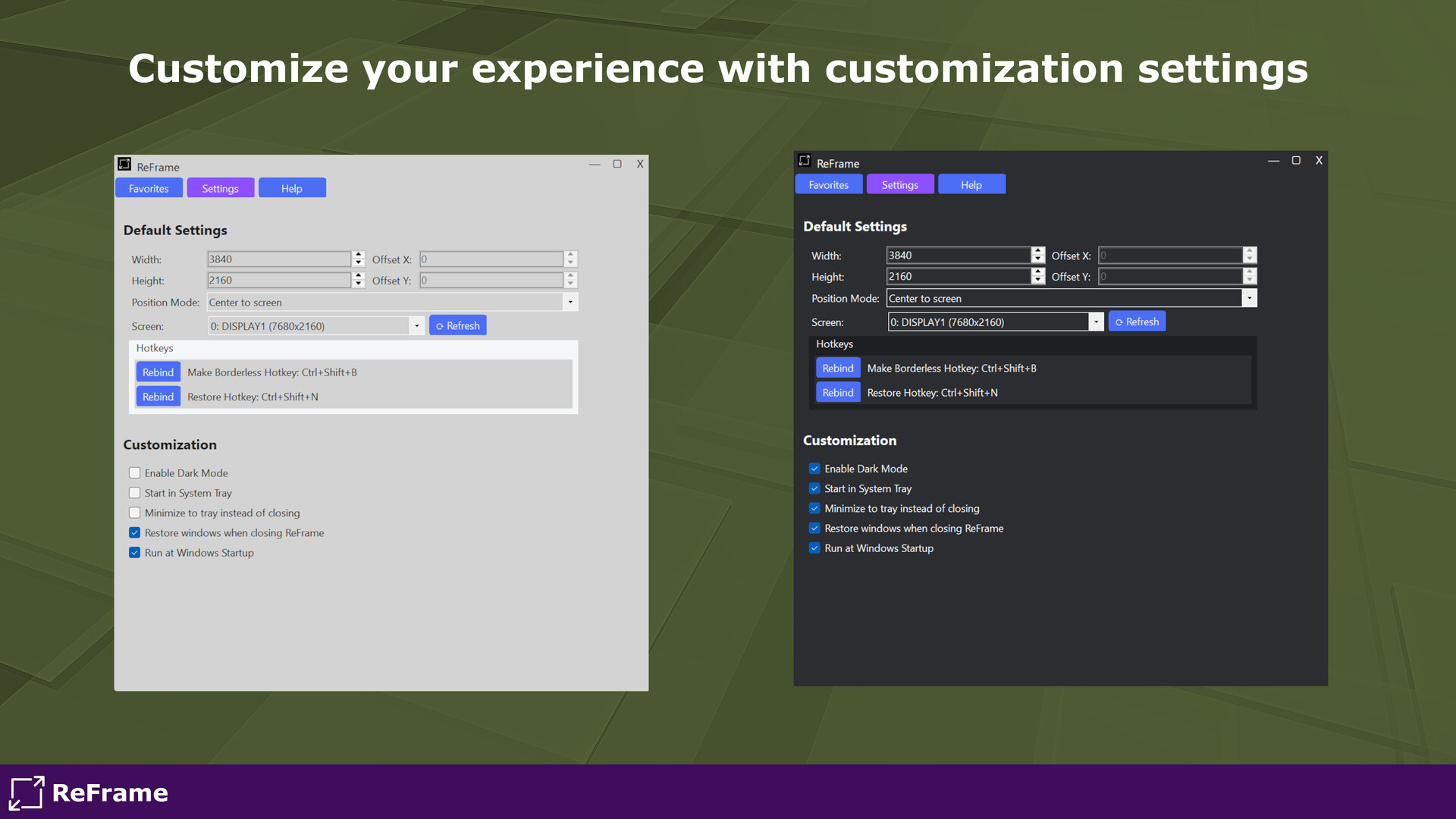
- Custom Hotkeys - Quickly toggle between borderless and bordered mode.
- Lightweight & Non-Intrusive - Runs quietly in the background with minimal resource use.
- Fully documented - ReFrame is fully documented to help you get started. Feeling stuck after reading the documentation? Join the Discord for support!
* Some older games might not work correctly due to how their rendering of windows is handled. This is a known issue with Unreal Engine 3 games.