#Animation&Modeling #Design&Illustration #GameDevelopment
BlastFX
Create impressive high-definition or retro particle effects for use in any game engine!
View game
$19.99

Positive · 6 reviews
100% positive (6 / 6)
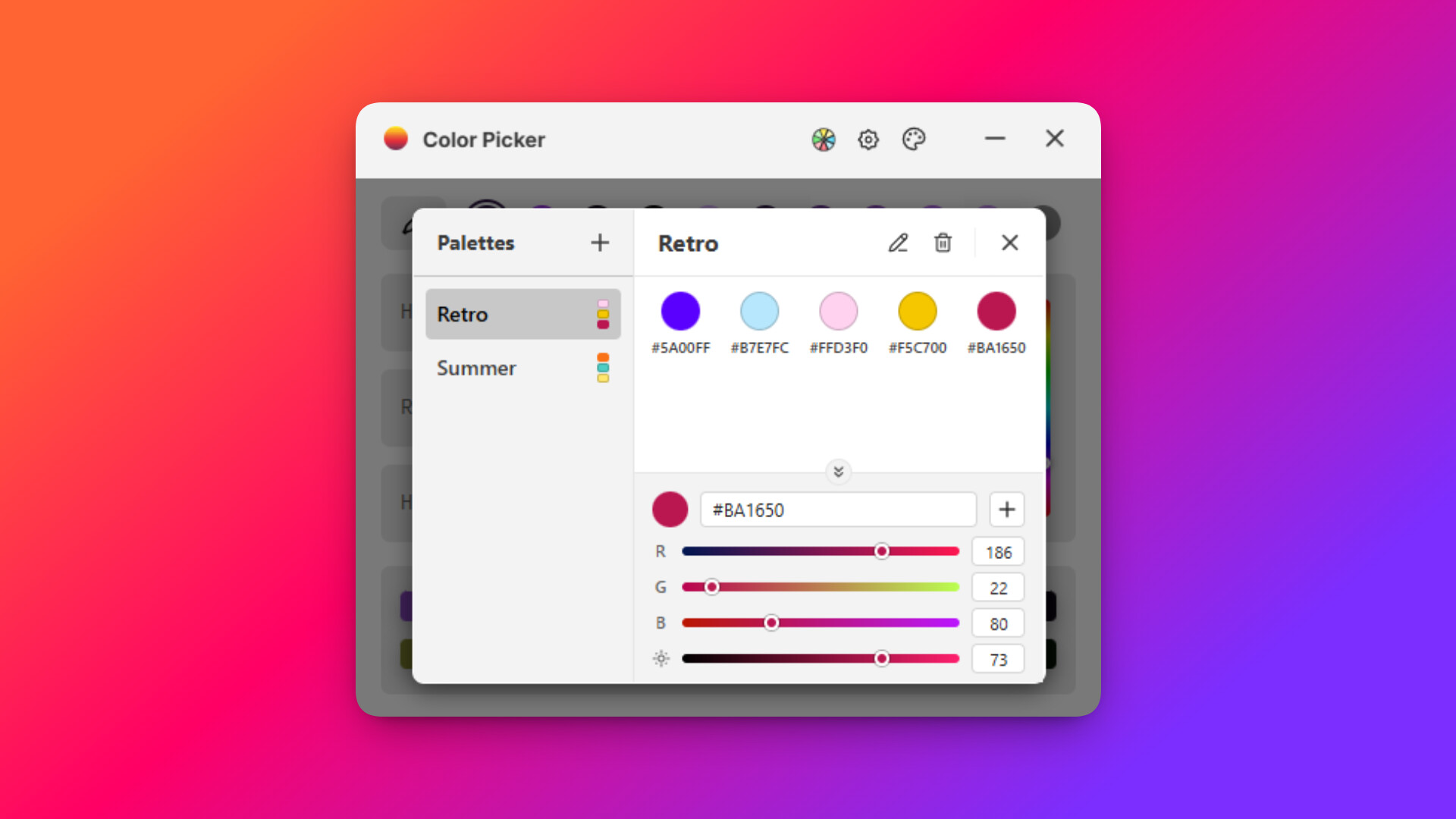
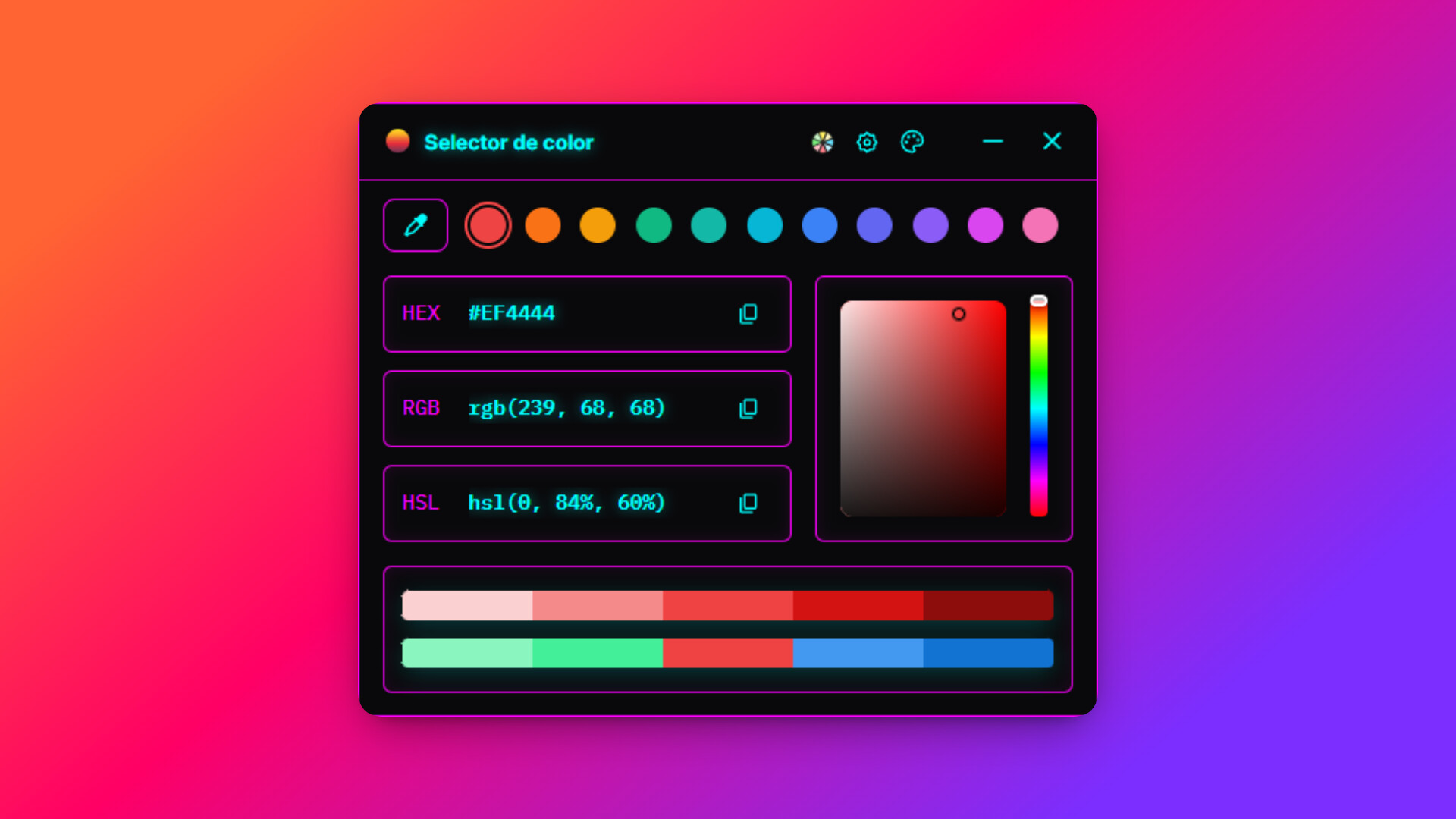


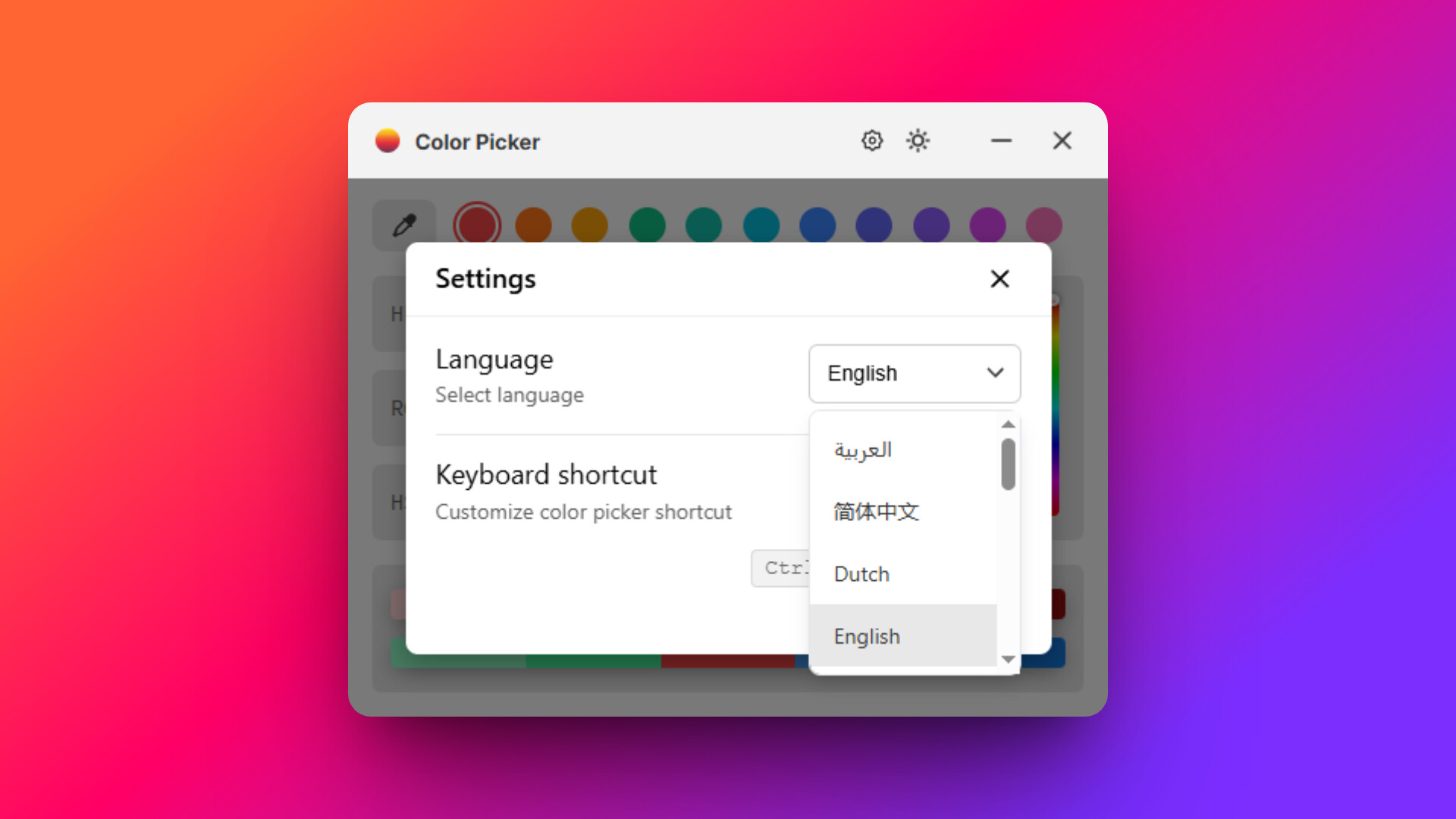
Capture, fine-tune, and perfect your palette. This desktop tool instantly extracts any color from your screen with pixel-perfect precision, giving you the exact codes you need to perfect your creative workflow.
Released
August 25, 2025
Price
Platforms
macOS · Linux · Windows
Developer
Publisher
Last sync
September 25, 2026
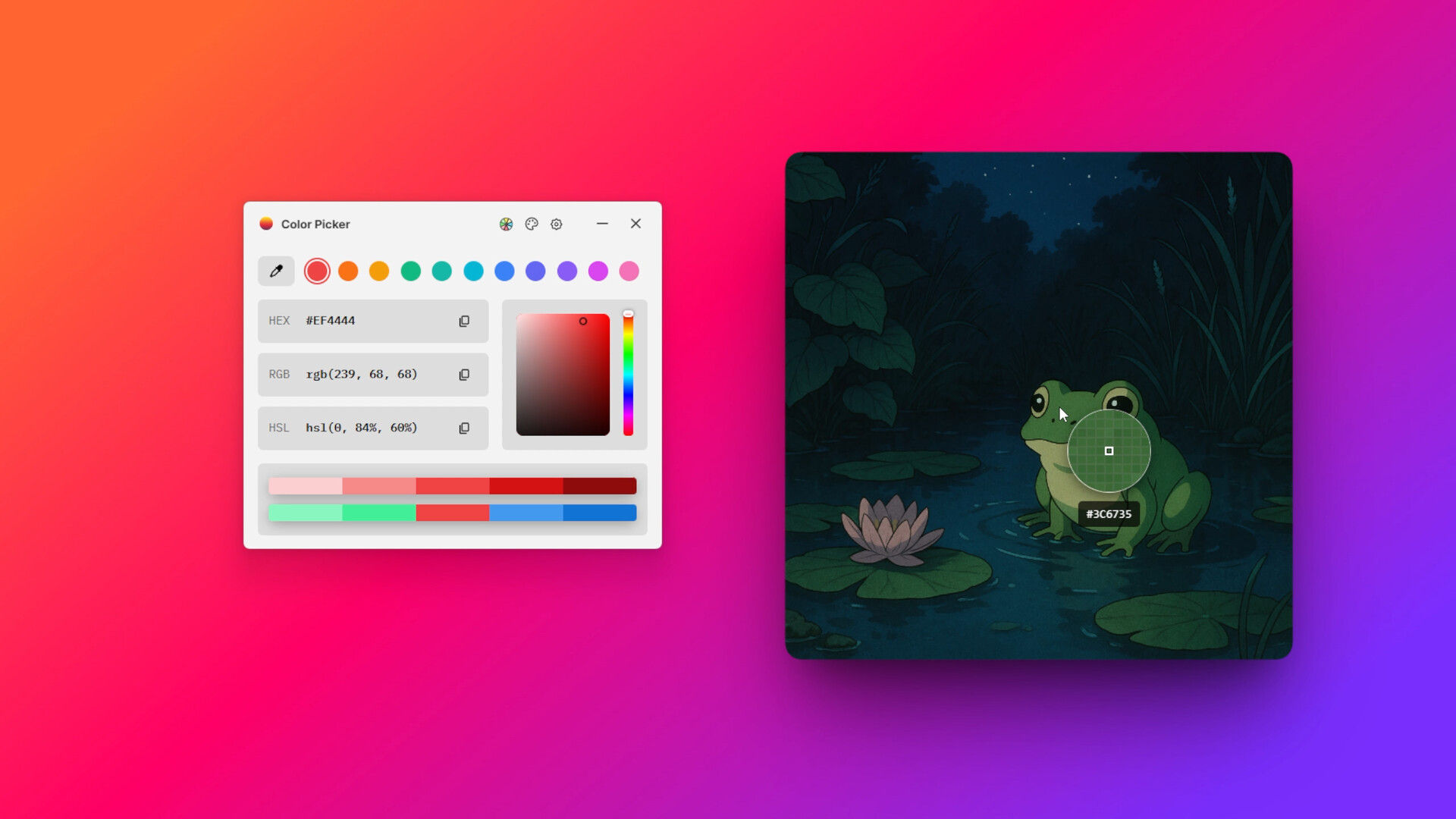
Capture, fine-tune, and perfect your palette. This desktop tool instantly extracts any color from your screen with pixel-perfect precision, giving you the exact codes you need to perfect your creative workflow.
Pixel-Perfect Precision
Extract the perfect color from any pixel on your screen or multi-monitor setup. Color Picker ensures you get the exact tone you see, eliminating guesswork from your workflow.
Instant Color Codes
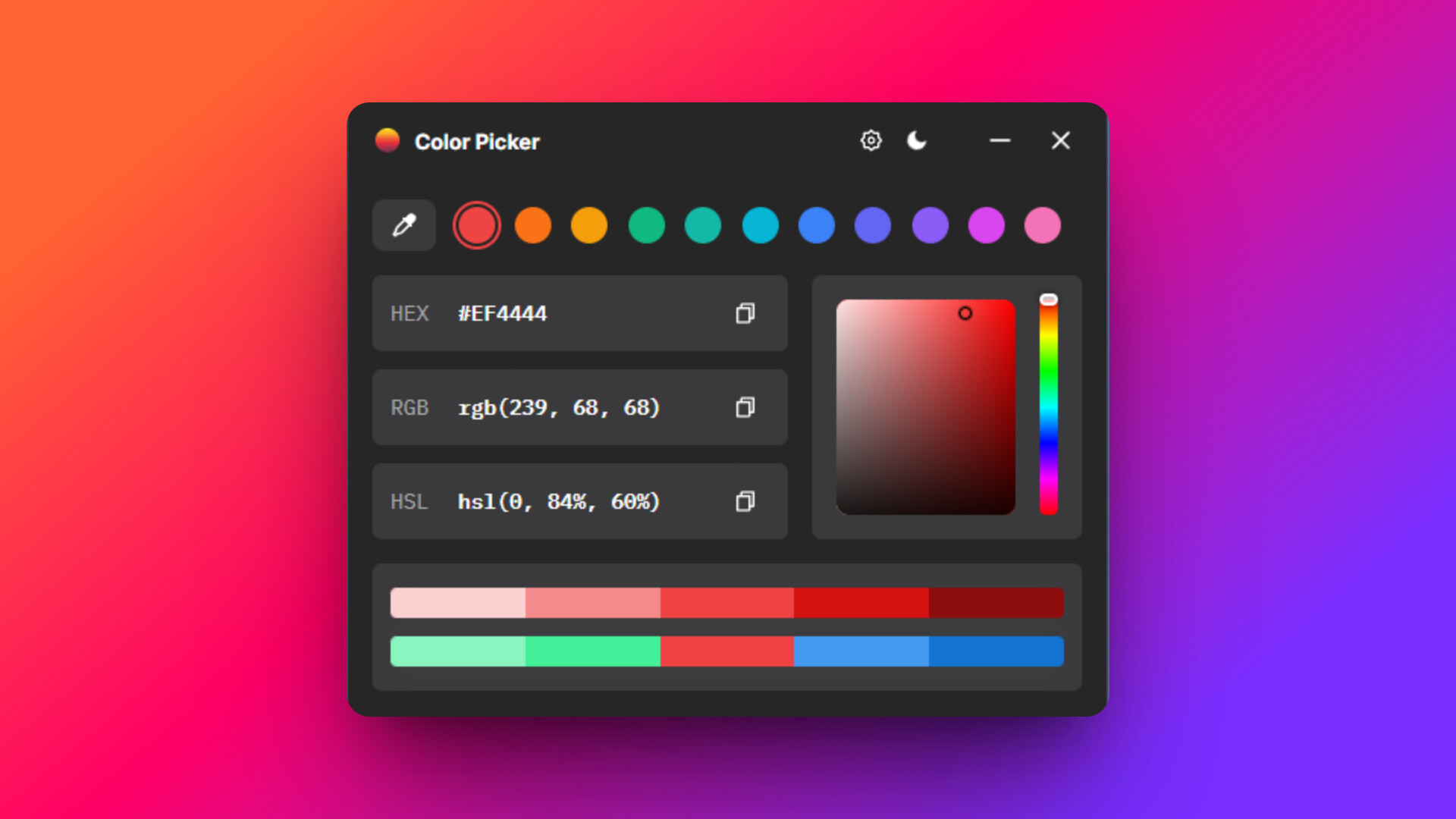
Copy HEX, RGB, and HSL codes directly to your clipboard with a single click. Color Picker provides the exact data you need, instantly.
Explore and Organize
Color Picker automatically saves your last 11 colors. Plus, you can play with shades, complementary colors, and use the integrated canvas to effortlessly select new hues.
Customizable for Your Workflow
Dark and light mode options to match your workspace.
Change the app's language in the settings.
Create your own custom keyboard shortcut.
With Color Picker, your screen becomes your canvas.