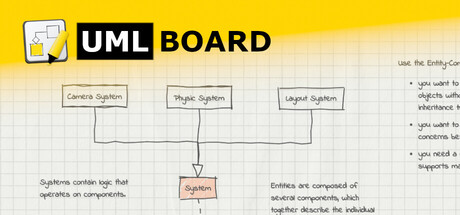
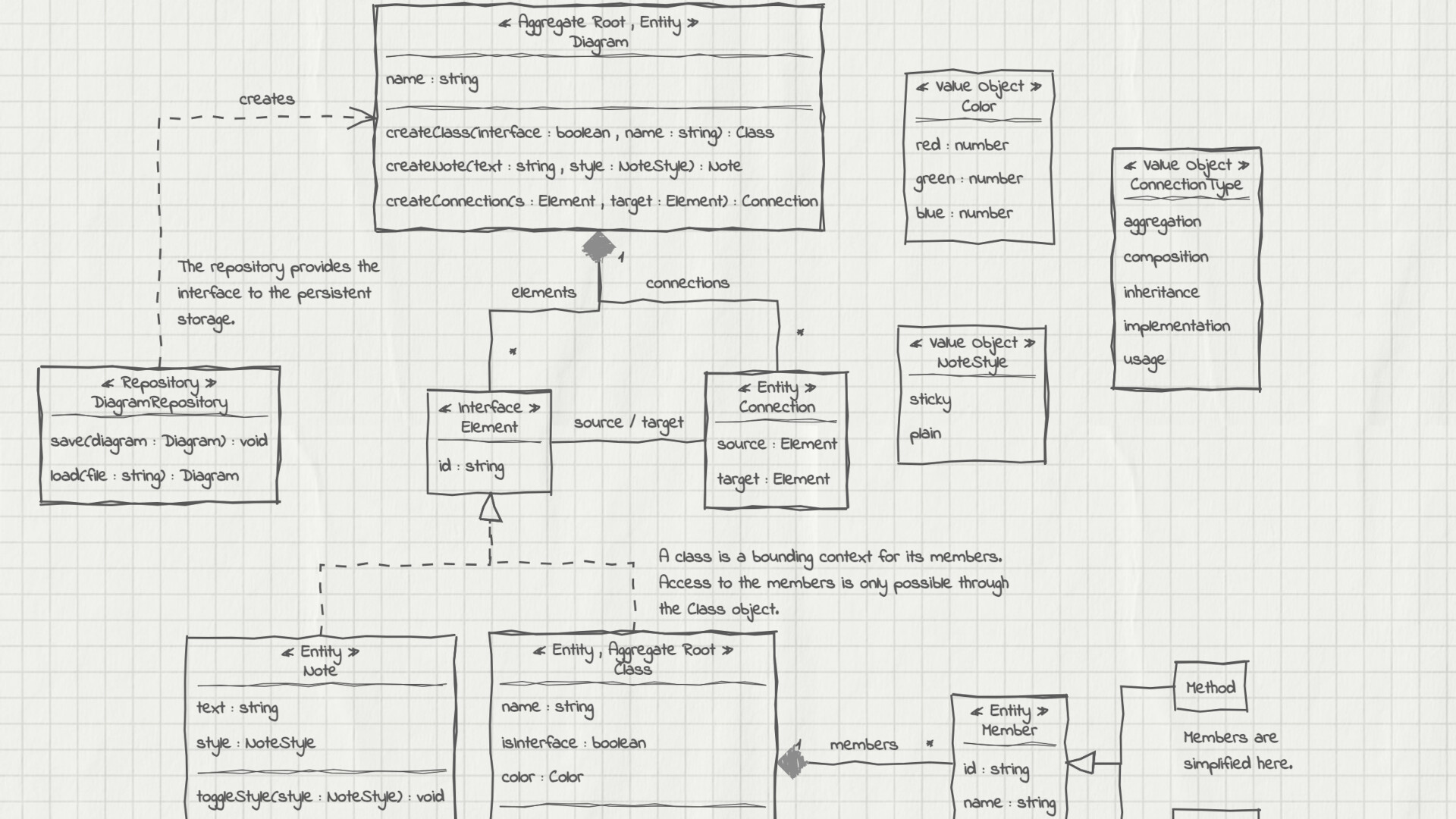
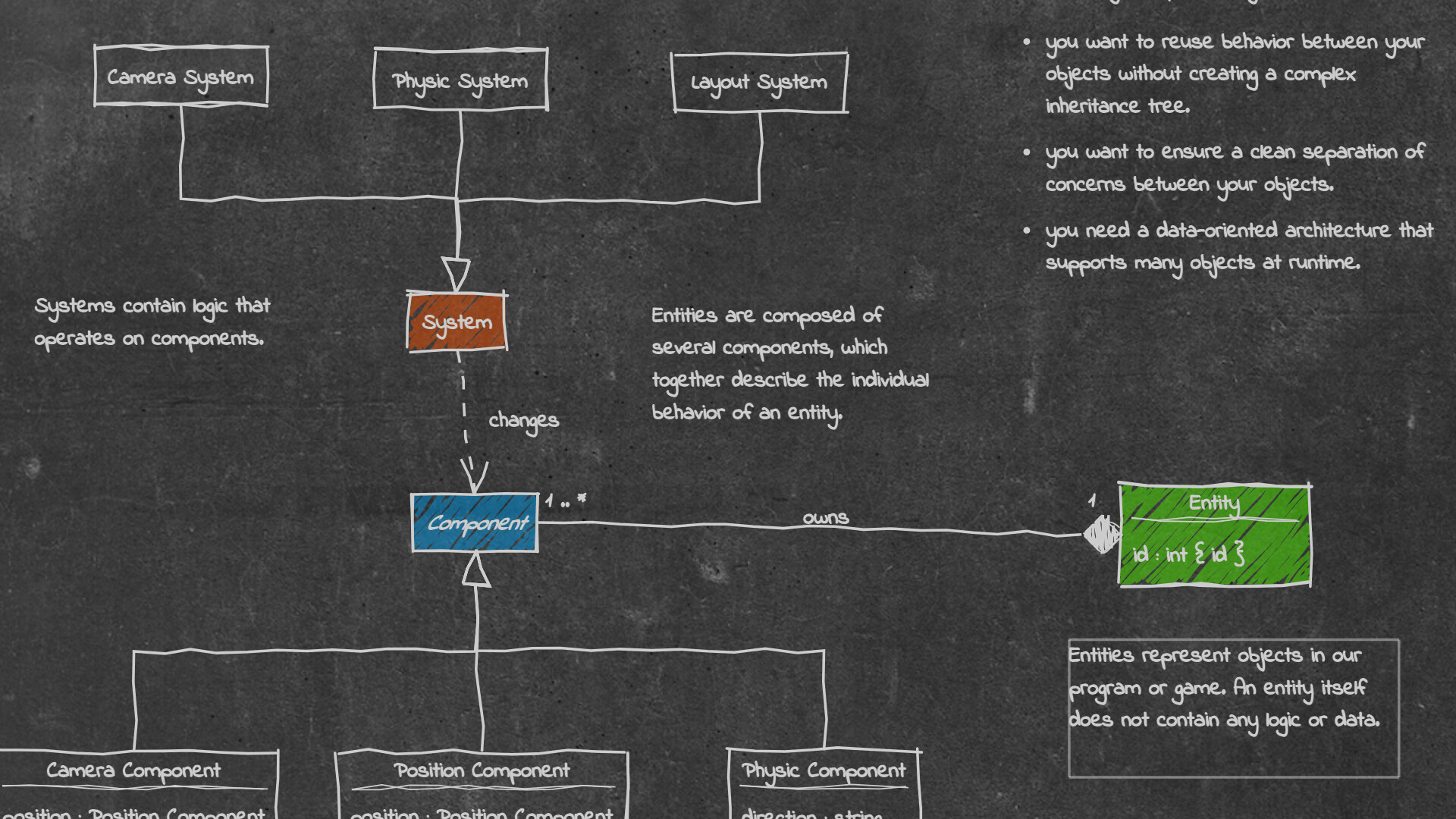
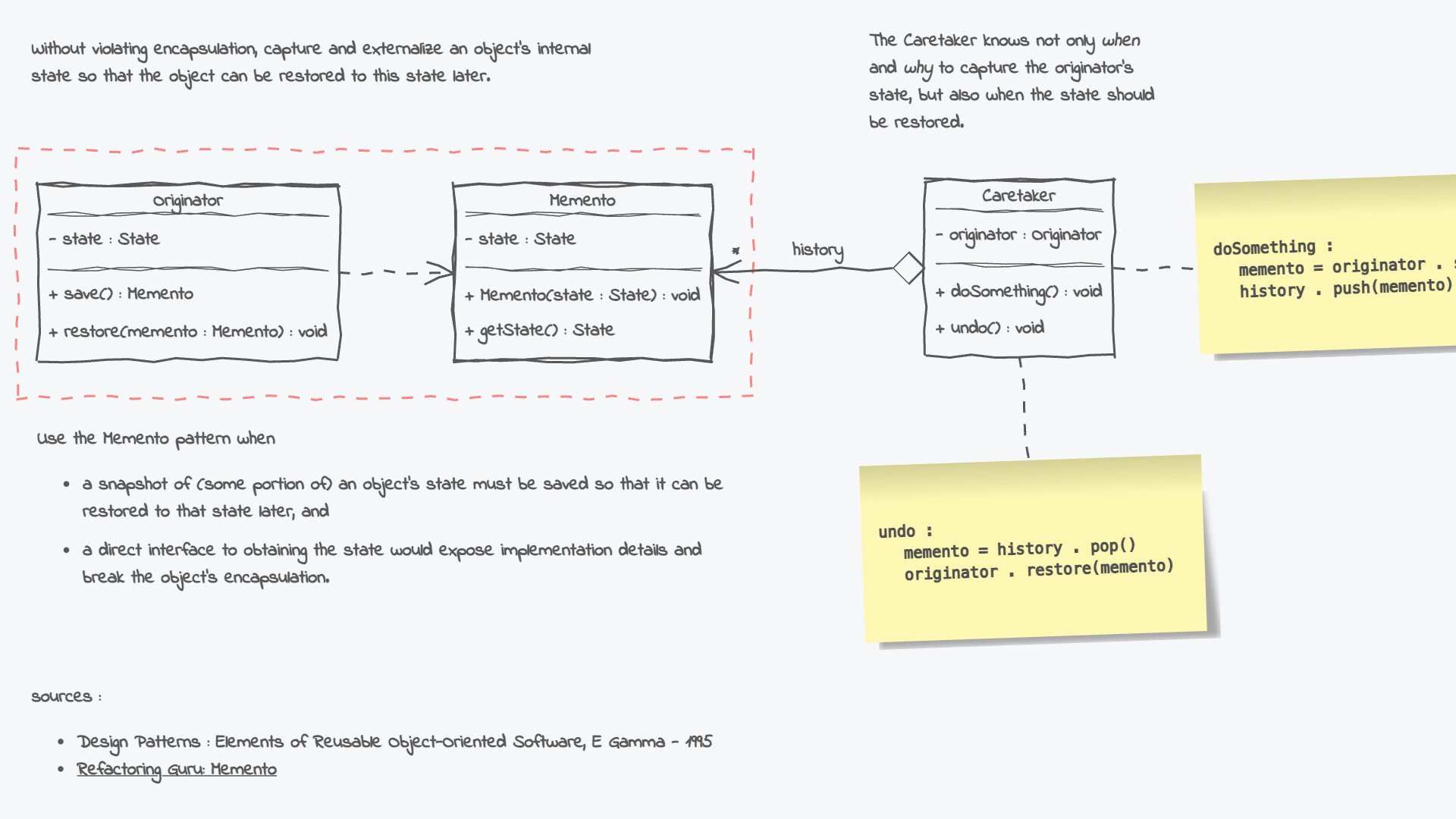
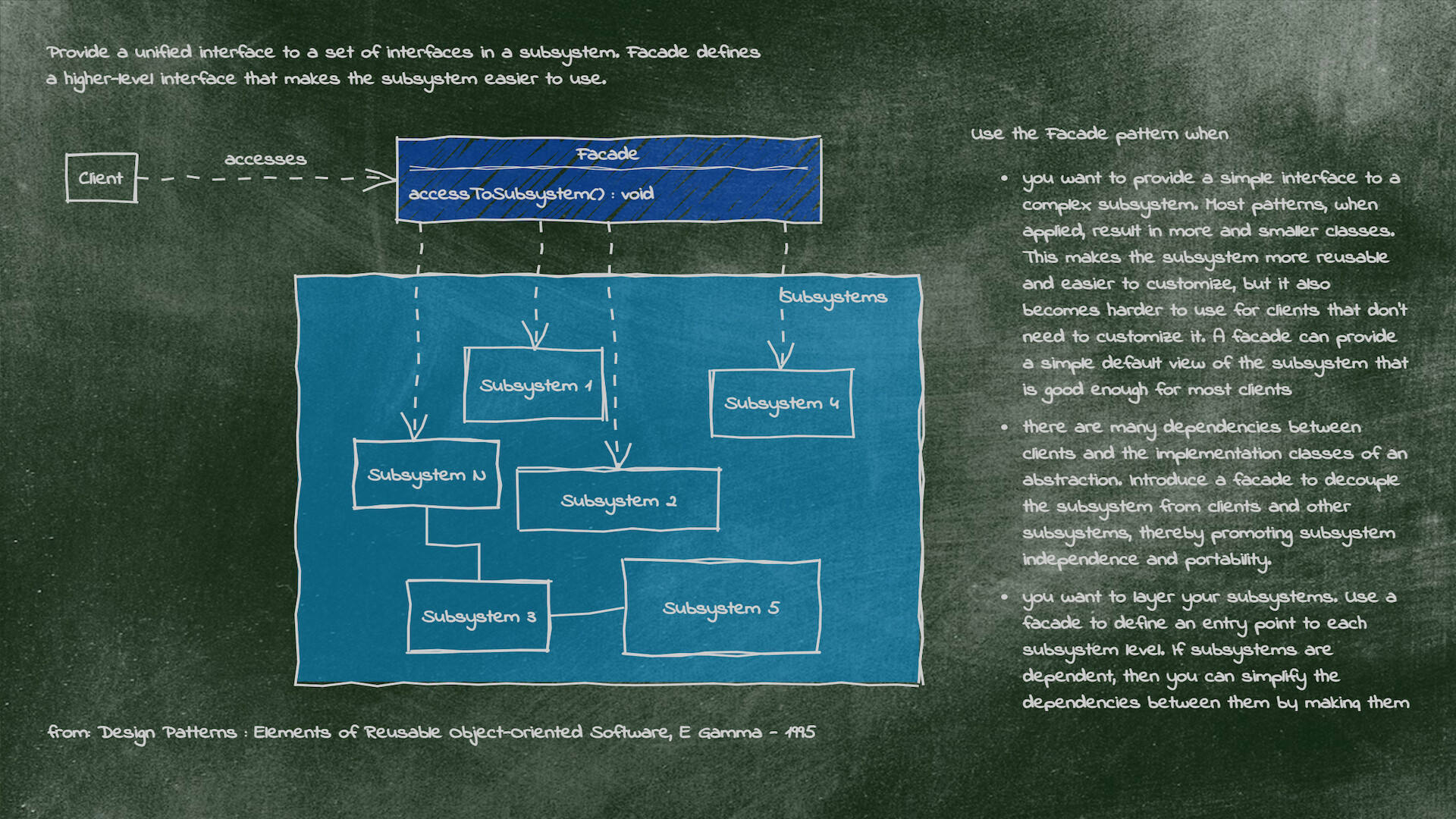
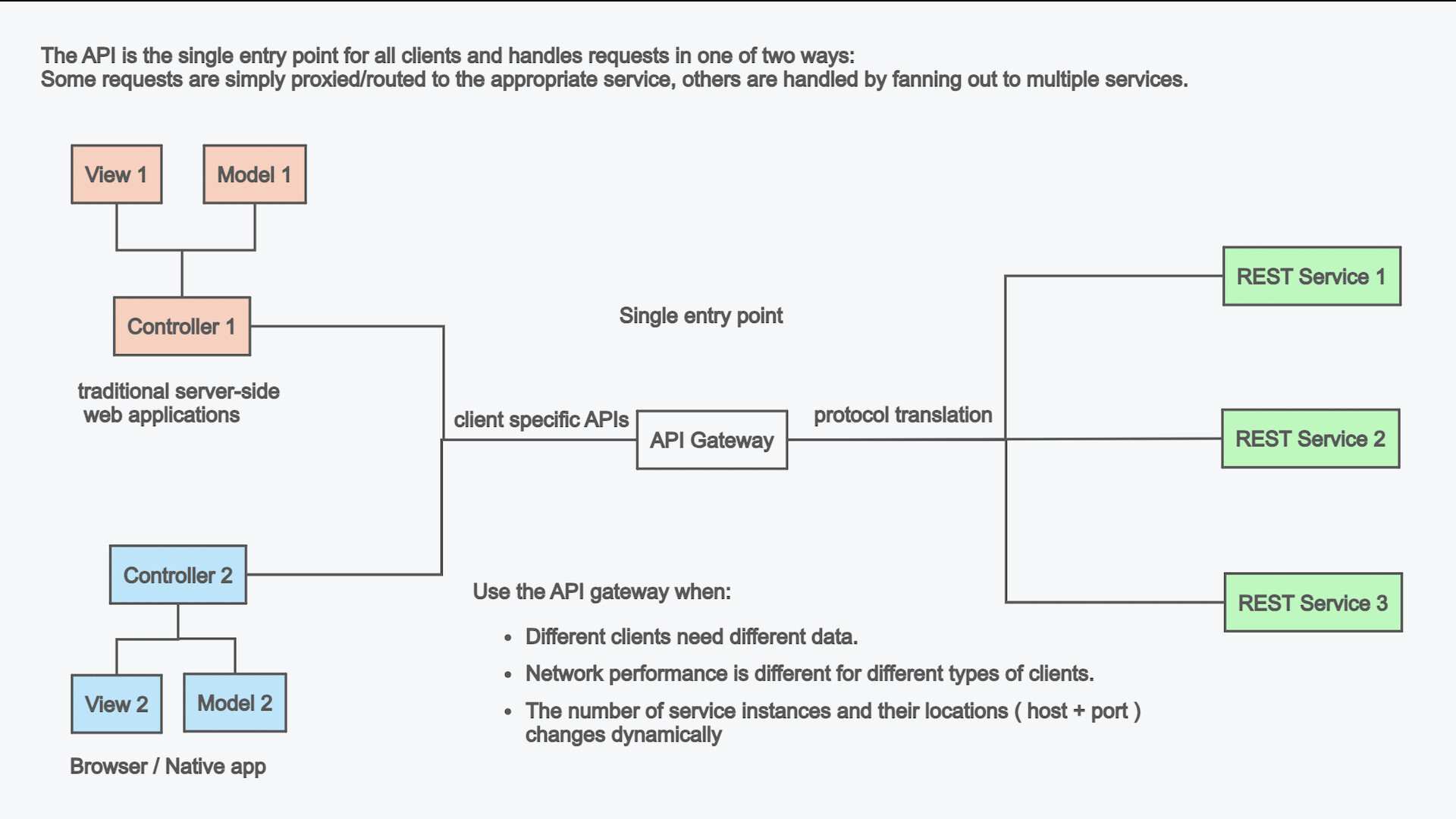
UMLBoard is an easy-to-use UML class designer with a nice hand-drawn whiteboard look.
Whether you want to visualize an architectural concept, add additional documentation to your code, or need some nice looking diagrams for your presentation or publication: UMLBoard is the perfect tool for creating and editing UML class diagrams quickly and easily.
Say goodbye to complicated UML editors that require several steps and dialogs to change just a single class member: UMLBoard provides a clean and minimalistic user interface with in-place editing and full WYSIWYG support.
Some feature highlights:
- Gives your diagrams a nice hand-drawn and sketchy look.
- In-place-editing of properties and methods.
- Export your diagram as a PNG or SVG image or as PDF or PlantUML text file.
- Automatic connector routing which can easily be configured with custom anchor points.
- Choose between different drawing styles: Sketchy, Enterprise and Too-much-caffeine.
- Customize your diagrams with different fonts, background and colors.
- Dark and light color themes.
- Automatically propagate changes of your elements throughout the whole diagram.
- Define custom stereotypes to give your classes specific domain roles
- Validates your diagram and ensures compliance with UML rules.
No registration or subscription required, just install it, and you're ready to go!