
Ultimate Live Wallpaper

Ultimate Live Wallpaper

No Reviews · 0 reviews

Screenshots

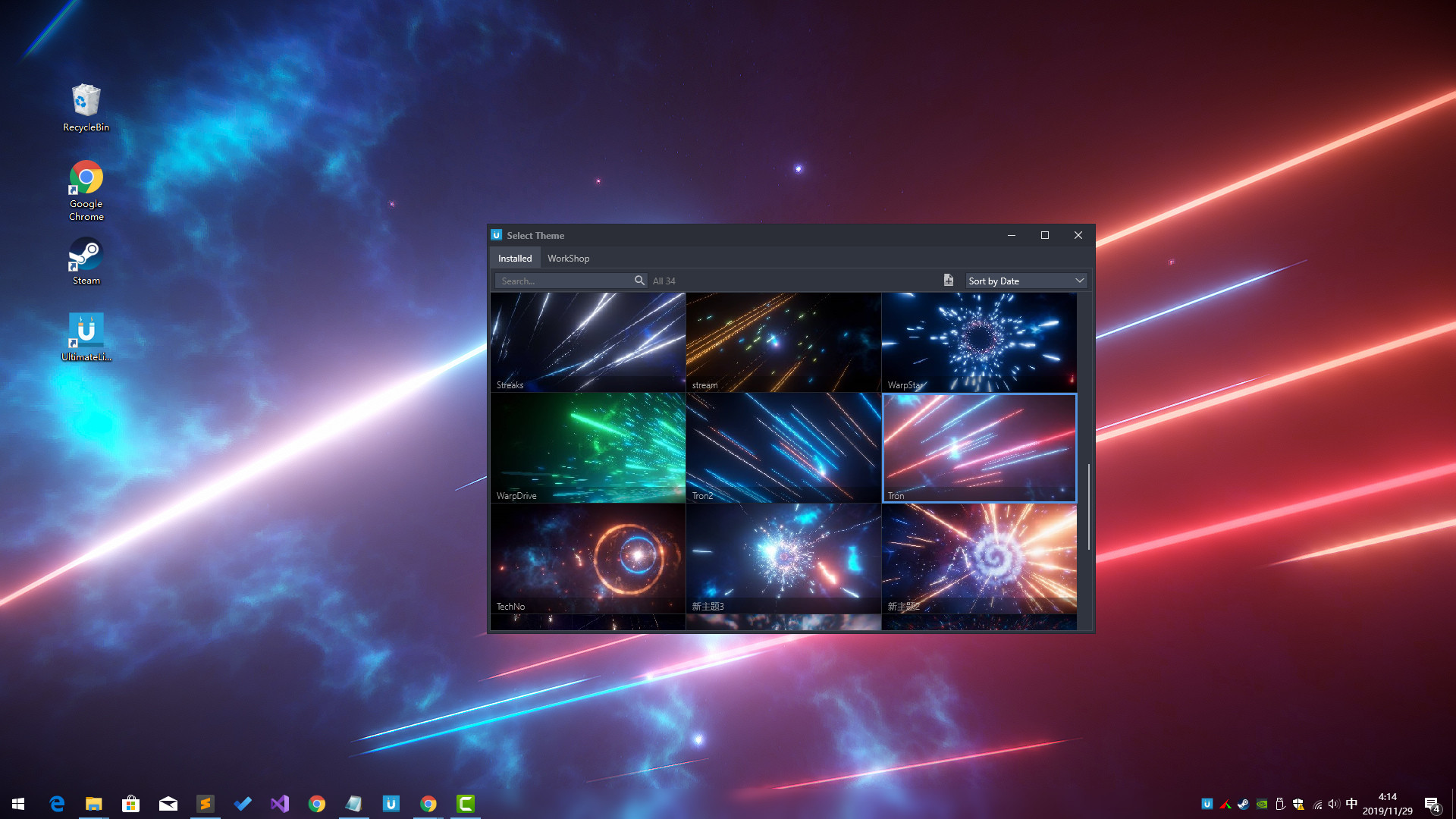
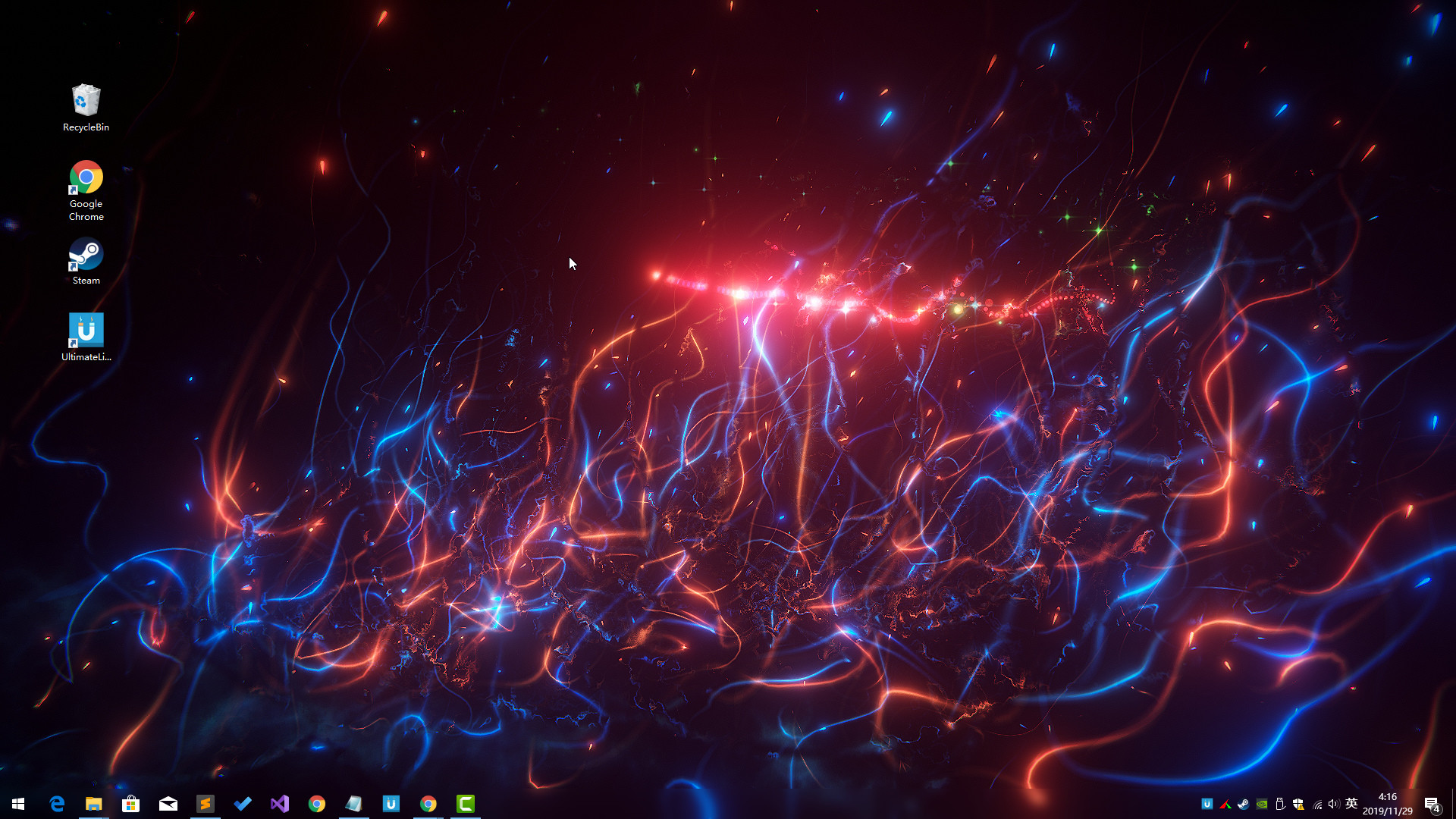
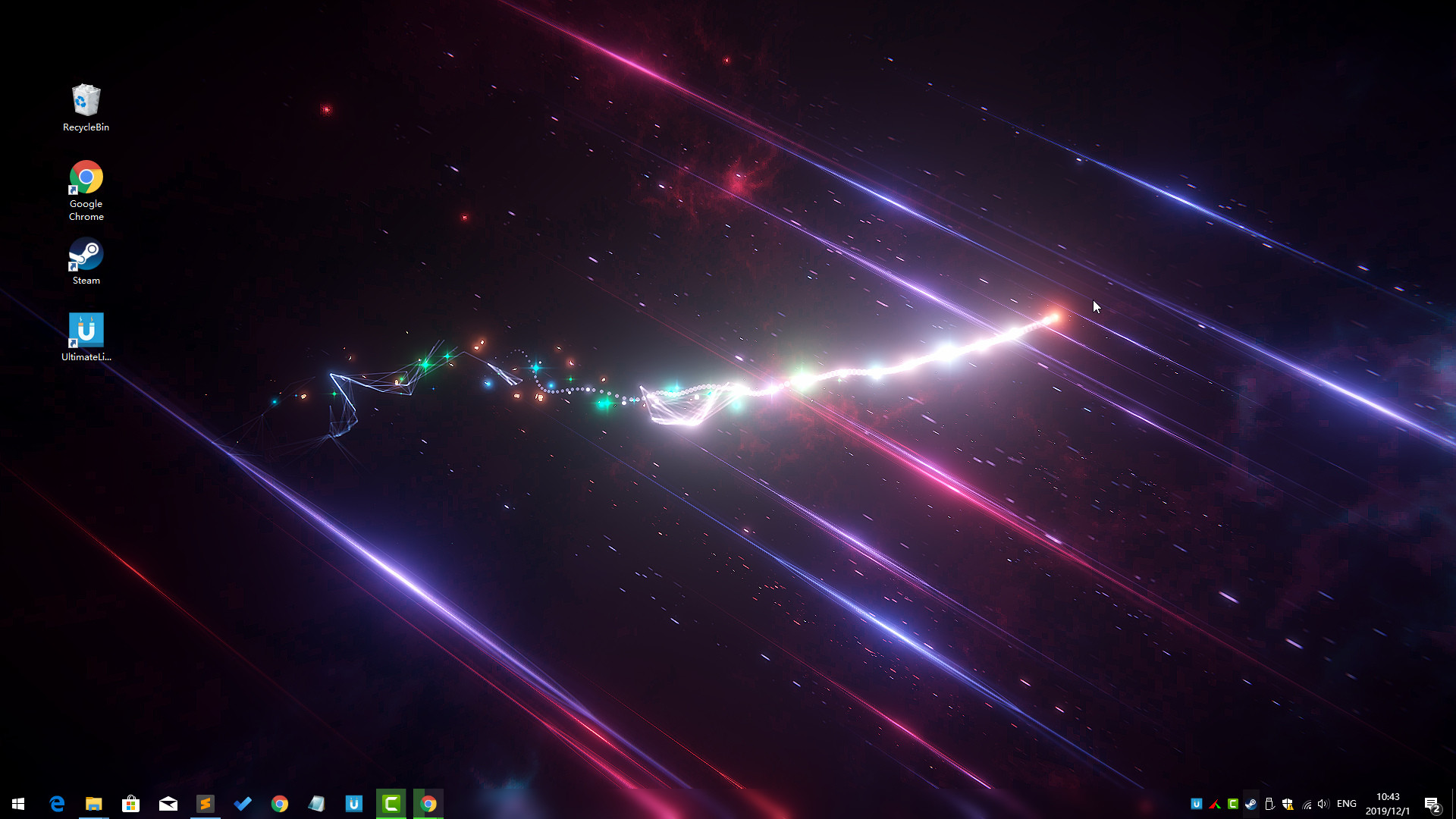
Ultimate Live Wallpaper screenshot 1
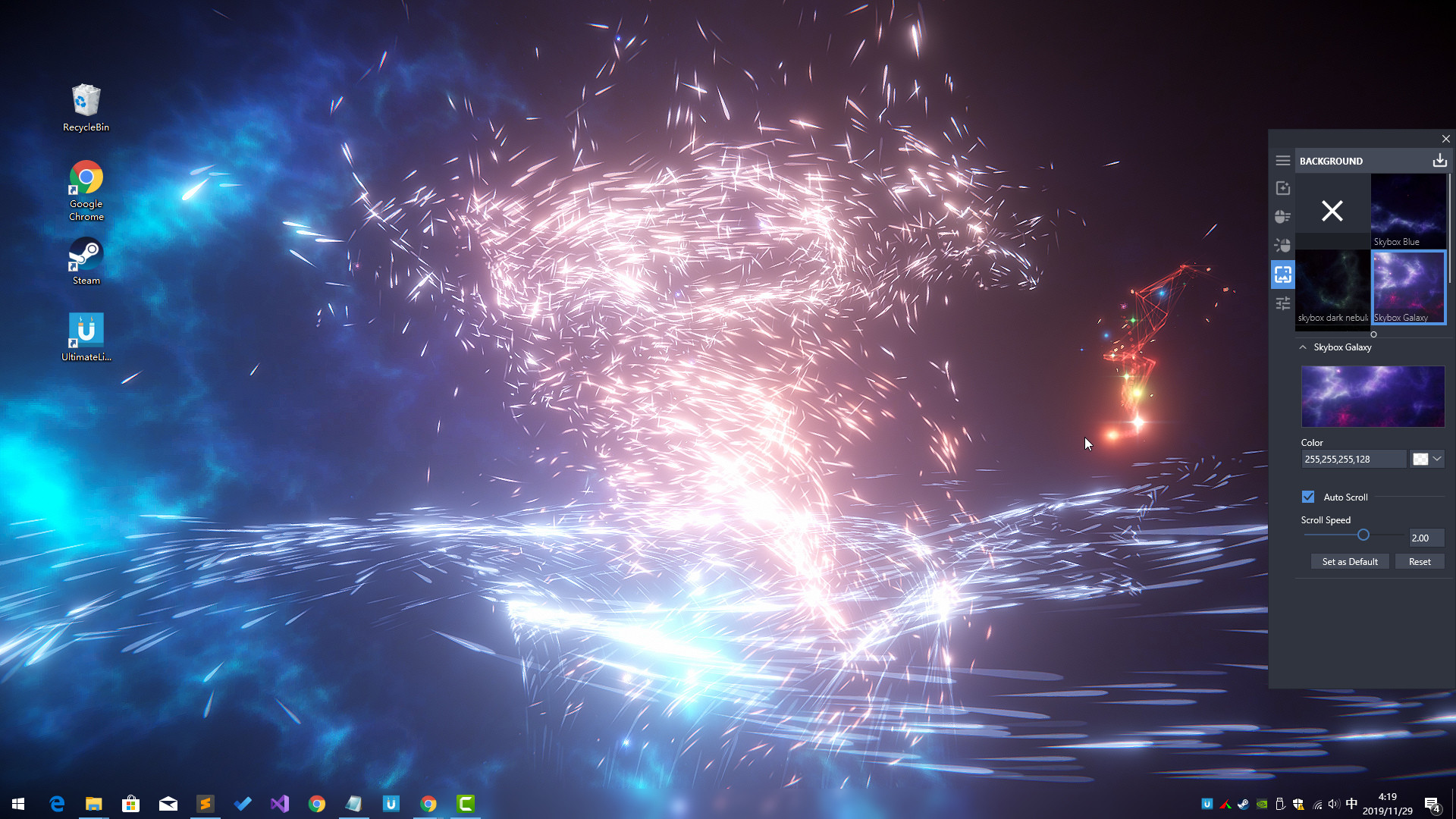
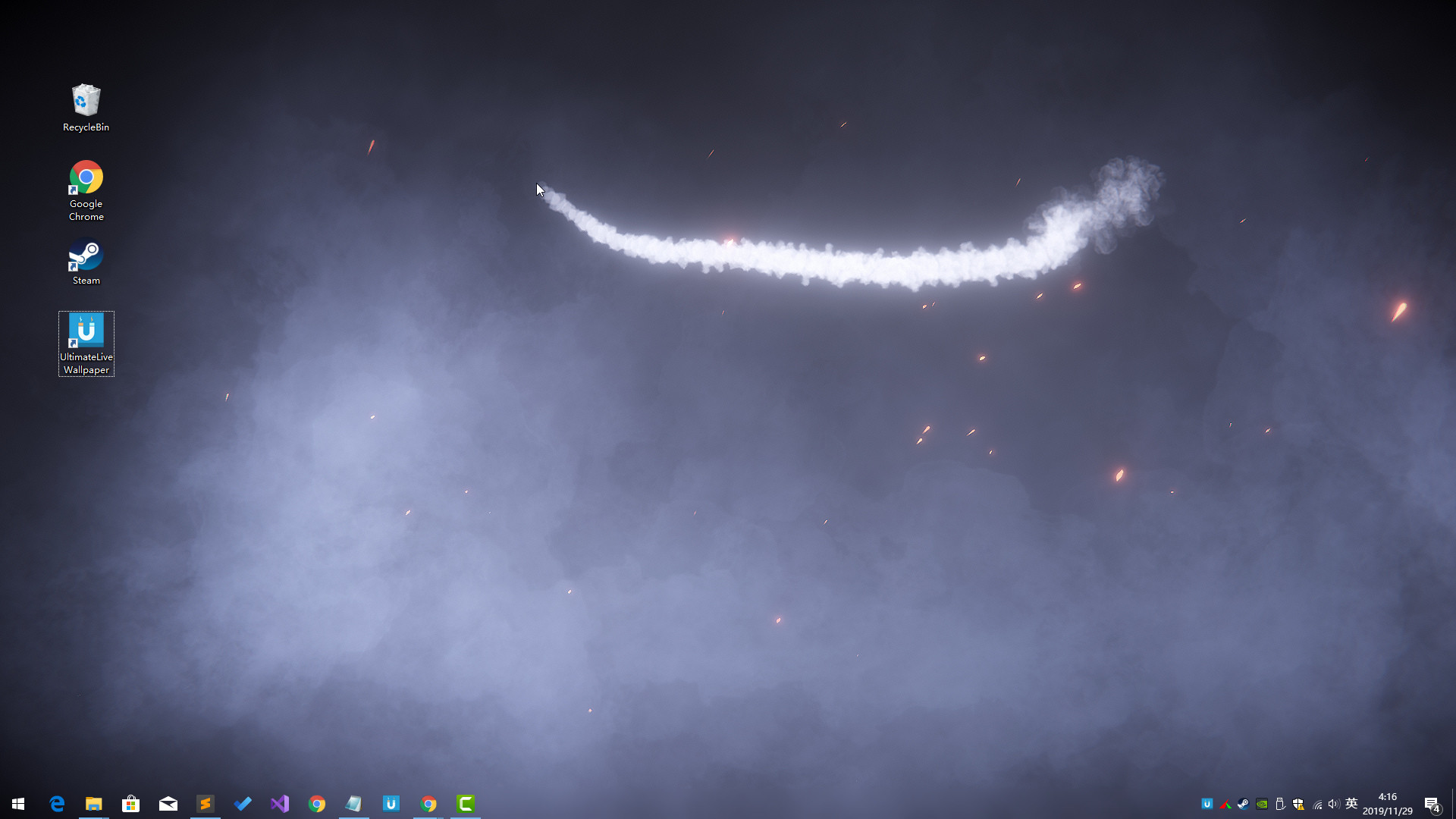
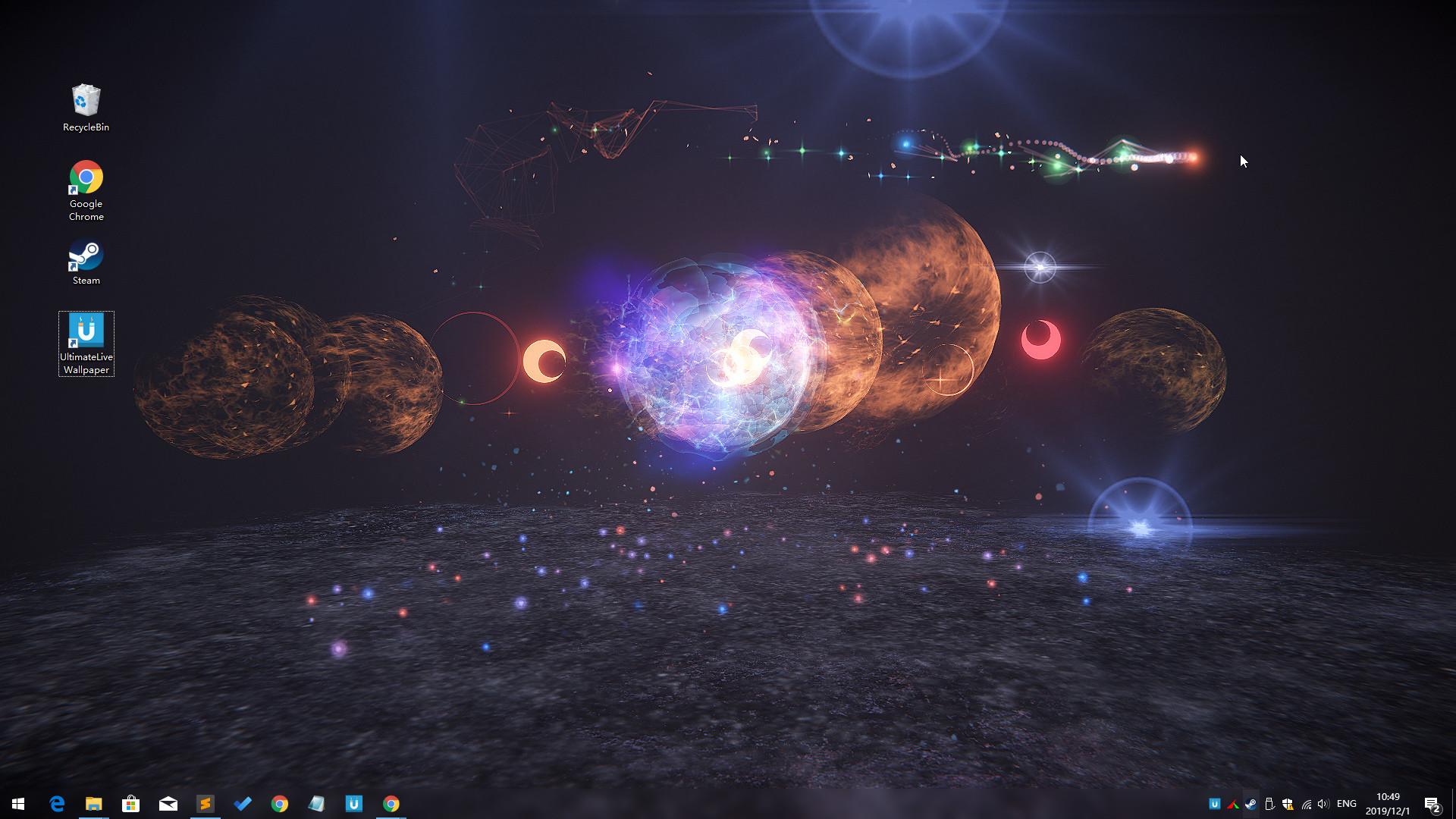
Ultimate Live Wallpaper screenshot 2
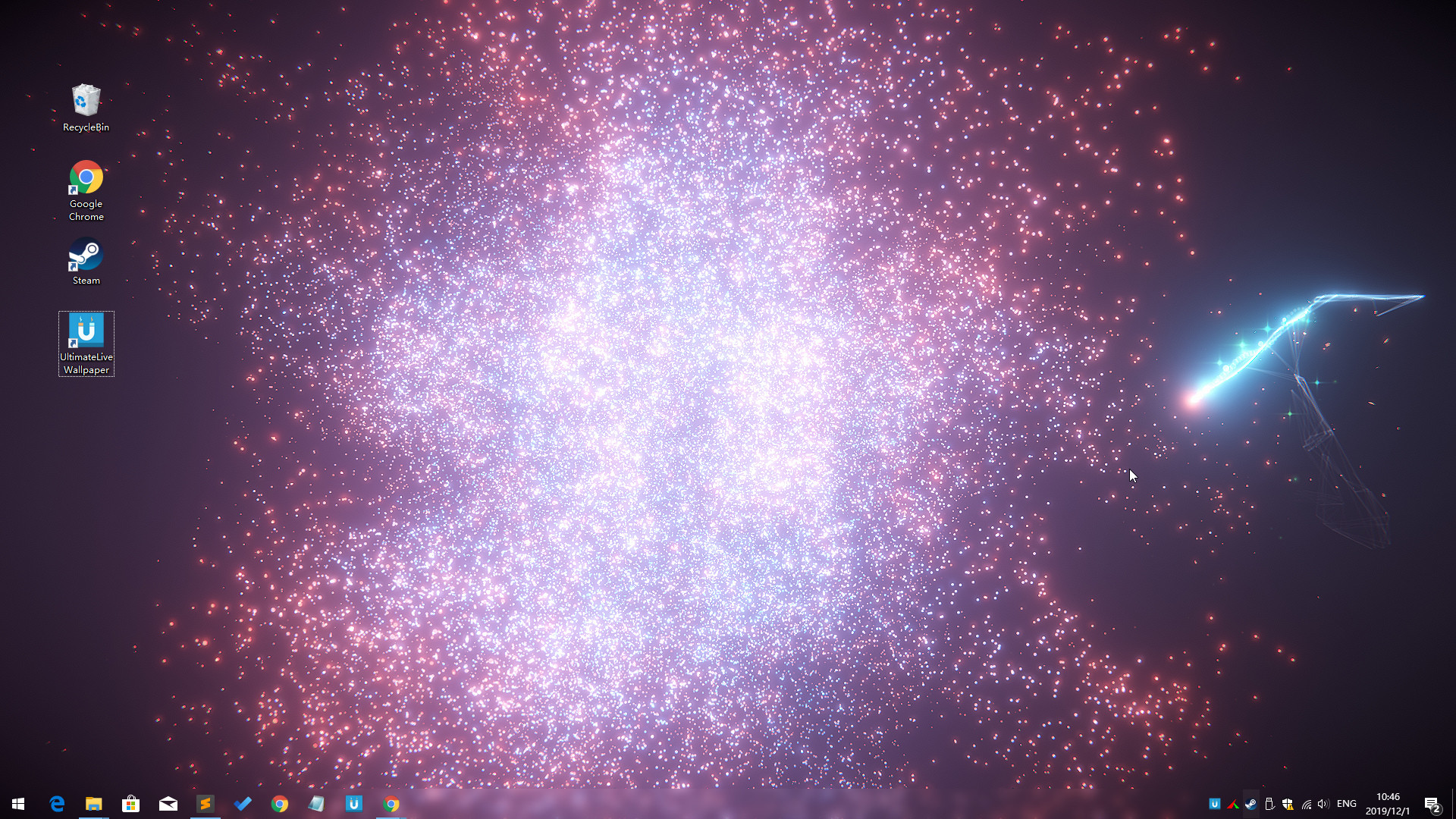
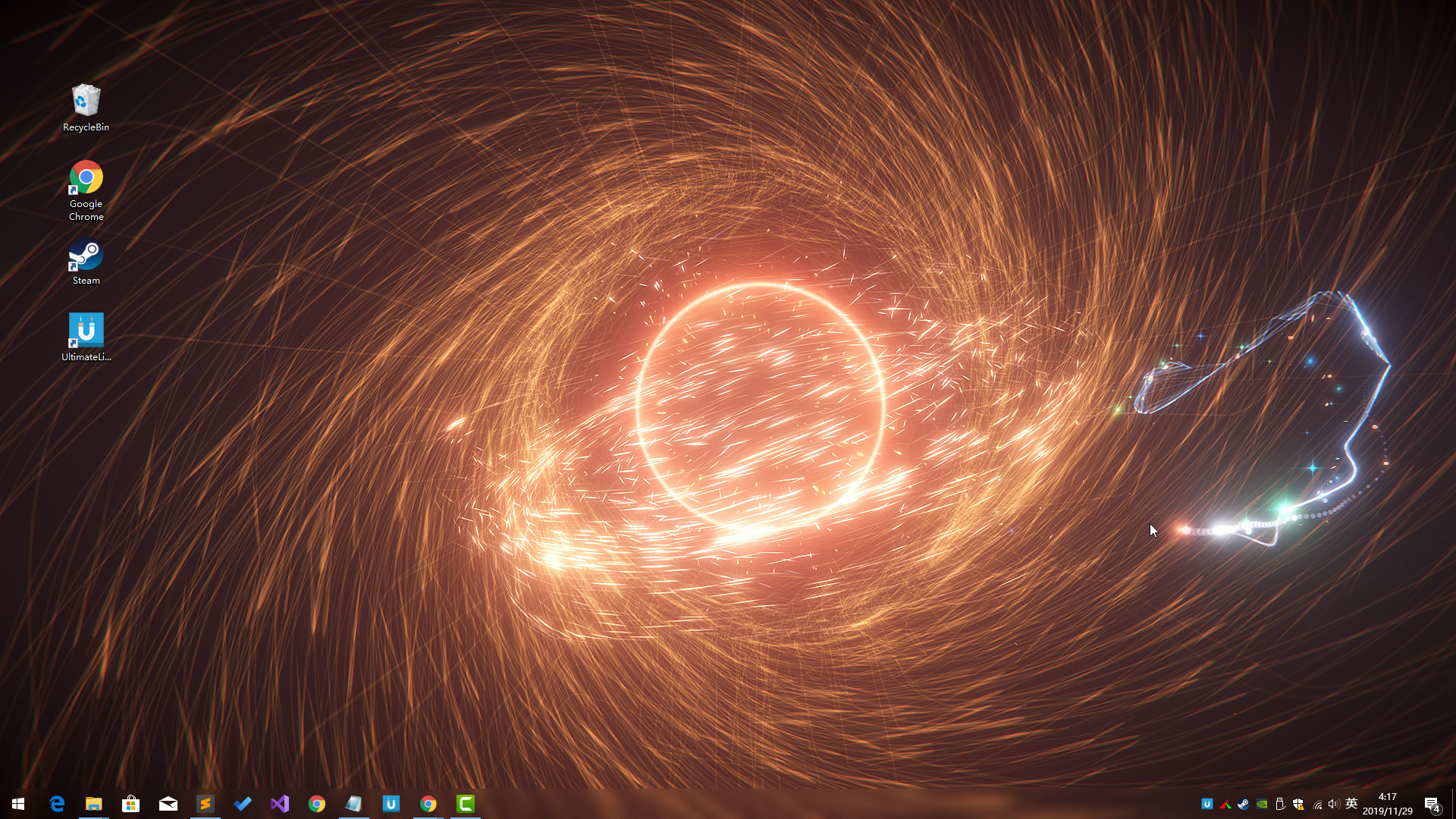
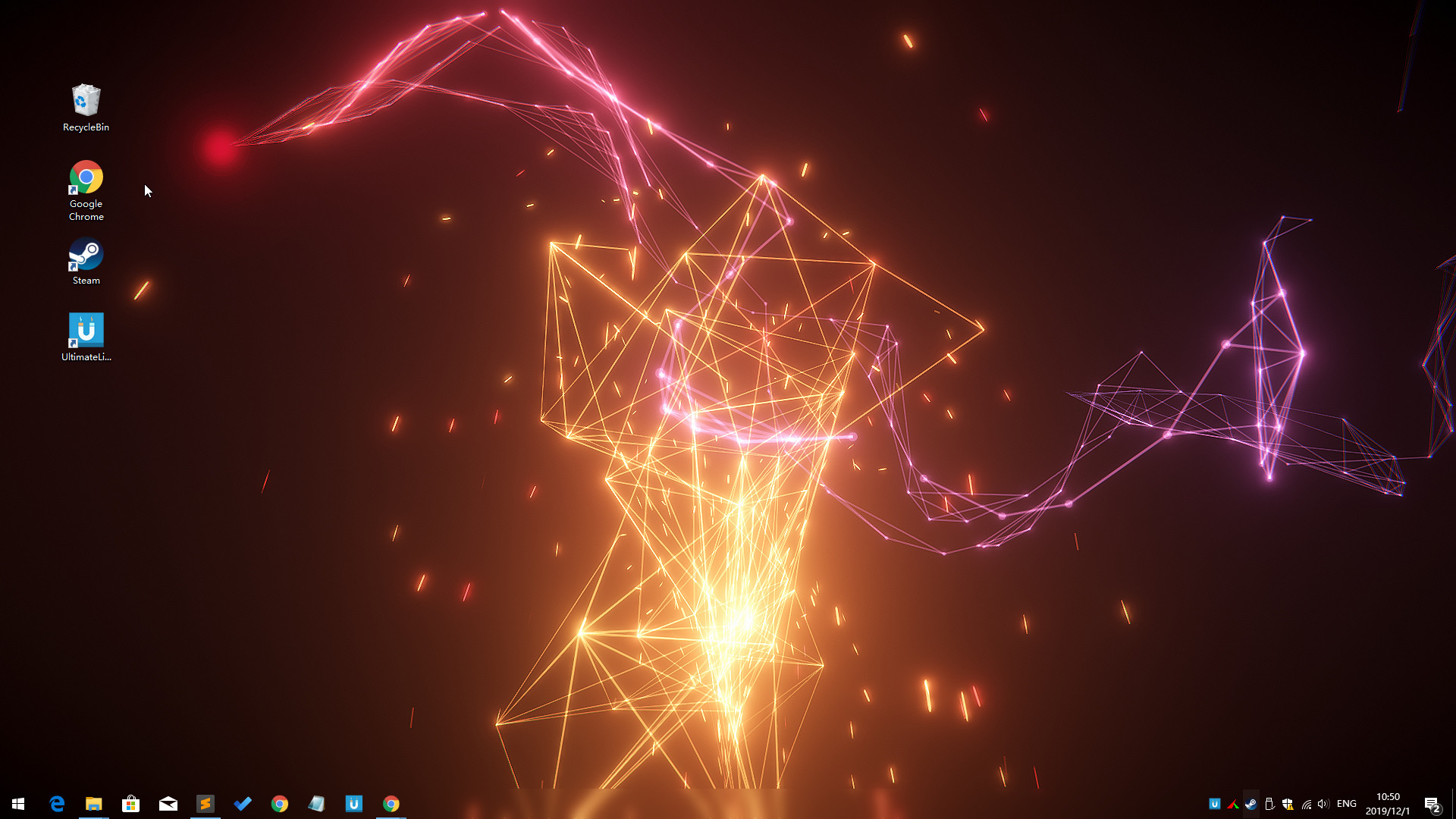
Ultimate Live Wallpaper screenshot 3
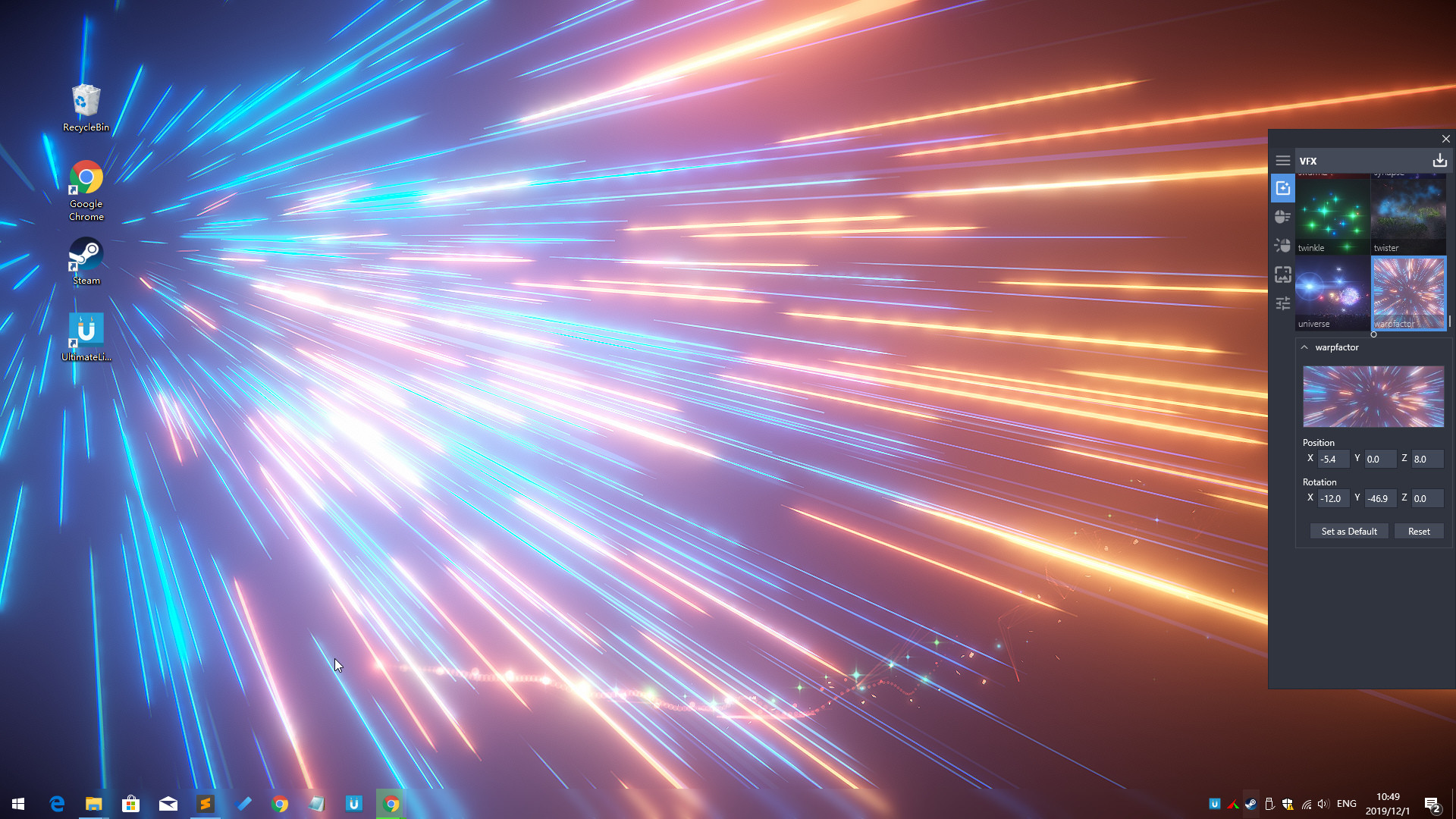
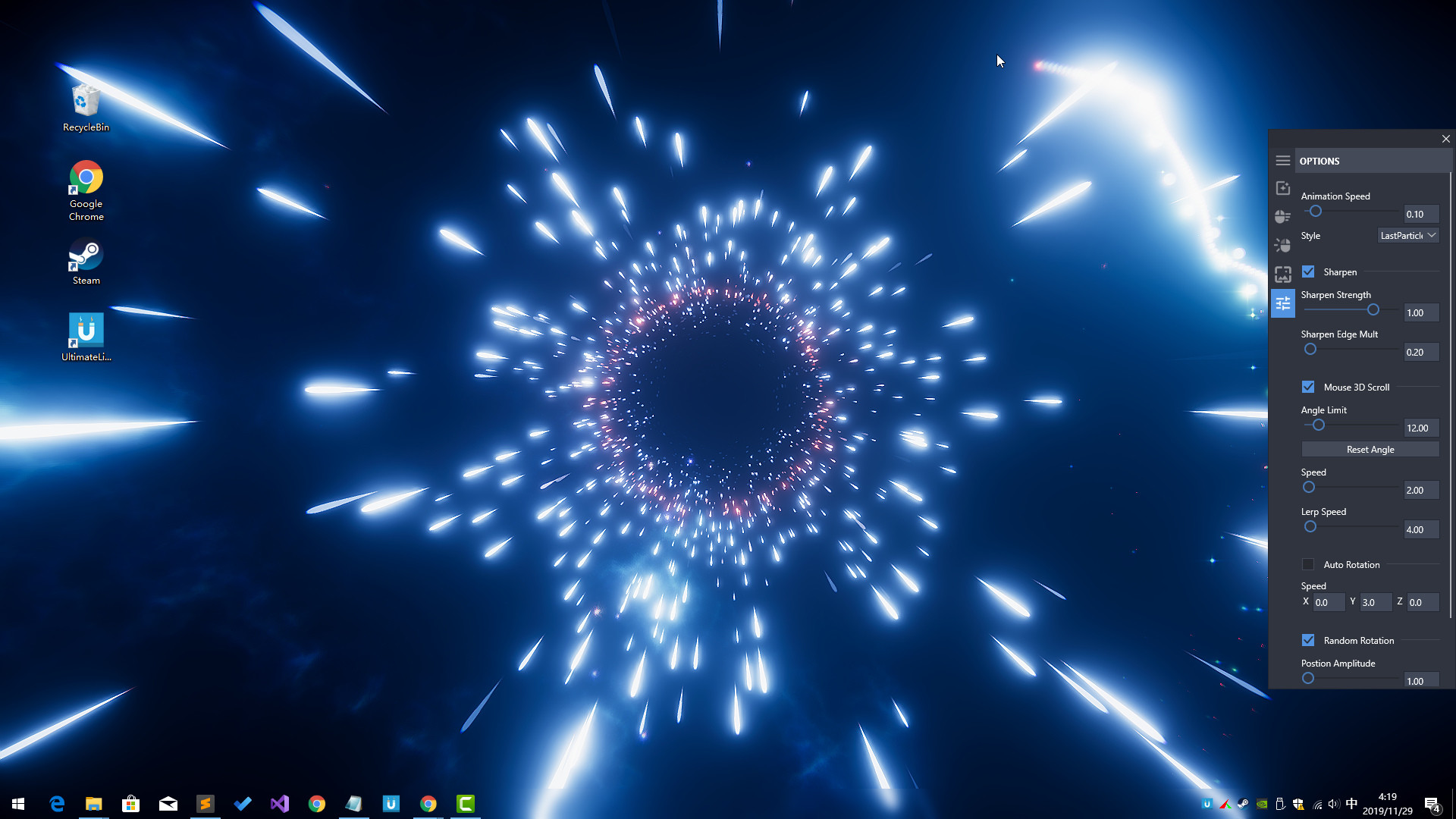
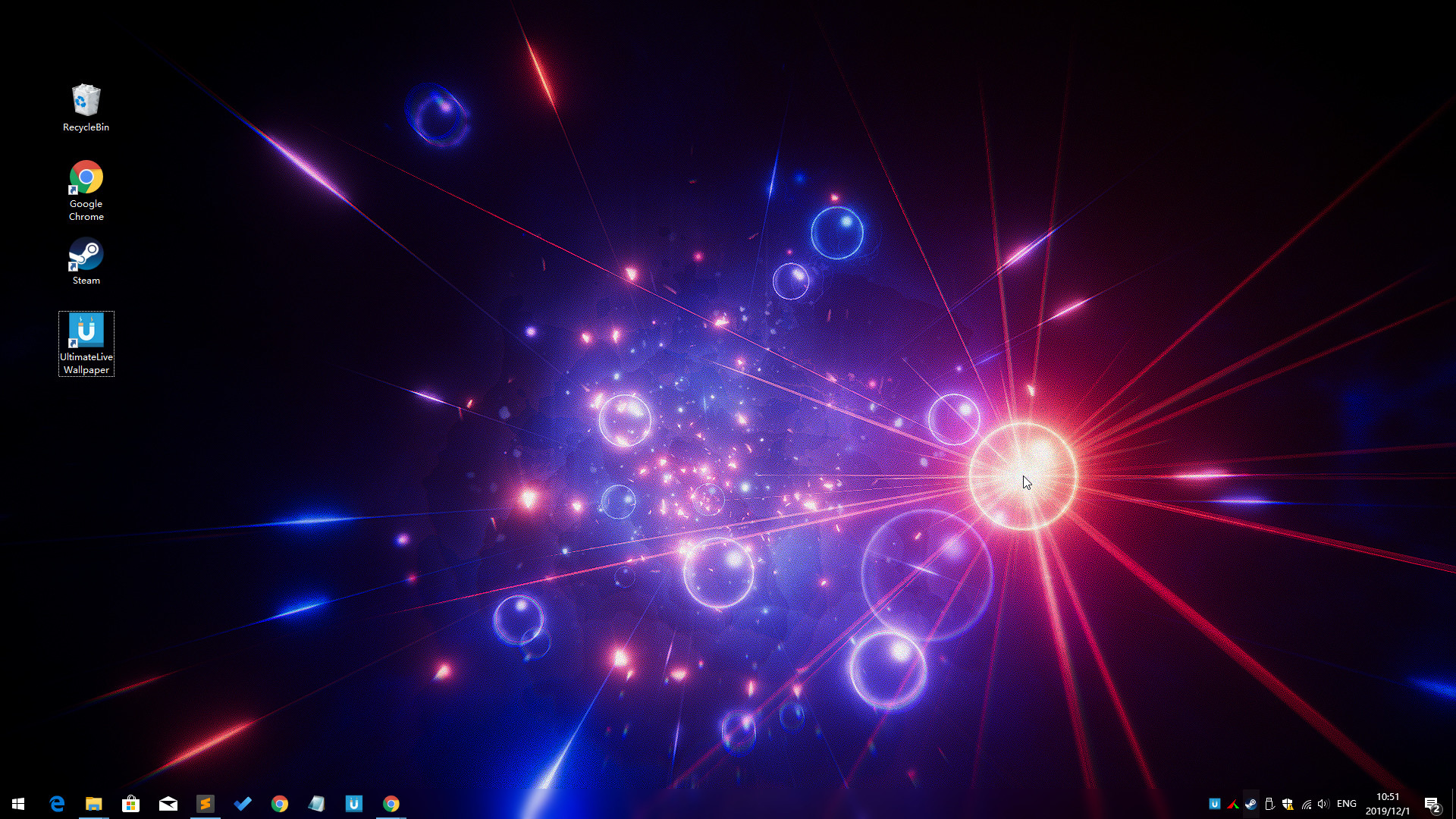
Ultimate Live Wallpaper screenshot 4
Ultimate Live Wallpaper screenshot 5
Ultimate Live Wallpaper screenshot 6
Ultimate Live Wallpaper screenshot 7
Ultimate Live Wallpaper screenshot 8
Ultimate Live Wallpaper screenshot 9
Ultimate Live Wallpaper screenshot 10
Ultimate Live Wallpaper screenshot 11
Ultimate Live Wallpaper screenshot 12
Ultimate Live Wallpaper screenshot 13
Ultimate Live Wallpaper screenshot 14
Ultimate Live Wallpaper screenshot 15
Ultimate Live Wallpaper screenshot 16
Ultimate Live Wallpaper screenshot 17
Ultimate Live Wallpaper screenshot 18
Ultimate Live Wallpaper screenshot 19
Ultimate Live Wallpaper screenshot 20
Ultimate Live Wallpaper screenshot 21
Ultimate Live Wallpaper screenshot 22
Ultimate Live Wallpaper screenshot 23
Ultimate Live Wallpaper screenshot 24
Ultimate Live Wallpaper screenshot 25
Ultimate Live Wallpaper screenshot 26
Ultimate Live Wallpaper screenshot 27
Ultimate Live Wallpaper screenshot 28

Description

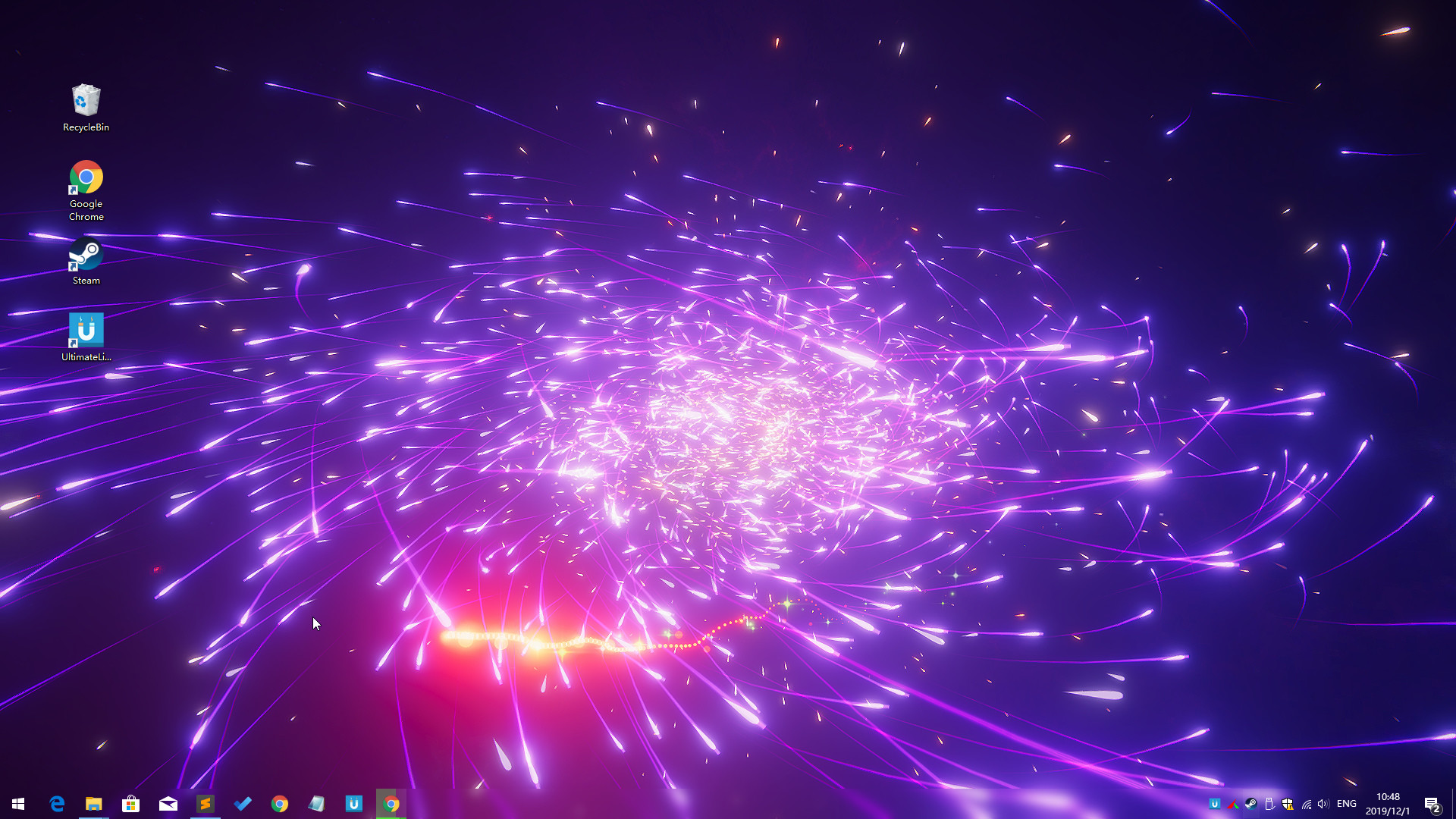
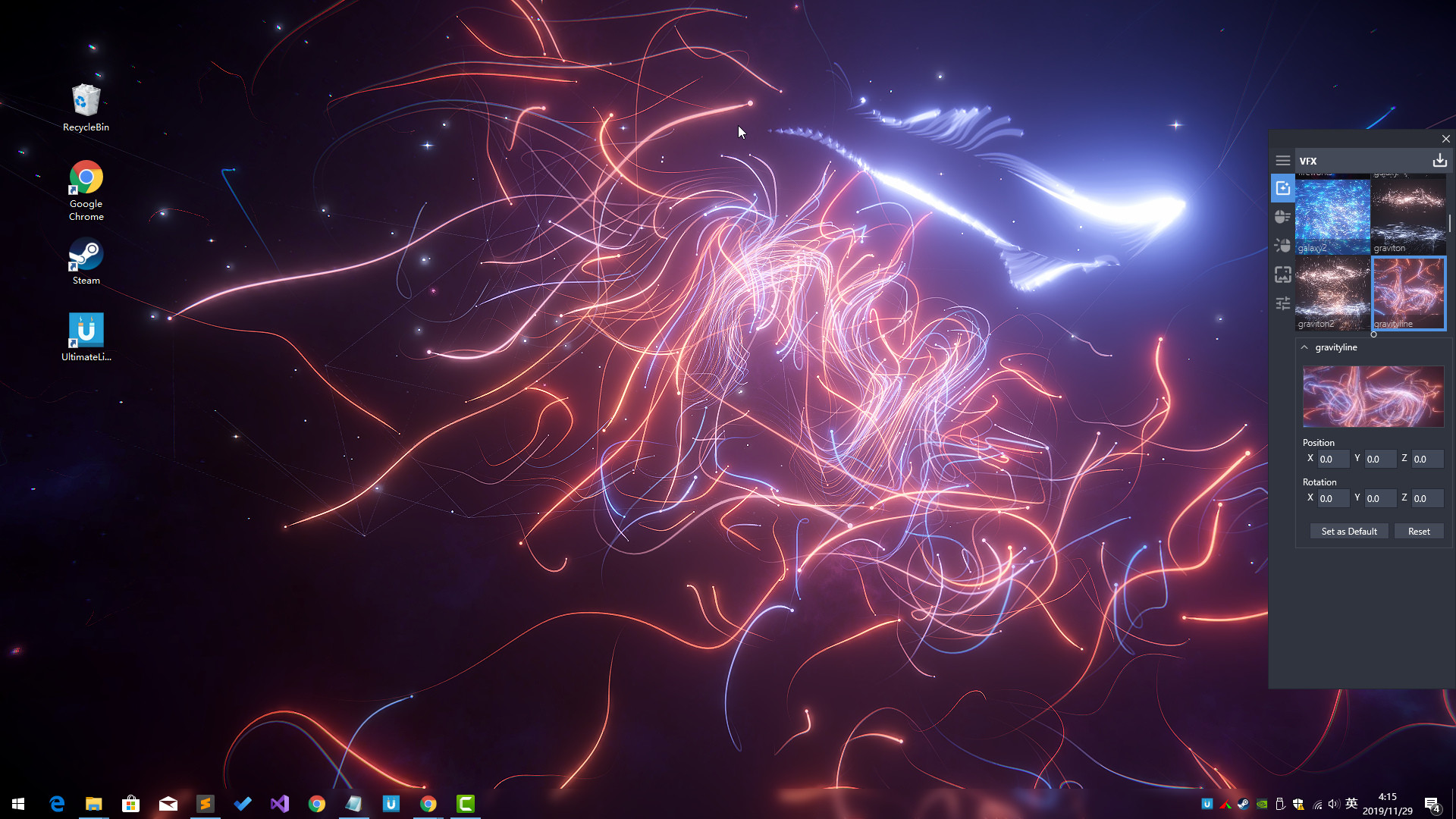
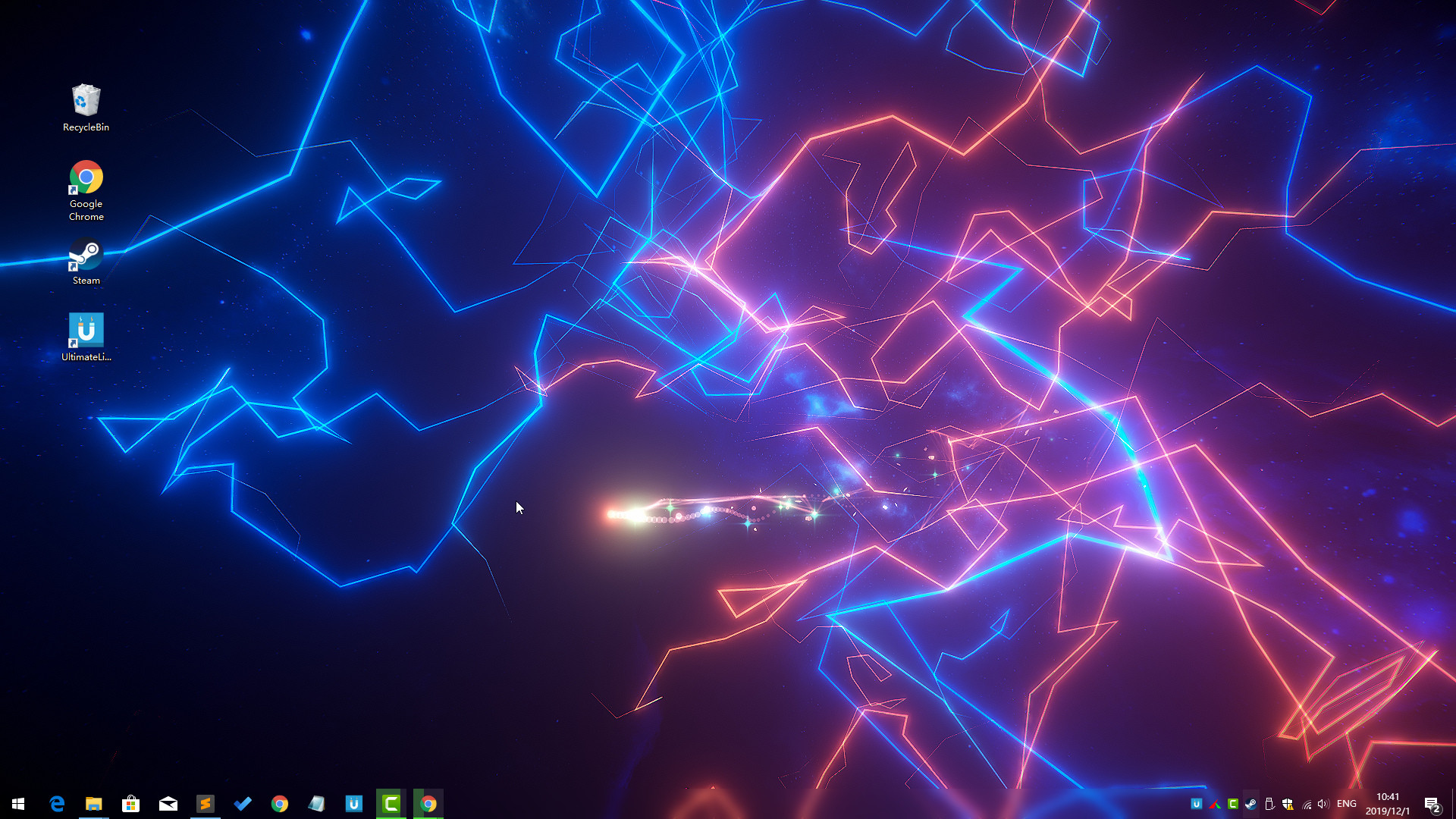
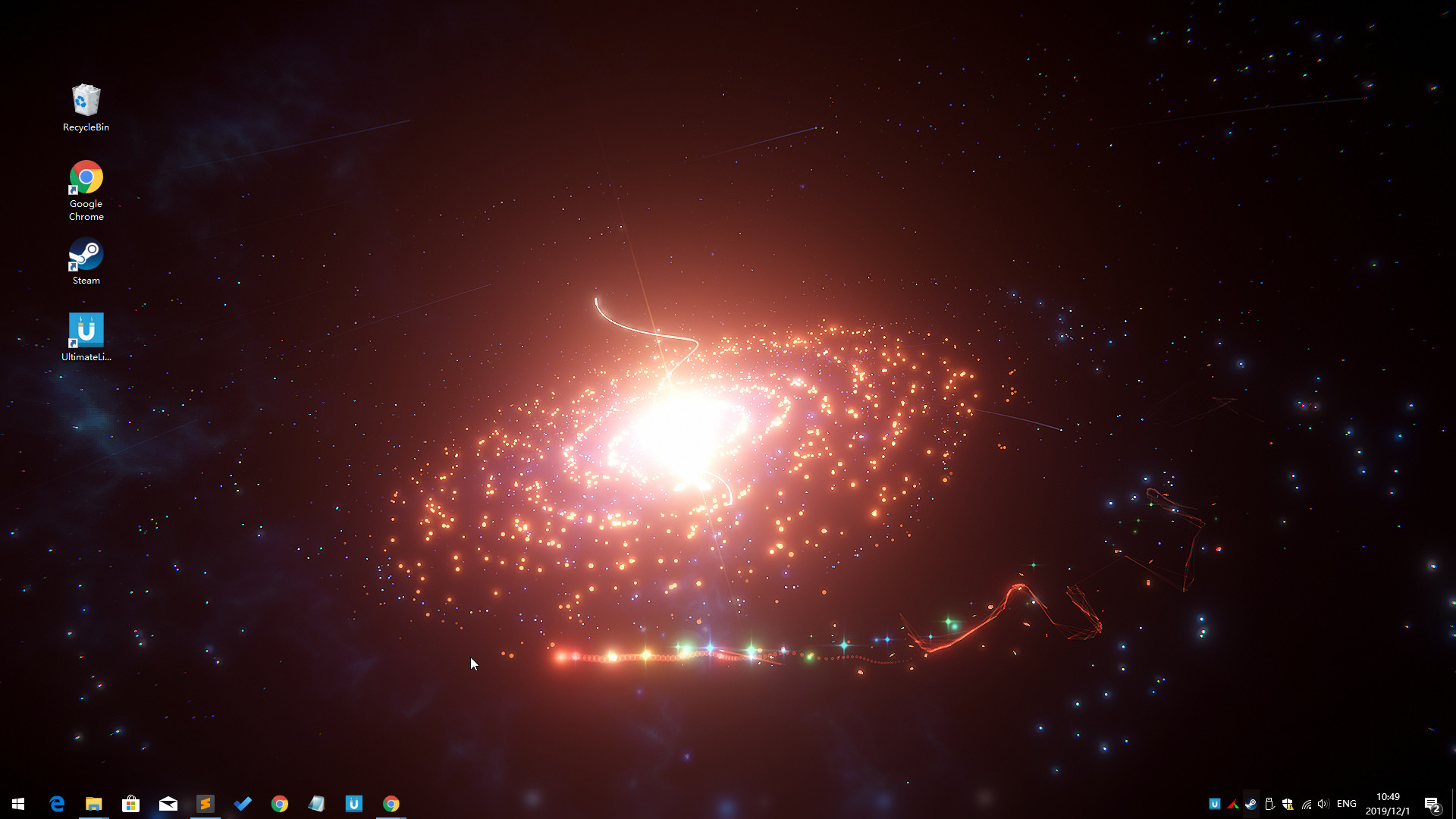
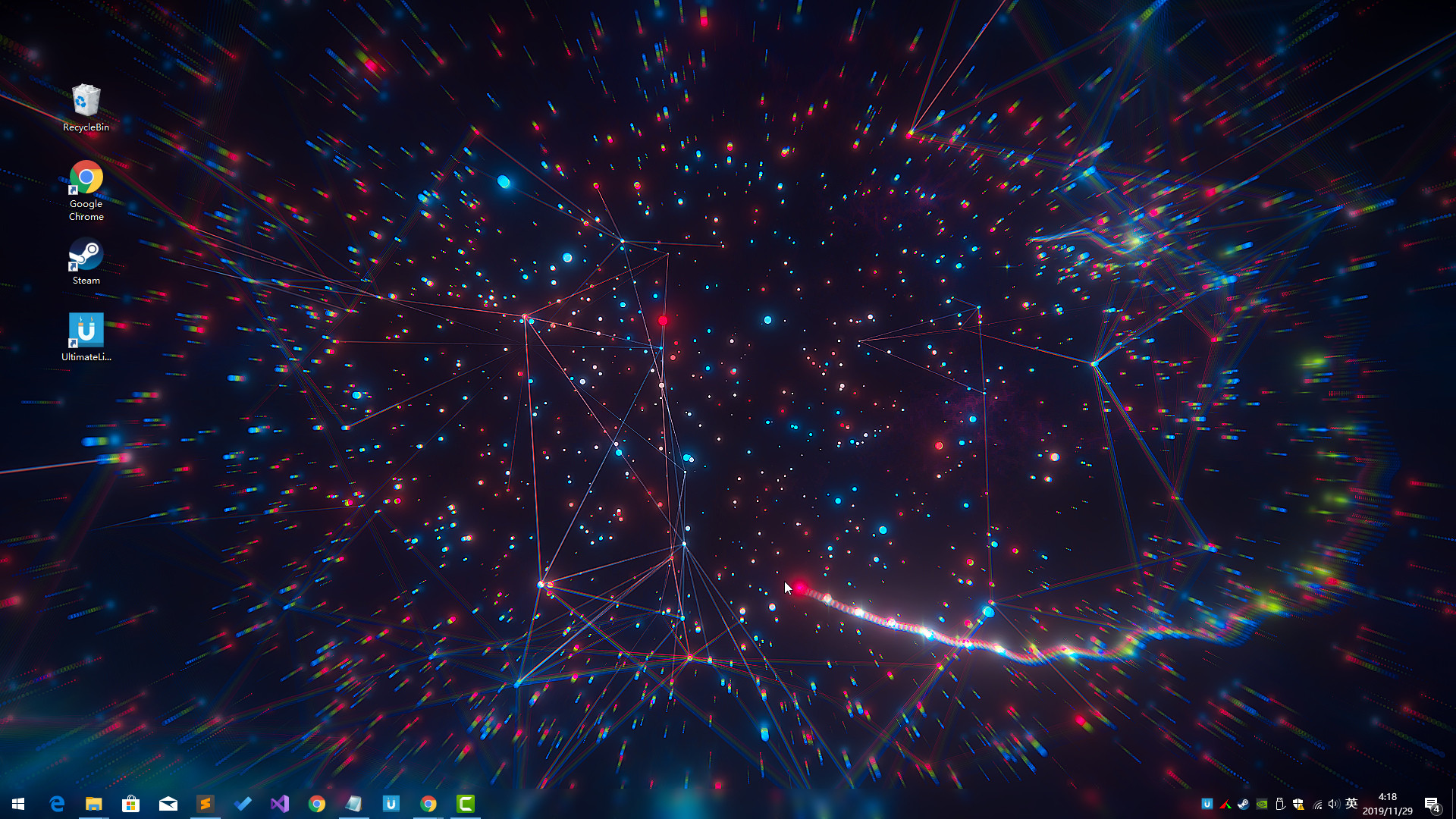
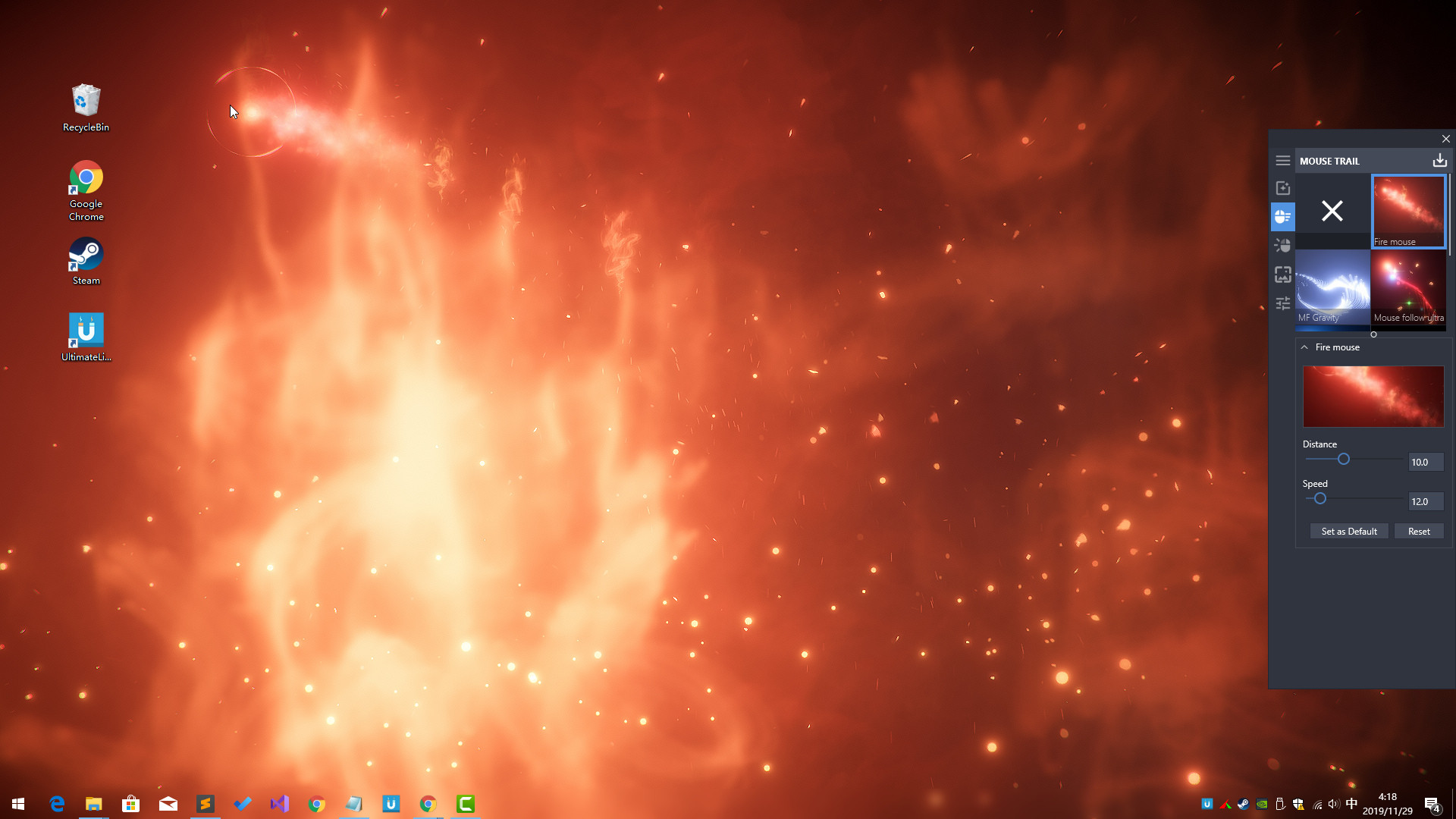
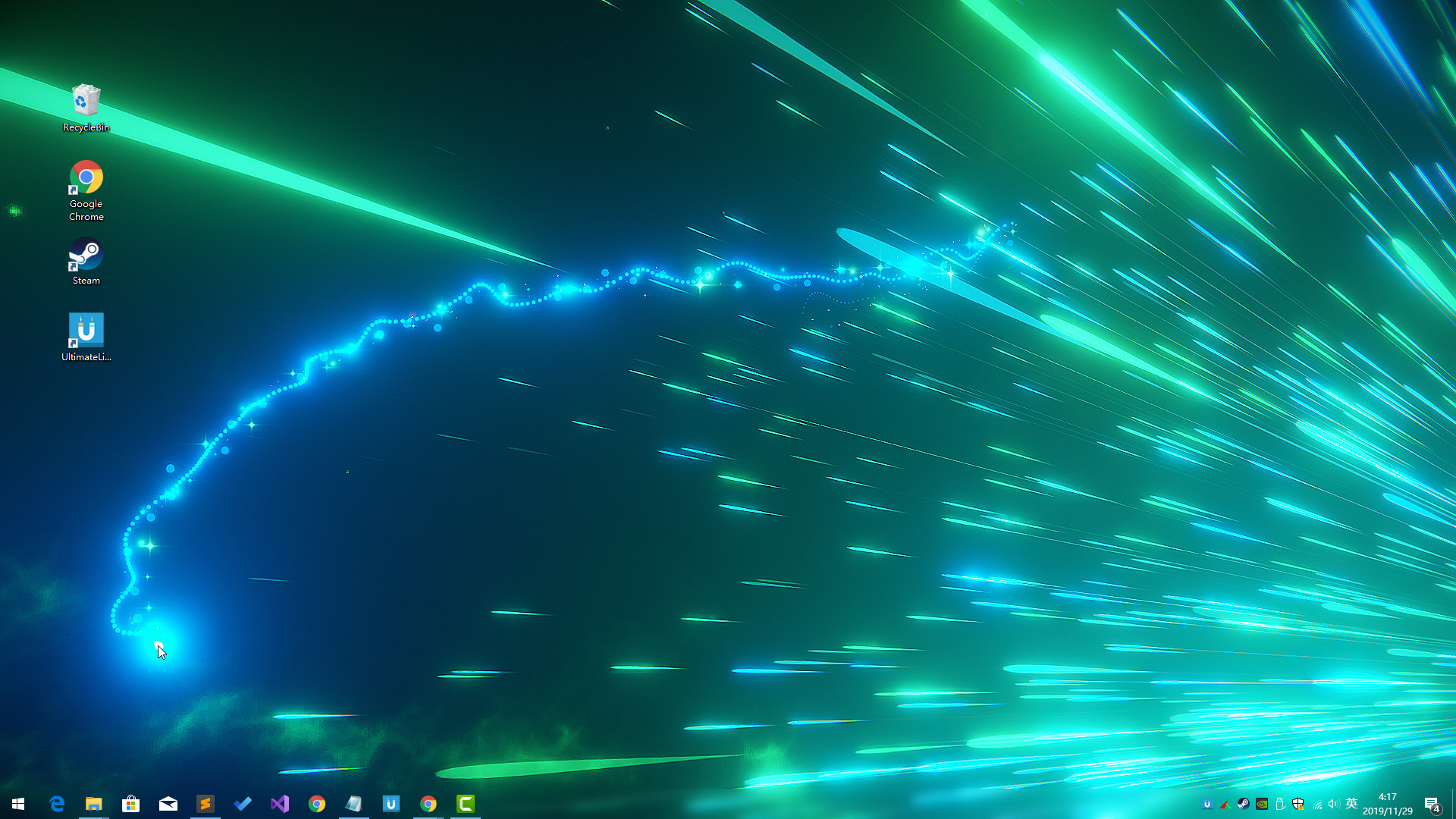
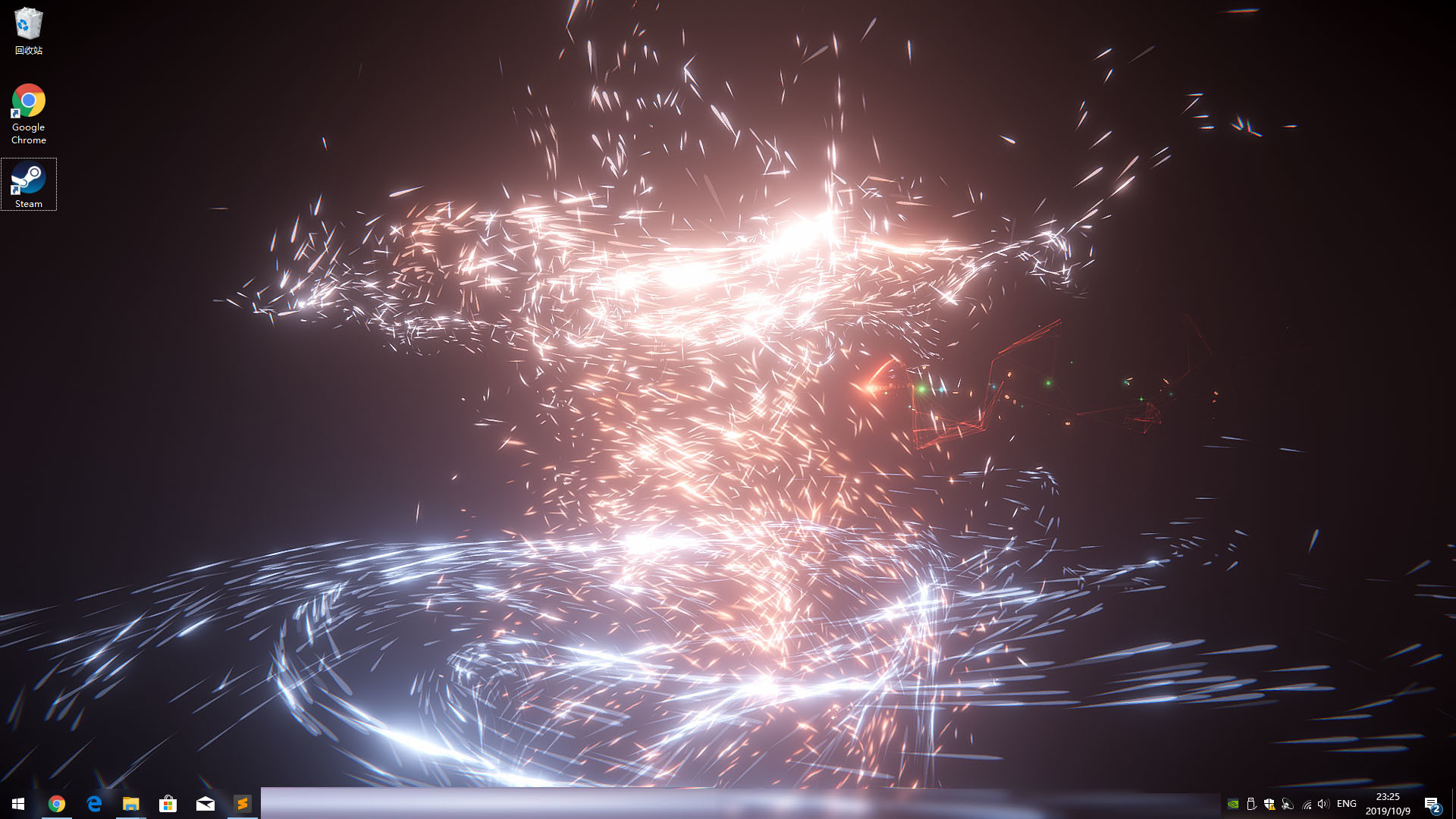
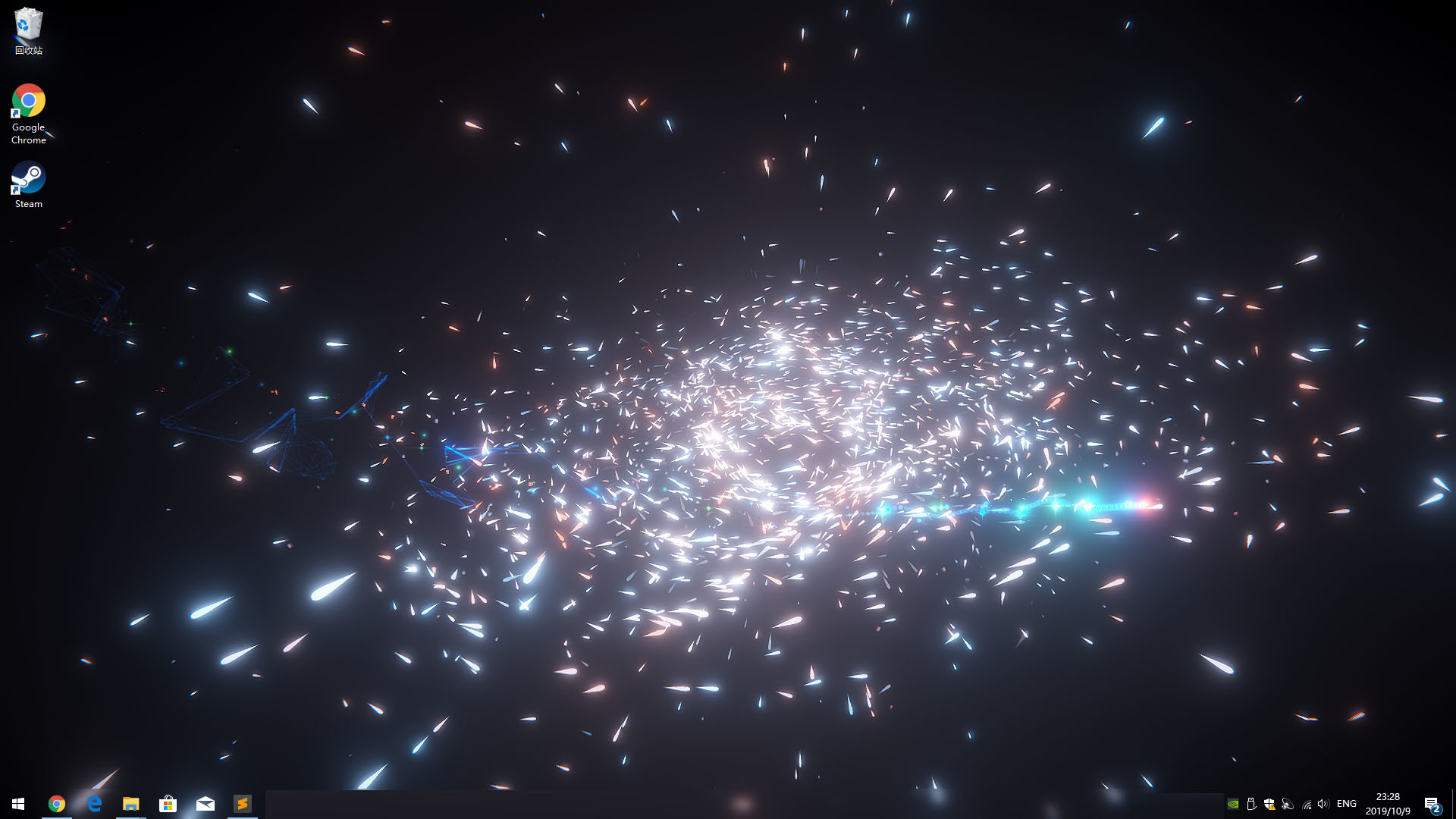
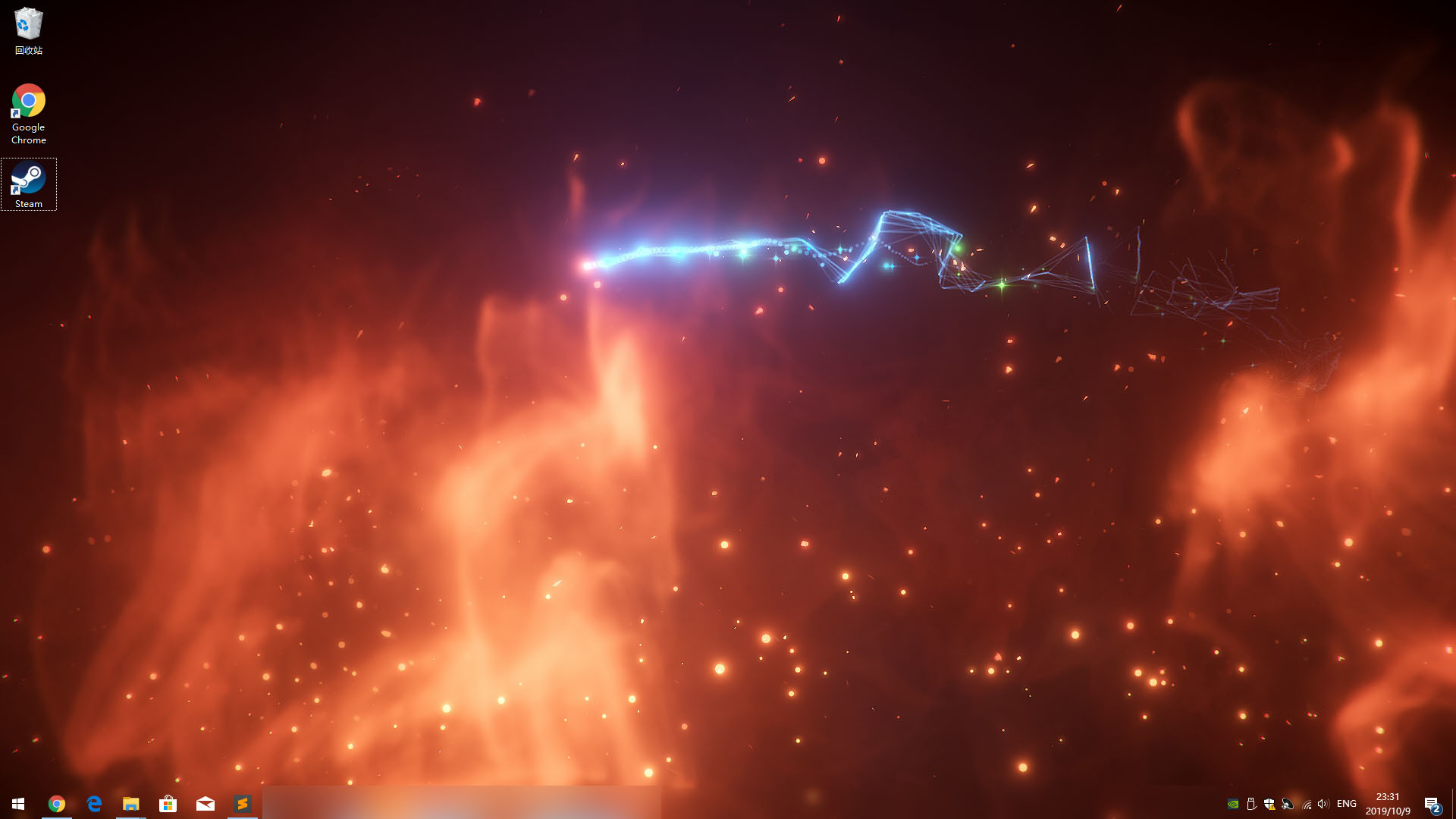
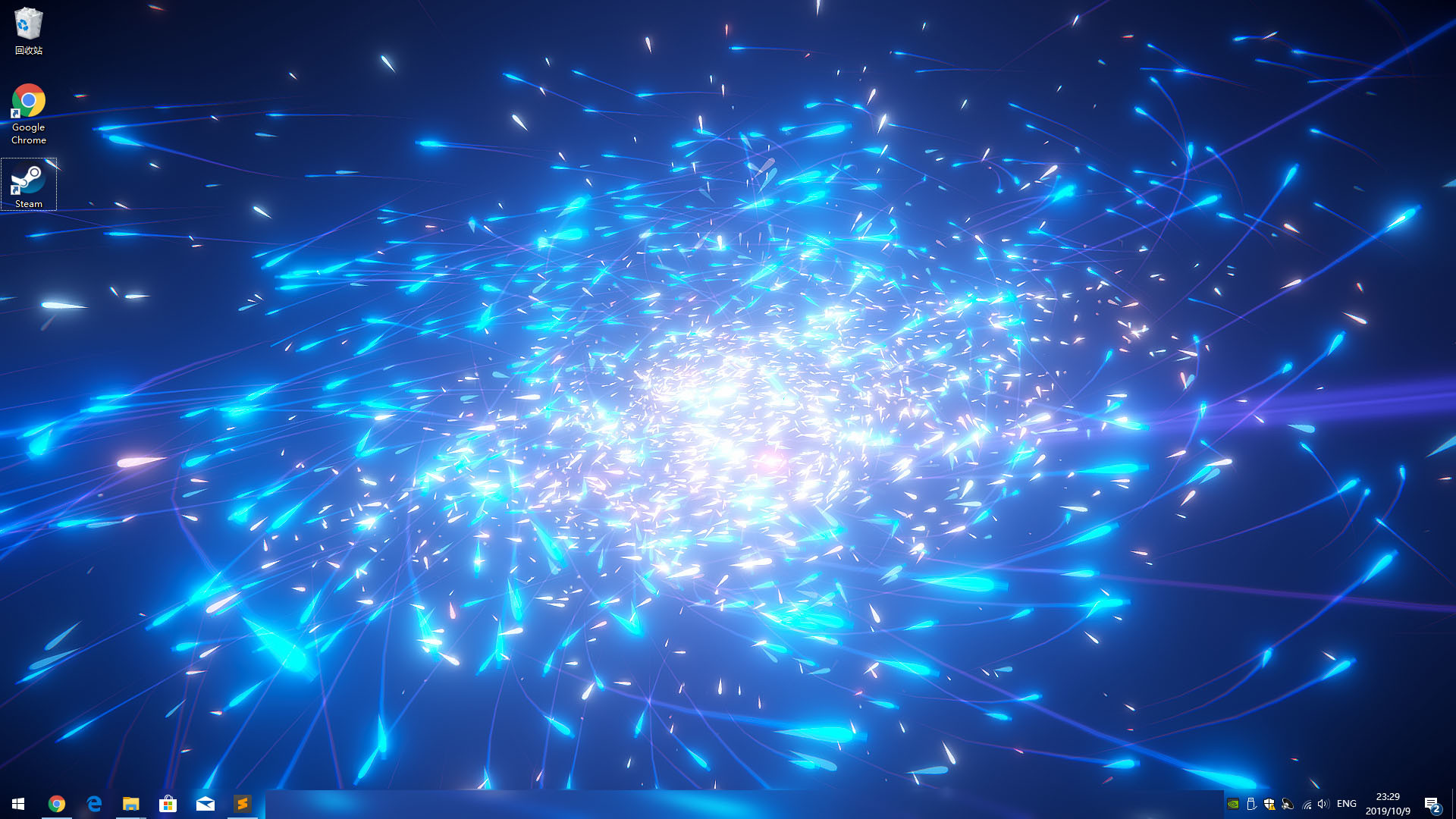
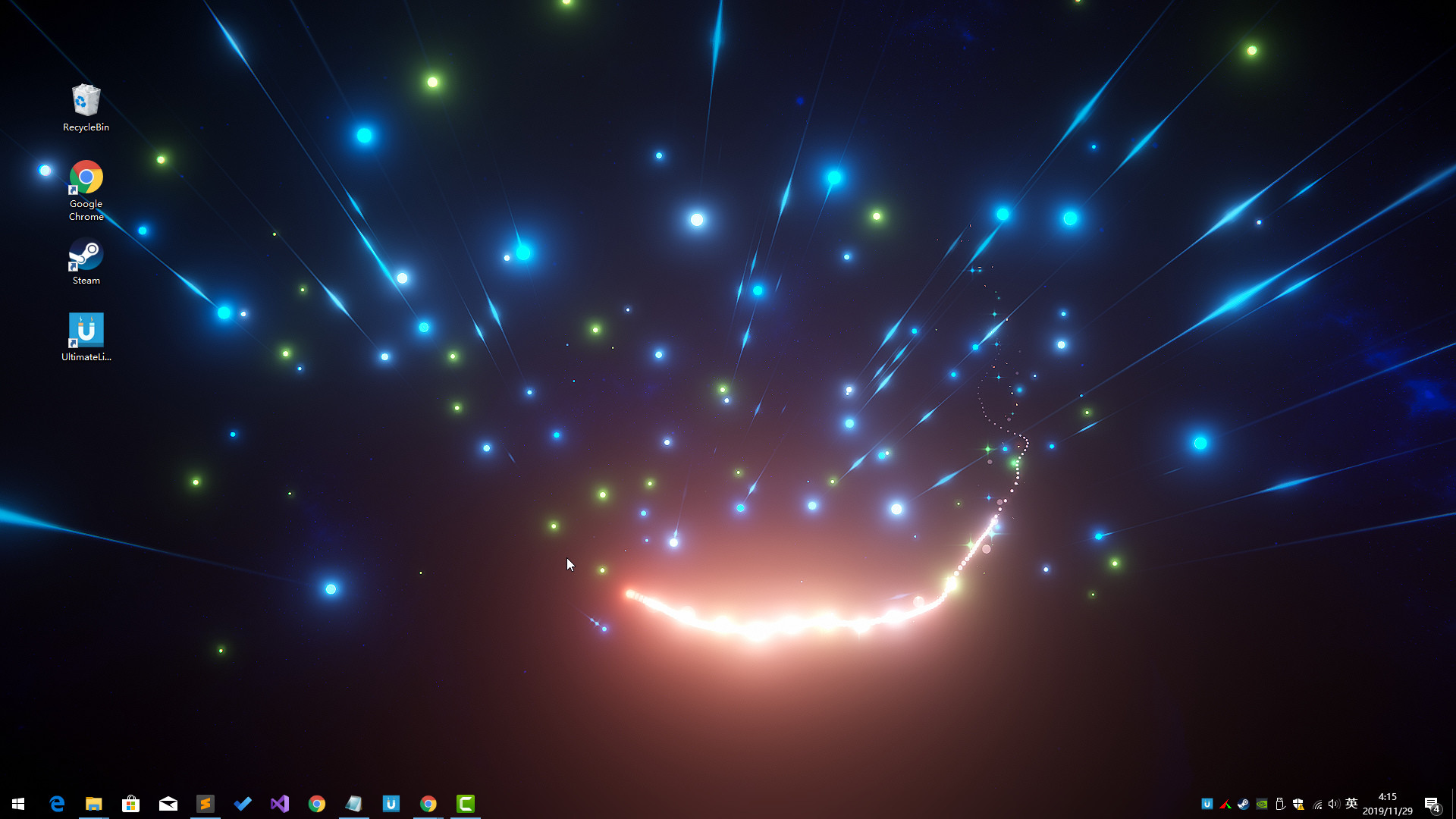
Ultimate Live Wallpaper is an amazing lightweight live wallpaper engine with stunning 3D animation effects and mouse interaction.

Released

November 28, 2019

Price

$3.99

Platforms

Windows

Last sync

October 8, 2026

About

UltimateDesktop Collection

About the Software

Ultimate Live Wallpaper is an amazing lightweight AAA live wallpaper engine with stunning 3D animation effects and mouse interaction.

Features

  • Support Windows 10 / 8.1 / 8 / 7(with Aero)
  • Support Steam Workshop
  • Support Disable Steam In Preferences
  • Interactive action - react to mouse movements and clicks.
  • Many options - you can change almost every element in the wallpaper settings.
  • Game Mode - will pause wallpaper when you need 100% power for your games.
  • Optimization - reduced equipment requirements. CPU usage as low as 1%

FAQ

Q: How to download VFX/Themes from Steam Workshop?
A: 1. Open theme manage window by click tray icon popup menu item "Theme", switch to "Workshop" page to Subscrib Workshop Theme Items.
2. Open wallpaper setting window window by click tray icon popup menu item "Wallpaper Setting", Click Top-Right coner Download Button to open the Workshop window to Subscrib Workshop VFX Items.

Browse all