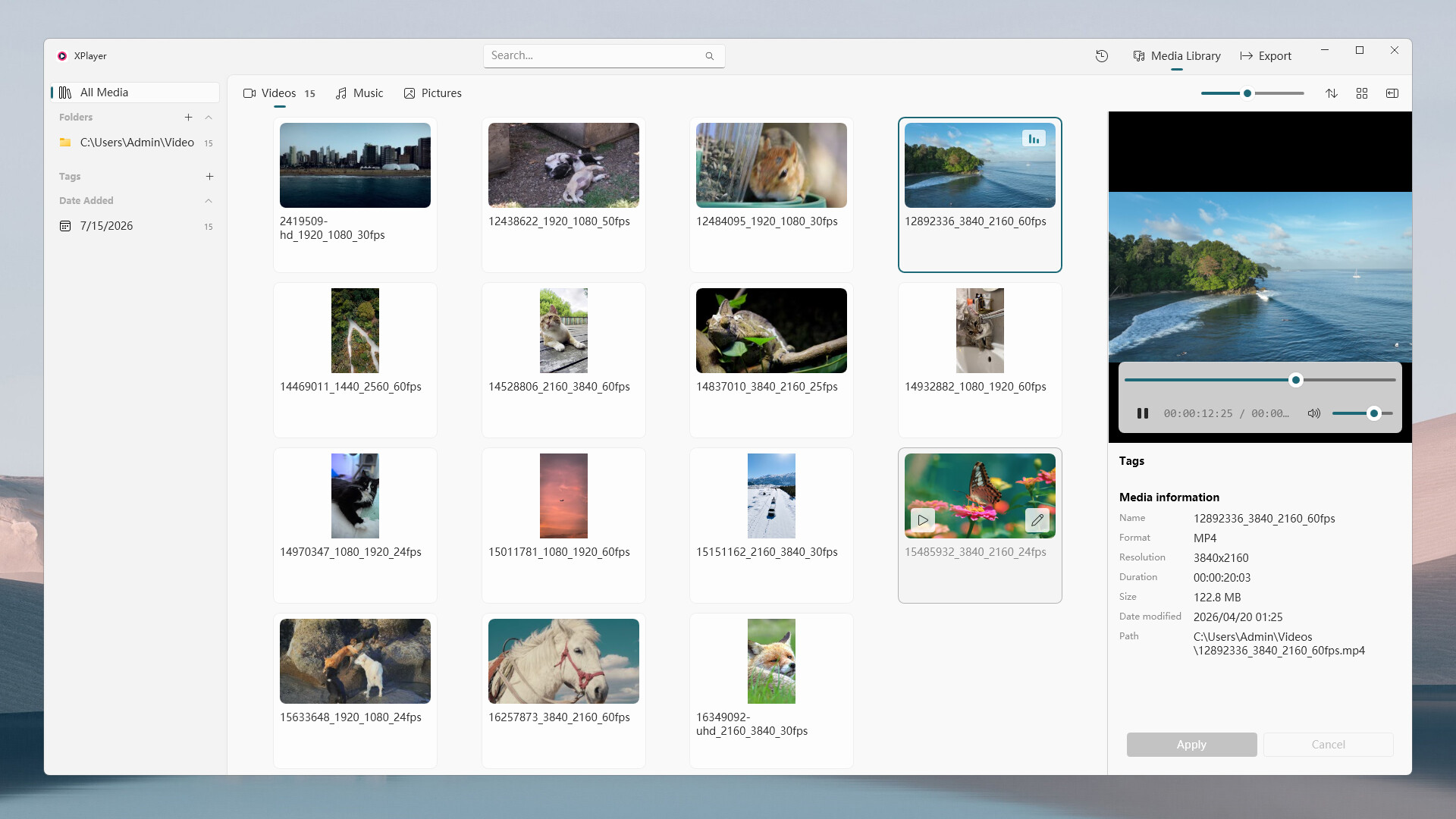
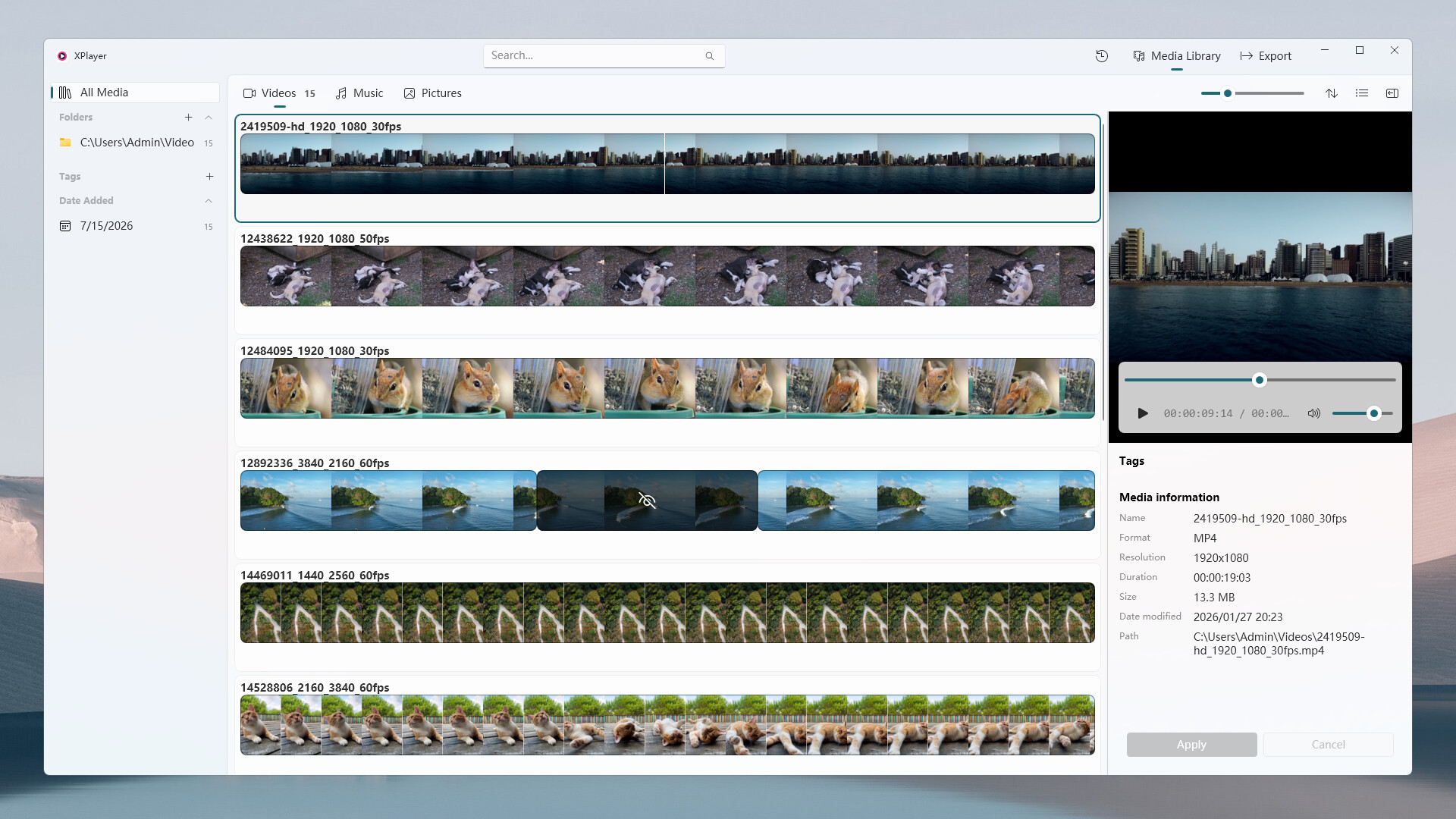
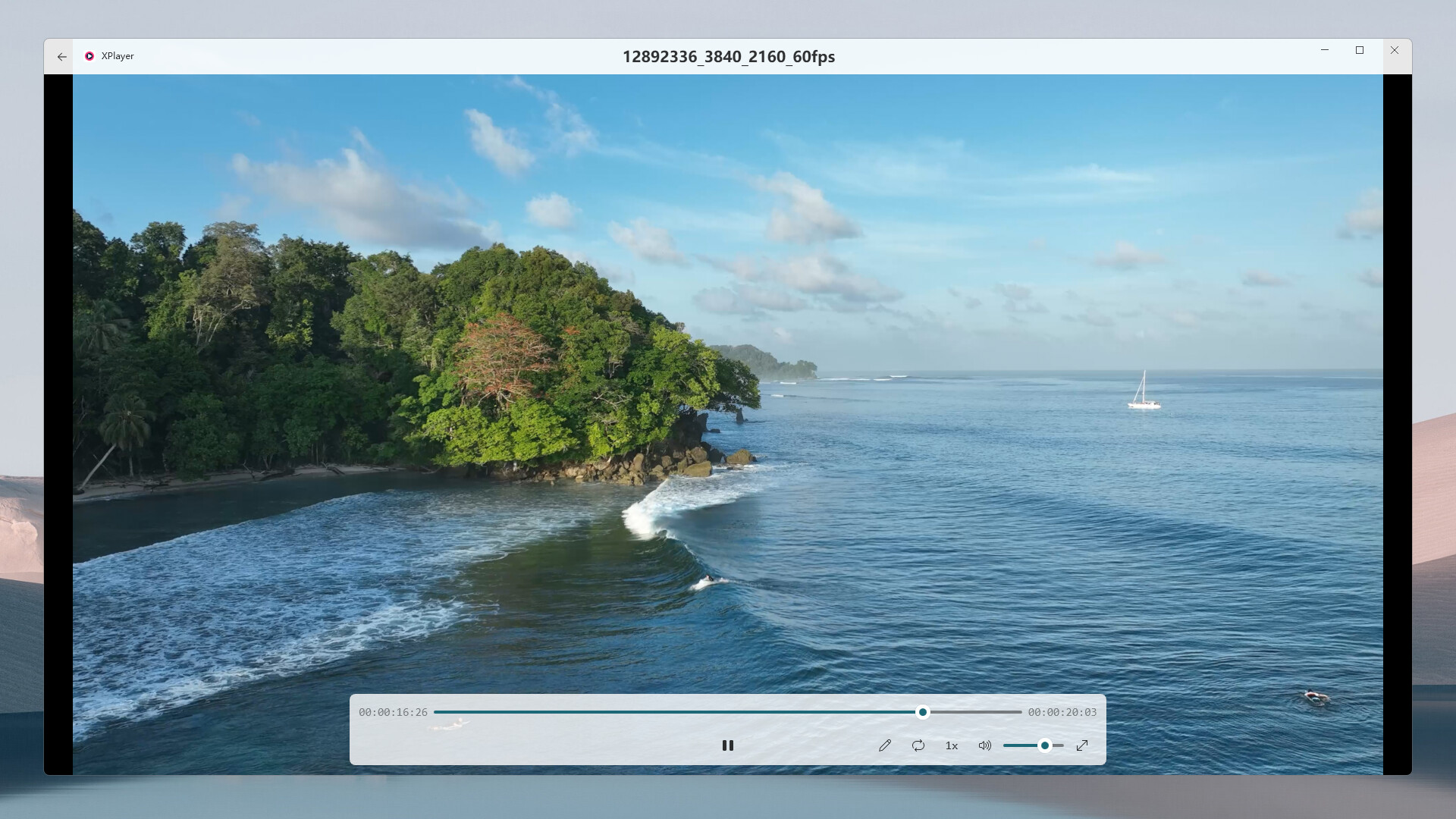
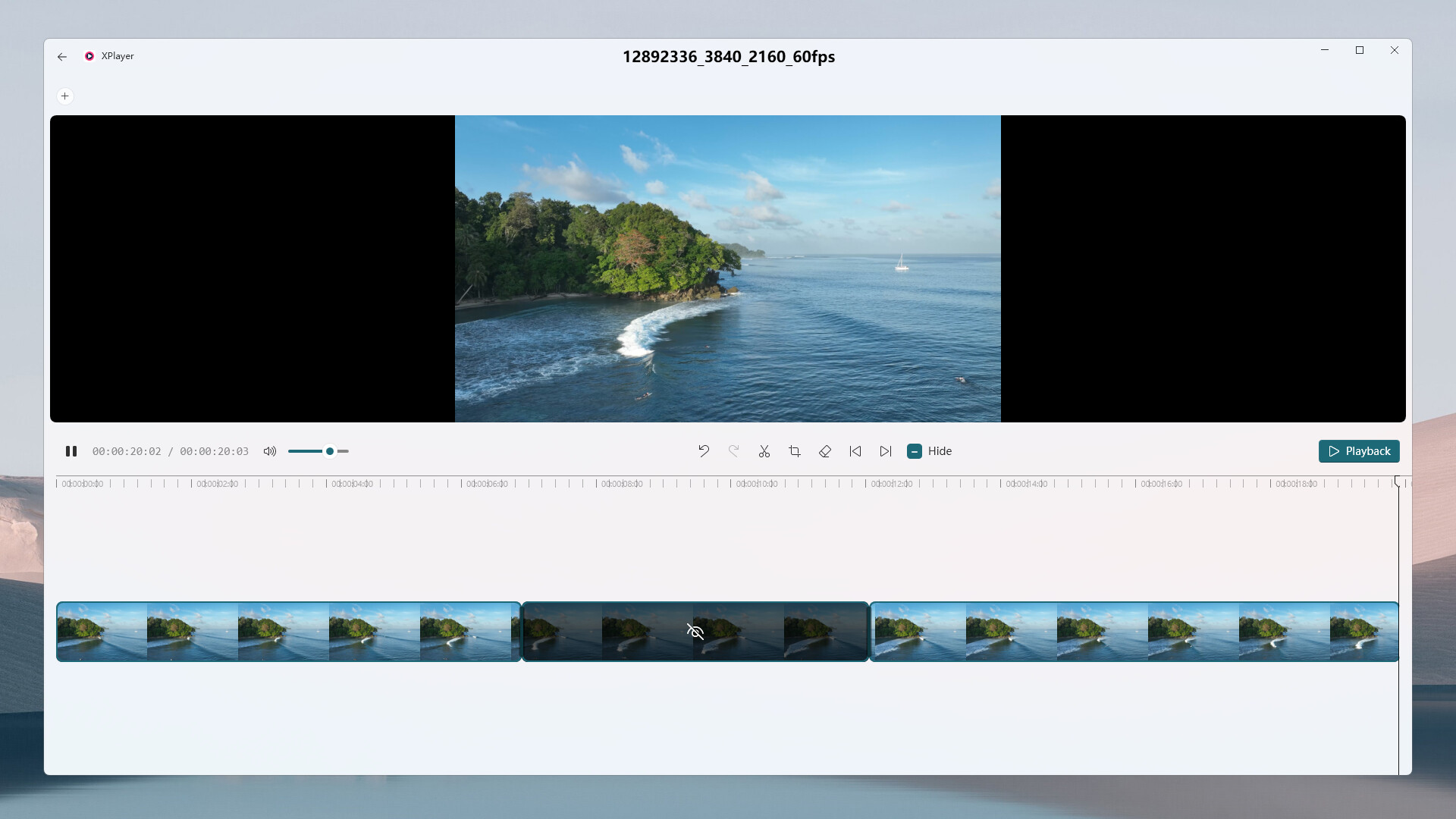
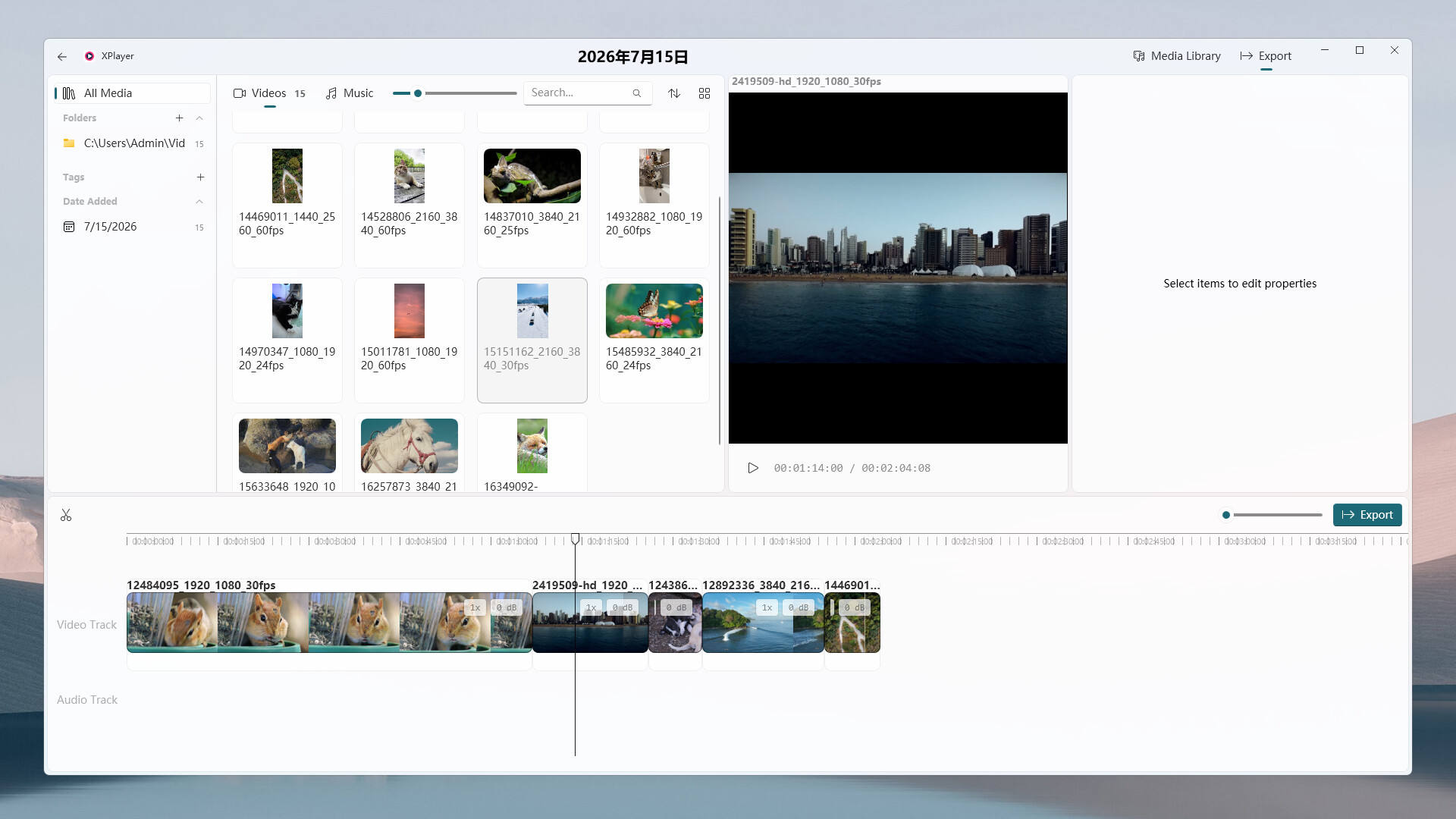
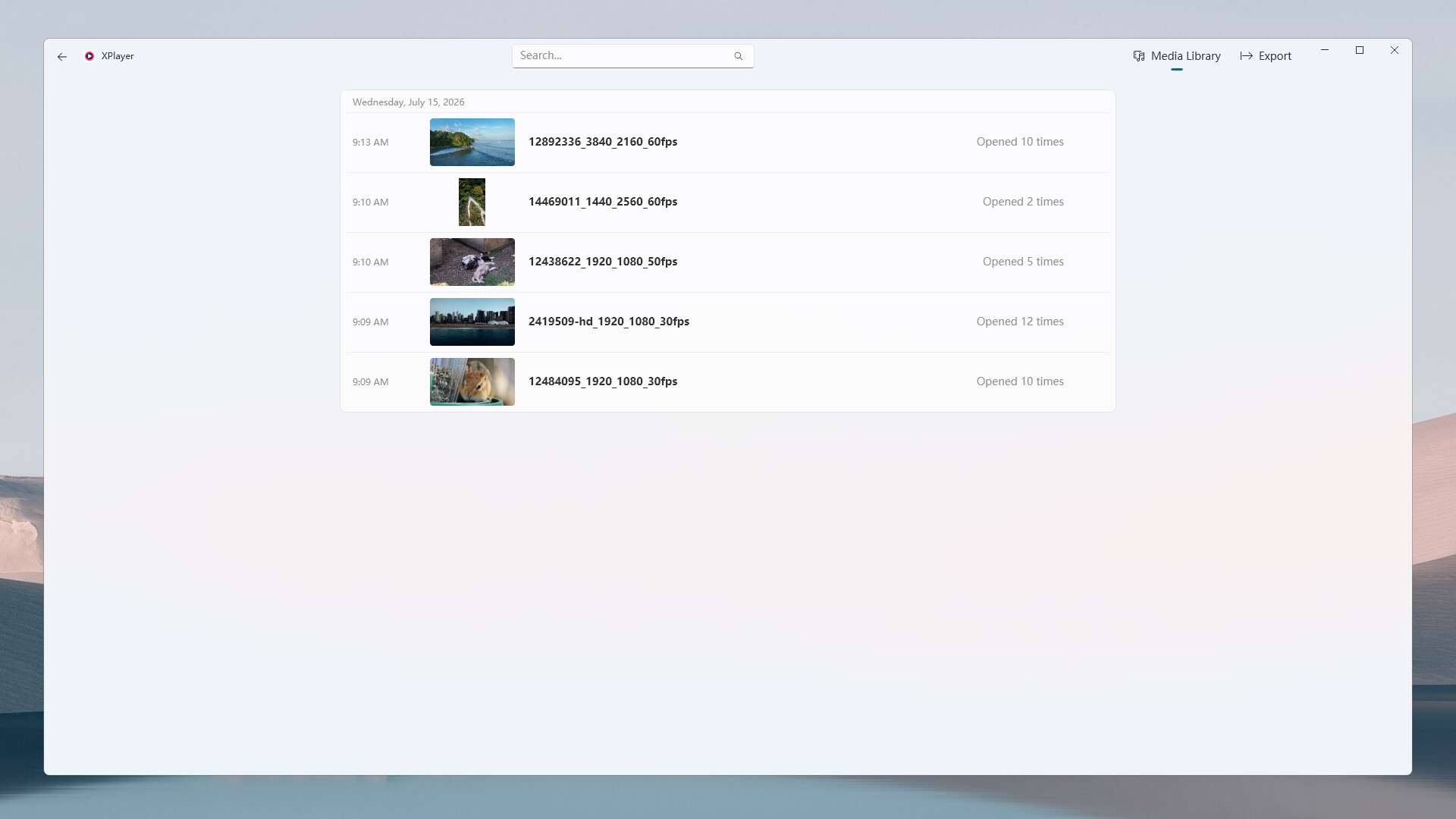
XPlayer is designed for people who keep large collections of videos, images, and audio on their PC. Add one or more folders to create a unified workspace for browsing, searching, filtering, and playback. Use thumbnails and video strips to understand content at a glance, and locate files with search, folders, tags, and history. You can also hide unwanted video sections without changing the source file so they are skipped during playback, or create a video export project and save the processed result as a single video file.
Android phone access: Install the XPlayer Android client to access media on your PC from a phone on the same local network. As long as the Windows device remains powered on and connected to the LAN, newly downloaded files in your media folders remain available from the phone even after the desktop client is closed, without setting up a separate NAS for local media access.
Features
- Organize videos, images, and audio from multiple folders in one local media library.
- Browse each media type separately and filter by search, folder, tag, or scan date.
- Use lightweight video strips to view continuous thumbnails, video structure, hidden sections, and the current playback position.
- Preview media instantly in the built-in viewer, or open the dedicated player and full-screen mode.
- Switch quickly between items in the current list from the player sidebar.
- Add tags to media and use them to find related content.
- Hide unwanted video sections and skip them automatically while leaving the source file unchanged.
- Create video export projects, apply basic edits, and export the result as a single video file.
- View history by date and return to recently opened videos, images, or audio.
- Access media on your PC from an Android phone over the same local network.
- Keep accessing newly downloaded media from your phone even after closing the Windows desktop client.