#Casual #2D #Arcade
Drawing Path
Reflect and draw! Drawing Path is a game that aims to make you reflect in order to solve levels where you have to collect all the balls in the cup.
View game
$1.99$0.69
 -15%
-15% No Reviews · 0 reviews
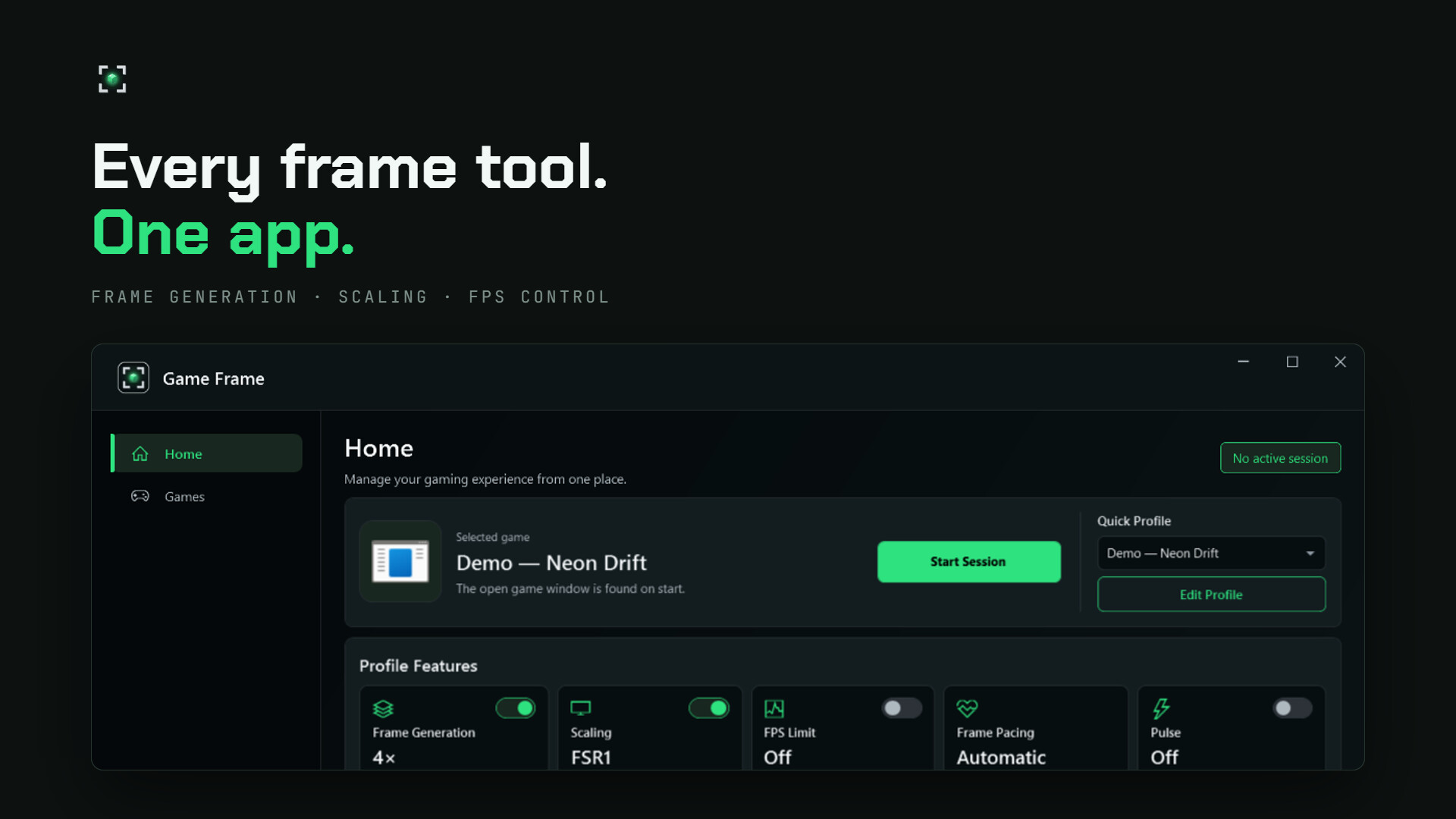
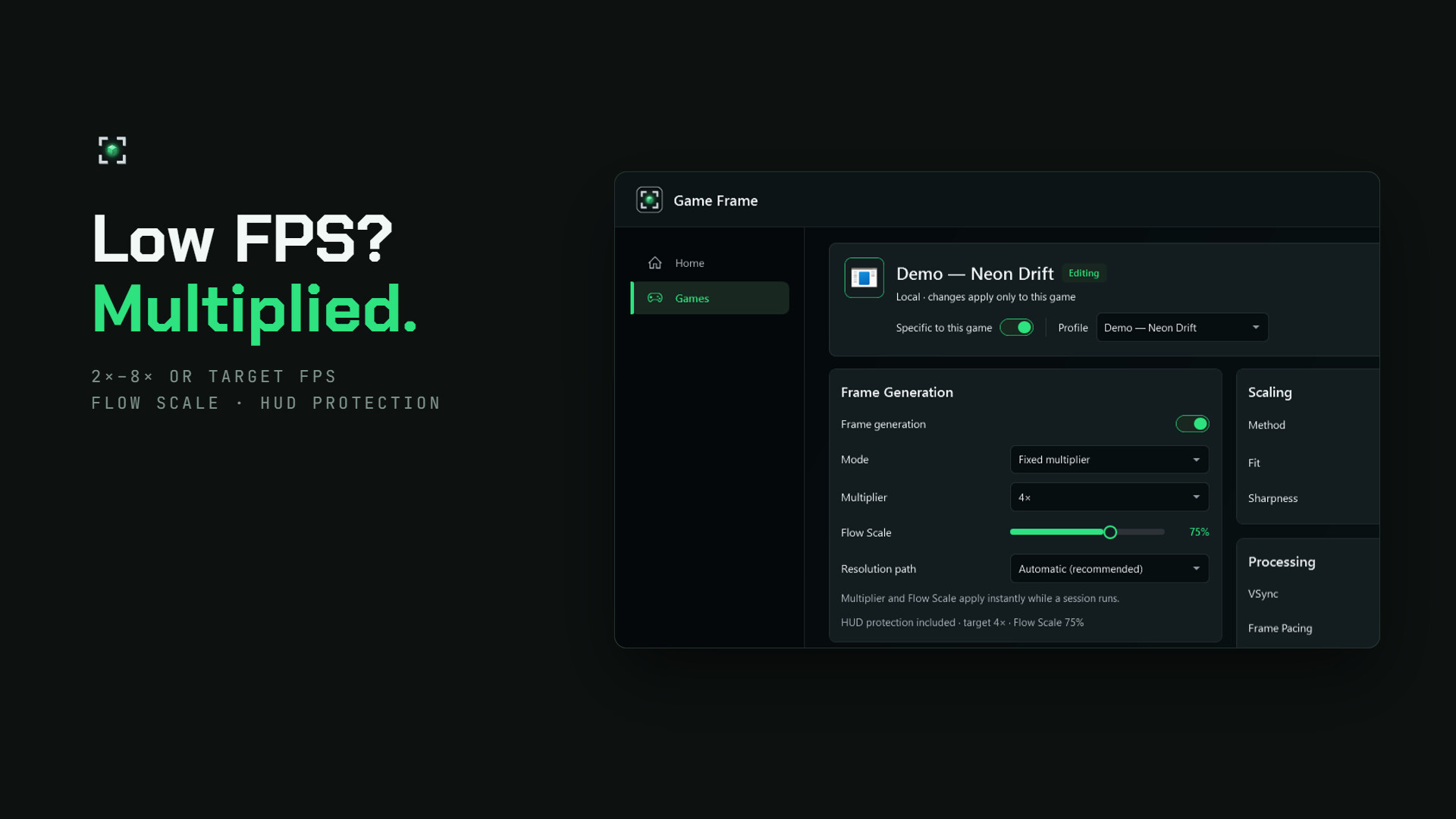
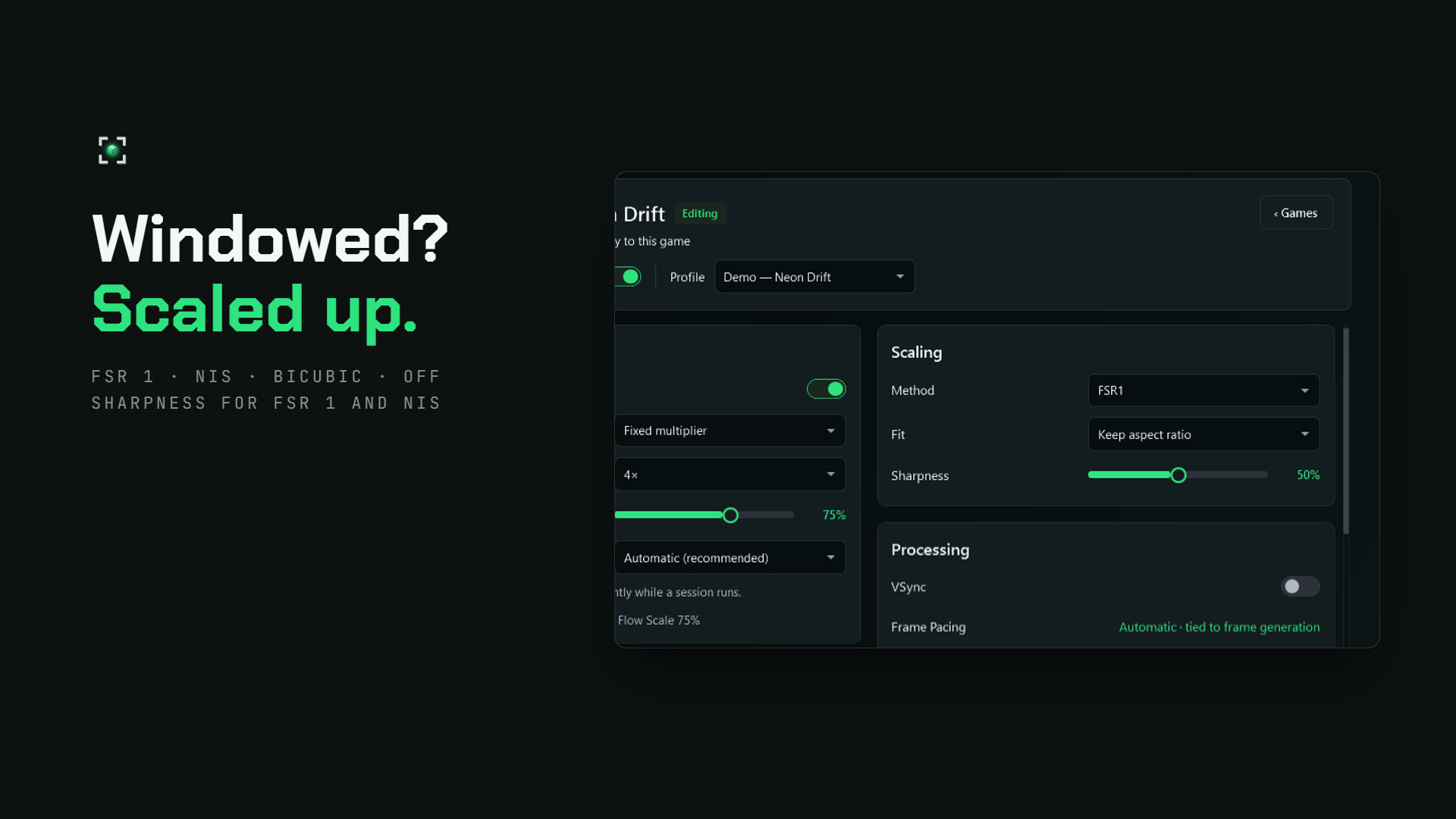
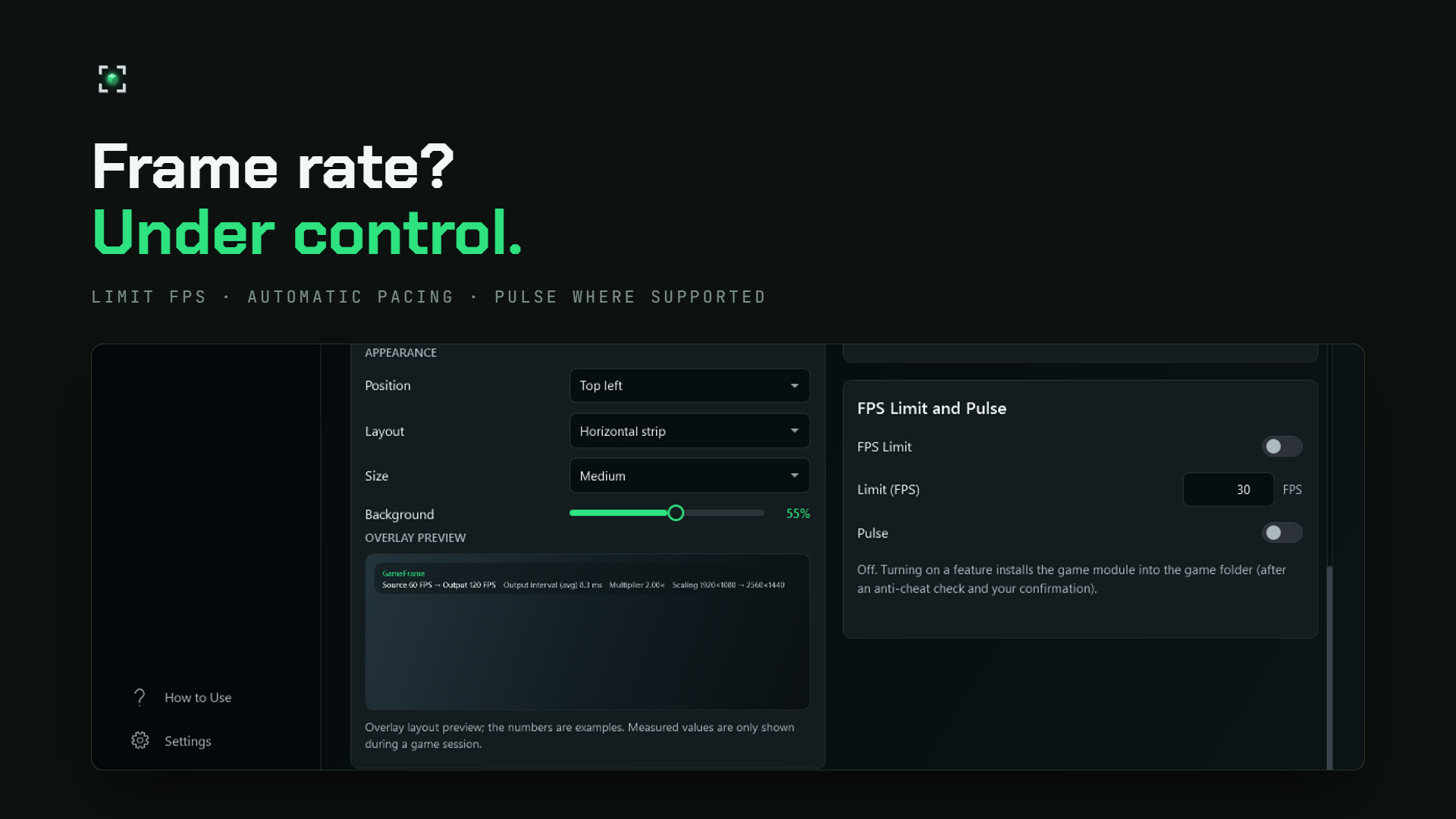
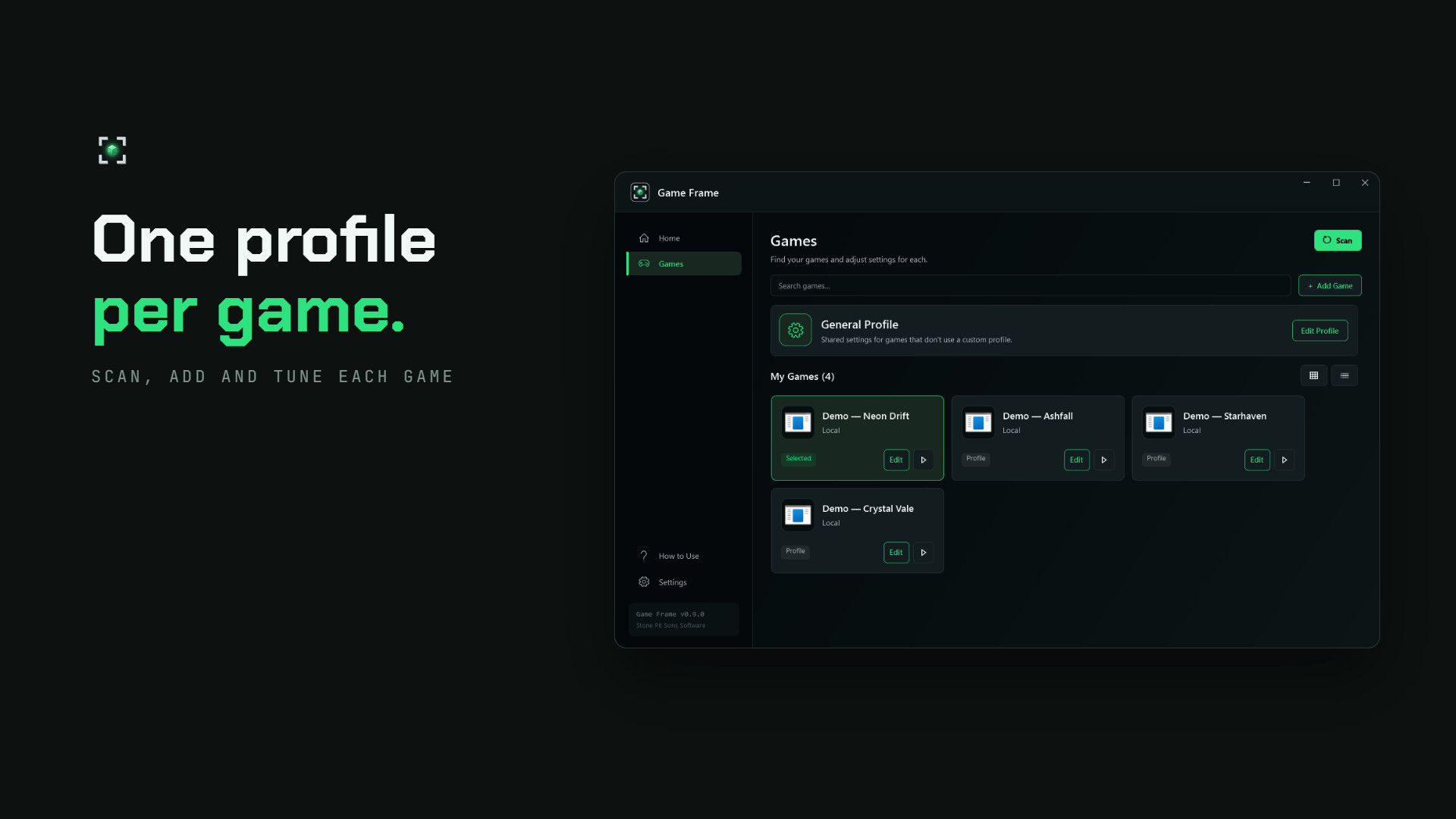
Bring your gaming tools together. Game Frame combines frame generation, upscaling, FPS limiting and latency controls with per-game profiles, an in-game settings panel and performance monitoring. Choose the tools that suit your games and hardware.
Released
September 25, 2026
Price
Platforms
Windows
Developer
Publisher
Last sync
September 25, 2026
Game Frame brings frame generation, upscaling and performance controls together in one Windows application. Create a profile for each game, choose the features you need and adjust your setup as you play.
Generate intermediate frames with fixed 2×–8× multipliers or a target FPS mode. Adjust Flow Scale to balance image quality and GPU cost. Built-in HUD protection helps preserve text, crosshairs and interface elements. Automatic frame pacing manages the timing of the generated output.
Use FSR 1, NVIDIA Image Scaling (NIS) or Bicubic upscaling, or turn scaling off. Adjust sharpening with FSR 1 and NIS. Frame generation and upscaling can be used separately or together.
Set a frame-rate limit and use the optional Pulse latency controls in supported games. Both are available without frame generation. These features use a game-side module and are intended for compatible games without anti-cheat; do not enable that module in anti-cheat-protected games.
Find supported game libraries automatically or add a game yourself. Keep a global profile and save individual settings for each game. Start or stop a session with Ctrl+Alt+G, and open quick controls with Insert while a session is running. Change the multiplier and Flow Scale without restarting your game. Shortcuts are configurable.
The configurable on-screen display separates the game's FPS from the presented output FPS. Use frame-time information and saved profiles to find a setup that suits your hardware.
Use a compatible Windows 10/11 PC and run your game in windowed or borderless mode. The current frame-generation path requires SDR; turn Windows HDR off. Compatibility and results vary by game, GPU, resolution and settings. Leave GPU headroom and start with a stable base frame rate. Generated frames improve visual smoothness; they do not increase the game's simulation rate or guarantee lower input latency. Motion and HUD artifacts can still occur.
Game Frame is in Early Access. Its core tools are available today, while image quality, compatibility and usability continue to develop. Share your experience in Steam Discussions to help guide improvements.