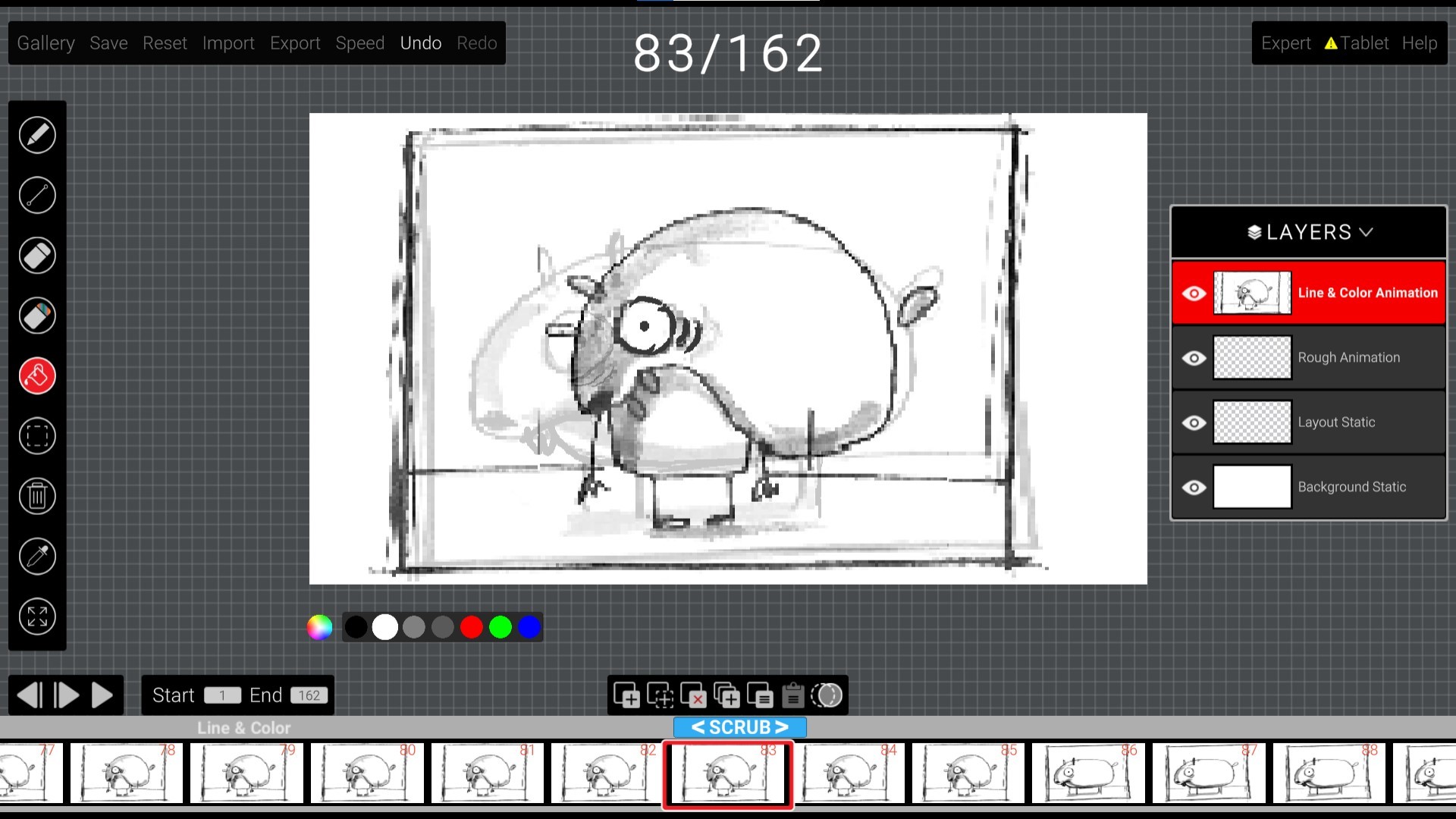
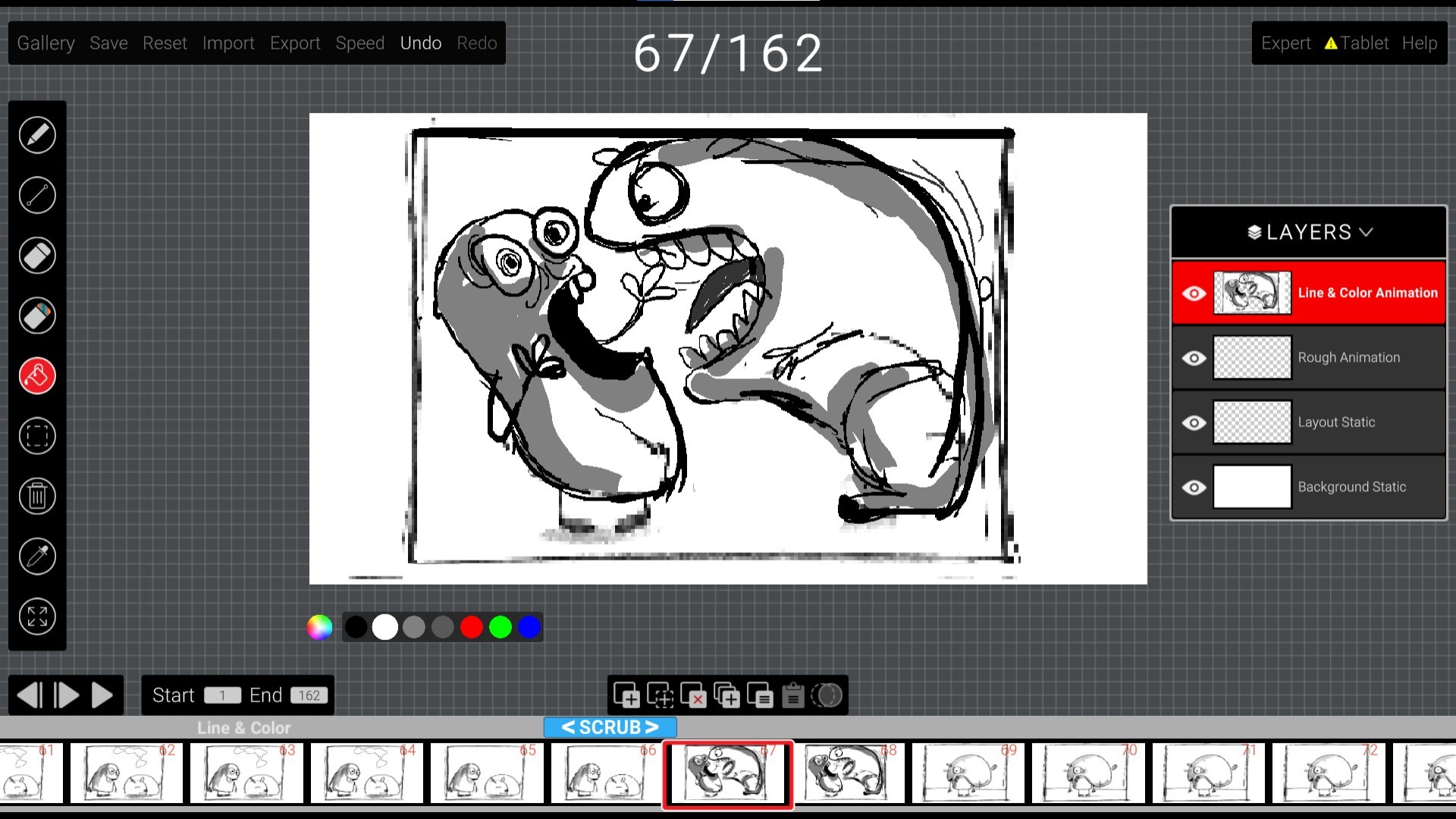
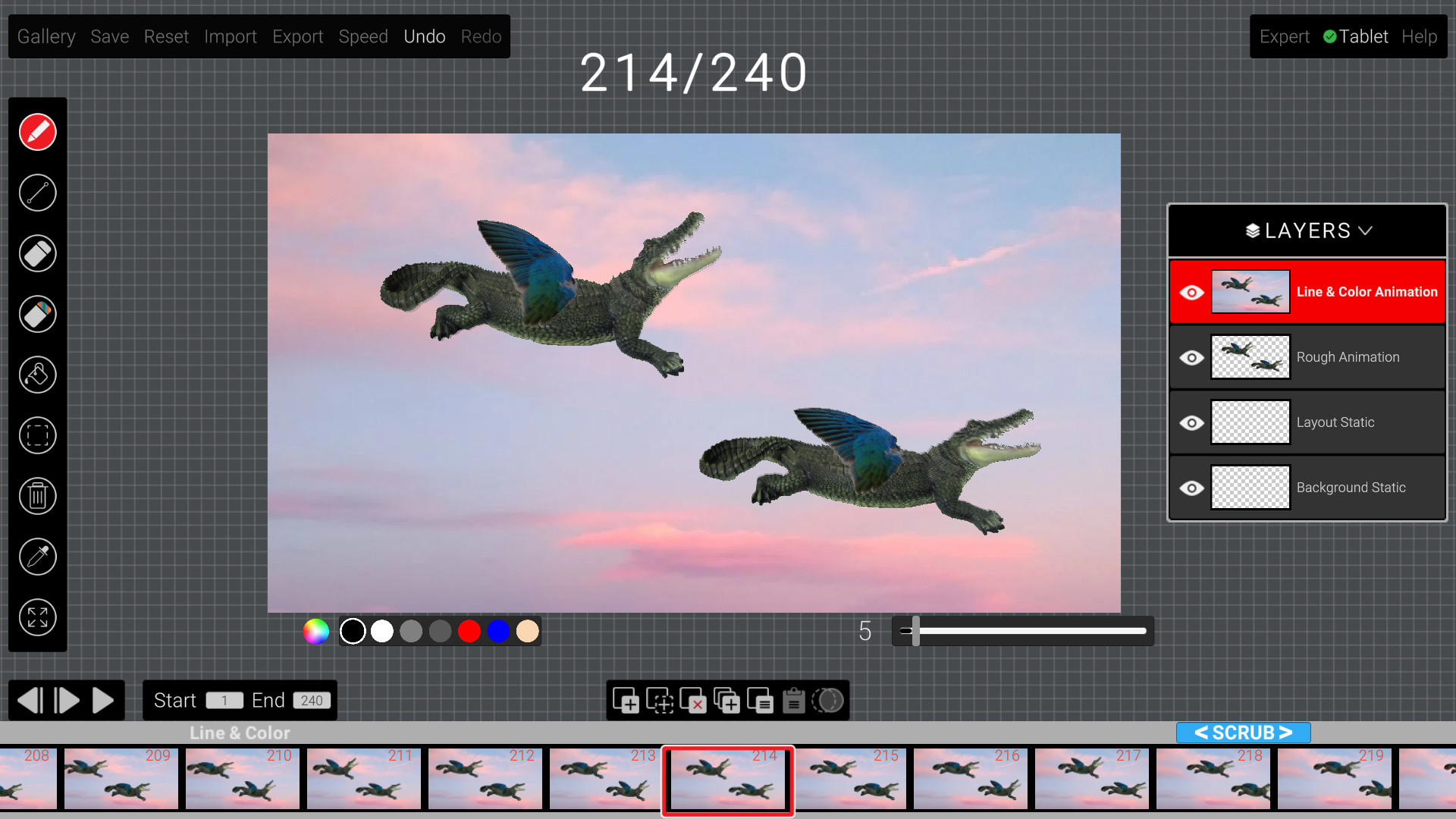
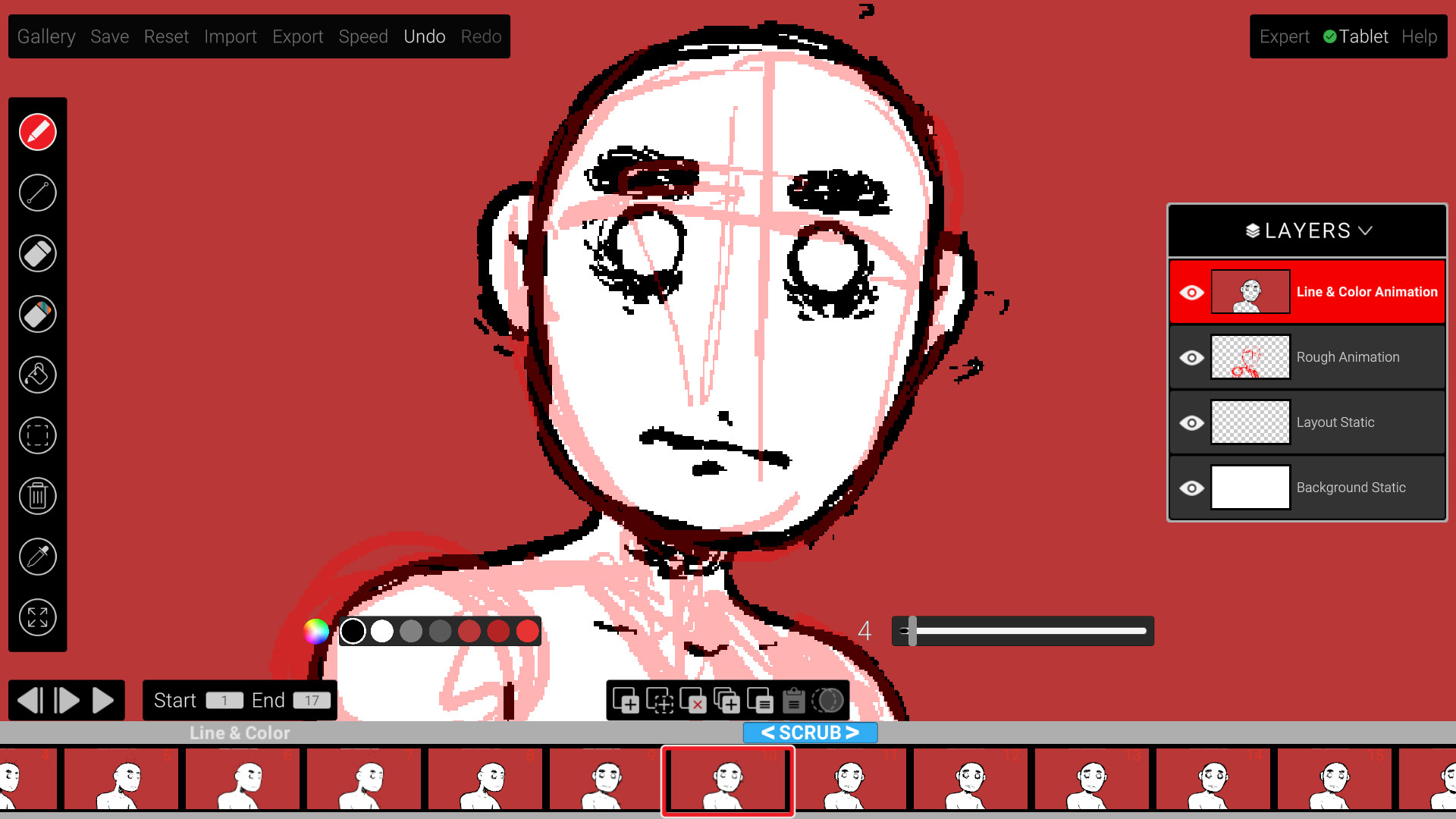
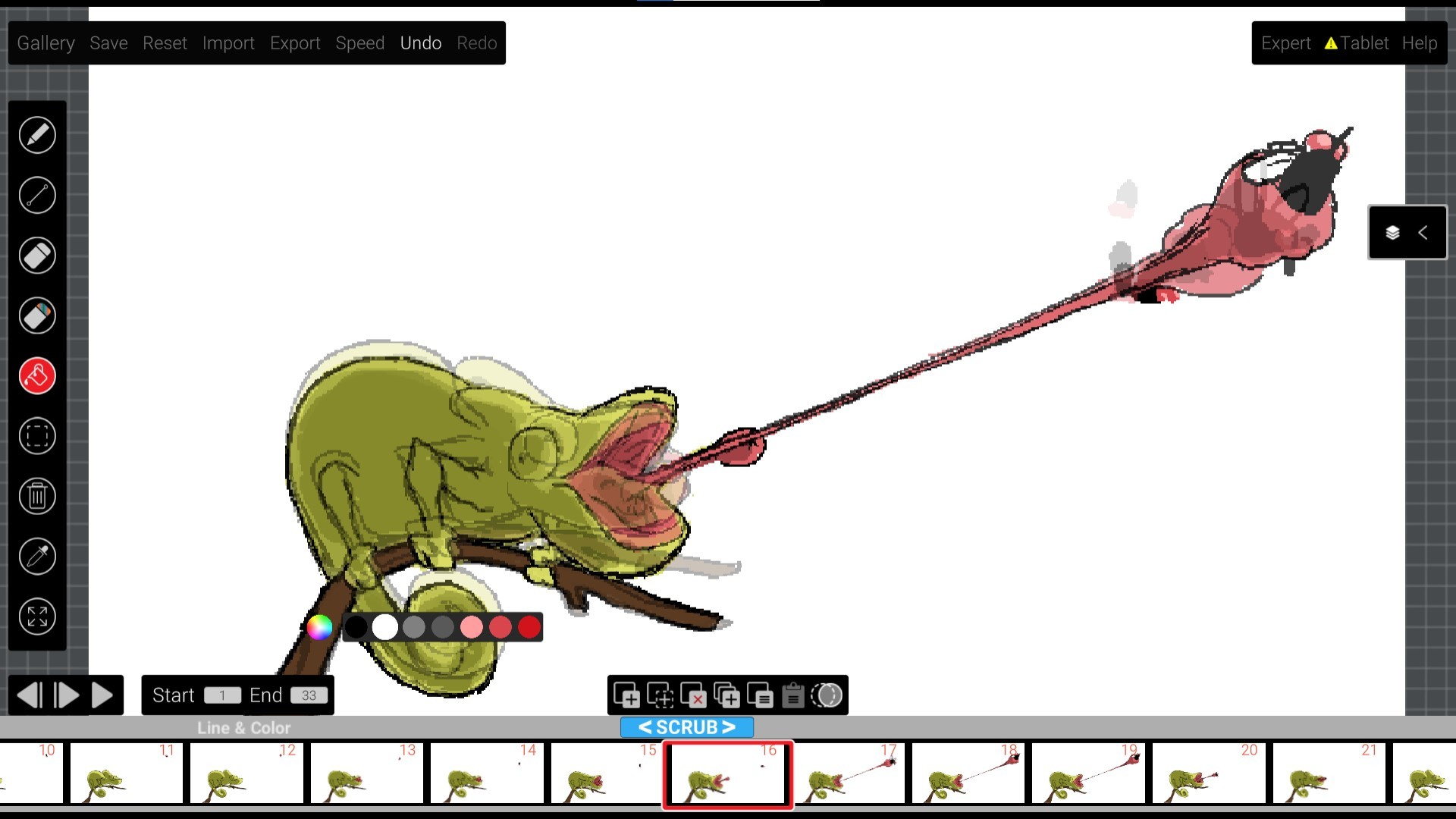
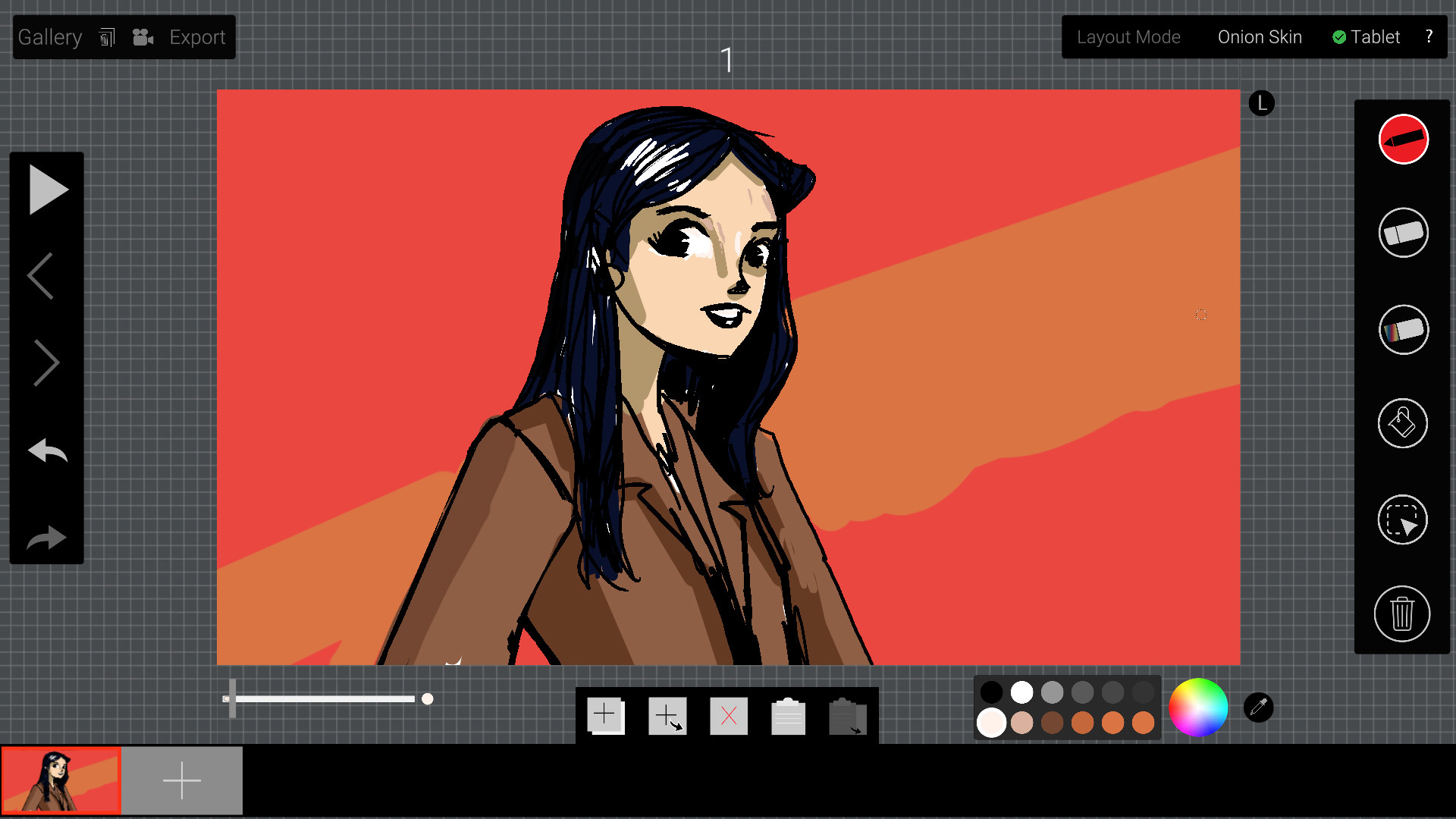
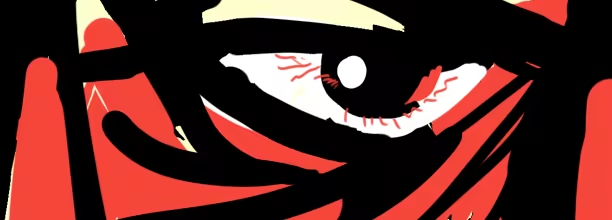
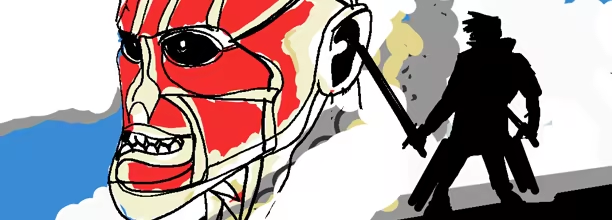
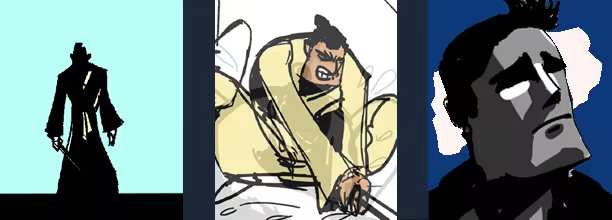
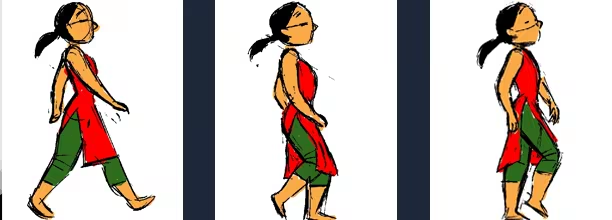
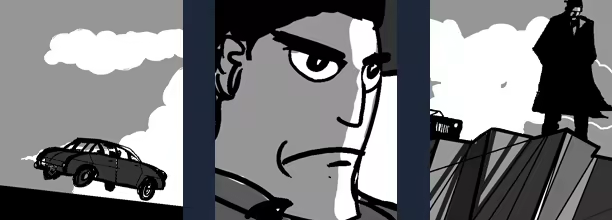
An extremely fast hand-drawn animation application for desktops. Designed by an animator, for animators with a focus on desktop and pen tablet as the main tool.Minimal UI ,hotkey driven workflow and simple feature set lets animators draw and animate at lightning fast speeds.
An extremely fast hand-drawn animation app for desktop using a tablet for thick and thin brush control and intuitive workflow. Designed by an animator, for animators with a focus on keyboard shortcuts and pen tablet as the main tools.
Fast Animation Workflow
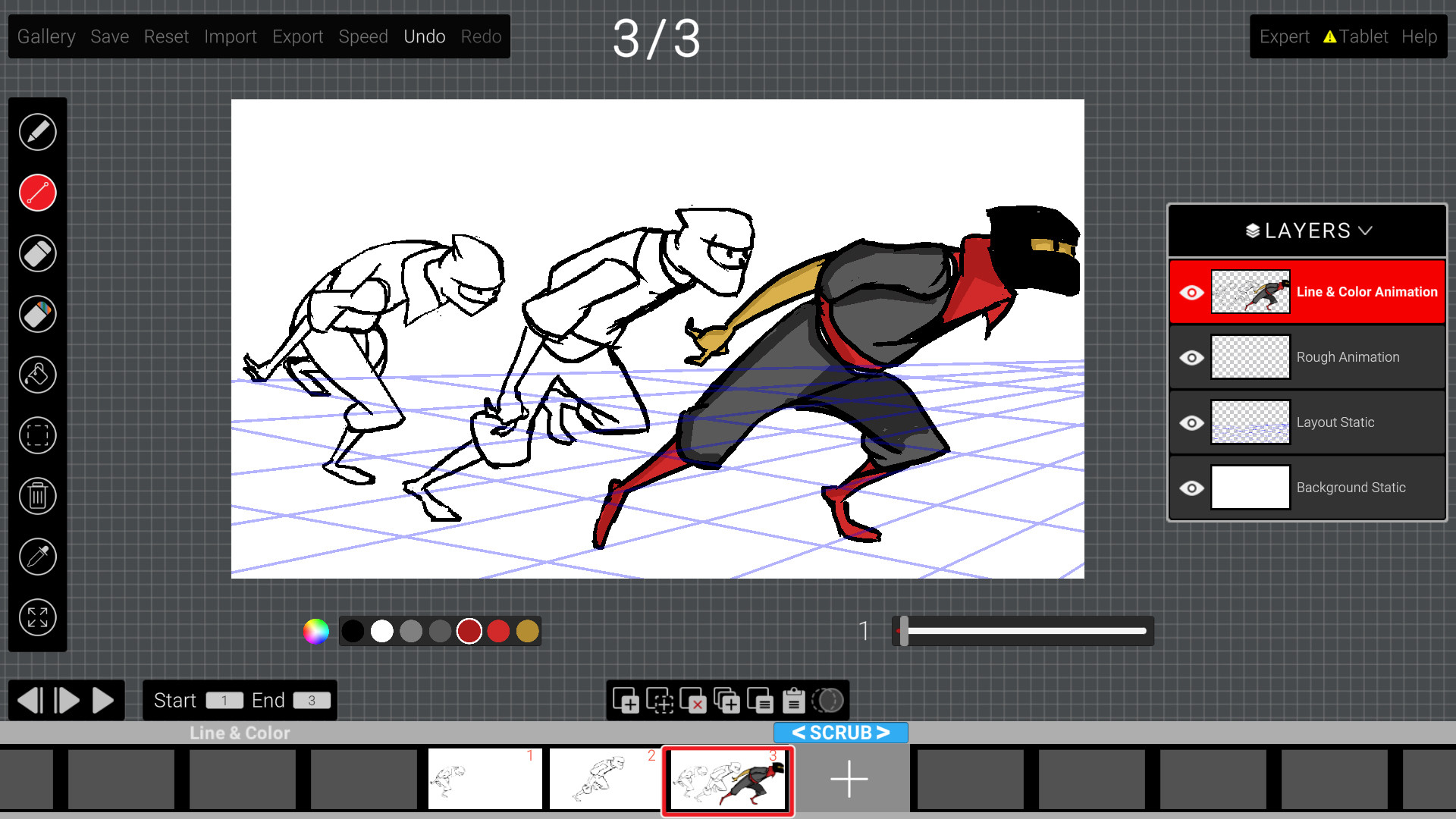
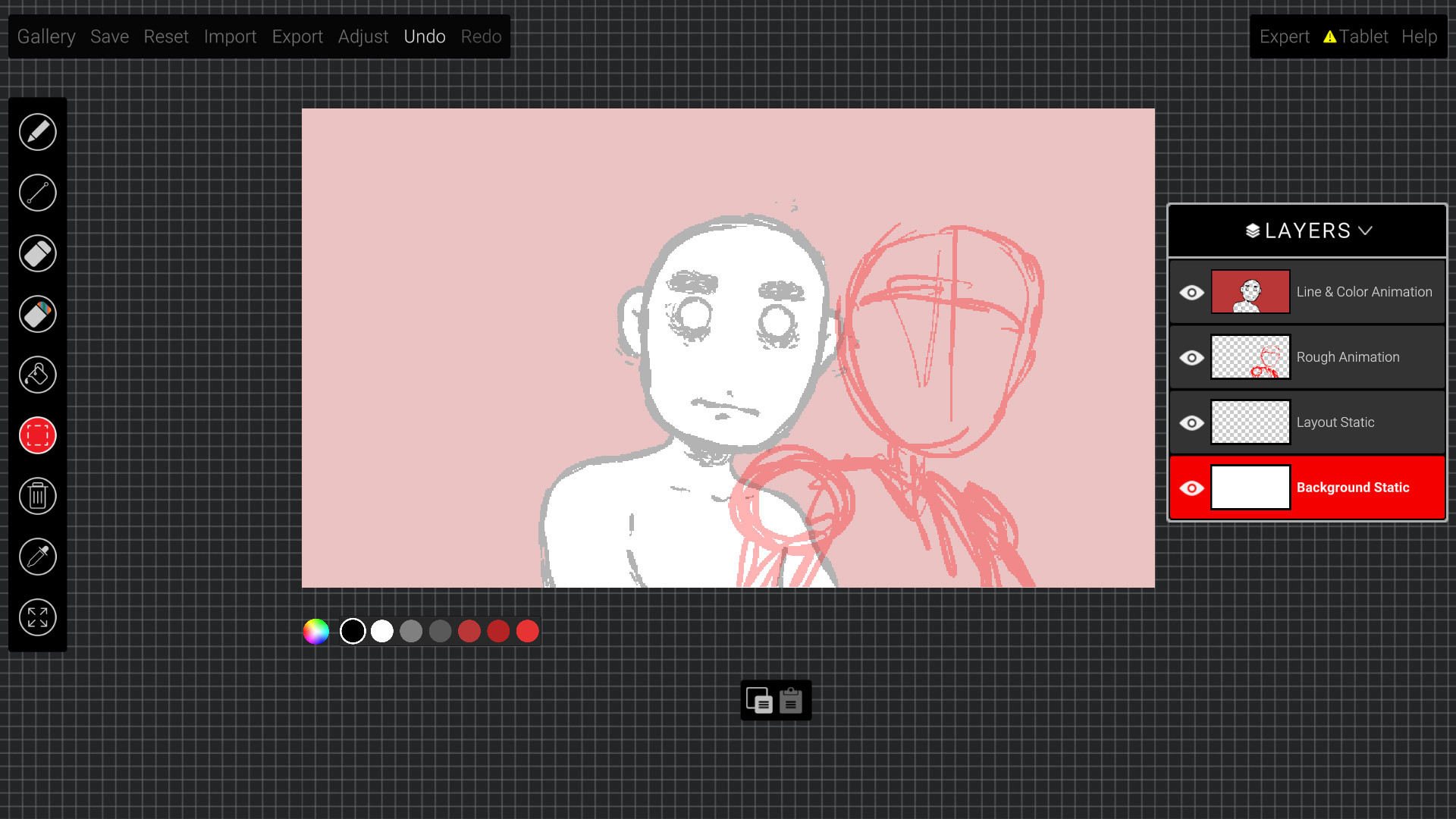
Features like layers, color fill below line, layout and background functionality and MP4 import/export makes this an ideal tool for artists and animators across all skill levels.
Creative Control
Create line tests, animatics and full movies with ease and speed. Export and import MP4 and GIFs for easy sharing and collabration
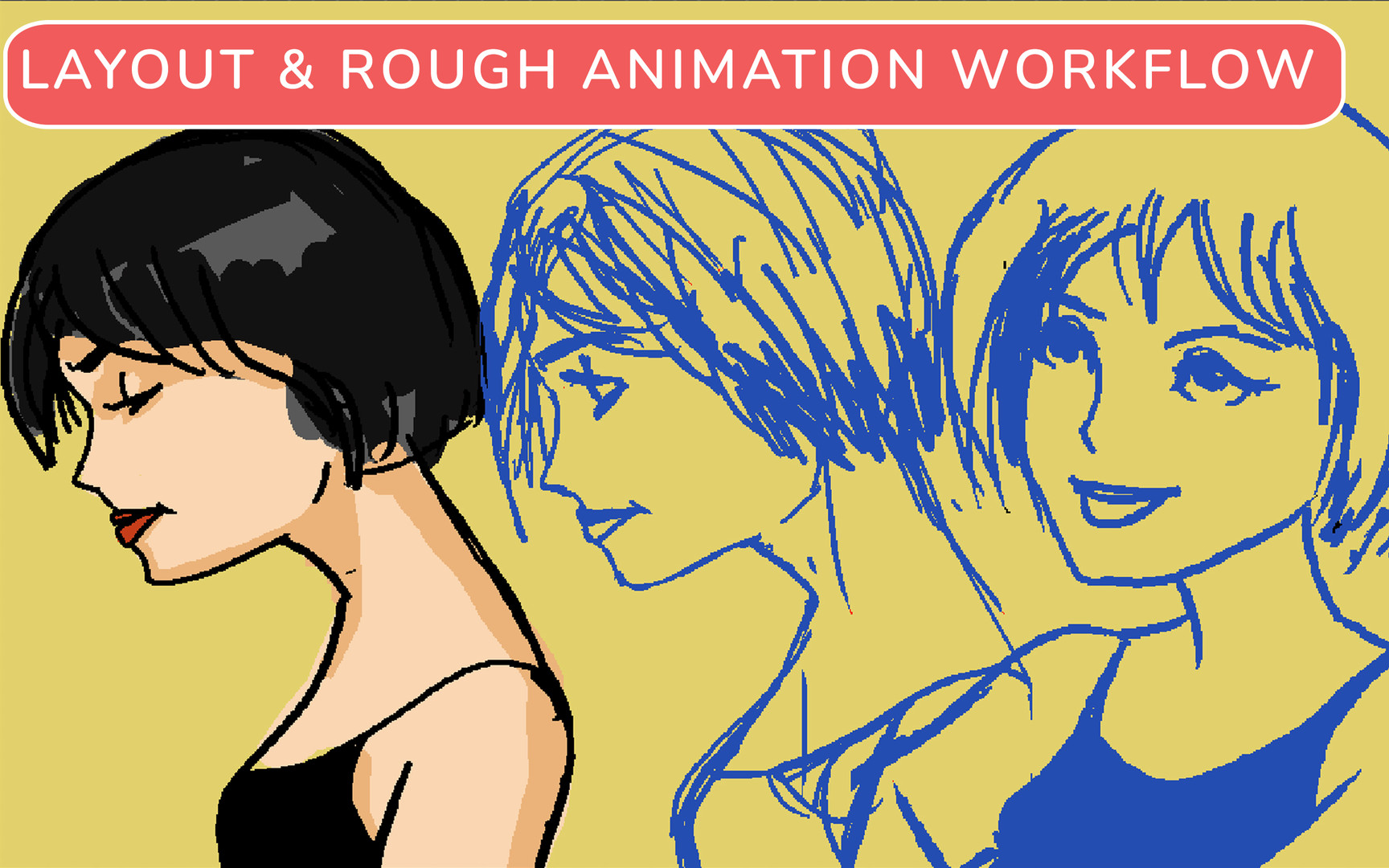
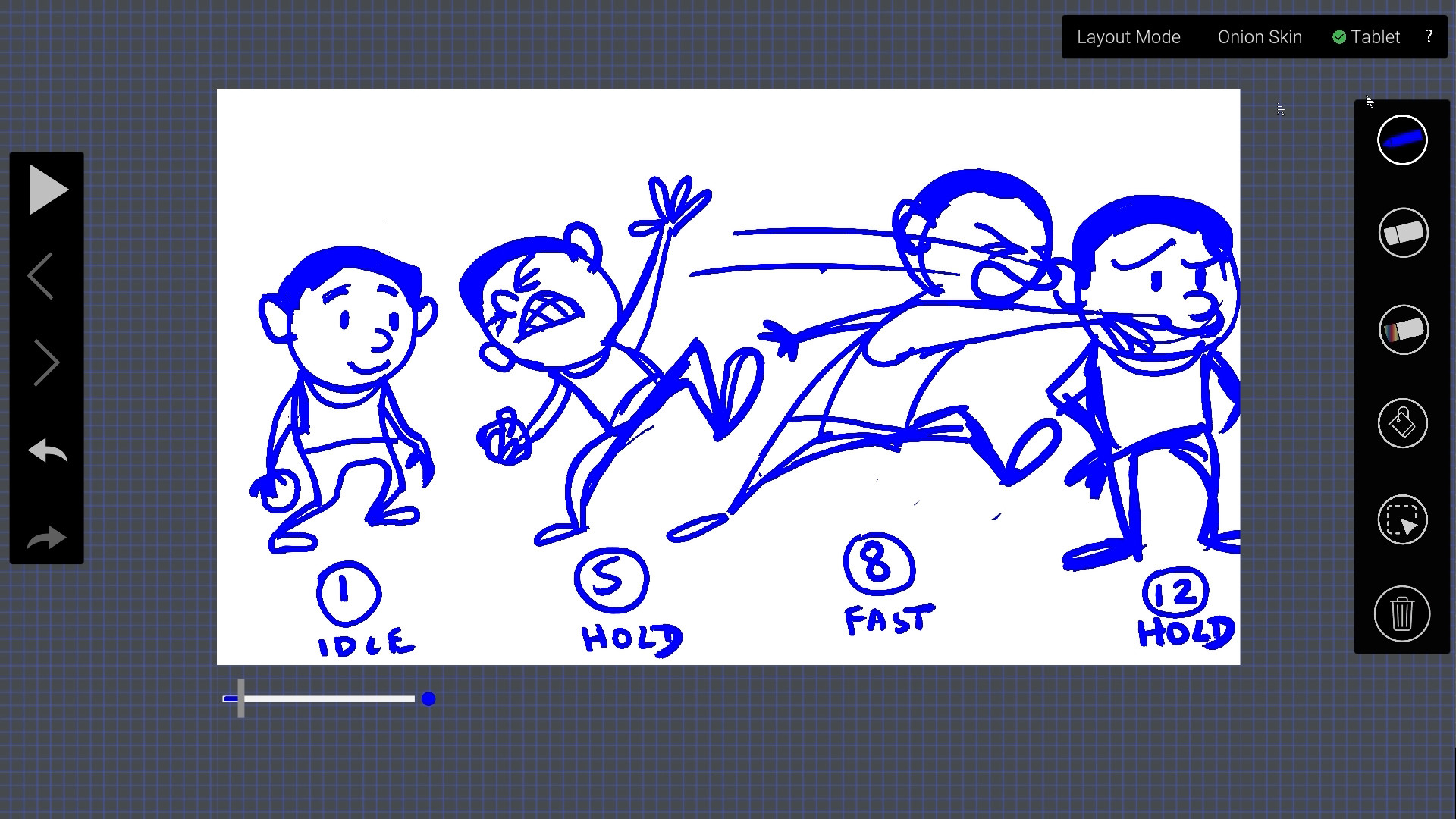
Layout Mode
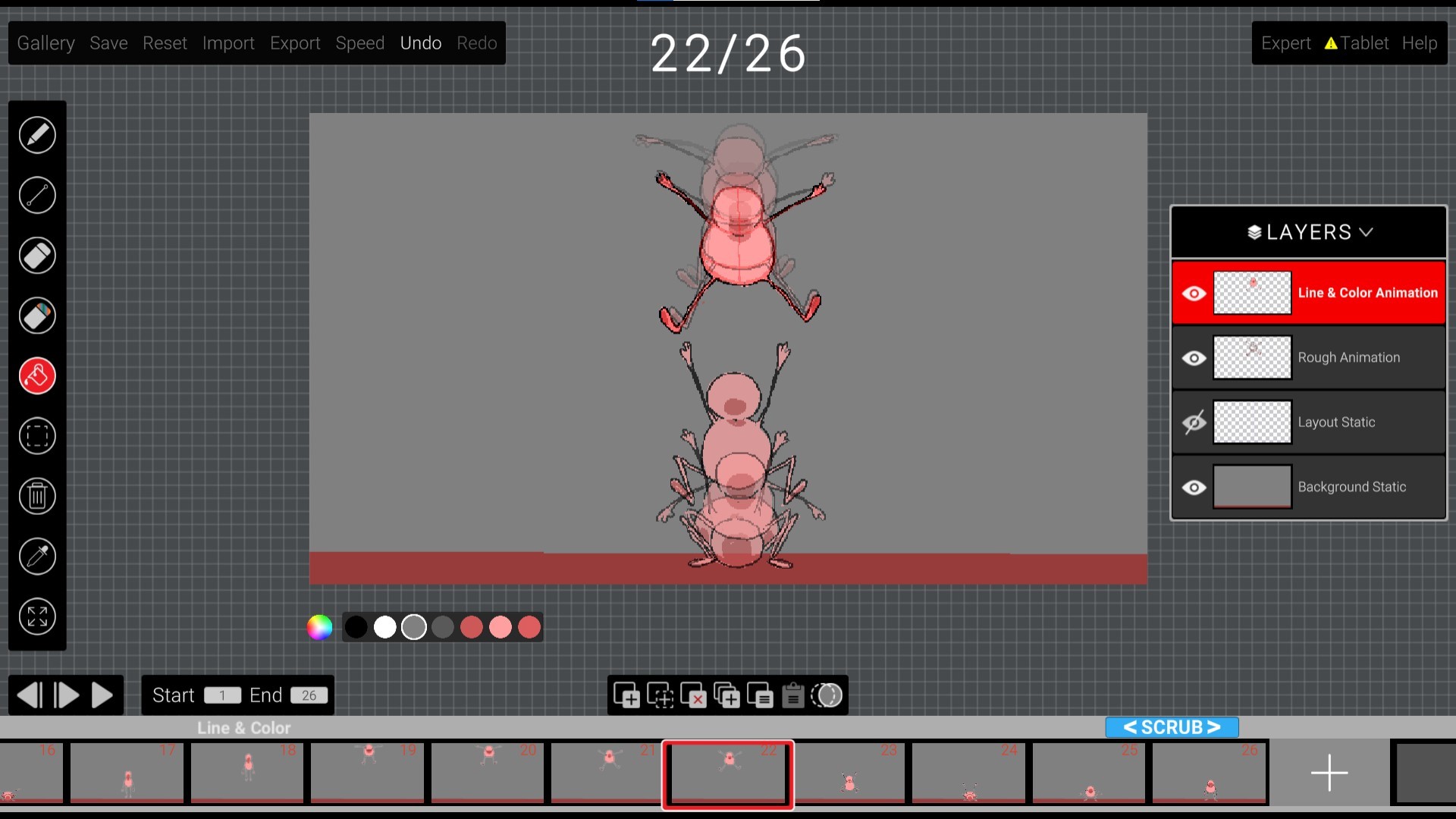
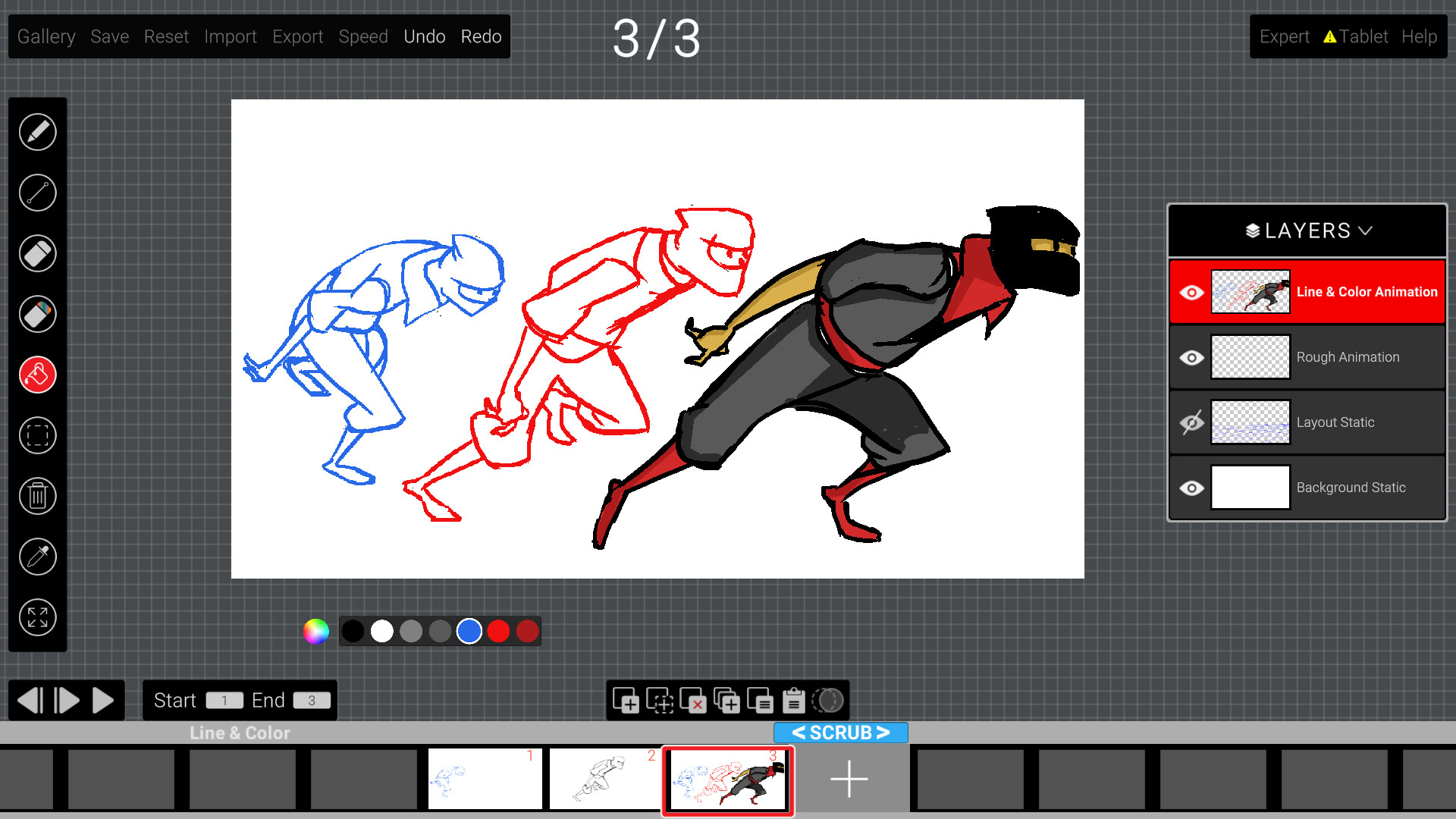
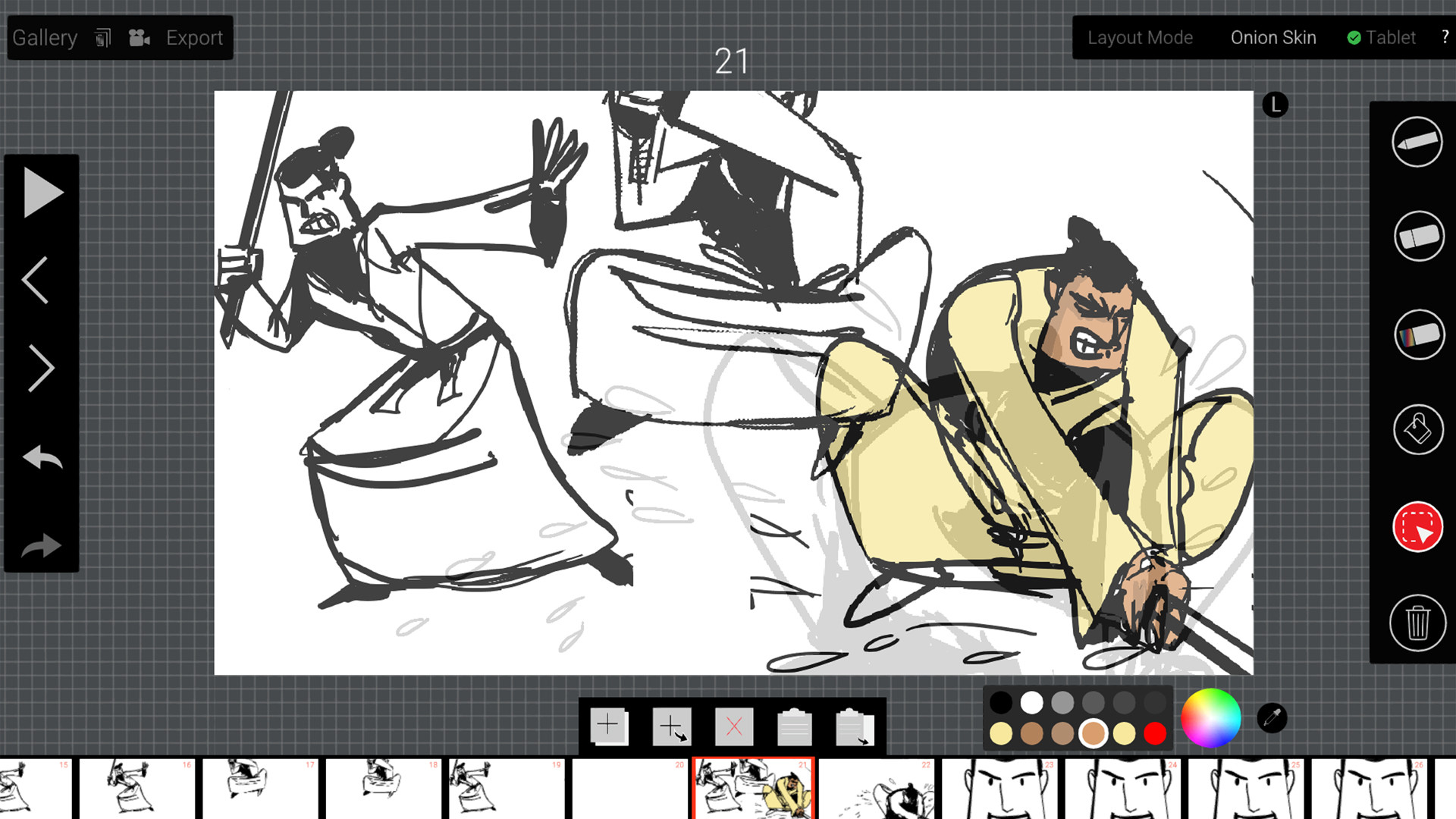
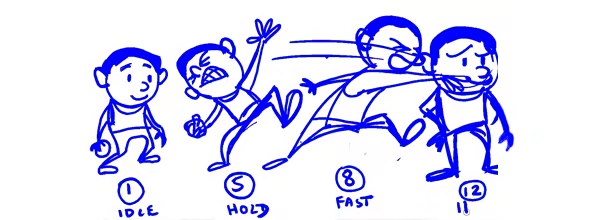
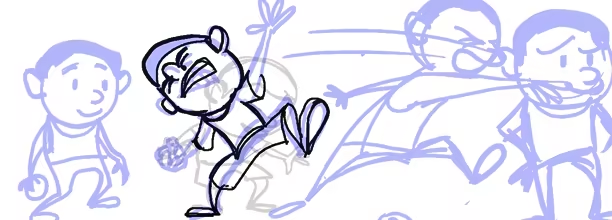
Layout mode allows for pose planning and timing for all animation sequences. Blue pencil will overlay across all frames for reference and full control on timing.
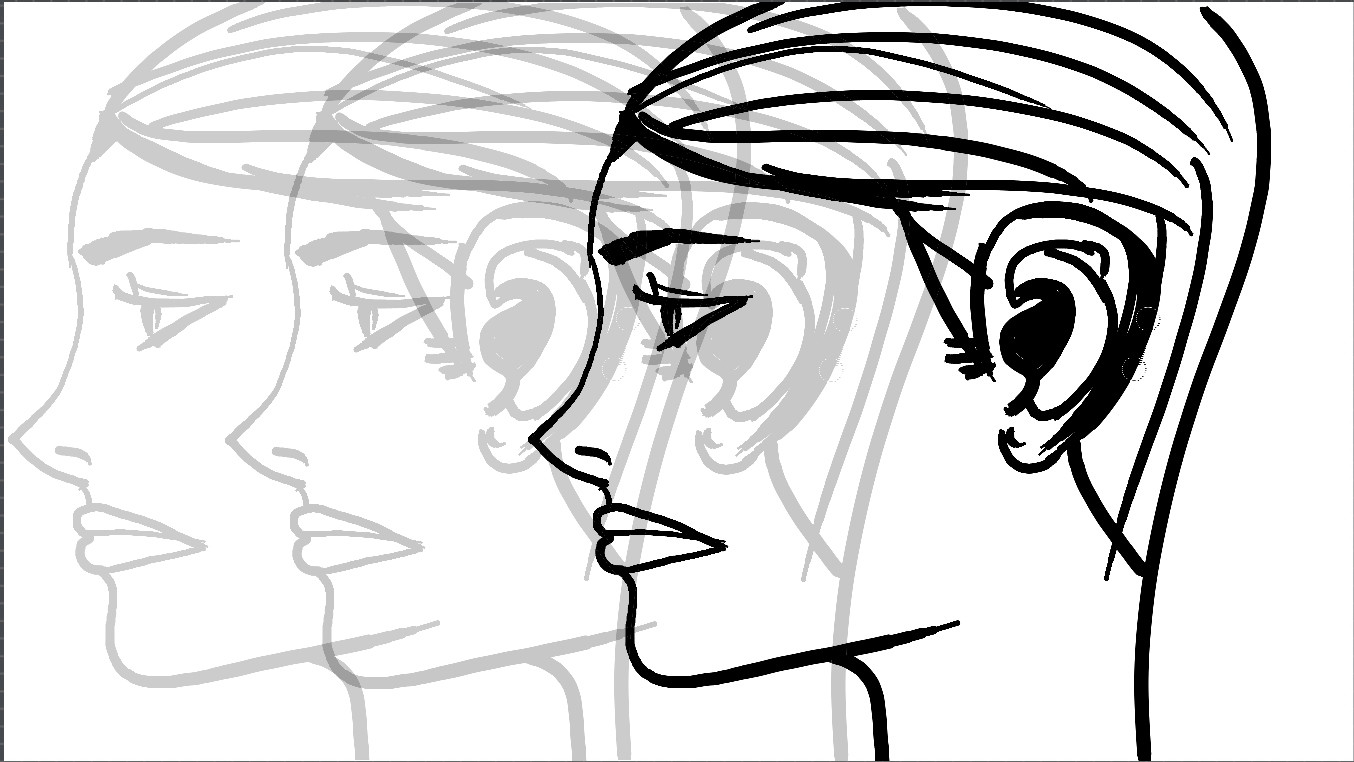
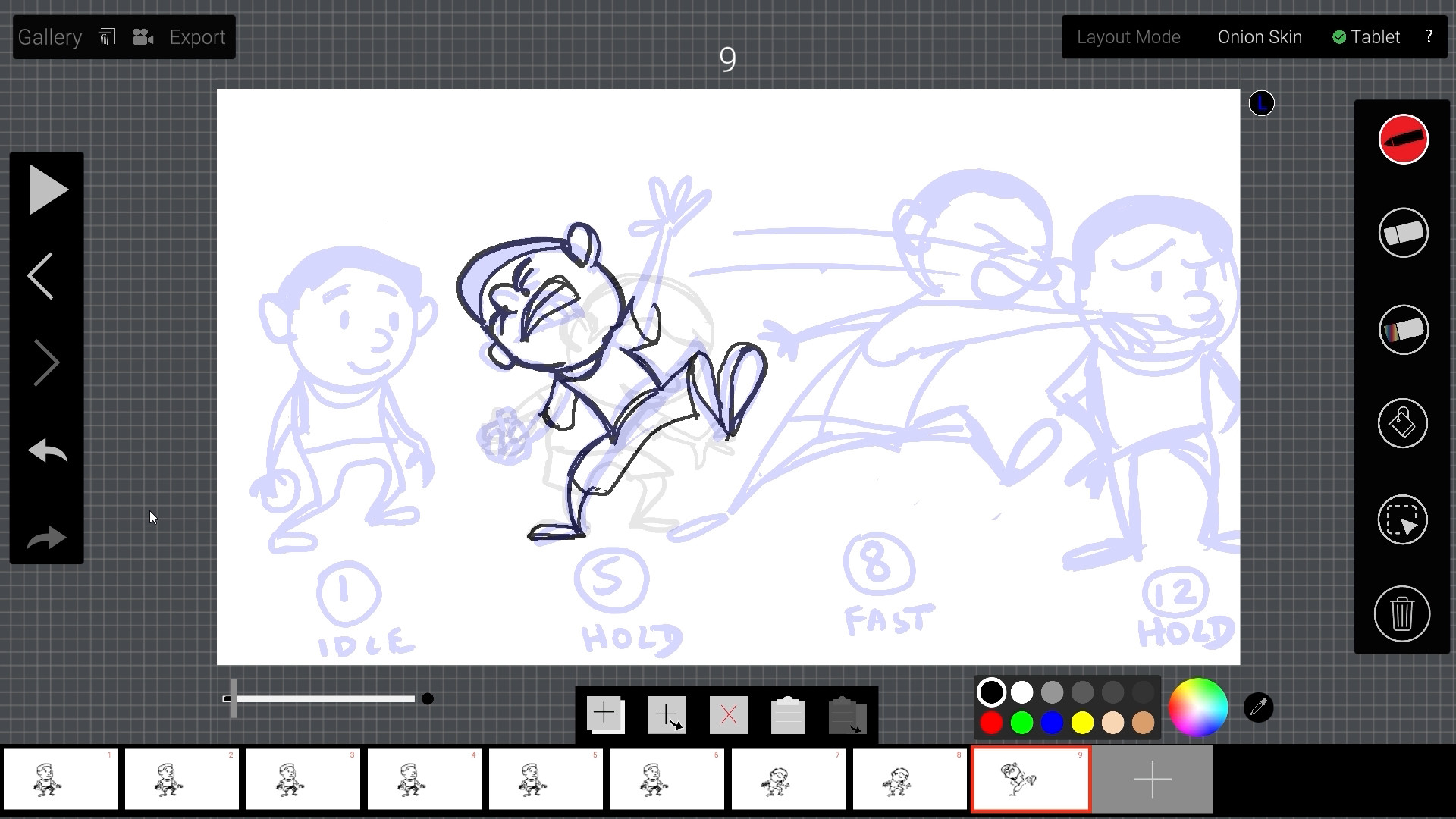
Onion Skinning
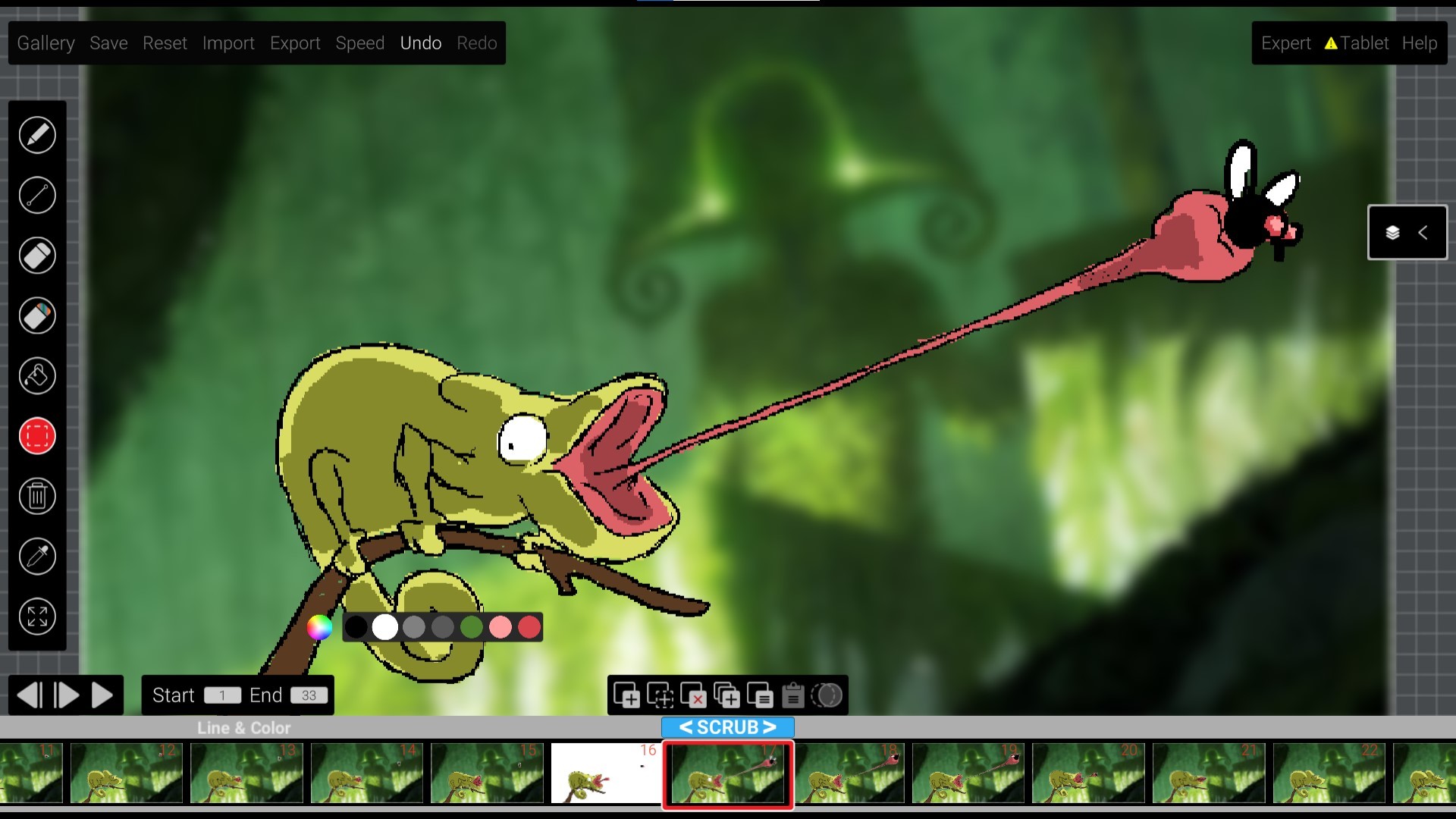
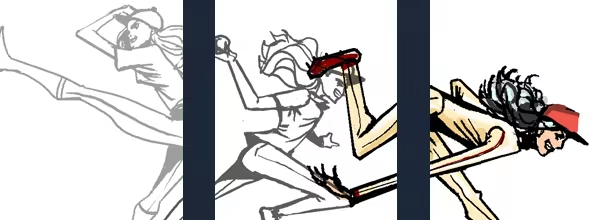
Onion skinning shows previous and next frames easily, allowing for smooth arcs and precise posing
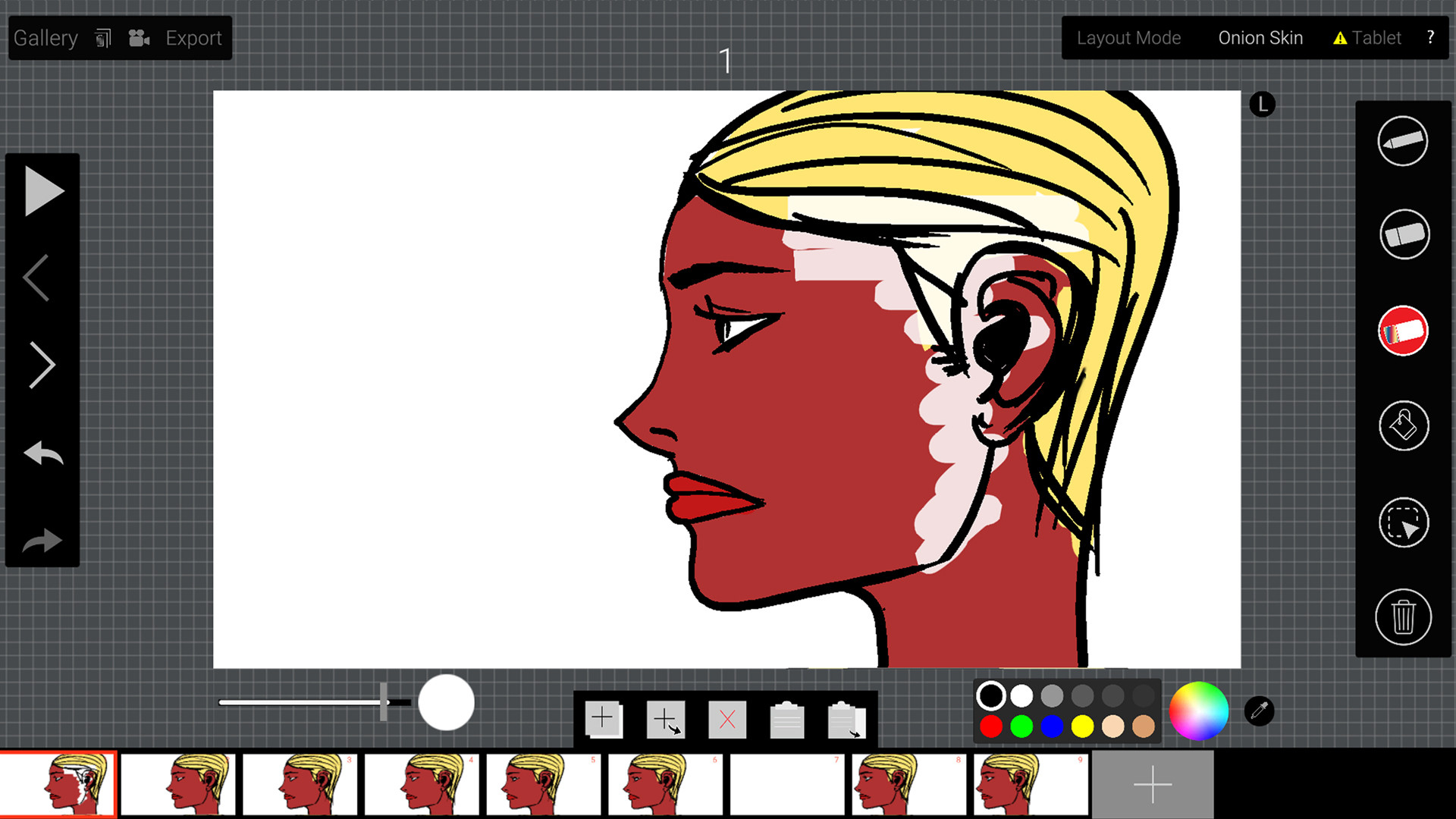
Intuitive Coloring
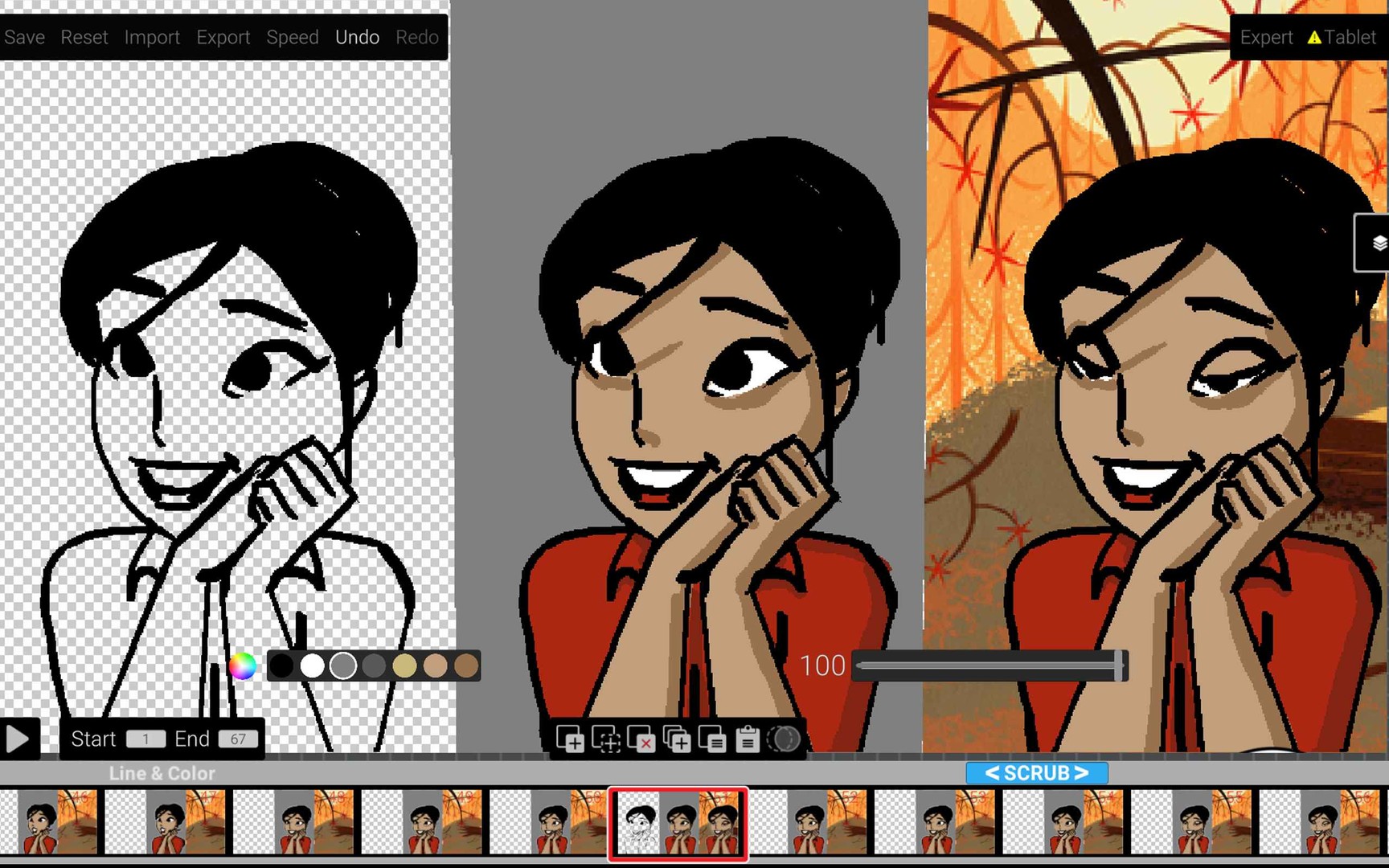
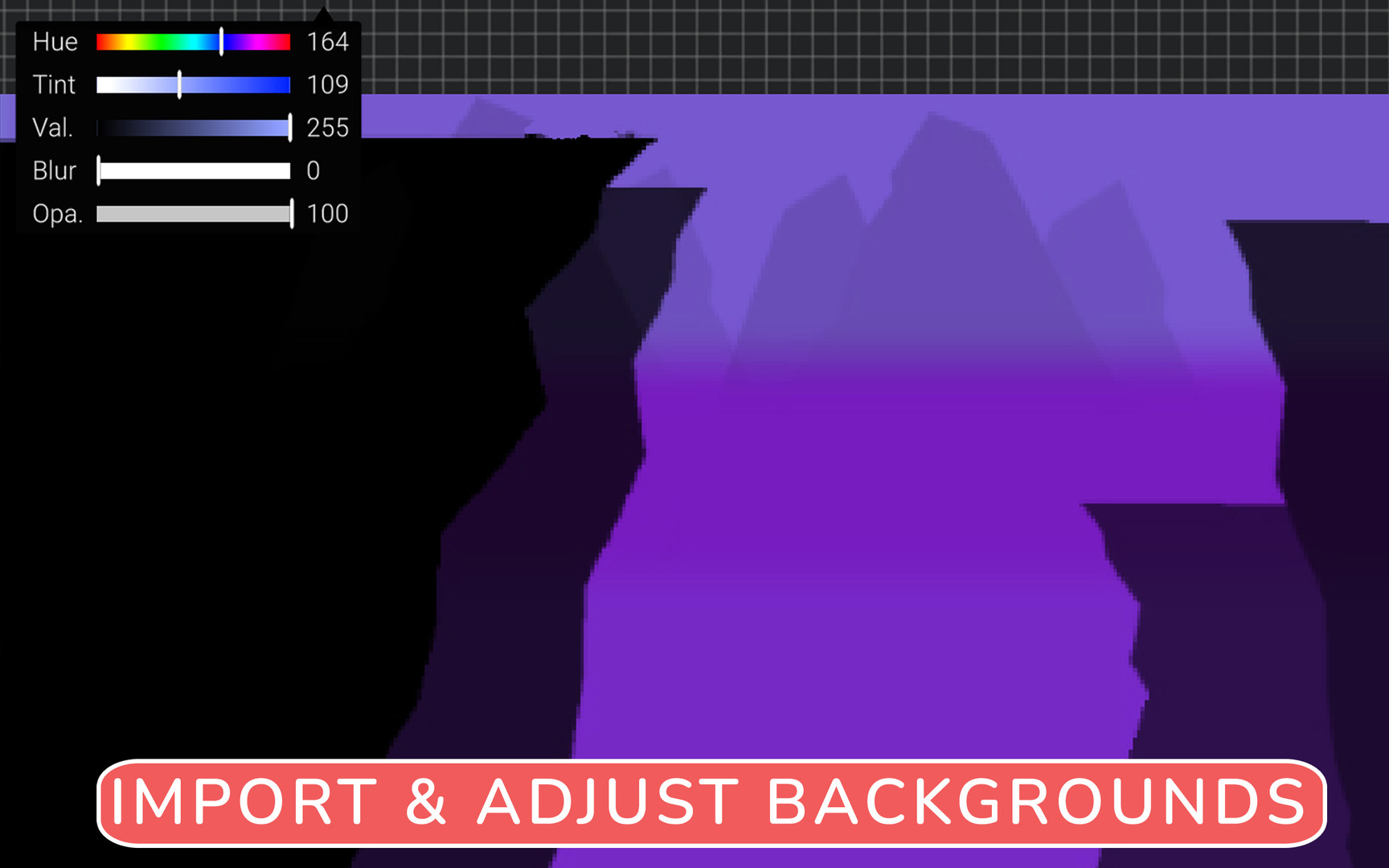
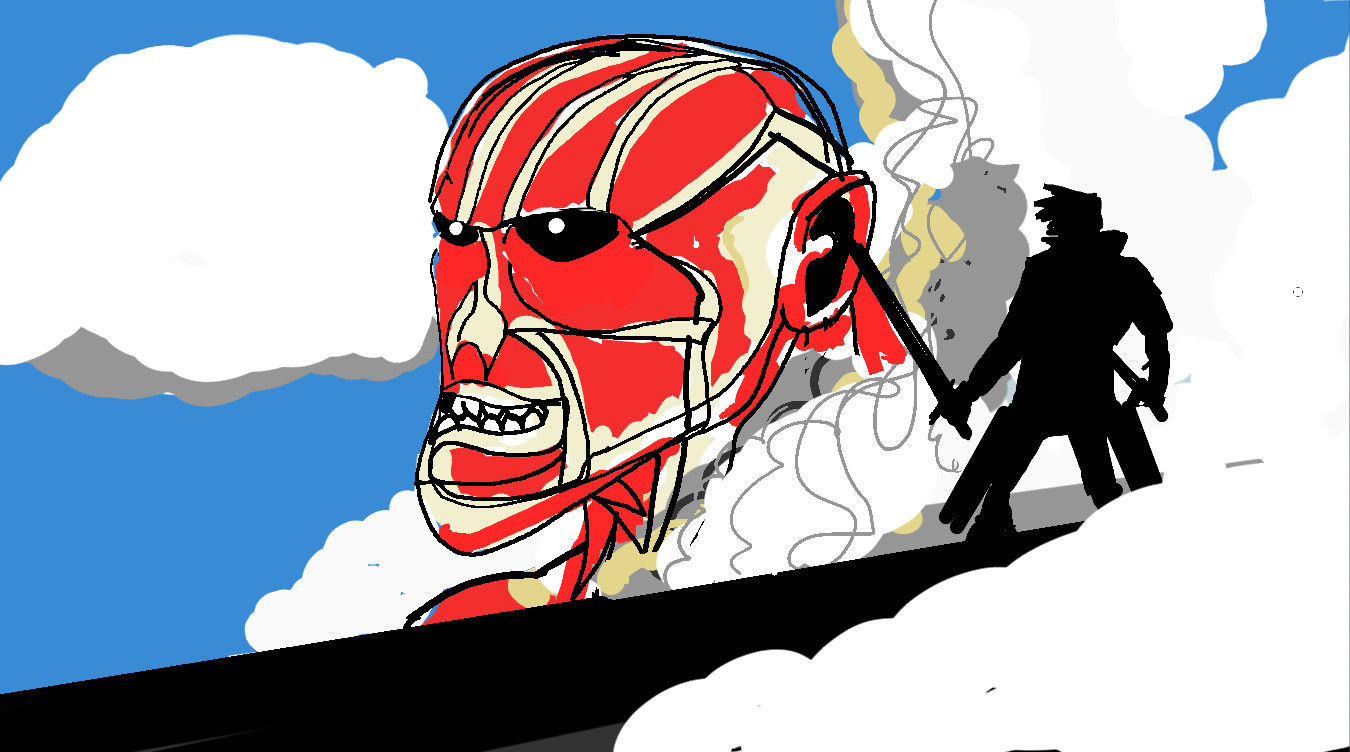
Test out walks,runs and other character based motions with fast color fill and easy workflow Color your line animations easily with colors automatically going below black lines. Adjust backgrounds with blur,opacity and color correction non-destructively.
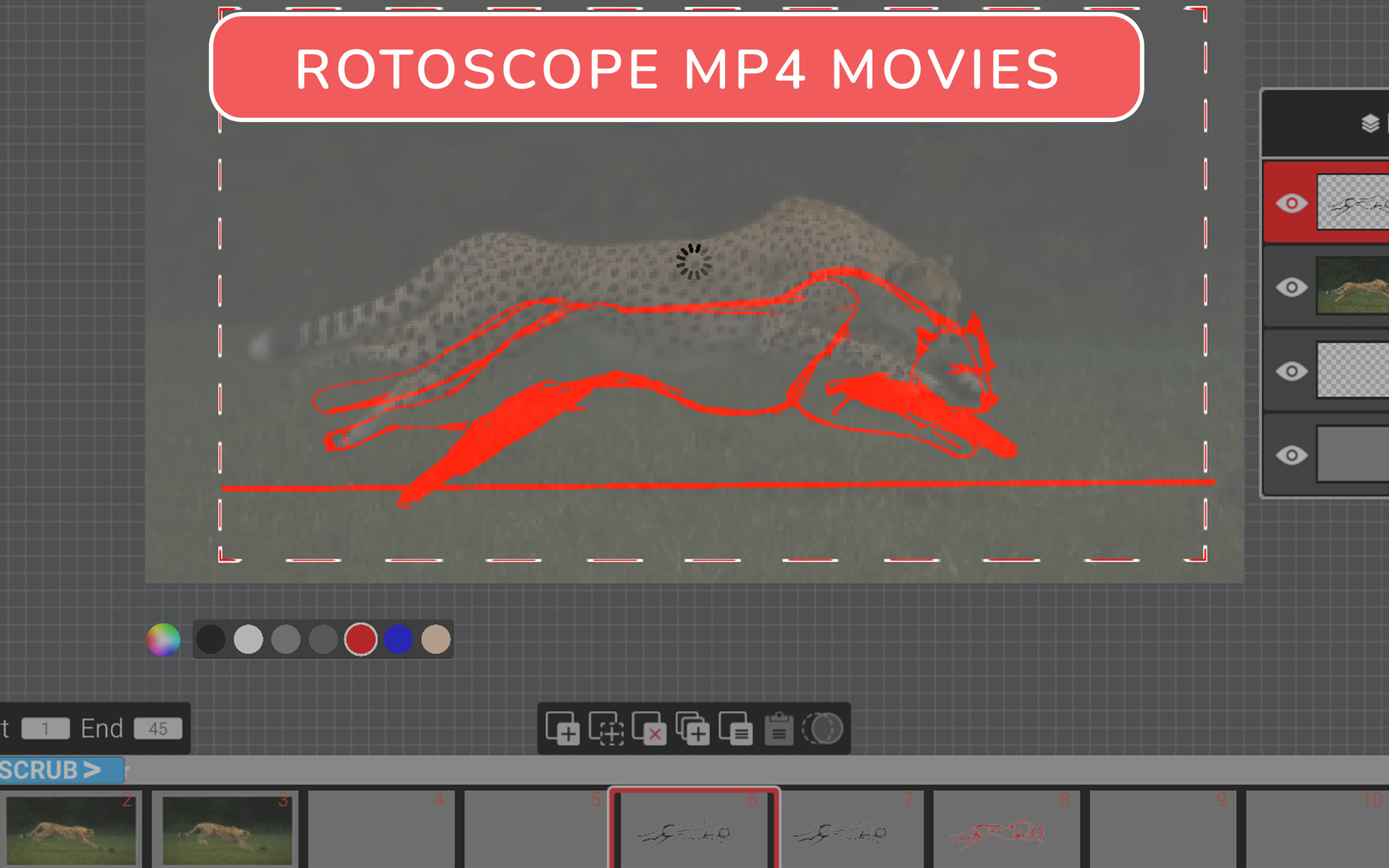
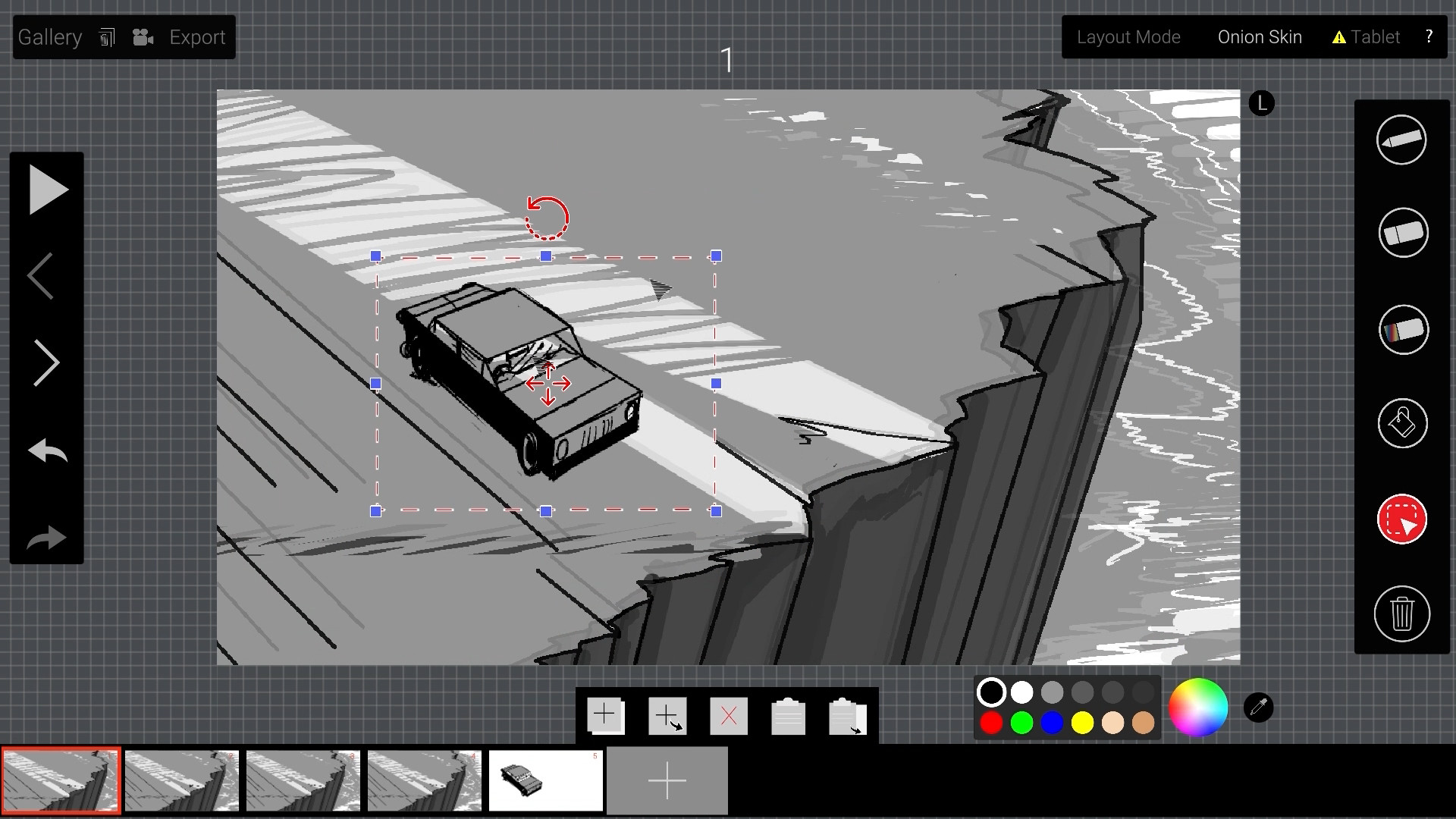
Simple Rotoscopy
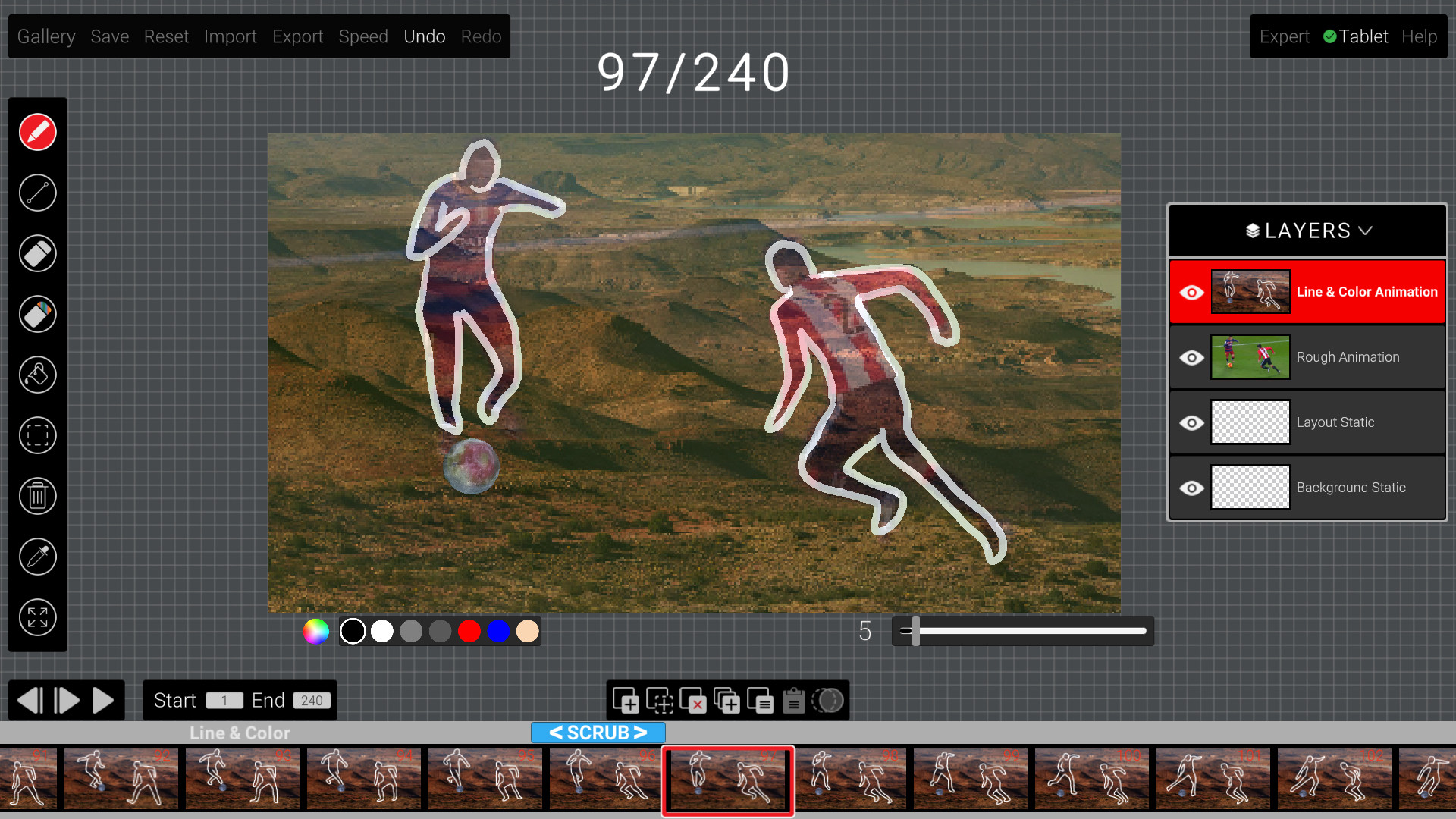
Import in MP4s and JPGs so that you can trace over and animate with speed. Tablet integration is seamless with easy workflow to check driver recognition and compatibility
Fast Editing
Fast frame operations with multiple frame editing for copy, move and delete operations Intuitive keyboard shortcuts make timing a breeze.
Main Features
*Color fill automatically under black lines *Layers mode for line/color,rough animation, layout and background *Import MP4s, JPGs and PNGs in any layer *Fast multi-frame operations for duplicate,move and delete *Layout and rough animation layers for scene planning *Simple, intuitive workflow for timing and file management *Onion skinning, auto-save and animated previews *Bundled demo scenes for learning *Export and import animation scene files locally *Export .MP4 and .GIF files for further editing *Get up and running in minutes *Bundled animations for studying and learning *Tested extensively with Wacom and Huion tablets *Tablet recognition workflow to help users setup tablets