#Action #Animation&Modeling #Cute
YoloMouse - Cursor Changer
Use YoloMouse to change those obscure game or app cursors. Replace, resize, add effects and style. Never lose your cursor in a heated battle again!
View game
$4.99
Very Positive · 5,226 reviews
92% positive (4,825 / 5,226)
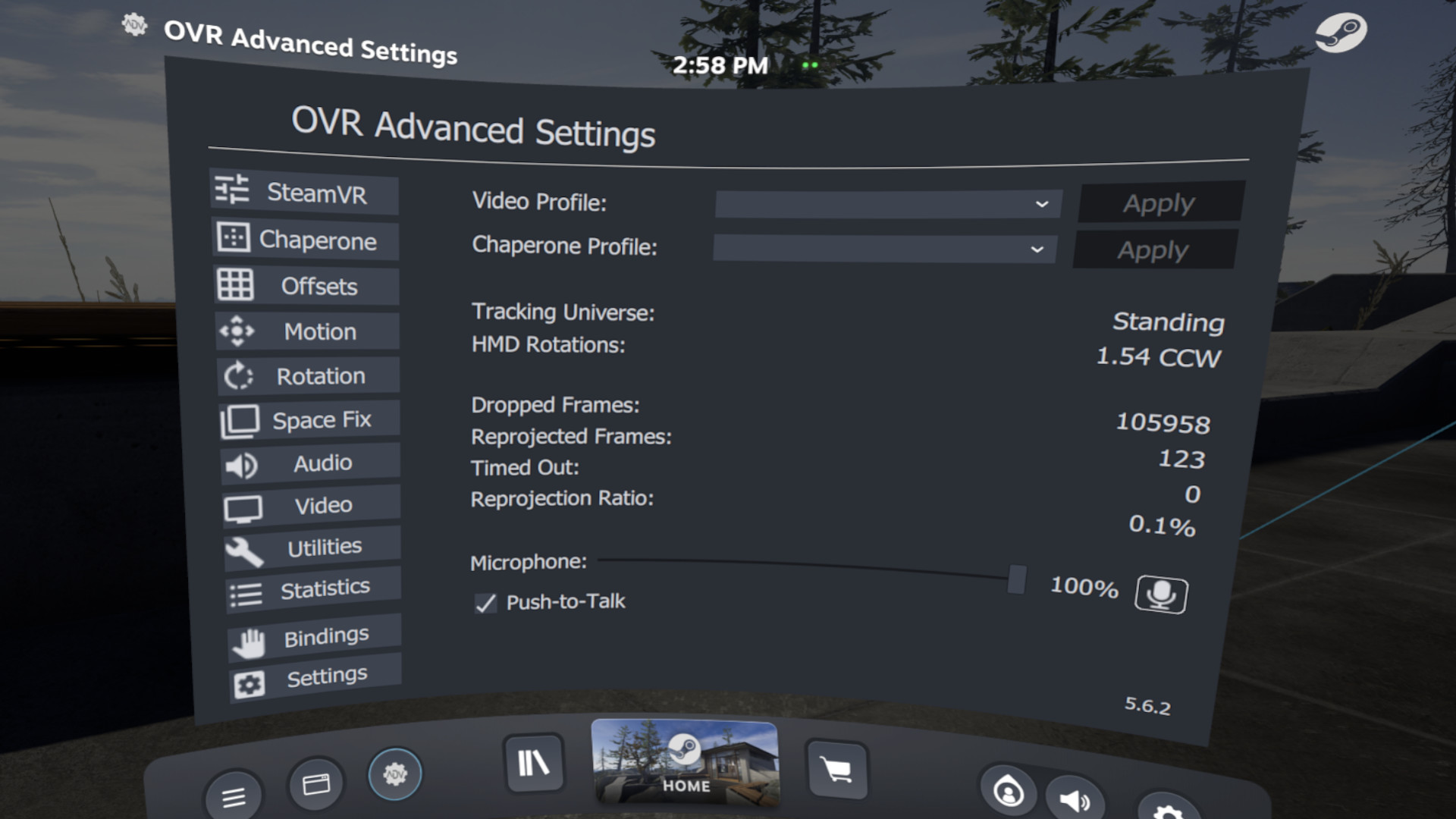
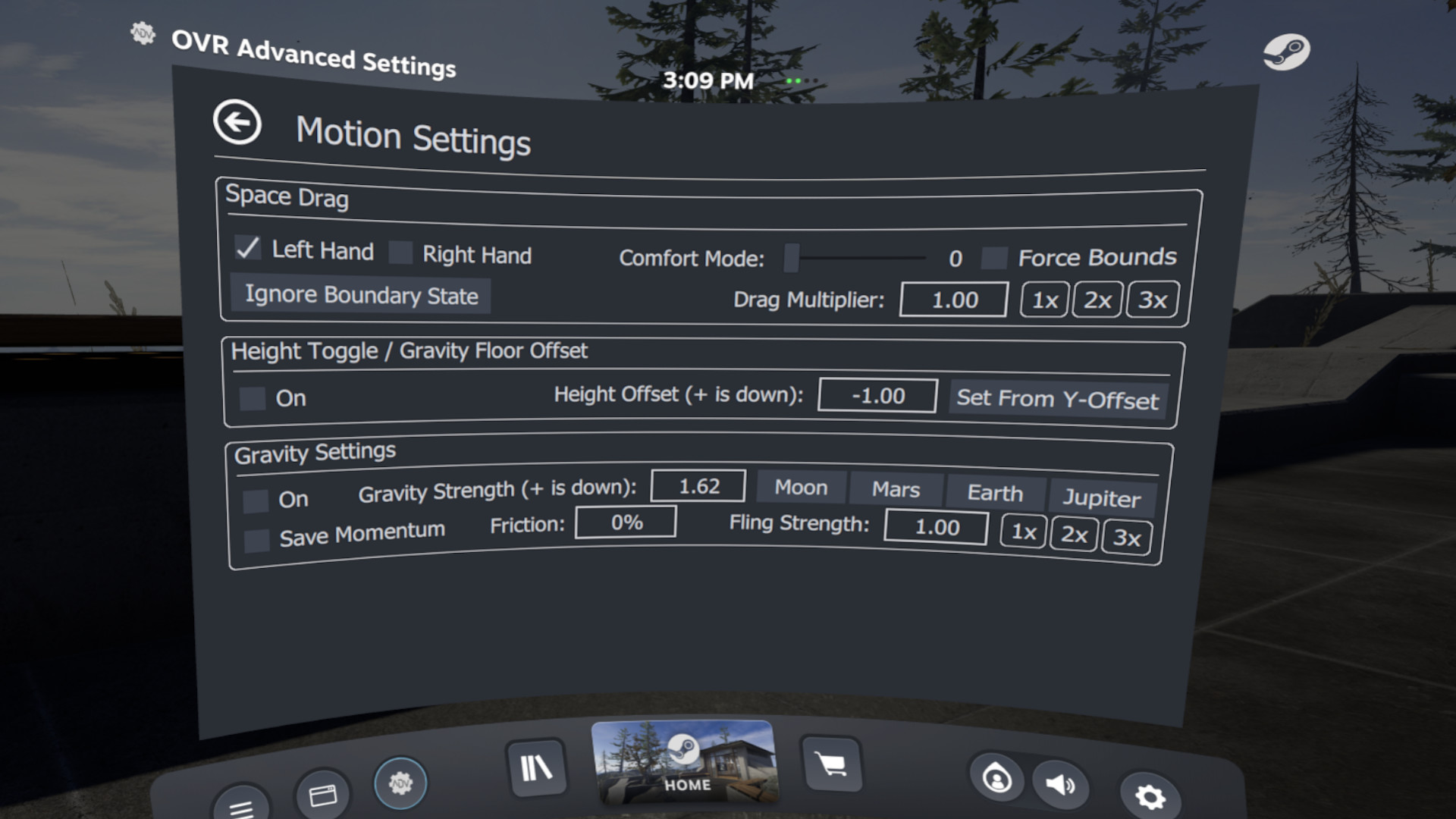
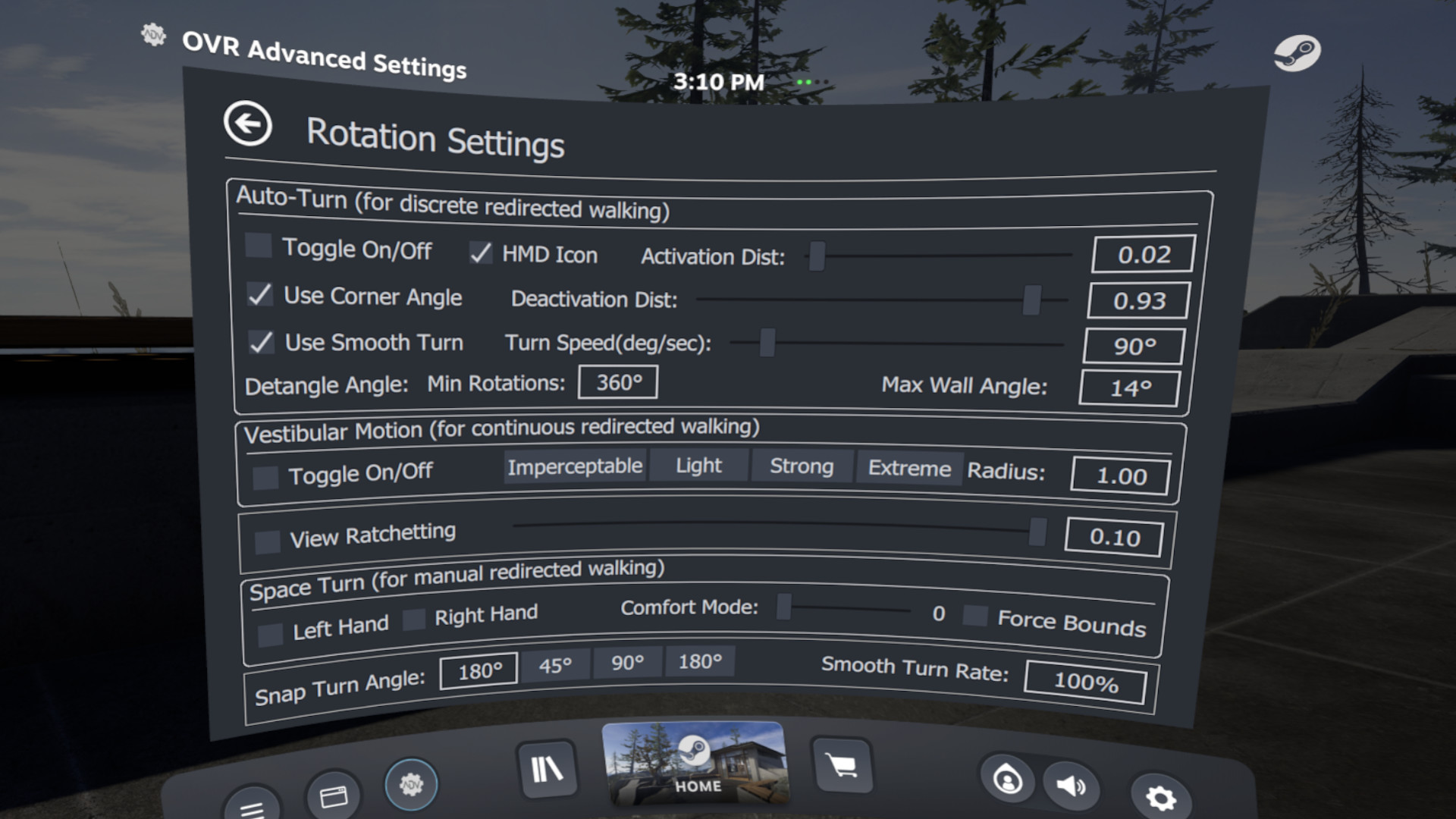
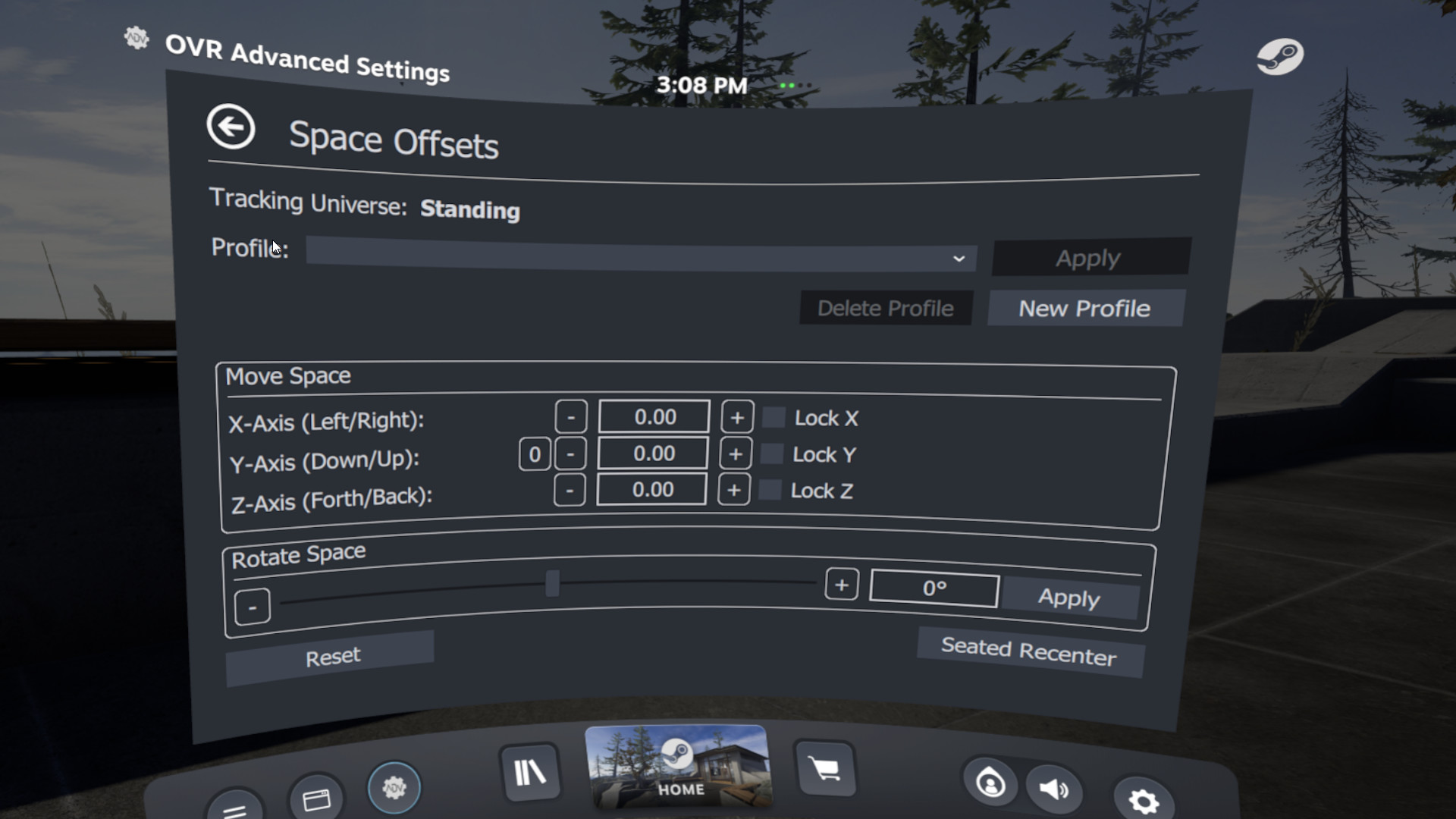
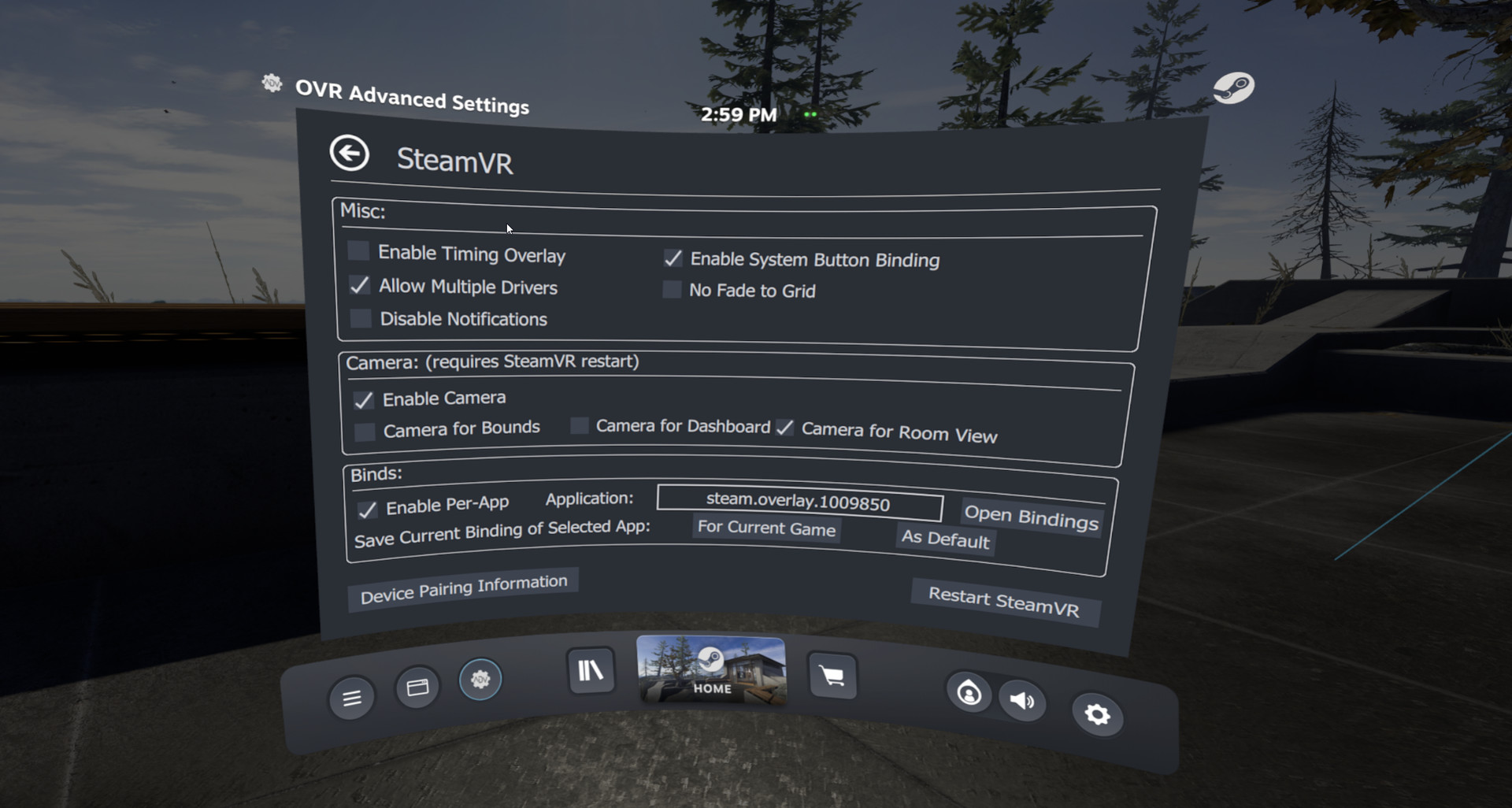
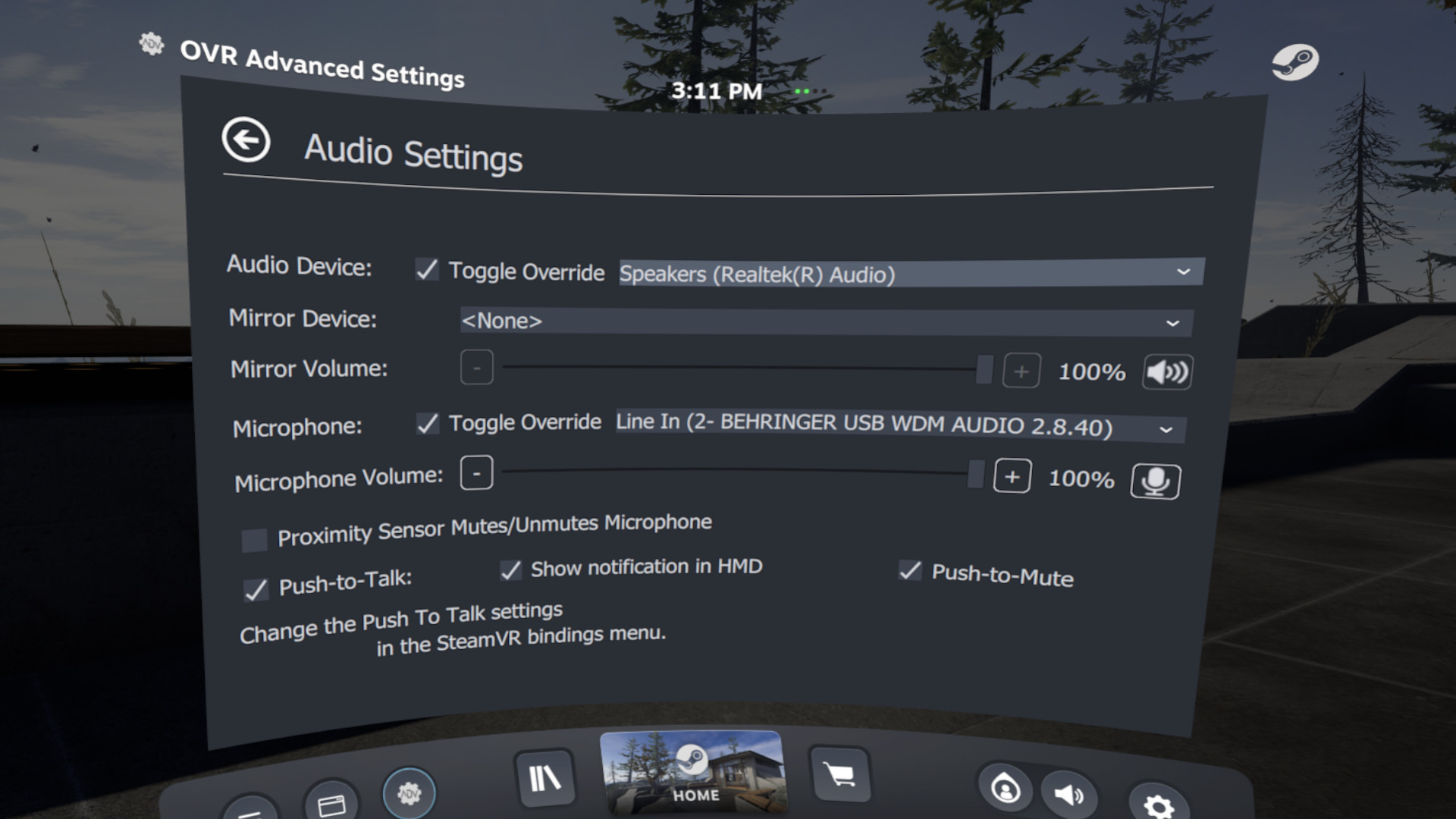
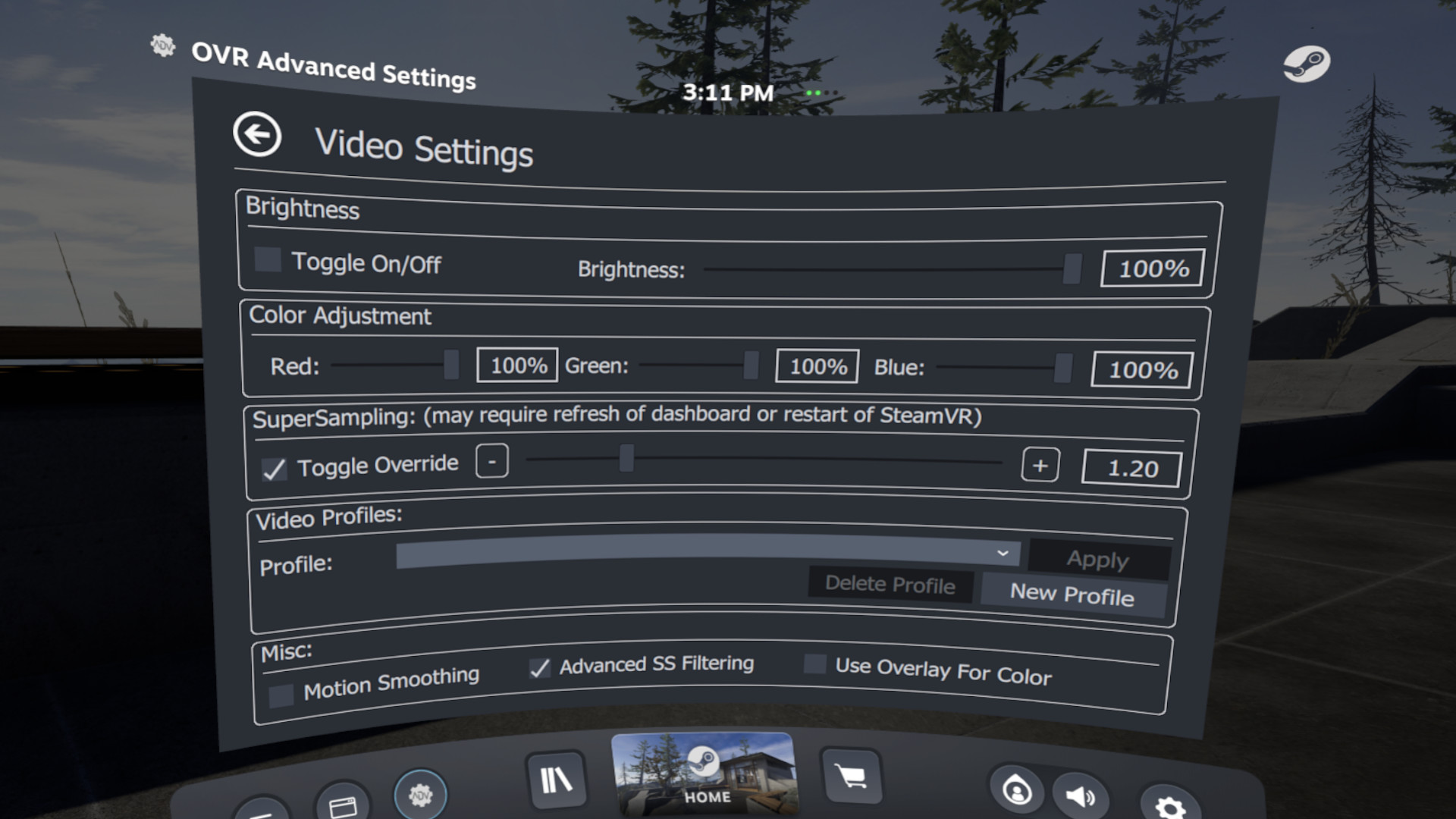
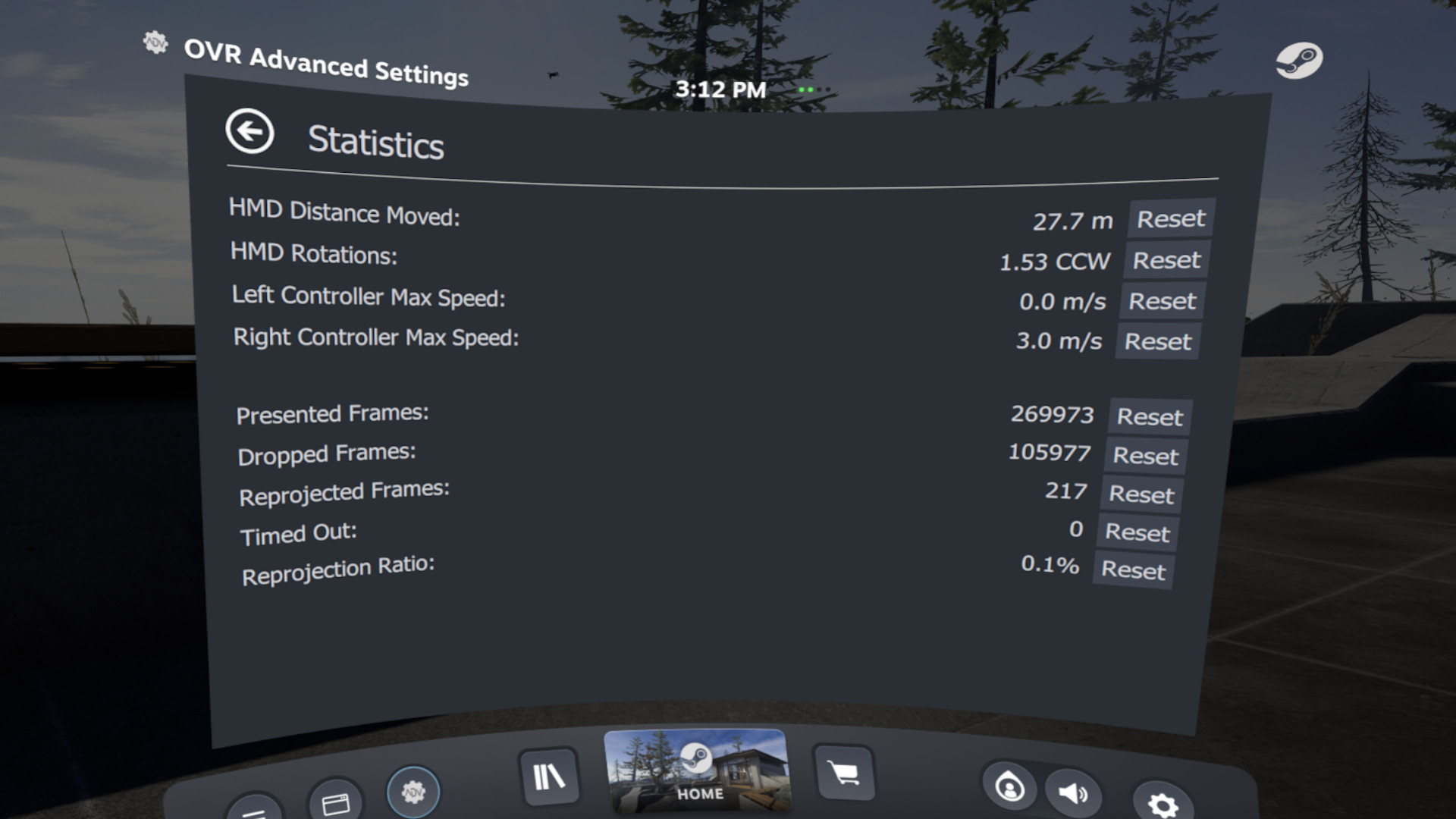
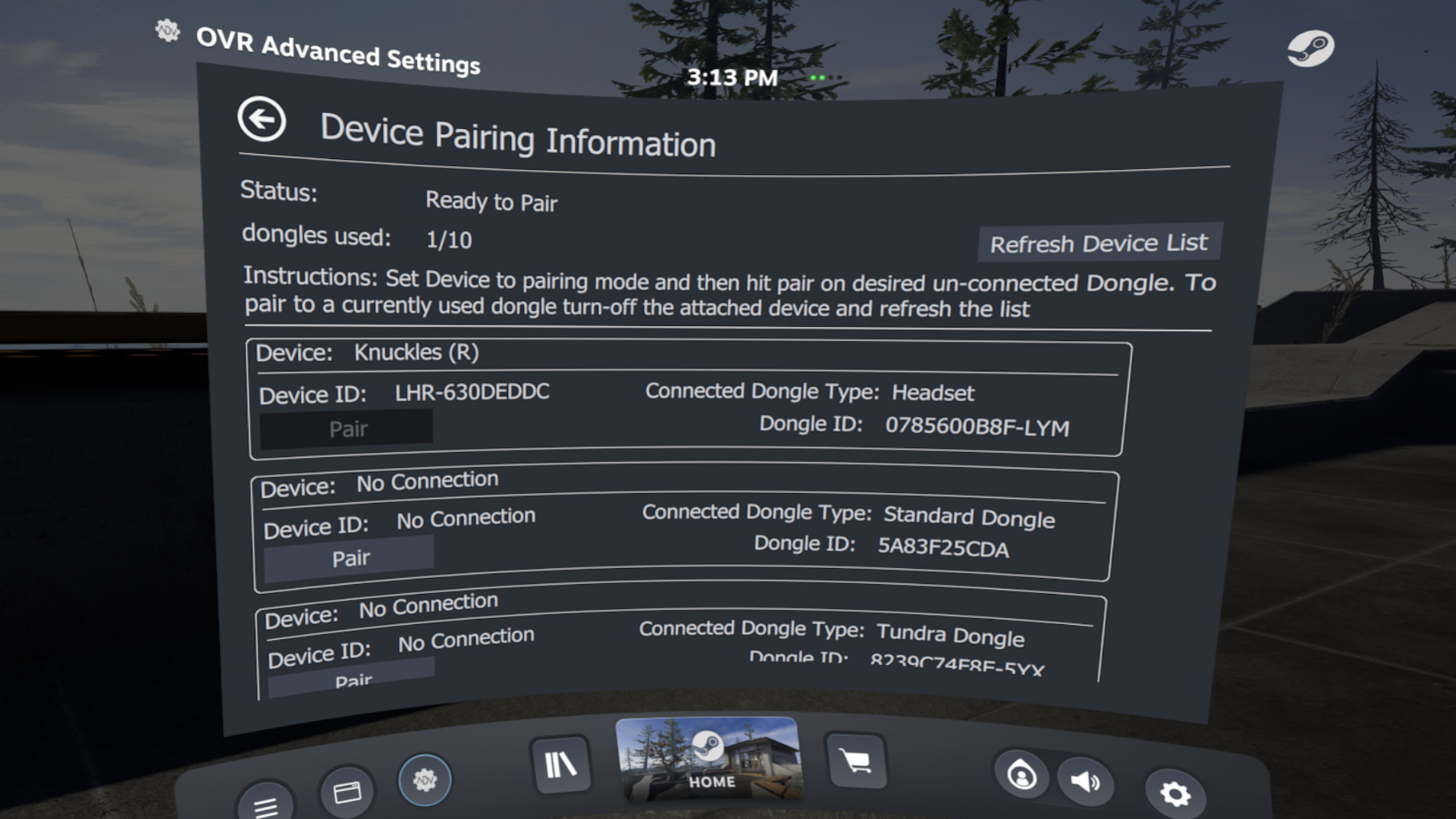
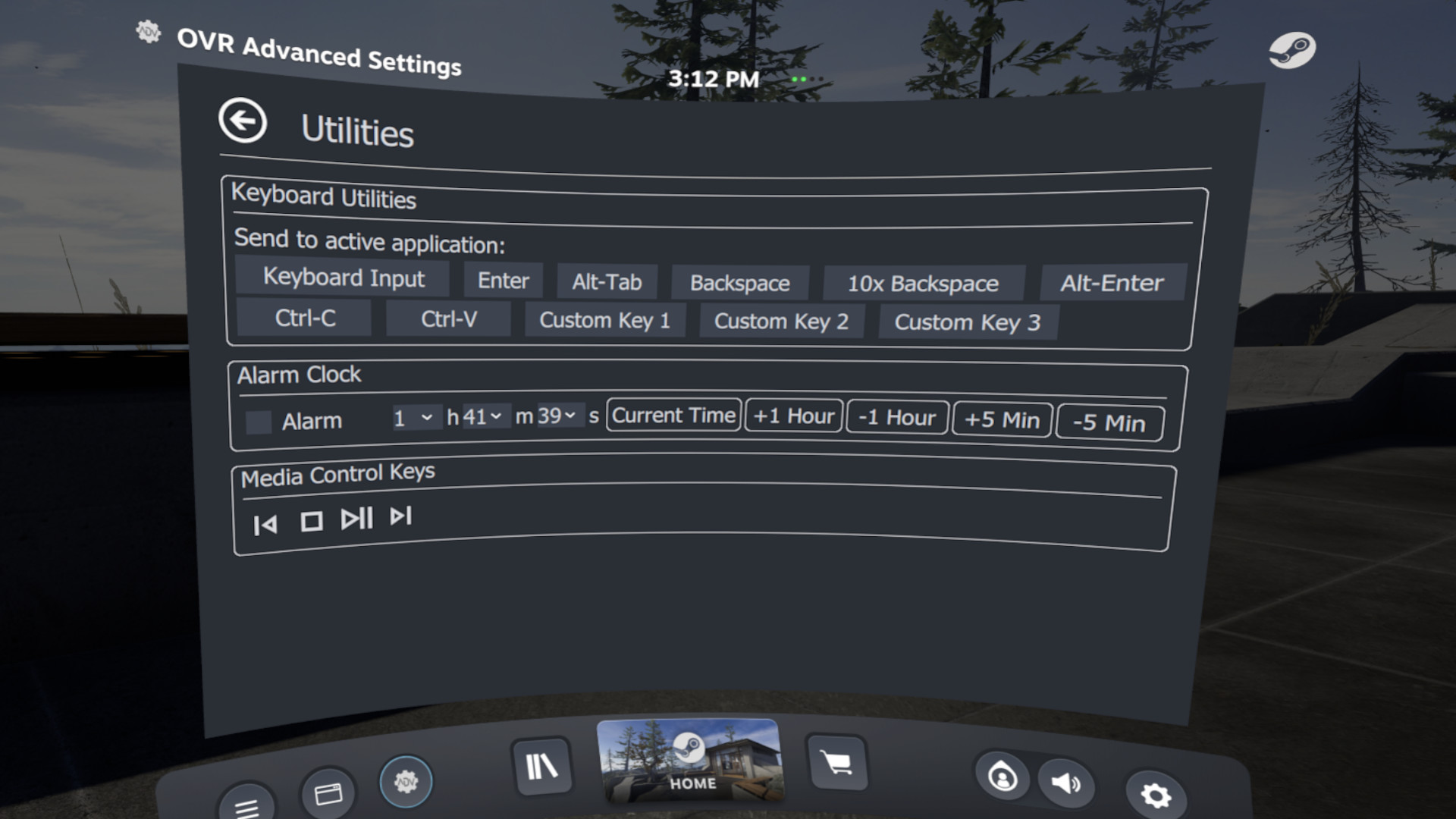
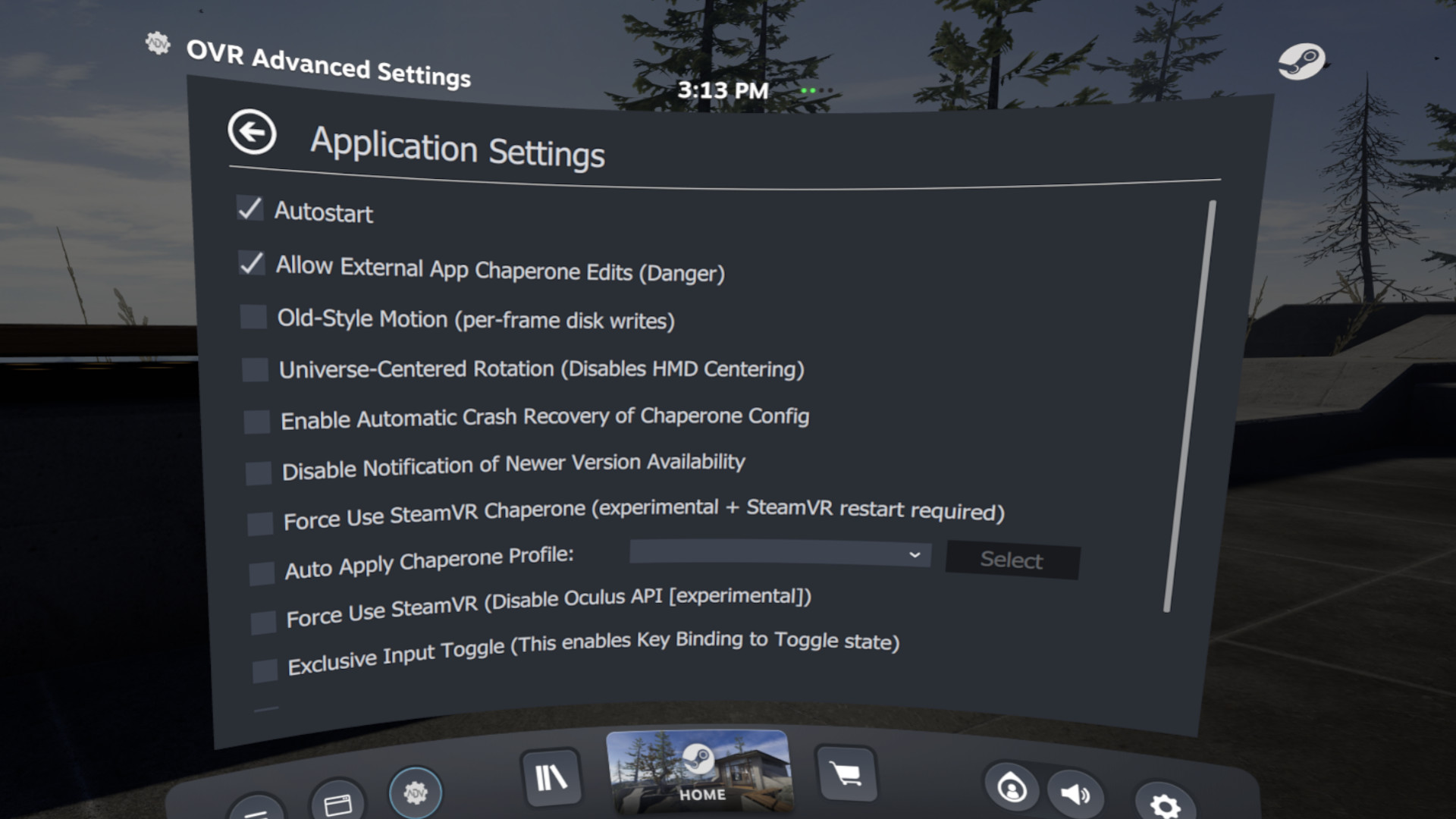
OVR Advanced Settings is a Dashboard Application for VR, that allows you to access many settings. OVRAS also has a myriad of utility features such as: simulated movement, adding smooth/snap turn to any game, video controls for the headset such as brightness, per-app bindings and much more.
Released
April 14, 2020
Price
Platforms
Linux · Windows
Developer
Publisher
Last sync
September 25, 2026
Space Drag: The ability to virtually move yourself in VR based upon your hand position
Space Turn: The ability to virtually turn yourself based on your controller orientation
Fix Floor: Ability to quickly set your floor height by placing your controller on the ground
Push-To-Talk/Push-To-Mute: ability to un-mute/mute your mic on a button press
Universal Snap/Smooth Turn: Add snap turning/smooth turning to ANY SteamVR game
Brightness Control: Ability to Simulate different levels of brightness inside your HMD
Lighthouse Device Pairing: Selectively pair your Lighthouse devices (index controllers, vive wands, vive trackers, tundra trackers, etc.) to your selected wireless Dongle
Per-App Control Bindings: Create SteamVR bindings for overlay applications to apply on a per-app basis
Player Height Toggle
Control audio devices, volumes and mirror devices
and much much more...
Due to the wide-array of headsets and features, not every Feature will work with every headset.
If you encounter an issue please reach out via our , or the steam community pages.
Intel ARC GPU users – Dashboard Rendering does not properly work, and you will need to use desktop mode.
Some multi-GPU/Laptop systems will have problems rendering in the Dashboard, and you may have to run the overlay in Desktop Mode.
Trailer Music:
"Astra" By NAND
OVR Advanced Settings is a desktop overlay application for SteamVR, giving you a wide array of settings, and utilities all while in VR.
![[Unsupported] GameMaker Studio 2 Desktop](https://shared.akamai.steamstatic.com/store_item_assets/steam/apps/585410/header.jpg?t=1759485128)