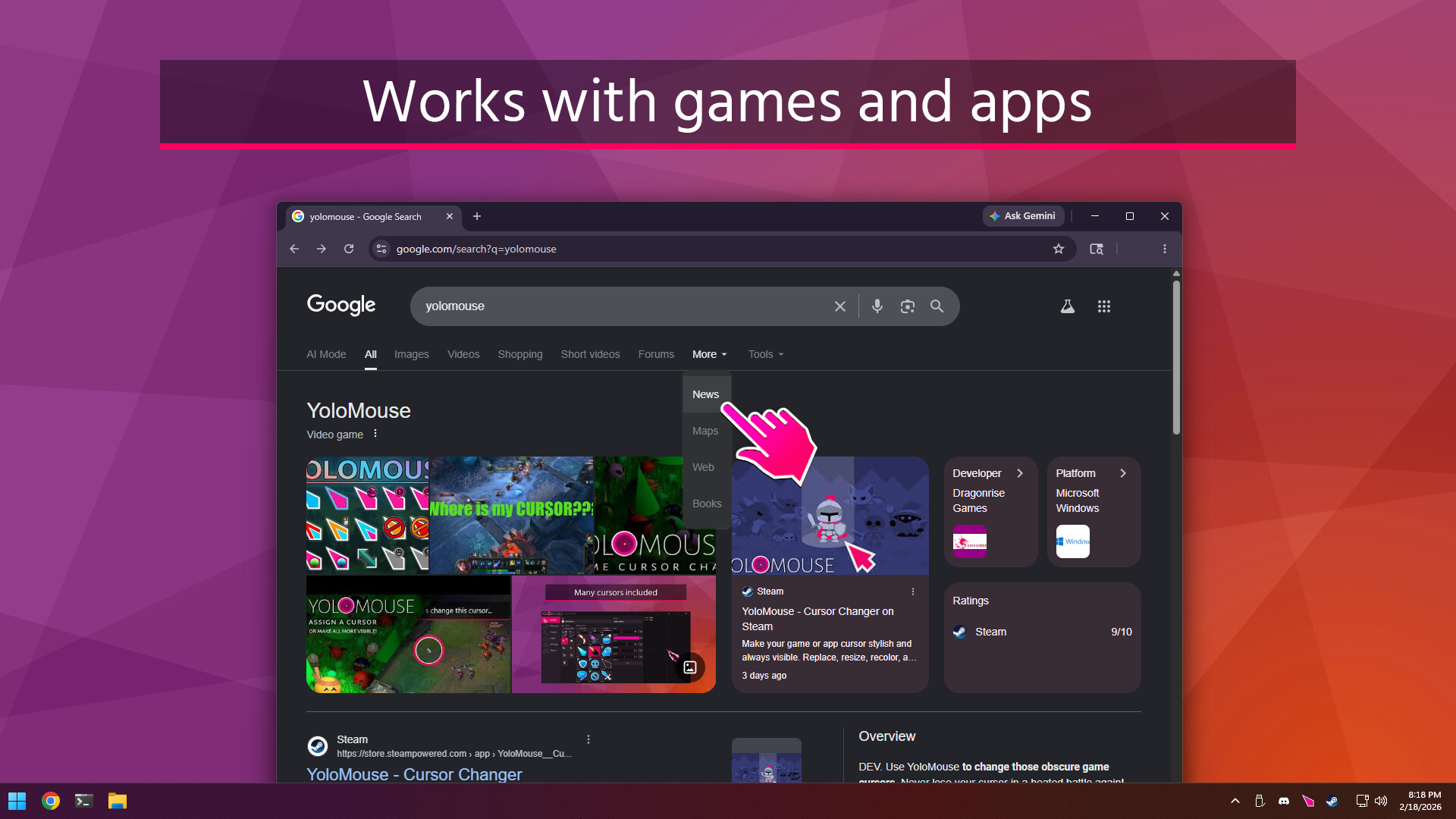
YoloMouse has the unique ability to change game cursors making it ideal for MOBA, MMO, RPG, and ARPG games. It's also great for general apps, productivity, presentations, streaming, or just showing off 😎
Change any cursor
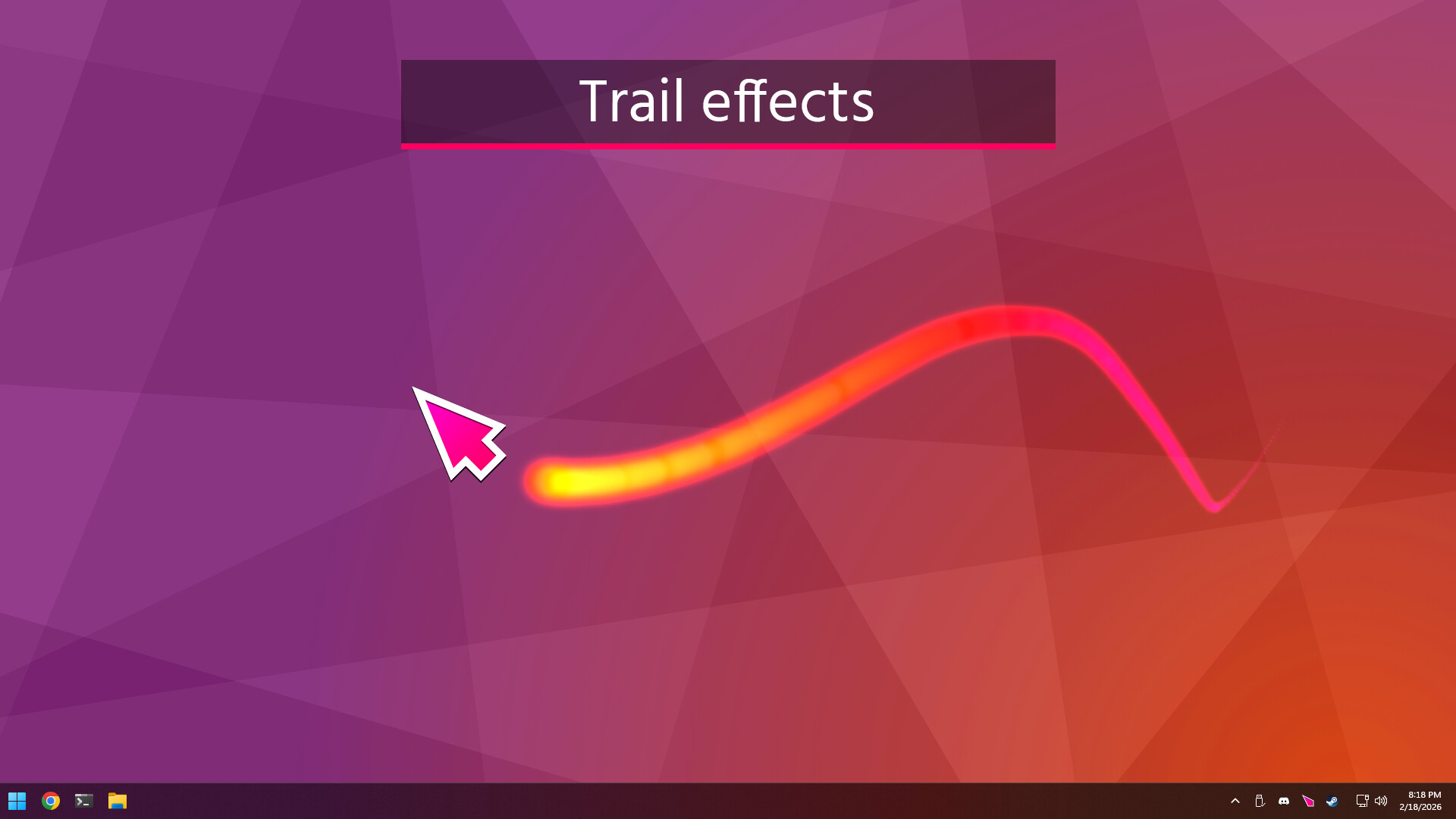
Add effects
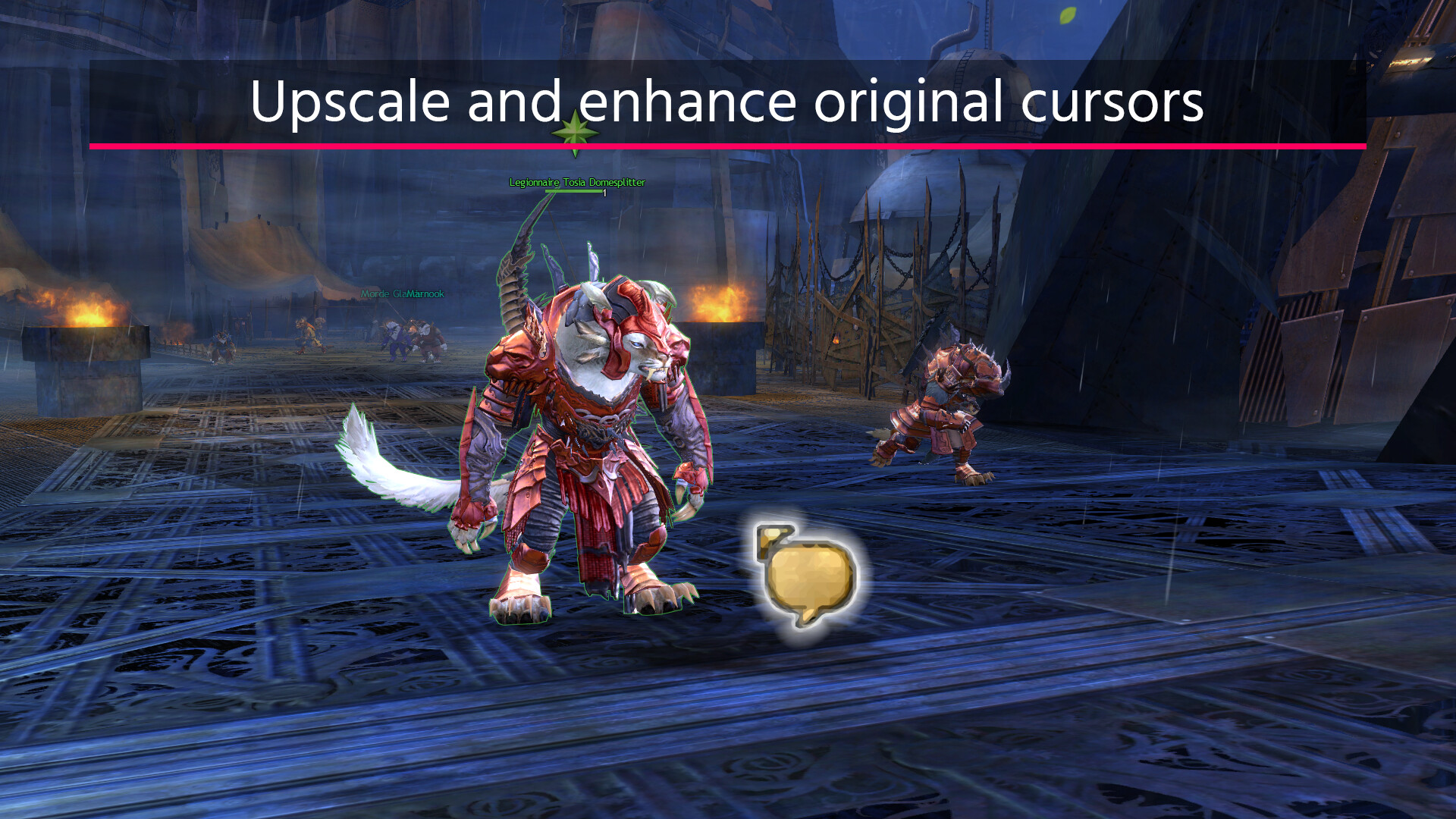
Enhance original cursors
Features
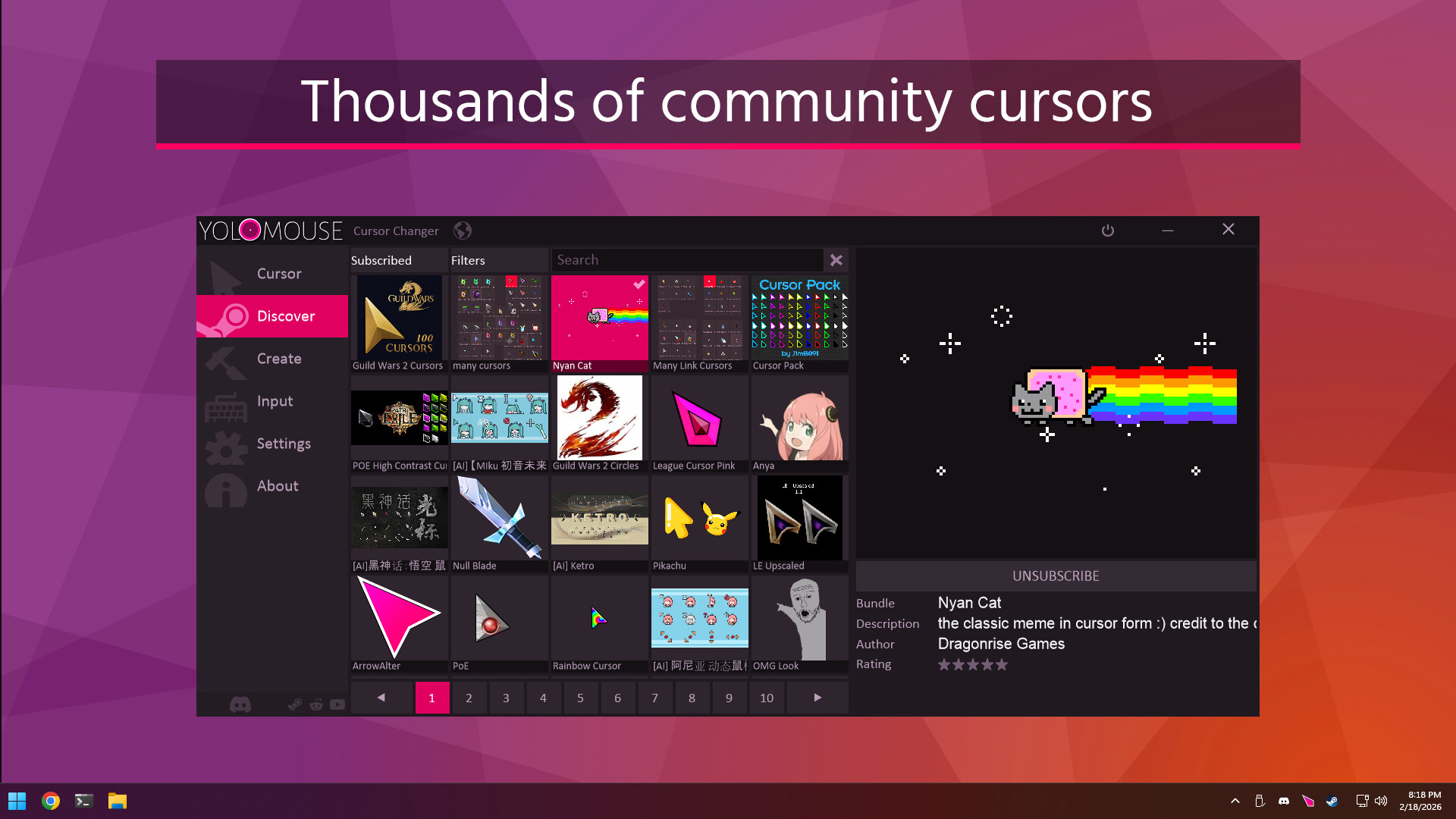
Cursors: Includes many cursors and thousands more from Steam Workshop.
Support: Works with games, apps, and Windows. Fullscreen and multimonitor support.
Size: Resize new and original cursors.
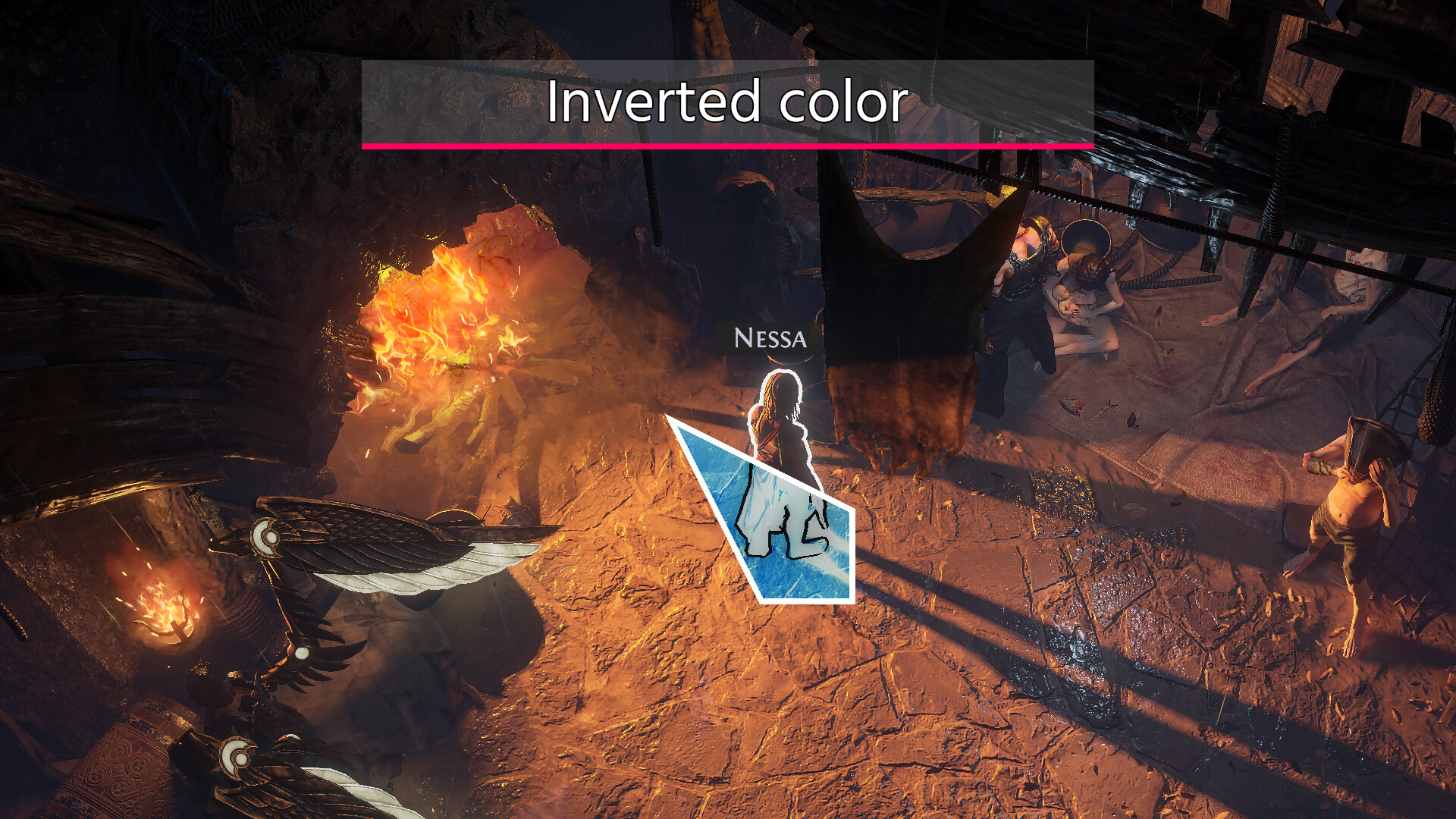
Effects: Trails, zoom, inverted colors, cross, halo, glow, and mirror.
Presets: Quickly apply pre-assigned cursor sets.
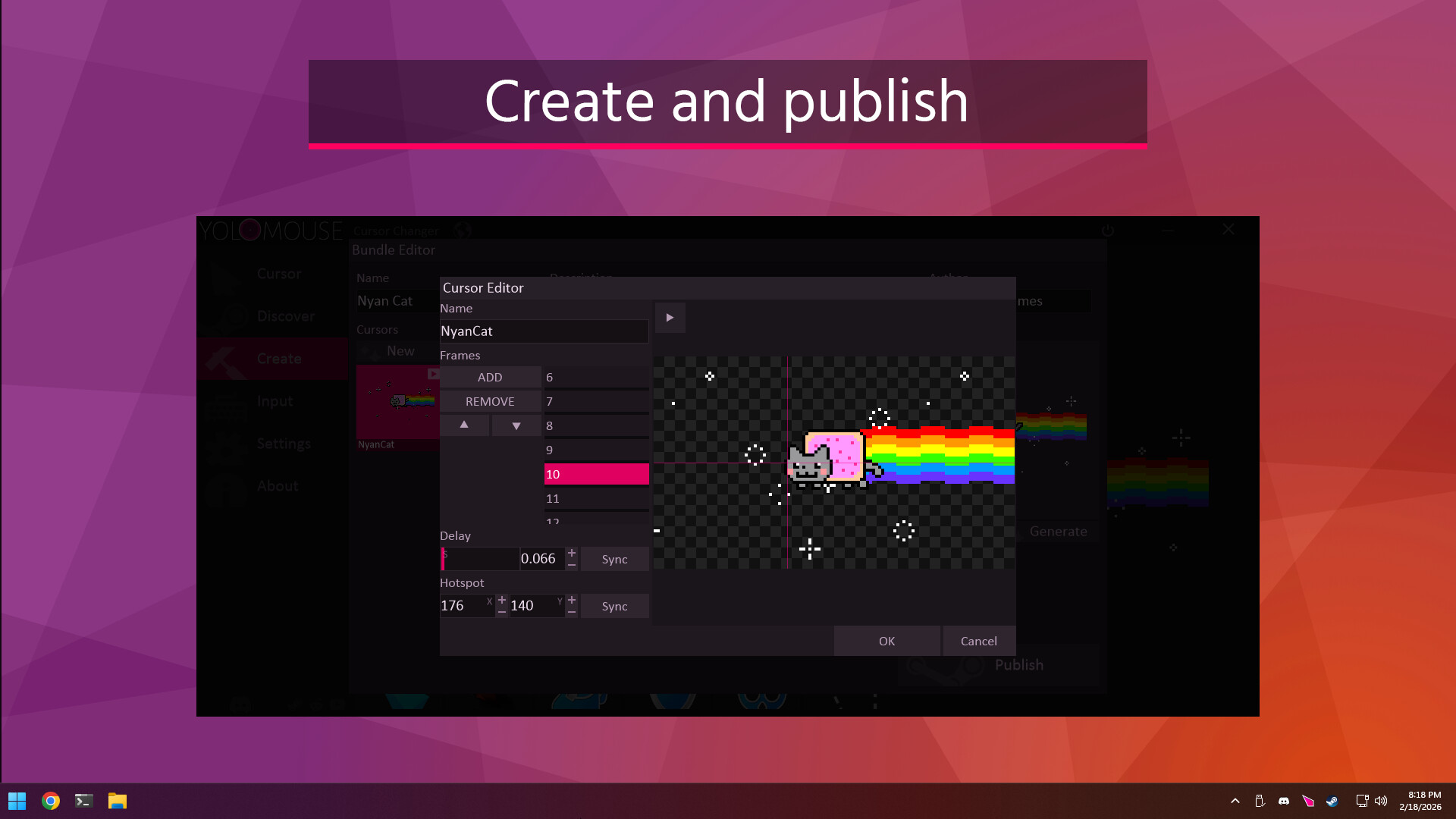
Create: Use the included editor to make basic and animated cursors, then publish to Steam!
Fast: No bloat. No impact on performance.
Safe: Anti-cheat safe and whitelisted by major vendors.
QoL: Lock Cursor to Window, Mouse Sensitivity Toggle
Linux: Limited support for games running in Proton.
Fun: Jiggle physics!
Getting Started
Hover a cursor you wish to change and hit CTRL ALT C to open the cursor selection menu. Then choose a new cursor, change size, and add effects. PRO TIP: To change all cursors quickly, choose the special ALL cursor first.
Anti-cheat Safety
YoloMouse works like other accessibility tools. It does not modify games or provide gameplay advantages. It is whitelisted by major anti-cheat vendors, code signed for security, and routinely tested against major titles. An automatic passive mode is included to maintain operation even if blocked. Always verify such an app complies with your game's ToS before use.