Communities
Communities
Steam Community:
VK Group:
Deviantart Group:
Video Tutorial
How to use progressbar/circle/pie to display CPU usage:
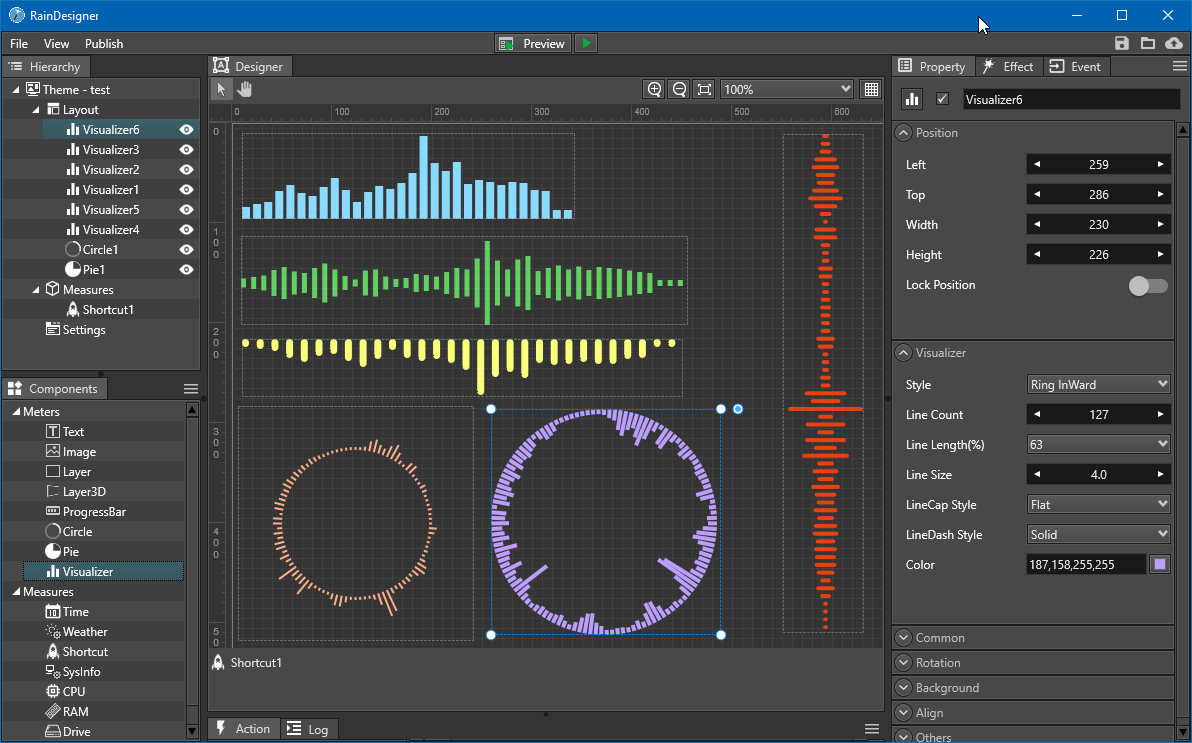
How to add music visualizer into wallpaper :
Preview Video2:
How to Create Live Theme for Wallpaper:
How to create video wallpaper :
Preview Video1:
Video Tutorial 2: How to download live wallpaper
Video Tutorial 3: How to login in Deviantart account in gallery
Video Tutorial 4: How to create live wallpaper and share to Deviantart
About the Software
If you have any problems, please post a thread in the community or send an email to support@rainysoft.cc
Just complaining in the review and then giving the bad review can not solve any problems, thanks for you help.
Make Your Wallpaper Yours!
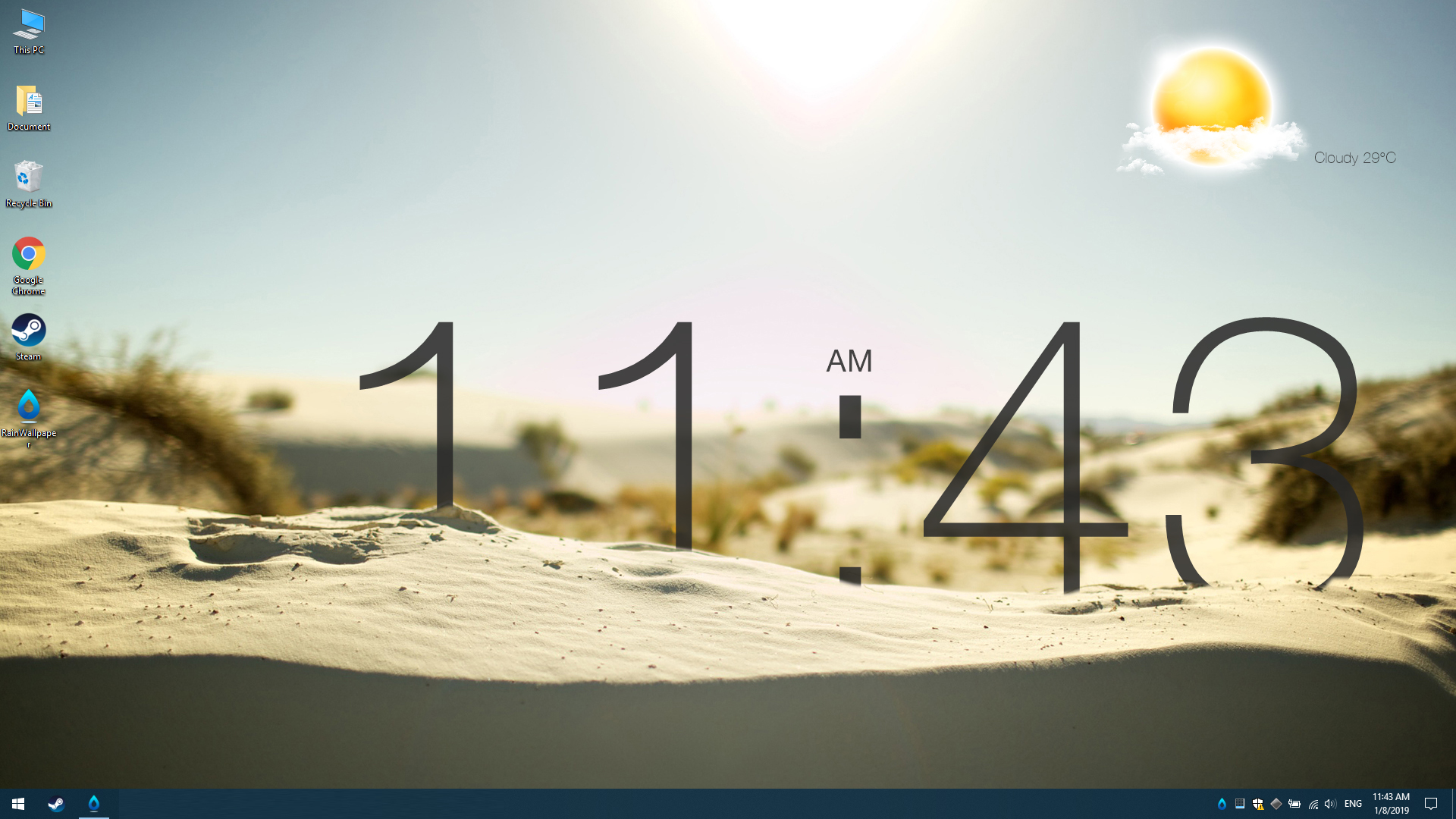
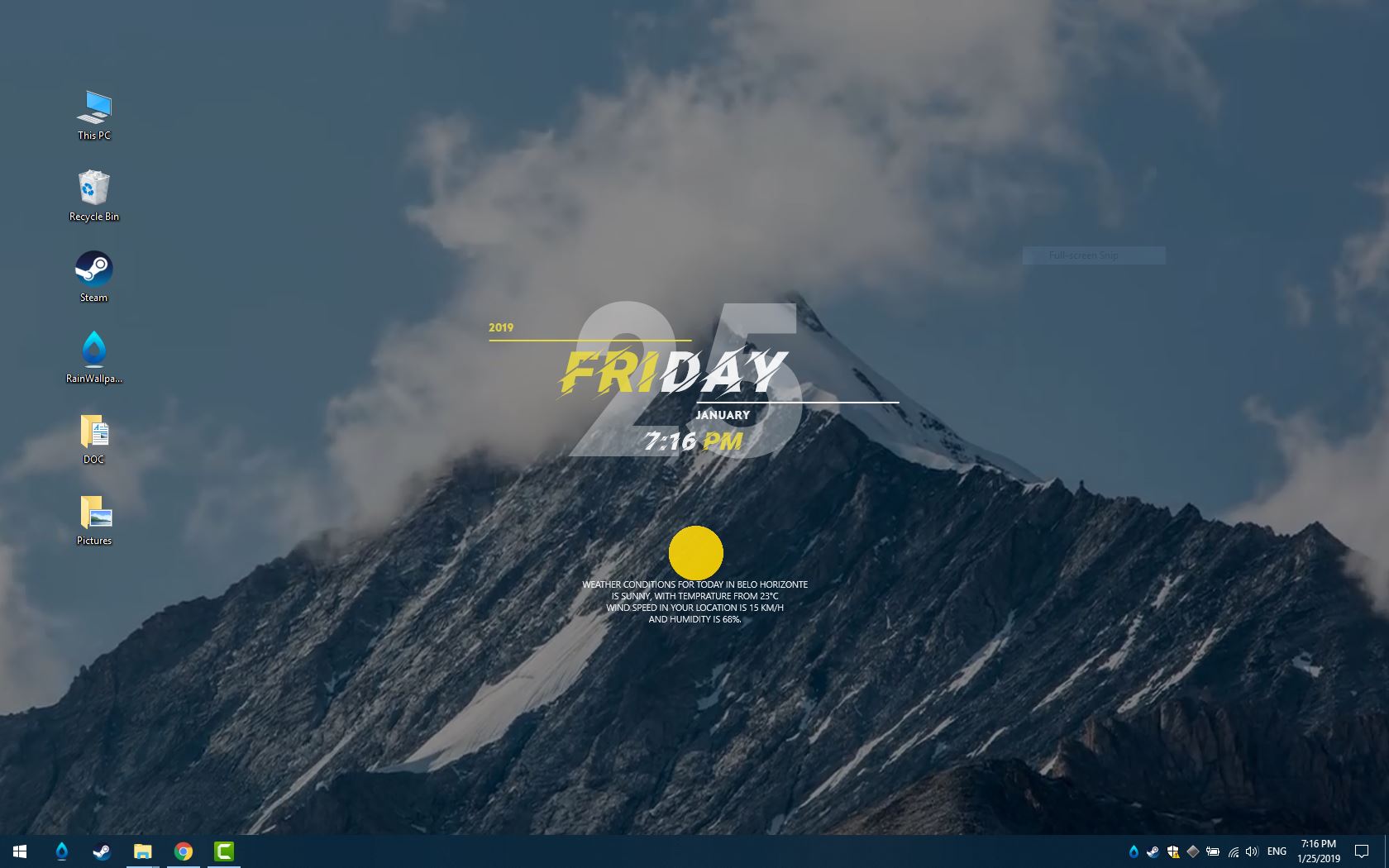
RainWallpaper is a powerful customizable live wallpaper engine that allows you to easily create wallpapers containing videos, web pages, clocks, weather, text, images, etc. via the built-in WYSIWYG visual designer with minimal CPU and RAM usage. You are only limited by your imagination and creativity.
FEATURES
- Support Translucent Taskbar(win10)
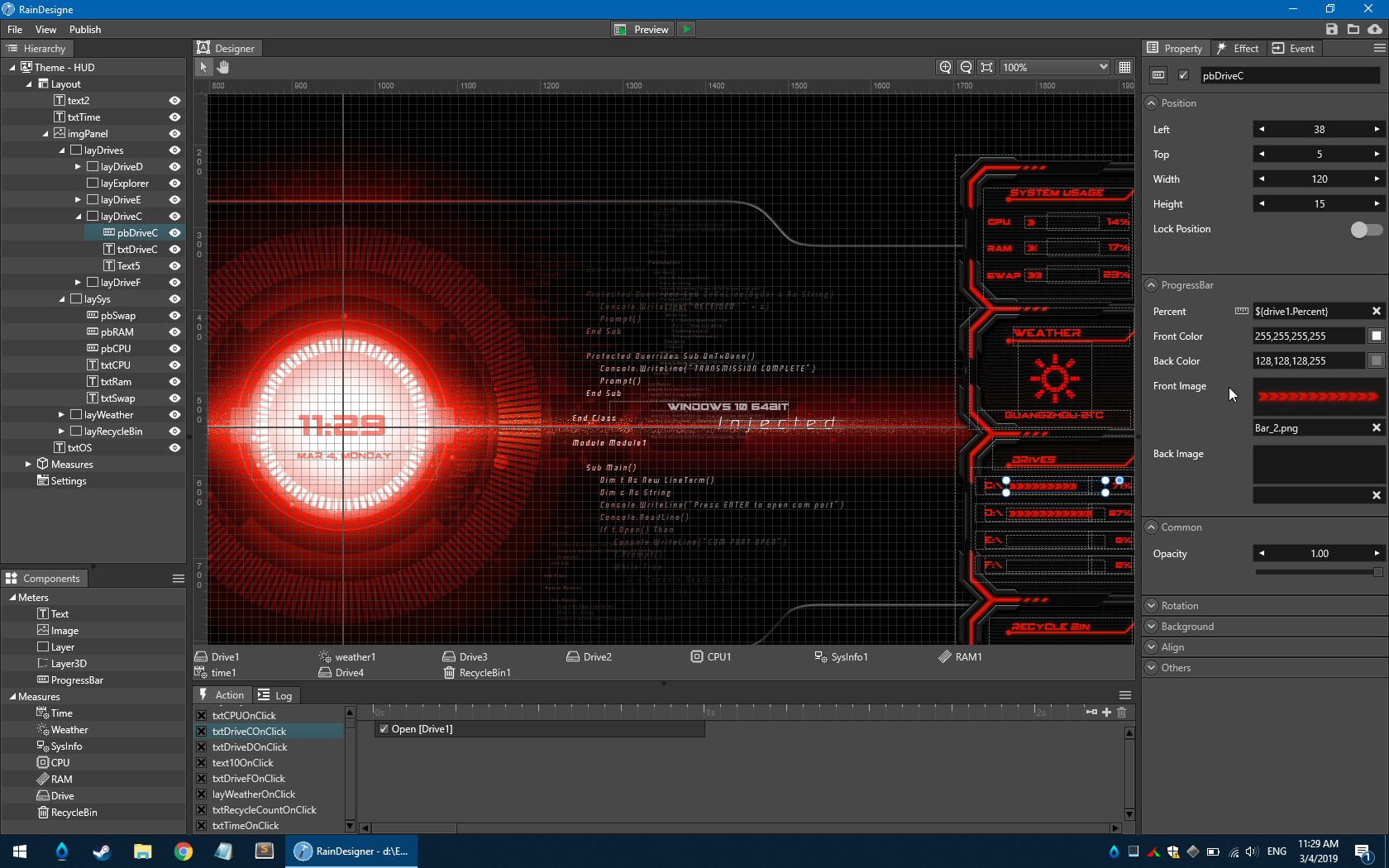
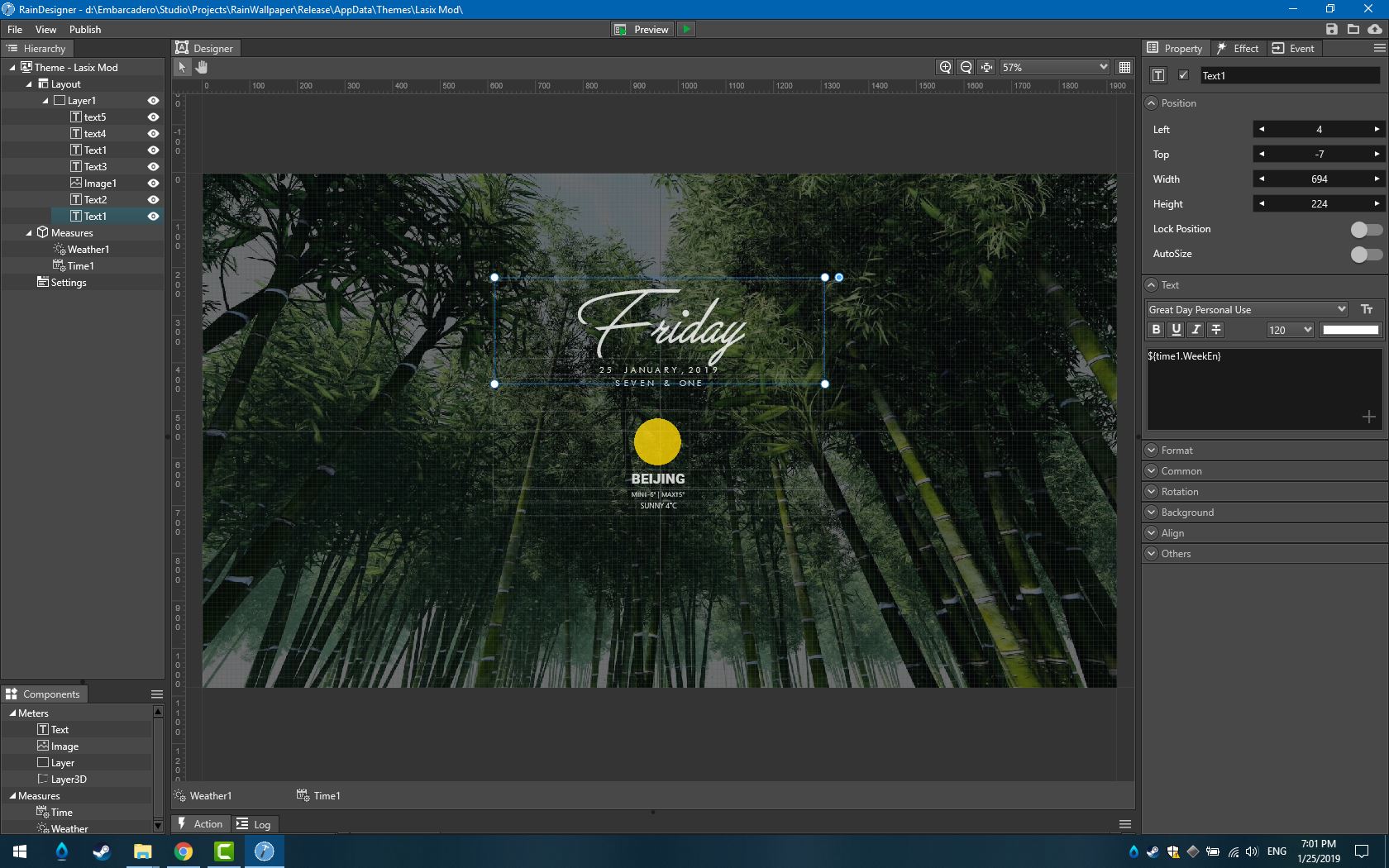
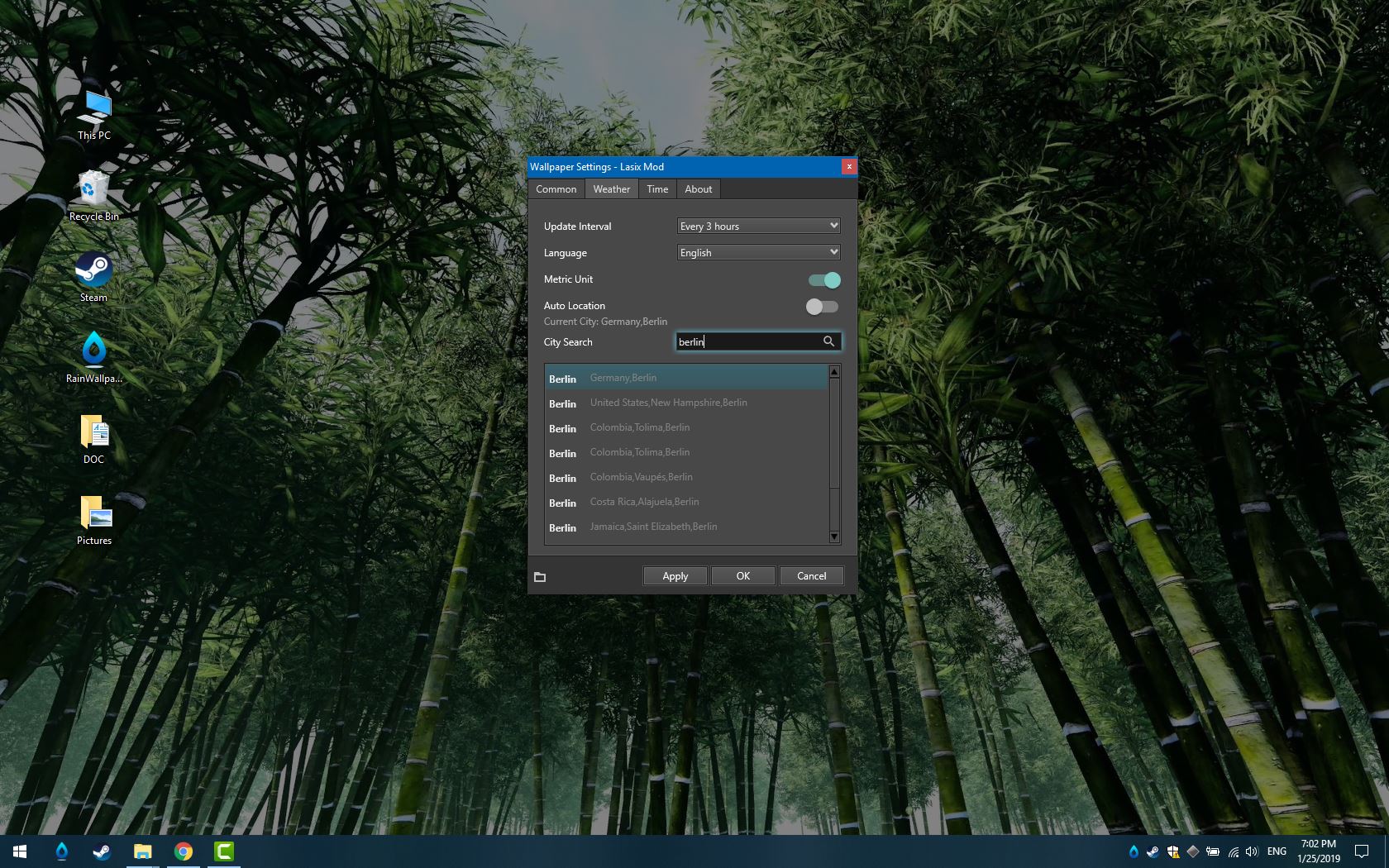
- Build-in WYSIWYG visual designer makes it easy to create wallpapers with videos, web pages, clocks, weather etc.
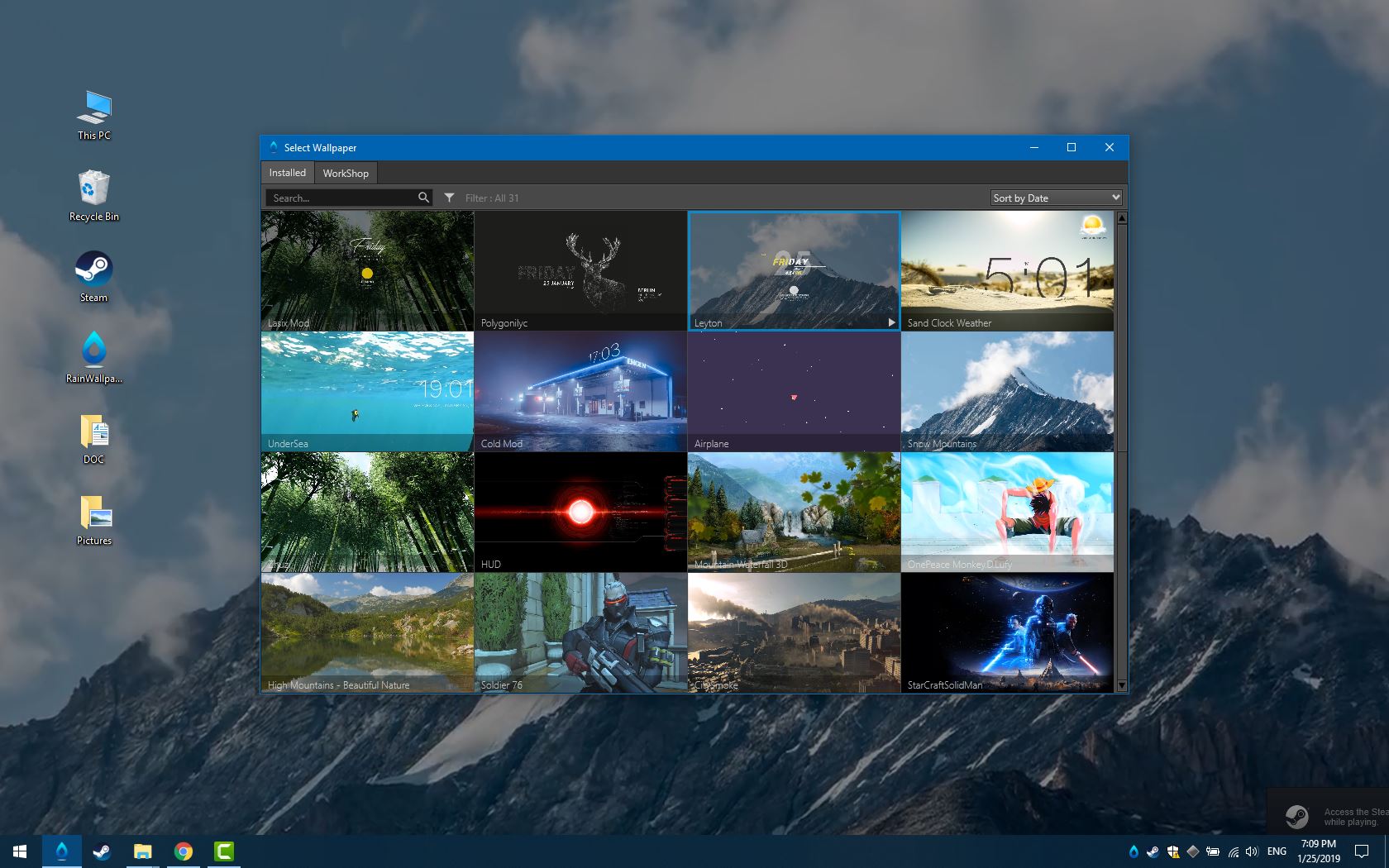
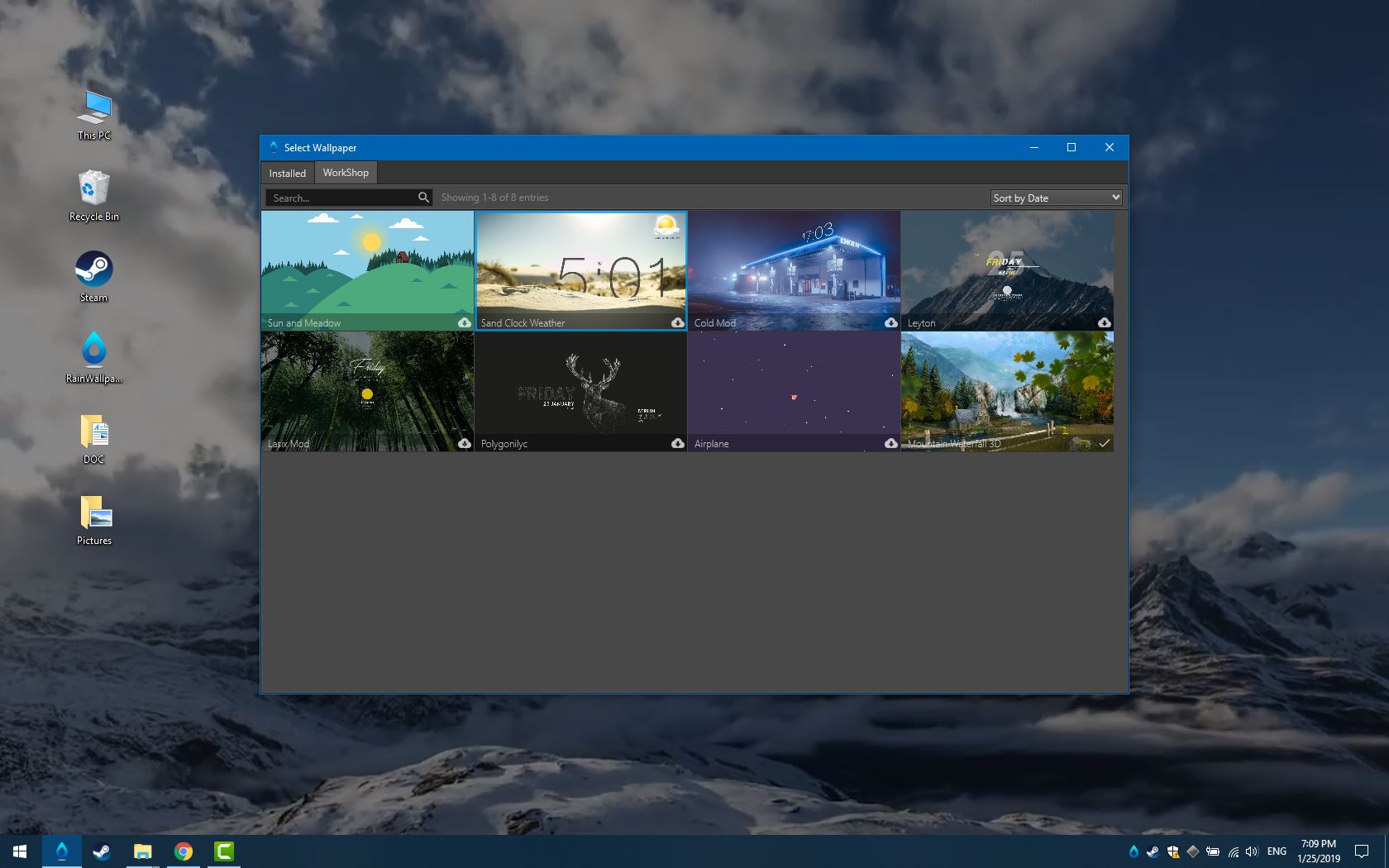
- Build-in Steam Workshop makes it easy to download and share wallpapers with just One-Click.
- Clean UI, Easy to use and minimum CPU and RAM usage.
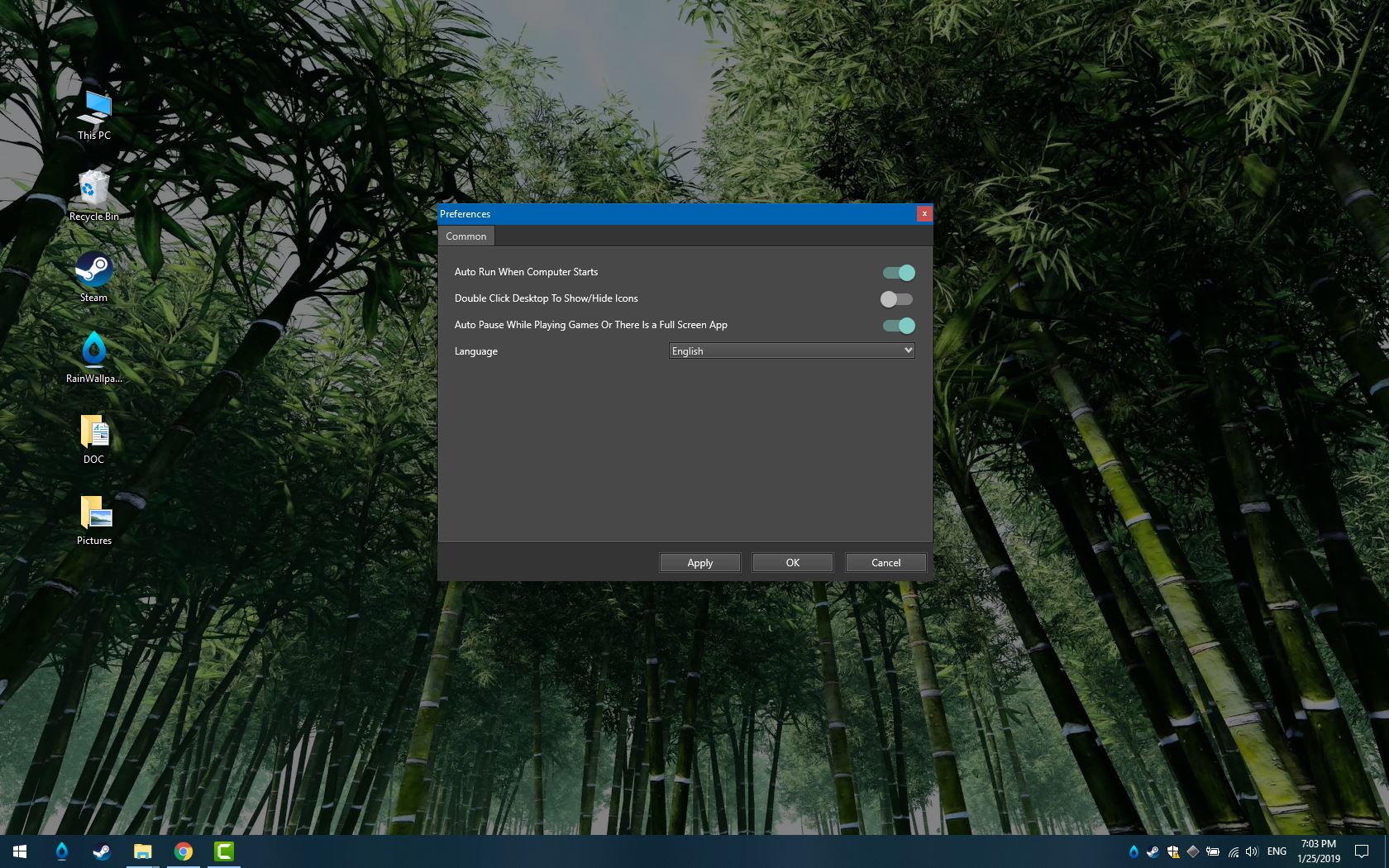
- Wallpapers will pause while playing games or running full screen application.
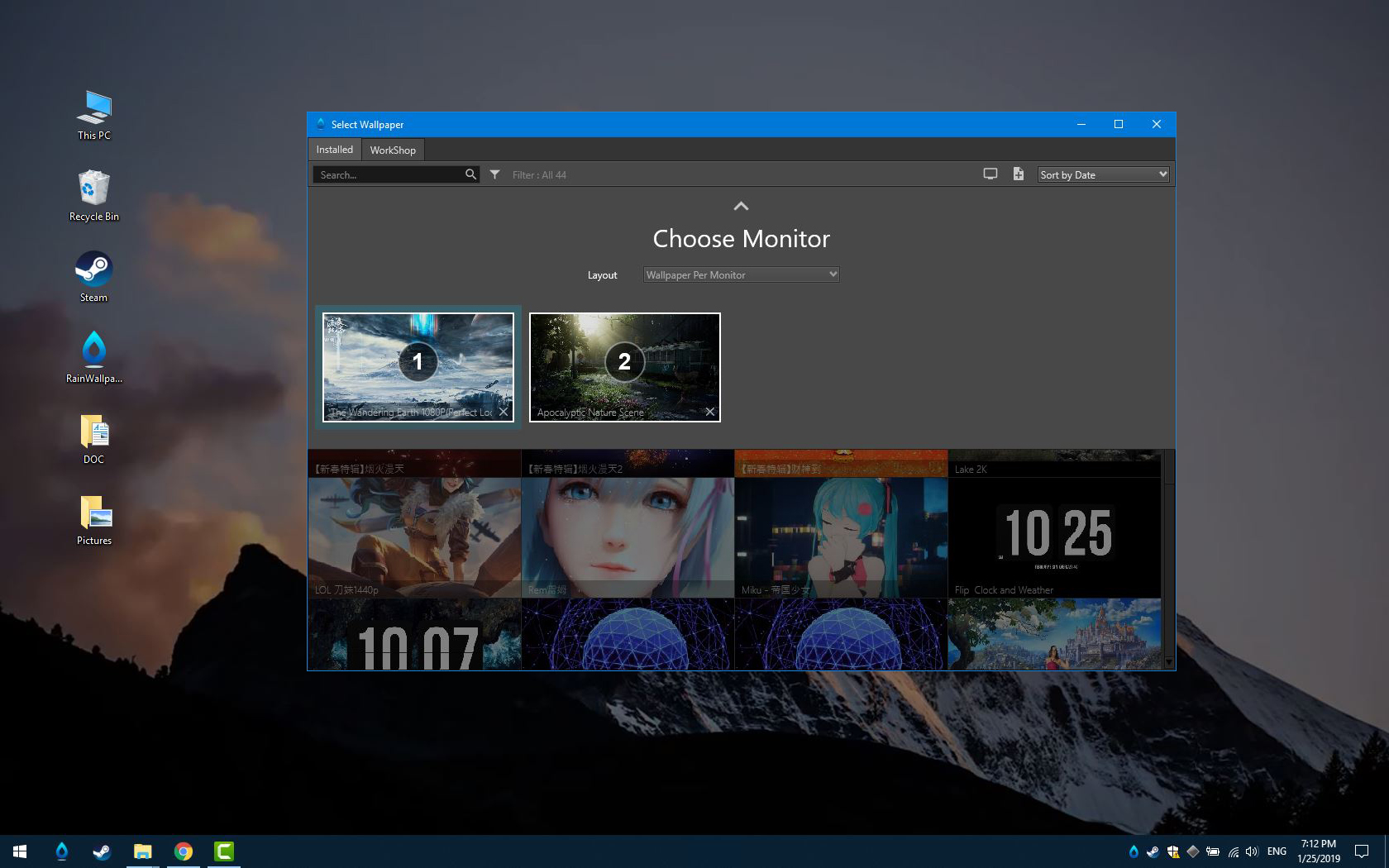
- Support Multi-Monitors
- Bring life to your desktop with realtime graphics, videos, applications or websites.
- Personalize your wallpaper or create your own wallpapers using the built-in Wallpaper Designer.
- Interactive wallpapers that can be controlled with your mouse and with click-on cool effects.
- Support for all aspect ratios and native resolutions including 16:9, 21:9, 16:10, 4:3 etc.
- Animate new live wallpapers from live themes or import HTML or video files for the wallpaper.
- Supported video formats: mp4, avi, mov, wmv.
FAQ
Q: Why can not display video live wallpaper?
A: 1. RainWallpaper uses hardware acceleration for videos for optimal performance unlike most video players. This means that your graphics card drivers may influence the way videos look.You need to reset the video options in your graphics control panel for your Nvidia/AMD/Intel graphics card to fix this.
If you have a laptop, make sure to reset it for all of them.
You can also reinstall the driver and choose to reset all settings ("clean re-installation") to do this, this is possible with Nvidia's drivers, for example. If your drivers do not offer you to perform a clean re-installation, first uninstall your old drivers and then install the new graphics card drivers.
2. Make sure Windows Media Player is installed and open the wallpaper video in Windows Media Player.
Q: Why can not display desktop icons?
A: 1. Please add RainWallpaper EXE and Path to your AntiVirus Software's Trust-White-List and Restart computer
2. Make sure your Windows had enabled Aero