
Sim Racing Telemetry
Mostly Positive · 153 reviews
77% positive (118 / 153)
Screenshots


Description
Sim Racing Telemetry is the essential tool for the sim racing eSports community to quickly acquire, analyze and review detailed telemetry data from sim racing games.
Released
June 13, 2018
Price
Platforms
macOS · Windows
Developer
UNAmedia
Publisher
UNAmedia
About


Sim Racing Telemetry is the essential tool for the sim racing eSports community to quickly acquire, analyse and review detailed telemetry data from sim racing games.
Telemetry is a key factor in eSports racing, allowing sim drivers to interpret data collected during a race or session and use them to properly tune their driving style and vehicle setup for optimum performance.
SRT is the right tool to improve the in-game performance of any sim racer, as real telemetry tools do for real drivers. It’s an indispensable tool to study and plan the setups for time-attacks, qualifications, and races.
Sim Racing Telemetry records all available telemetry data during timed laps and presents them on simple and intuitive interfaces: drivers can analyse data by looking at raw numbers, interactive charts, or projected on a reconstructed track. Recorded sessions are also summarised with charts. Available telemetry data vary based on the used game (see the specific DLC for the complete list).


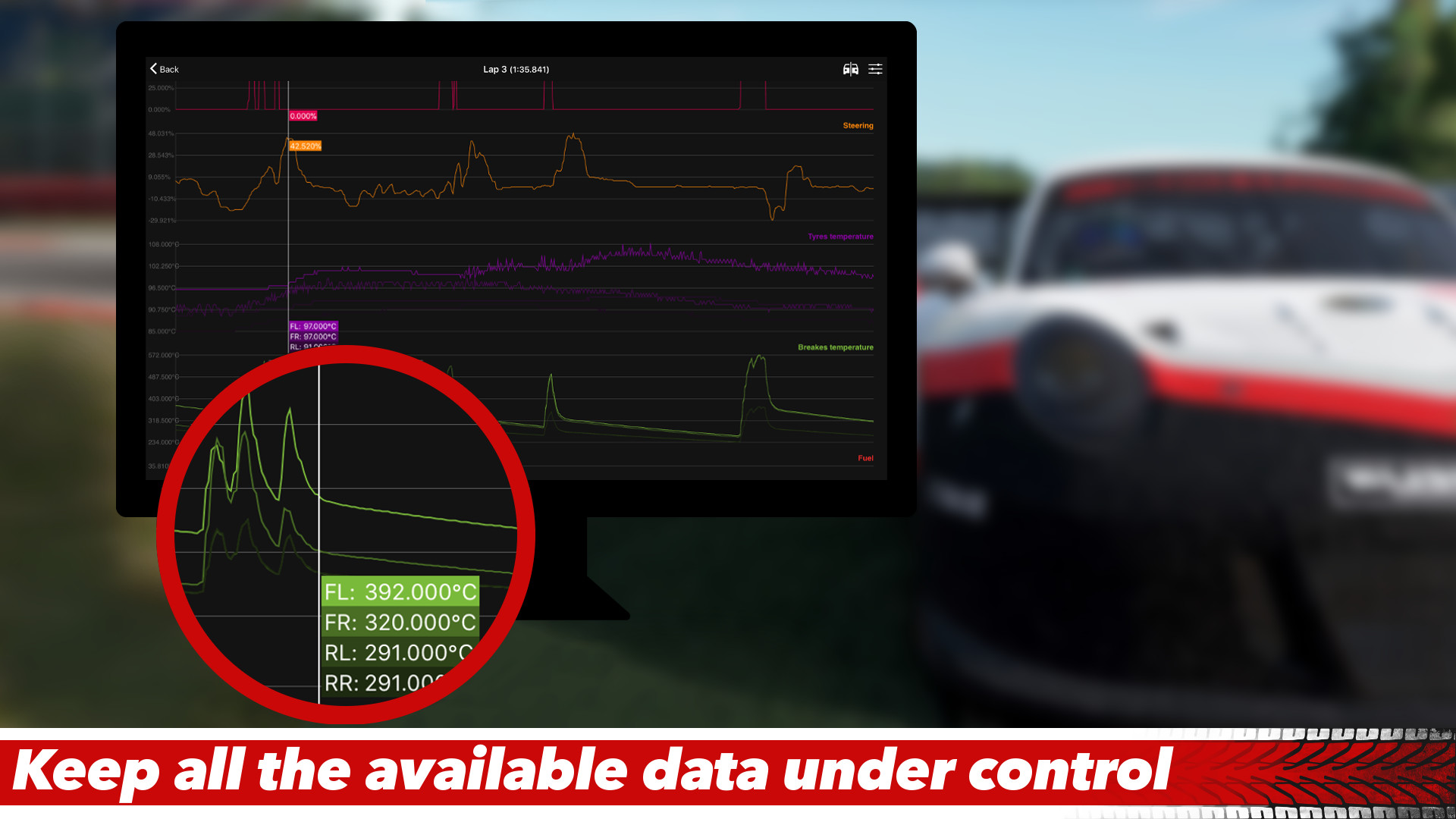
Find those extra tenths! Interactive telemetry charts for sessions and individual laps, make it easy to analyse your data and see how you can improve. Includes a slider for reading telemetry values at a specific time, easy navigation controls with the ability to zoom in on a specific section, and options customise what parameters are displayed allowing you to focus on what's important.

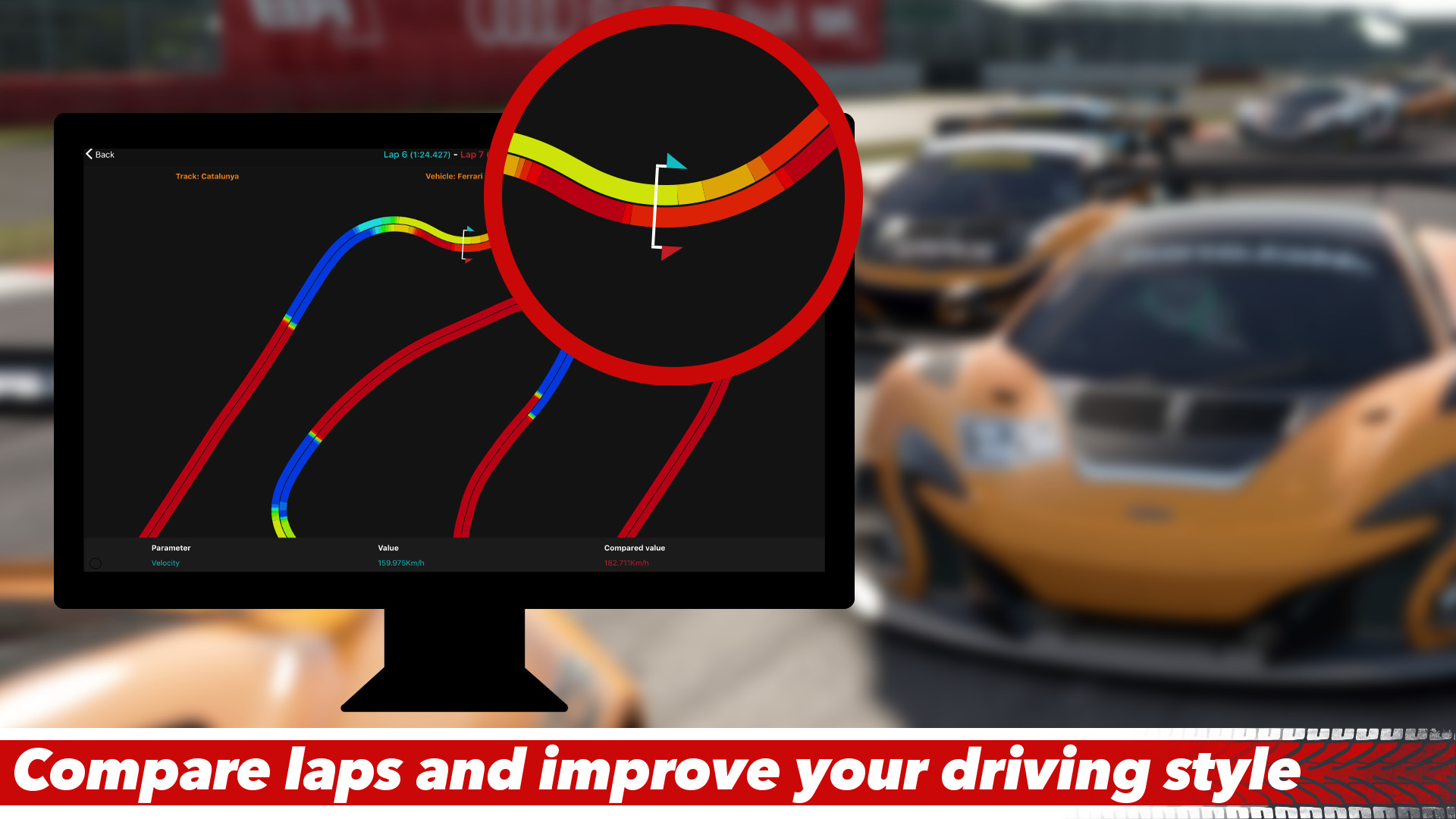
Perfect your lap! See exactly where you can improve, with telemetry data plotted on a map of the track! Display multiple telemetry parameters of your choice on the track or analyse your racing line!

See the bigger picture! Compute statistics on supported parameters for sessions and individual laps - essential when working on car setups! Includes six statistical value options; minimum, maximum, average, standard deviation, median, and median absolute deviation.


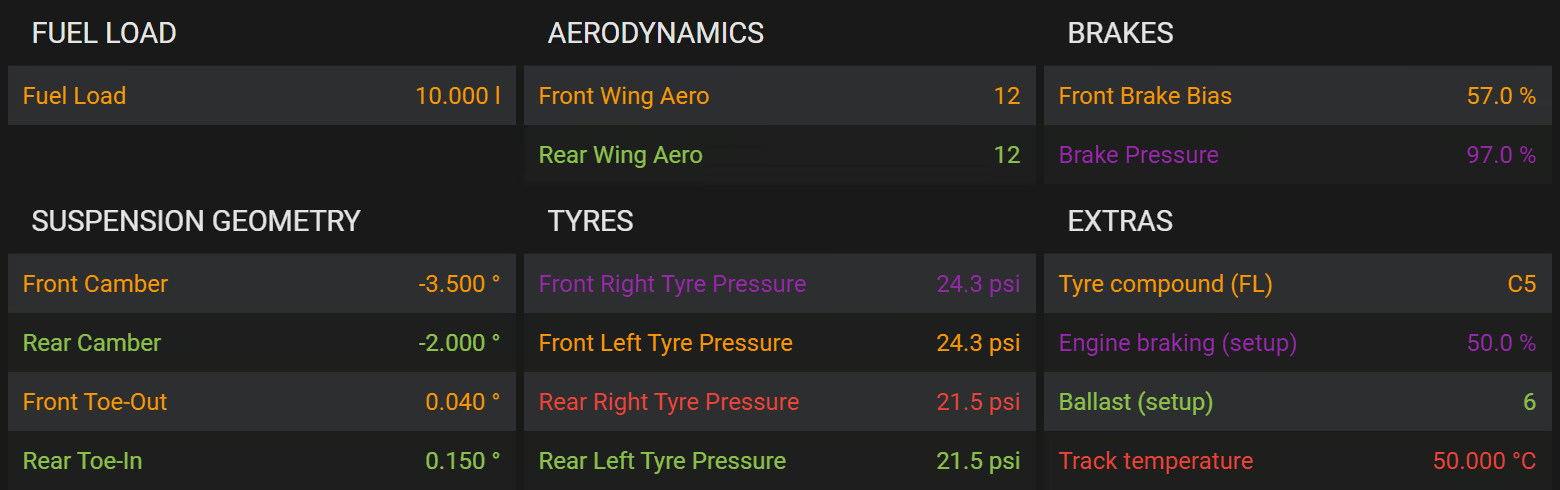
Fine tune your vehicle performance with a detailed report of the car setup for the recorded lap or session!

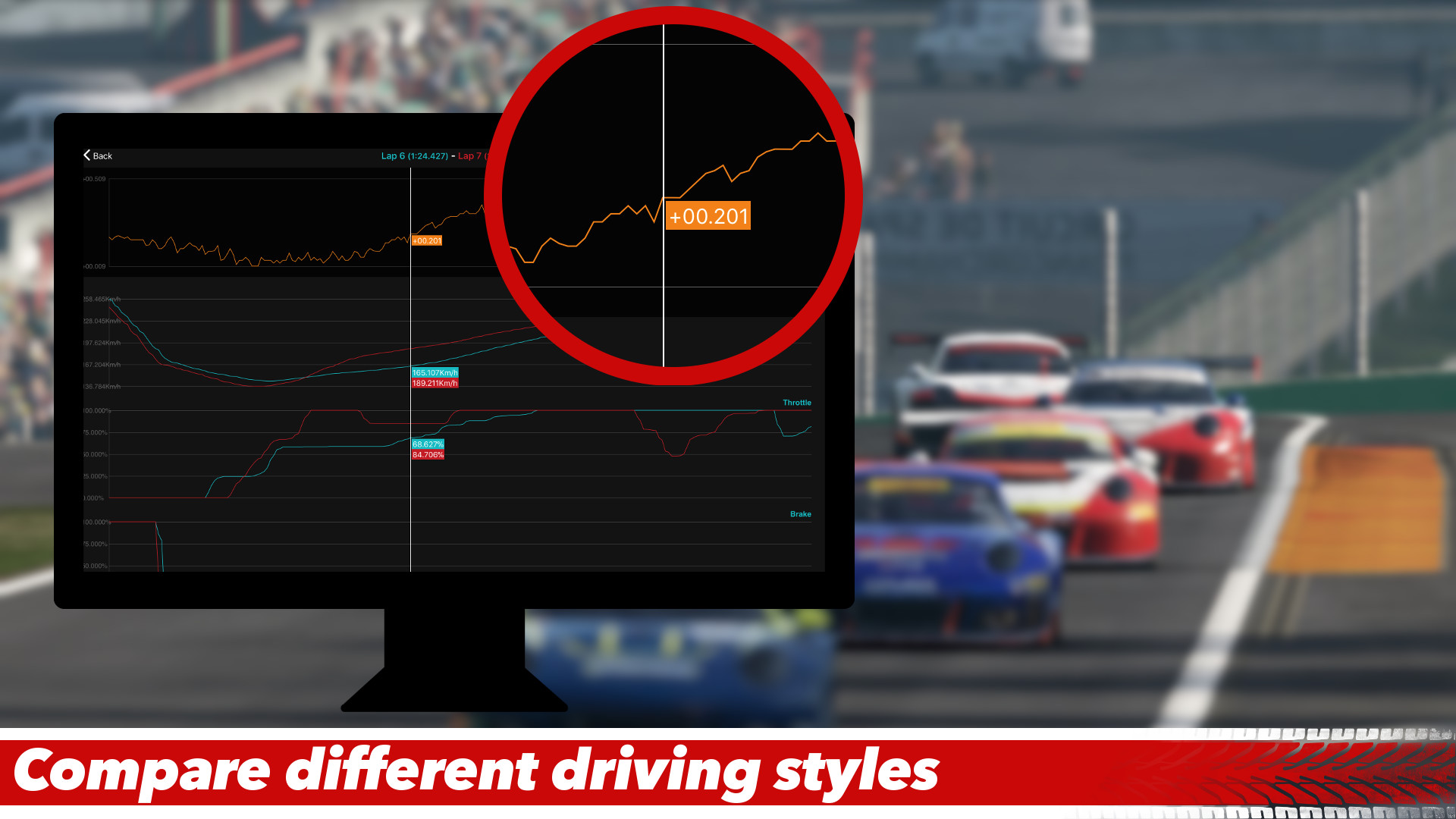
See the difference! Compare the telemetry of two laps side-by-side with overlayed telemetry charts, including a "time difference" (TDiff) chart to see where you were gaining or losing time, side-by-side telemetry on track and overlayed racing lines, and side-by-side statistics and vehicle setup data.

Just press record once and start racing! SRT automatically creates separate telemetry recordings for each session, allowing you to seamlessly move between different session types such as practice, qualifying, and race, without having to manually start and stop the recording!

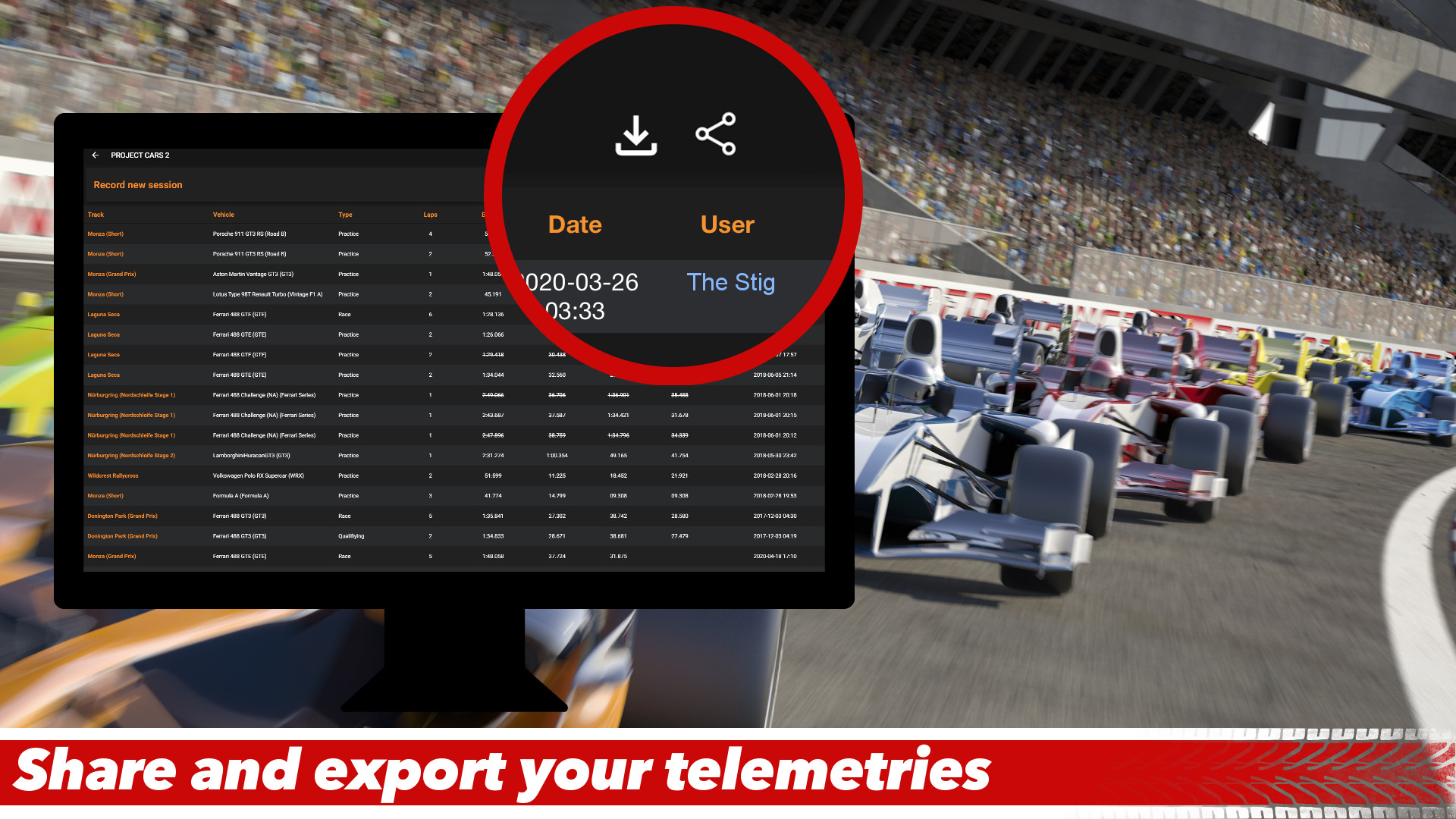
Share your telemetries with other users and compare your laps with the ones from your friends. Used with the comparison feature, this is the best tool to improve your skills.
You can also export your telemetry data to a CSV file to analyse with other programs (Excel, LibreOffice, etc.)


Try it out in any game for free, or unlock full telemetry access with unlimited recordings by purchasing the appropriate DLC!

Sim Racing Telemetry currently support the following titles:
- F1 26 (F1 25 + 2026 Season Pack - PC, PS4/5, Xbox);
- F1 25 (PC, PS4/5, Xbox);
- Assetto Corsa Competizione (PC);
- Assetto Corsa (PC);
- Project Cars 2 (PC, PS4/5, Xbox);
- Automobilista 2 (PC);
- F1 24 (PC, PS4/5, Xbox);
- F1 23 (PC, PS4/5, Xbox);
- F1 22 (PC, PS4/5, Xbox);
- F1 2021 (PC, PS4/5, Xbox);
- F1 2020 (PC, PS4/5, Xbox);
- F1 2019 (PC, PS4/5, Xbox);
- F1 2018 (PC, PS4/5, Xbox);
- MotoGP 18 (PC, PS4/5, Xbox - official support, in collaboration with Milestone);
- F1 2017 (PC, PS4/5, Xbox, macOS);
- Project Cars (PC, PS4/5, Xbox);
- F1 2016 (PC, PS4/5, Xbox, macOS).
Note: this product is not made by, or affiliated with, developers of the supported games (unless expressly stated otherwise).
Available telemetry data vary based on the used game (see specific DLC for the complete list).
Support for other games is under active development.

- DLCs are required to unlock the full and unlimited versions. To capture data, you must own a copy of the games on a supported platform.
- DLCs on Steam are not transferable to other supported platforms (iOS, Android): digital stores are run by different companies and they don't allow us to transfer purchases made in other stores.
- This is not a dashboard app and no dashboard features are present.
- To record data, both the computer running SRT and the PC/console running the game must be connected to the same network. Some games could require running the game and SRT on the same computer.
- SRT records only completed timed laps. Follow the integrated instructions (Help button in the Recording view) for more info.