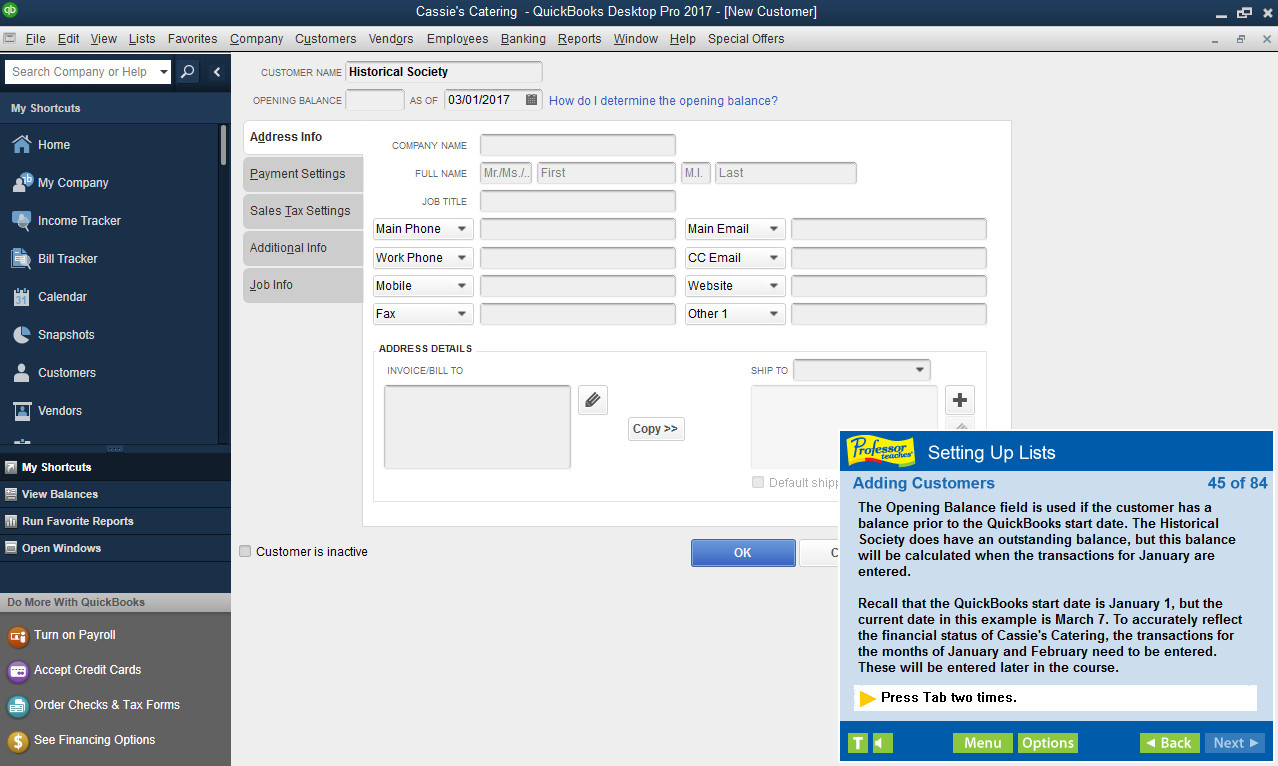
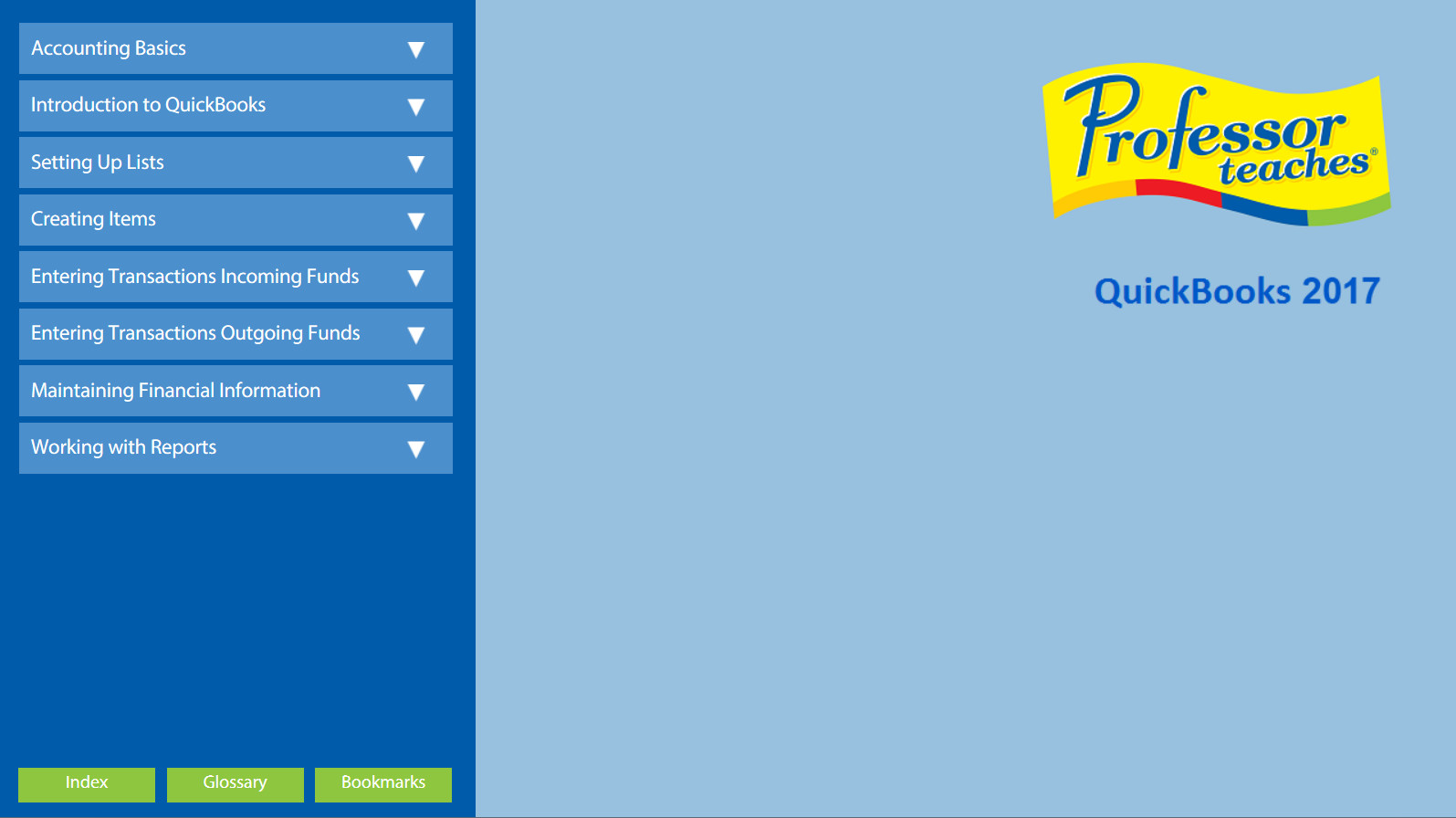
Professor Teaches QuickBooks 2017 is computer training software designed to teach you the ins and outs of Intuit QuickBooks Pro 2017. This hands-on, interactive course will provide everything you need to know about the fundamentals of QuickBooks.
What is Intuit QuickBooks Pro 2017?
QuickBooks Pro 2017 is the premier small business accounting software designed to help small businesses manage product inventory, sales, invoices, company payroll, and countless other aspects of running a business.
What are the Benefits of Learning Intuit QuickBooks Pro 2017?
Harness the power of QuickBooks Pro 2017 small business accounting software to help your business grow.
• Learn how to set up a chart of accounts, track sales and expenses, enter customer payments, create invoices, and more!
• Better than videos! Interactive, hands-on training in a simulation of the actual software
• Bookmarks, glossary, end-of-chapter quizzes, and summaries
• Increase your accounting skills and knowledge
• Hundreds of learning topics and beginner through advanced subjects
• Professional voice narration assists retention
What You Will Learn in Professor Teaches QuickBooks 2017
Our extensive computer training course will cover the following topics:
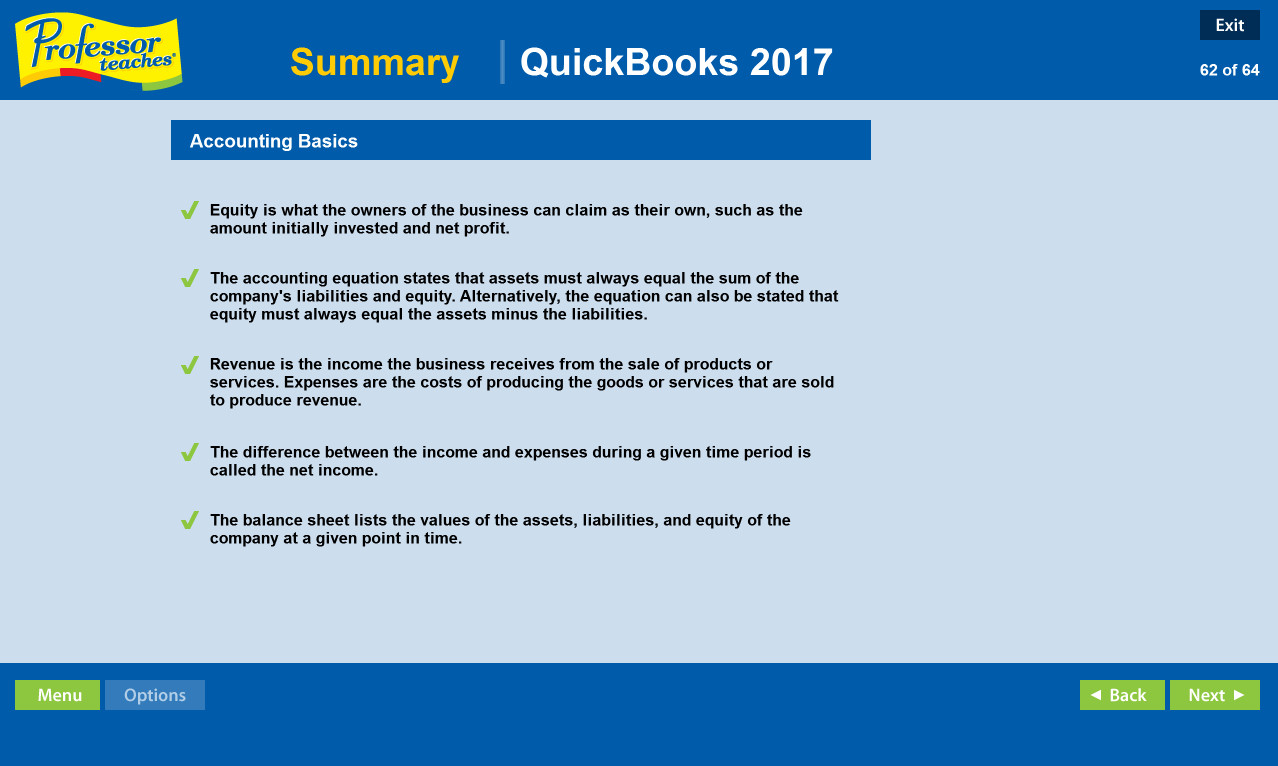
• Accounting Basics
• QuickBooks Fundamentals
• Setting Up Lists
• Creating Items
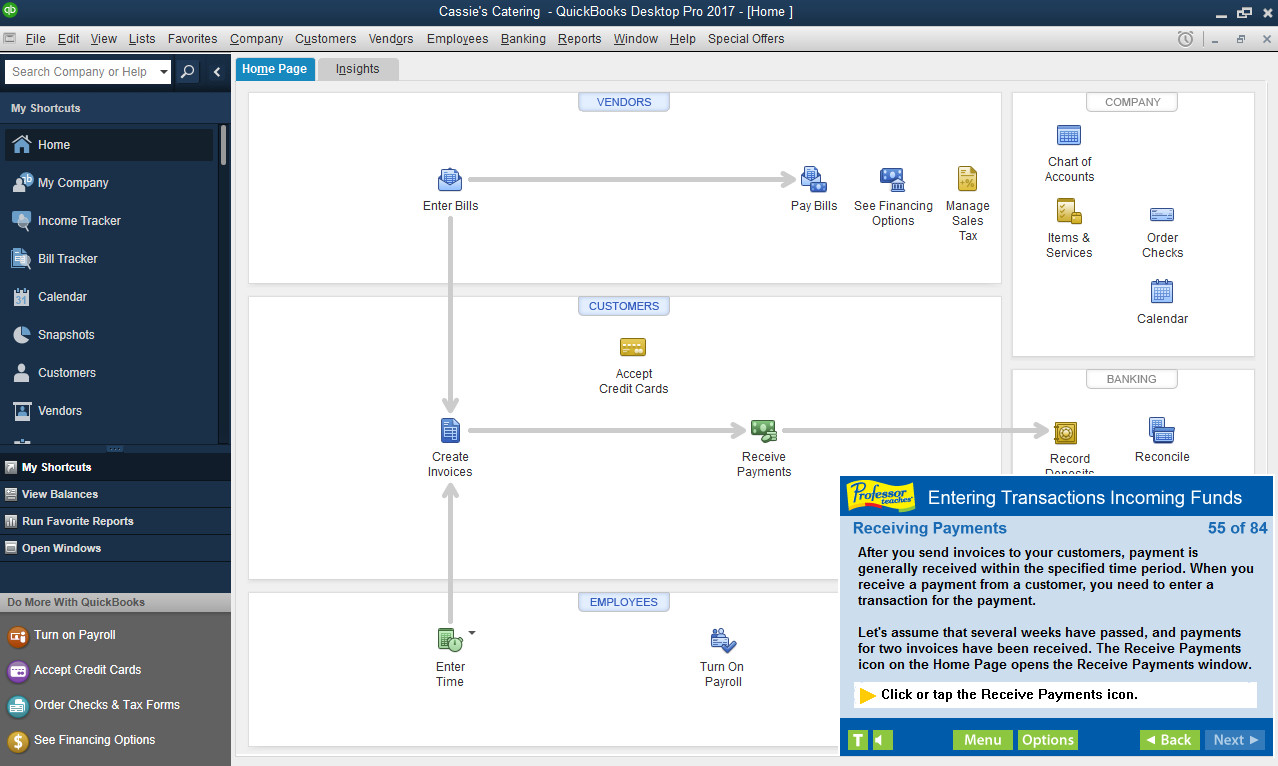
• Entering Transactions for Incoming Funds
• Maintaining Financial Information
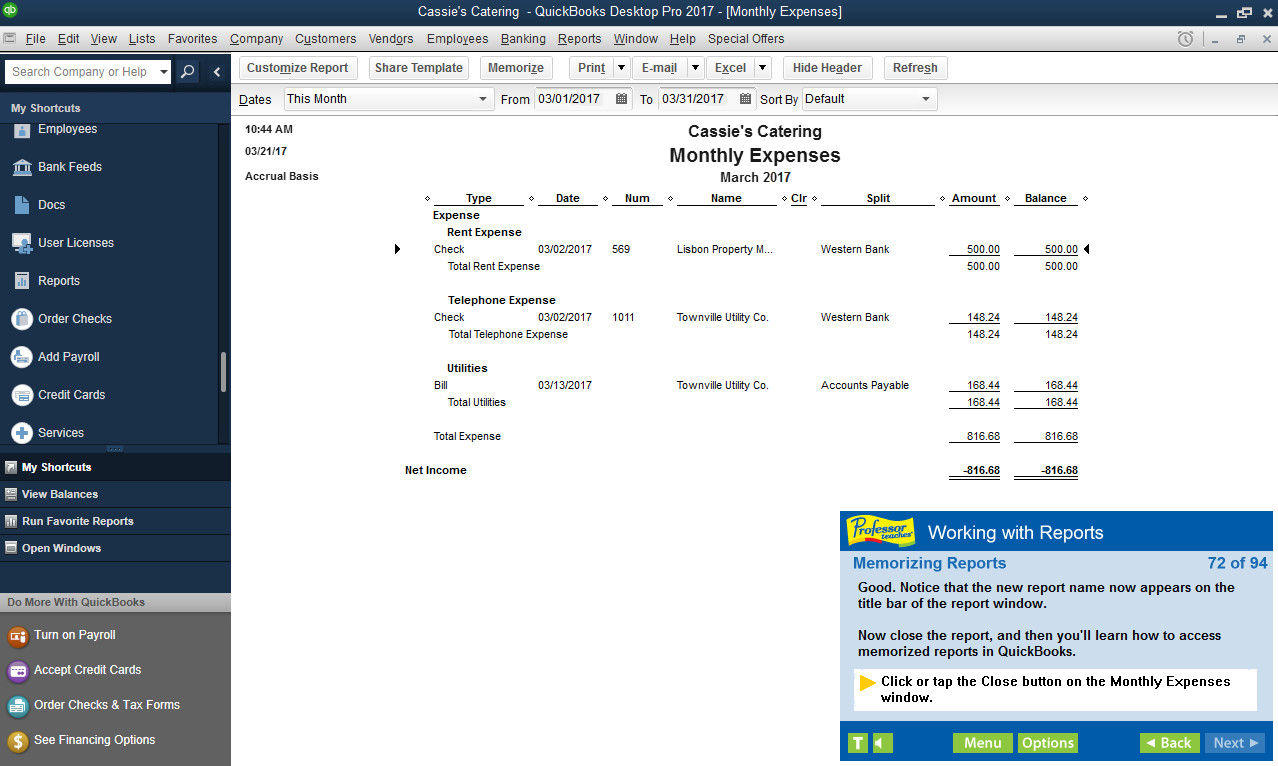
• Working with Reports
• Track Sales
• Track Expenses
• Enter Customer Payments
• Create Invoices & Forms