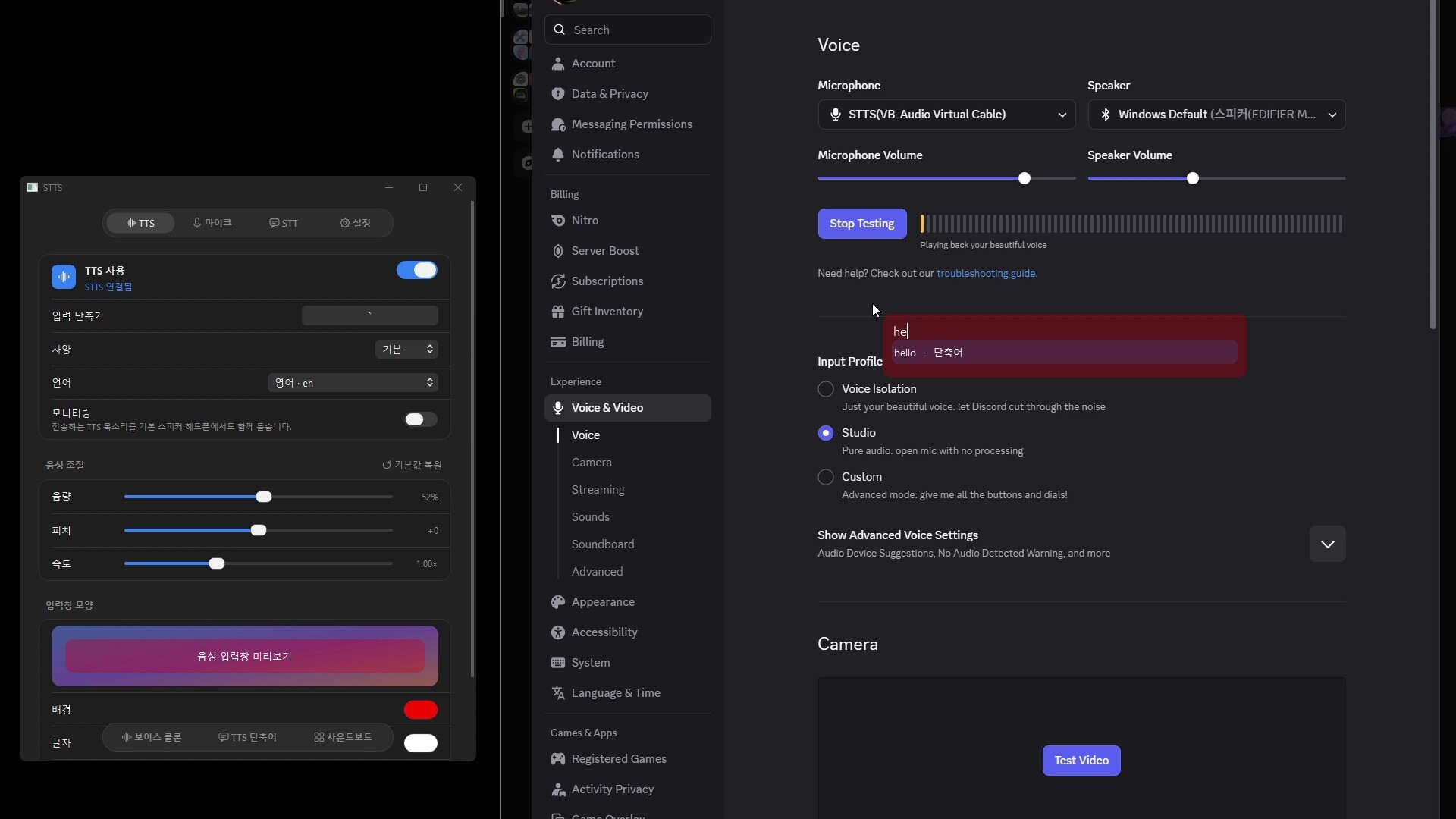
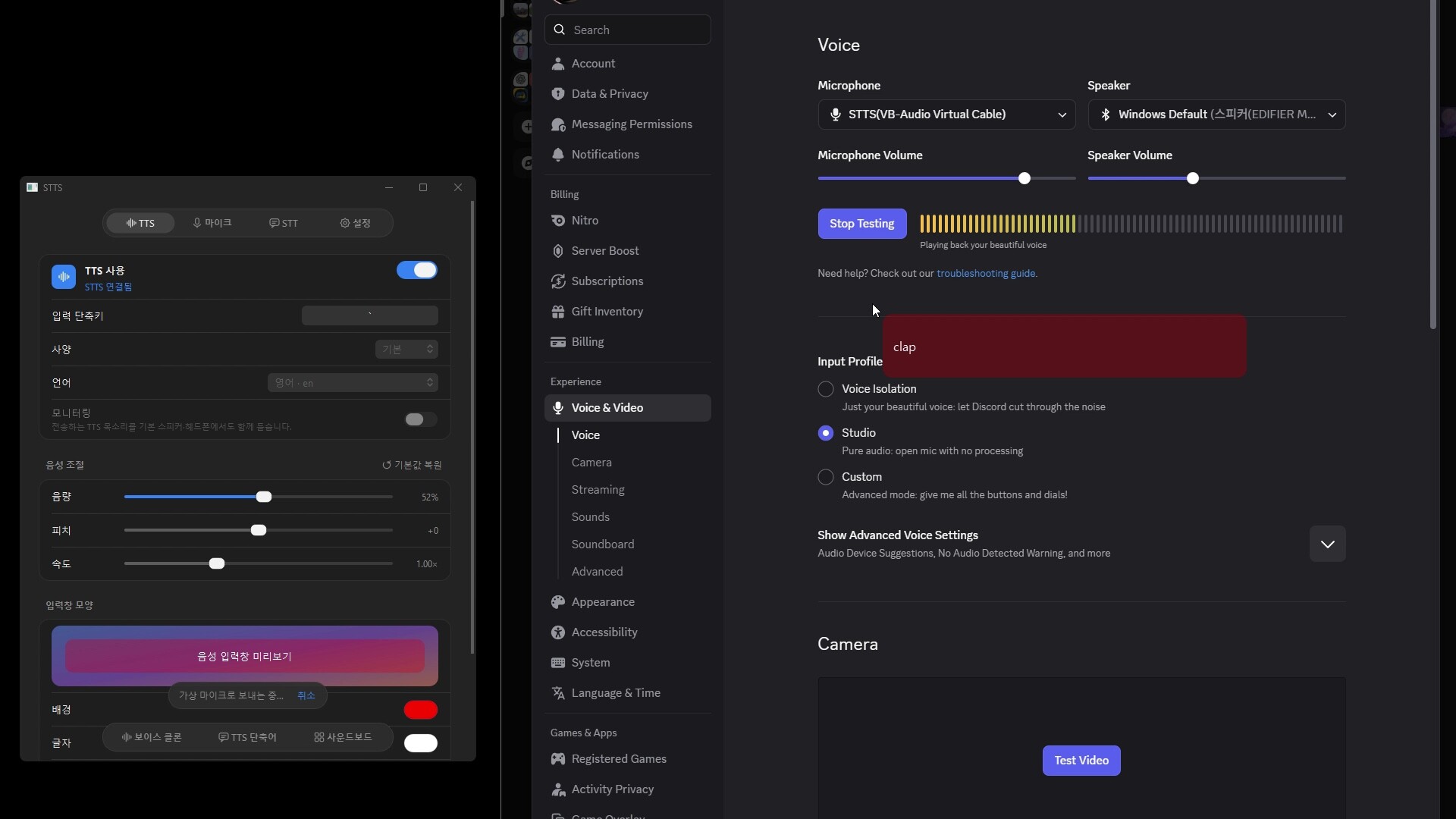
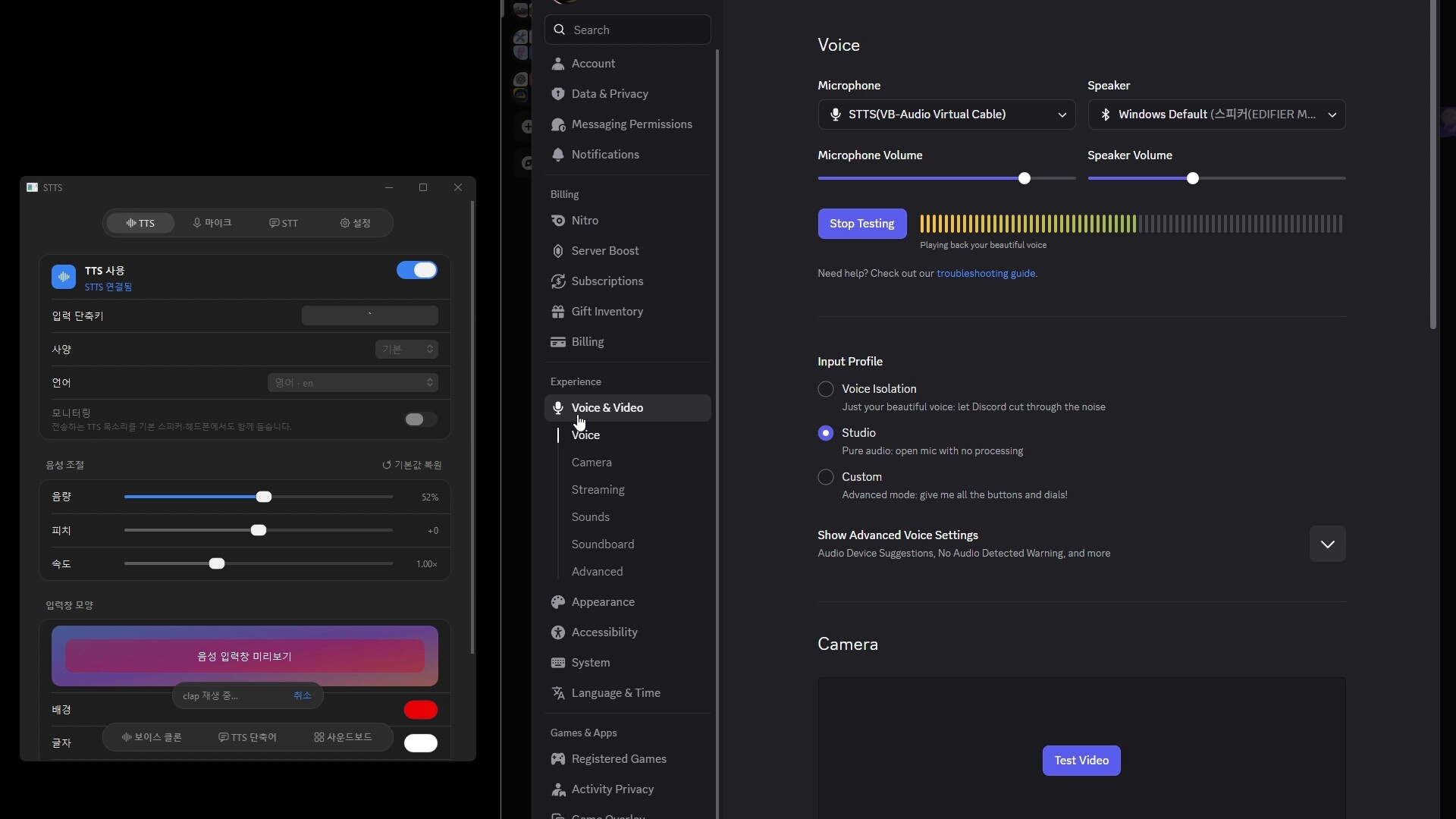
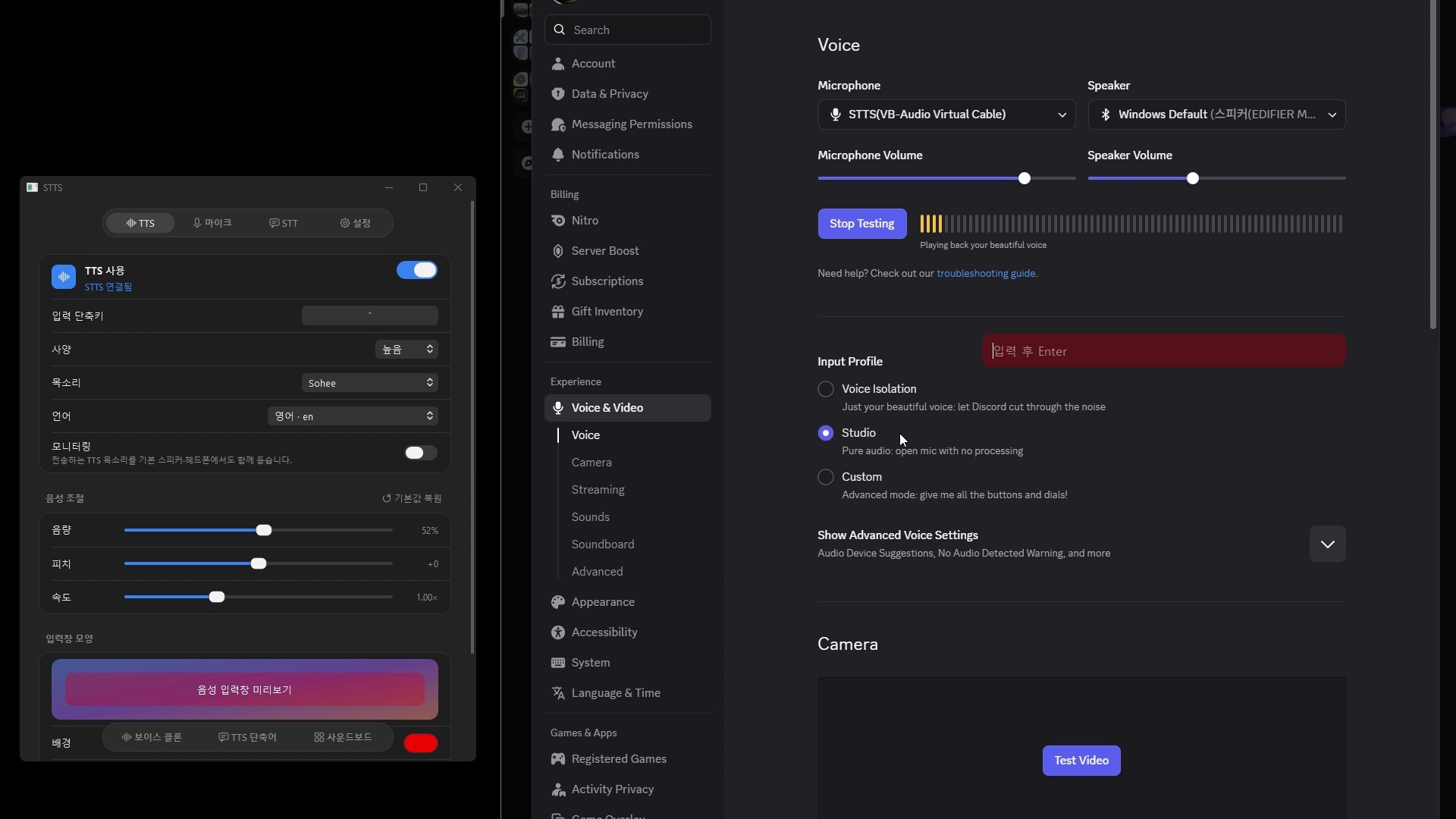
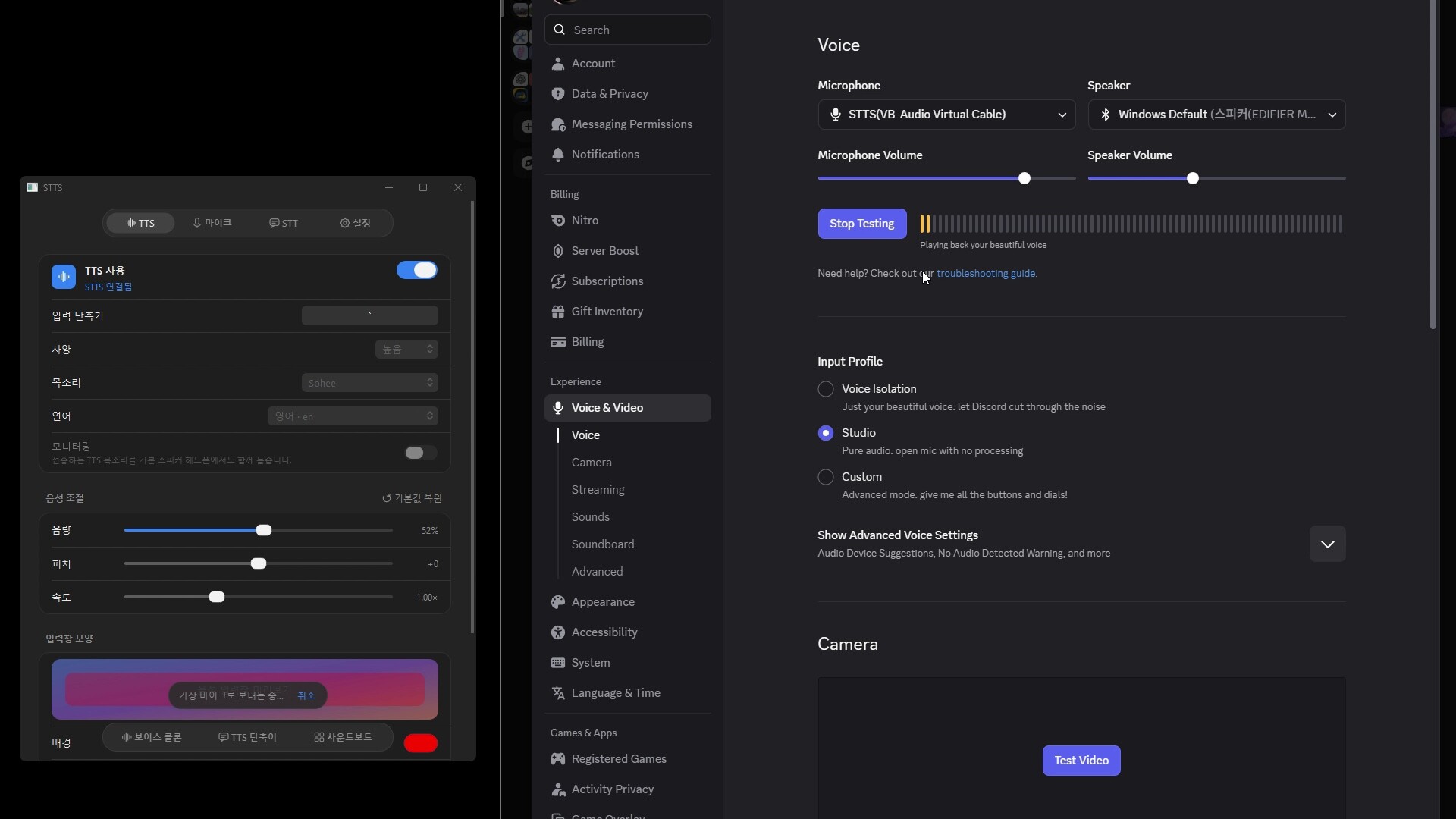
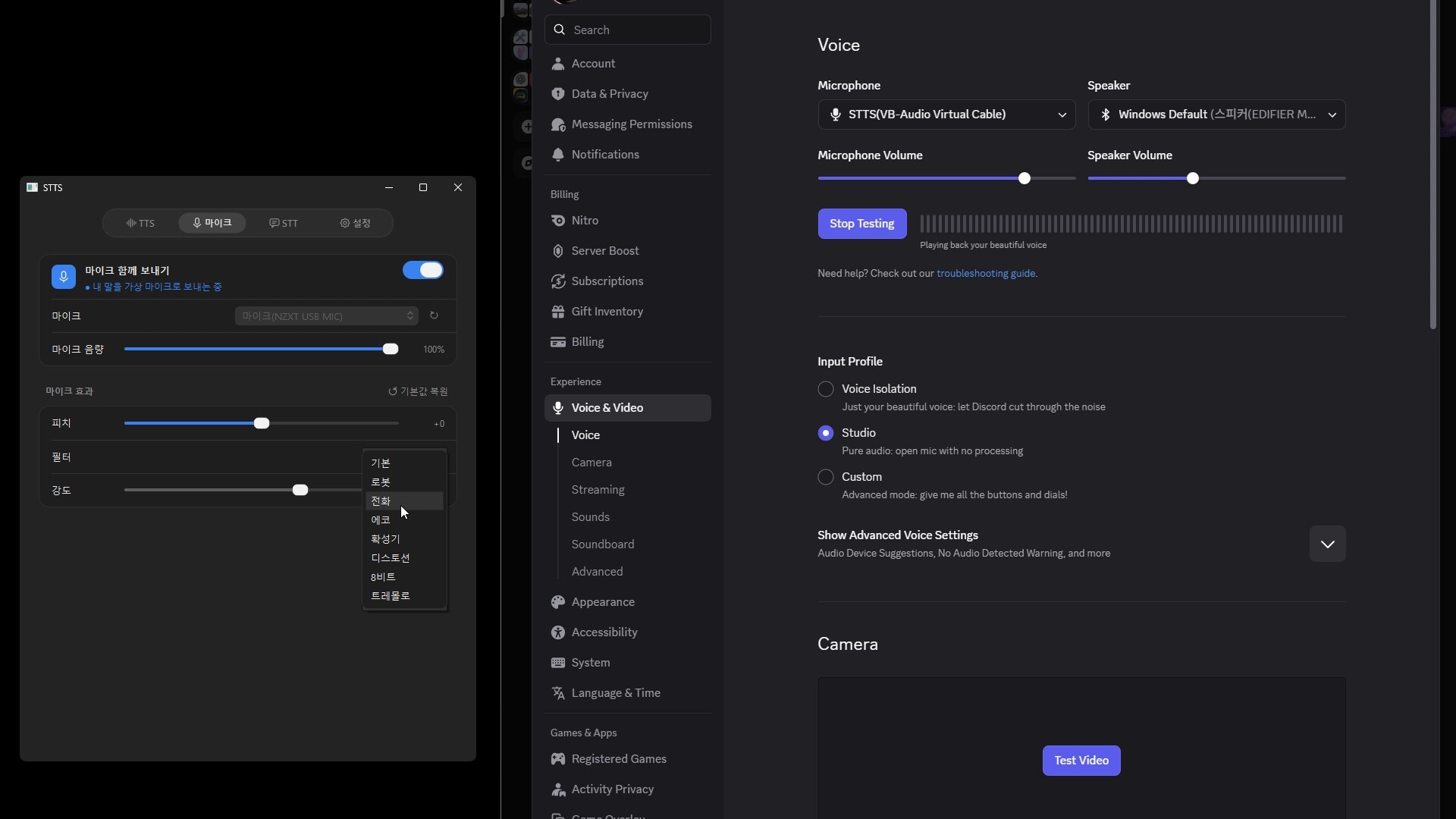
Talk in voice chat without leaving your game. Press one hotkey, type a sentence, and STTS speaks it into Discord or any other voice app through a virtual microphone. No alt-tabbing, and no need to use your own voice. When friends talk, STTS shows what they say as live captions.
Features
- Use it while you play: press the hotkey during a game and a small input box appears on top. Type, press Enter, and it is spoken right away. Shake the mouse to close it. Works with windowed and borderless fullscreen games.
- Text to speech: press a shortcut, type, and your sentence is sent to the virtual microphone.
- Live captions: voices you hear in voice chat are transcribed on screen in real time.
- Voice cloning: register a voice from a 3 to 30 second recording.
- Phrases and autocomplete: save sentences you use often and type less.
- Soundboard: play saved sounds, or send one by typing its name.
- Voice controls: adjust volume, pitch and speed.
- Local models: Whisper, Qwen3-TTS and Supertonic run on your own PC or Mac.
Getting started
- Launch STTS. On Windows, STTS installs its virtual microphone on first run after you approve the administrator prompt.
- In Discord, open Settings > Voice & Video and choose STTS as the input device.
- Turn on TTS and send a sentence with the input shortcut. Turn on STT to see captions.
Privacy
Voices, scripts and models are stored on your device, and local models run on your device. The default voice, gTTS, sends the text you type to Google to generate speech. Choose a local voice model if you do not want your text to leave your device.
Notes
- Models are downloaded on first use.
- Windows: STTS uses VB-CABLE by VB-Audio Software as its virtual microphone. VB-CABLE is donationware; you can support its developer at .
- macOS: requires Apple Silicon and macOS 26 or later.
Free on GitHub
STTS is free to use, and its full source code is public on GitHub, so you can build the same version yourself for personal use. Streaming and making videos with STTS are allowed. The Steam version gives you ready-to-run Windows and macOS builds with automatic updates through Steam, and buying it supports continued development.