#Casual #FreetoPlay #Indie
血潭江湖百里荣
Everyone has a world in mind,and I will tell you mine.
View game
Free
Mixed · 56 reviews
64% positive (36 / 56)
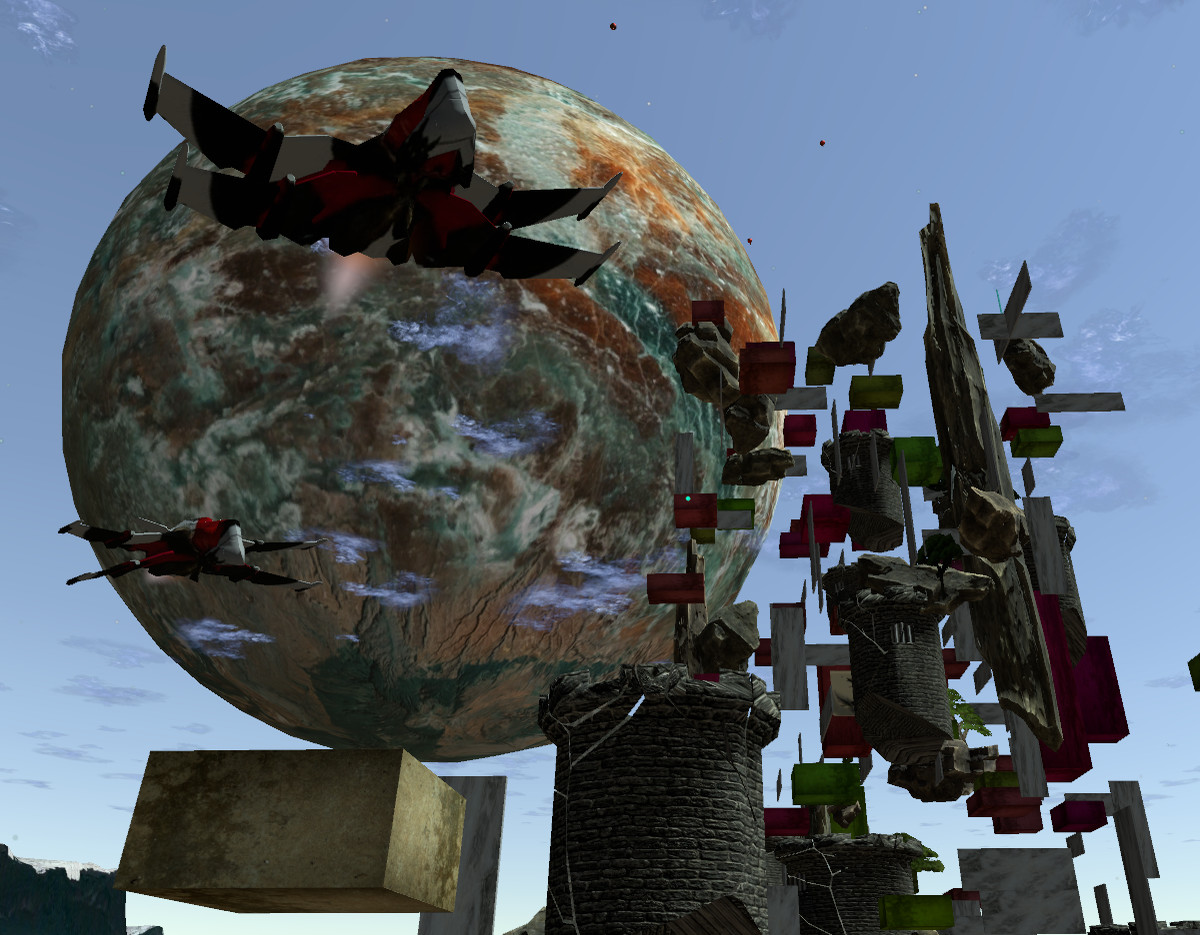
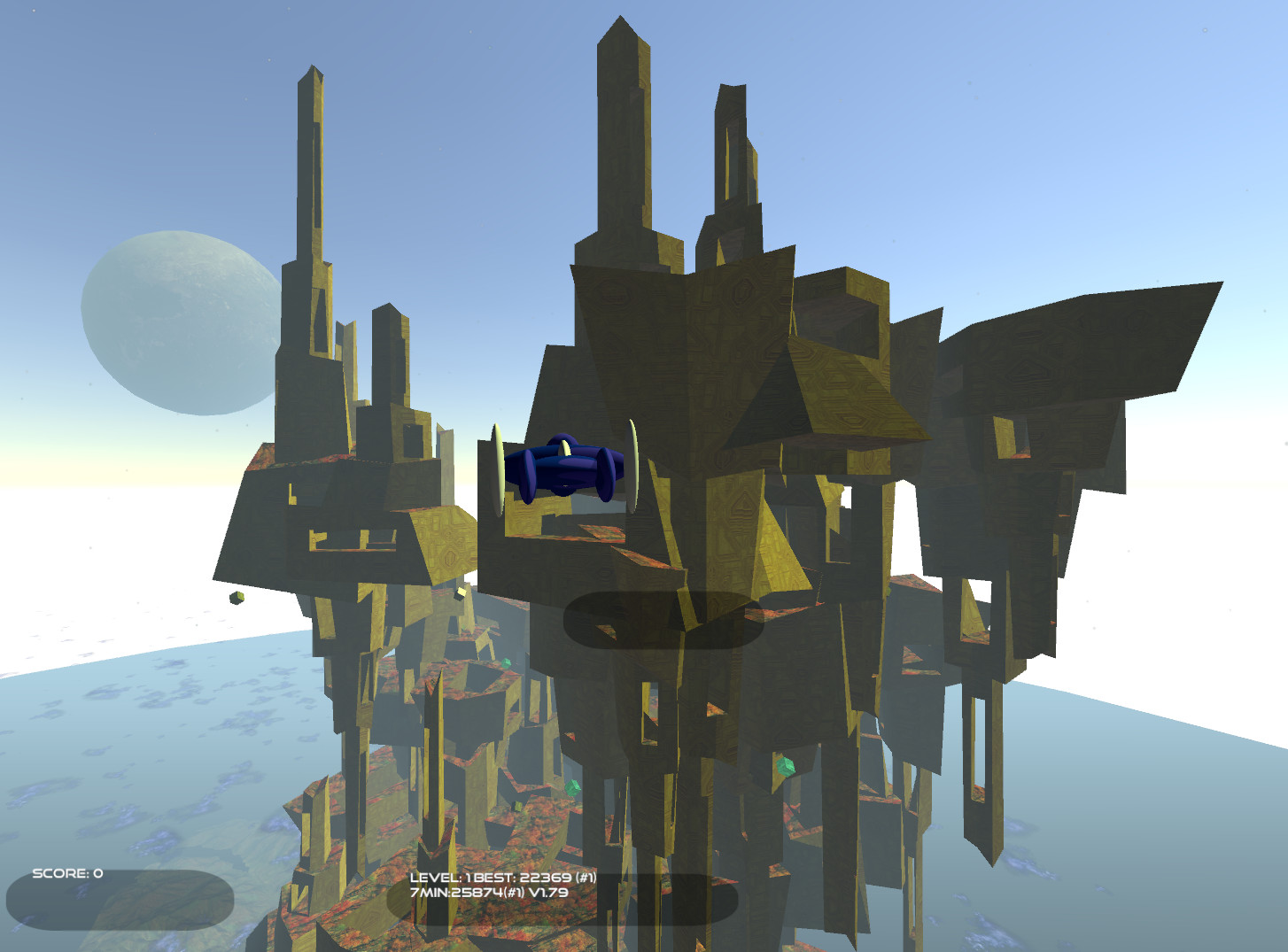
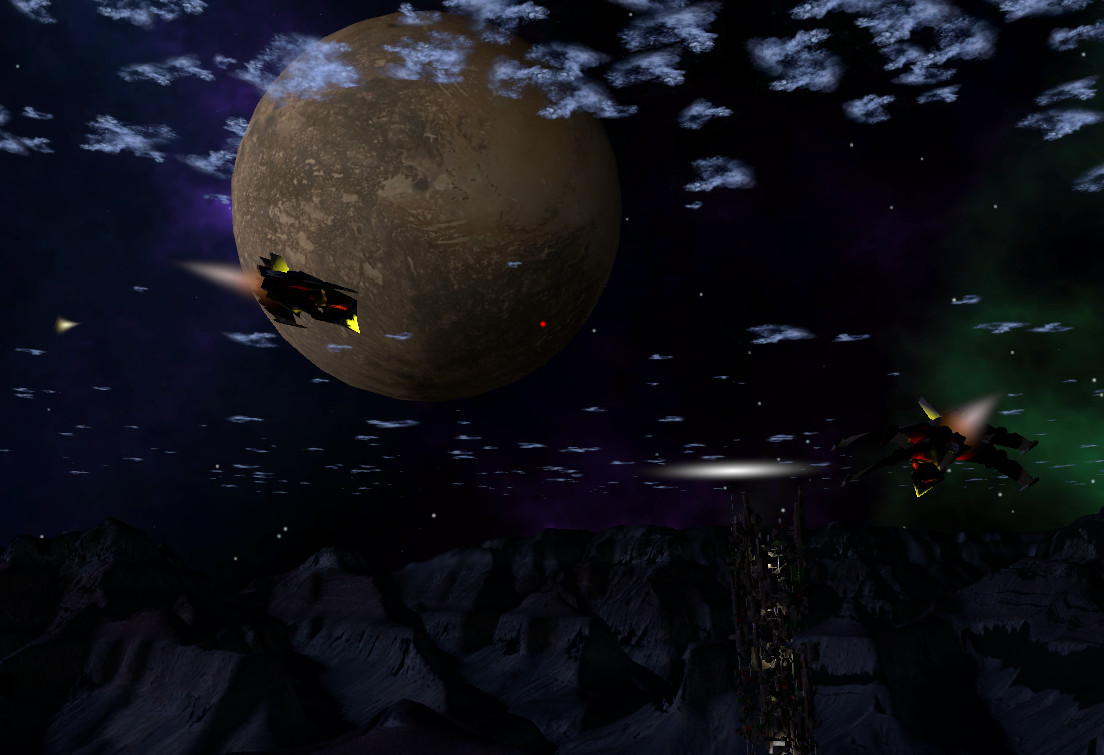
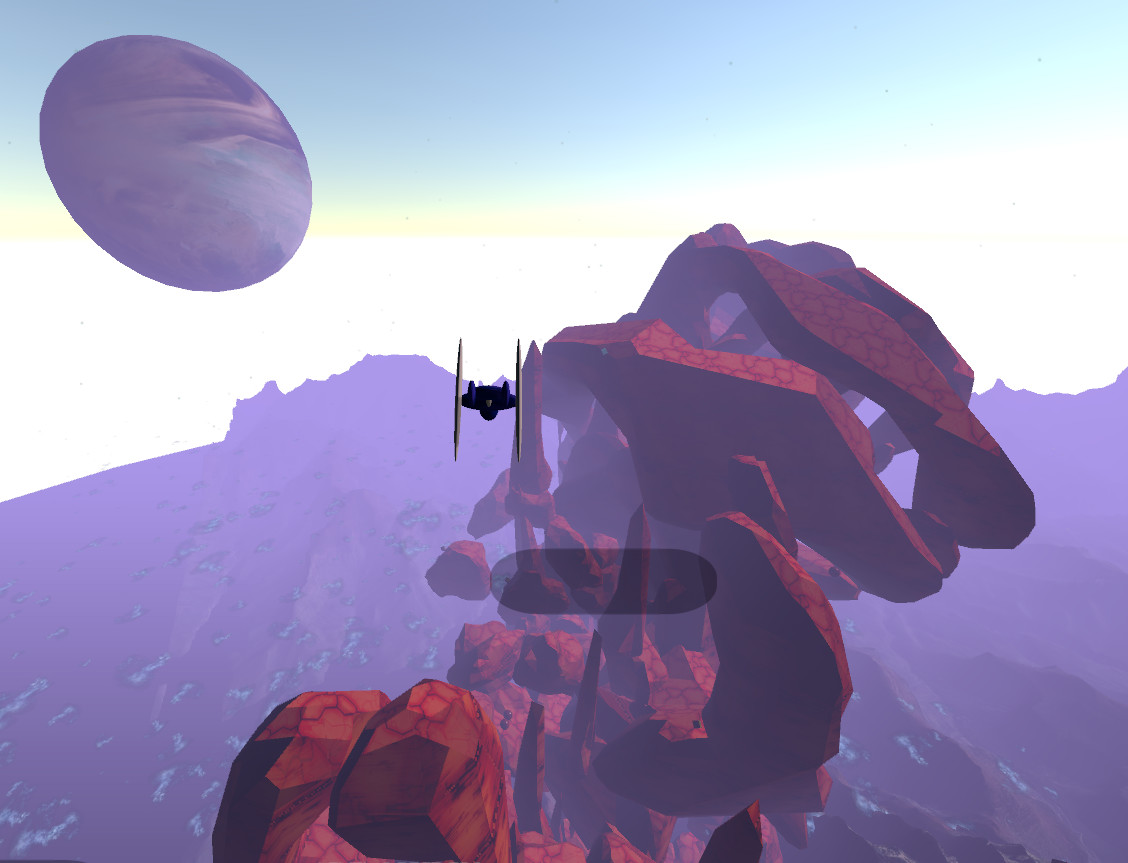
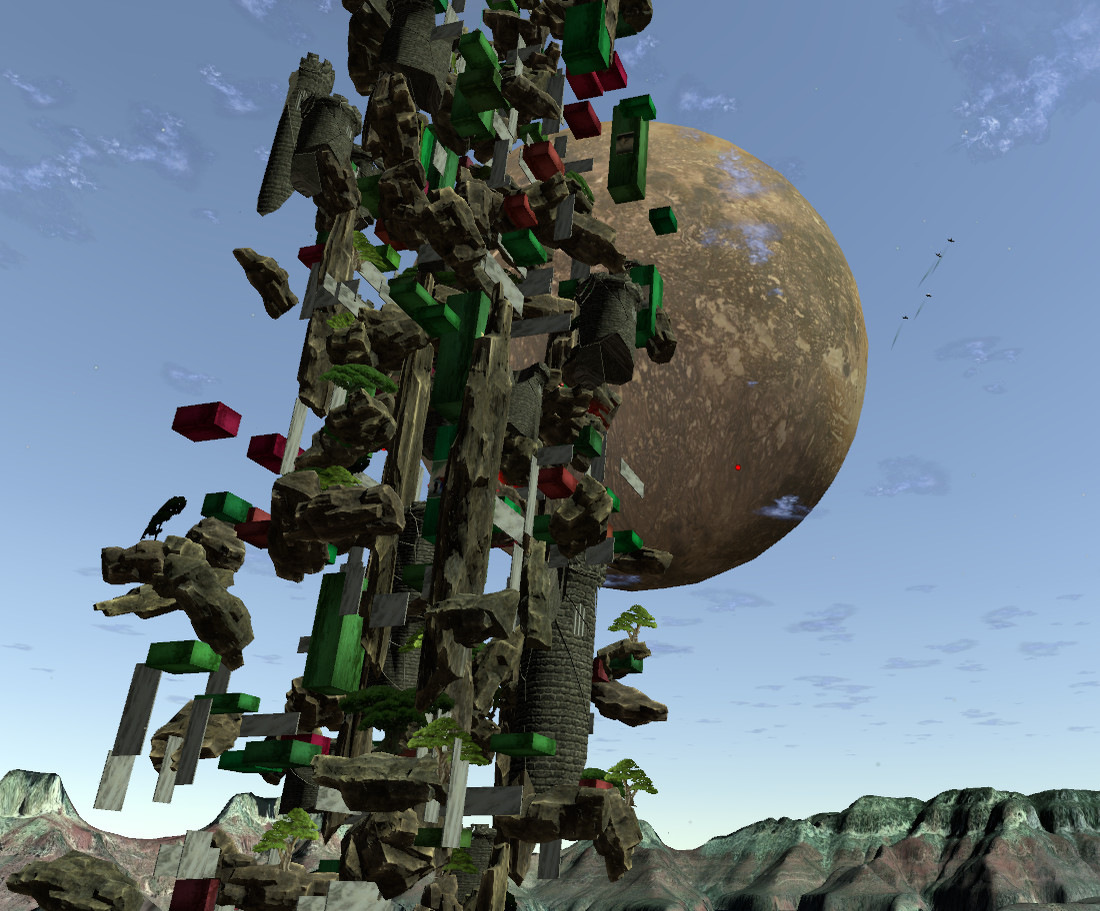
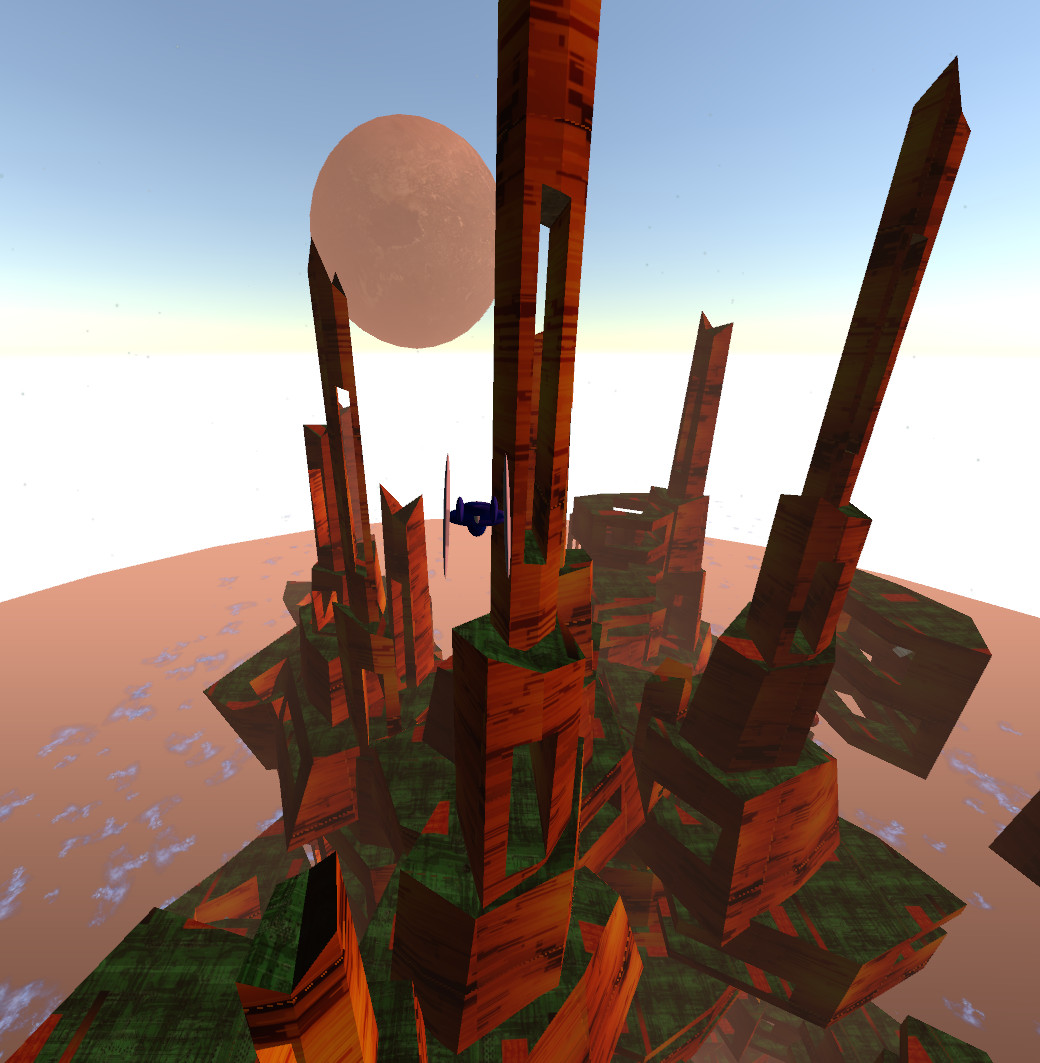

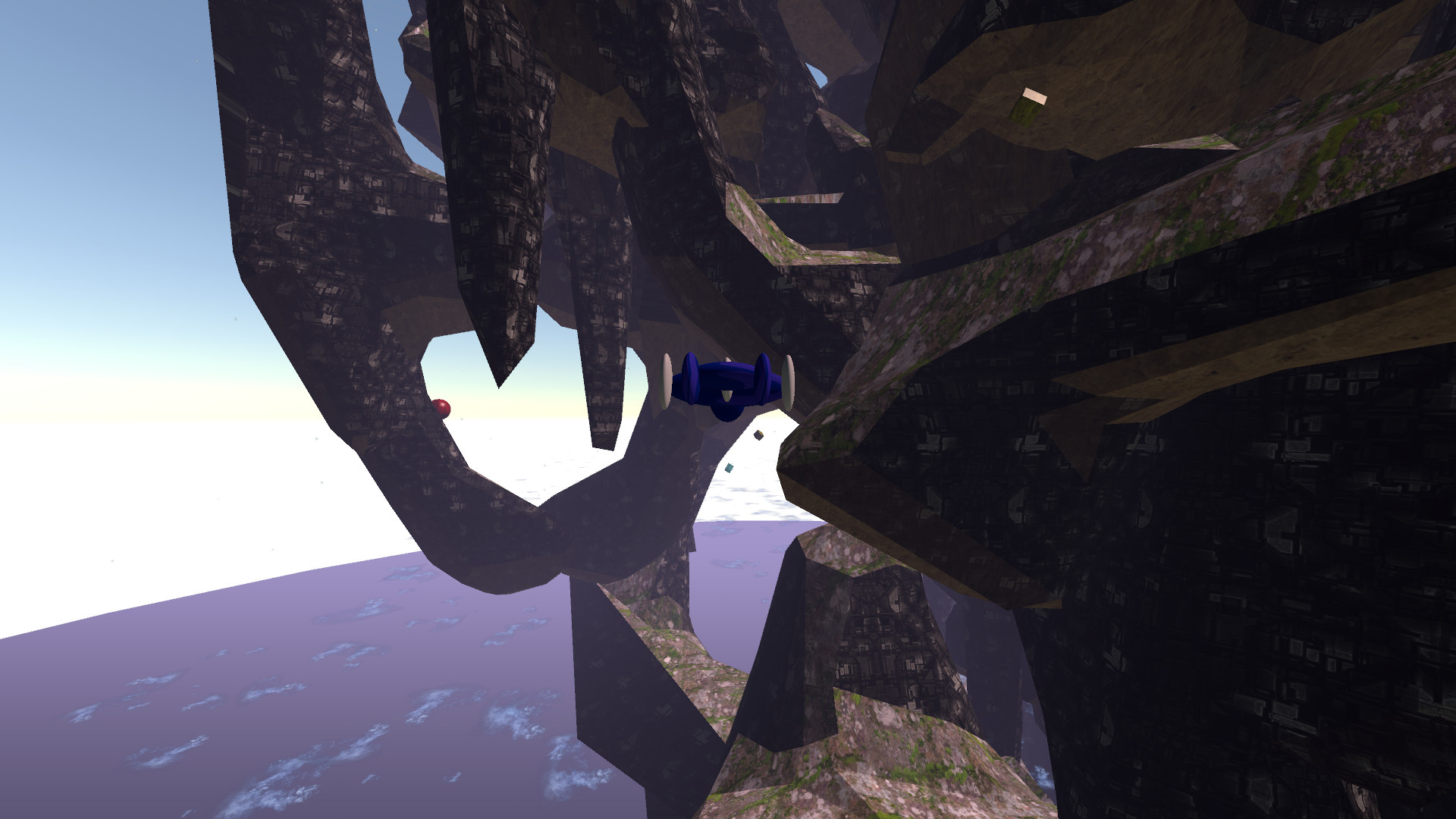
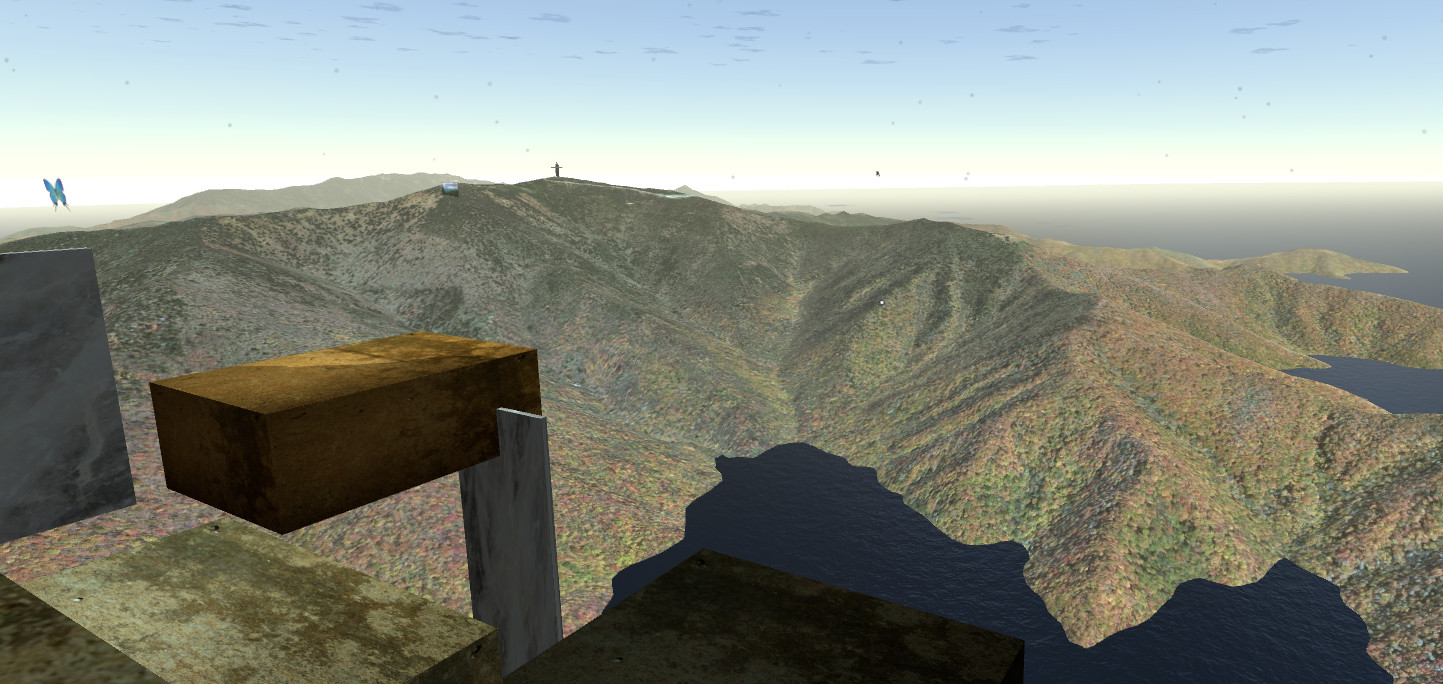
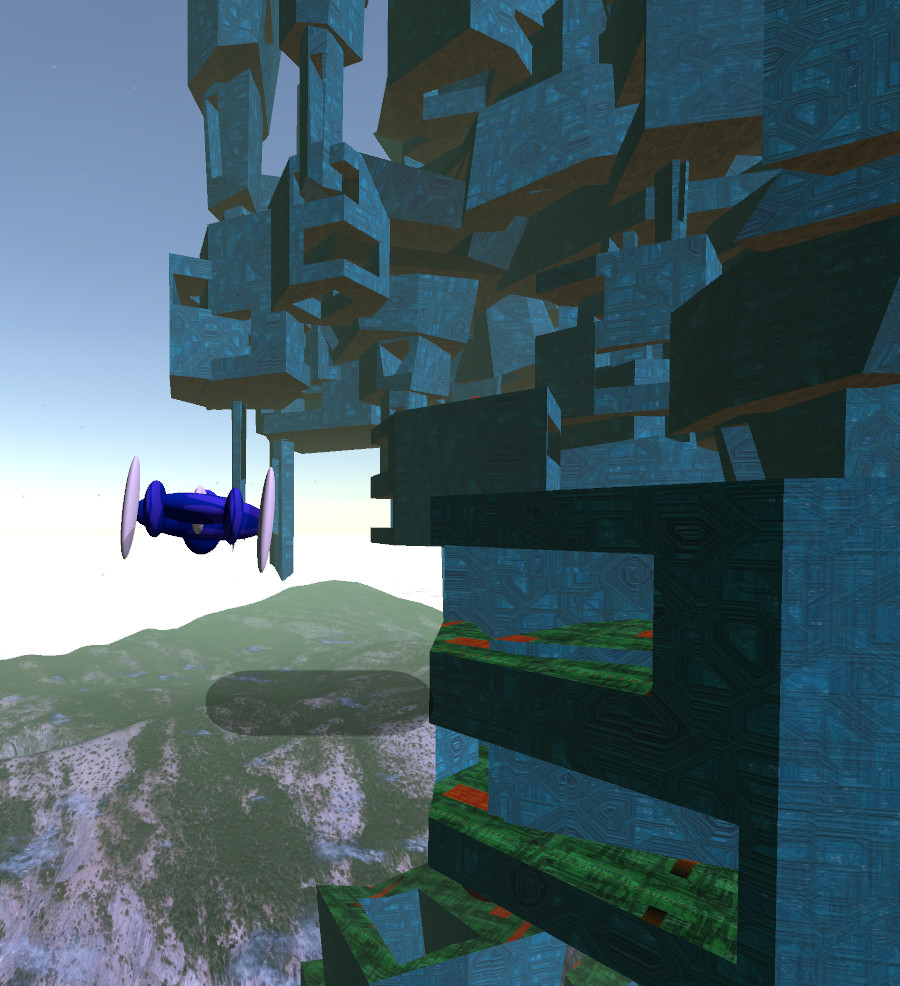
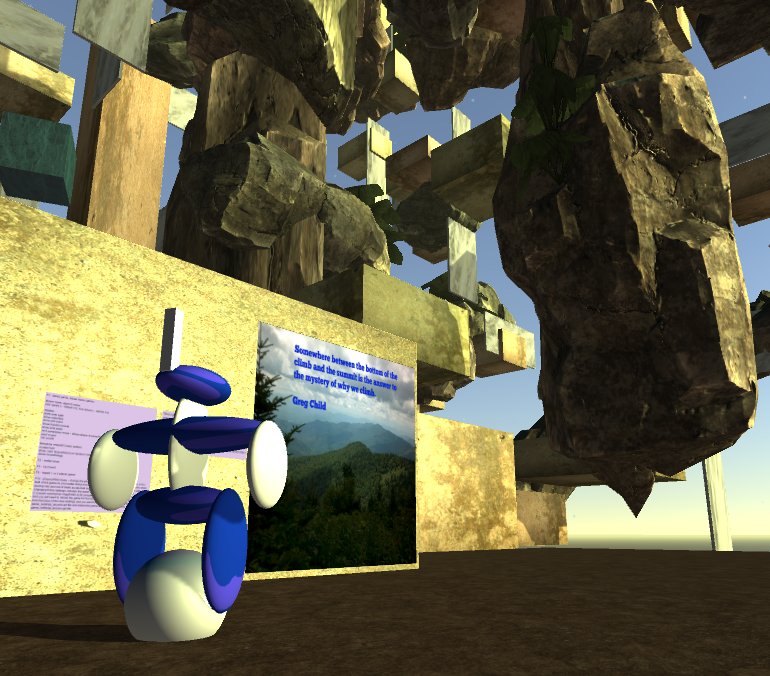
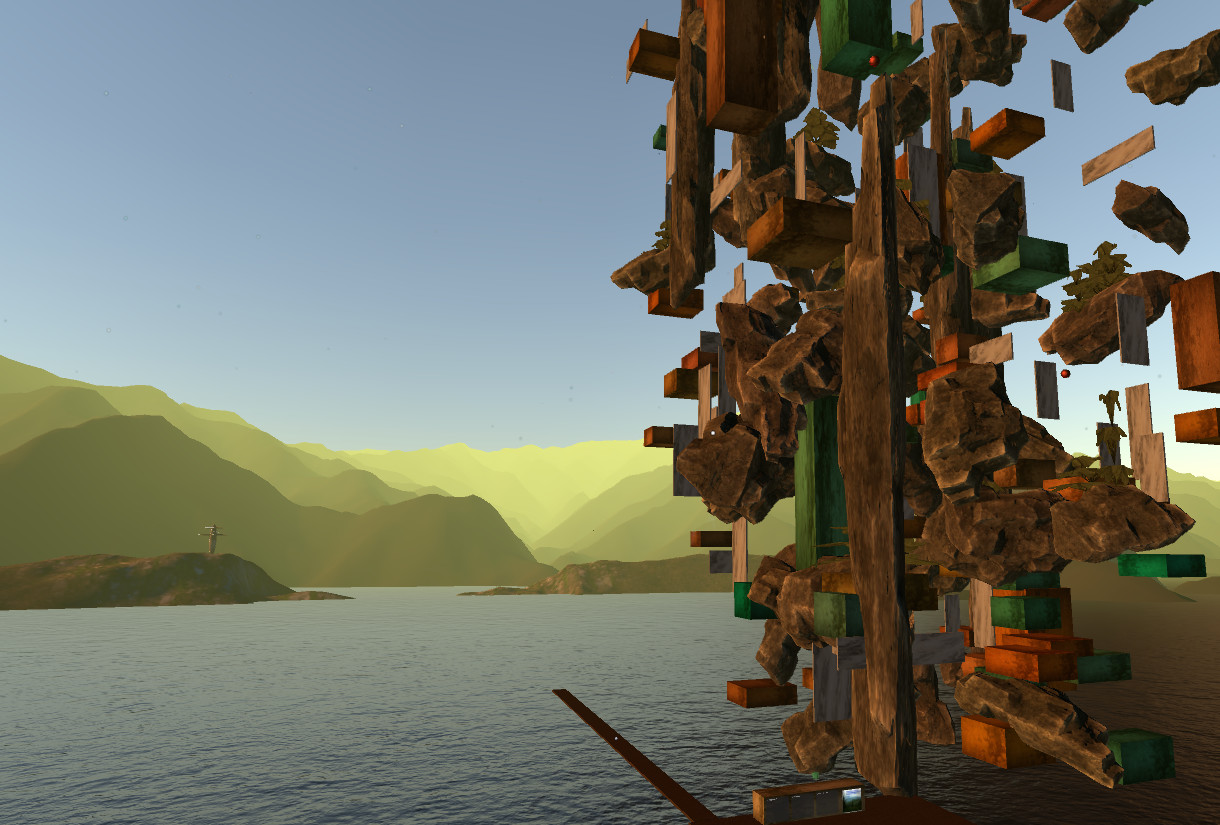
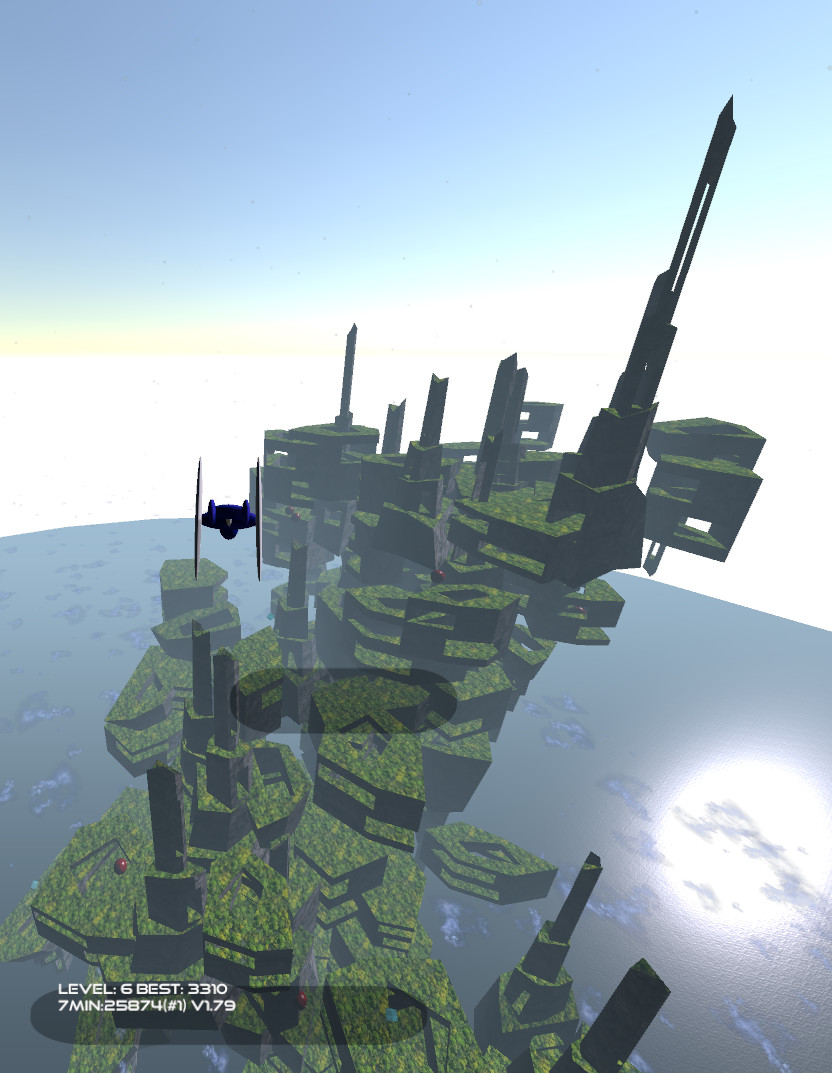
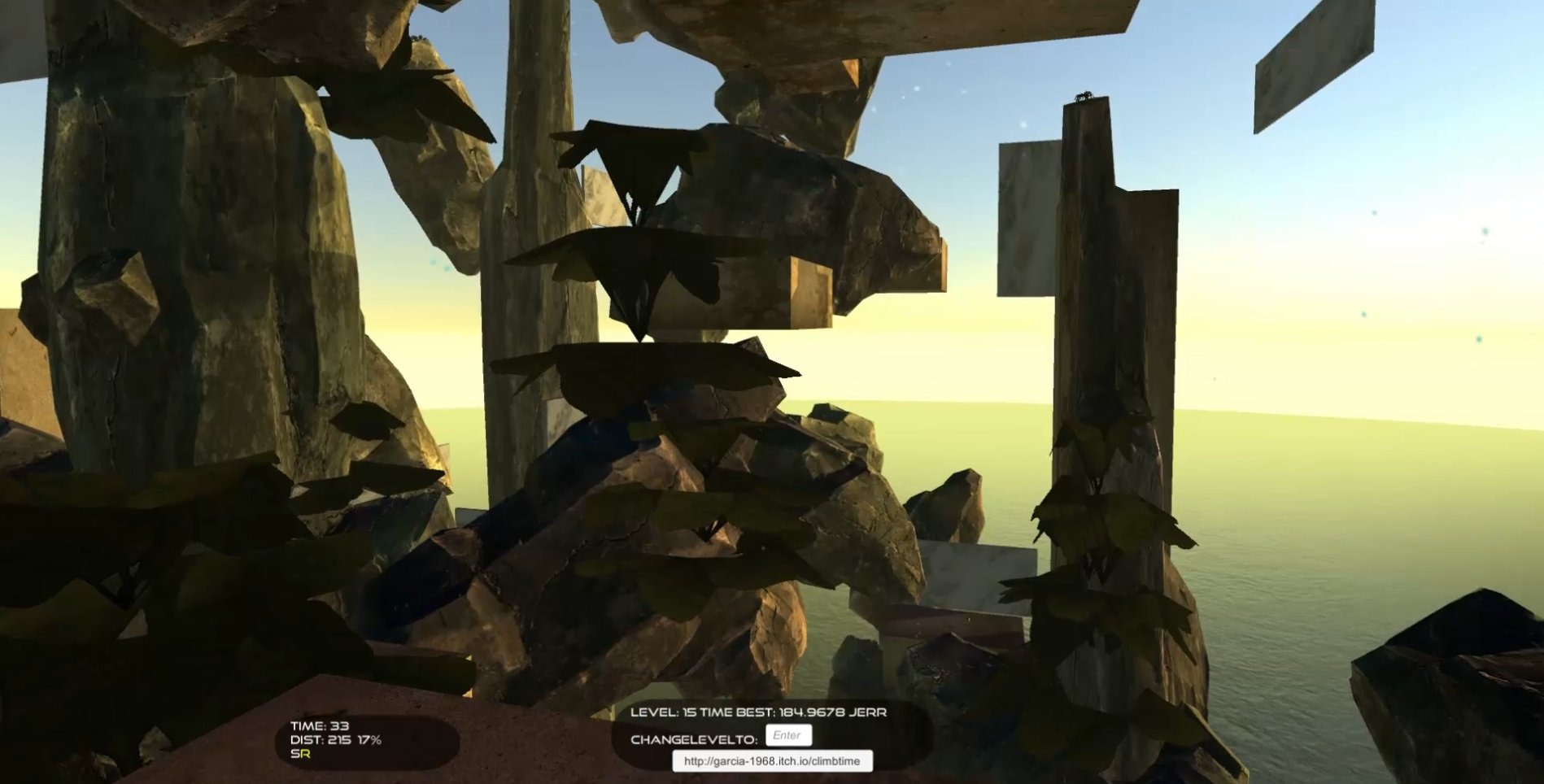
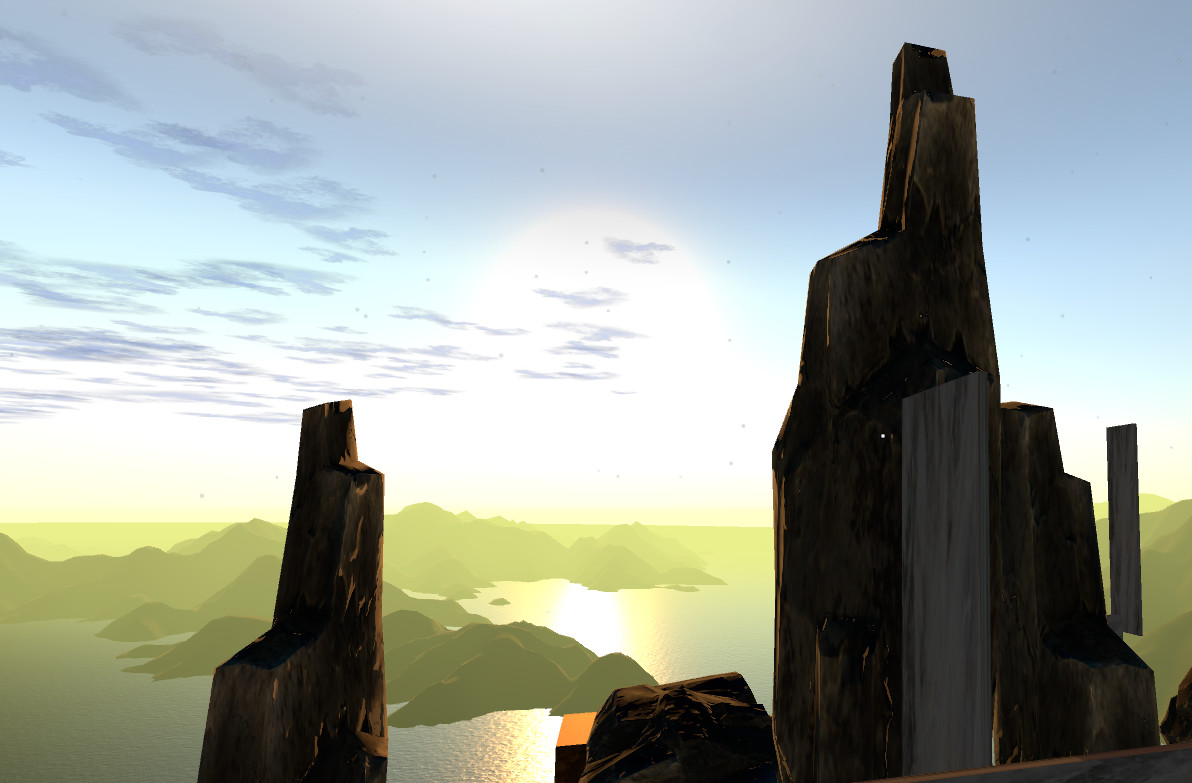


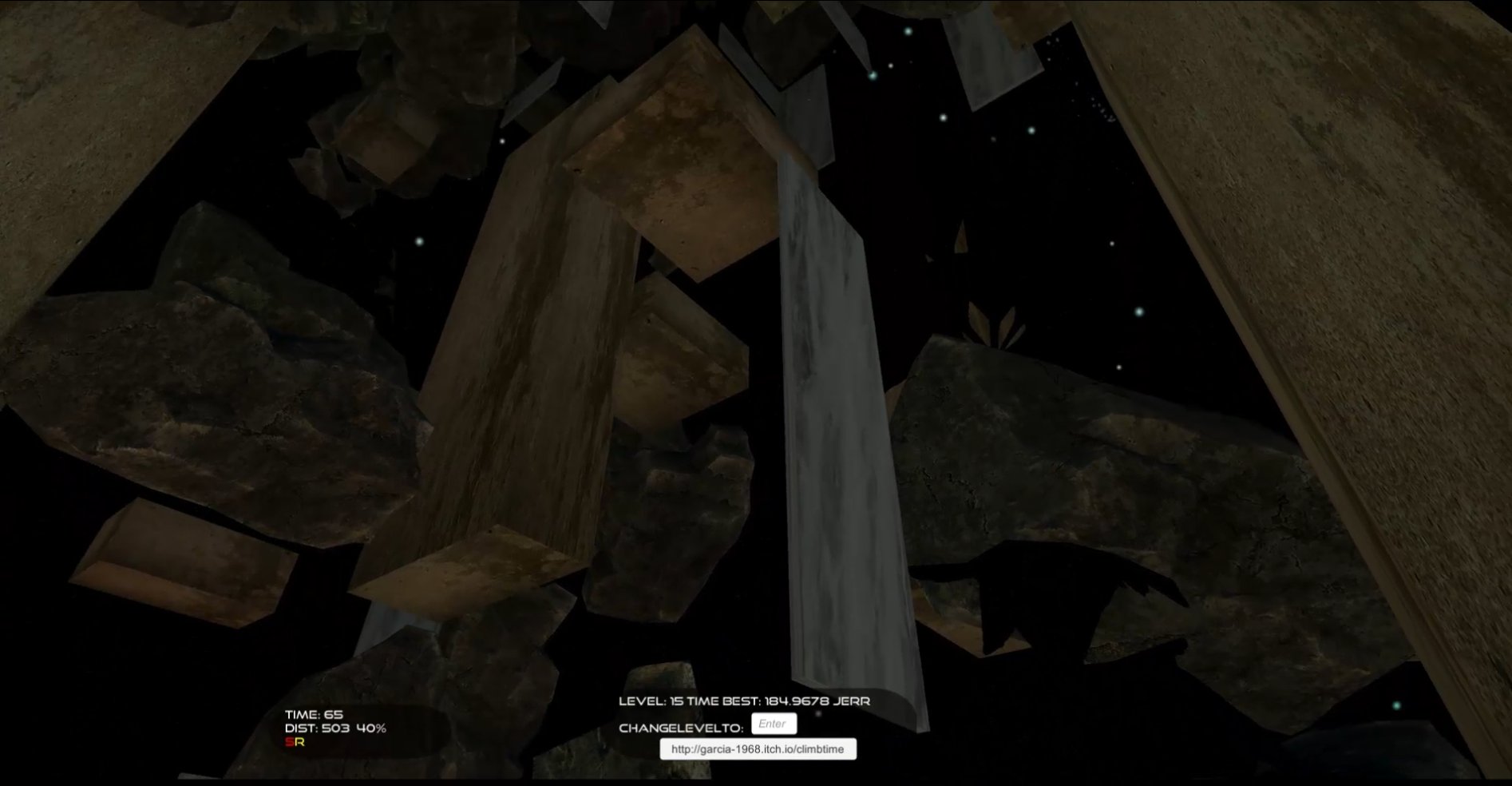
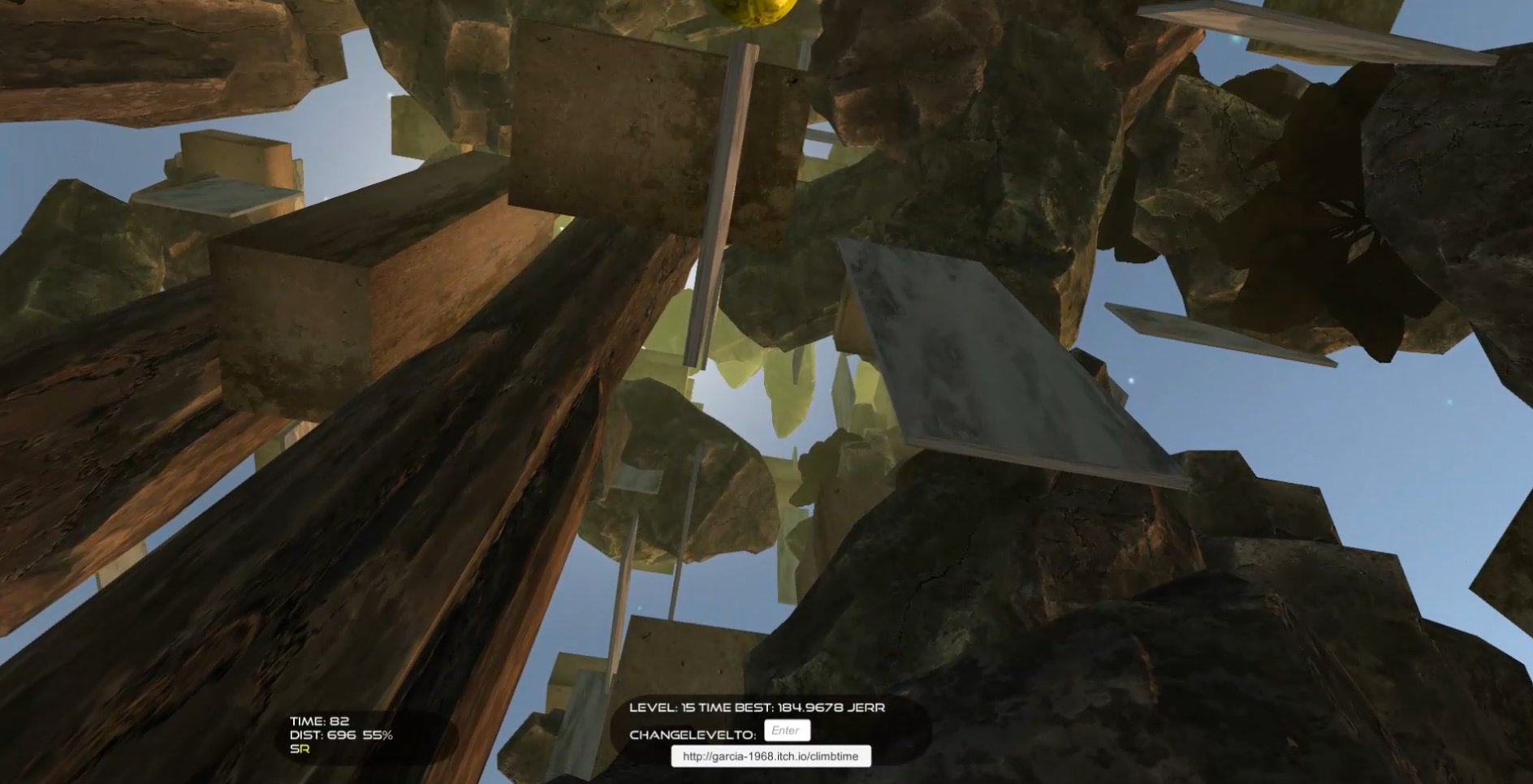
Climbtime - jump and parkour climb up procedurally generated levels for best self or leaderboard time to the top. glide close to rock towers to score points on leaderboard without crashing. Hunt down small crystals within the level in crystal hunt mode or explore the real-world based terrain.
Released
May 3, 2017
Price
Platforms
Windows
Developer
Publisher
Last sync
September 26, 2026
Game supports gamepad and VR Vive controllers.
Game goals/modes
The game currently has 4 modes
Climb
time-attack - reach the highest block(the one with a blue spinning cube over it same as the one at the base) as quickly as possible.
Glide
score-attack - score more points by flying faster/closer to rocks on glide down without crashing. When close to level bottom 'round over' will display. First 3 levels keep steam leaderboard scores.
Crystal Hunt
Find and collect(using the crystal shot) all 10 hidden crystals in the tower. The crystals are small blue cubes and create a sound which grows louder as you get nearer.
Explore
Glide or long-distance teleport over the terrain and enjoy the views which are modeled on the below real-world mountain and canyon terrains. More content to find in this mode coming.
See in-game pause menu(start button, F1 or Vive controller menu) for settings, Controls, Game modes and additional notes.
Note that game engine graphics and input config options can be accessed by holding down shift or alt or ctrl key while starting the game.
If using the Oculus Rift and the game fails to load, let me know and I will try to publish a separate branch download oculus rift specific version.