While you work, Claire walks through a dream
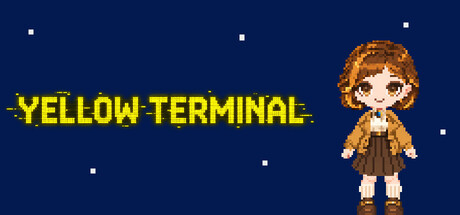
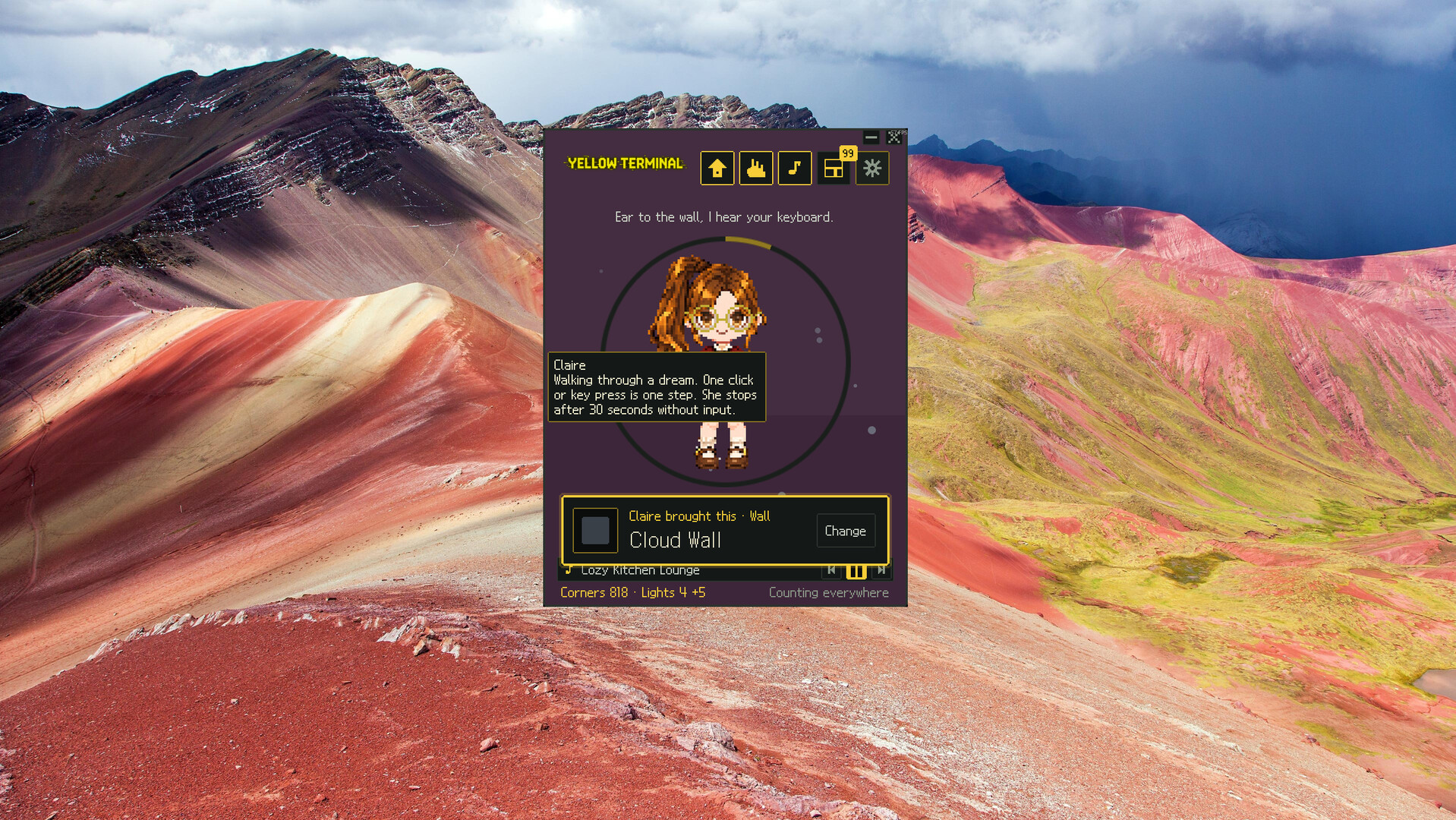
Yellow Terminal is a little desktop game you can keep in a corner of your screen. Join Claire on her walk through a dream as you collect items, decorate her window, and listen to music.
Writing documents, coding, browsing the web—your everyday activities become part of Claire's journey. Every keypress and mouse click takes her one step further.
Carry on with your day, and look over now and then to see what Claire has found.
Little discoveries around the corner
As her steps add up, Claire turns corners within the dream. The colors of walls she discovers become background items for her little window.
On rare occasions, a light appears beyond a wall, opening a special Light Path. Each step brings a chance for the next light to appear. Some paths end quickly; others continue much longer than you expect.
The longer the lights continue, the better the item you receive at the end. See how far this Light Path will take her.
Collect, customize, and make this little window your own
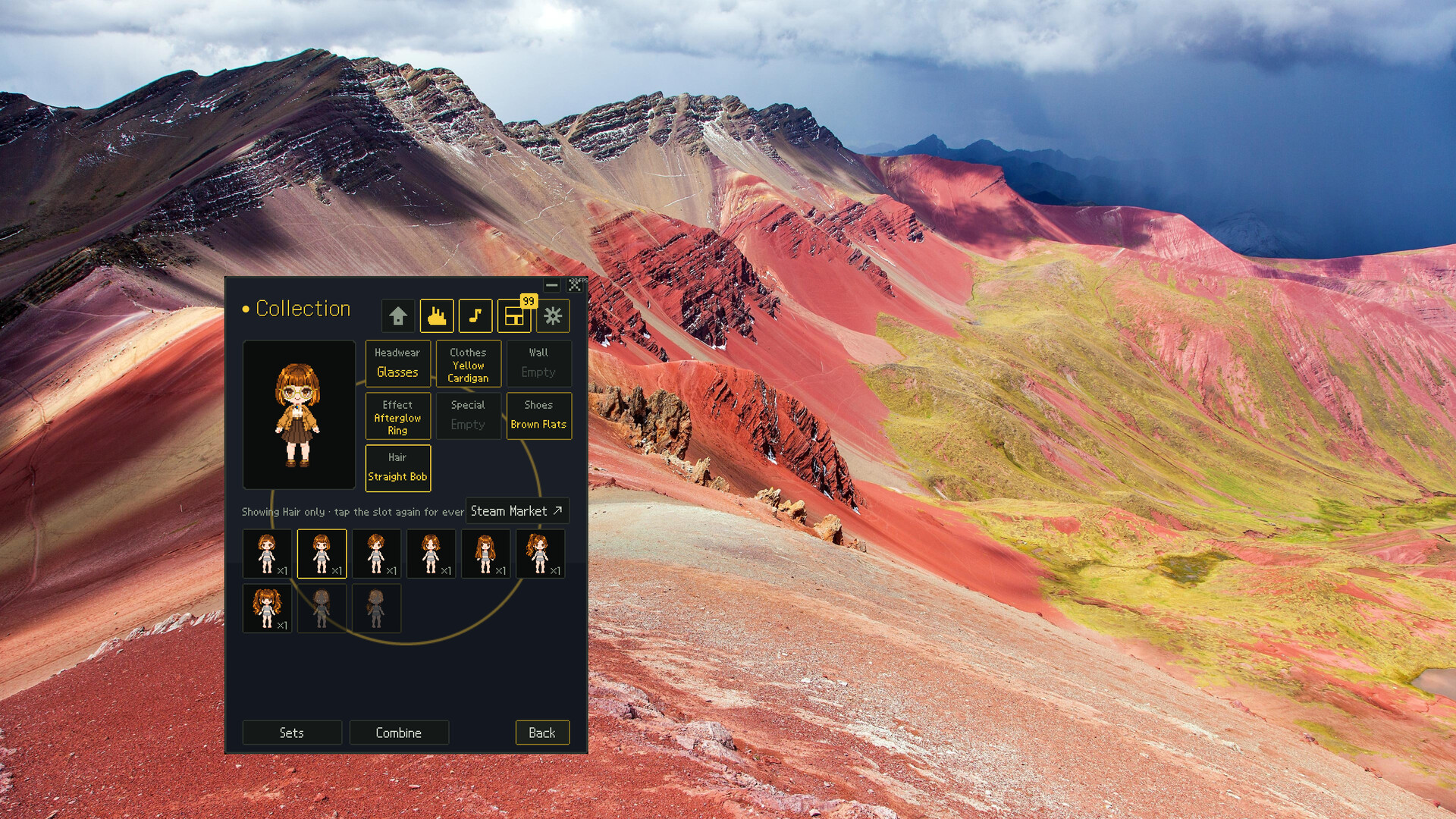
A yellow cardigan, a navy sailor dress, a little ribbon, a lamp that lights up behind Claire...
Use the items you find in the dream to dress up Claire and decorate her window. Mix and match clothes, shoes, hairstyles, accessories, backgrounds, and effects to suit your taste.
Each item also has a short description. As you collect them and read their descriptions, you'll gradually learn more about the dream Claire is walking through.
Music and ambient sounds for your working day
Put on music you enjoy and spend an ordinary day with Claire by your side.
Layer rain, water, or keyboard sounds over the music to create the atmosphere you want. Find the sounds that suit whatever you're working on today.
A little window that fits your workspace
Adjust the window's size and position, or collapse it into a single line when you need more room. Find a comfortable spot for Claire in your workspace.
- A small default window — Scale the 320×420 window from 1× to 4×.
- Always on top — Keep Claire visible while you use other programs.
- Single-line mode — Your inputs still add steps, and music controls remain available while the window is collapsed.
- Easy positioning — No title bar; just press and hold the window to drag it where you want.
- Language support — Available in Korean, English, Japanese, Simplified Chinese, Traditional Chinese, Russian, Italian, Spanish, French, and German.
Input detection and data transmission
To move Claire, the game counts keyboard presses and mouse clicks. It does not record which keys you press, or read the contents of your screen, text, files, or information about the programs you use.
Corner events and item awards are handled by the server. Only your step count is sent to the server for this purpose.
You can turn off global input detection in the settings. Claire will then move only when you click inside the game window.