Automation that can see the screen
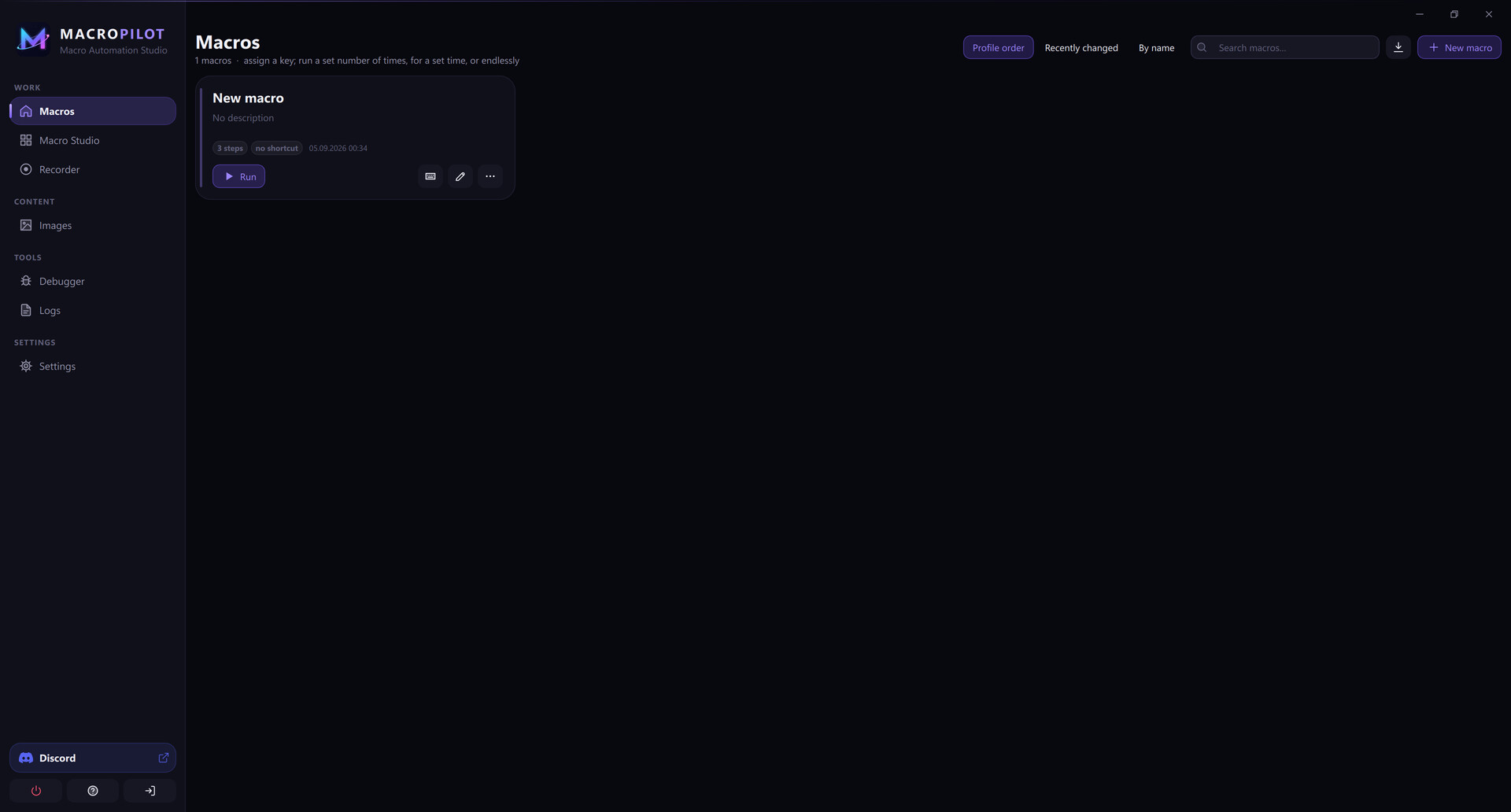
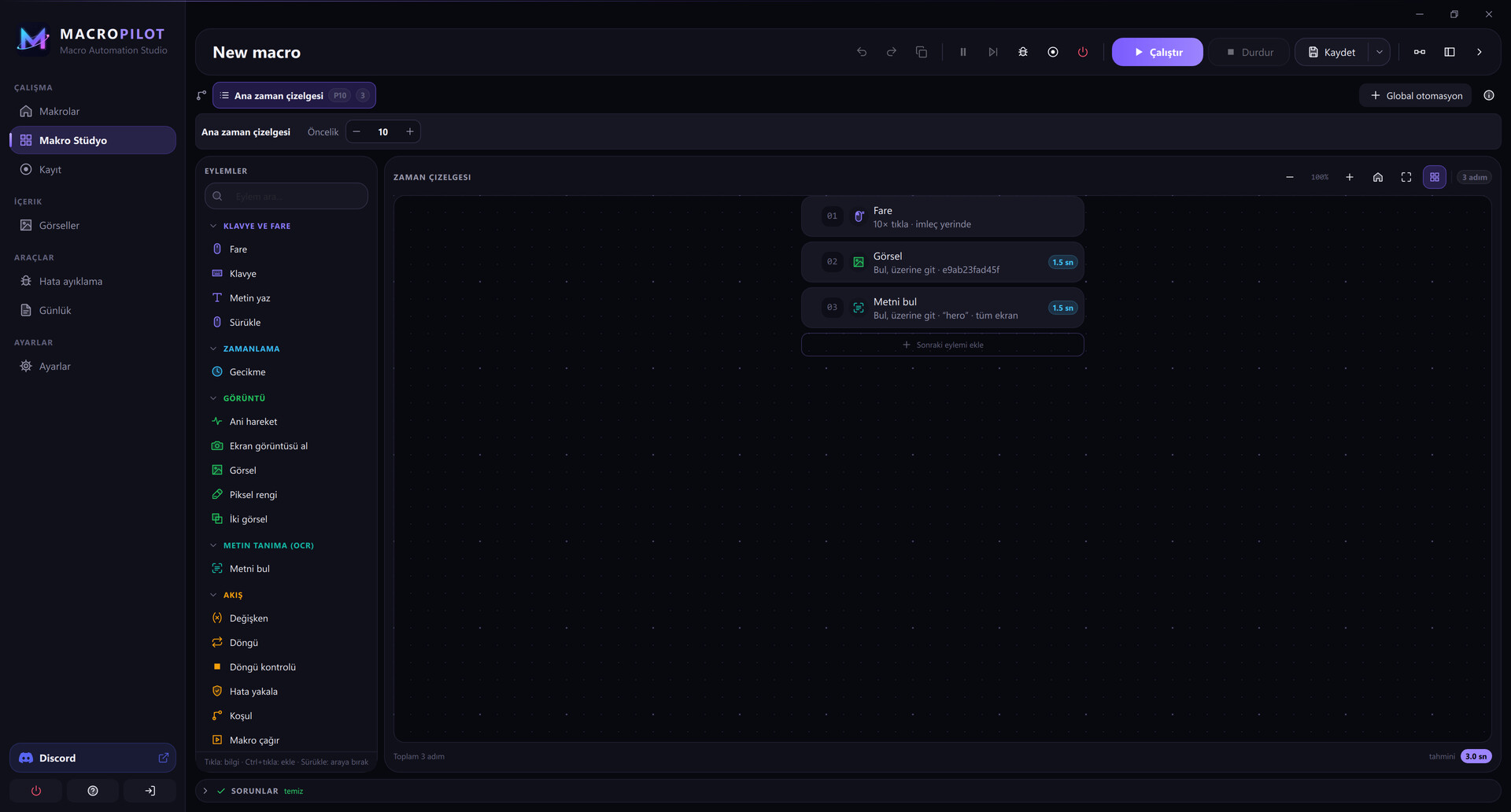
MacroPilot is a macro automation studio for Windows. Record your mouse and keyboard, then turn the recording into a step tree you can edit, branch and loop. Instead of clicking fixed coordinates, a step can find a button by its picture, wait for a piece of text to appear, or target a control of a Windows application by its name. Macros keep working when a window moves, the theme changes or the screen resolution is different.
Key features
- Record and replay – capture mouse and keyboard, then replay with adjustable timing and mouse movement.
- Image recognition – find and click anything on screen by picture. Multi-scale search works across resolutions and DPI settings, and the library can learn extra references when a macro travels to another PC.
- Text recognition (OCR) – find, wait for and click on-screen text.
- UI Automation – target buttons, fields and menus of Windows applications by their accessible name and automation id.
- Visual flow editor – loops, conditions, variables, error handling and sub-macros without writing code. Conditions are data, not scripts, so shared macros are safe to open.
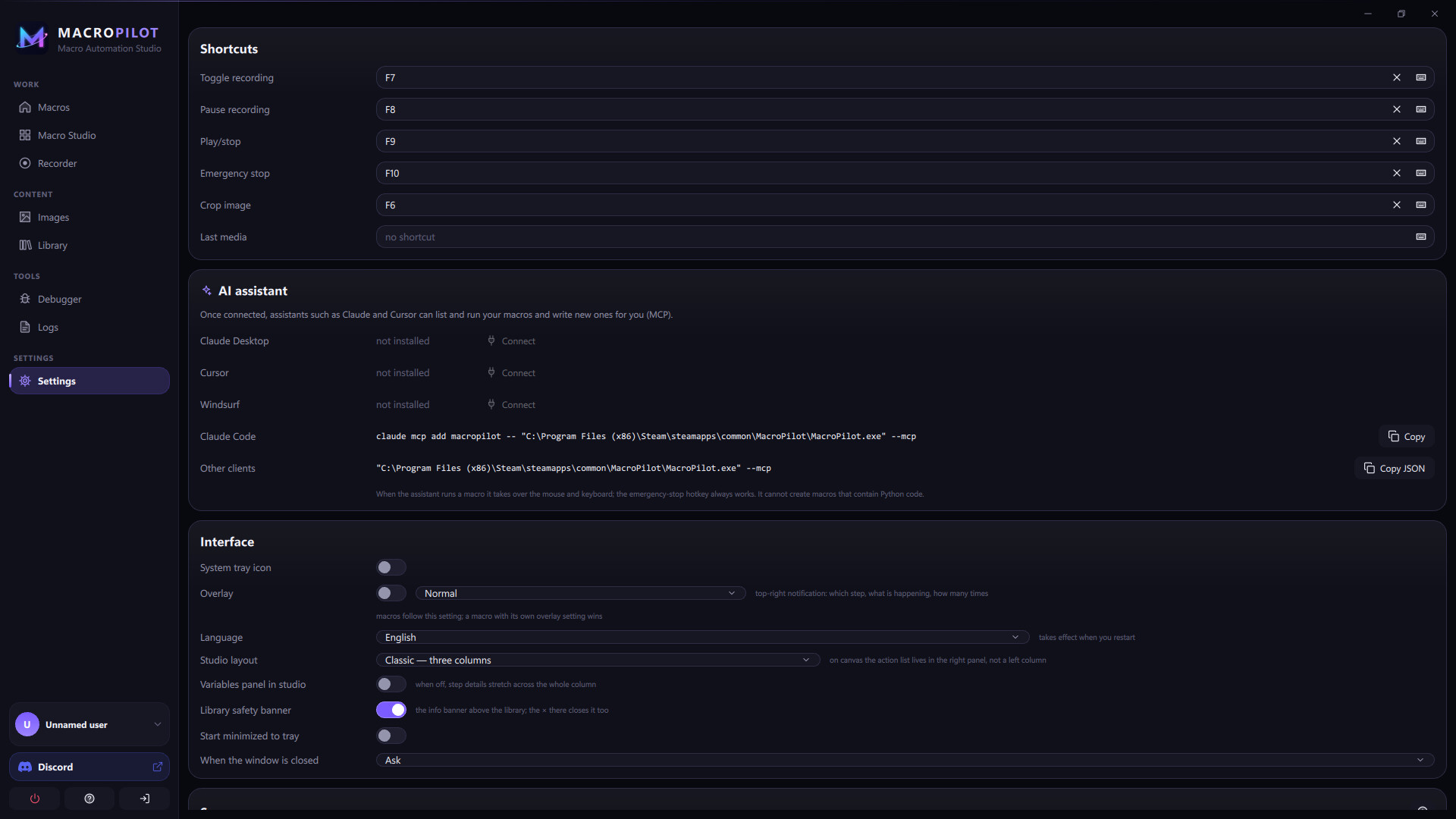
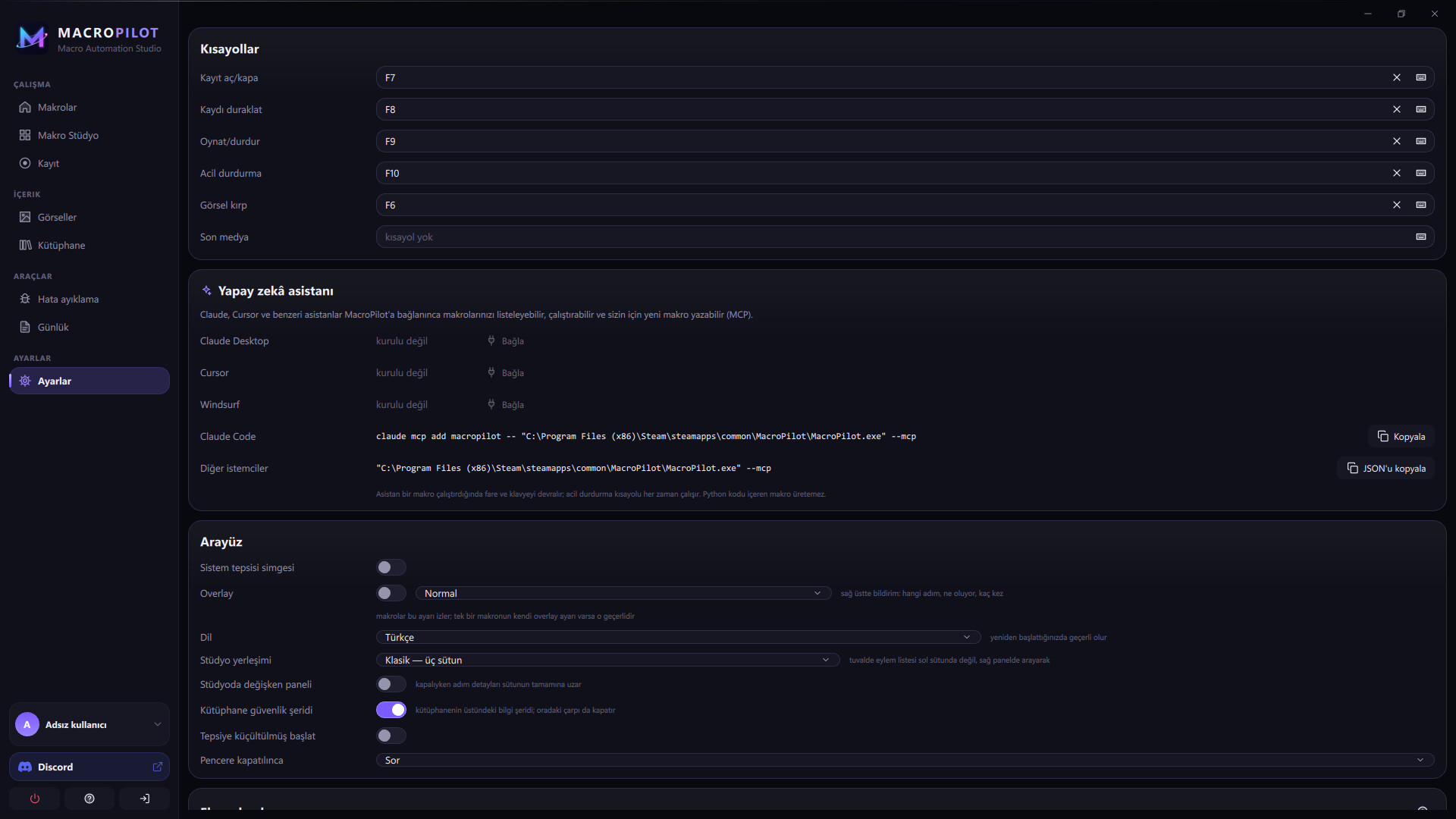
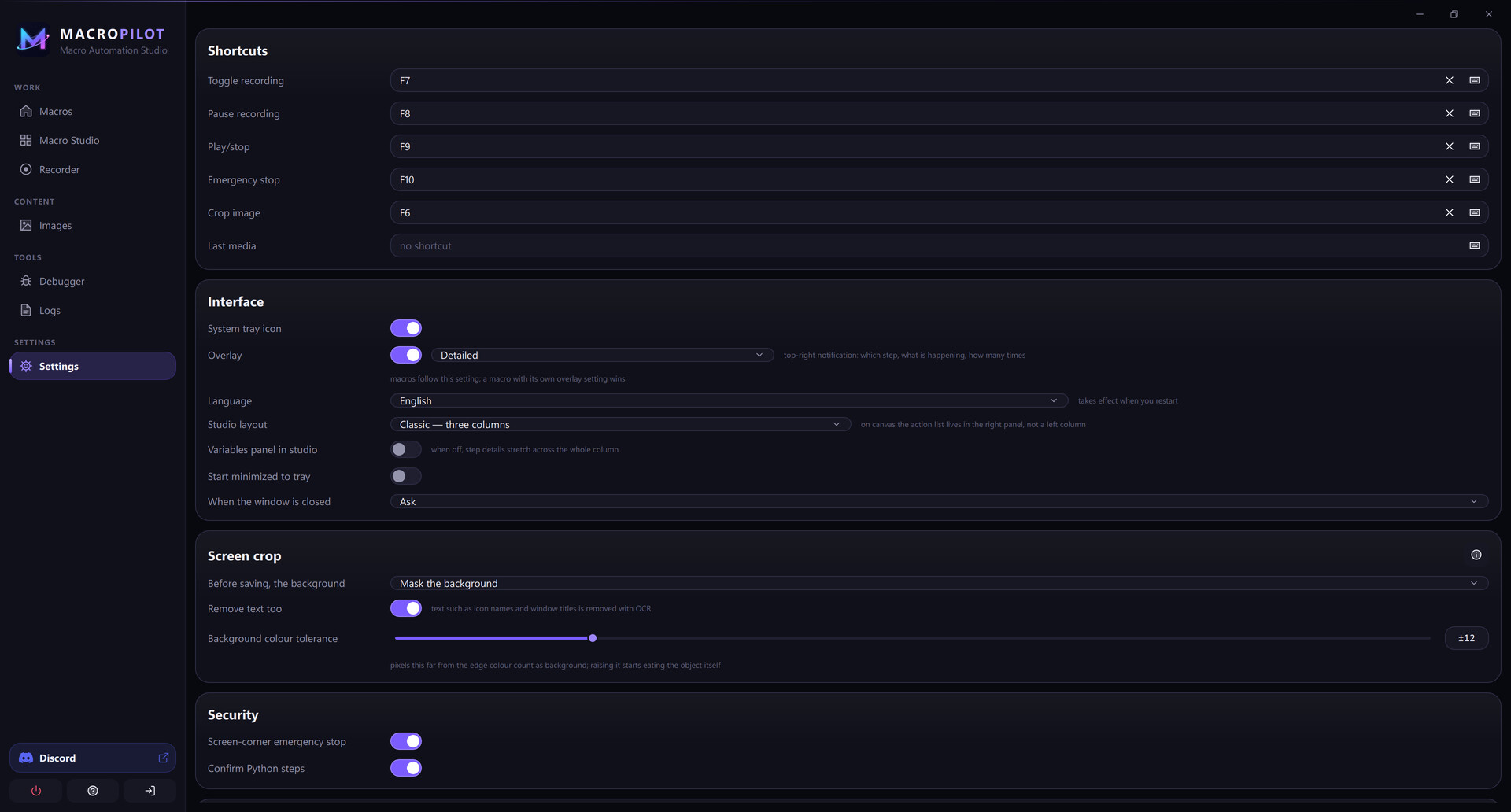
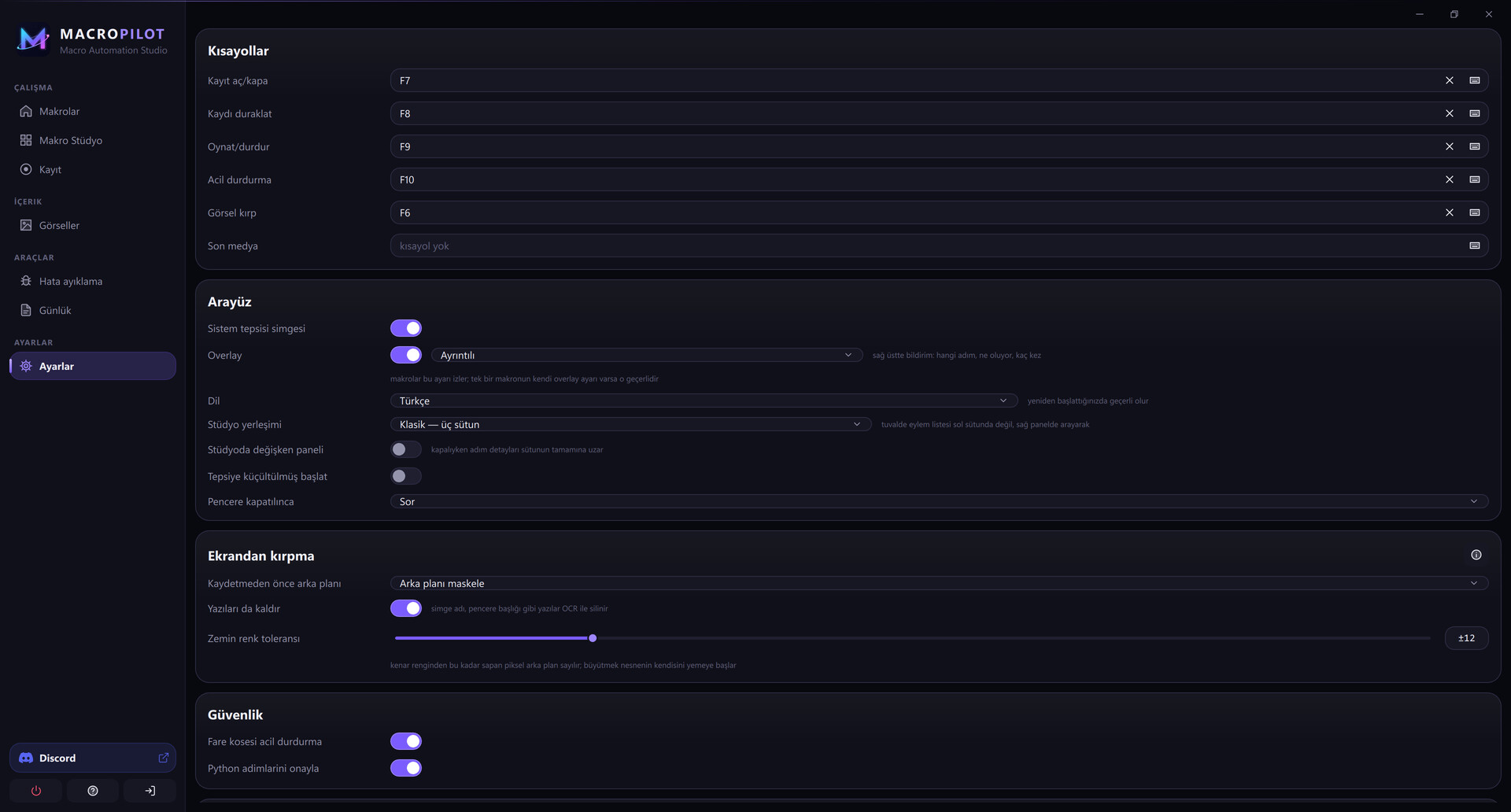
- Global hotkeys – start, stop and emergency-stop any macro from anywhere, even from the system tray.
- Timing controls – fixed or ranged delays between steps, press-and-hold durations, and instant, straight or smooth mouse paths, so playback matches the pace of the application you are automating.
- Share safely – export macros with their images as a single package. Downloaded packages are verified before anything is written to disk.
- AI assistant – a built-in MCP server lets assistants such as Claude and Cursor list, run and write macros for you; connect them with one click from Settings.
- Extensible – plugins and an optional Python script step.
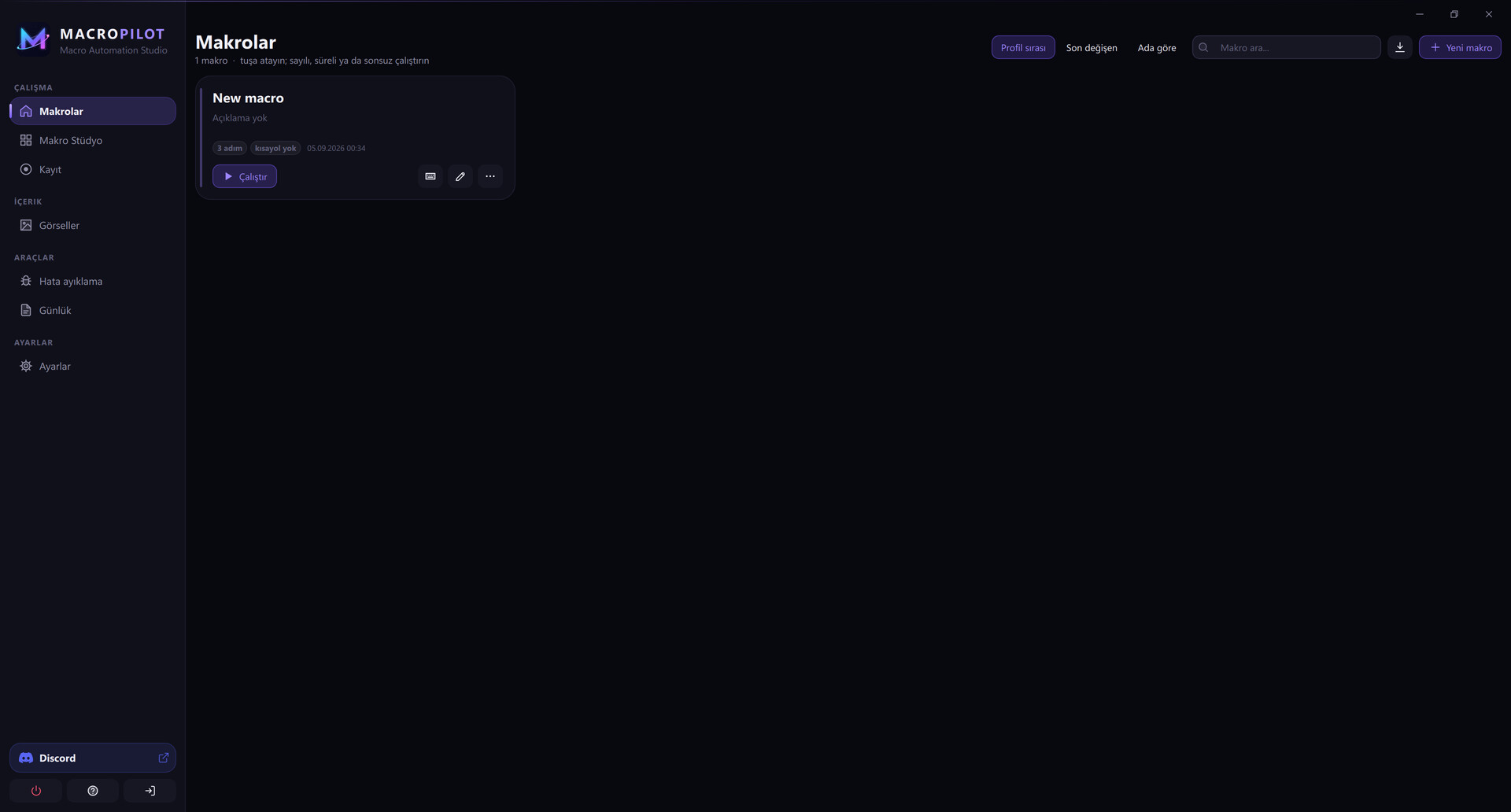
- 14 languages – English, Turkish, German, French, Spanish, Italian, Portuguese, Russian, Arabic, Urdu, Hindi, Indonesian, Chinese and Japanese.
Private by design
Everything runs on your own PC. MacroPilot has no telemetry and no online account. Your macros, images and settings stay on your machine.