#Adventure #3D #3DPlatformer
Sad Virus
Walking simulation in open world where player controls virus whose mission is to find beer bottles so he can be happy again
View game
$1.99
 -20%
-20% No Reviews · 0 reviews
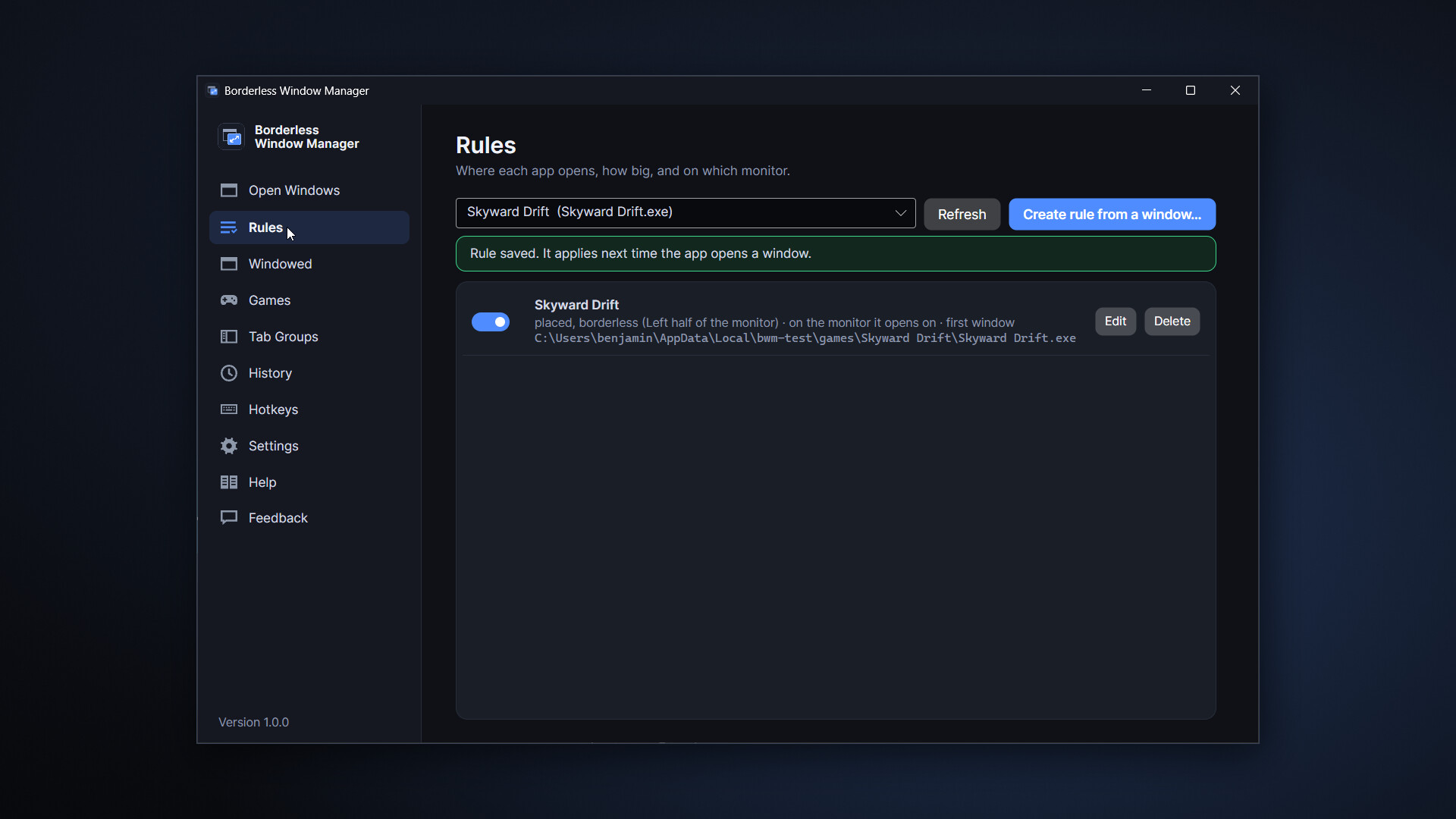
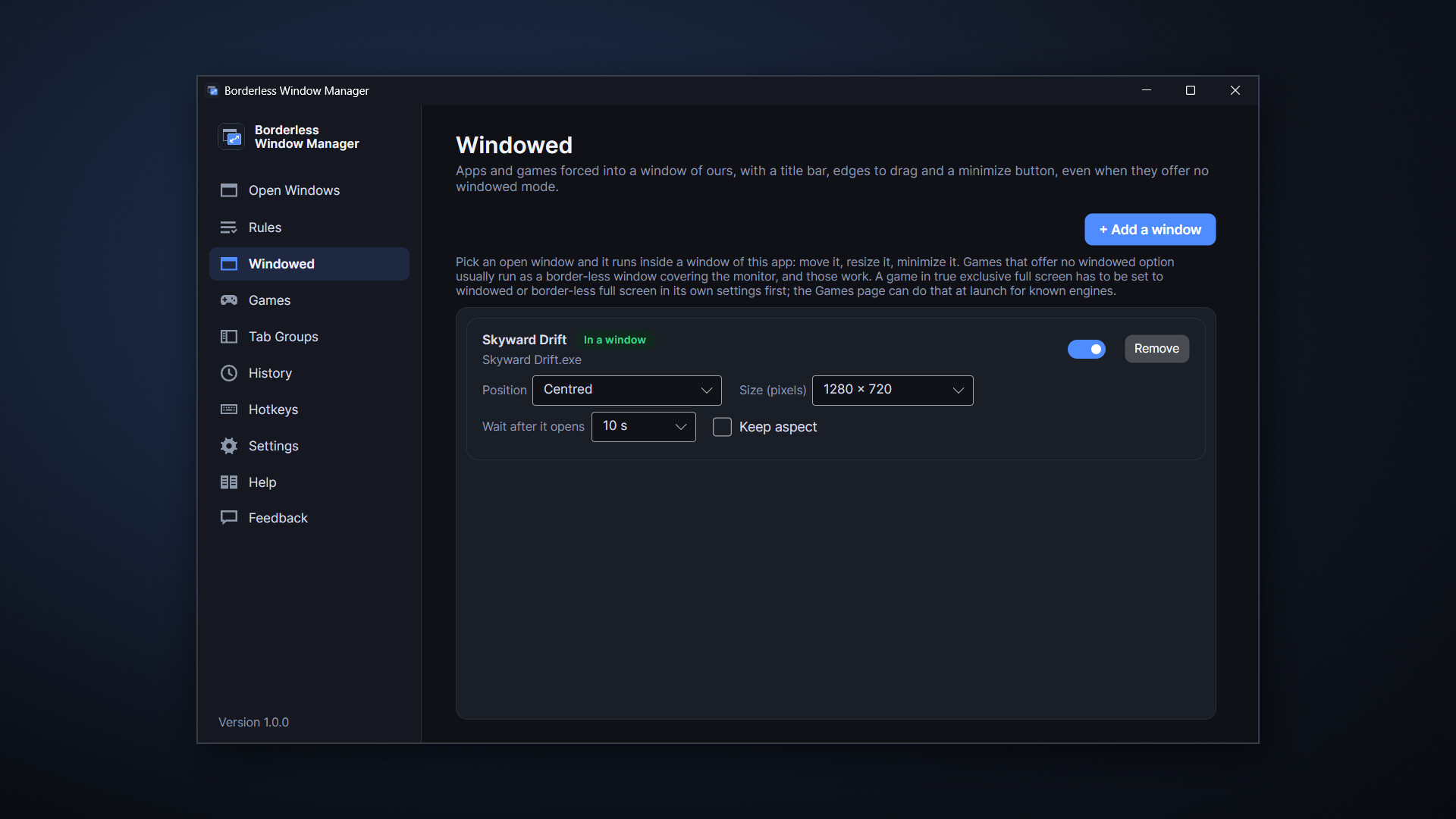
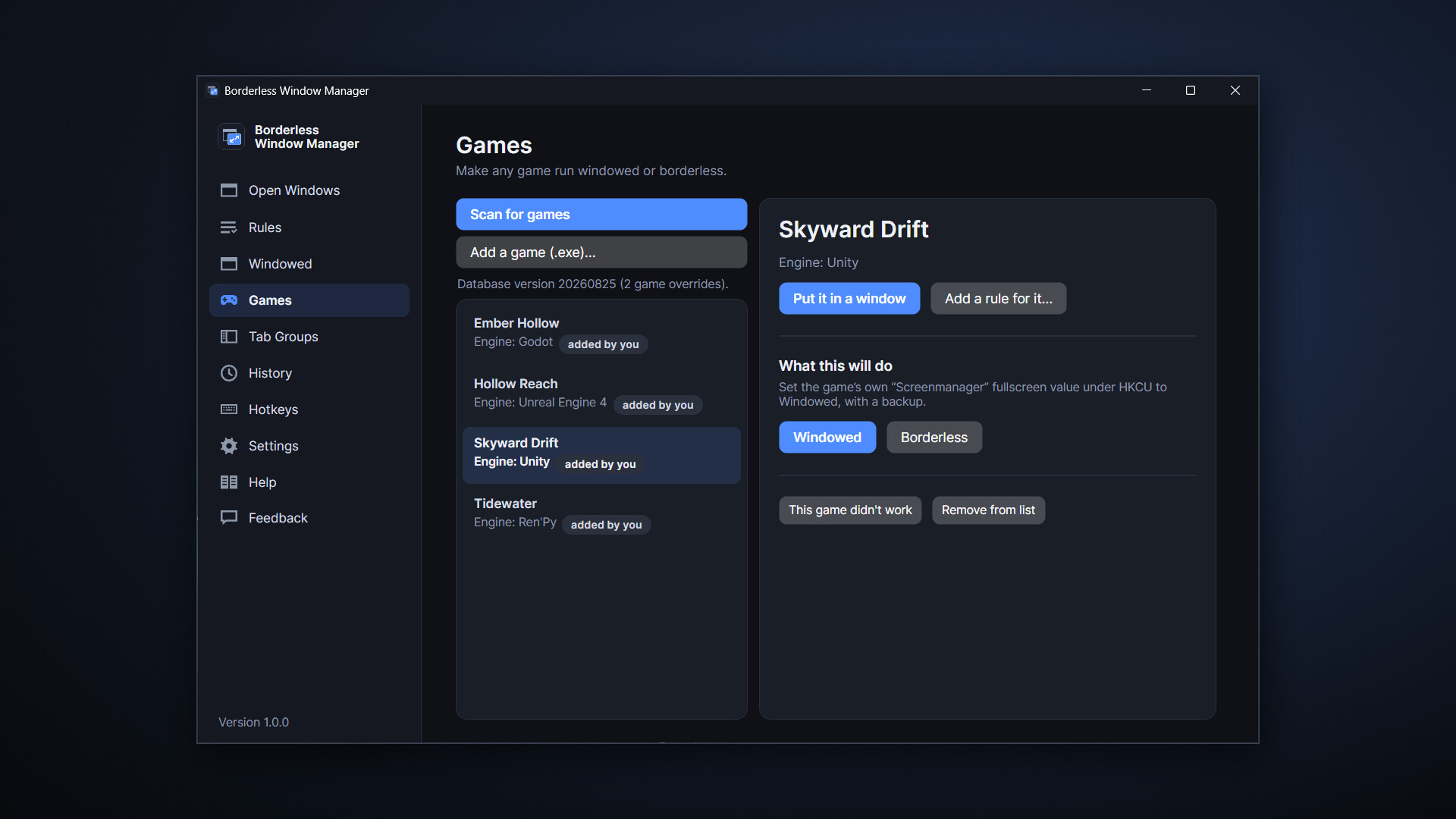
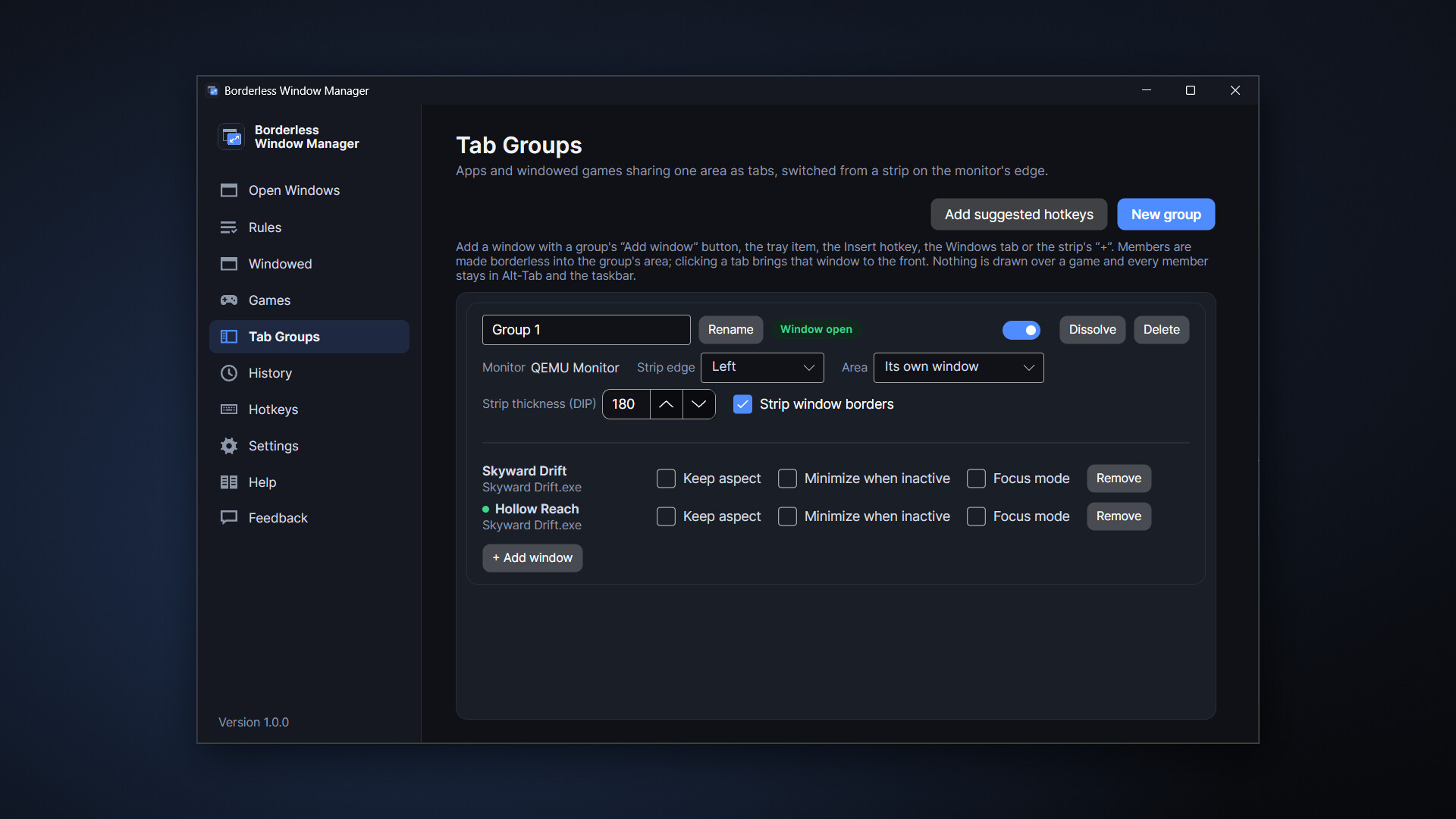
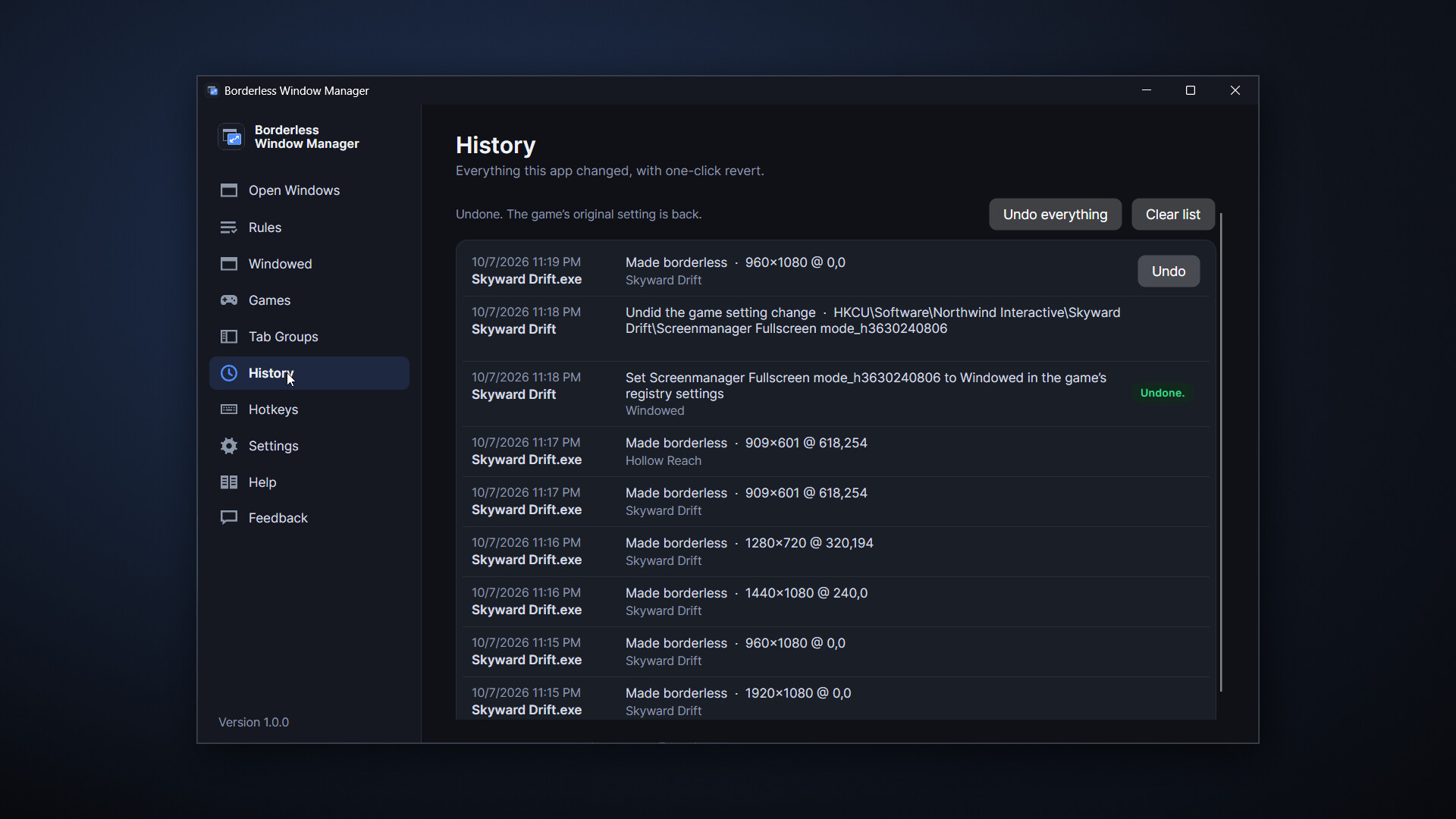
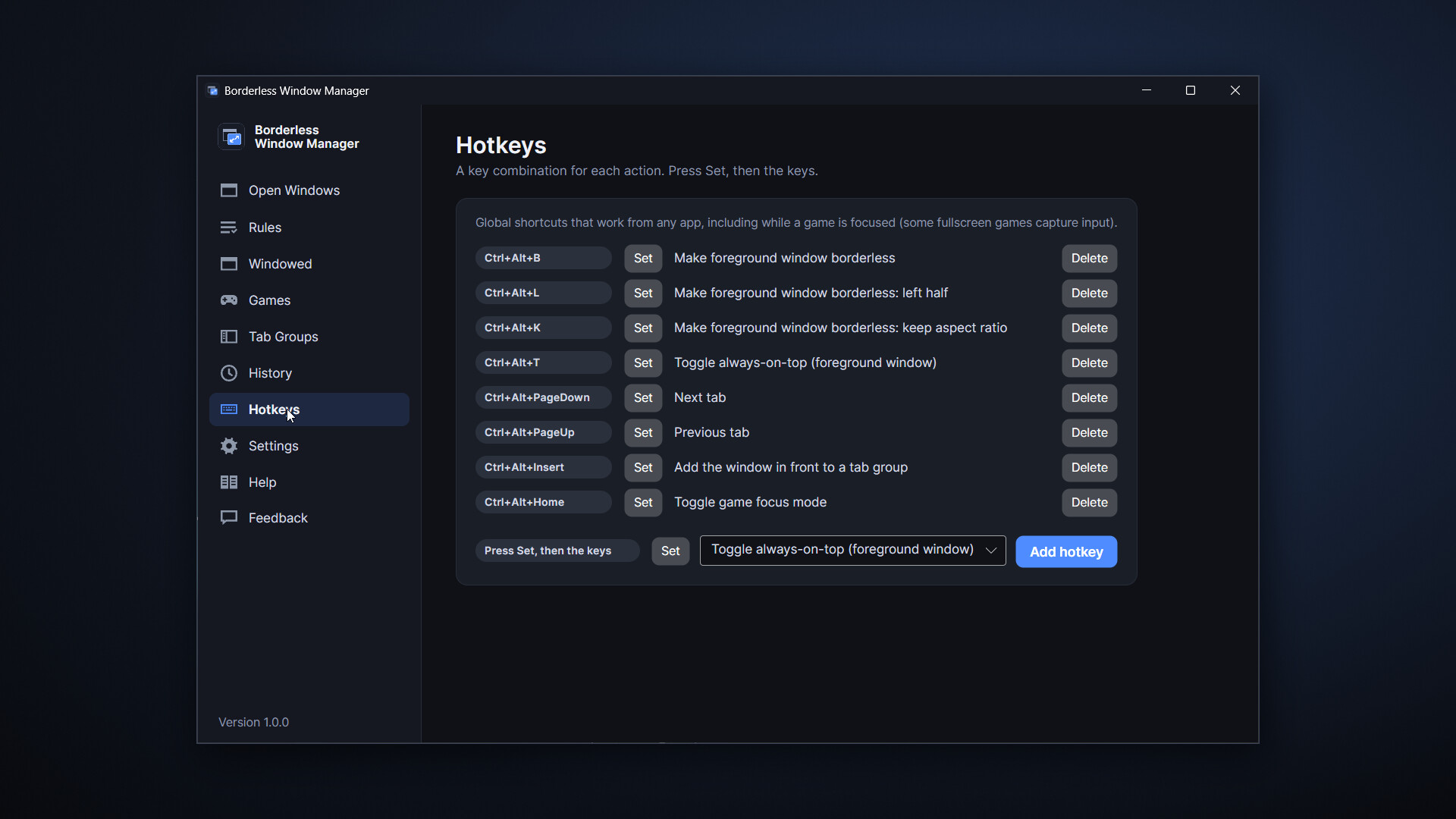
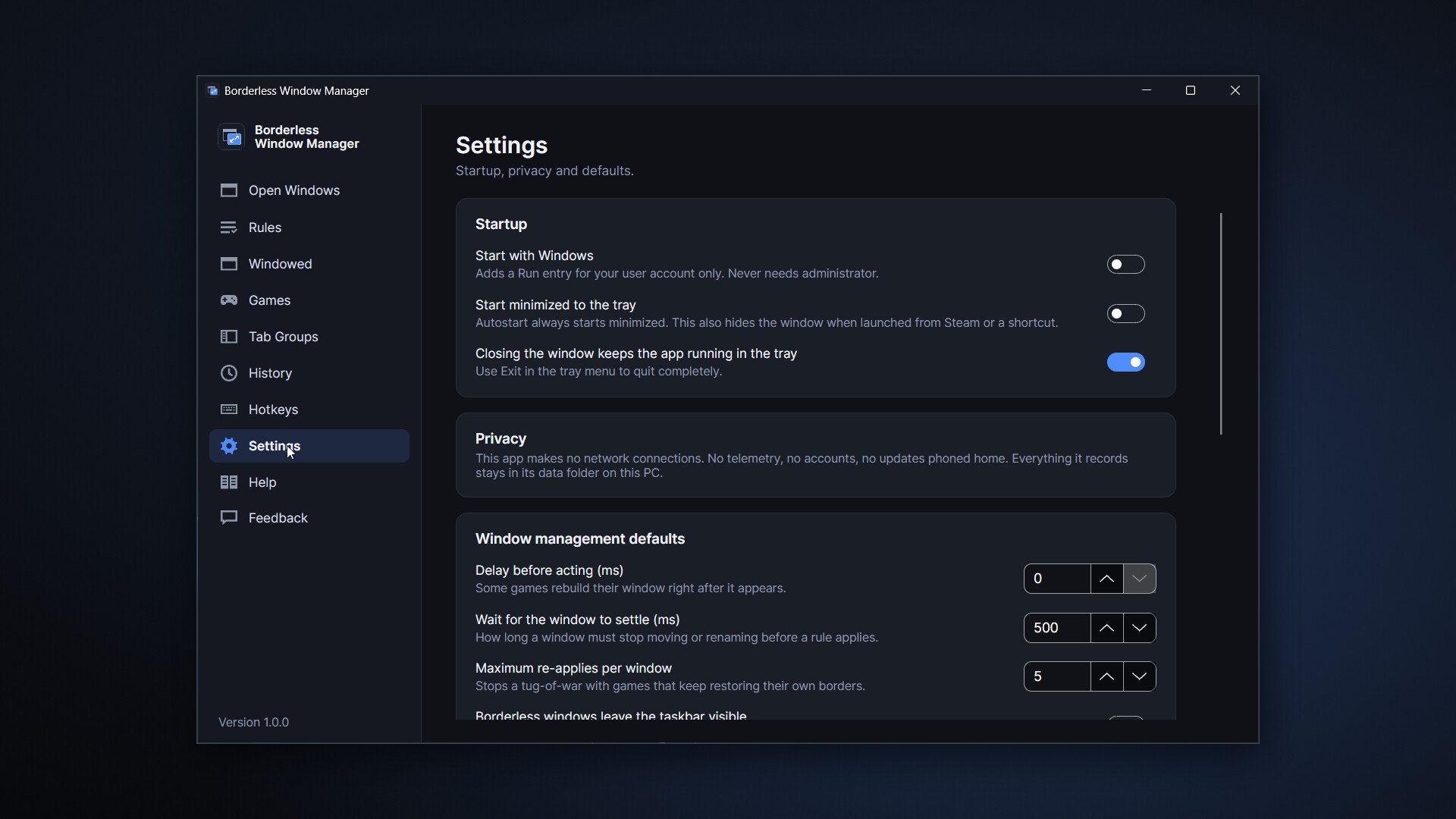
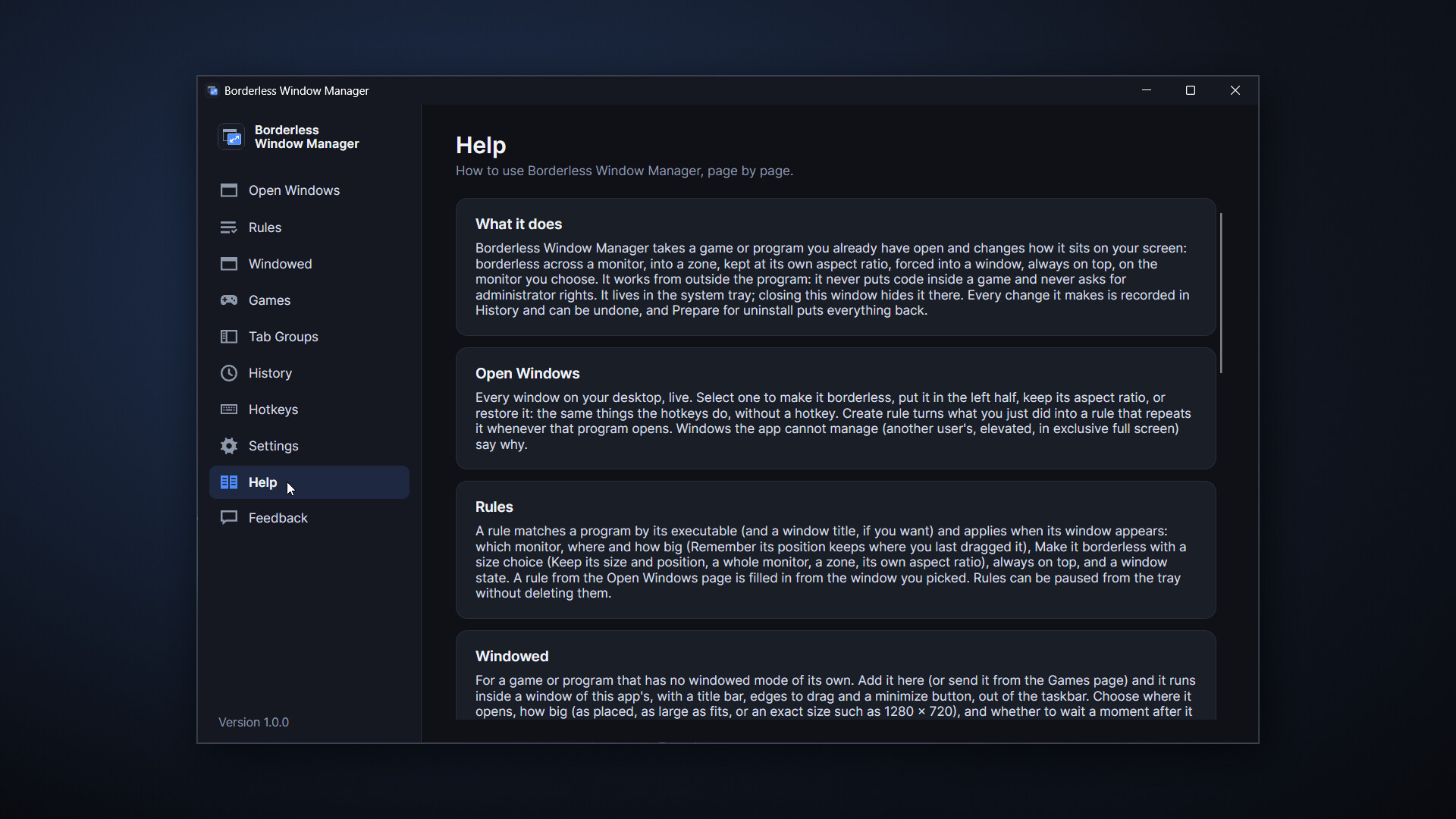
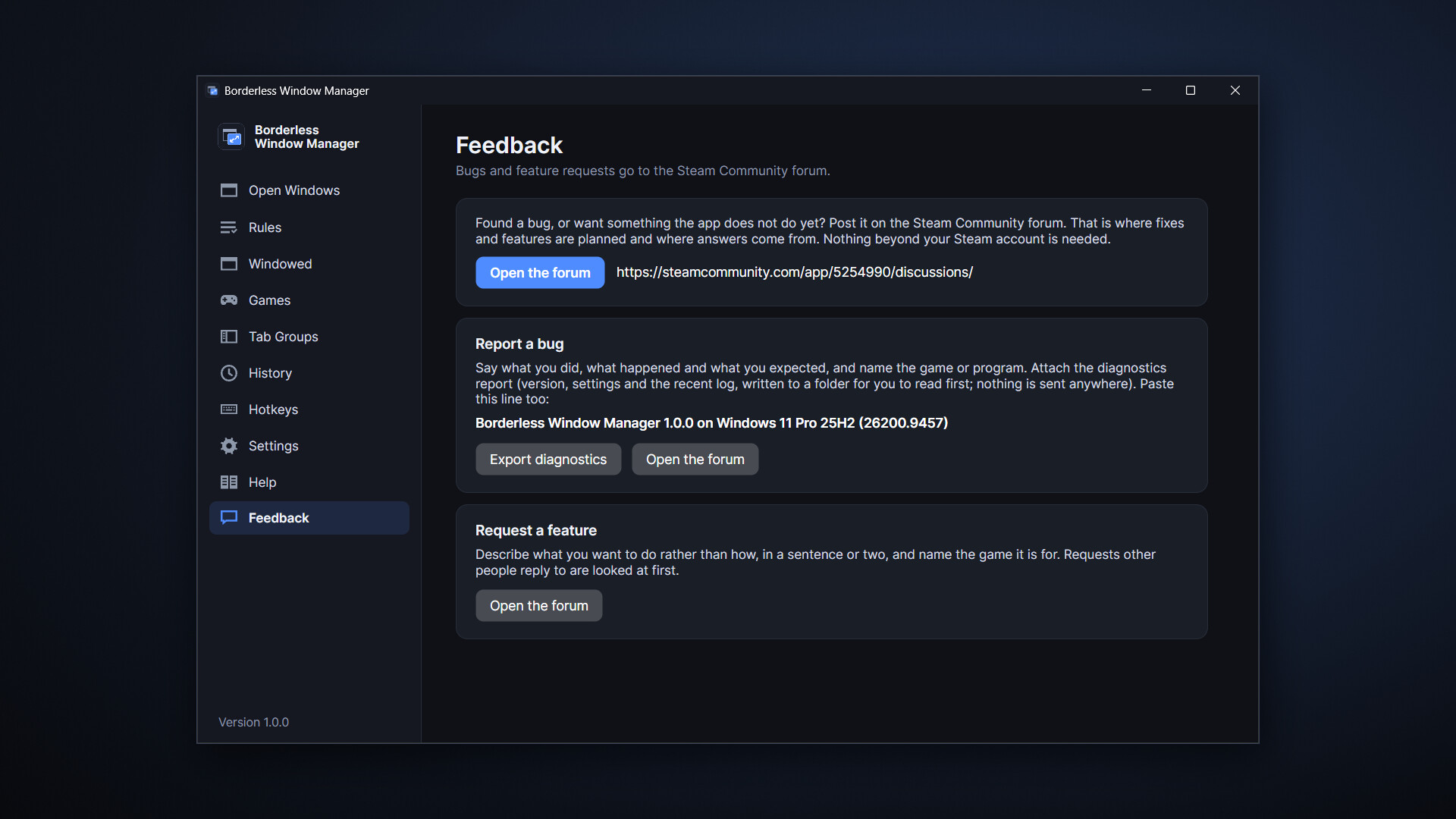
Run any game windowed or borderless full screen on the monitor you want, even when the game has no option for it. Force it into a real window, or tab games and apps together. Click a second monitor; the game stays put. Rules and layouts on a hotkey. No admin rights, no code in the game. No DLC.
Released
October 7, 2026
Price
Platforms
Windows
Developer
Publisher
Last sync
October 8, 2026
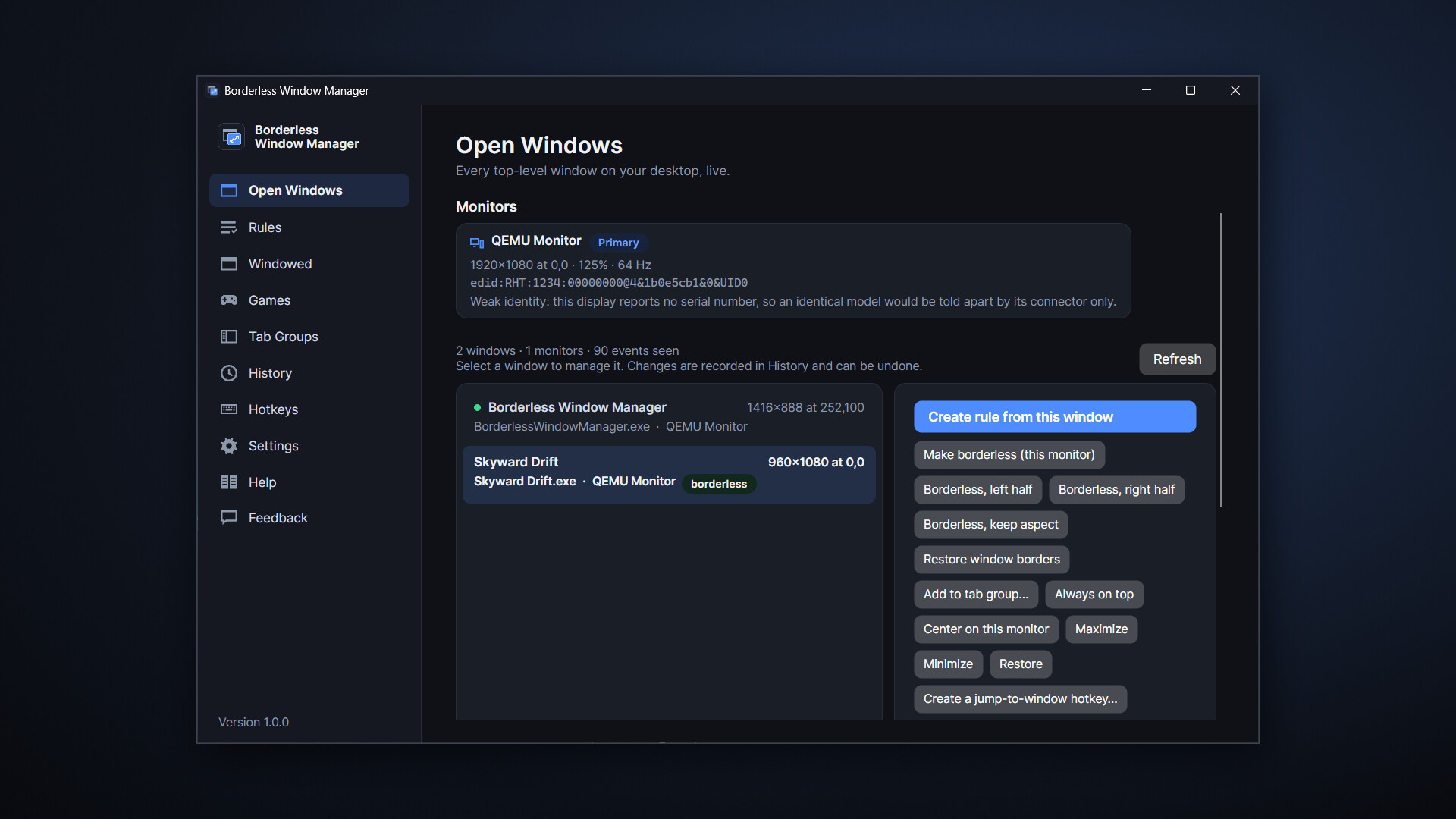
Borderless Window Manager makes games behave on your desktop. Run any game windowed or borderless full screen on the monitor you want, even when the game has no option for it. Put a game that has no windowed mode into a real window of its own, or make games and apps the tabs of one window. Click your second monitor without the game minimizing. Put every window where it belongs, remember it, and switch whole monitor layouts with a key. It never asks for administrator and never touches a game's code.
Press Ctrl+Alt+B while a game is in front and it goes borderless: the title bar and frame disappear, the picture fills the monitor, and alt-tab is instant. Press it in a game that was never designed for it. Undo it any time from History.
"Fill the monitor" is only the default.
Half an ultra wide. Borderless into the left or right half, with a black backdrop behind so the desktop never shows through.
The game's own aspect ratio. A 4:3 or 16:10 game stays that shape, centered, with clean black bars.
Any monitor. The one you are on, the one you launched from, or the one you name.
Click your second monitor without the game minimizing
A borderless window is still a window. Move to a browser, a chat, a guide on the other screen and back again; the game stays exactly where it is, full size, never minimized.
Capture a rule from any window in two clicks: which monitor it opens on, how big, borderless or not, always on top, first window or every window of that app. Position memory brings windows back after sleep, a monitor unplugging or a docking station, without you doing anything.
For a game that has no windowed mode at all. Pick it on the Windowed page, or send it there from the Games page, and from then on it runs inside a window of the app's: a title bar, edges to drag, a minimize button, out of the taskbar. Choose where it opens (centered, a corner, or where you last put it) and how big: as placed, as large as fits, or an exact size such as 1280 × 720. A game that applies its own resolution a second after it starts can be given a moment before it is placed.
The app knows how the common engines store their display settings — Unity, Unreal Engine 3, 4 and 5, Godot, GameMaker, RPG Maker, Ren'Py, Source and Source 2, id Tech, CryEngine, and the NW.js and Electron runtimes — and changes them the way the game itself would: through its own configuration file or registry value, while the game is closed, with a backup. Where an engine only takes a launch option, the app shows you the exact text to paste into the game's Steam launch options.
To make a game run windowed, this app edits that game's configuration file or registry value only when you ask it to, only while the game is closed, always with a backup and an Undo button in History. It never modifies game executables and never injects code.
Save the layout you use at the desk, the one for the couch, the one for the sim rig. Switch with a hotkey, switch automatically when those exact monitors are plugged in, or switch while a particular game is in front and back again when it closes. If the app is ever closed unexpectedly mid-switch, it restores the display on its next start. Works fine on one monitor, too.
Put Discord, a browser and a guide into one window as tabs, listed down its side. It moves, resizes and minimizes as one, and it can sit beside the game in the other half of the monitor. Or dock a thin strip to the edge you choose (left, right, top or bottom) and share that area of the monitor instead. Click a tab or press a hotkey and that window comes to the front. Every tab stays an ordinary window, in Alt-Tab and on the taskbar, and nothing is ever drawn over a game. Windows and windowed games: set a game to windowed or borderless first. True exclusive-fullscreen games and anti-cheat titles can't join, a game in a background tab keeps rendering, and some games pause or mute when they lose focus.
Every action can have a key combination: borderless, left half, keep aspect, always on top, the next tab, a monitor layout, a jump straight to one window. Set one by pressing it on the Hotkeys page; if something else already uses that combination, the app says what.
Everything the app changes is listed in one place, with the original value beside it. Undo a single change, or undo everything.
Never asks for administrator. Runs as a standard user, always.
Never puts code inside a game. No injection, no in-game overlay. (On Plasma, its one piece outside the app is a small script that runs in KWin, the desktop's window manager, and is removed when the app exits.)
Never goes online. No accounts, no telemetry, no crash reports. Everything it records stays in its data folder on your PC.
Anti-cheat titles: the configuration-file and launch-option routes always work. Changing the window of a running anti-cheat game is off by default and can be enabled per game; titles protected by Riot Vanguard are configuration-only.