Your gunstock. Your setup.
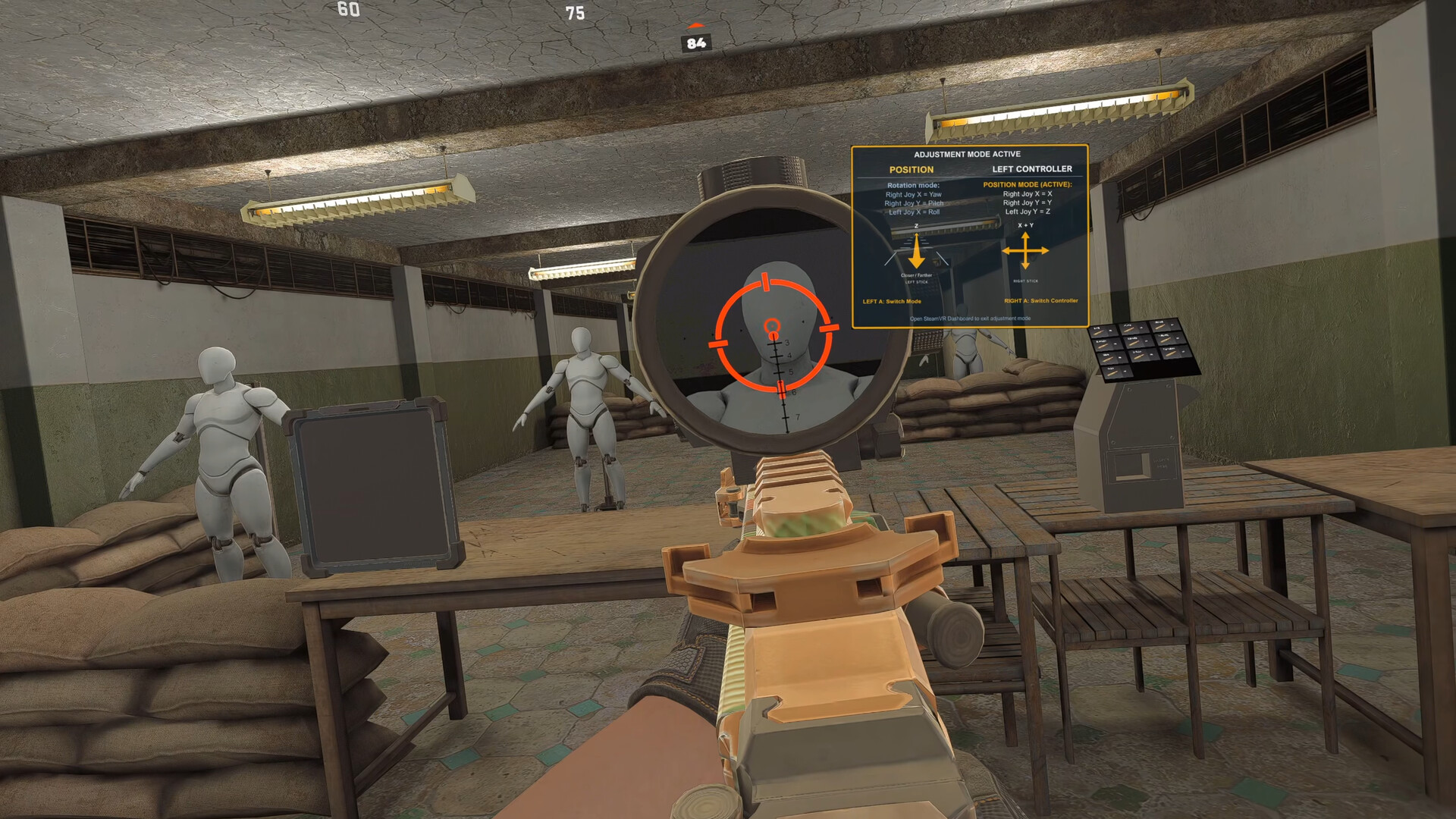
Gunstock Buddy helps your virtual weapon line up with your physical gunstock. Adjust your alignment, smooth tracking jitter, and save the fit that feels right, all from inside SteamVR.
Tune it anytime.
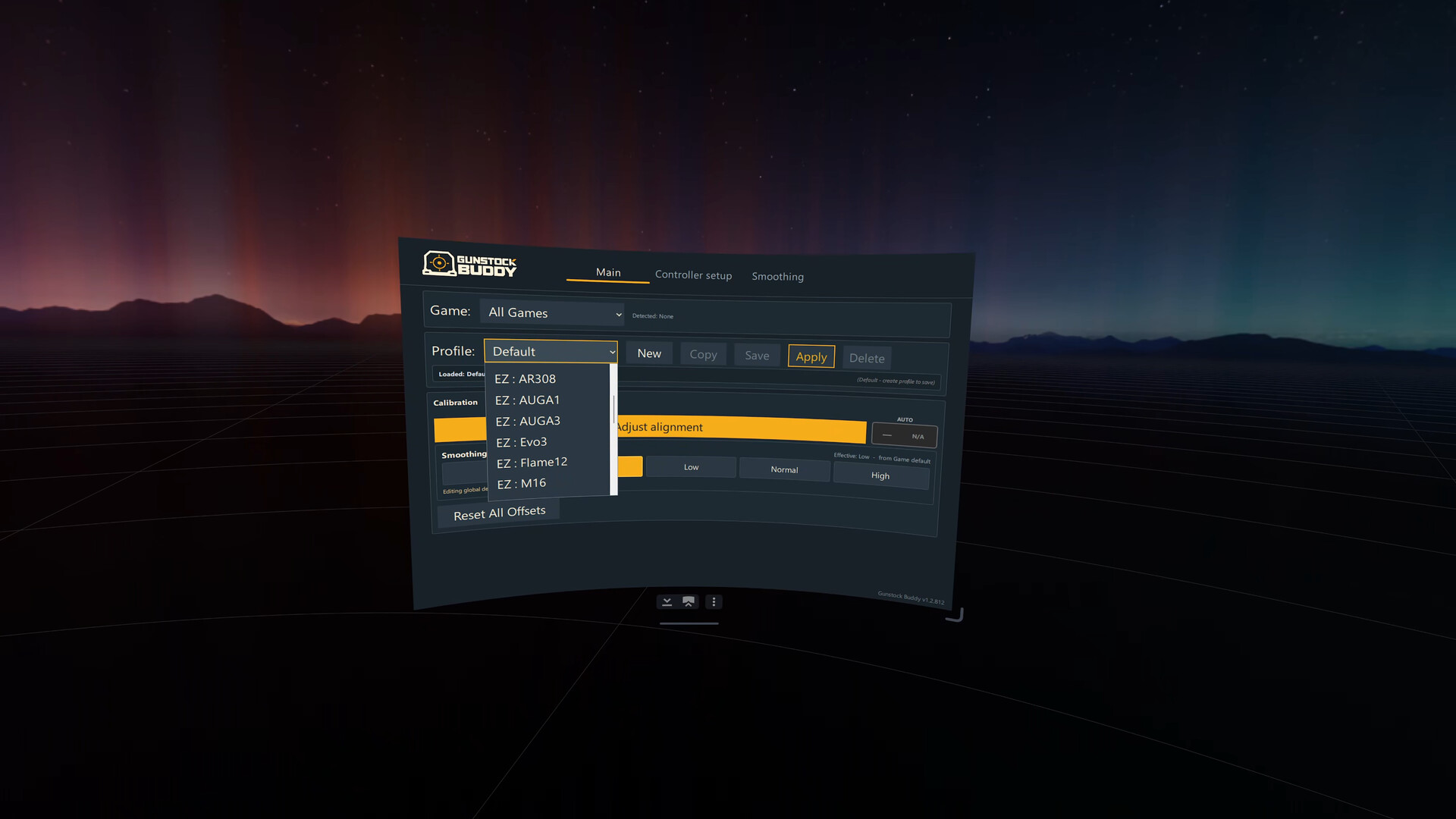
In the middle of a firefight, or just testing at the range. Start calibration from the SteamVR dashboard, close it, and use your thumbsticks to line up the sights. Save a profile and keep playing, without taking off your headset or closing your game.
Line it up. Smooth it out.
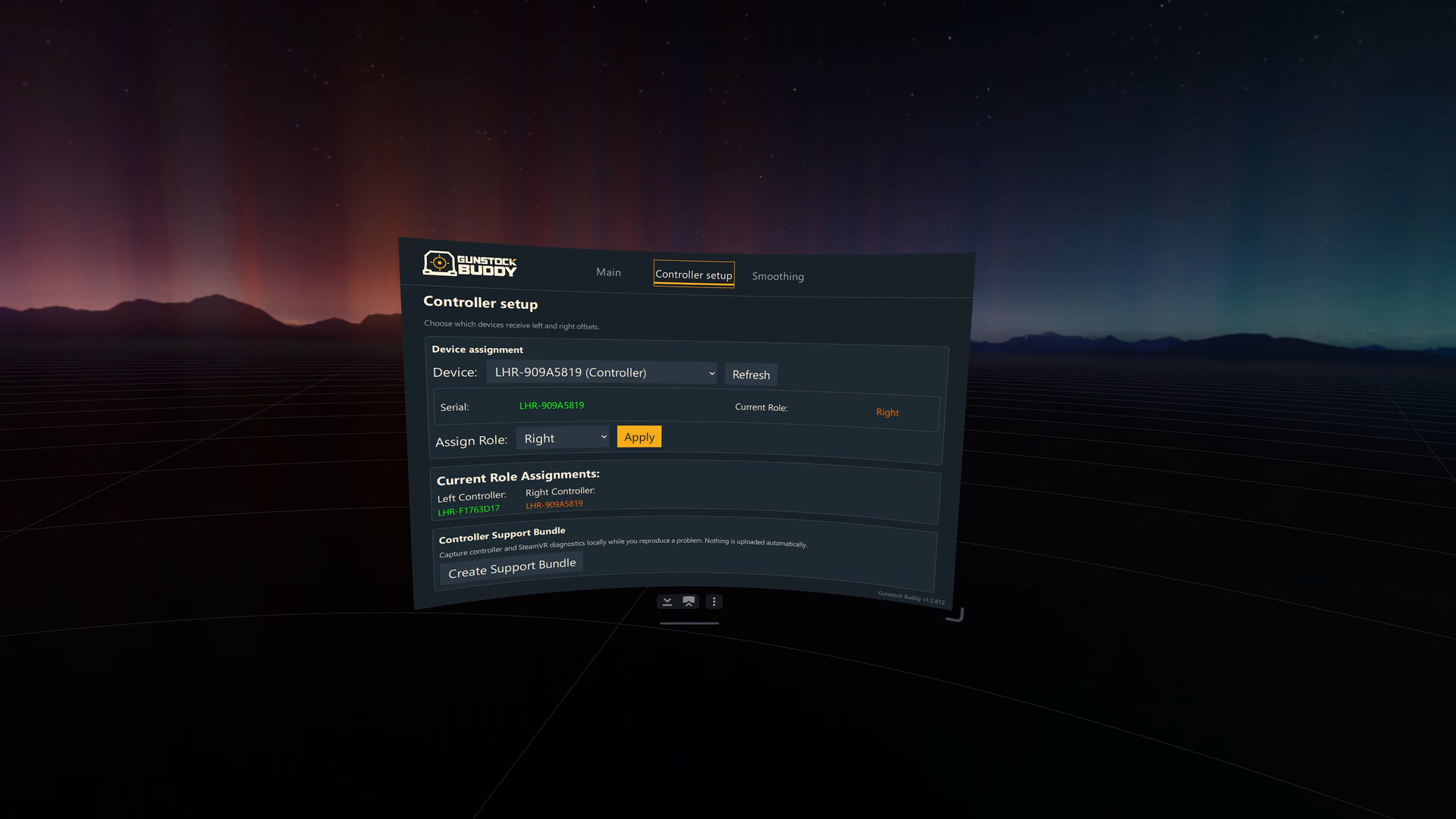
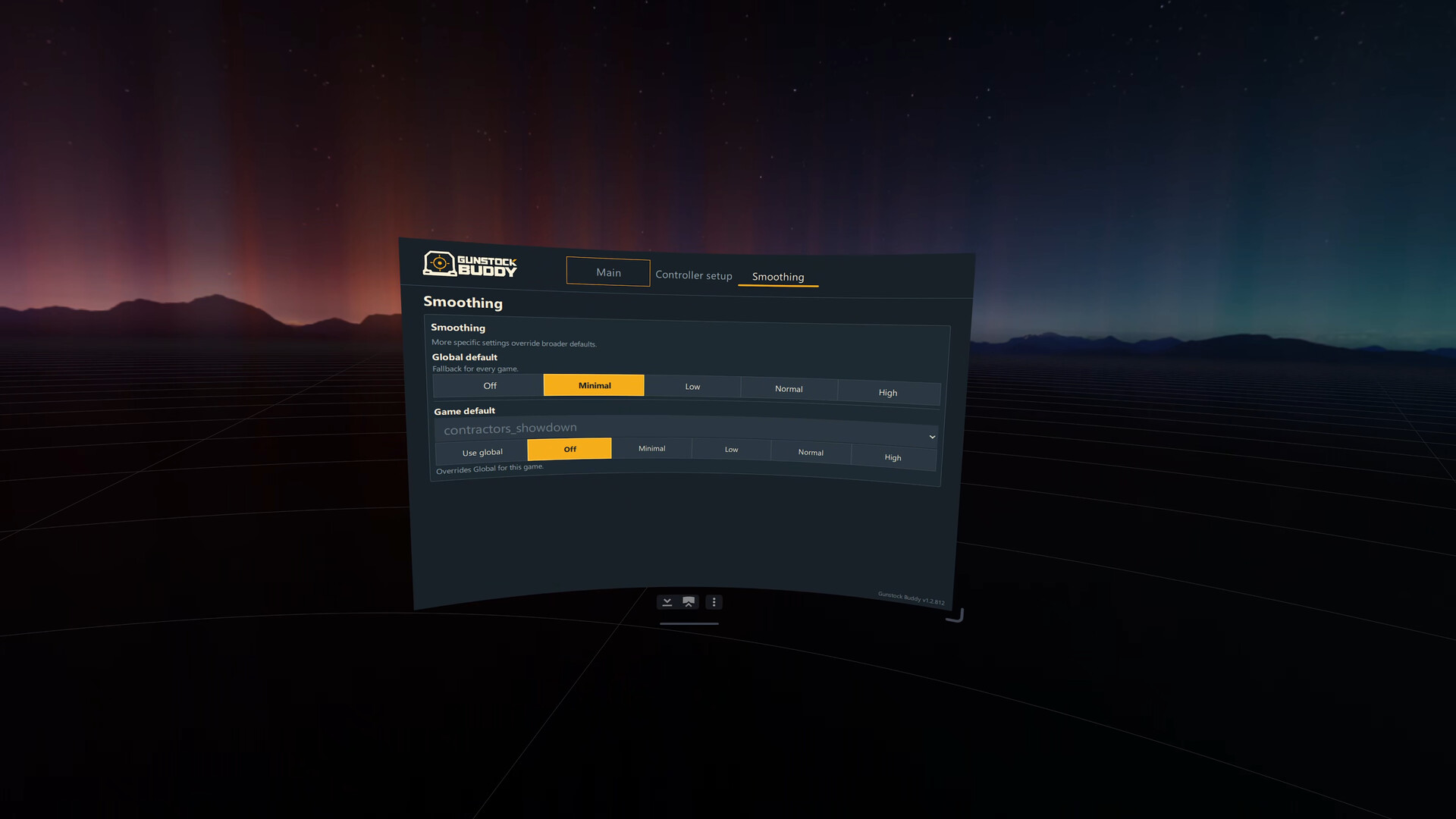
Shift and rotate your virtual weapon to suit your stock and grip. Adjust one controller or both. Choose a smoothing level to reduce visible tracking jitter, with settings for your overall setup, individual games, and gun profiles.
Make it yours. Keep it that way.
Save separate profiles for your games and weapons, ready to load next session. In supported games with weapon detection, Gunstock Buddy can switch to your saved profile automatically when you pick up a gun. Other games use profiles you select yourself.
Windows PC VR and Steam Frame.
Steam Frame is supported for Early Access, both standalone and when streaming from a Windows PC. On PC, use a SteamVR-compatible headset and controllers, with SteamVR as your active OpenXR runtime for OpenXR games.