#Accounting #2D #2DPlatformer
Shooty
Shooty 2D is a gun battle game. You can set up a room and fight with your friends.
View game
$1.99

Mostly Negative · 14 reviews
36% positive (5 / 14)
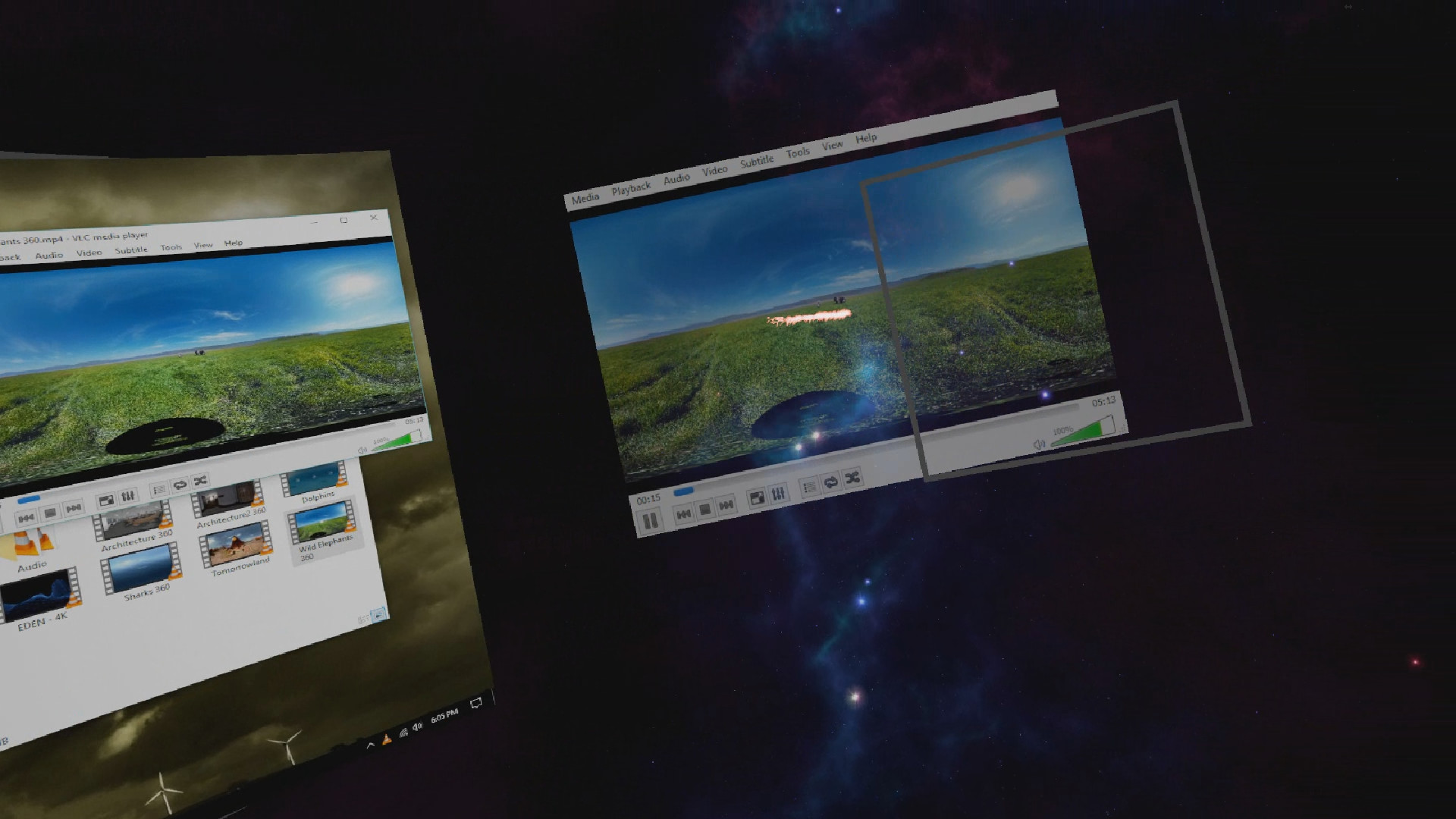
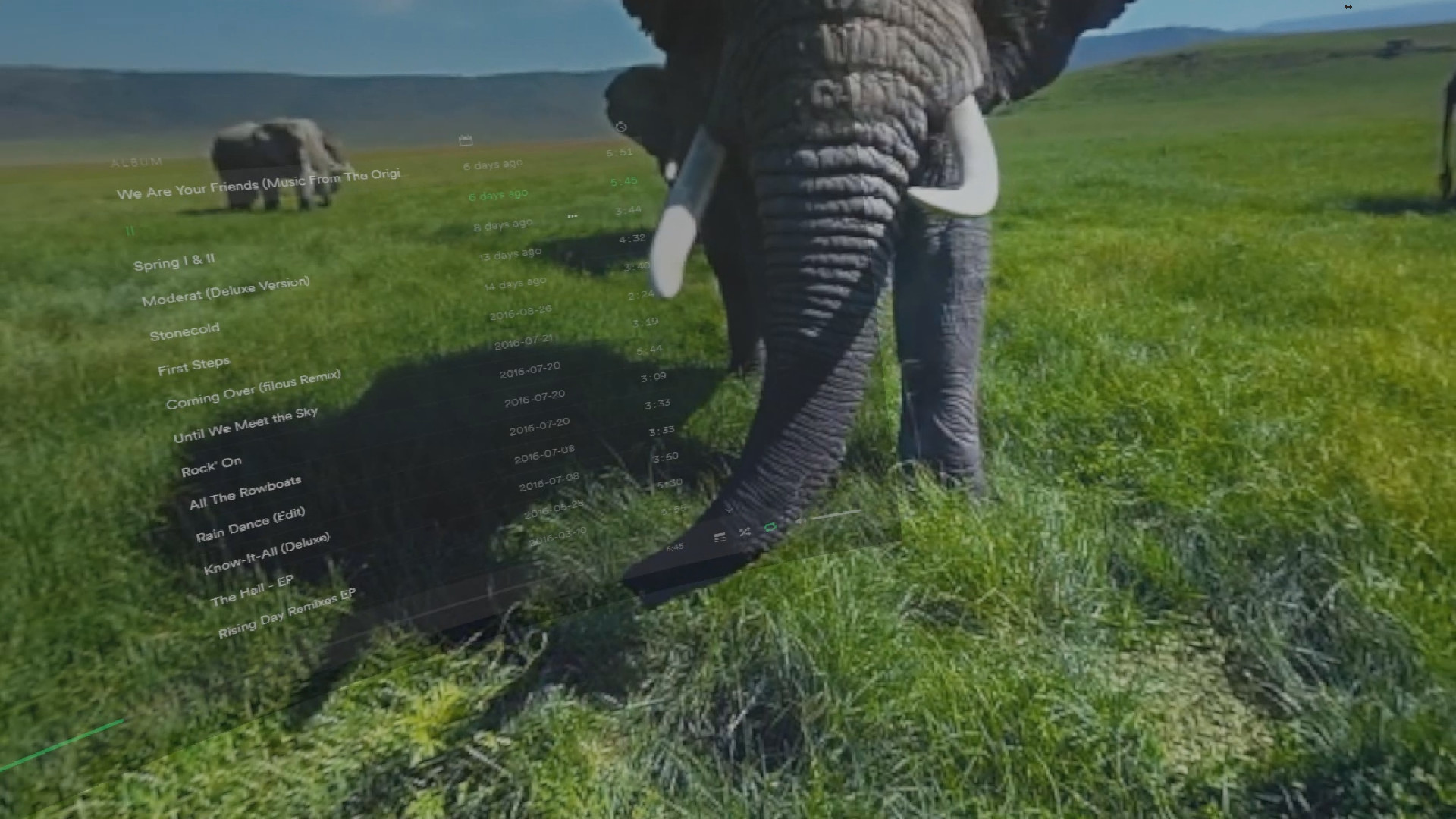
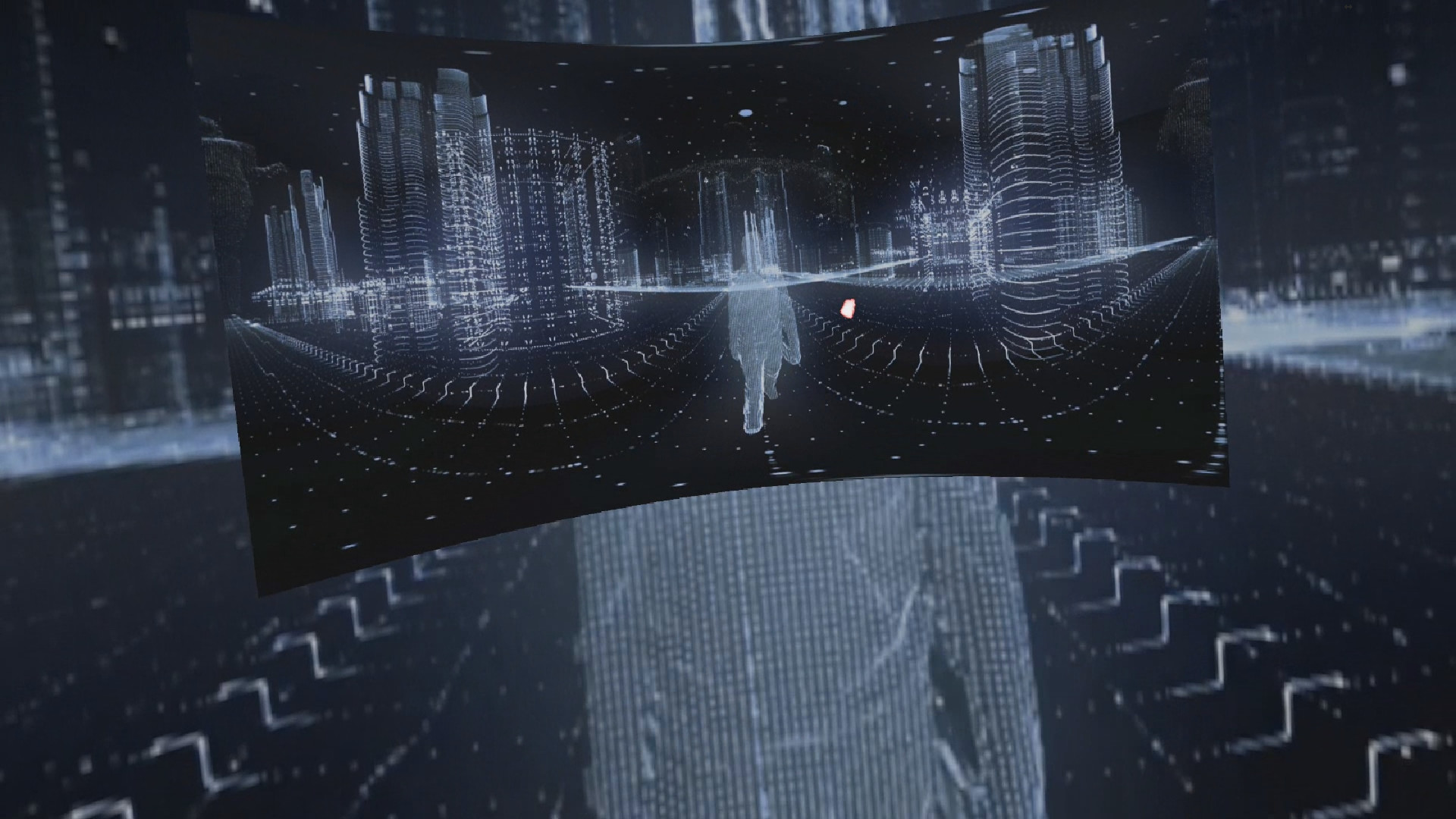
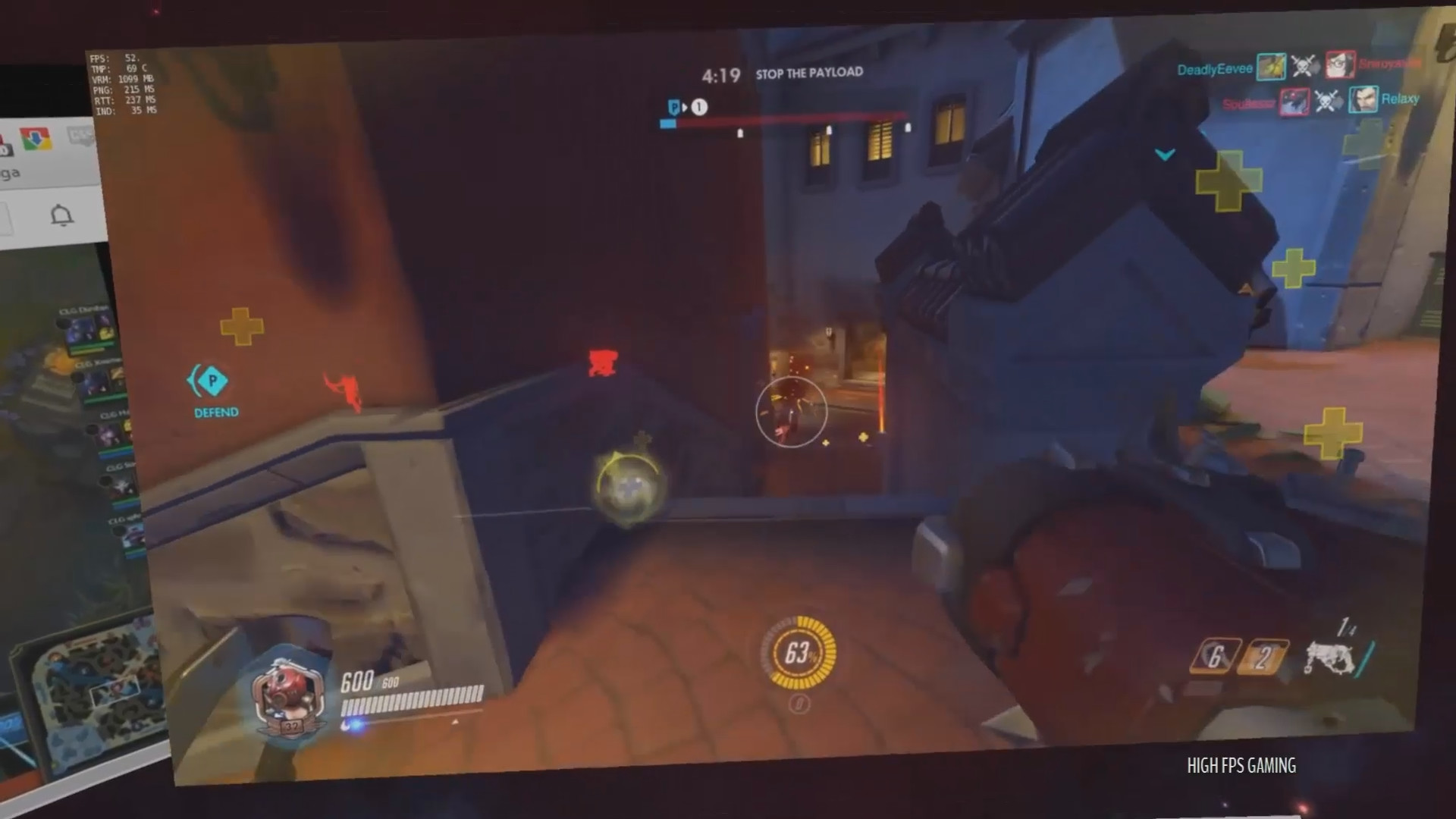

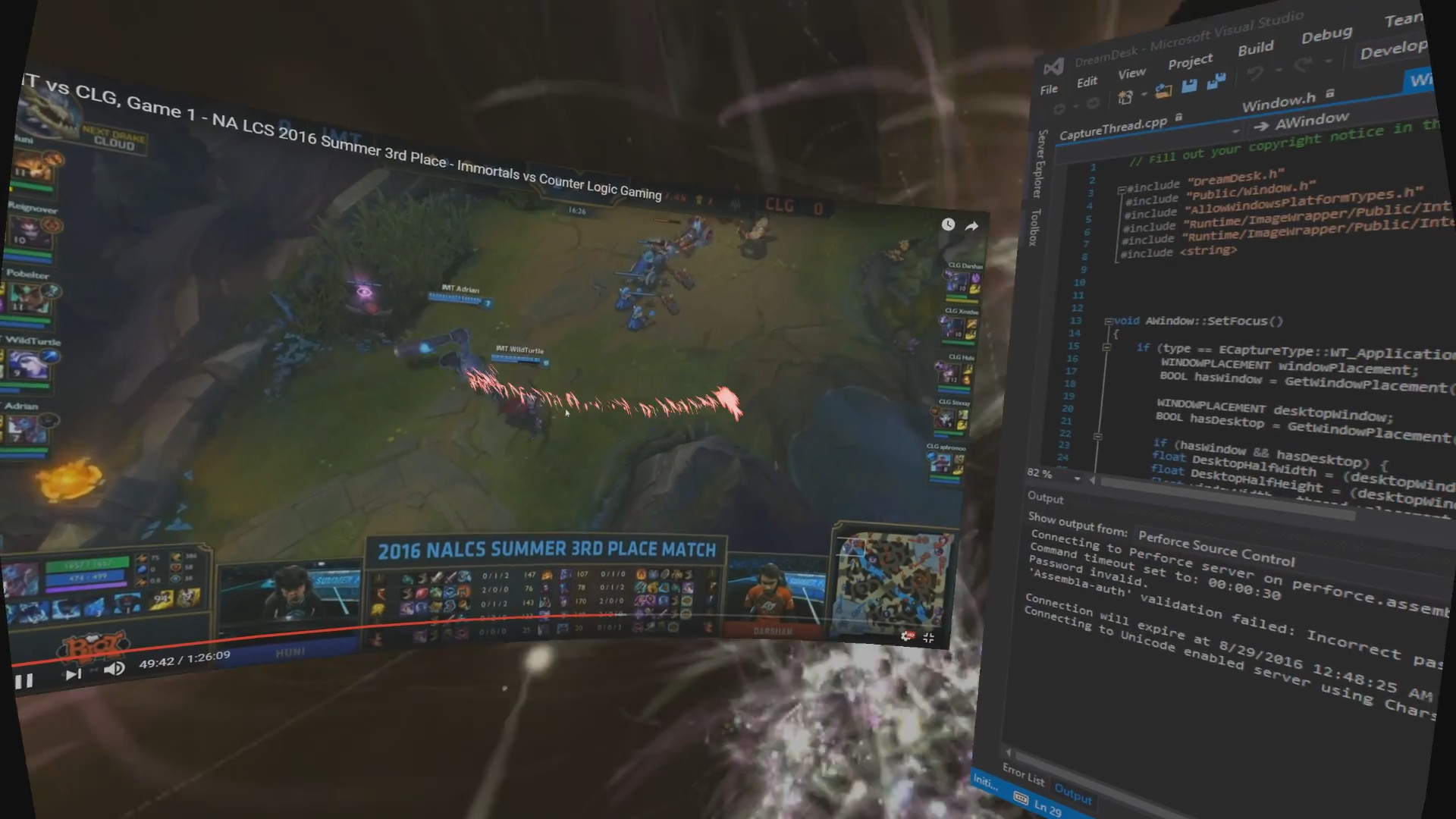
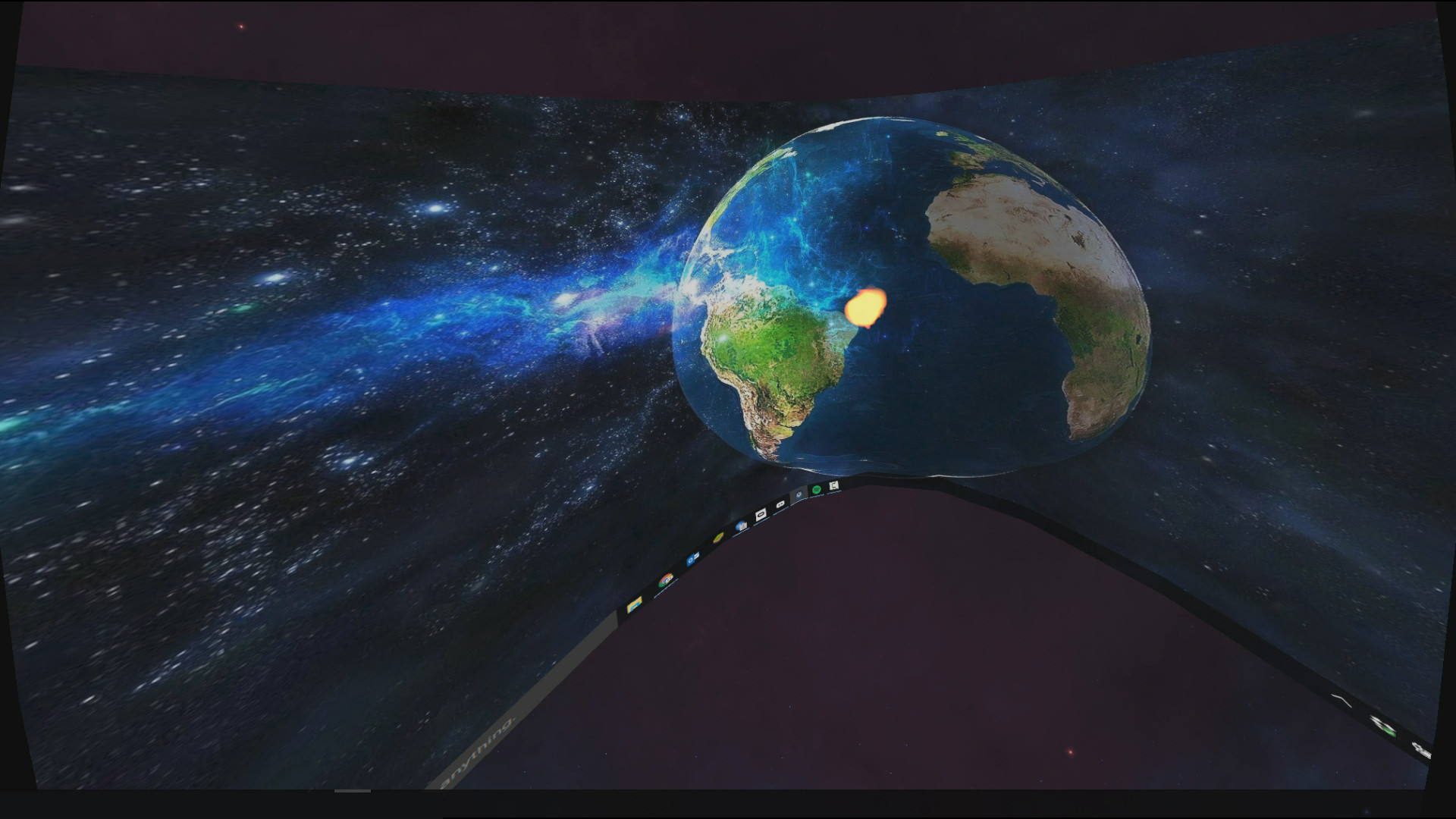
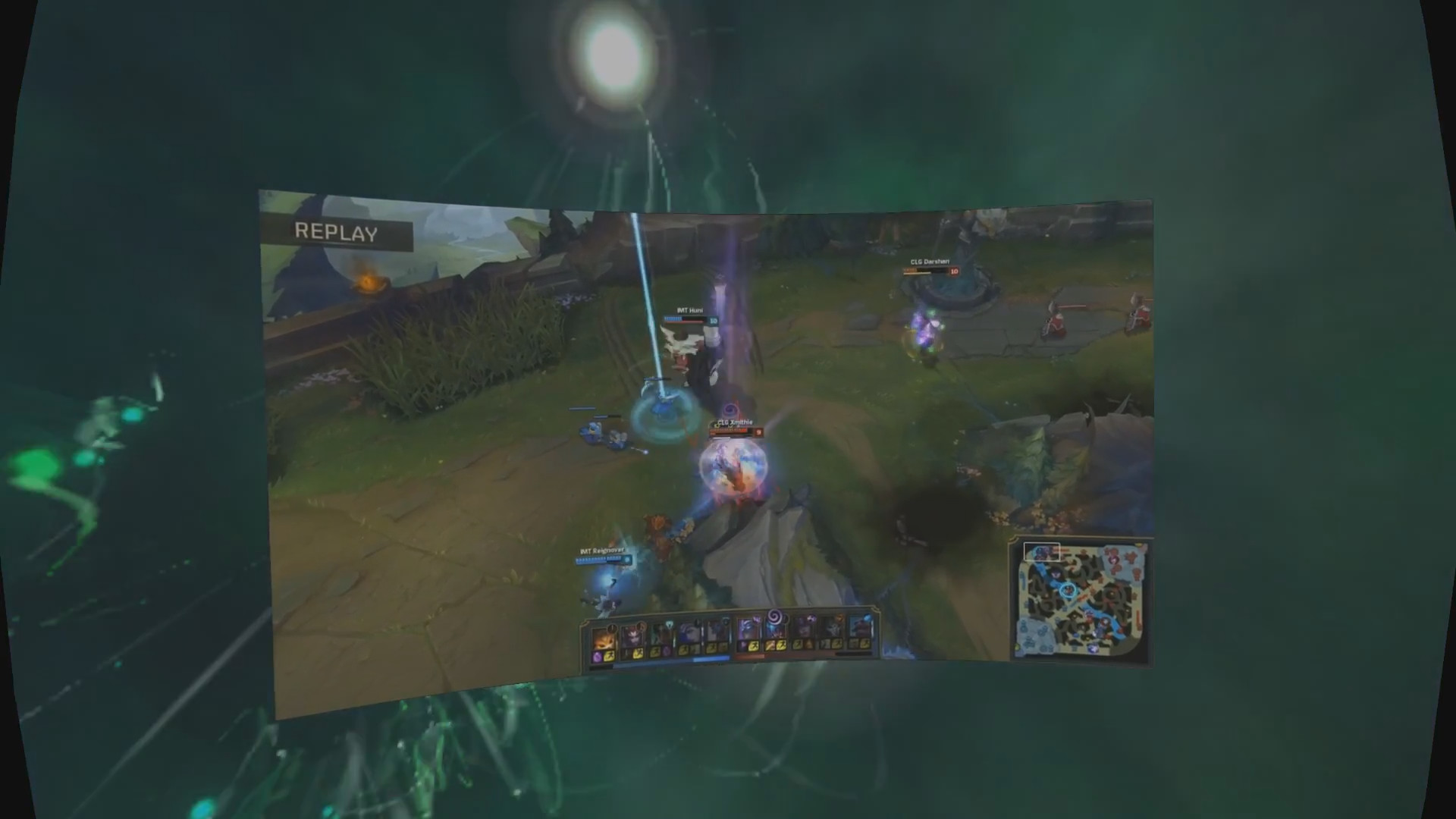
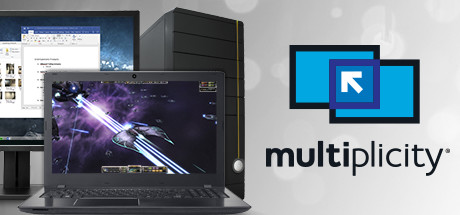
VR Desktop Environment Access all your software, files, browse the net, stream Netflix, watch 360/SBS/OU/3D and play games on multiple virtual screens. DreamDesk allows you create, scale and place virtual screens around you without additional hardware or drivers.
Released
November 30, 2016
Price
Platforms
Windows
Developer
Publisher
Last sync
September 26, 2026
Thank you to everyone who supported us through Early Access.
We've spent time seriously reviewing and improving DreamDesk based on your feedback.
Your purchase helps support our families and keeps product development moving forwards - without sacrificing your privacy or subjecting you to advertising. Remember if you aren't the customer, you're the product.
DreamDesk is lets you use your PC in VR: You can now use all your non-VR Software, Games and Content in the comfort and privacy of a virtual environment.
Browse the internet, stream Netflix, watch 360 / Side-By-Side (SBS) and Over-Under (OU) movies (with 3D) on your favourite application or browser.
With DreamDesk you can create multiple virtual screens or a single IMAX sized theatre use your applications on.
DreamDesk allows you to size, scale and place applications wherever you want in 360° around you.
Unlike other VR Desktop Environments DreamDesk provides:
Full Virtual Multi-Screen support with No Additional Hardware, Plugs, Drivers or Internet Connection
Works with laptops and computers with multiple/integrated graphics cards and outputs, however only the primary display is replicated.
Place screens anywhere around you - even above or below your desk.
Size your screens for a perfect fit and maximum comfort.
Create infinitely large screens. Your movie theatre to take anywhere.