#Utilities
Overlayer
Stop alt-tabbing. Overlayer lets you view guides, wikis, and videos directly on top of your game. Adjust transparency and size in real time. Click-through mode keeps your controls unaffected.
View game
$2.99

Mixed · 15 reviews
47% positive (7 / 15)
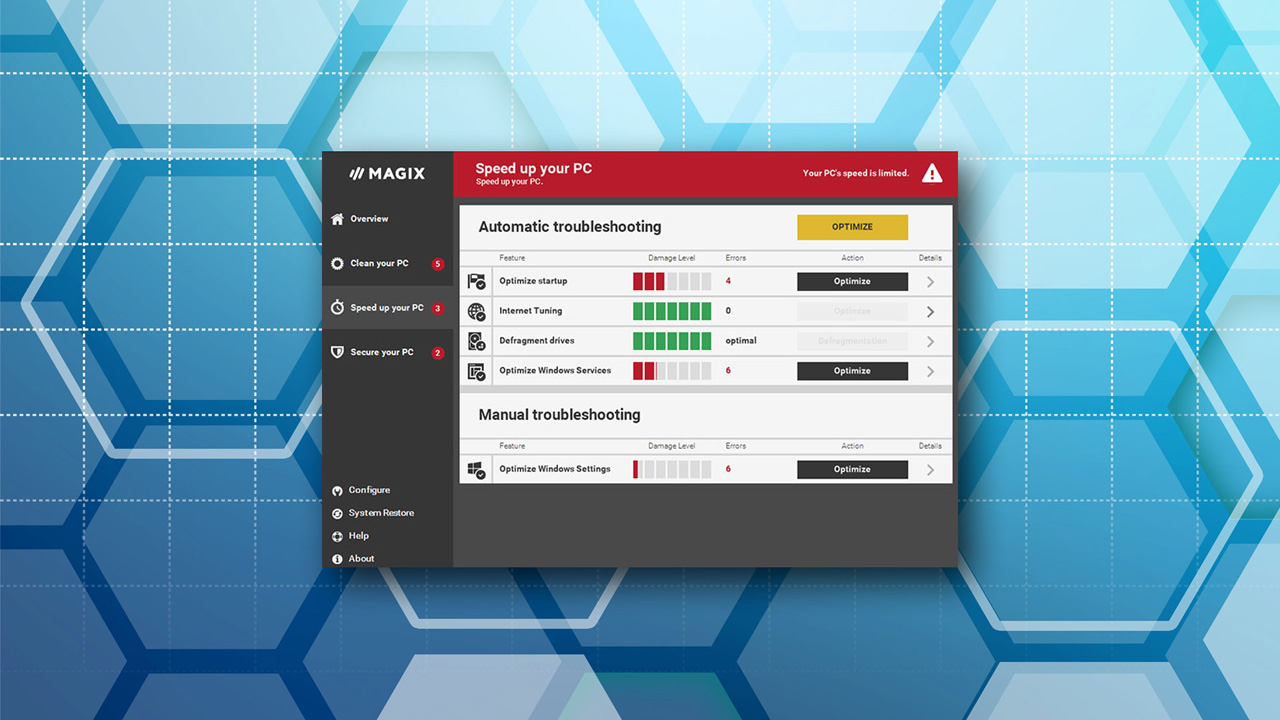


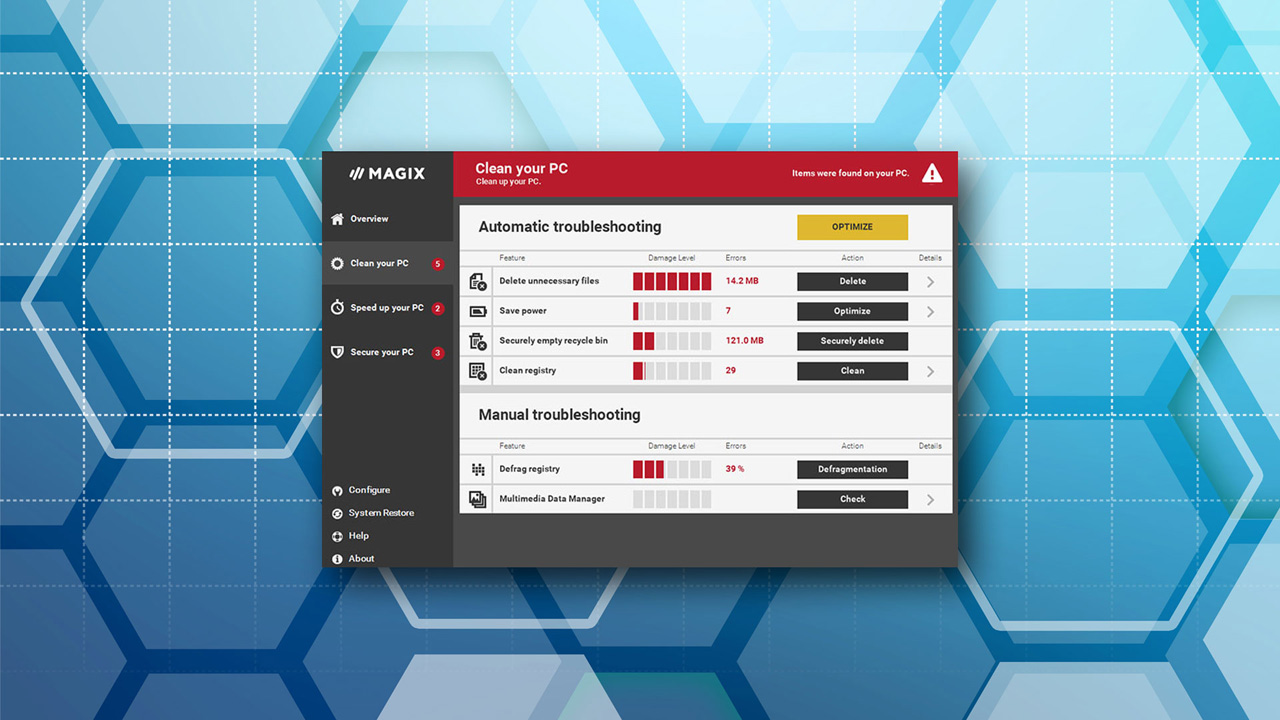

PC optimization for full power! Improve the performance of your game and multimedia applications with automatic optimizations for Windows, driver updates, Steam Boost and tons of other features.
Released
September 5, 2016
Platforms
Windows
Developer
Publisher
Last sync
September 26, 2026
MAGIX PC Check & Tuning 2017 keeps your computer fast and powerful. It finds weak points and problems in your system automatically, removes the causes, and carries out a range of optimizations. Enjoy smoother gaming as a result of enhanced speed and performance.
Clean up: Clean your hard drive and free up storage space by deleting unnecessary and particularly large files.
Update: Bring your software and drivers up to date for a smooth-running system.
Accelerate: Optimize Windows settings and startup and get more performance with energy saving settings.
Solve the most important problems with just one click.The Tuning Autopilot monitors your PC in realtime and finds problems right when they appear, resolving them automatically if you want.
Latest updates for Windows 10
Problems always emerge in new operating systems in the months following release, and these need to be fixed with software updates. PC Check & Tuning 2017 automatically installs the latest driver and software updates for you.
Windows 10 privacy protection and improved transparency
PC Check & Tuning 2017 prevents transfer of your personal data to Microsoft without your knowledge. You always have an overview thanks to detailed optimization reports.