#Accounting #Animation&Modeling #ArtificialIntelligence
Sinbadexpress
Sinbadexpress virtual universe is a virtual gaming platform that works in the marketplace logic that brings buyers and sellers together.
View game
Free
No Reviews · 0 reviews
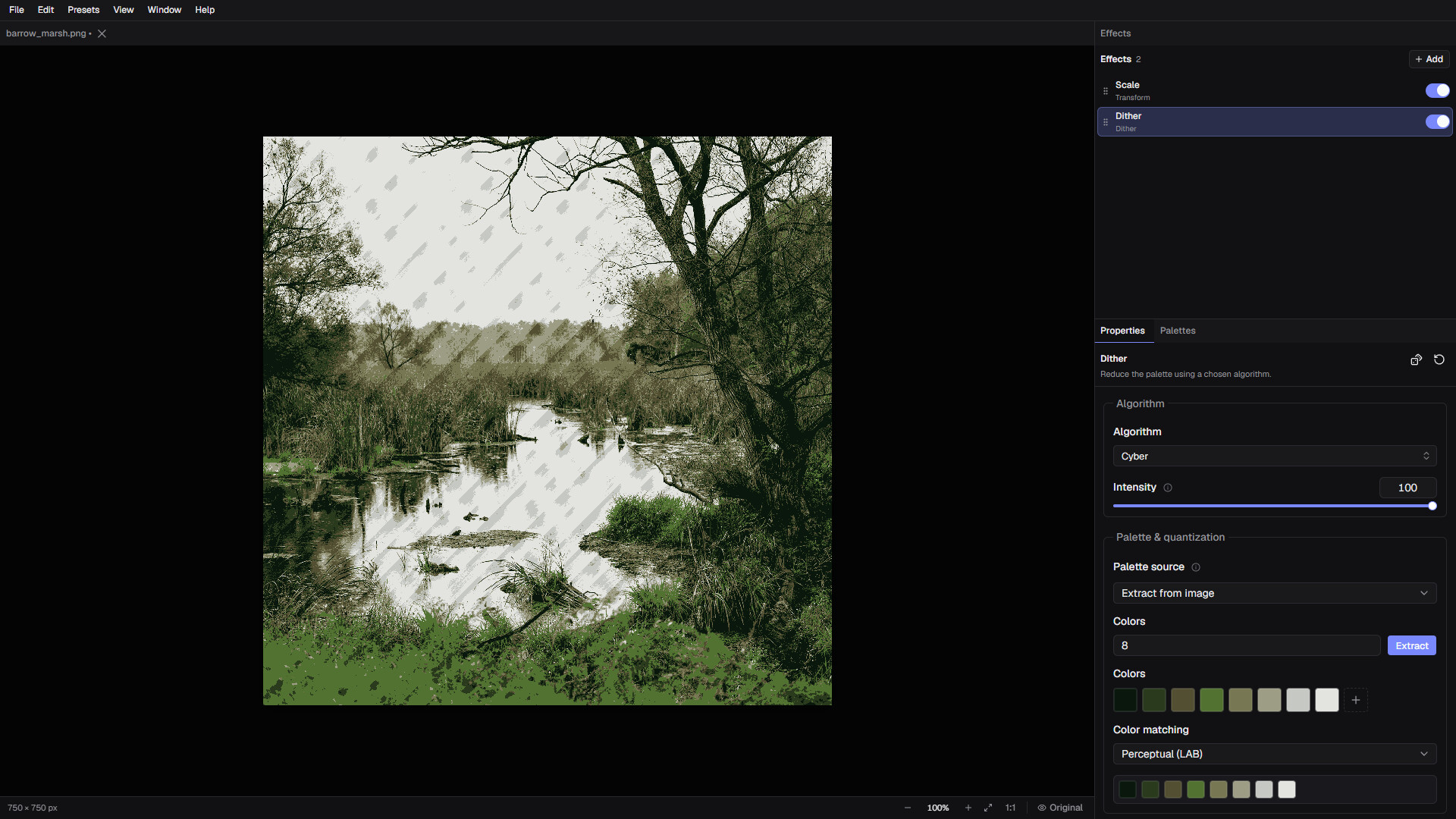


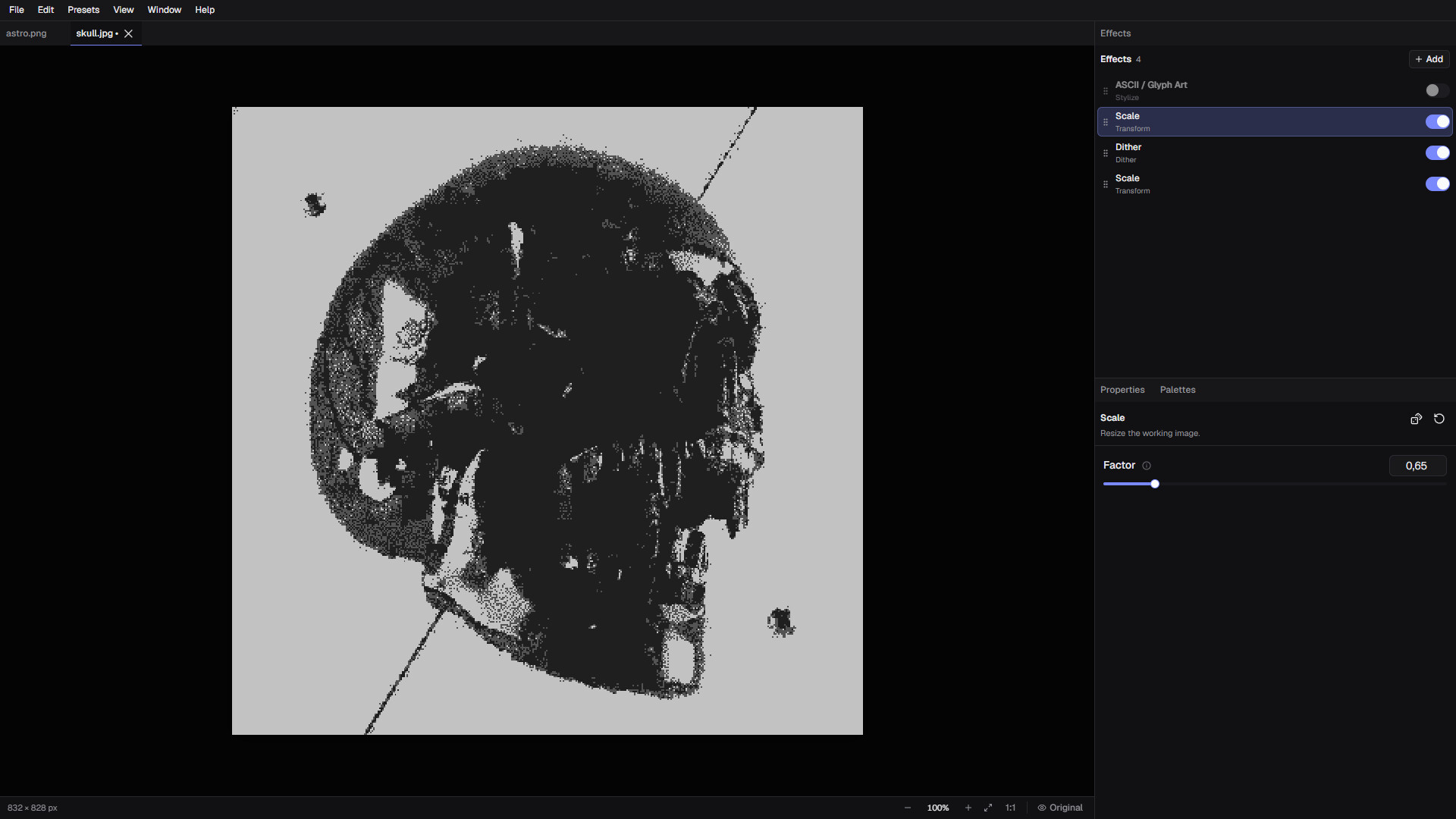
Build custom pixel-art, dithering, CRT, VHS and glitch effects with a flexible non-destructive pipeline. Combine 40+ processing stages, save reusable presets, process multiple images and automate workflows through the included CLI.
Released
September 6, 2026
Price
Platforms
macOS · Windows
Developer
Publisher
Last sync
October 6, 2026
Turn images into pixel art, retro graphics, ASCII artwork, CRT displays, VHS footage, print textures, and experimental digital art.
DitherMaster Studio is a standalone image-processing tool built around a flexible, non-destructive effect pipeline.
Combine effects in any order, fine-tune every stage, save your setups as presets, and create anything from nostalgic retro hardware looks to completely unpredictable glitch art.
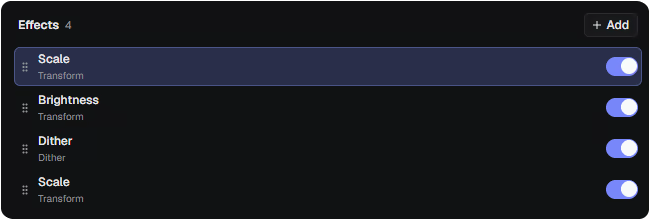
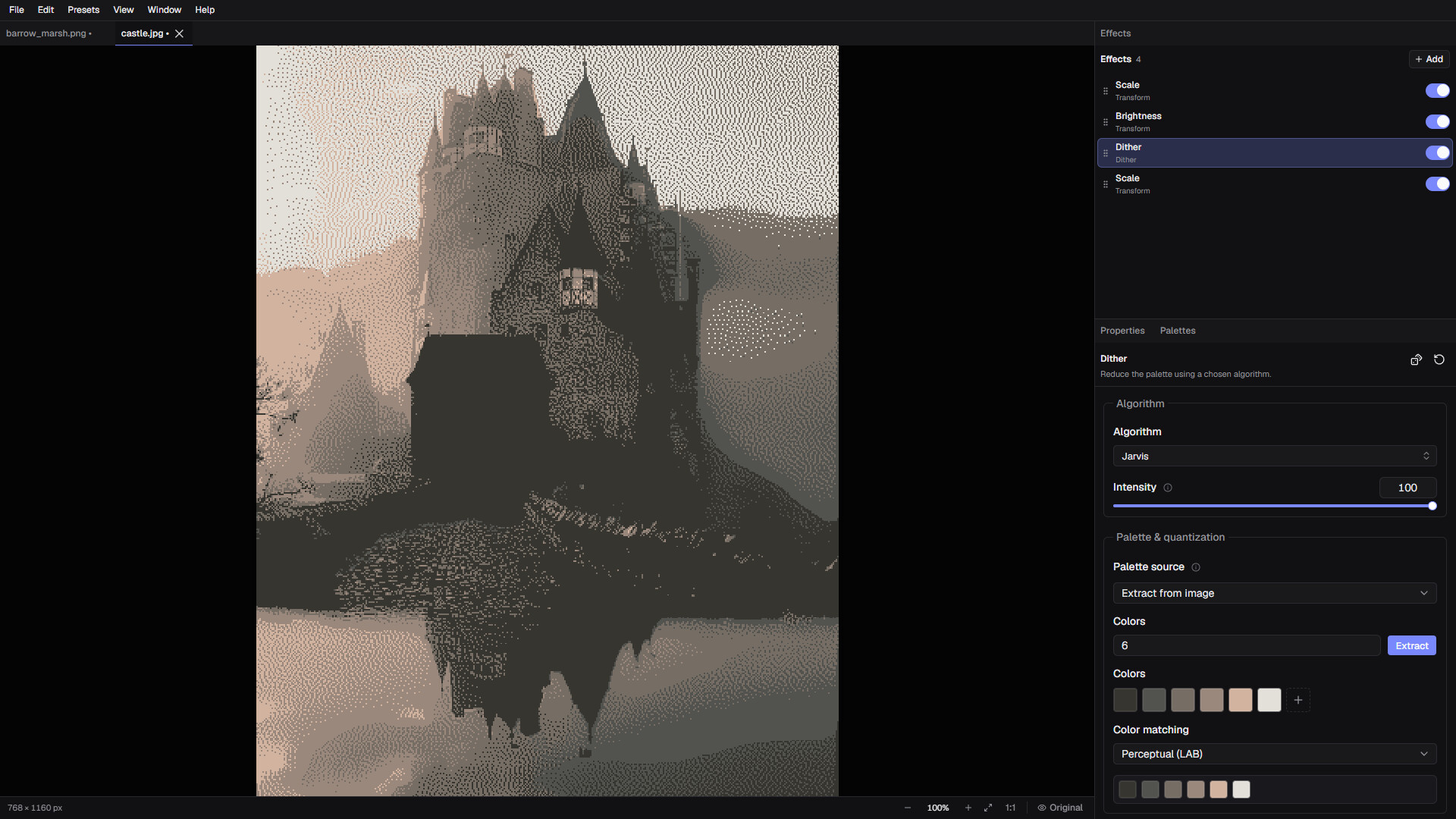
Instead of applying a single fixed filter, Studio lets you stack, reorder, duplicate, disable, reset, randomize, and configure individual processing stages in a chain. From simple dither to complex CRT effect chains. The same pipeline can be previewed interactively, saved as a reusable preset and applied to multiple images. Even running from the command line is possible. Be creative!
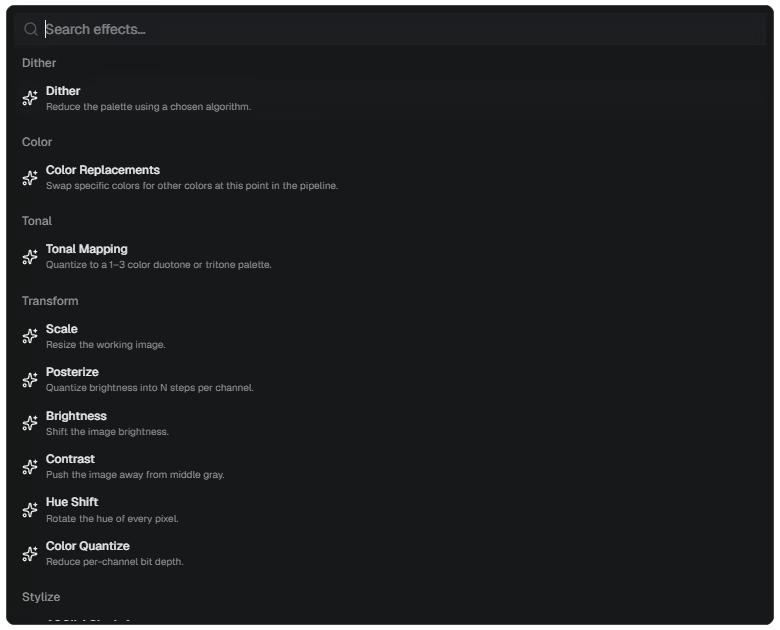
Studio includes 40+ configurable image-processing stages.
Highlights include:
Every stage can be adjusted independently, allowing you to create and save highly specific visual workflows.
Choose from 30+ dithering algorithms across several different styles, including:
Control dithering intensity, palette behavior, tonal mapping, and resolution to create anything from smooth monochrome shading to bold, chunky pixel-art patterns.