#Adventure #2D #Anime
Synchronizacja - Visual Novel
The first chapter of the Polish game Visual Novel. Enter the world of Synchronization and discover its secrets.
View game
Free
No user reviews · 0 reviews
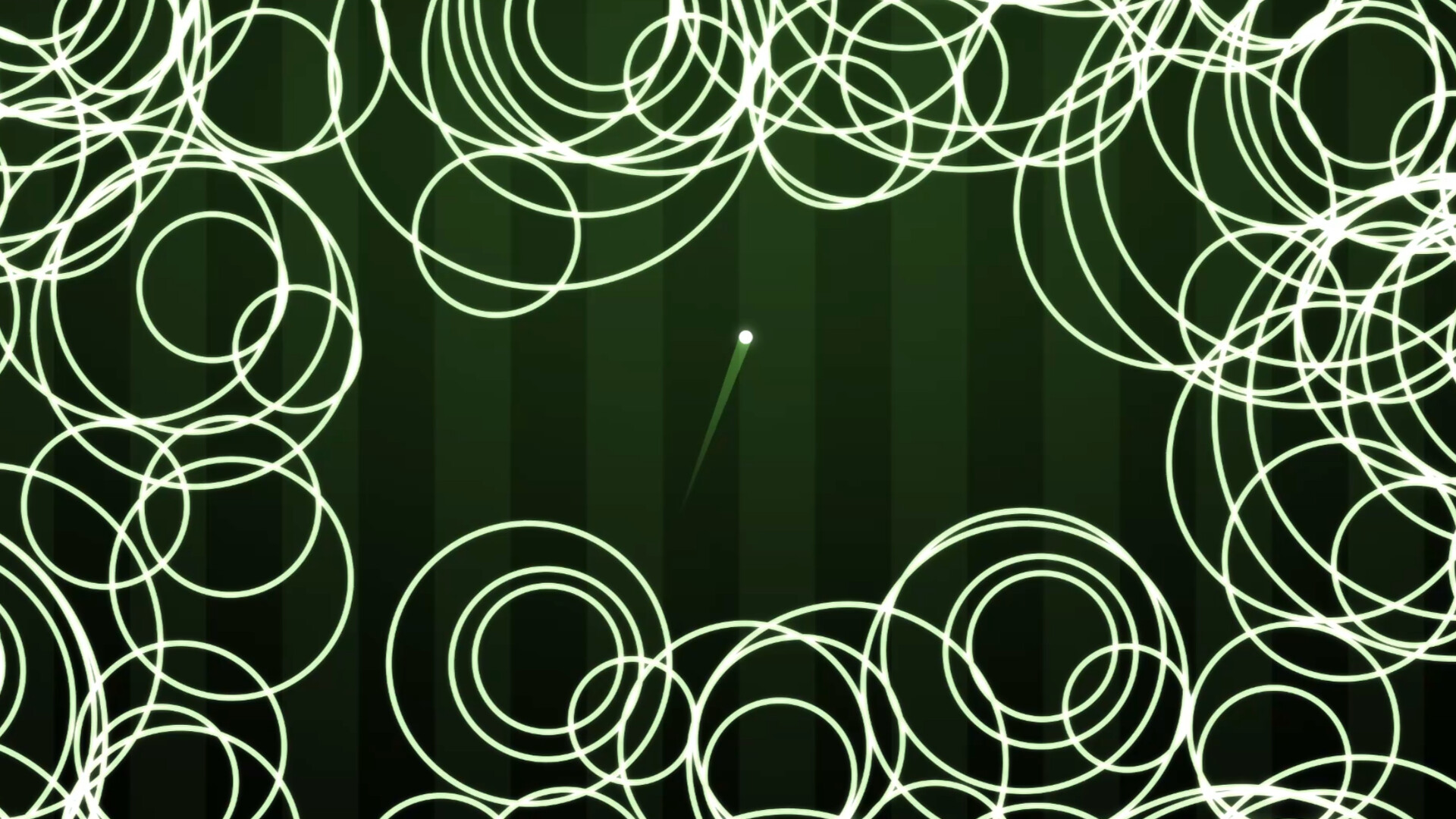
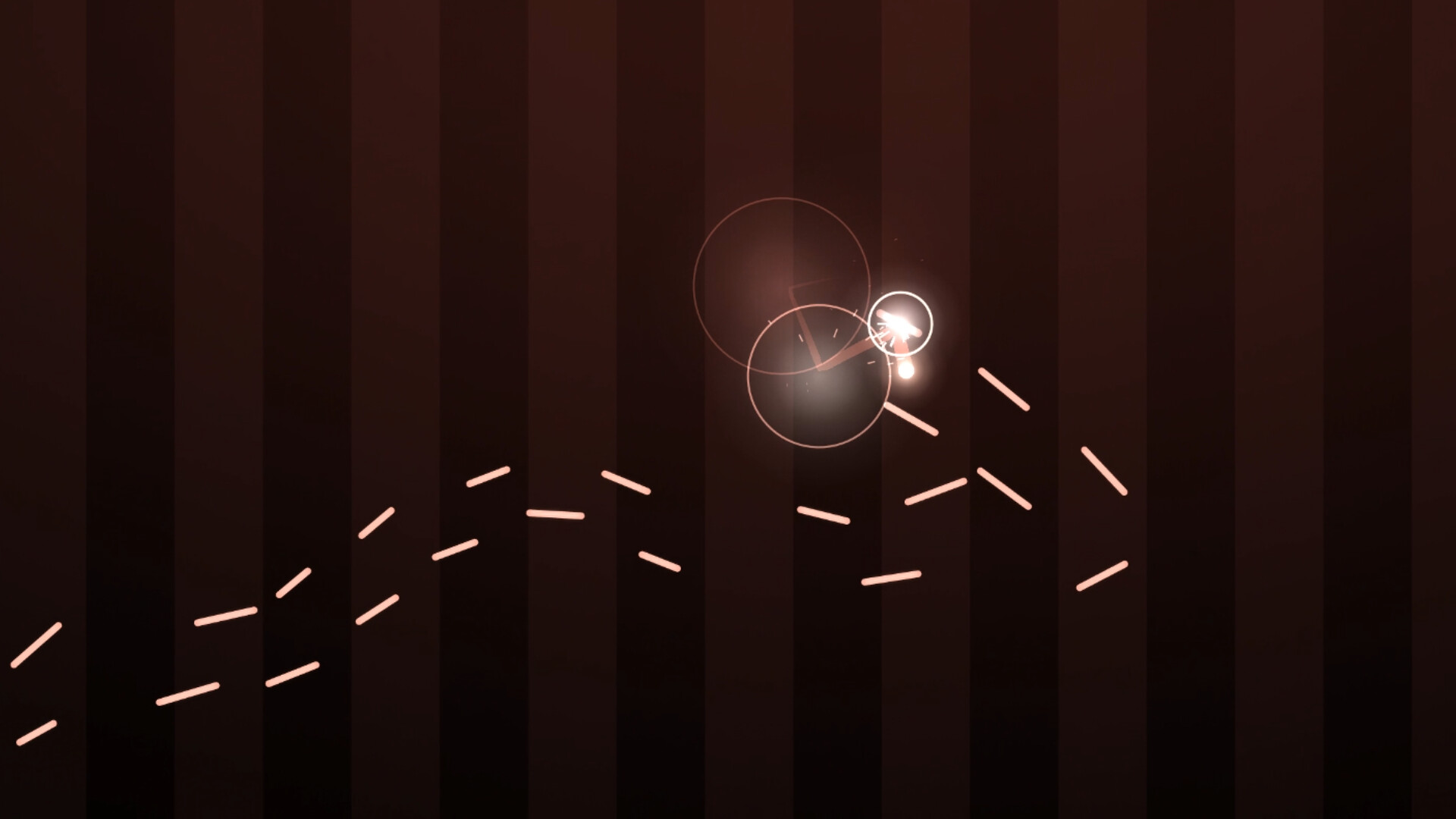

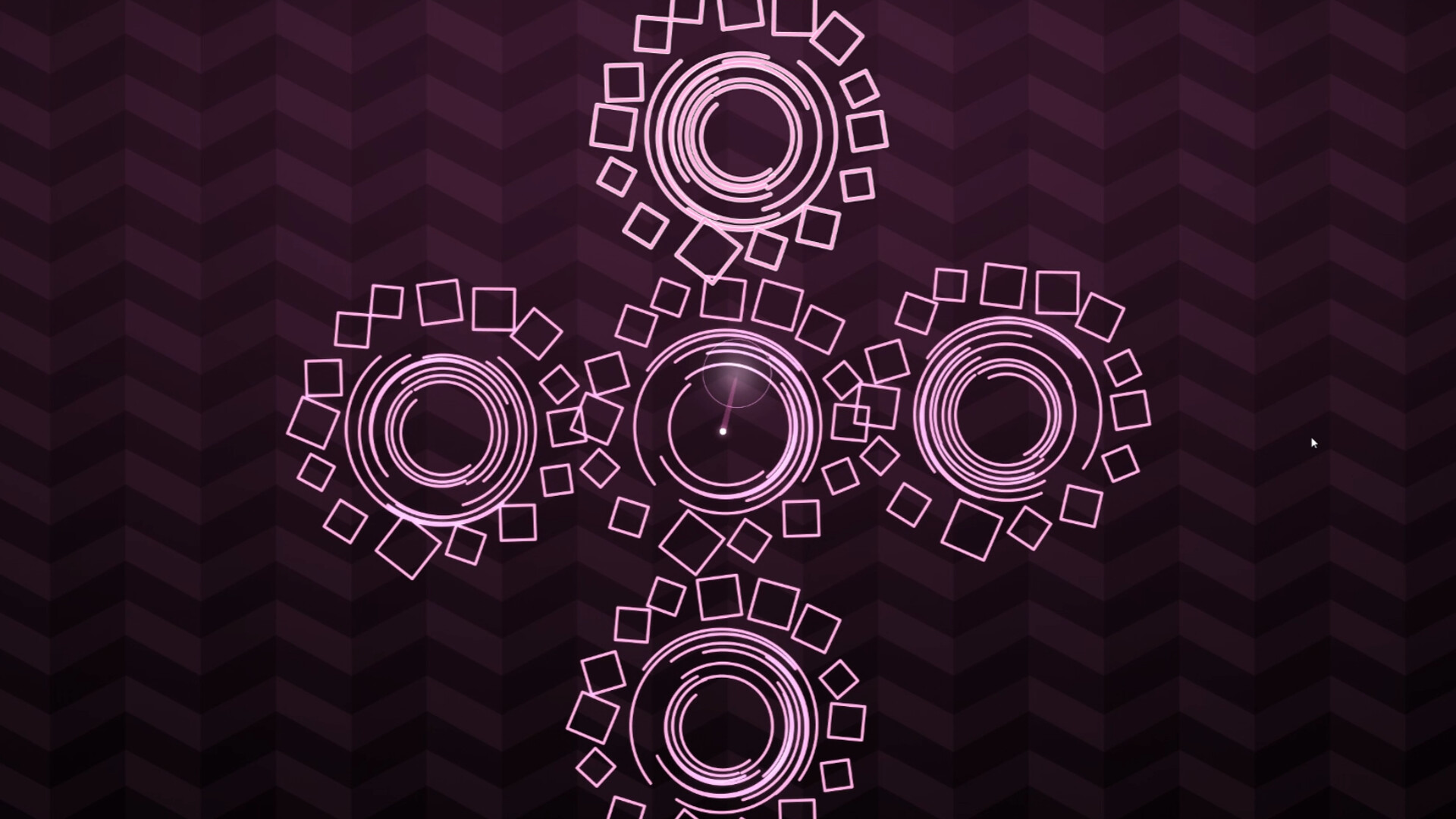
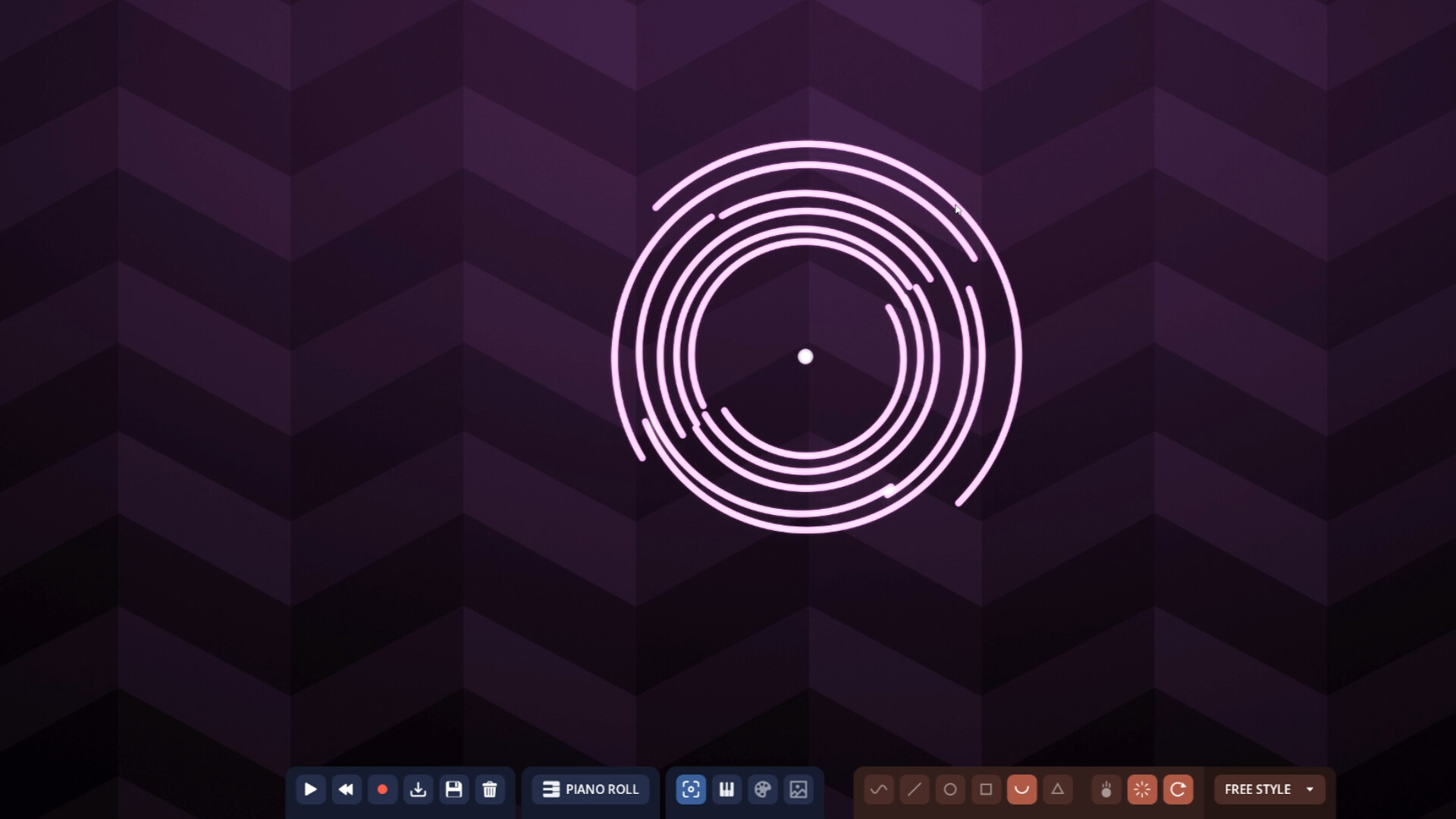

Ballad is a toy box for melodies: pick one, tweak it or write your own, then get mesmerized by what it looks like, play it, fiddle with it, and share a clip if you want. Compose, visualize, play, record.
Released
October 1, 2026
Price
Platforms
Windows
Developer
Publisher
Last sync
October 2, 2026
A playground for music
Ballad is a toy box for melodies. You choose, bring, or write a tune, or let the game make one up, and you play with it.
Build a machine that performs it, watch it drawn as light, play it as a rhythm game, dress it in your own instruments and colours, and record the result as a video.
Compose
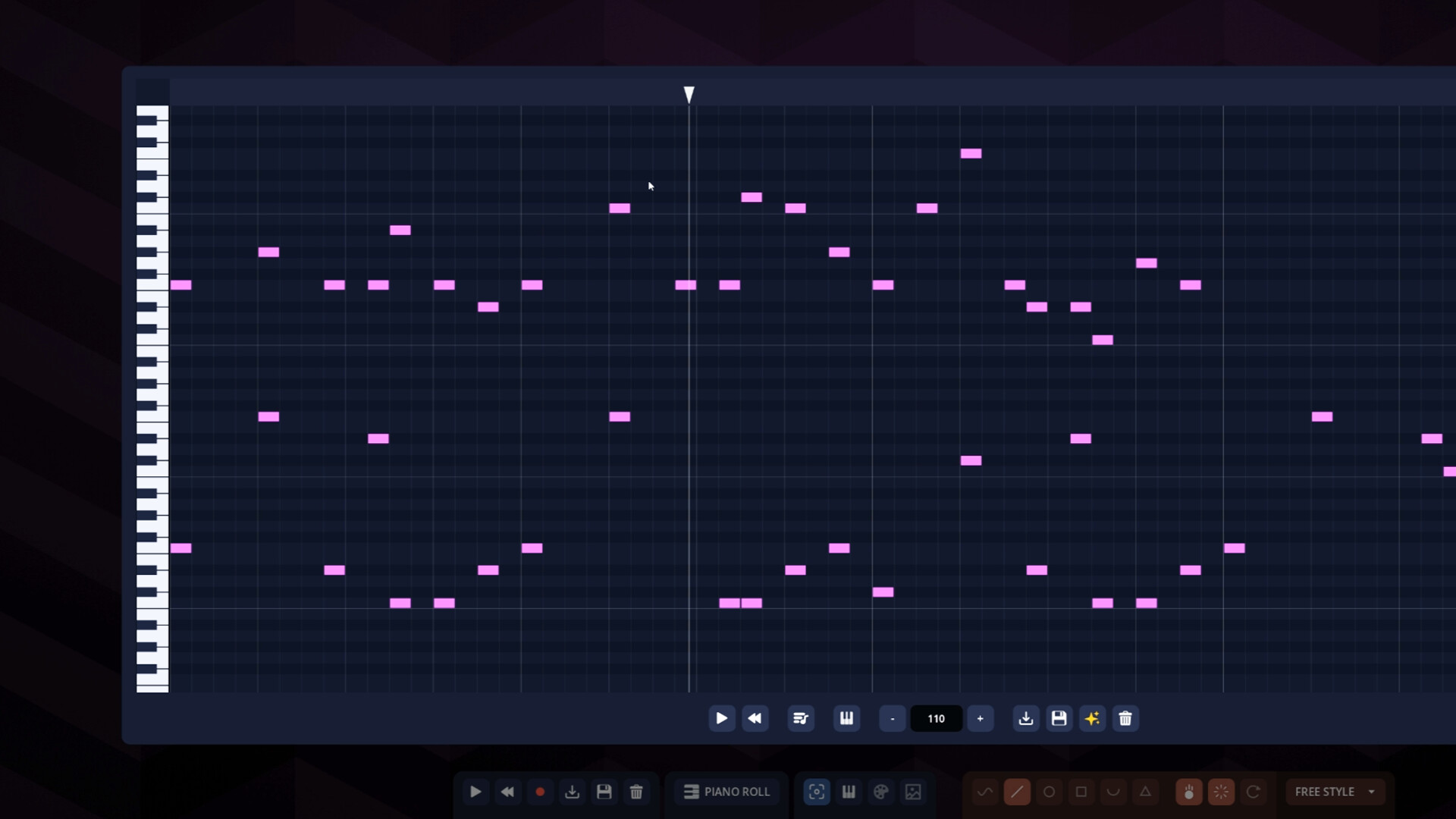
- A piano roll for your own tunes: paint notes, stack chords, set the tempo
- Built-in melody generator writes a tune on demand as a starting point
- Load anything from the song library, import your own MIDI files, or export from Ballad as MIDI
Build a machine
- Draw shapes and drop a ball on them, and observe how it plays out
- Turn gravity on or off, make shapes vanish or rotate, and customize as you please.
- Pause, play it backwards, control playback with keyboard
- Use built-in generators and visualizers for automatic tracks
- Autoplay lays out a course that plays your melody in its exact rhythm, and loops it for as long as you like
Play it
- The rhythm mode turns the same melody into falling notes
- Select from 1 to 10 lanes to adjust to your level
- Bind the keys any way you like
- Or let it auto-play for viewing pleasure
Make it look like yours
- Select from multiple instruments or import your own
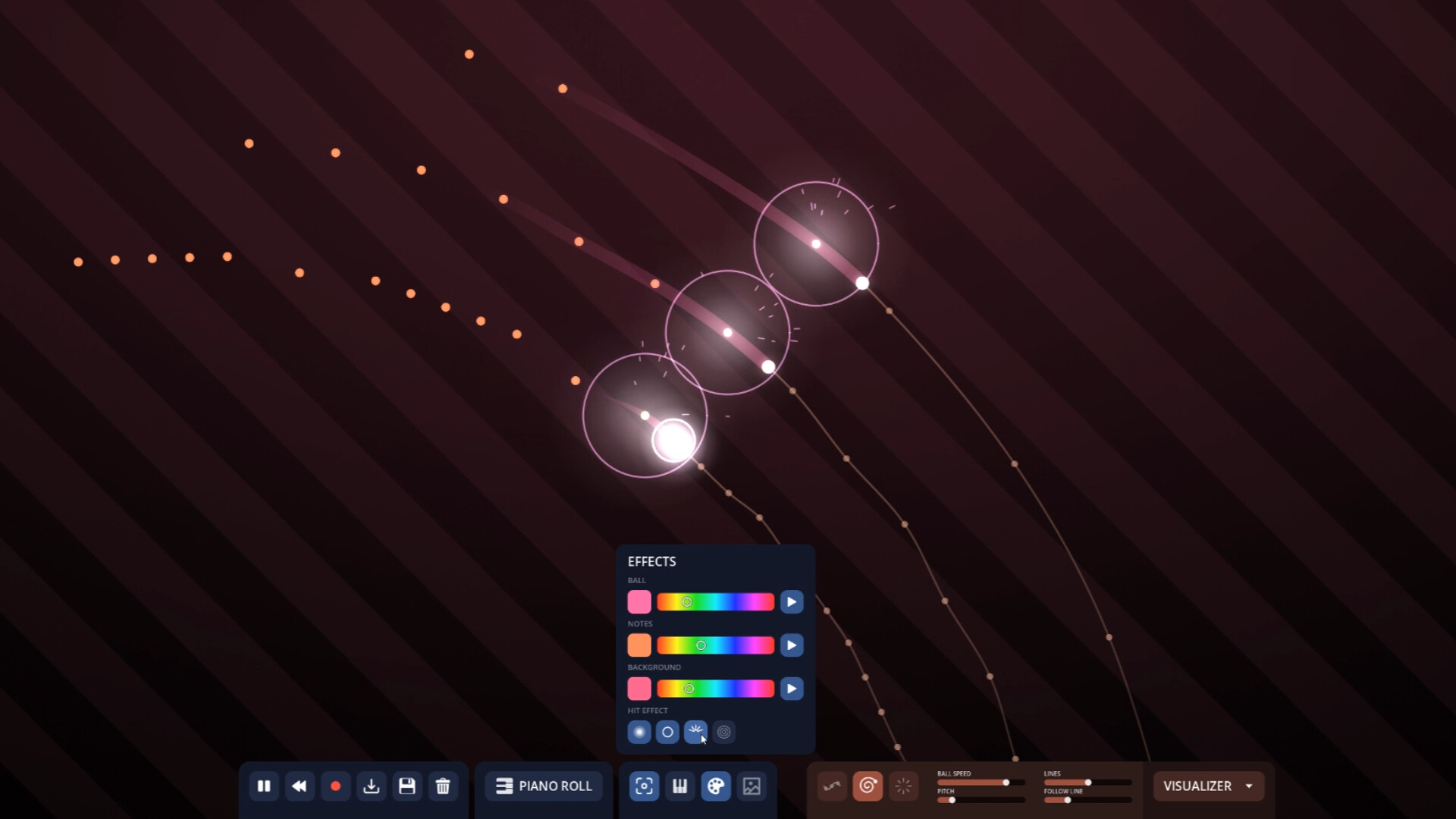
- Ball hit effects from bloom to sparks to ripple
- Customize the colors and patterns to your liking
Save & record it
- Save any melody or session in its entirety
- Record a video of anything in any aspect and size with the built-in recorder