
IPTV Smart Cast
No Reviews · 0 reviews
Link Hub
View on Steam→Screenshots
Description
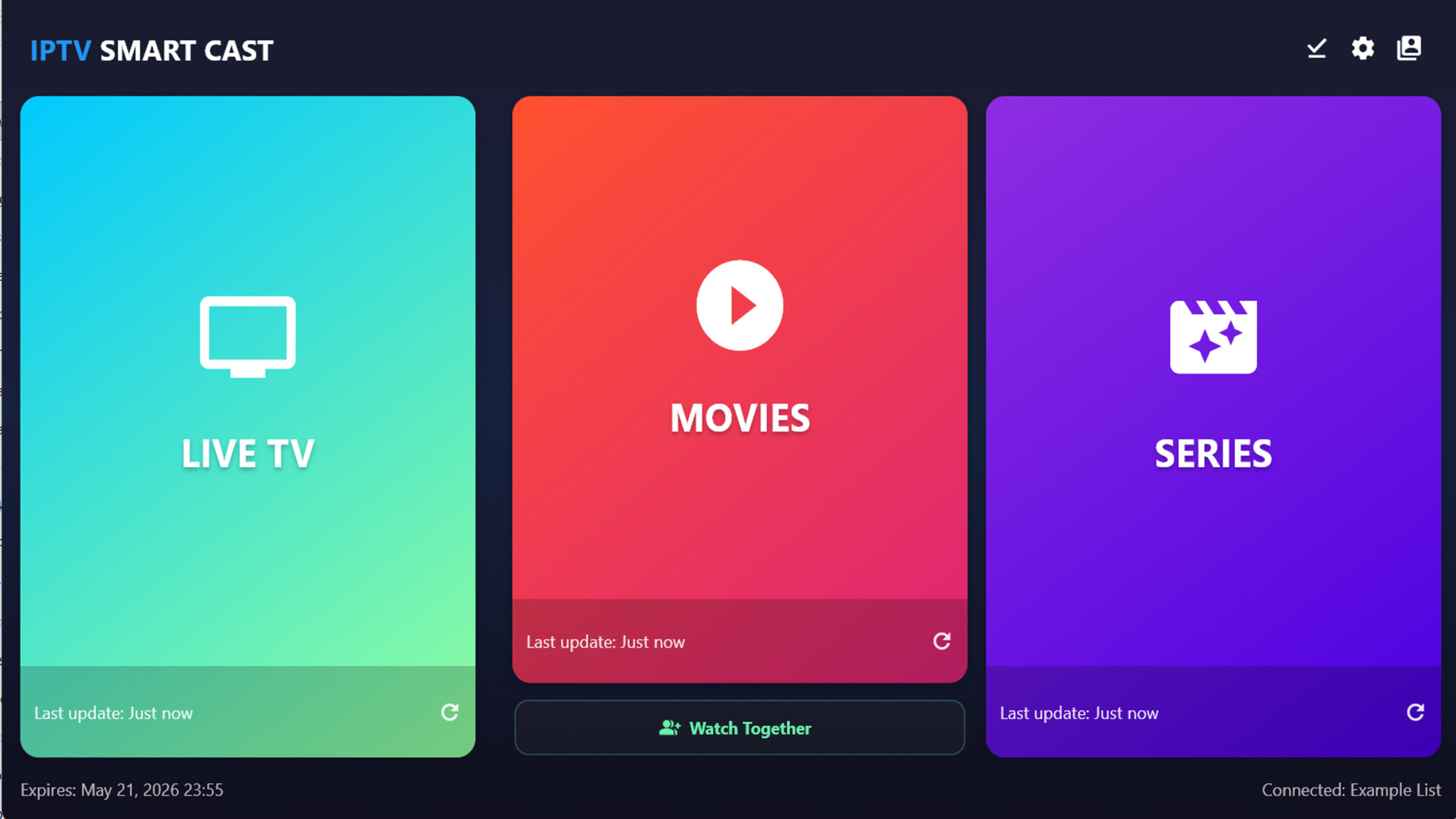
Take your streaming experience to the next level. IPTV Smart Cast combines a sleek interface with advanced technical tools to ensure optimal playback—free from glitches and restrictions—transforming your device into a personal cinema.
Platforms
Windows
Developer
David Kalil Braga
Publisher
David Kalil Braga
UtilitiesAudio ProductionMinimalistSoftwareVideo Production
About
IPTV Smart Cast combines an elegant interface with advanced tools to ensure the best playback, free from buffering in your virtual theater.
Exclusive Features:
- 📺 Chromecast Support: Watch Movies/Series on the big screen! Cast VOD content to your Chromecast with a single click.
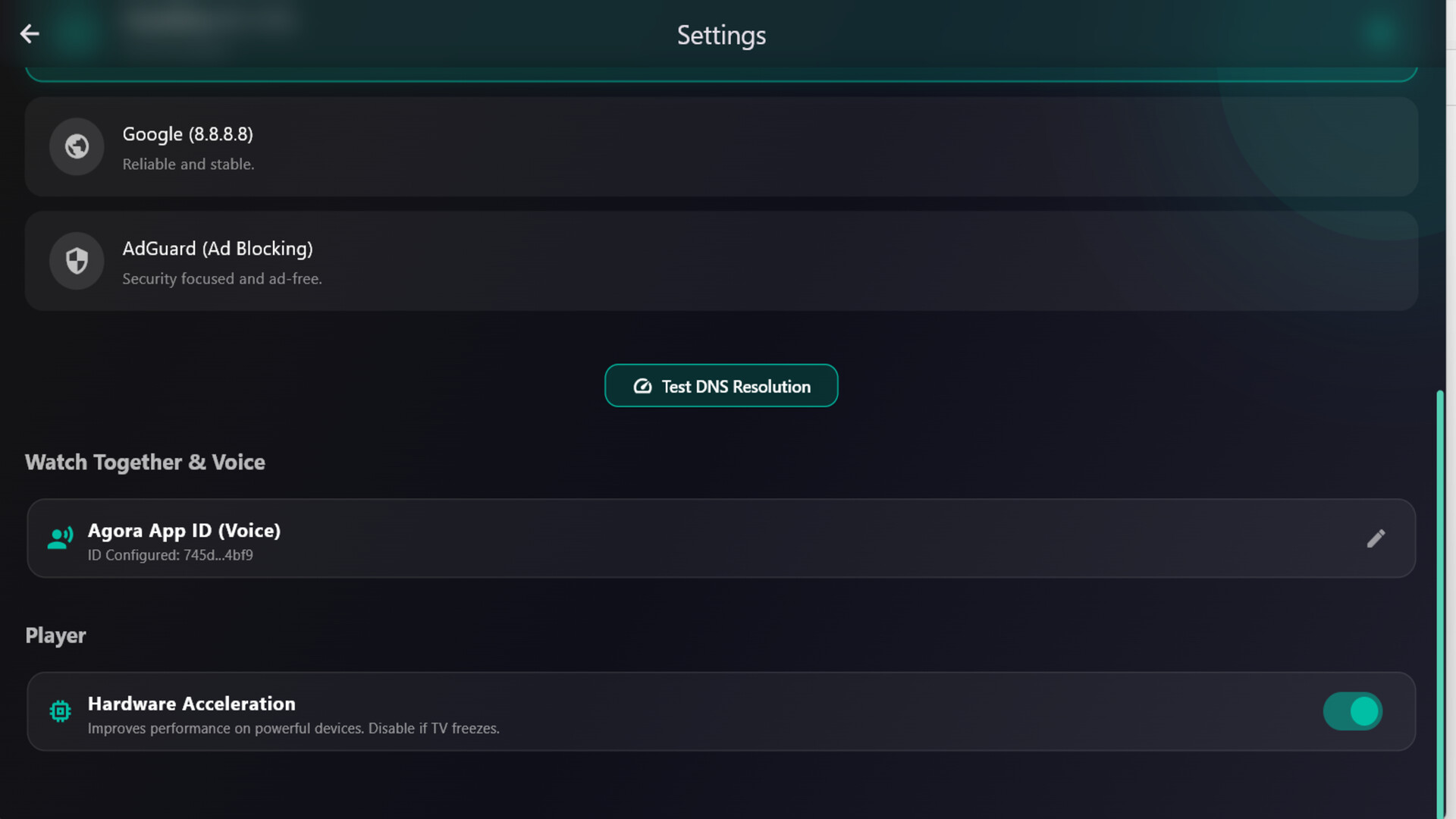
- 🚀 Maximum Performance: Unleash full power with Hardware Acceleration decoding, ensuring smooth playback at high resolutions.
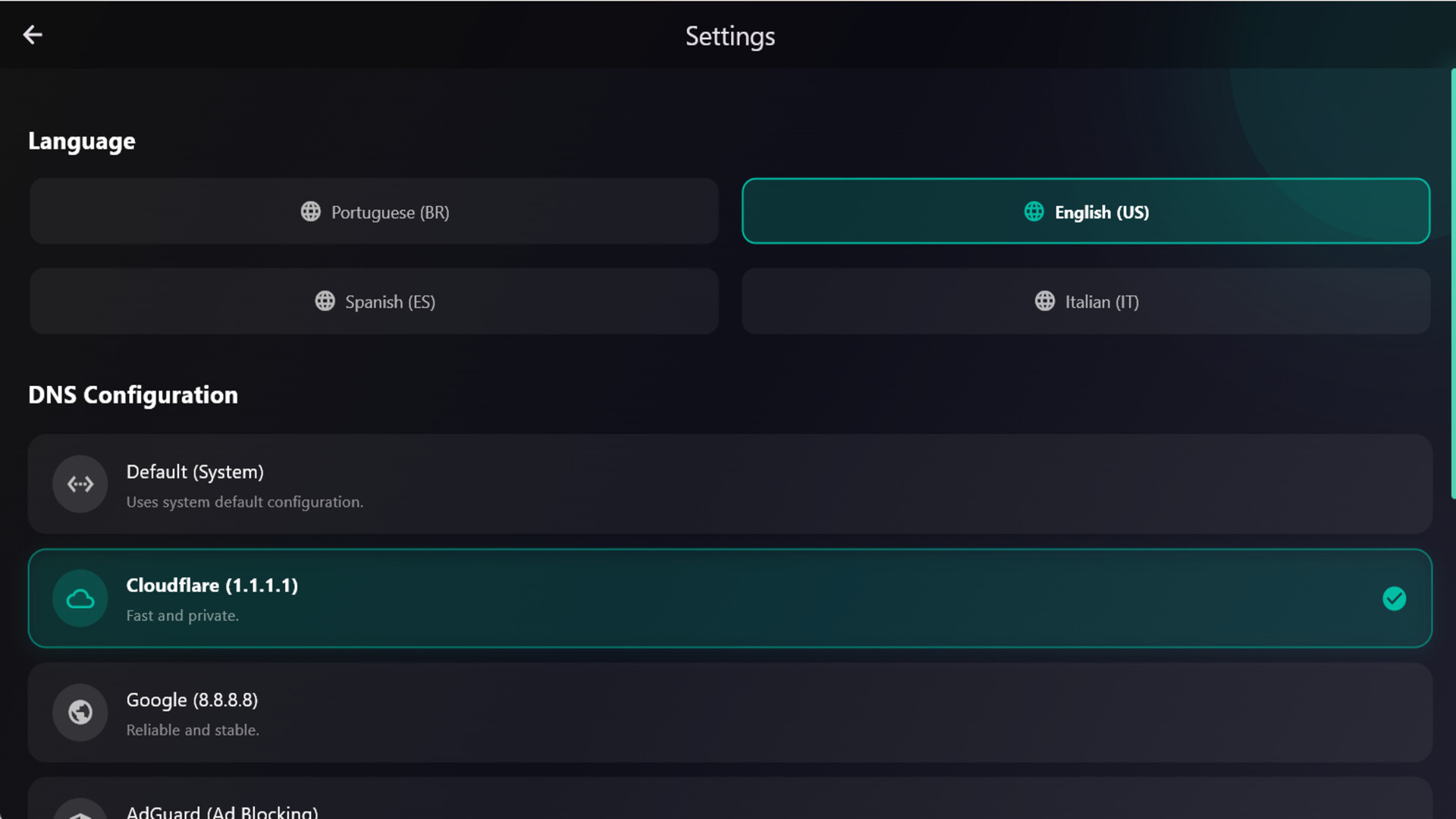
- 🛡️ Built-in DNS Switcher: Is your ISP throttling? Change DNS settings in-app (Google, Cloudflare, AdGuard) to improve connectivity.
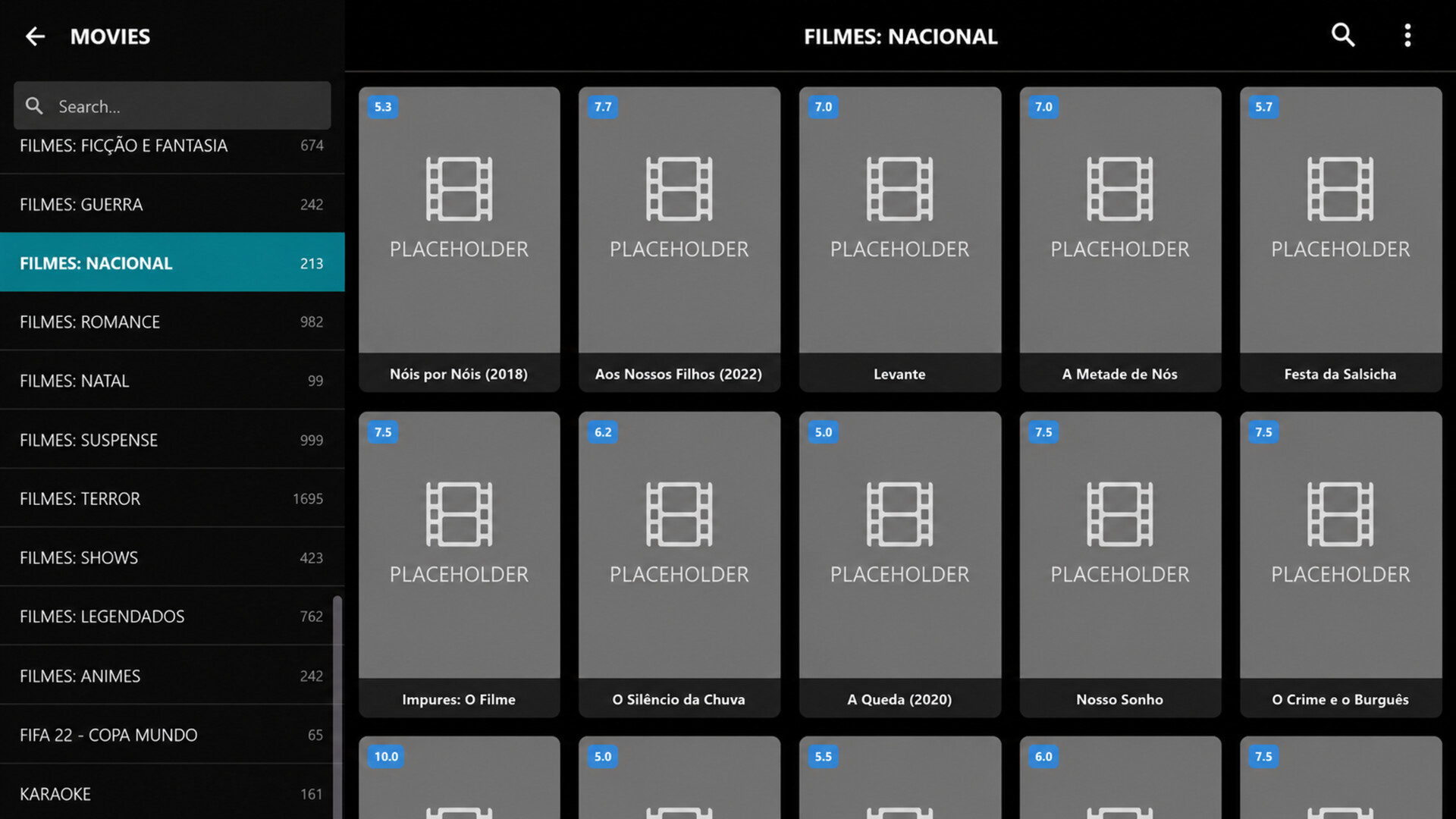
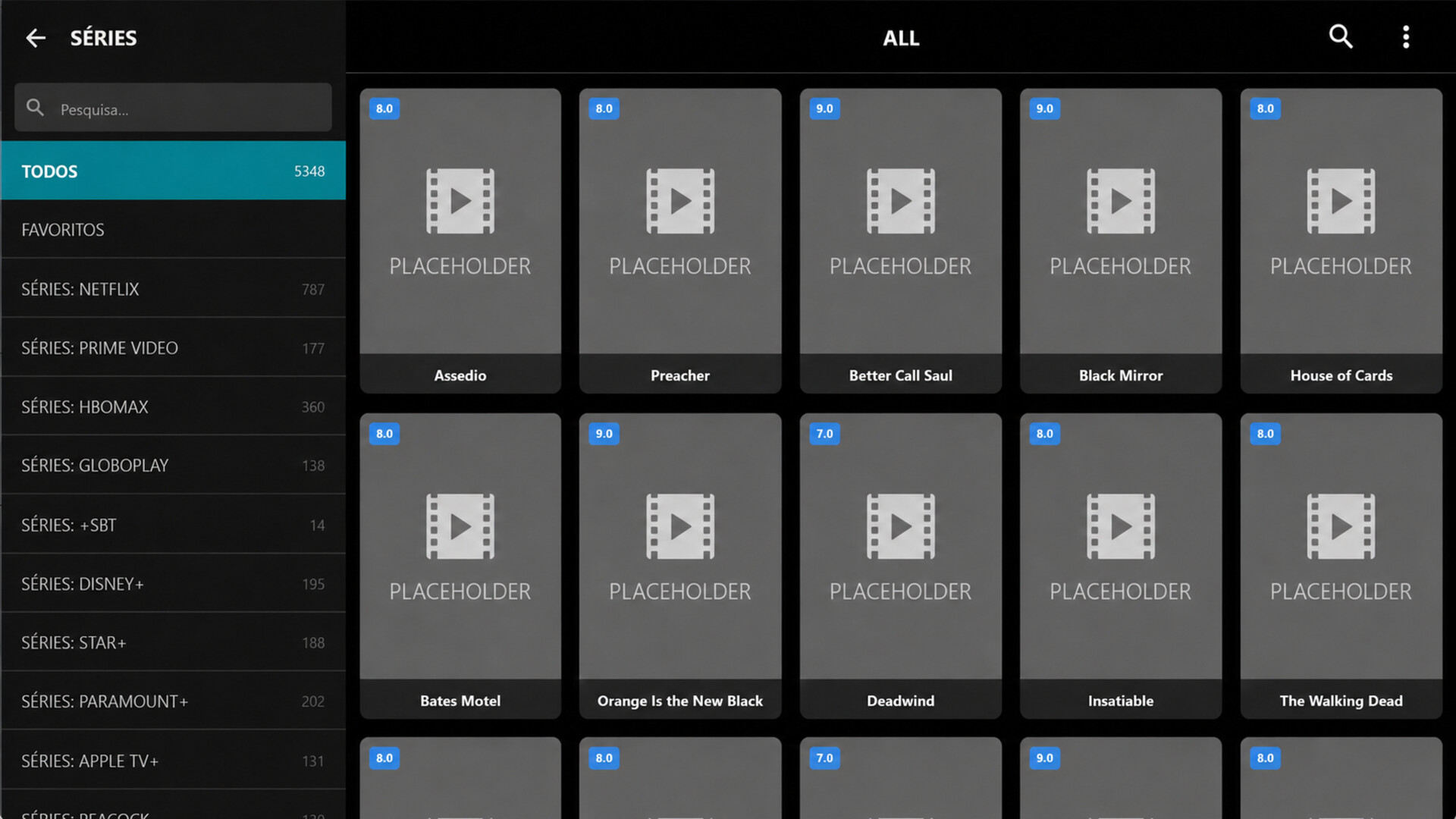
- 🎬 Premium VOD Experience: Organize your library with official posters, detailed synopses, and cast info.
- ⏯️ Resume Playback: Started a movie and had to leave? The app remembers exactly where you left off.
- 🔄Synchronized Playback: The host controls play, pause, and seek, ensuring everyone stays on the same frame.
- 🎙️Voice Chat Integration: Connect your Agora ID in settings to talk with your friends in real-time while you watch.
Essential Features:
- Xtream Codes Connection: Fast login using only URL, Username, and Password.
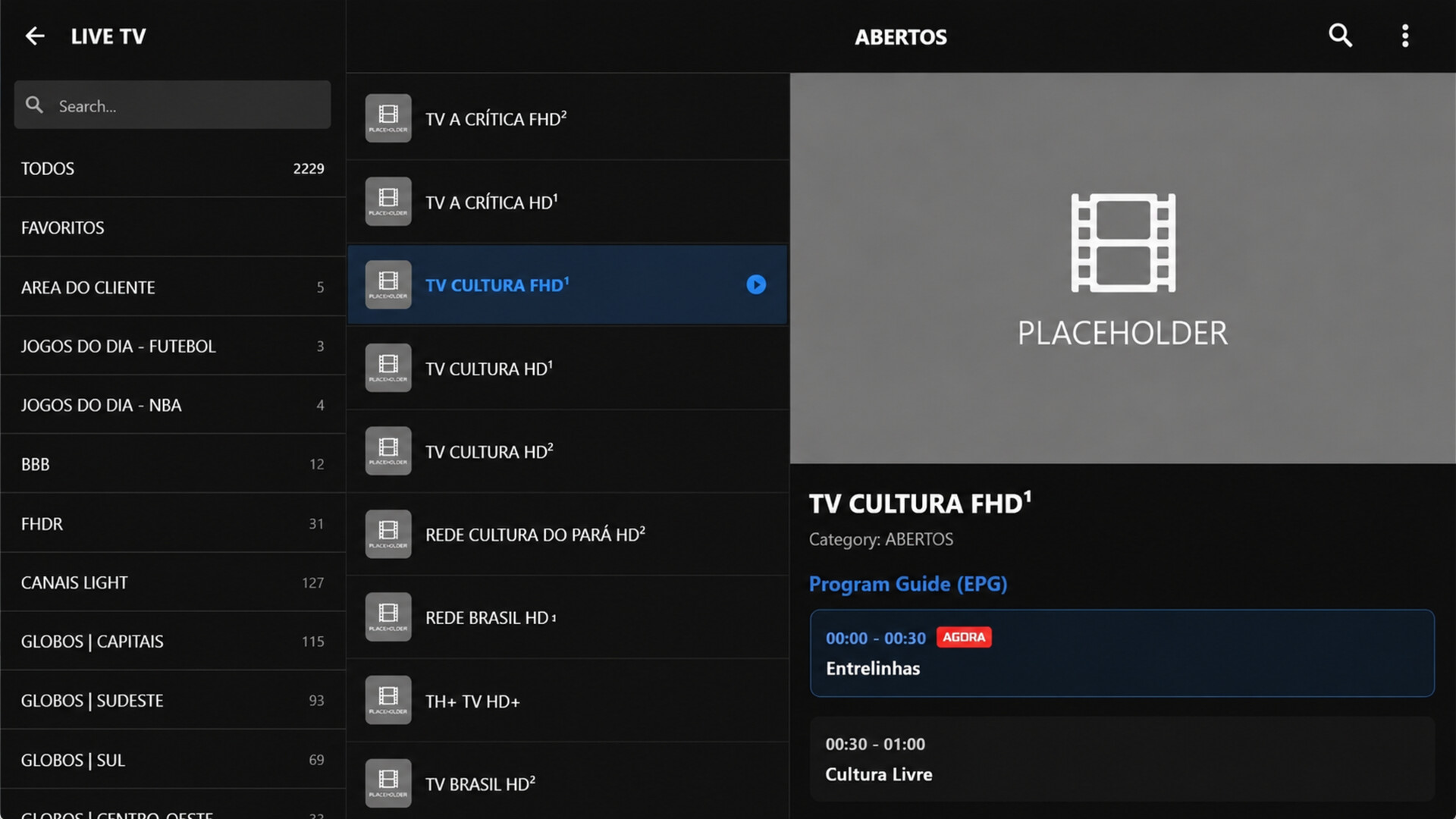
- Electronic Program Guide (EPG): View real-time scheduling for every channel.
- Favorites Manager: Create your custom list of preferred channels.
- Modern Interface: User-centric design optimized for a seamless experience.
Disclaimer: IPTV Smart Cast IS A MEDIA PLAYER AND DOES NOT PROVIDE CONTENT. Users need access credentials (User/Pass/URL) compatible with Xtream Codes API, and are responsible for content used.