
My Desktop Dwarf: Taskbar Forge
No Reviews · 0 reviews
Link Hub
View on Steam→Screenshots


Description
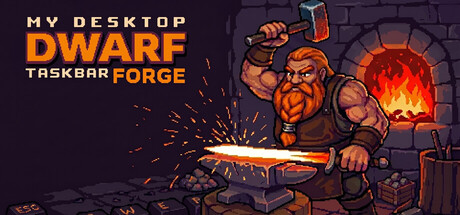
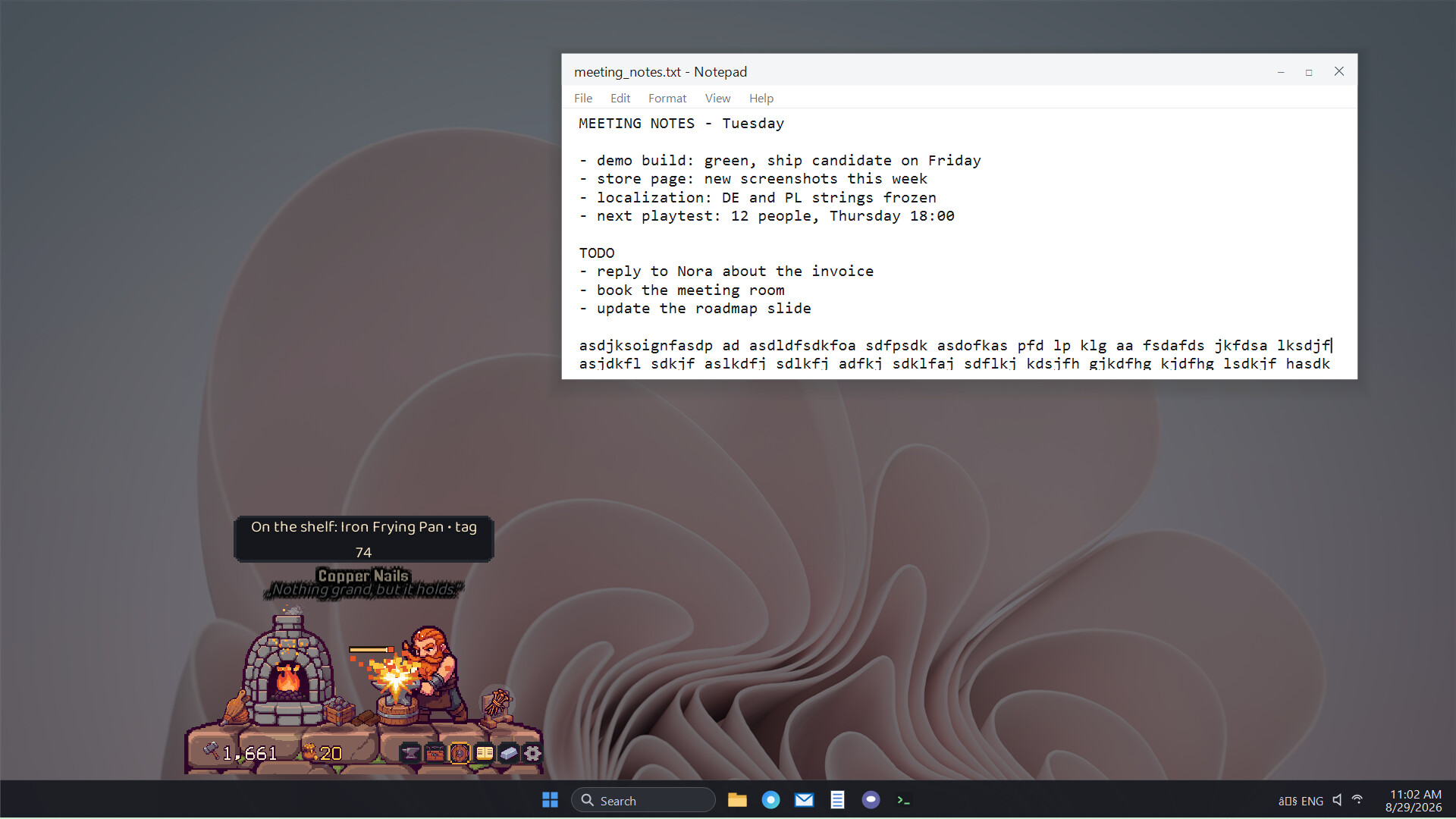
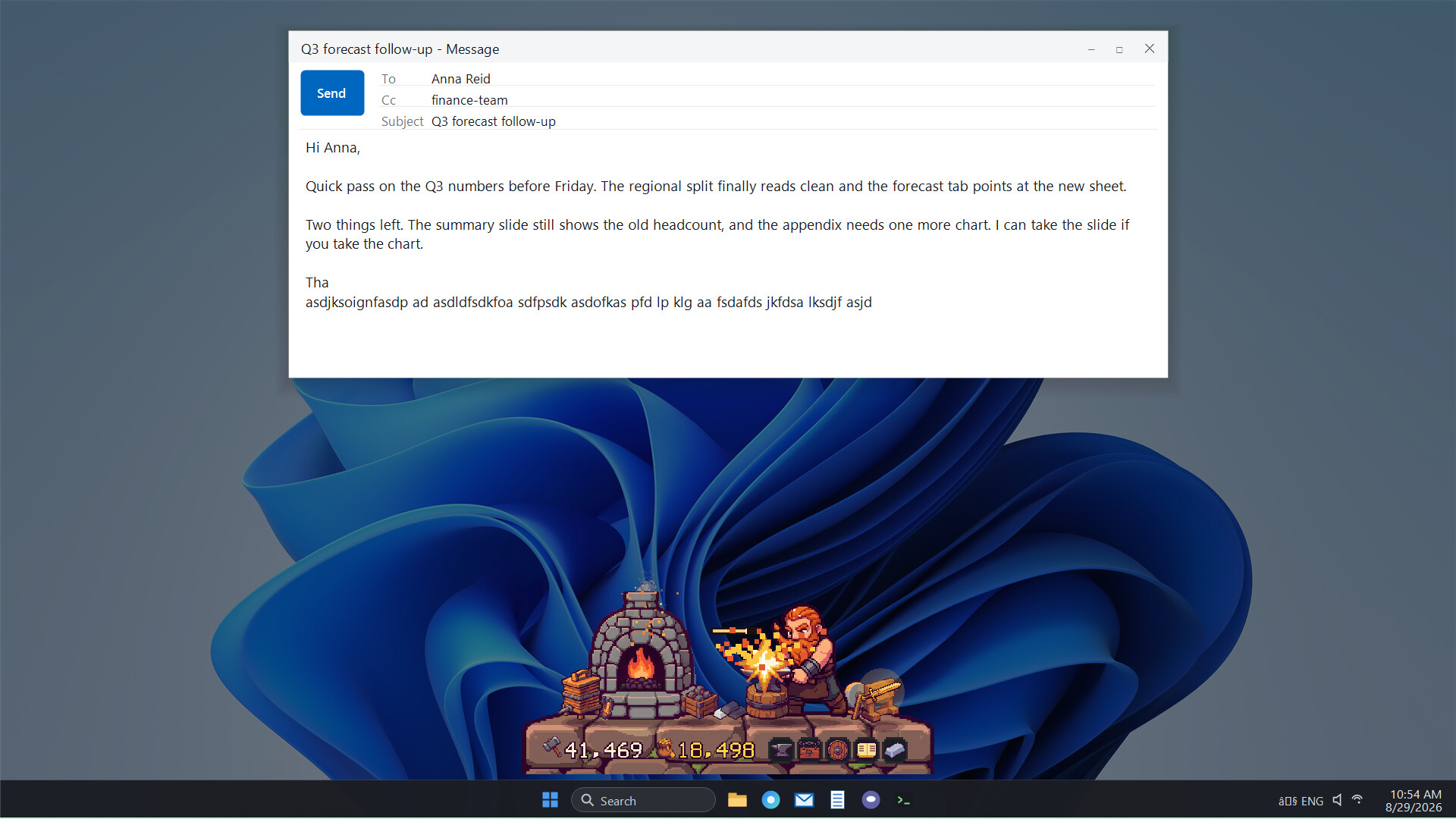
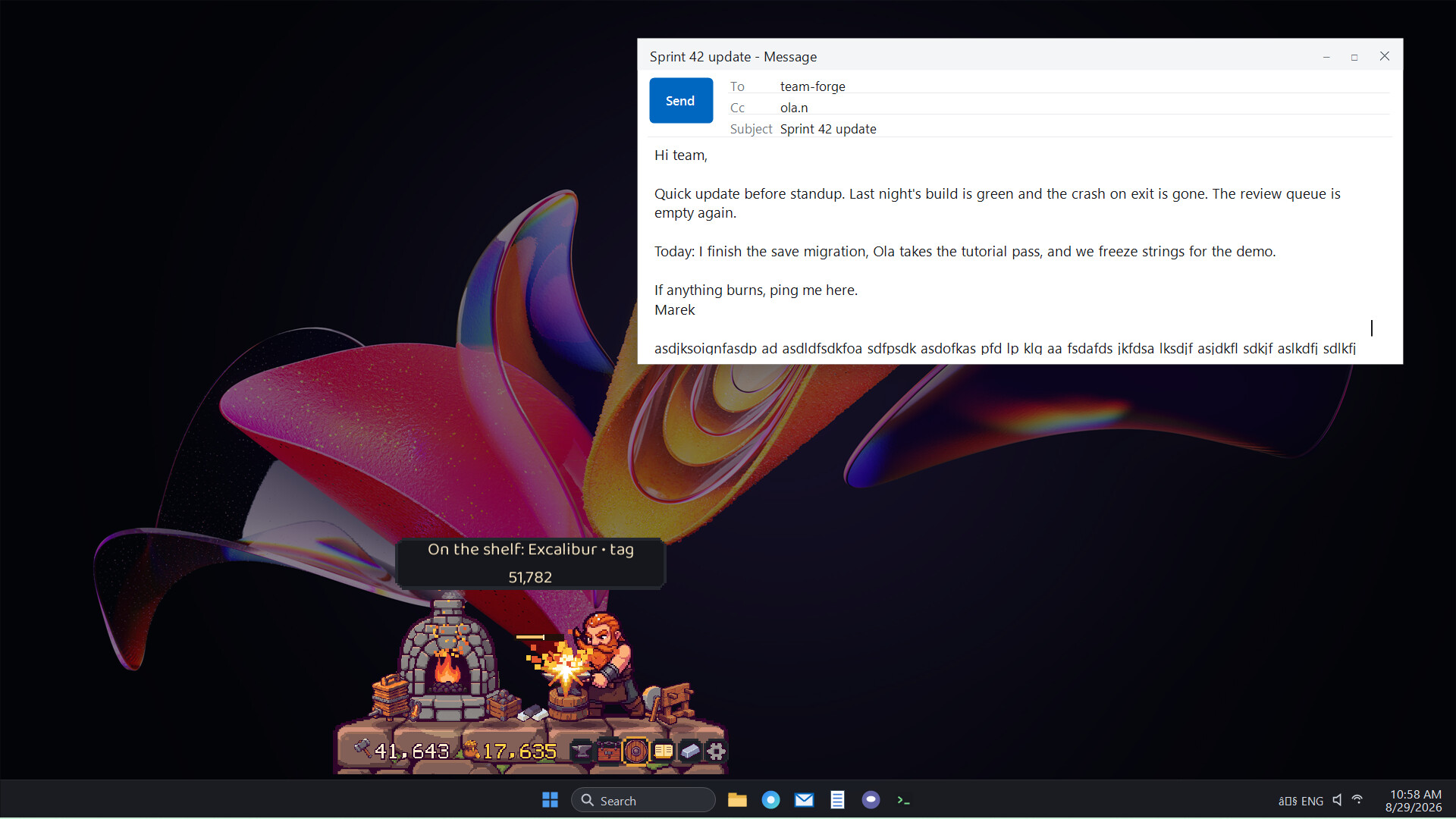
Brokk has set up a tiny forge just above your taskbar. You tap the keys, he swings the hammer. Mostly it is horseshoes or kettles, sometimes a legendary sword. Brygida sells it all in their shop. You type, he smiths. Together, the work goes faster and feels better.
About
YOUR KEYBOARD IS HIS ANVIL
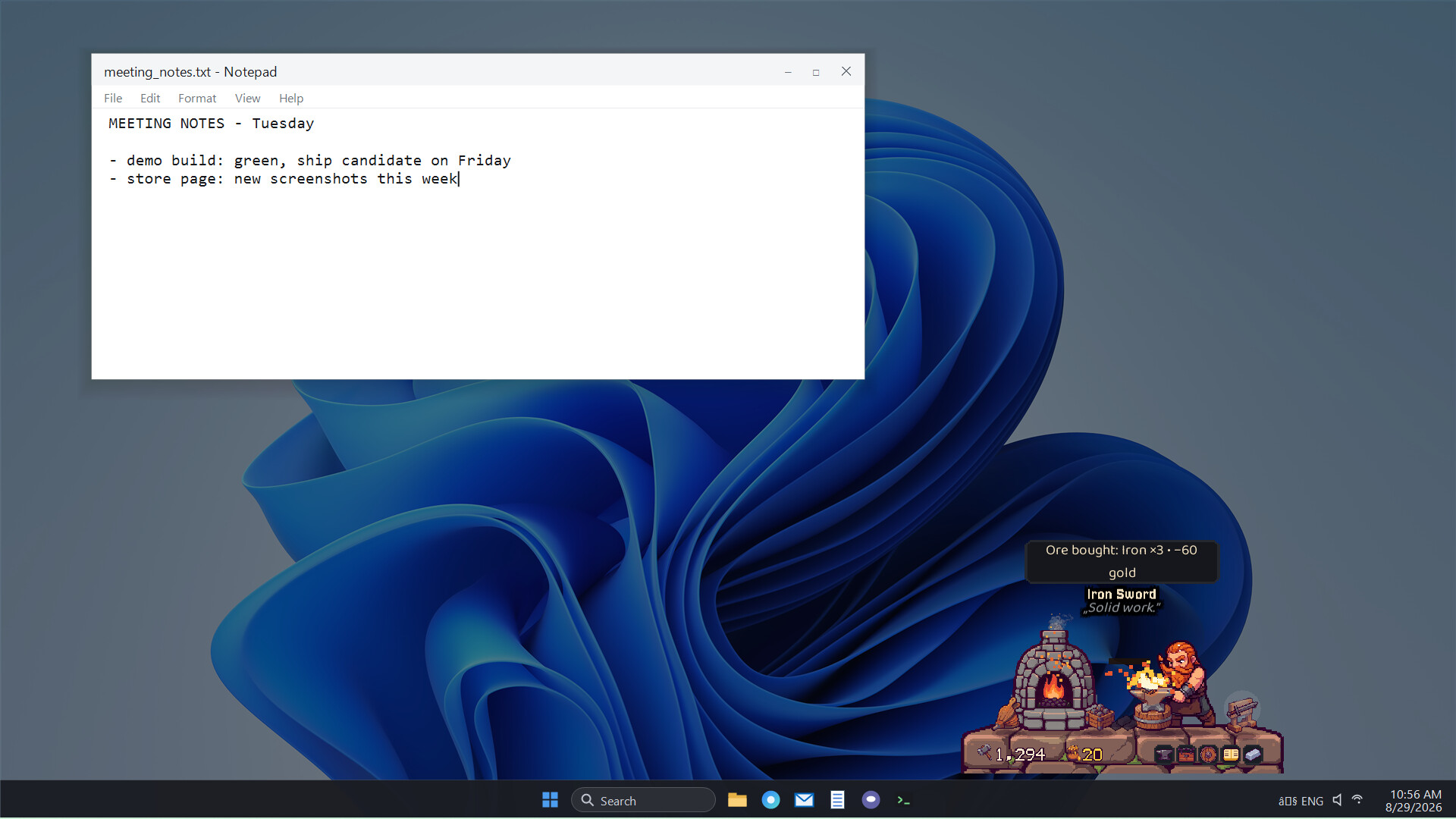
Brokk lives just above your taskbar, runs a forge there, and works when you work. You write an email or some code, and he hammers out new pieces. Every keystroke is a strike of his hammer. Type fast and the furnace burns white hot while Brokk gives it everything he has. When you take a break, so does he.
FROM ORE COME LEGENDS
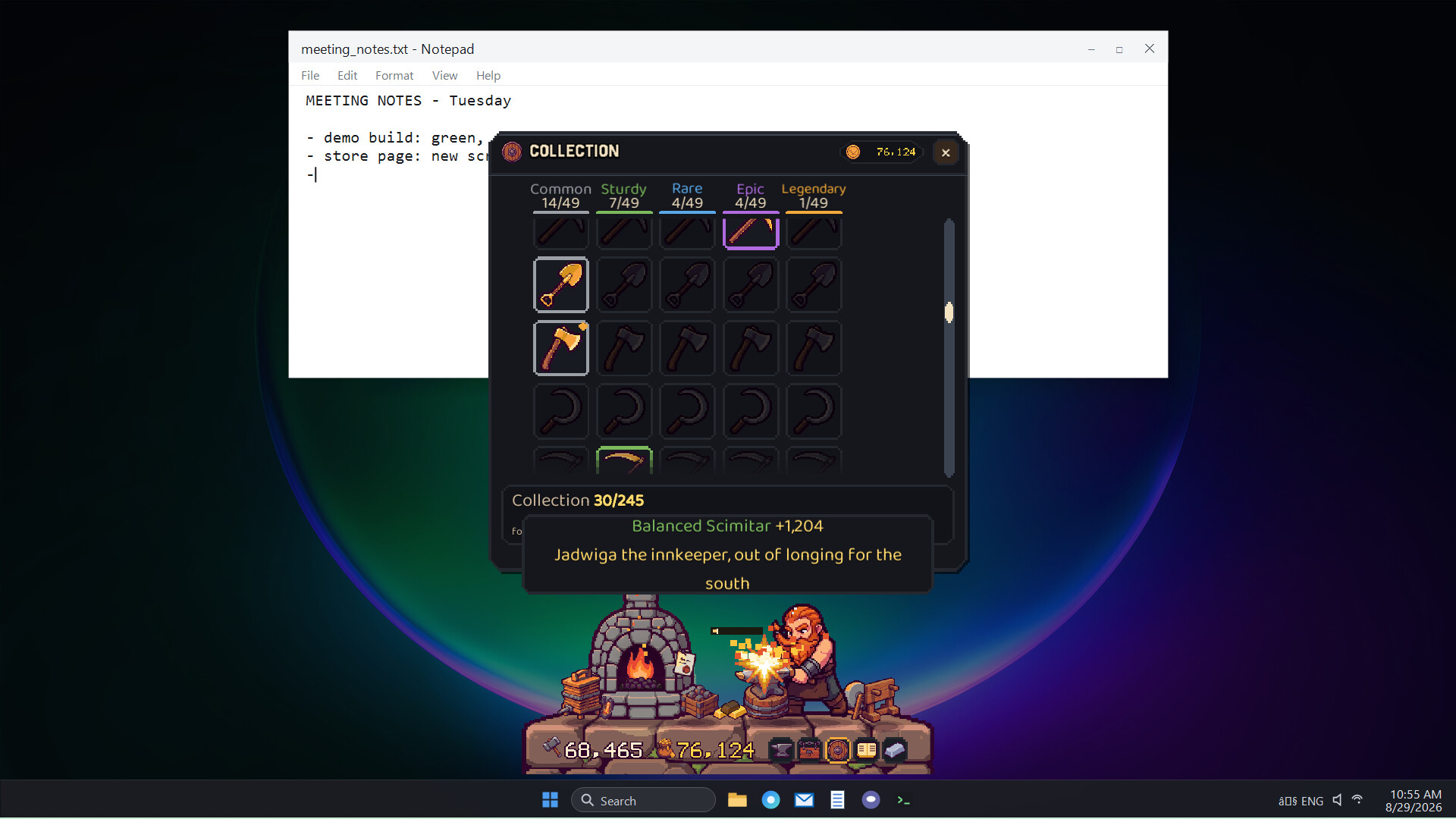
Ore first, then ingots hammered out one by one, then a finished piece: a dagger, a kettle, a horseshoe, or whatever the shop's customers asked for. Sometimes the metal flares and something legendary appears: Szczerbiec. Excalibur. Mjolnir. The display cabinet holds 55 patterns to forge.
BRYGIDA, HIS WIFE, RUNS THE SHOP
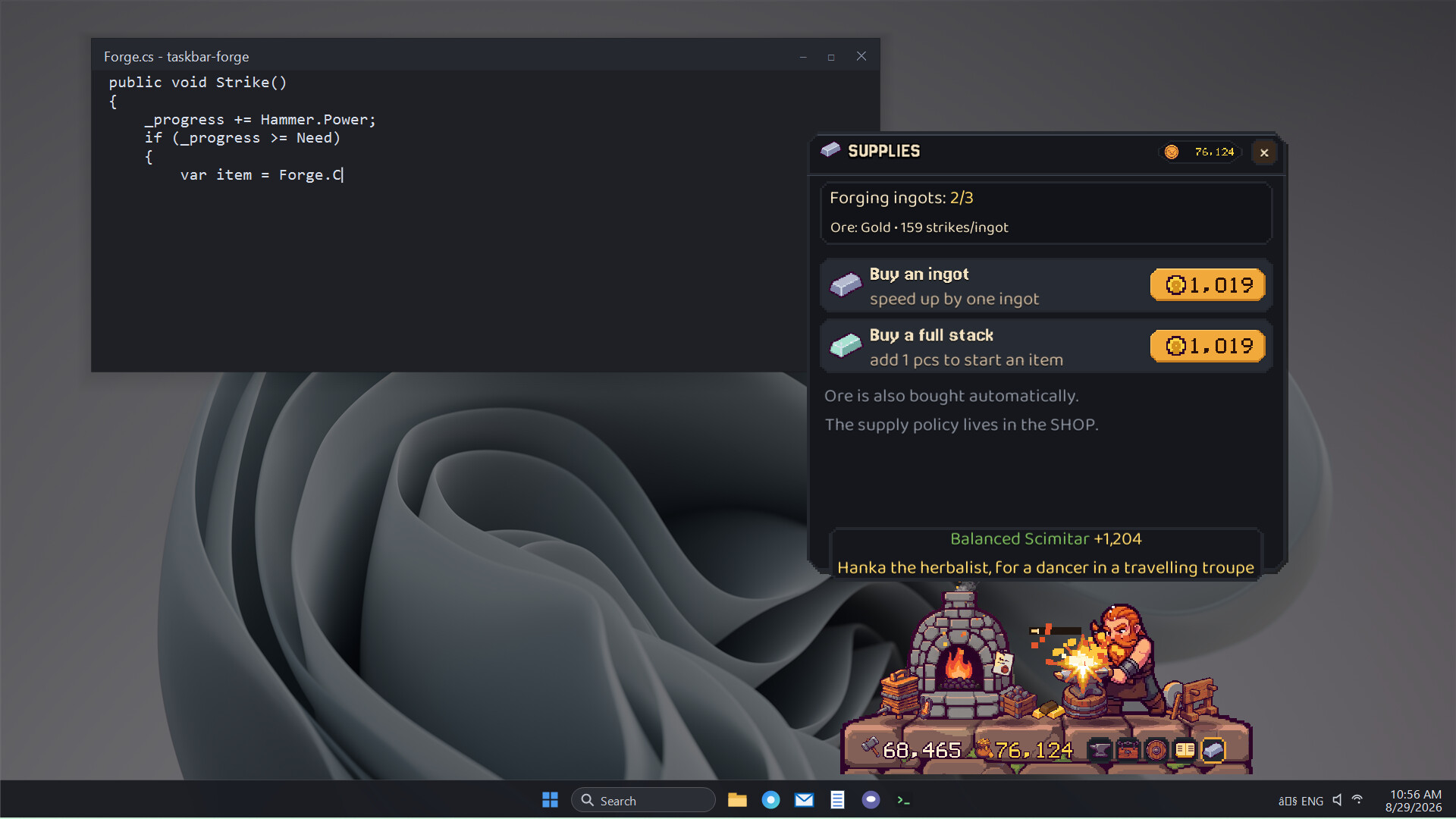
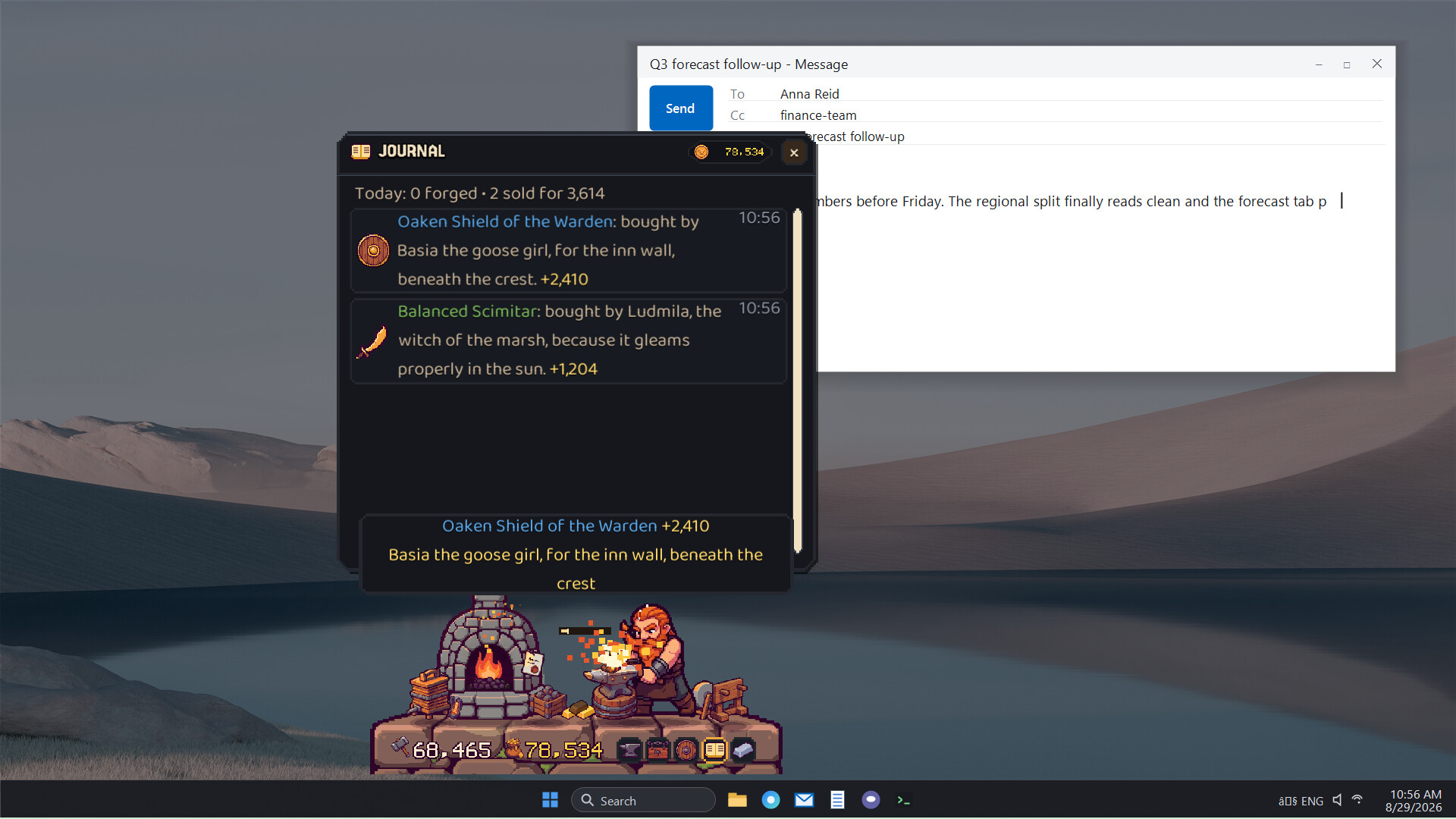
Brygida sells everything that comes off the anvil. Customers drop by, sometimes they buy what is on the shelf, sometimes they place special orders and pay extra. You decide how boldly the forge buys ore for its next pieces, from thrifty copper up to the best metal you can afford.
FROM COPPER TO MITHRIL
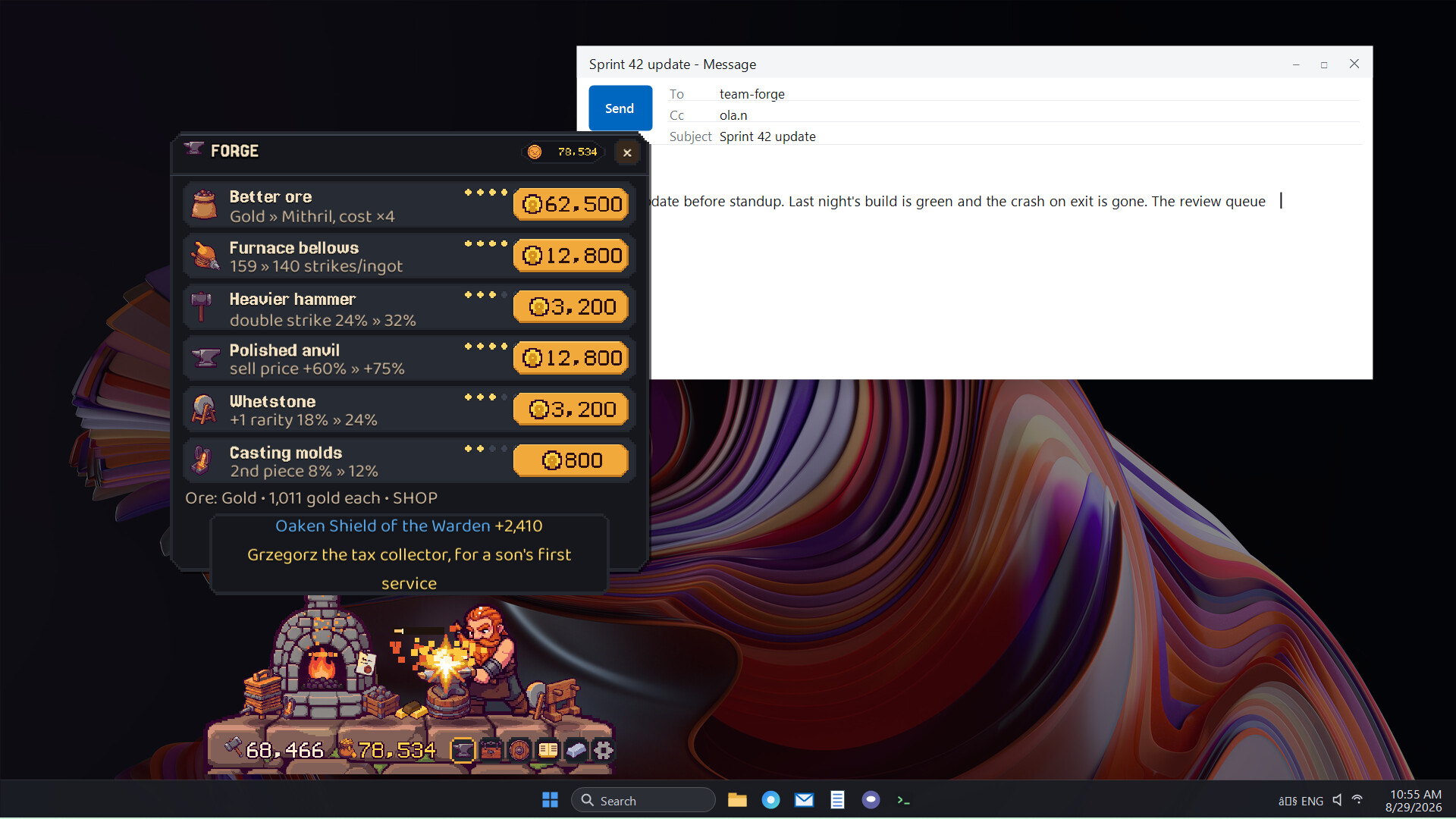
Sales pay for upgrades, and upgrades unlock the next metal: copper, iron, steel, silver, gold, mithril. A heavier hammer, casting molds, a whetstone that nudges a piece up in rarity. The forge earns its own way up.
A FORGE THAT MOTIVATES WITHOUT GETTING IN THE WAY
The game is built to stay out of your work. Typing drives everything, so regular play needs no clicking. Open the panel when you feel like spending the gold, sell a piece, buy an upgrade, get back to your things. You can also shrink the game window and turn the effects down so it pulls as little attention as possible.
And if you want a proper kick of motivation, start hammering alongside Brokk and working up a sweat. Watch how fast the tasks start disappearing.