DeckCrate
A real file manager you can drive entirely with a game controller.* Built for the Steam Deck, ROG Ally, Legion Go — and the couch. Mouse and keyboard work exactly as well.
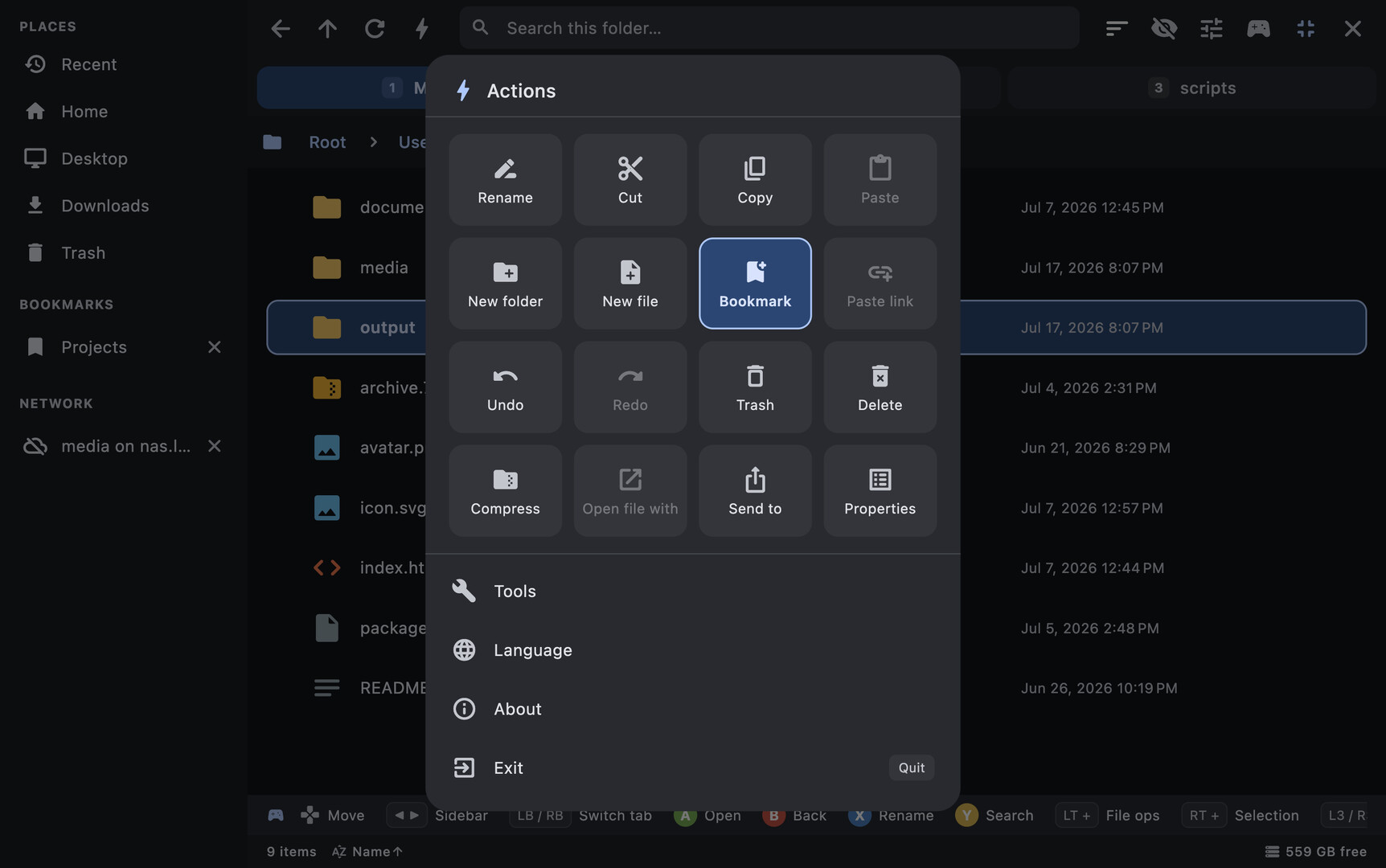
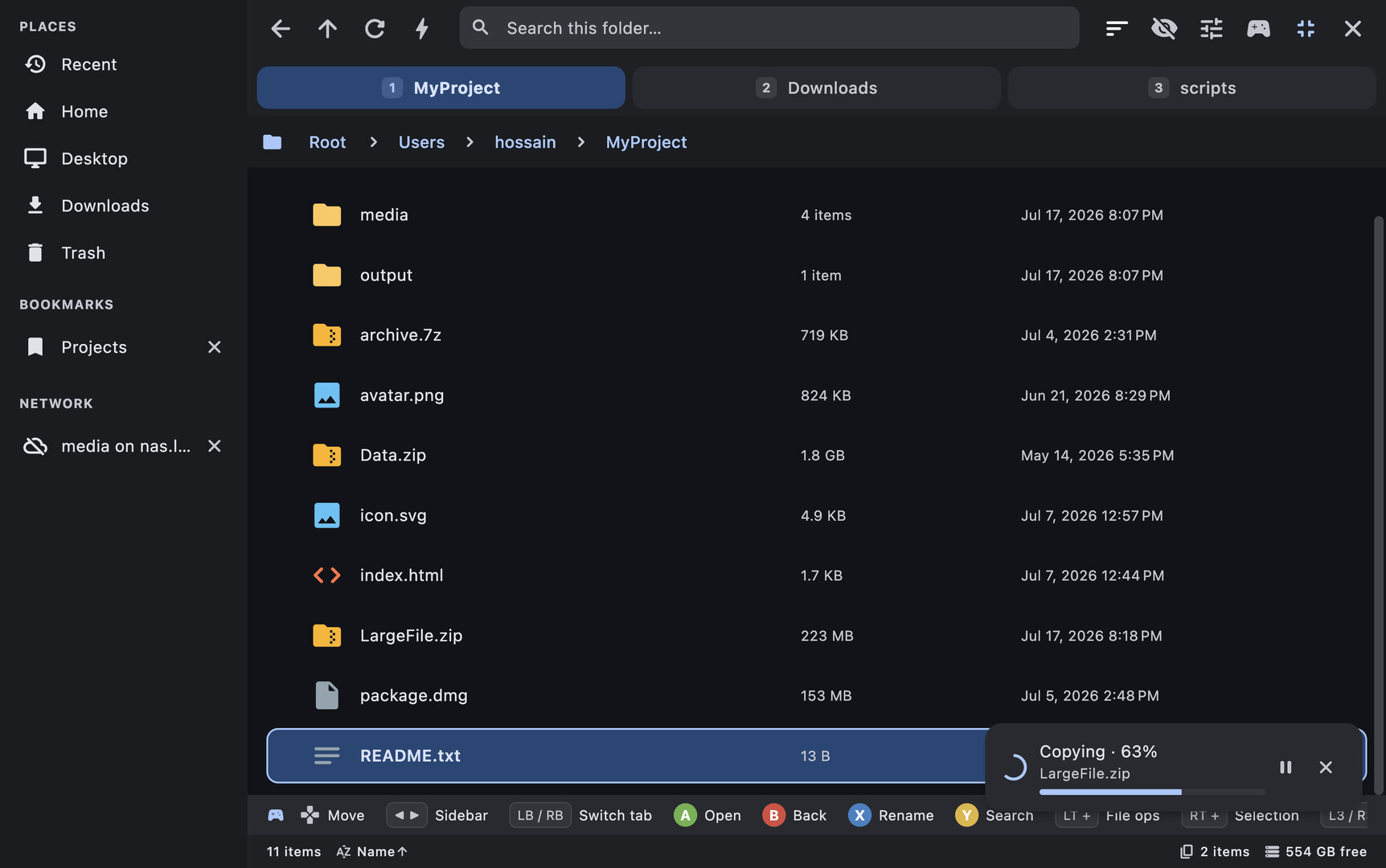
Navigate with your controller's D-pad, enter folders with A, go back with B. Hold LT for file operations, RT for selection, and press Start for a command menu with every action. Every single feature is reachable from a controller — no touchpad-poking required.
Real file operations
- Copy, move, rename, and delete — recursive, with collision-safe naming
- Pause, resume & retry — pause any operation mid-file, and recover a batch if one item fails
- Undo / redo file operations — copy, move, rename, trash, compress, and more
- Batch rename — number a whole selection or find-and-replace across names, with live preview
- Trash that respects your OS (freedesktop, macOS Trash, Windows Recycle Bin)
- Drag and drop within the app and across other apps
A built-in toolbox
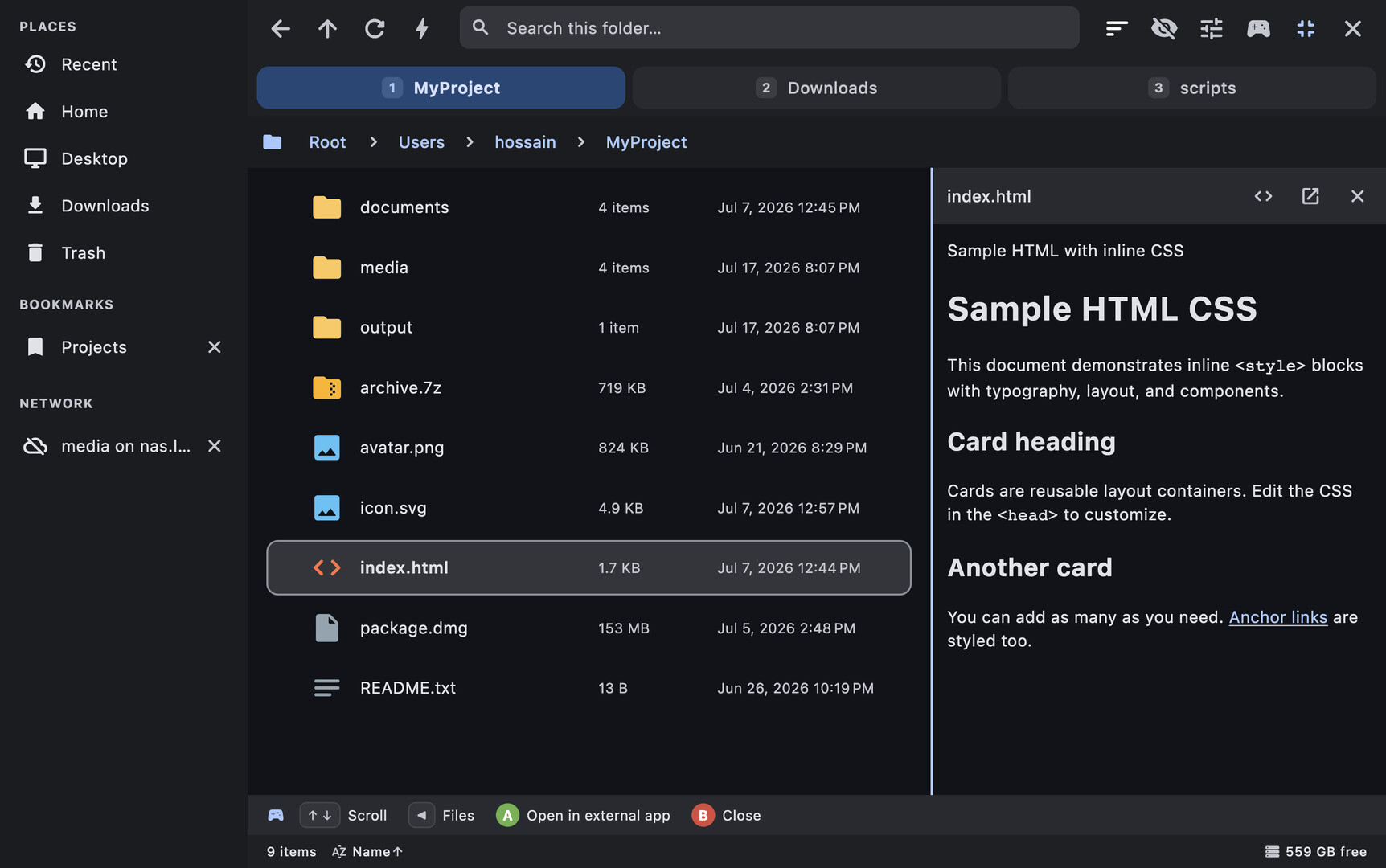
- Preview pane — text and code, images, SVG, HTML, Markdown, and PDF, right beside the file list
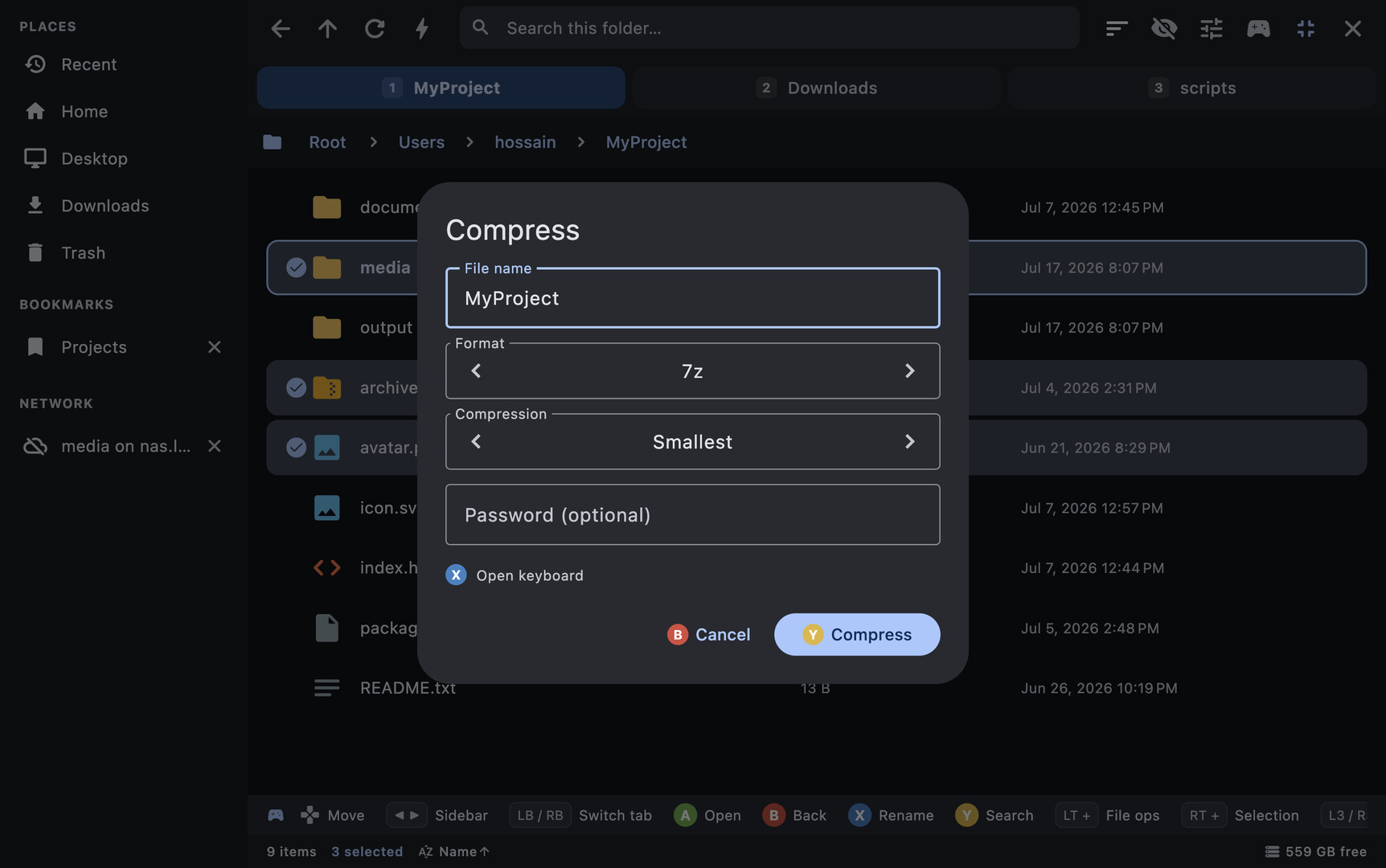
- Compress & extract — ZIP, TAR family, plus 7z and RAR extraction, including password-protected archives
- Mount disk images — ISO, IMG, DMG, and more, straight from the file list
- Embedded terminal — a real shell at the current folder
- Disk usage maps and folder item counts
- Recursive search across a folder and all its sub-folders
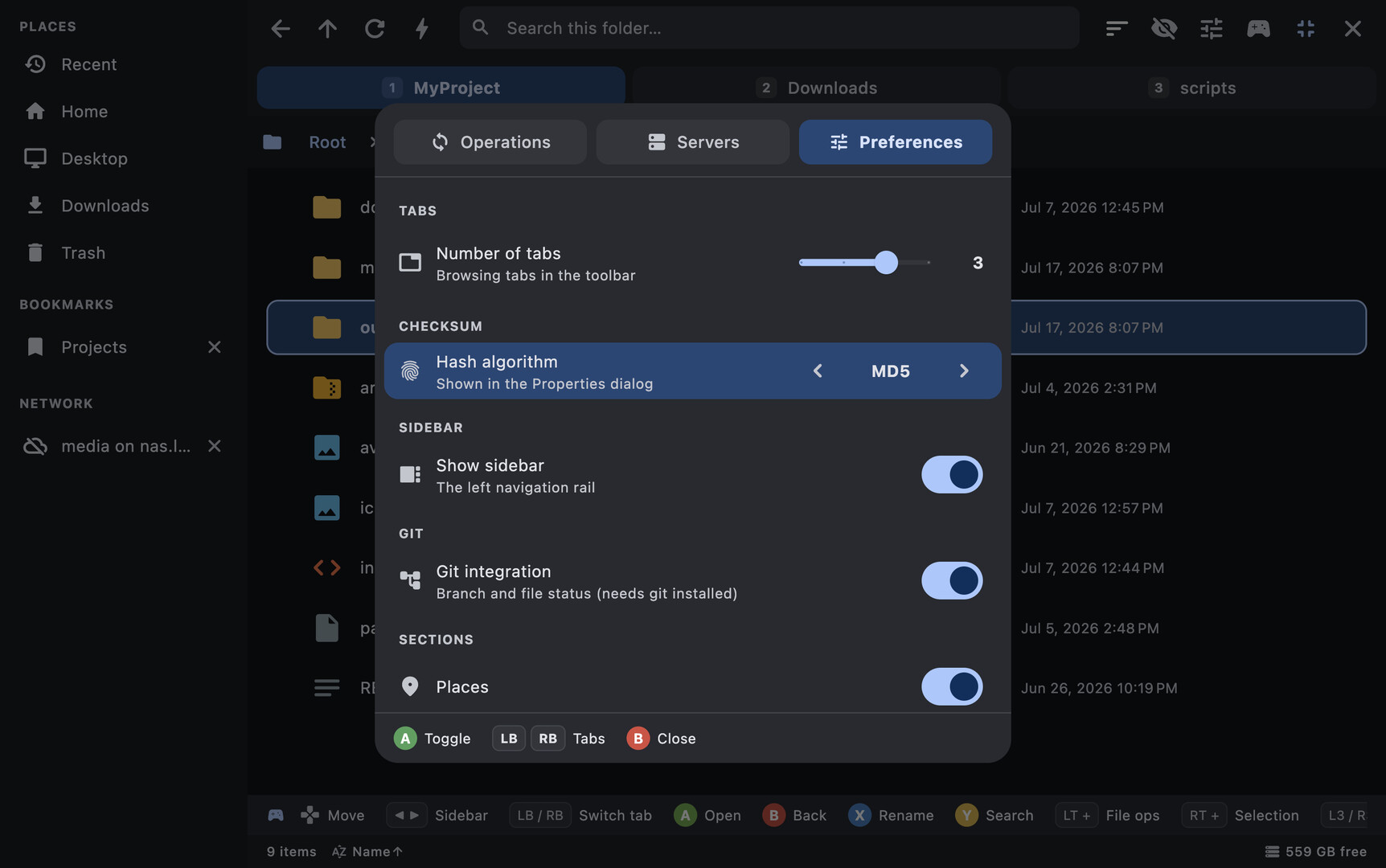
- Git-aware — see your branch and per-file status badges in any repo
- Tabs, bookmarks, and a Recent list — all persisted across launches
Privacy-respecting by design
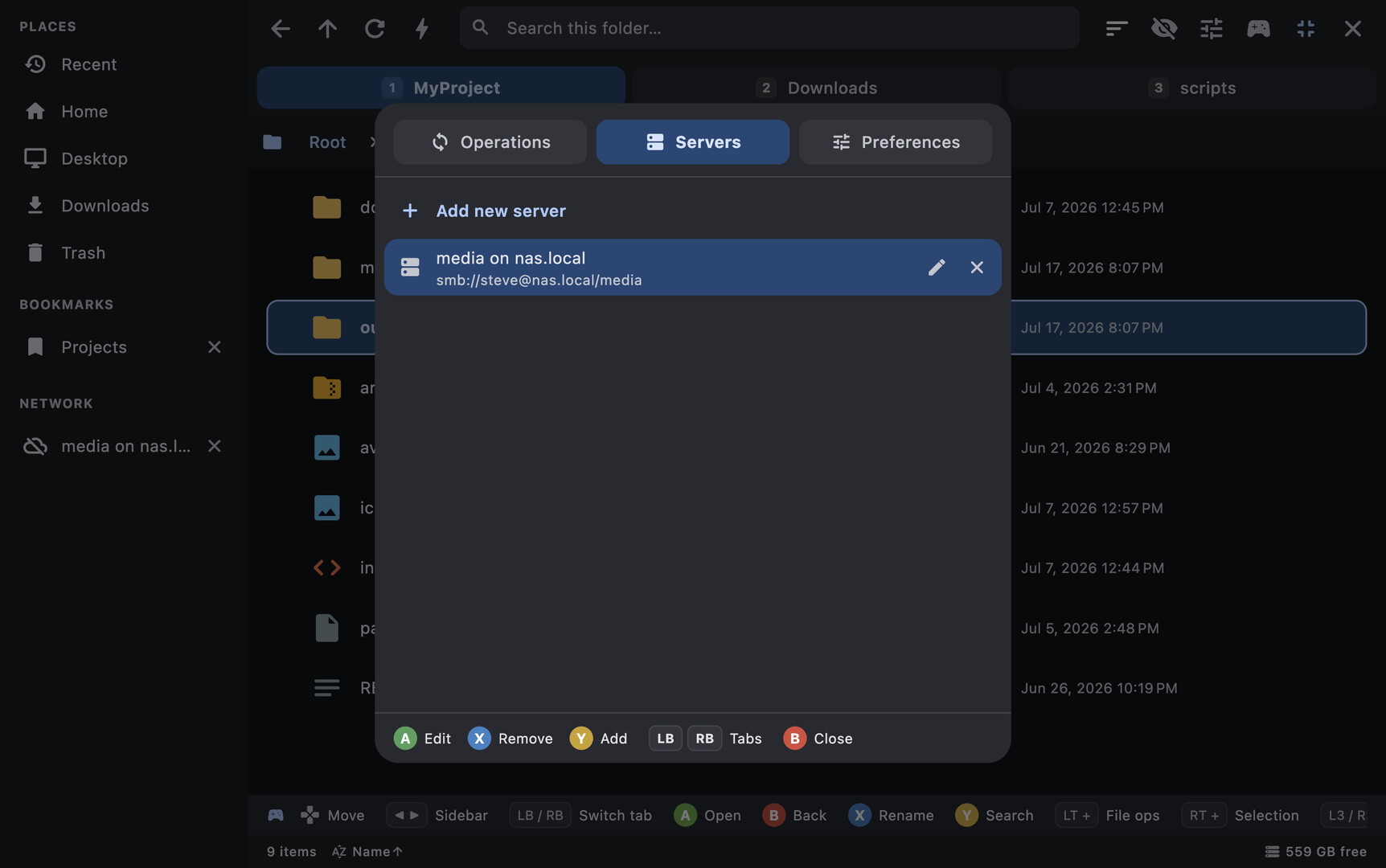
Zero telemetry. No analytics, no crash reporting, no phone-home — not even for technical reasons, and no telemetry SDK is bundled. Everything it remembers stays on your machine. The only network activity is what you start yourself.
Made for everyone
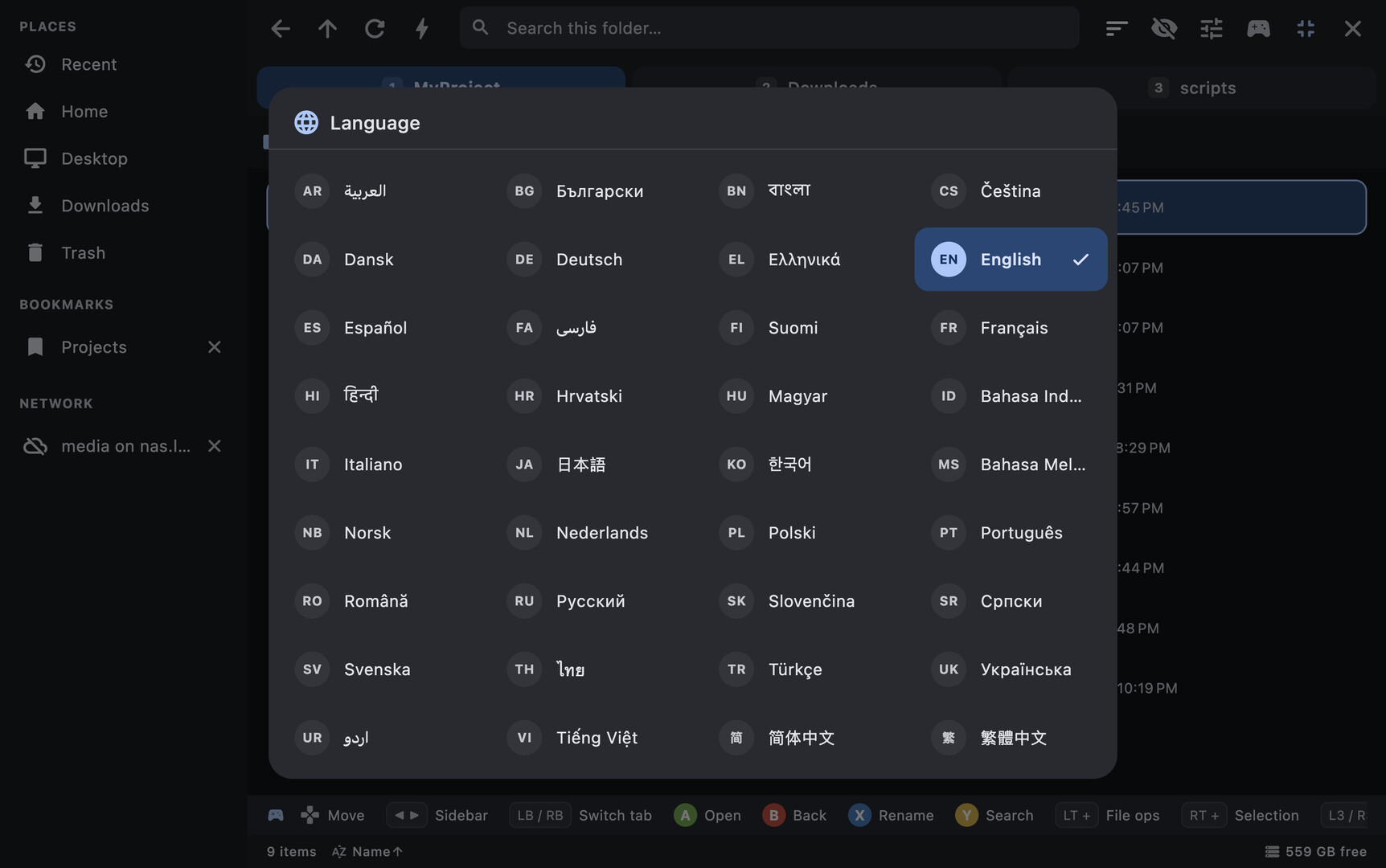
A fully localized interface in 36 languages, including full right-to-left support. It follows your system language and is switchable in-app at any time.
Cross-platform
Windows, macOS, and Linux / SteamOS. Each platform uses its own native trash, drives, and mounts. Fast, modern, and controller-first from the ground up.
** Every feature is fully navigable with a gamepad on any device. Only text entry needs a keyboard: the built-in virtual keyboard on Steam Deck, Steam Machine and other SteamOS devices, or your physical keyboard on PCs and laptops, where Steam's virtual keyboard isn't available.*