
Cubing Forge
No Reviews · 0 reviews
Screenshots


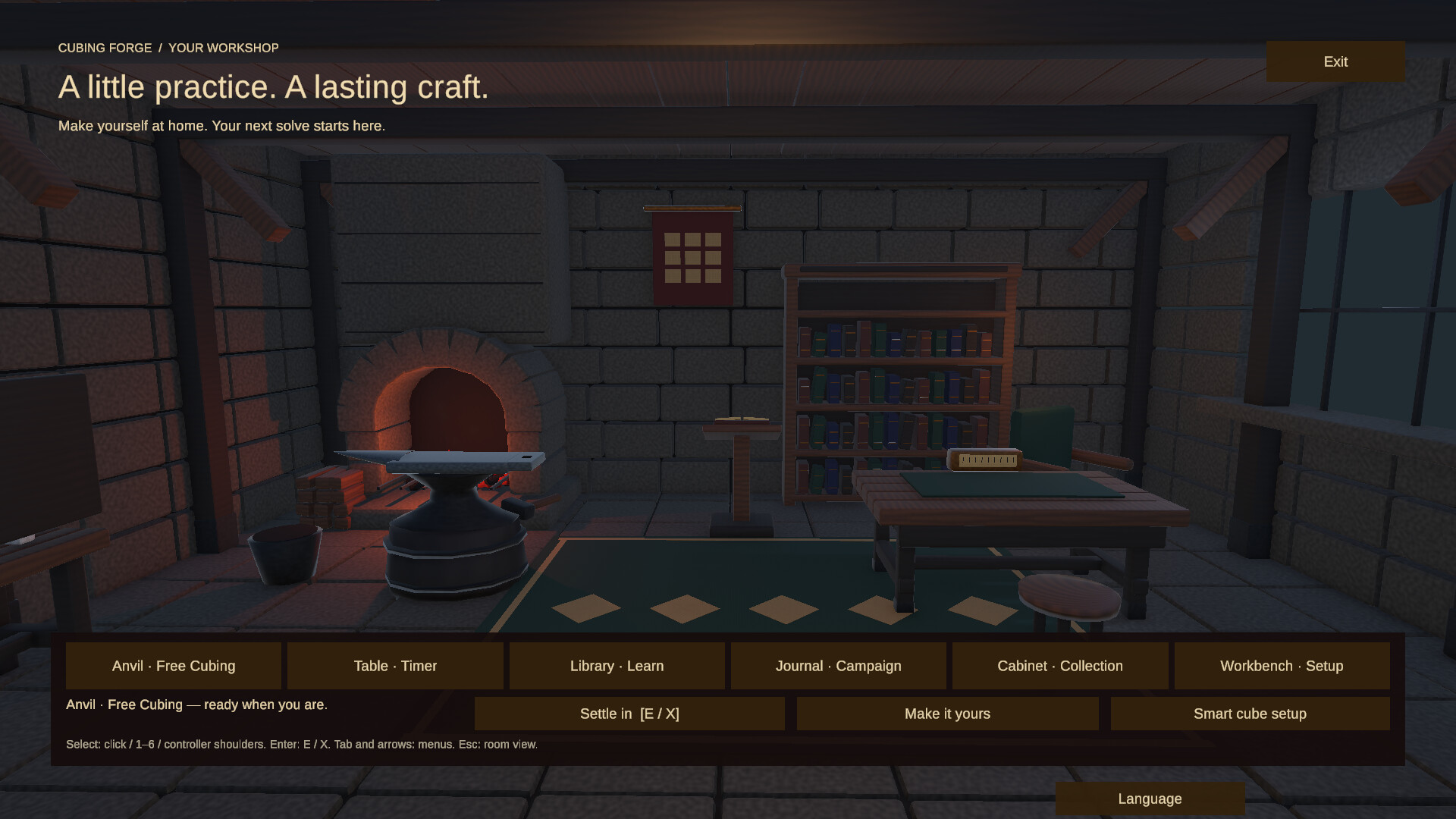
Description
Learn to solve the 3×3 cube and sharpen your CFOP skills through guided lessons, interactive practice, algorithm training, solve timing, detailed performance analysis, and compatible Bluetooth smart-cube support.
Released
August 28, 2026
Price
Platforms
Linux · Windows
Developer
Publisher
About
Build Real Cubing Skill
Cubing Forge is an interactive 3×3 cube training game built to help you understand the cube, complete your first solve, and develop faster, more consistent solving skills.
Cubing Forge combines a fully interactive virtual cube with structured lessons, real-time checks of the cube’s state, algorithm training, solve timing, and detailed performance analysis. Static diagrams and algorithm lists become hands-on learning, with every system designed to help you understand what each move does as you learn the sequences.
Learn Through a Structured Campaign
Begin with the fundamentals and progress through a practical, step-by-step learning path.
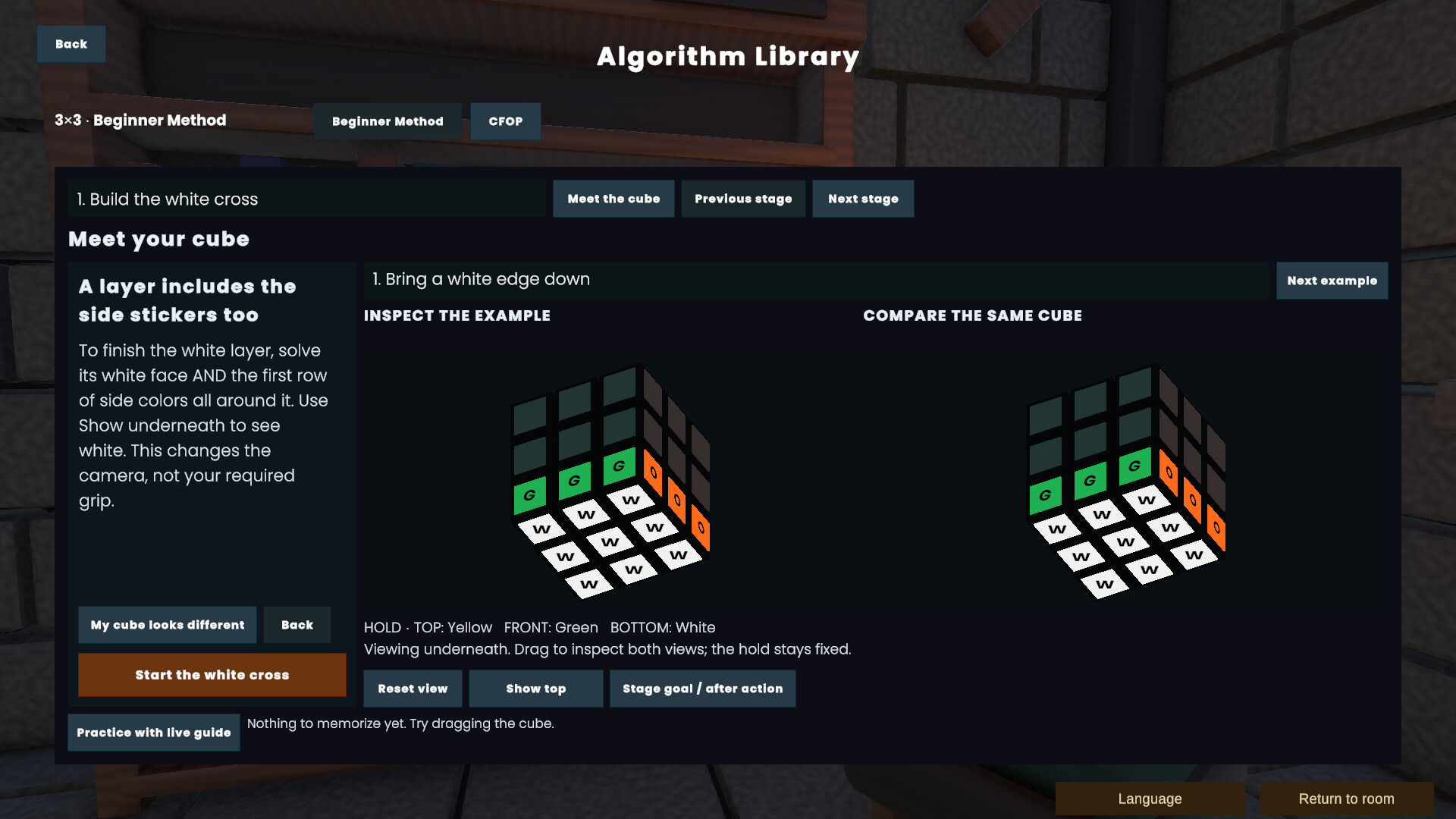
Learn how the cube works, understand move notation, practise individual turns, build the white cross, complete the first and middle layers, and work towards your first full solve.
Campaign objectives respond to the cube’s actual state. You progress by correctly completing each task, making every lesson an opportunity to learn by doing.
Progress From Beginner Solving to CFOP
After learning the beginner method, continue developing your skills across the four main CFOP phases:
- Cross
- F2L — First Two Layers
- OLL — Orientation of the Last Layer
- PLL — Permutation of the Last Layer
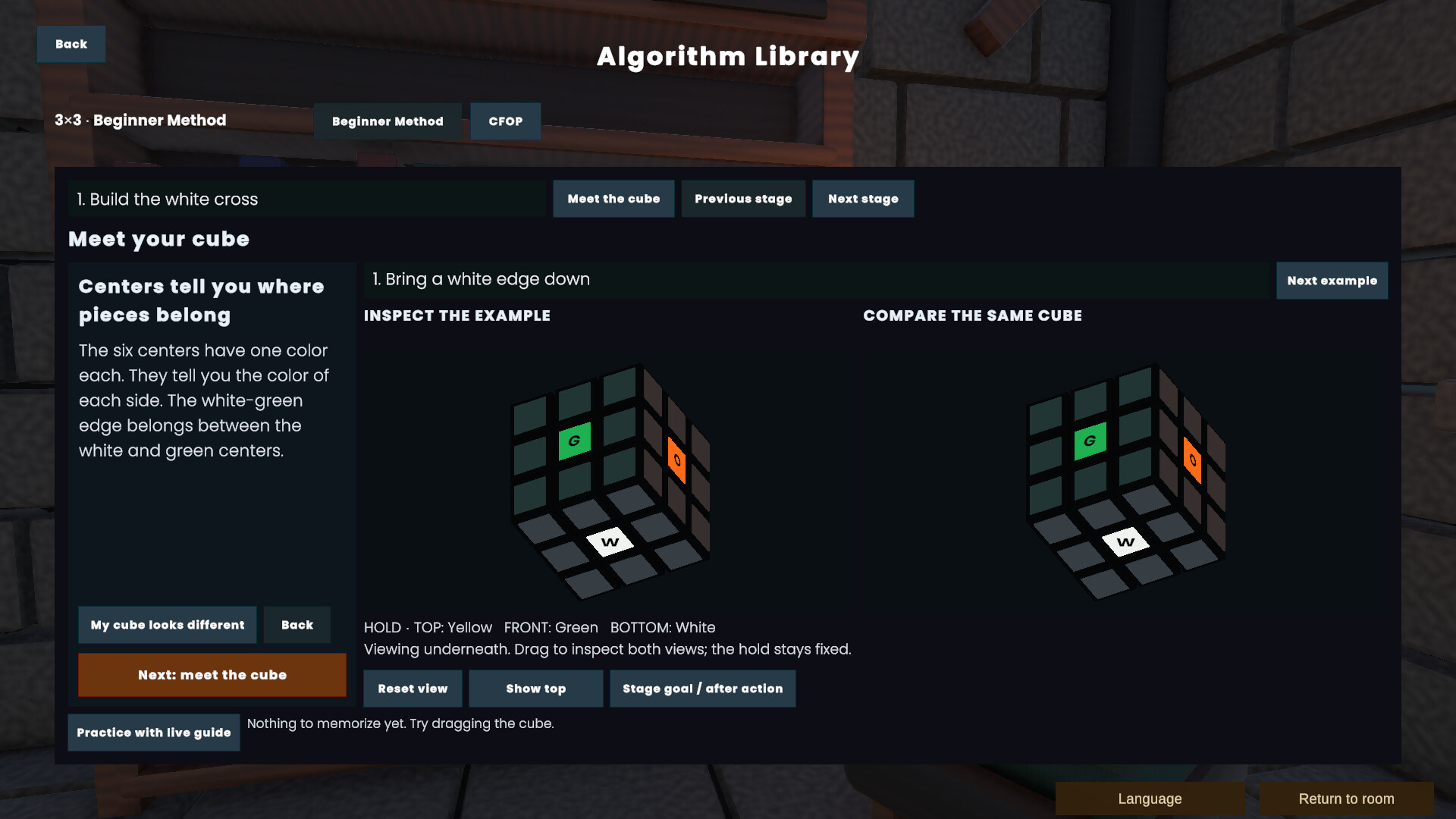
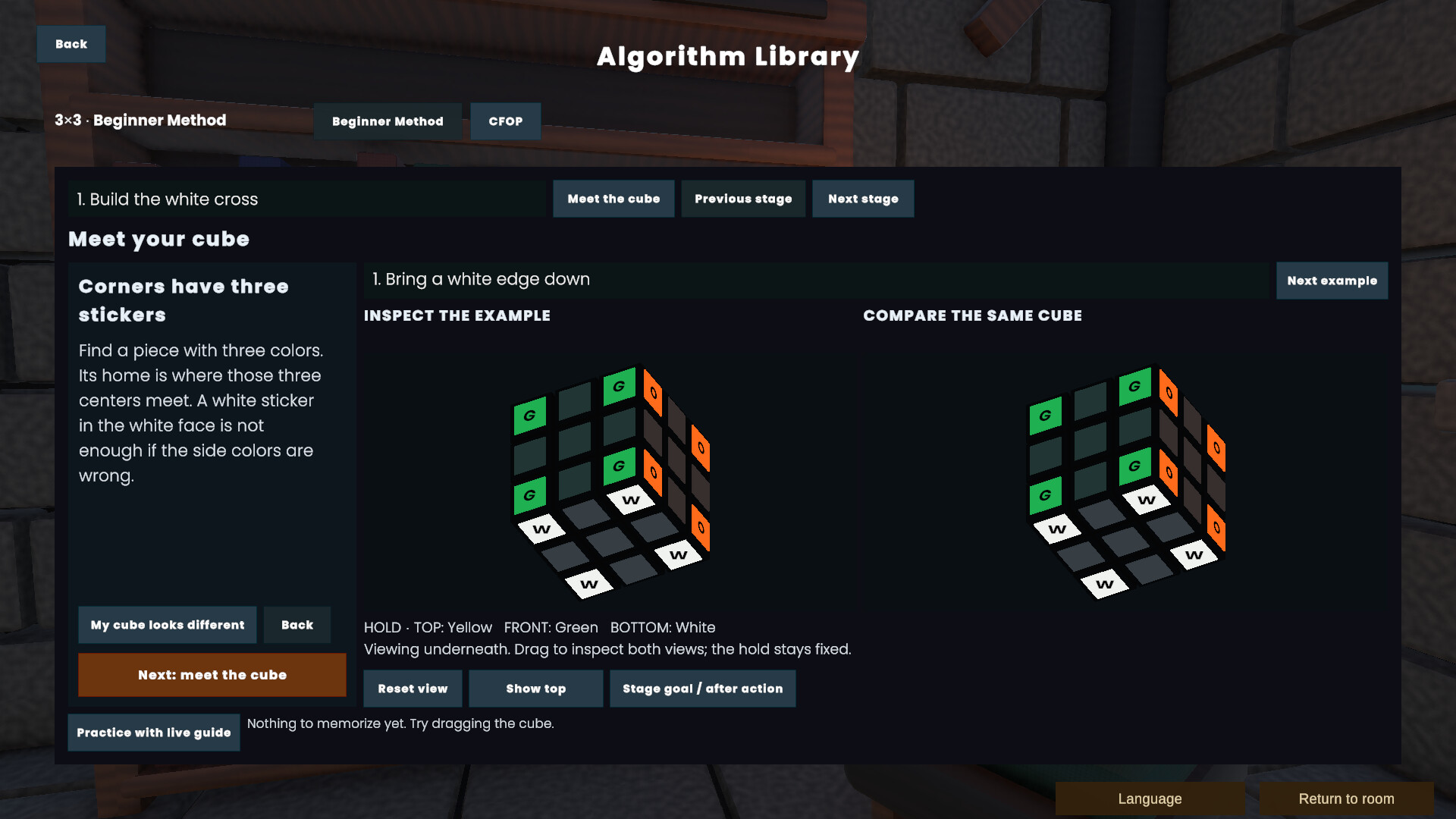
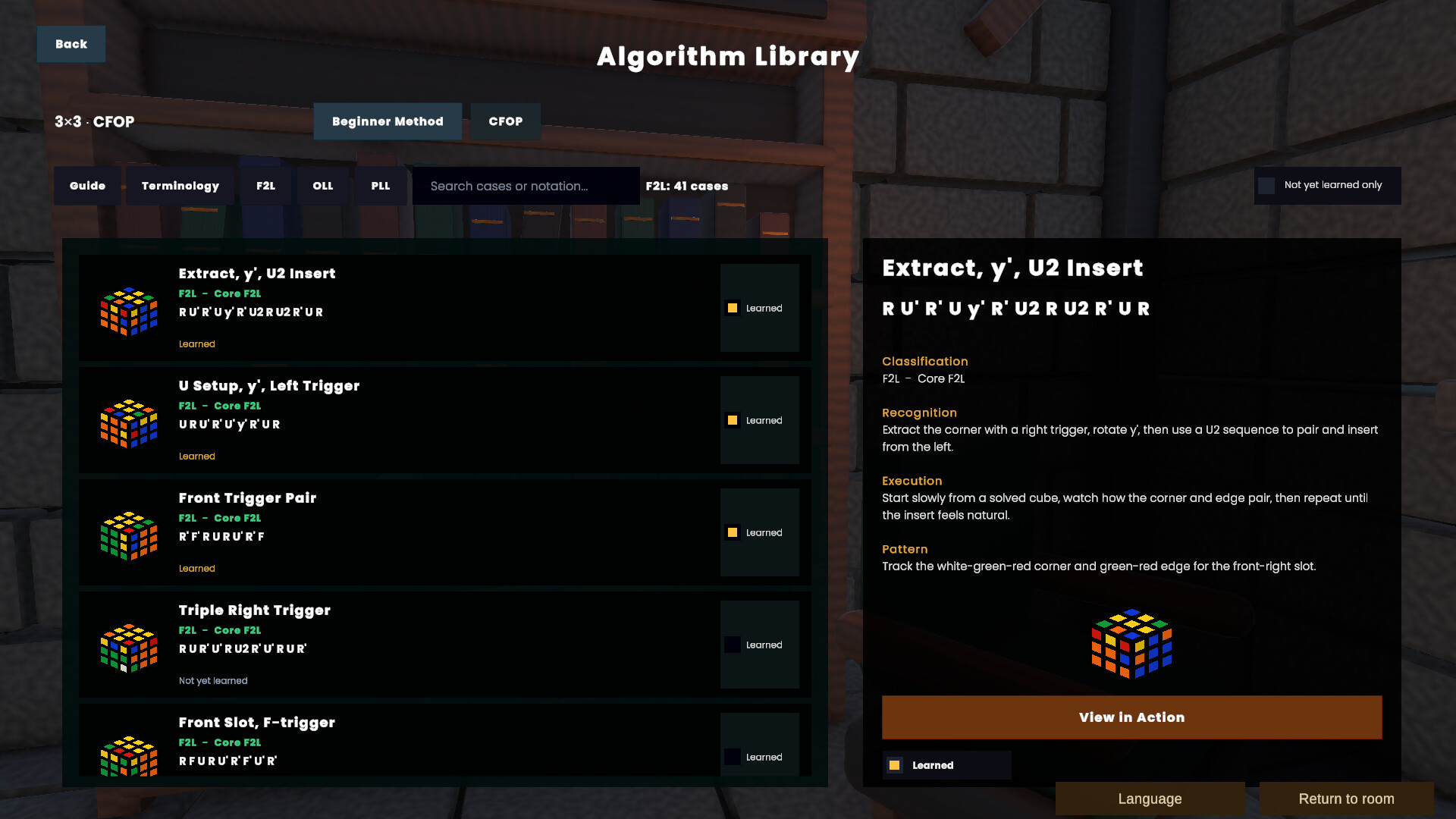
Explore an extensive CFOP algorithm library featuring move notation, case descriptions, tips for recognising cases, interactive previews, and playback you can control.
Practise cases individually, follow algorithms one move at a time, repeat difficult patterns, and track which algorithms you have learned.
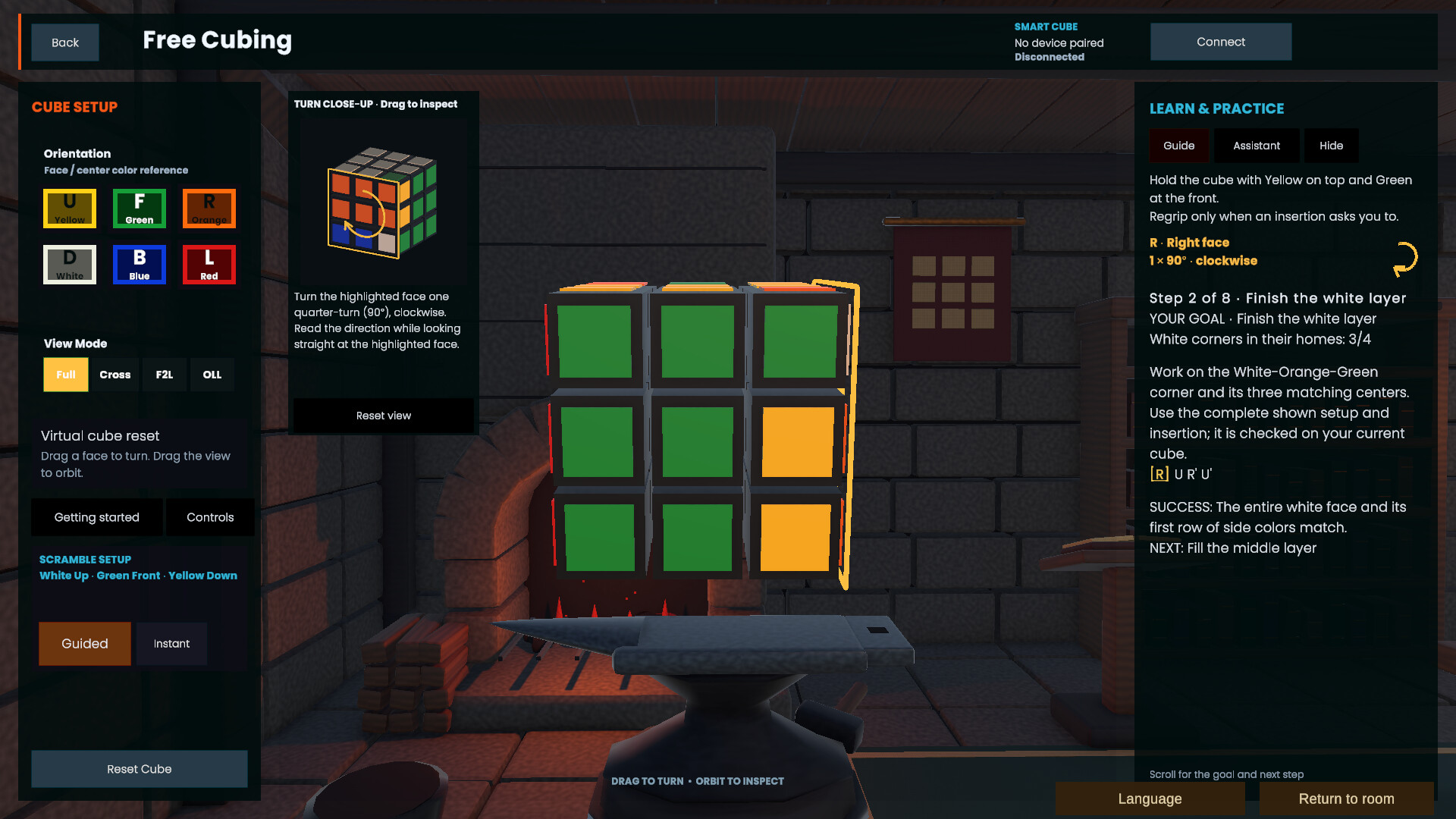
Practise on a Fully Interactive 3×3 Cube
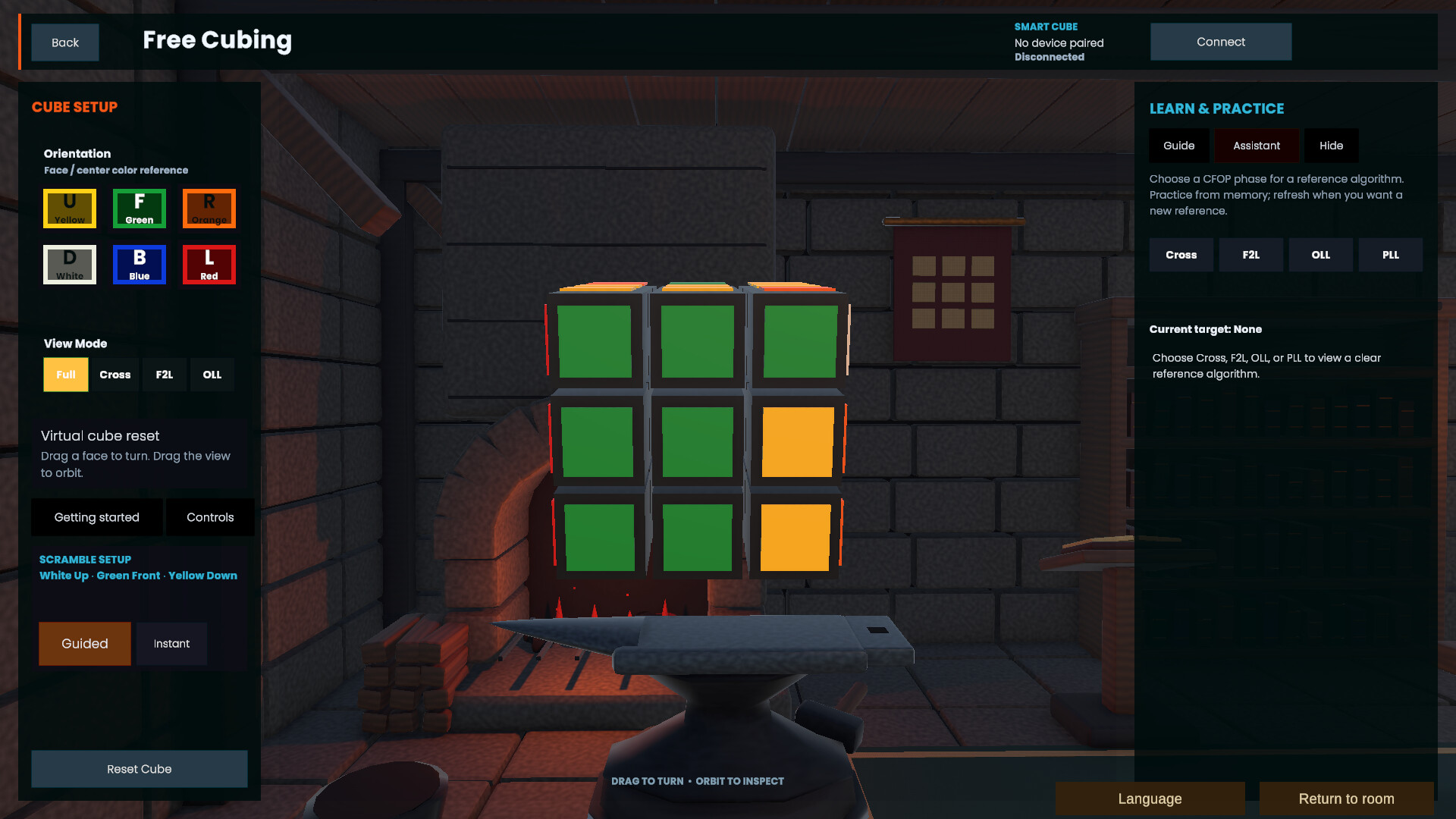
Use the virtual cube as an open training environment.
Turn the cube using a mouse, keyboard, or controller. Generate scrambles, test algorithms, inspect cube states, practise notation, or experiment freely without needing to reset a physical cube after every attempt.
Because Cubing Forge tracks the complete cube state, its lessons, guidance, and training systems can respond directly to every move you make.
Get Guidance When You Are Stuck
Cubing Forge can analyse the current cube state and help guide you towards the next stage of the solve.
Work through Cross, F2L, OLL, and PLL while performing every move yourself. The guidance system helps you understand how to continue, keeping you actively involved in solving the cube.
Connect a Compatible Bluetooth Smart Cube
Connect a supported Bluetooth smart cube and bring your physical turns directly into Cubing Forge.
Use your real cube with Free Cubing, compatible campaign lessons, guided solving, solve timing, and performance analysis.
Cubing Forge currently includes protocol support for the following smart cubes:
GAN Gen2 protocol
- GAN Mini ui FreePlay
- GAN12 ui FreePlay
- GAN12 ui
- GAN356 i Carry S
- GAN356 i Carry
- GAN356 i 3
- Monster Go 3Ai
- MoYu AI 2023
GAN Gen3 protocol
- GAN356 i Carry 2
GAN Gen4 protocol
- GAN12 ui Maglev
- GAN14 ui FreePlay
Compatibility is based on the protocols supported by the integrated smart-cube library. Behaviour may vary depending on the model, firmware version, operating system, and Bluetooth hardware.
The GAN12 ui has also been successfully tested by a Cubing Forge player.
If you use another compatible model, feedback about your experience is welcome and will help improve support and verify compatibility.
Measure More Than Your Final Time
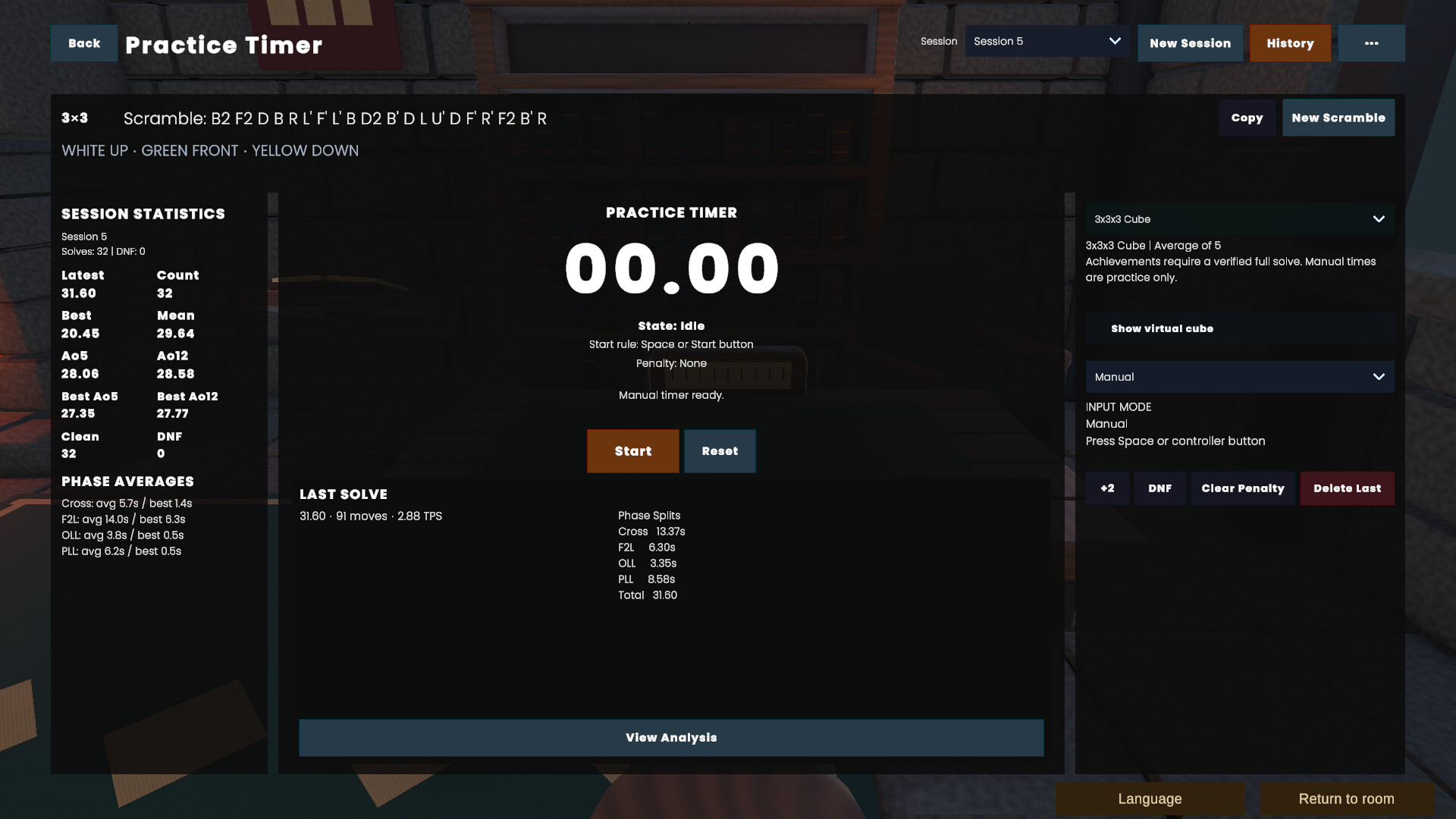
Use the Practice Timer to record complete solves and understand where your time is being spent.
Review performance across each CFOP phase:
- Cross
- F2L
- OLL
- PLL
Analyse total solve time, phase splits, move count, averages, personal bests, input method, solve history, and performance trends.
See which parts of your solve are improving and which areas need more focused practice.
Features
- Structured beginner campaign
- Fully interactive virtual 3×3 cube
- Mouse, keyboard, and controller input
- Compatible Bluetooth smart-cube support
- Real-time checks of the cube’s state
- Guided solving assistance
- Extensive CFOP algorithm library
- Tips for recognising algorithm cases
- Interactive previews and step-by-step playback
- Scramble generation
- Practice Timer
- Cross, F2L, OLL, and PLL phase timing
- Solve history and performance analysis
- Open Free Cubing mode
- Steam Achievements
- Steam Cloud support
Forged Independently, Shaped by Players
Cubing Forge is independently developed by a solo developer with a passion for cubing, learning, and building useful interactive tools.
The Forge environment has undergone a substantial overhaul, and development continues with more features, content, and improvements for the existing game. These additions and improvements will be available to owners of Cubing Forge at no additional cost.
Player feedback helps shape what comes next. Constructive feedback, bug reports, and suggestions for what you would like to see in the game are welcome.
Whether you are attempting your first solve, improving your case recognition, or working towards faster and more consistent CFOP execution, Cubing Forge gives you one focused place to learn, practise, understand, and improve.